Inspiration
Many websites are still inaccessible to users who rely on screen readers, not because developers don’t care, but because it’s hard to understand the real impact of inaccessible design. Most tools only report errors—they don’t show the user experience. That inspired me to build AccessFix AI to make accessibility something developers can actually experience.
What it does
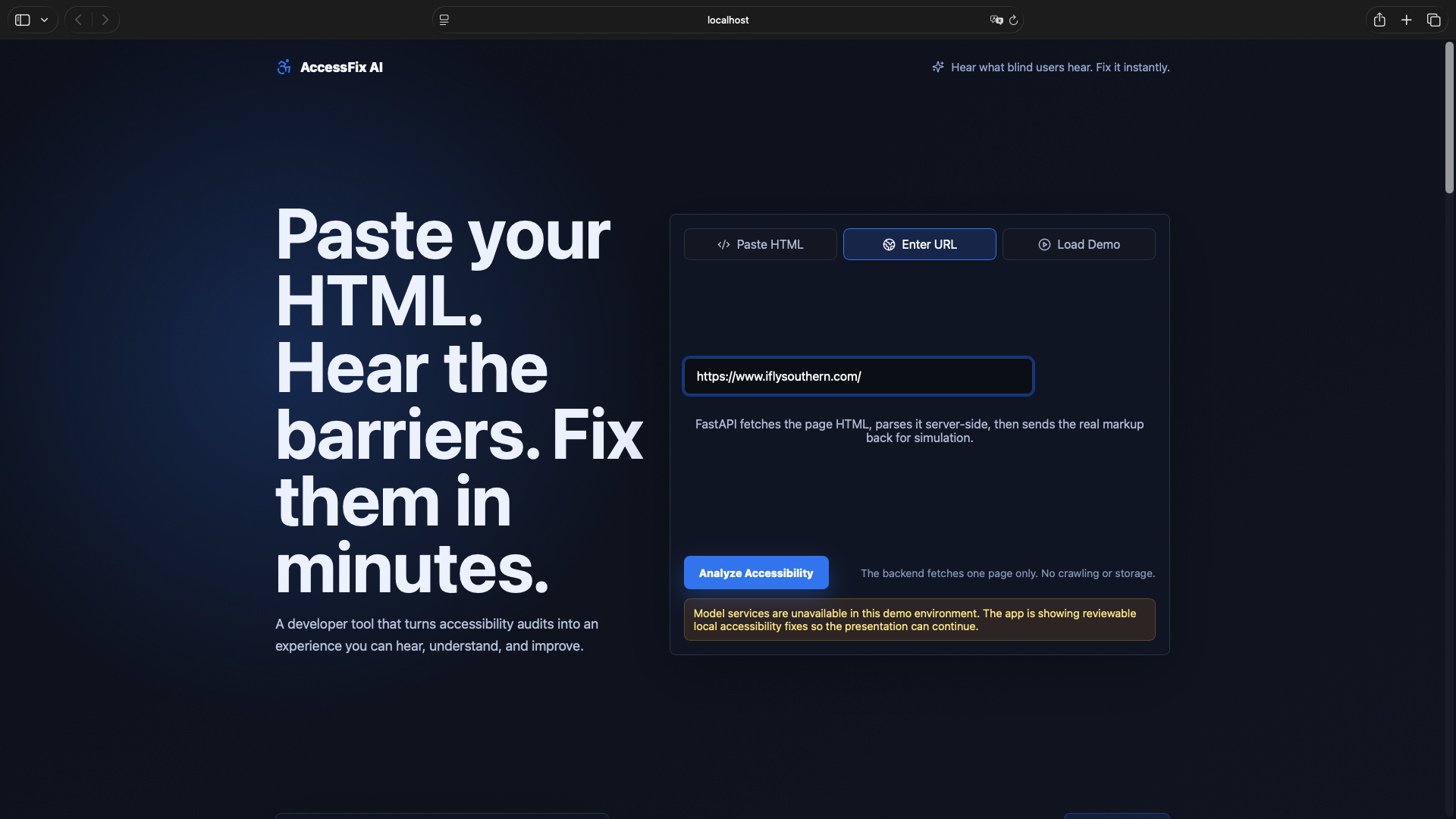
AccessFix AI audits HTML for common accessibility issues, simulates how a screen reader experiences the page using real audio, and generates reviewable fixes. It allows developers to compare the before and after experience to better understand and improve accessibility.
How I built it
I built this as a solo full-stack project using React and Vite for the frontend, FastAPI and BeautifulSoup for the backend, and the Web Speech API for screen reader simulation. AI integration is handled through OpenAI when available, with local and rule-based fallbacks.
Challenges I ran into
Simulating a realistic screen reader experience was challenging, especially mapping HTML elements to meaningful audio output. Handling inconsistent HTML input and ensuring AI-generated fixes were safe and reviewable also required careful design.
Accomplishments that I'm proud of
I’m proud of building a complete end-to-end system that not only detects accessibility issues but lets users hear the difference after fixing them. The before-and-after simulation creates a strong and intuitive understanding of accessibility.
What I learned
I learned that accessibility is more about user experience than just technical rules. I also improved my full-stack development skills and gained a better understanding of how to responsibly integrate AI into real-world applications.
What's next for AccessFix AI
Future improvements include more complete WCAG checks, better support for dynamic websites, vision-based alt text generation, and potential integration with developer workflows like GitHub.


Log in or sign up for Devpost to join the conversation.