-
-
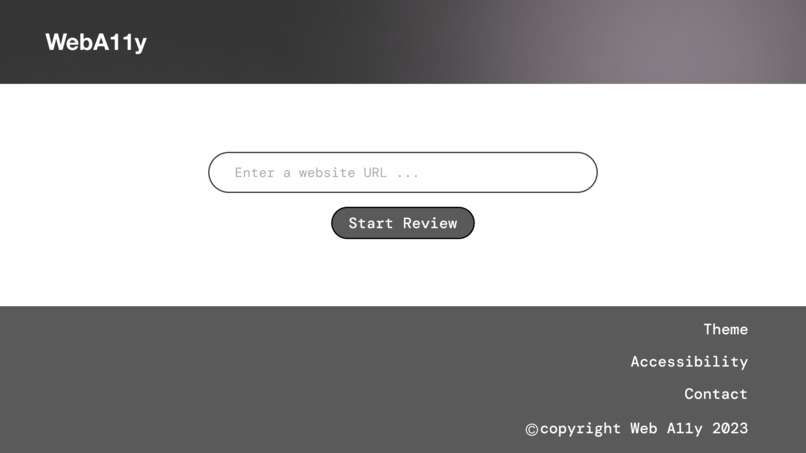
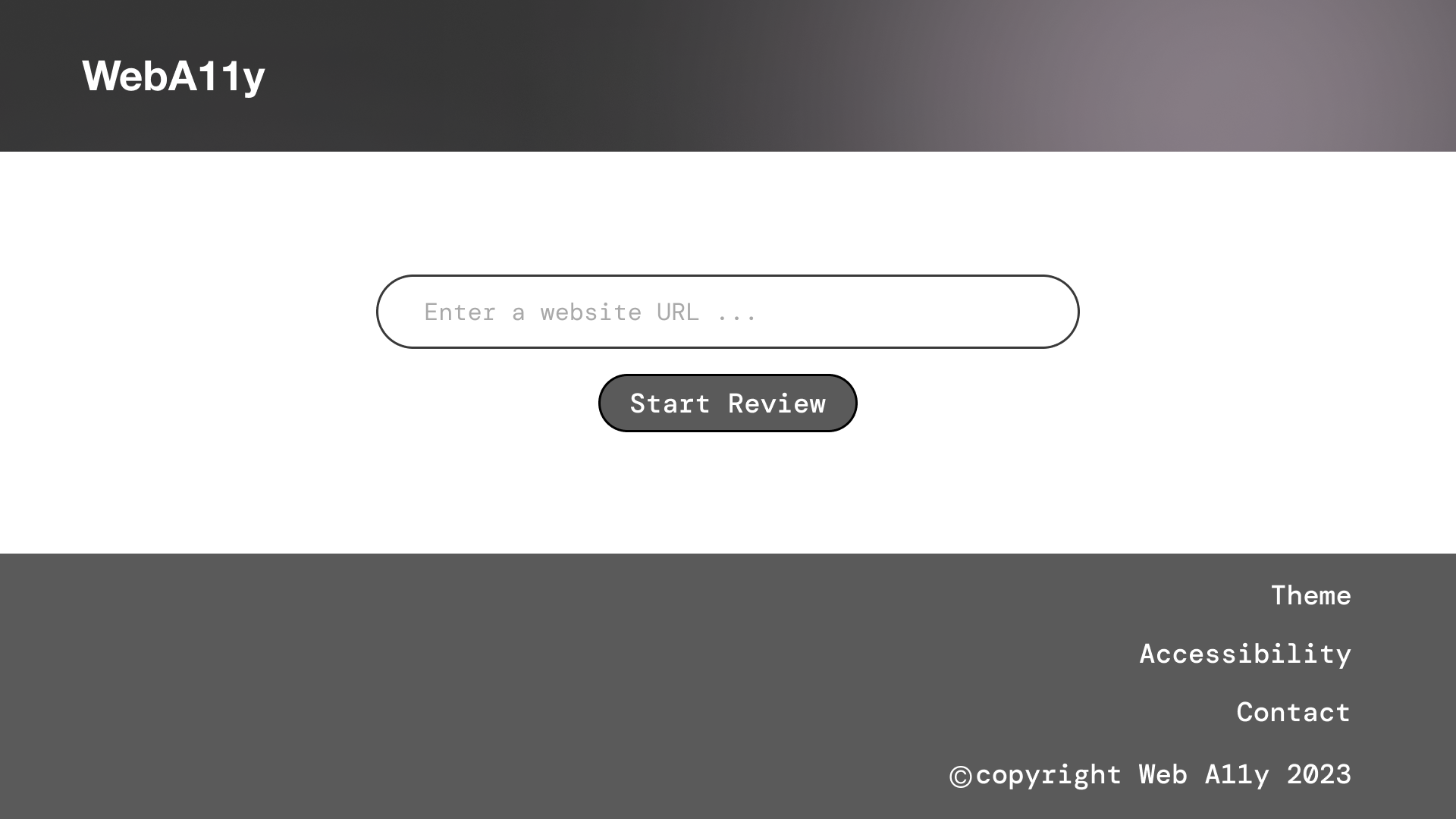
home dark mode
-
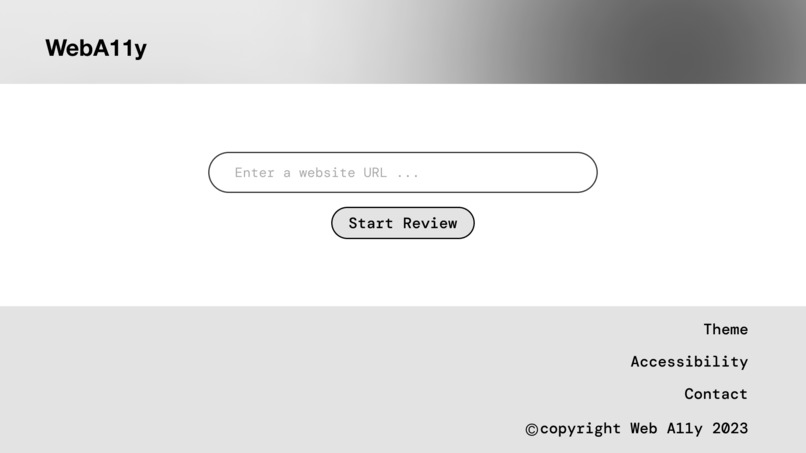
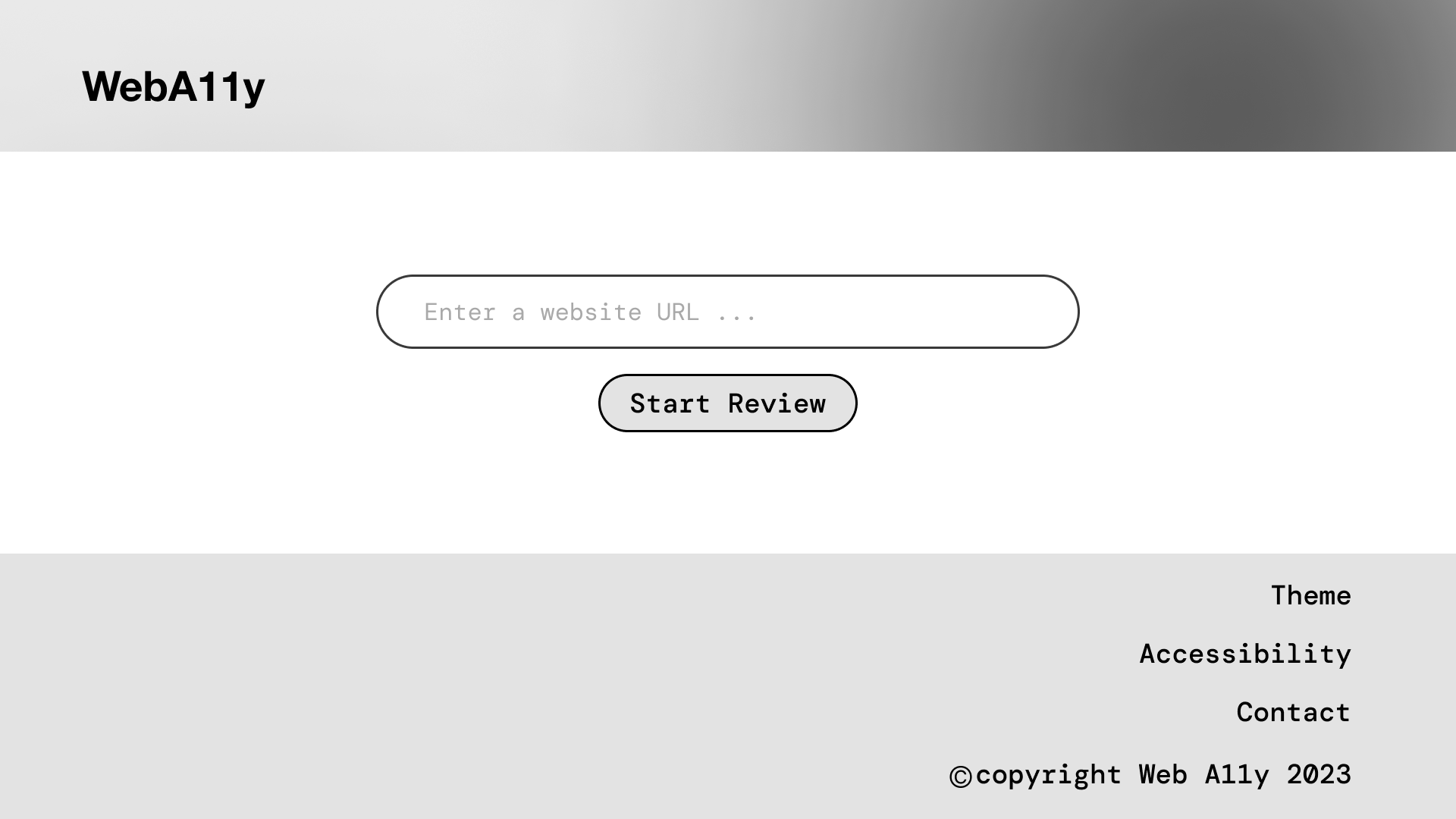
home light mode
-
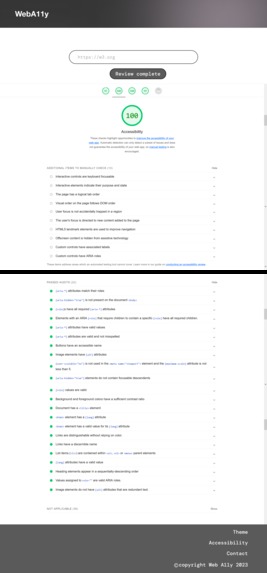
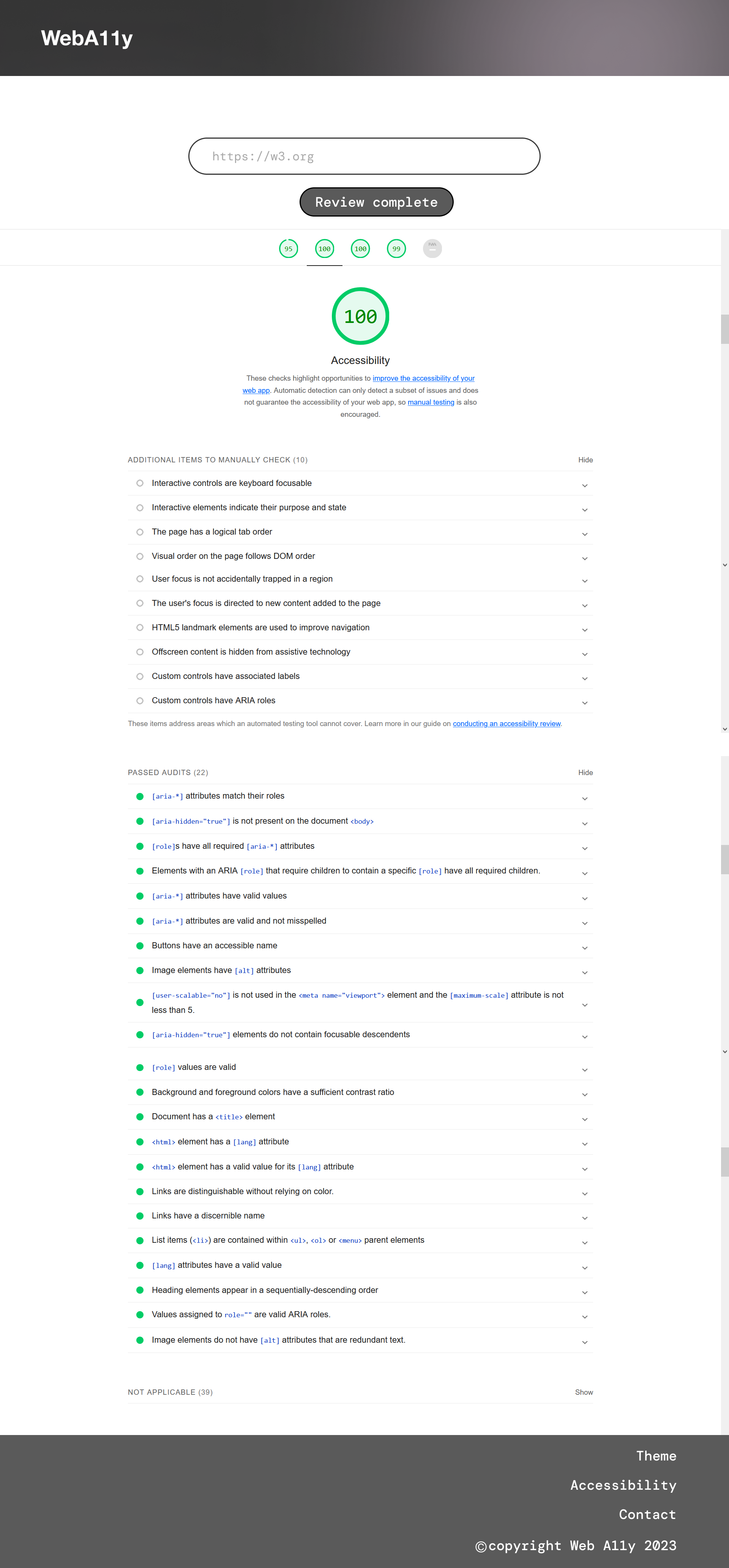
sample accessibility report
-
typeface logo
Inspiration
- The average internet user has limited understanding of how much accessibility technology or design is included in the websites and apps they use. How do Accessibility Technology users know if a website or an app can meet their accessibility preferences and needs. The internet is due for a tool that can be continually updated to test for the accessibility rating and features of websites and apps as the web undergoes updates and changes.
- WebA11y serves that purpose and demonstrates the guidelines of accessible web design in its source code and design.
What it does
WebA11y is web UI tool that helps Accessibility Technology users check the accessibility rating and features of a website by provideing the URL in an input box and running an accessibility review with the click of a button.
How we planned to build it
- HTML, CSS, and JavaScript to create the front-end of your web app, such as the layout, style, and functionality of web pages.
- MongoDB Atlas to store the event details, such as the name, date, time, description, link, and accessibility features.
- Kintone to manage the registration and communication of the events, such as sending confirmation emails, reminders, and feedback forms.
Challenges we ran into
One of the main challenges we faced was integrating Lighthouse with our web UI. We wanted to use Lighthouse as a plugin in y site, but we encountered some issues with the configuration and the output format of the report. Figma’s features, such as components, plugins, and connections, was used, alternatively, to create a realistic and interactive prototype of our web UI.
Accomplishments that we're proud of
- Researching and understanding the problems that Accessibility Tech users face when navigating websites and apps;
- We’re proud of designing a web UI tool that integrates with Lighthouse and MongoDB Atlas, two powerful and popular services in the web development industry.
- We’re also proud of creating a design mockup to record a demo for the project. We think that our project creativity, resilience, and problem-solving skills, as well as a passion for web development and accessibility.
What we learned
WCAG guidelines We also learned more about web development, web design, web accessibility, and web performance. how to manage our time, and how to overcome challenges. Kintone was used to manage some workloads for this project, but was not a substantial integration to the development process. I used Kintone to send myself email notifications about tasks I had created, made progress on , and completed for the hackathon. Notion additionally used as a project audit and management document.
What's next for Untitled
- We plan to continue working on Weba11y and make it functional and user-friendly. We want to fix the issues with the Lighthouse integration, and add more custom audit features.
- We hope to launch Weba11y as a web app that can help anyone learn about the accessibility features of websites, as well as create more accessible and performant websites with ease.


Log in or sign up for Devpost to join the conversation.