-
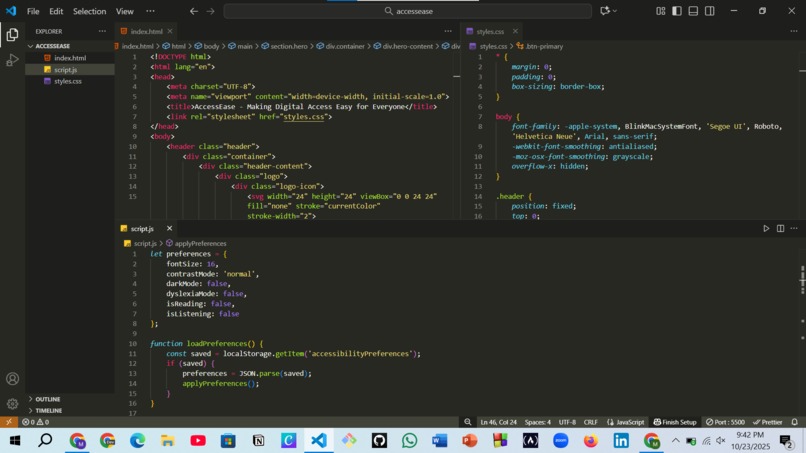
My VS Code
-
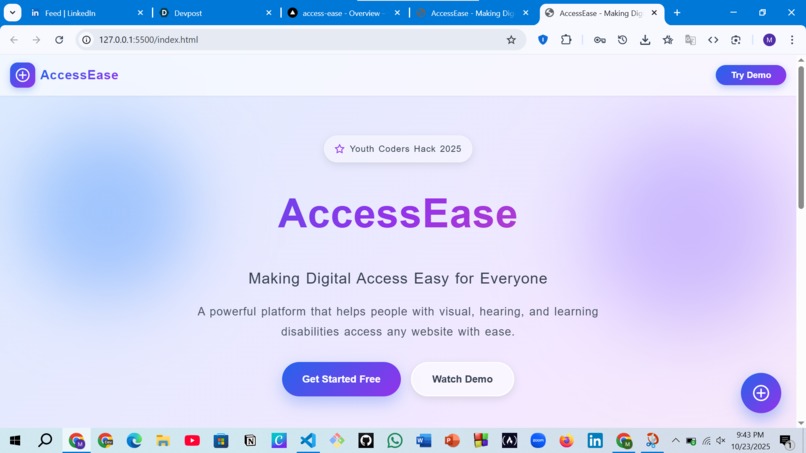
My Live Server
-
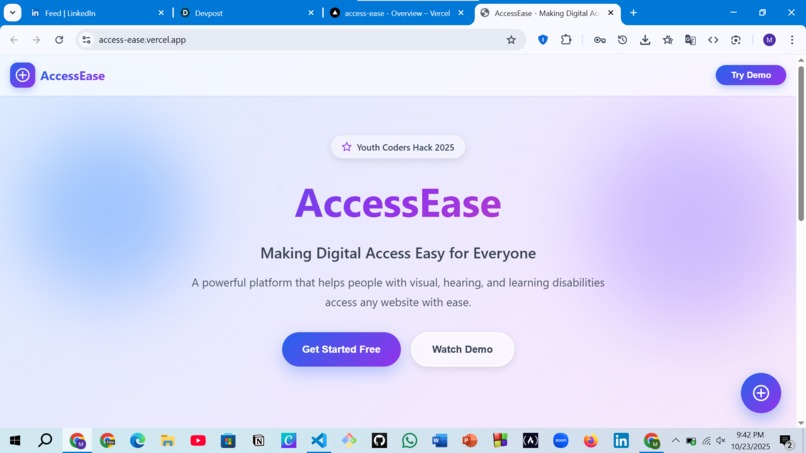
My Project Host


Inspiration: I was inspired to build AccessEase because I wanted to create a tool that makes the web more accessible for people with disabilities. Navigating websites should be easy for everyone, and I wanted to combine technology, design, and usability to empower users worldwide.
What I Built: AccessEase is a modern accessibility toolkit that includes: Floating accessibility toolbar – quick access to tools without cluttering the page Text-to-Speech & Speech-to-Text – for users who prefer listening or speaking instead of typing Customizable accessibility settings – change font size, color contrast, spacing, and more User preference saving – authentication system to store settings for a consistent experience Beautiful UI/UX – glassmorphism design with smooth animations for a professional look
Challenges: Ensuring smooth integration of text-to-speech and speech-to-text features Making the interface user-friendly and visually appealing Storing and retrieving user preferences securely while maintaining speed
What I Learned: Implementing accessibility-first design principles Integrating front-end features with React for dynamic, interactive UI Building a responsive, professional web application
Built With
- css
- git
- github
- glassmorphism
- javascript
- languages-&-frontend:-html
- react-tools-&-platforms:-visual-studio-code
- ui
- wordpress-(basic-cms-integration)-apis-/-features:-web-speech-api-(text-to-speech-&-speech-to-text)-design:-canva-for-mockups
