-
-
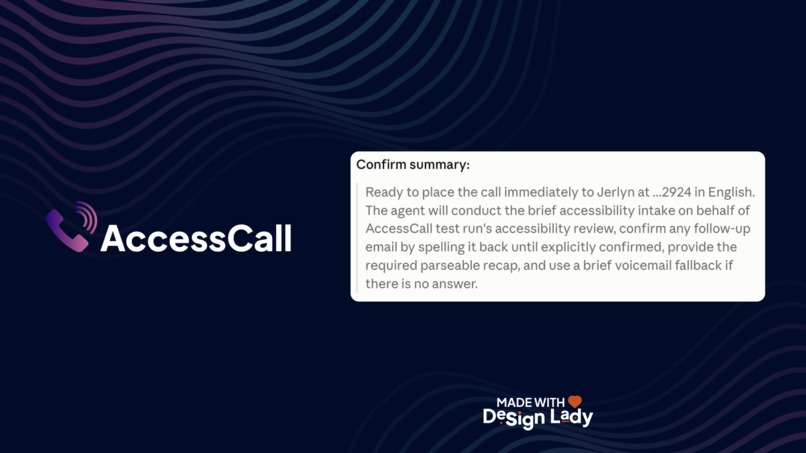
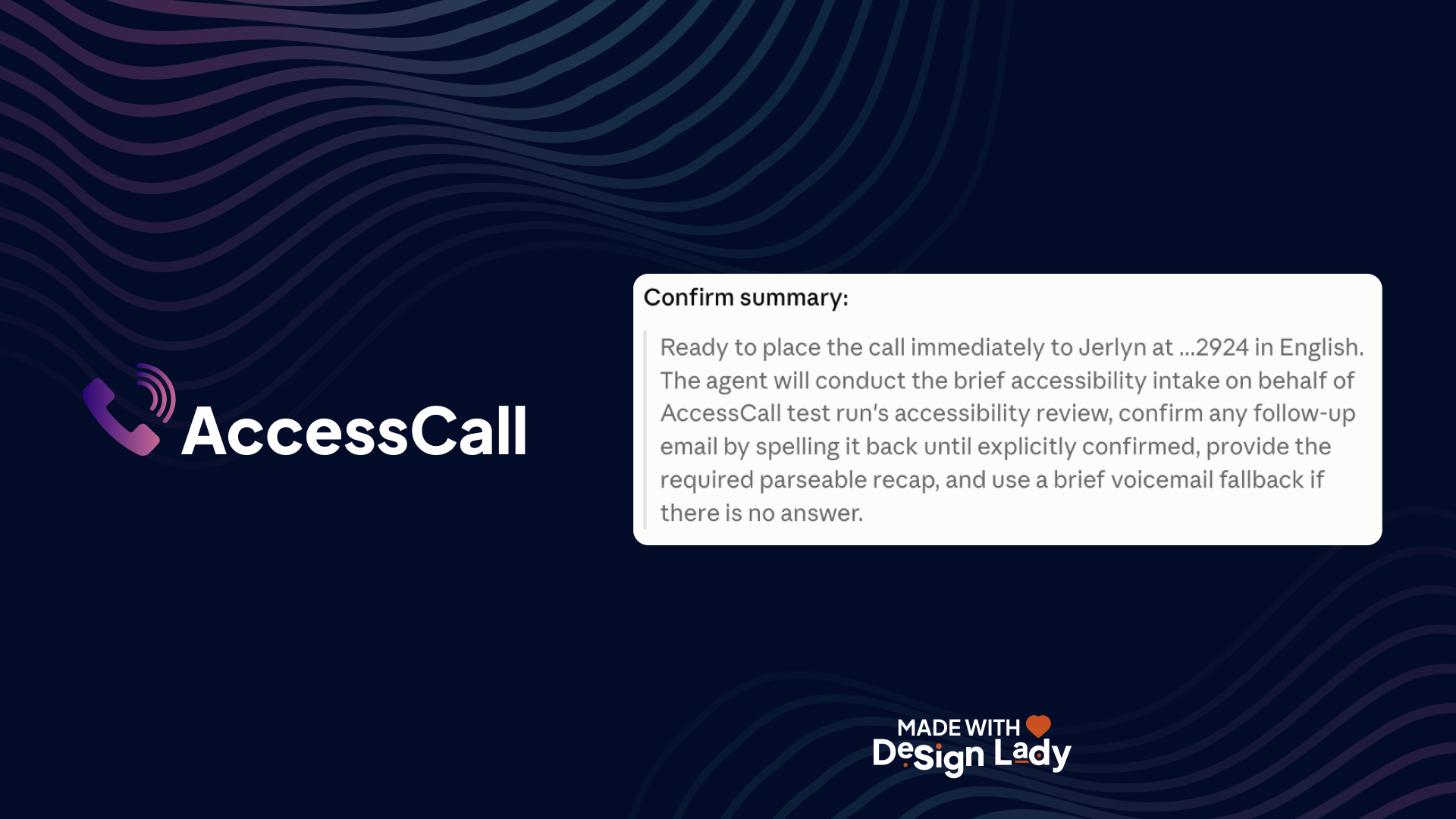
Call confirmed
-
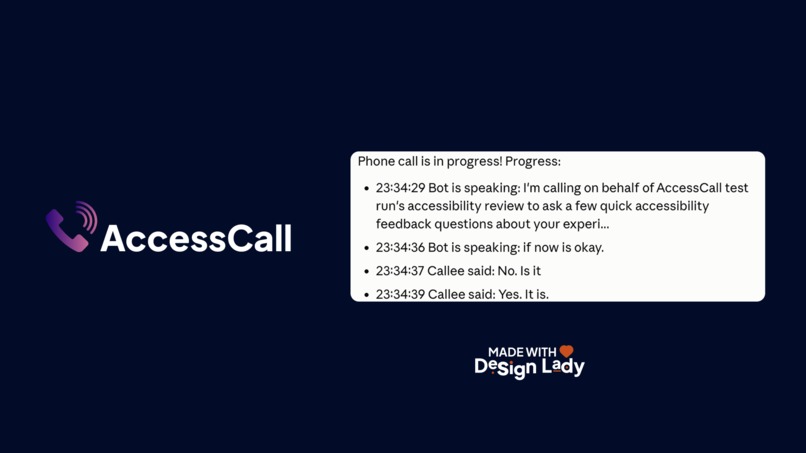
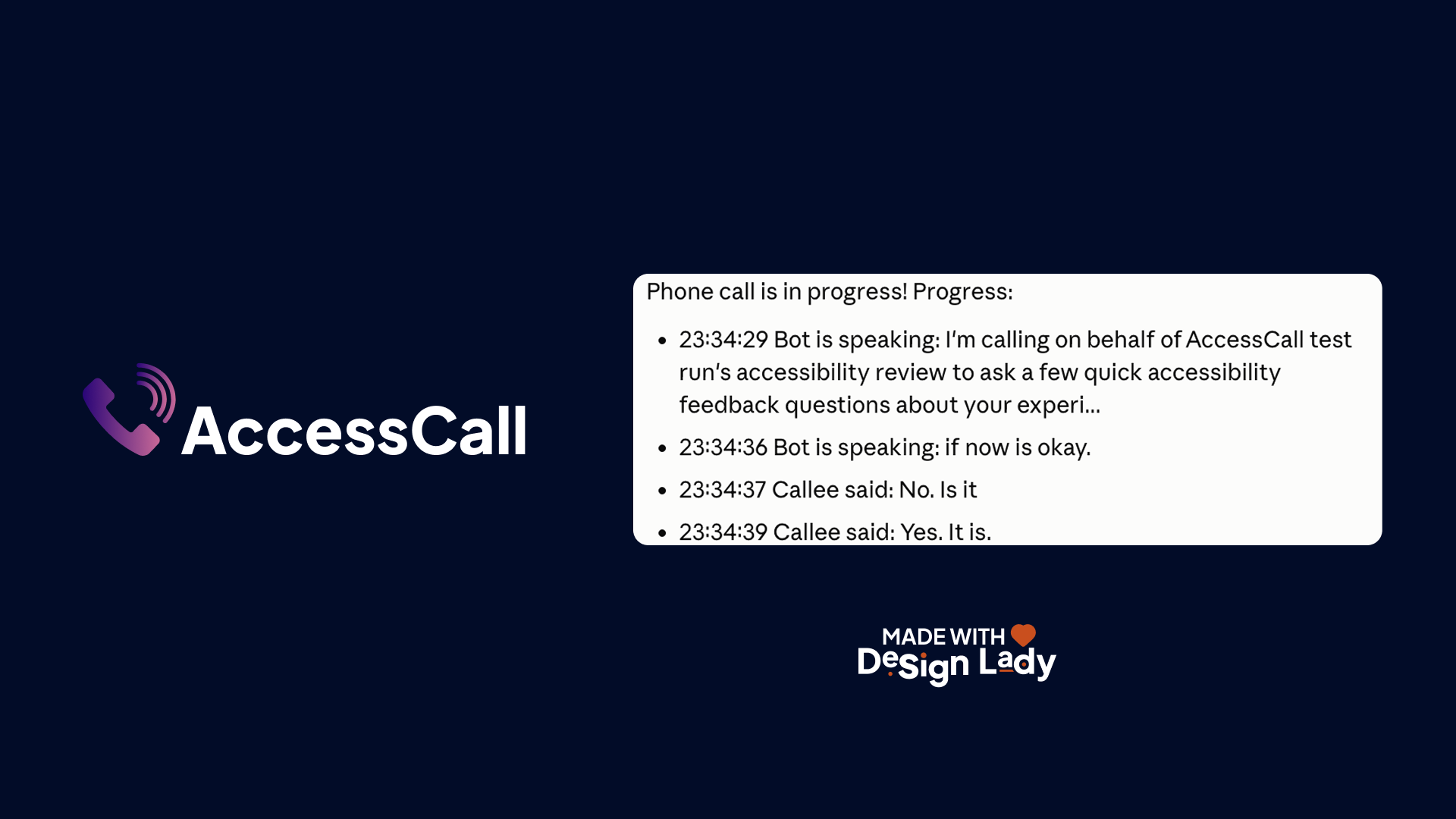
Call progress
-
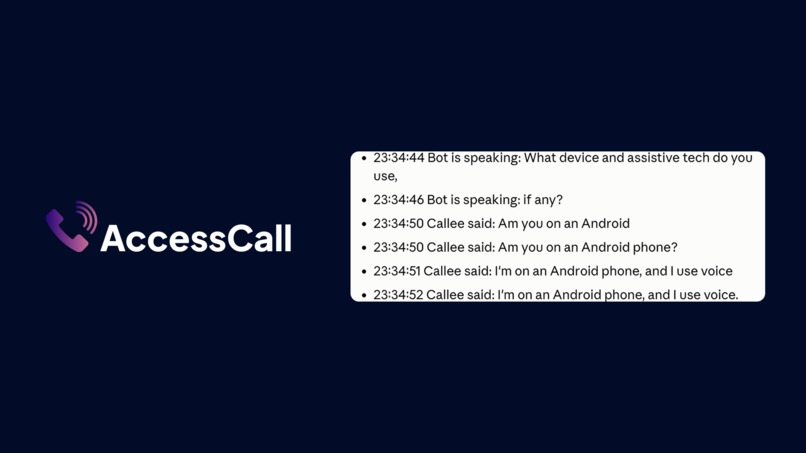
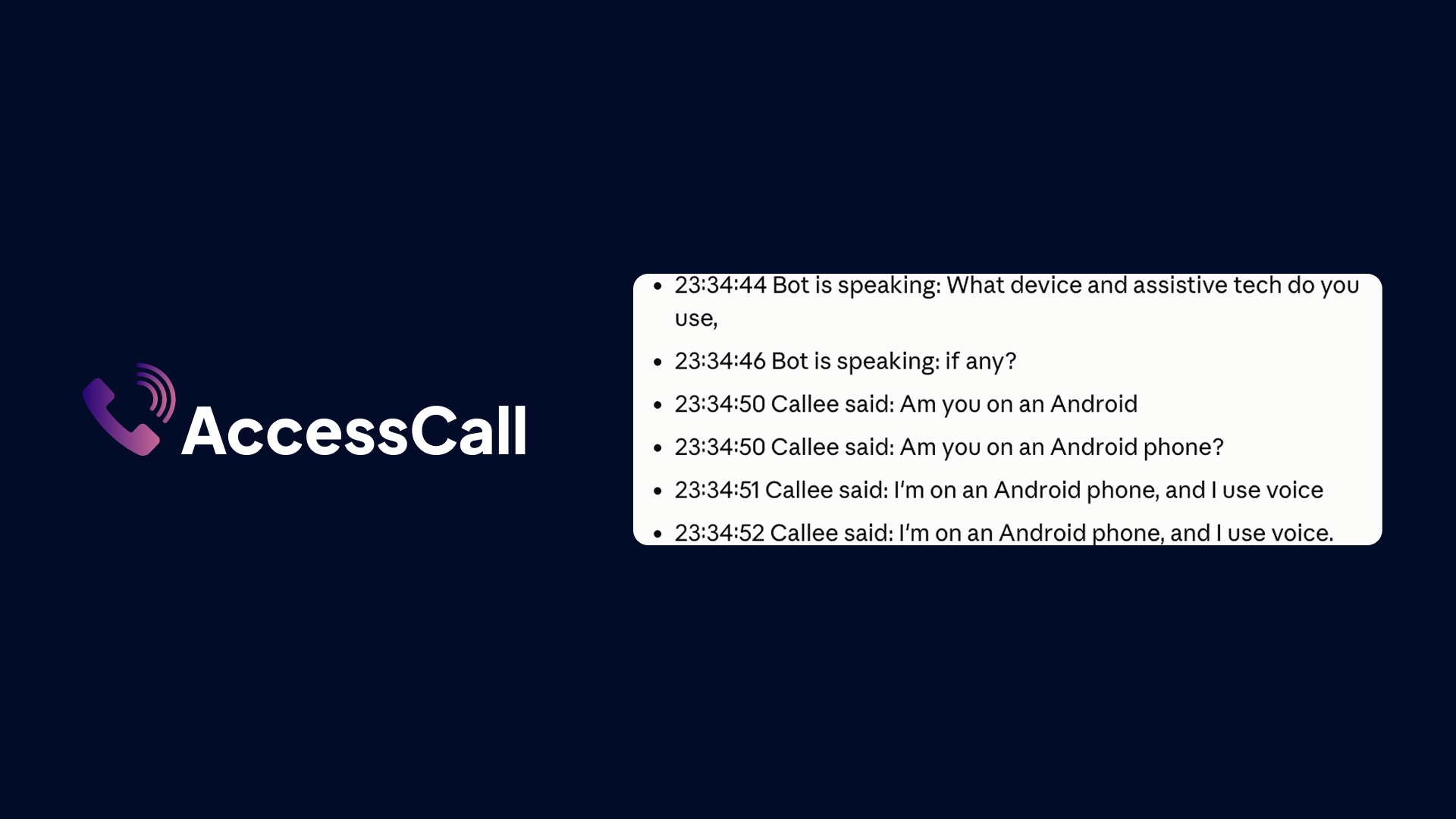
Device
-
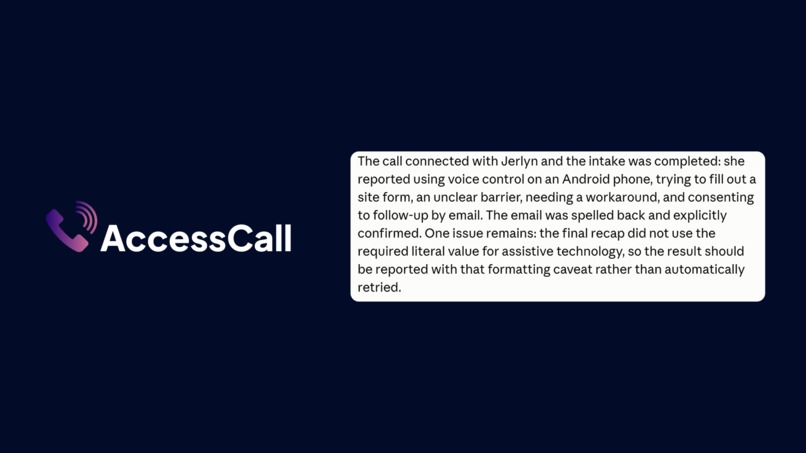
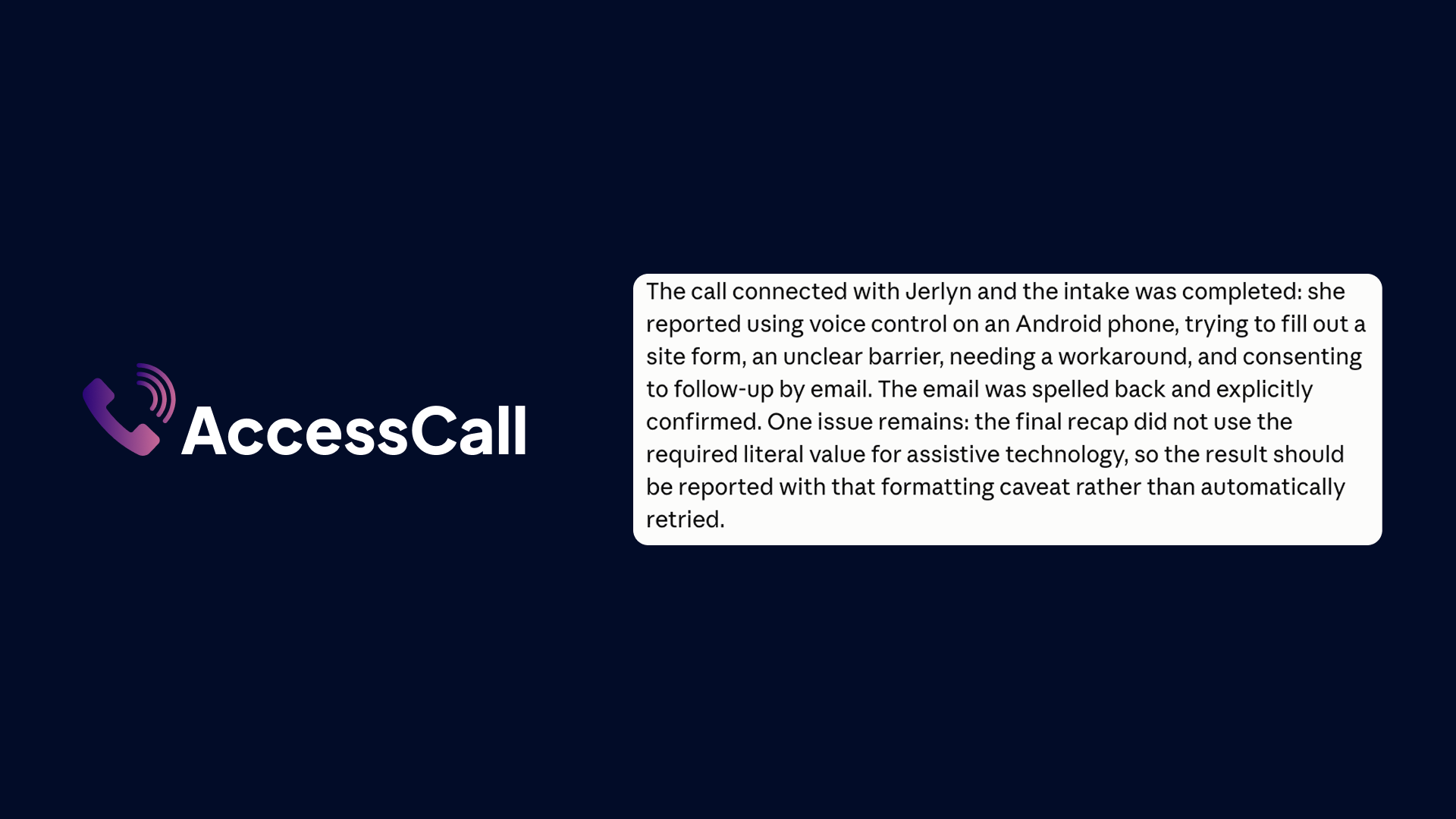
Call Completed
Inspiration
Accessibility audits have a blind spot built into how they collect data: the intake form. Screen reader fatigue, motor impairment, low vision, and cognitive load can all block someone from completing the exact form meant to capture their accessibility barrier report. As a CPACC-certified accessibility consultant, I run these audits regularly and needed a way to interview people who can't use a web form at all. CALL-E made it possible to skip the form entirely and call instead.
What it does
AccessCall is a CALL-E Agent Skill that conducts a short, structured phone interview with someone who's hit an accessibility barrier: what device or assistive technology they use, what task they were attempting, where they got stuck, how severe the barrier was, and whether they'd like a follow-up. The bot recaps its own findings in a fixed, labeled format at the end of the call, that recap gets parsed into a structured result, and a script inserts that result directly into a real VPAT 2.4 / Section 508 conformance report template as a properly formatted row.
How we built it
Built on CALL-E's plan_call / run_call / get_call_run MCP tools, using the CALL-E CLI and skill installer. The call goal, safety rules, and output handling are documented as an Agent Skill (SKILL.md) so any agent, not just this one, can load and run it. The VPAT insertion script uses the docx npm package to insert new rows into an existing government-standard VPAT 2.4 template without touching the original file.
Challenges we ran into
The biggest one: plan_call has no parameter for supplying a structured-extraction schema, we checked its inputSchema directly rather than assume one existed. So instead of relying on CALL-E's own extracted field, the call goal has the bot recap its own answers in a fixed, parseable structure at the end of the call, and we parse that recap ourselves.
The second: early VPAT-insertion logic wrote the wrong data into the wrong column (WCAG principle name into Conformance Level, which only accepts Supports / Partially Supports / Does Not Support / Not Applicable) and matched barrier reports to the wrong WCAG criterion entirely (an Operable barrier landed on a Perceivable row). Both were caught through real end-to-end test calls, not just unit tests, and fixed by deriving Conformance Level strictly from caller-reported severity and matching rows by WCAG principle number.
The third: during live testing, the bot's speech-to-text garbled a spelled-out email address (inserted a duplicate word into the domain). That led to building a mandatory letter-by-letter spell-back and explicit yes/no confirmation before any follow-up contact is trusted, since a wrong contact address means the person who reported the barrier never gets helped.
Accomplishments that we're proud of
Every real test call, including the failures, made the skill better. The letter-by-letter contact confirmation exists specifically because we caught a live transcription error during testing. That's a real accessibility-relevant safeguard, not a hypothetical one.
What we learned
Voice-transcribed contact information is inherently error-prone, and a confirmation mechanism can catch the machine's mistakes but not a human confirming a mistake they didn't catch themselves. We chose to document that honestly as a known limitation rather than oversell the safeguard.
What's next for AccessCall
Matching a reported barrier to a specific WCAG success criterion (not just the broader principle) would make VPAT insertion require less human review. We'd also like to support batch intake calls for larger-scale audits and multi-language interviews.
Built With
- accessibility
- call-e
- claude-code
- docx
- javascript
- json-schema
- mcp
- model-context-protocol
- node.js
- section-508
- vpat
- wcag

Log in or sign up for Devpost to join the conversation.