-
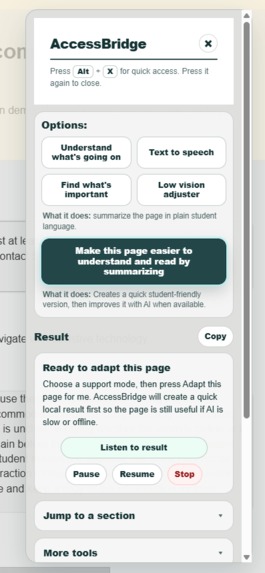
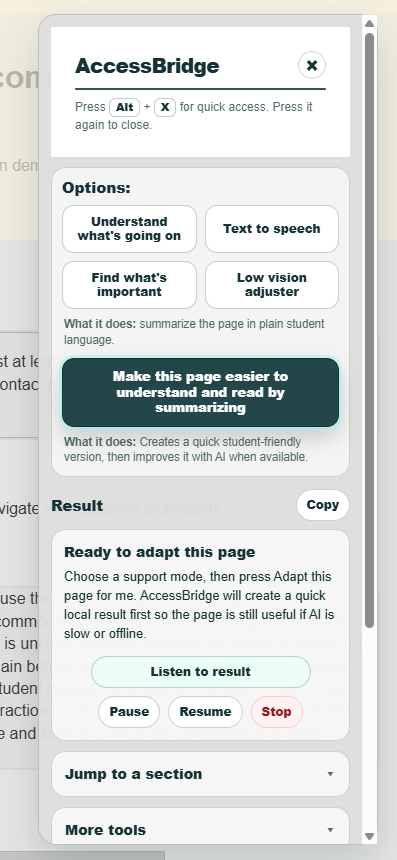
Extension
-
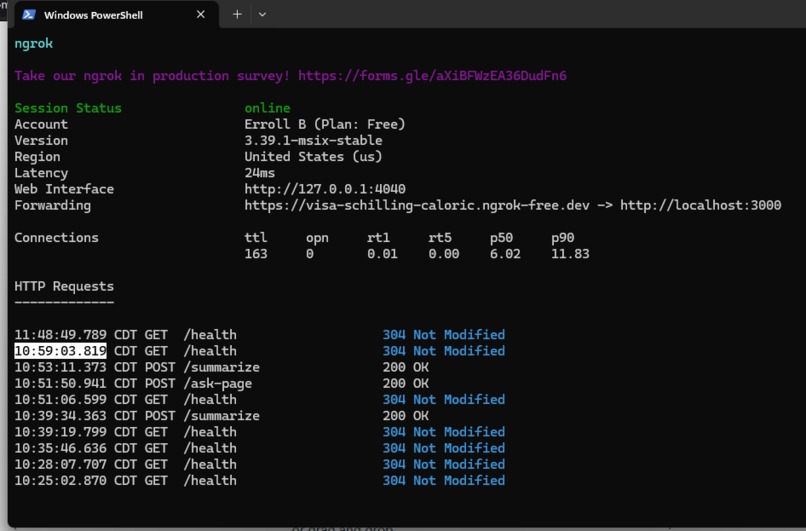
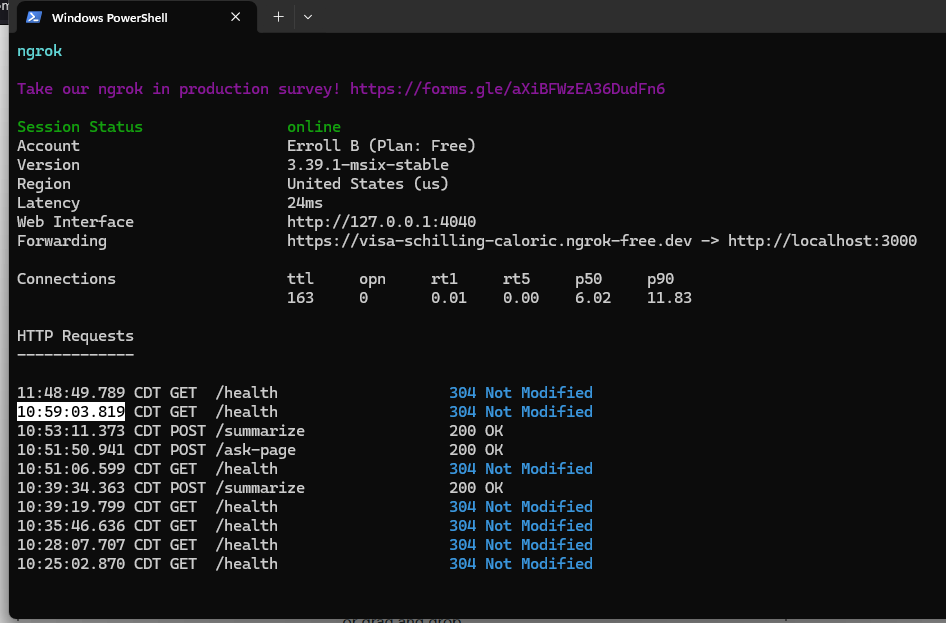
ngrok
-
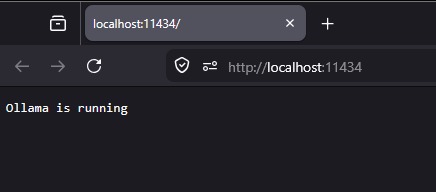
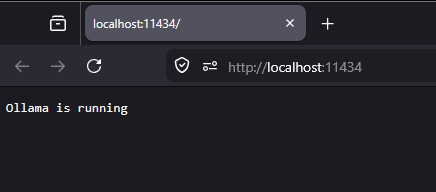
Ollama
-
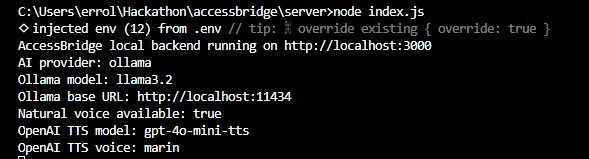
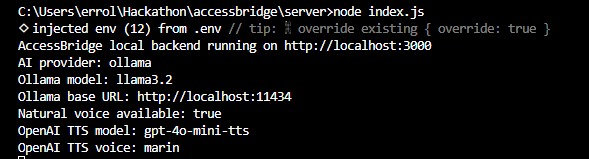
Backend server node
Inspiration
I built AccessBridge because students often have to rely on school websites, PDFs, forms, maps, and course pages that are not always accessible. A page might have missing alt text, dense wording, scanned content, confusing layouts, or important details buried in long paragraphs. I wanted to create something that helps students in the moment instead of making them wait for the page to be fixed later.
What it does
AccessBridge is a browser extension that helps make difficult school websites easier to understand, hear, and navigate. With Alt + X, I can open the extension and choose support modes like understanding the page, text-to-speech, finding important information, or separating sections clearly. It can summarize content, simplify wording, read text aloud, highlight useful parts of the page, answer questions about the page, and help generate reports for possible accessibility barriers.
How I built it
I built the extension with Chrome Manifest V3, JavaScript, content scripts, a background service worker, and CSS. The backend uses Node.js and Express. For AI support, I connected the backend to Ollama for local text generation, and I also added optional OpenAI text-to-speech for a more natural voice. I used ngrok so the extension can connect to my backend remotely during the demo.
Challenges I ran into
One of the biggest challenges was keeping the UI simple while still including useful accessibility tools. I also had to make sure the page changes did not accidentally change the AccessBridge panel itself, since the extension is injected into the webpage. Another challenge was speed: some local AI models were too slow for a good user experience, so I had to focus on faster models and fallback behavior.
Accomplishments that I'm proud of
I am proud that AccessBridge became more than just a summarizer. It turned into a student accessibility support layer that can adapt a page, read content aloud, find important details, separate cluttered sections, and help explain possible accessibility barriers. I am also proud that I was able to combine local AI, browser extension tools, text-to-speech, page scanning, and a cleaner UI into one working project.
What I learned
I learned that accessibility is not just about detecting issues. A good accessibility tool also needs to help the student take action right away. I learned a lot about browser extensions, content scripts, backend routes, local AI with Ollama, text-to-speech, ngrok, and UI/UX design. I also learned that small design choices, like spacing, button labels, and keeping the interface calm, can make a big difference.
What's next for AccessBridge
Next, I would like to improve OCR and image/chart descriptions, make Reading Mode more polished, add more saved student preferences, and improve the report feature for Student Accessibility Services, IT, professors, and campus support teams. I would also like to keep improving the speed and reliability so AccessBridge feels useful in real student situations.
Built With
- api
- css
- express.js
- javascript
- manifest-v3
- ngrok
- node.js
- ollama

Log in or sign up for Devpost to join the conversation.