Inspiration
Our inspiration came directly from real-world engagement at our school's Learning Resource Centre (LRC), where we visited and interviewed visually impaired students to understand their day-to-day challenges. We observed firsthand how digital barriers—such as inaccessible interfaces, untagged educational materials, and complex navigation tools—create steep hurdles for independent learning.Rather than designing based on assumptions, we wanted to build a practical, voice-driven solution that directly addresses these accessibility gaps, aligning with UN Sustainable Development Goal 10 (Reduced Inequalities).
How we built it
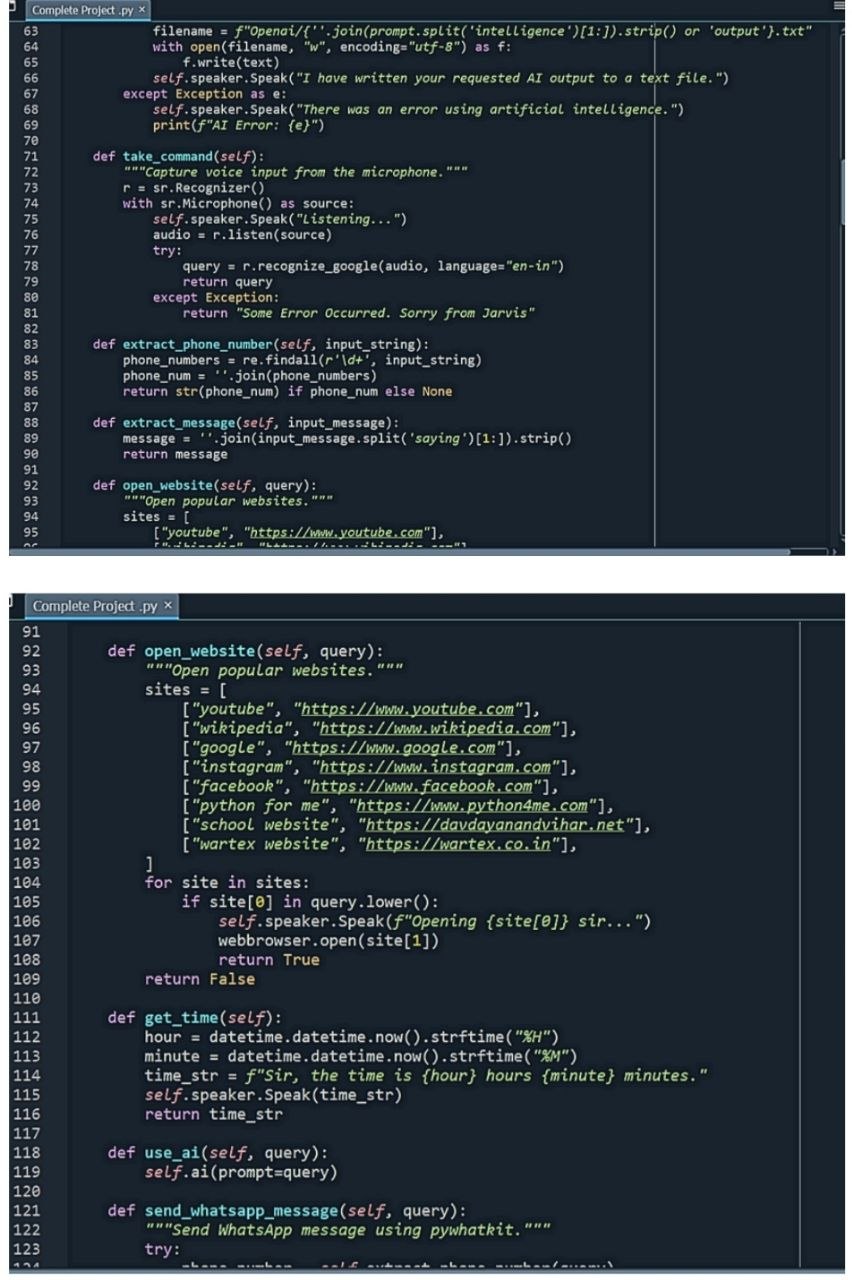
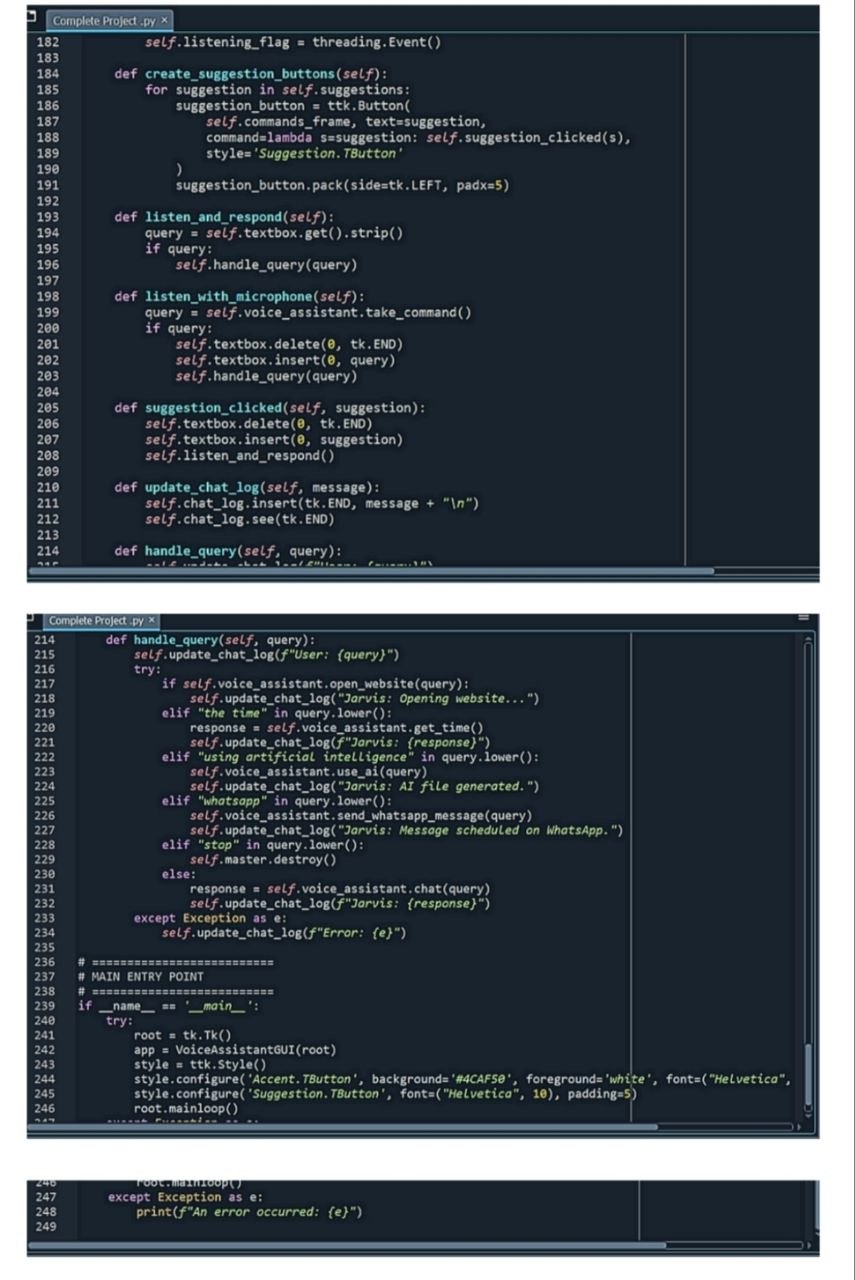
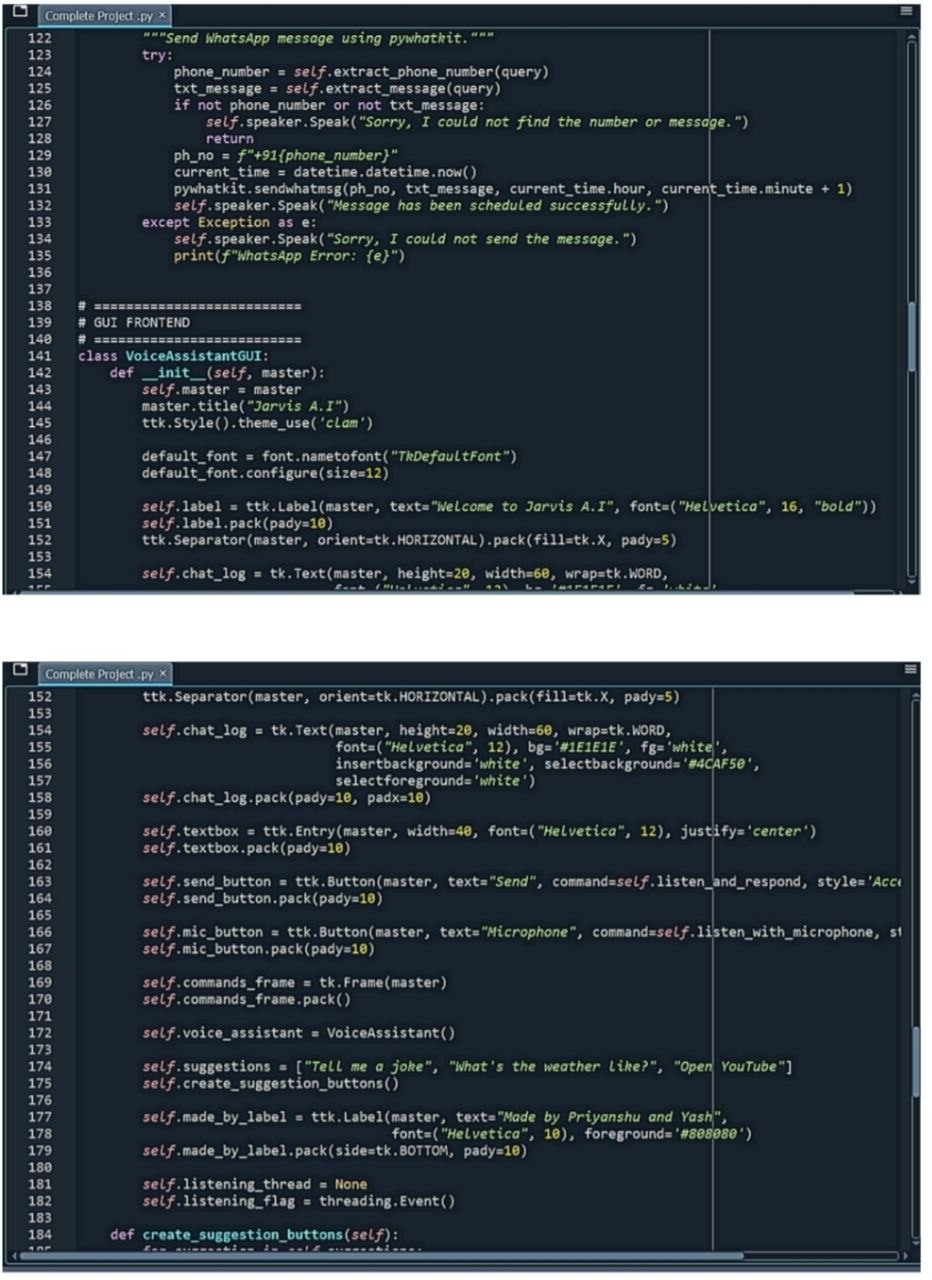
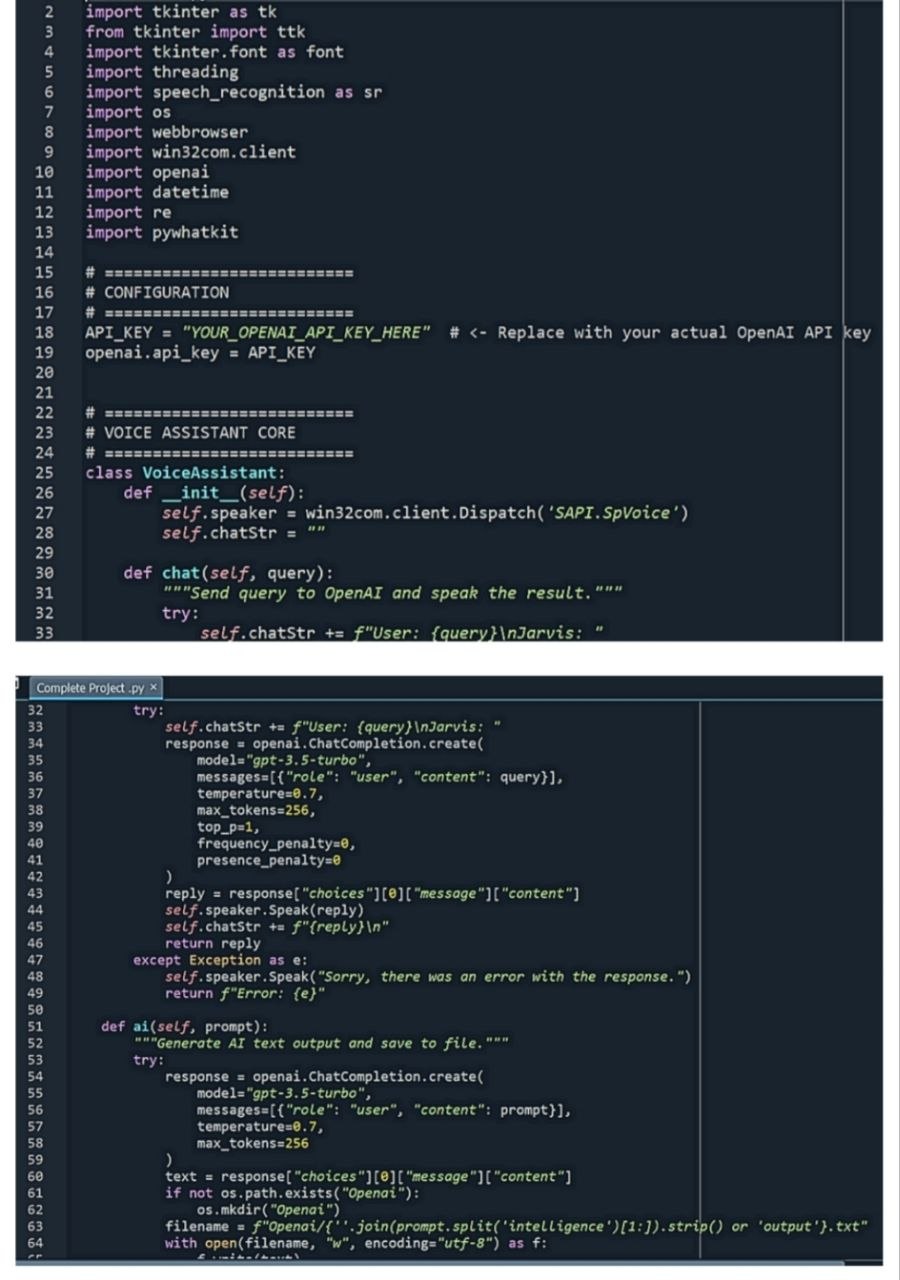
We engineered the application using Python, splitting the architecture into a robust backend core and an accessible frontend interface: •> Frontend GUI (tkinter): Built a custom, high-contrast graphical interface using tkinter, quick-access suggestion buttons (for tasks like checking weather, telling jokes, or opening YouTube), and a dedicated chat log to ensure visual clarity alongside audio feedback. •> Voice Pipeline (STT & TTS): Integrated the speech_recognition library to capture microphone inputs via Google's speech recognition engine, paired with Microsoft SAPI5 for fast, reliable text-to-speech output. •> AI & Automation Core: Powered the assistant's intelligence using OpenAI’s gpt-3.5-turbo model via API calls to handle open-ended queries, parse intent, and automatically generate text files from prompts. We also integrated automation modules like pywhatkit for scheduling WhatsApp messages using regular expression (regex) parsing, and webbrowser for instant web navigation.
Challenges we ran into
•> Intent Parsing & Data Extraction: Designing reliable regex patterns to accurately extract target phone numbers and specific strings from natural voice commands (such as formatting WhatsApp messages) required rigorous testing. •> Balancing Response Speed and Utility: Ensuring that the transition between speech recognition, OpenAI processing, and SAPI5 speech output happened with minimal delay was critical for maintaining a smooth conversational flow. •> UI/UX Optimization for Accessibility: Initial user testing with students and staff at the LRC revealed that while the backend logic was precise and fast, the graphical user interface required continuous refinement to be truly intuitive and user-friendly.
What we learned
Developing this project taught us how to bridge the gap between abstract AI capabilities and concrete human needs. We learned how to integrate multiple disparate APIs—combining speech recognition, LLM text generation, and desktop automation libraries—into a unified desktop application. Most importantly, working closely with the LRC community taught us that true technical innovation must be rooted in empathy, listening closely to user feedback to build tools that genuinely foster independence.
Built With
- gpt-3.5
- python
- speech-recognition
- text-to-speech
- tkinter


Log in or sign up for Devpost to join the conversation.