-
-
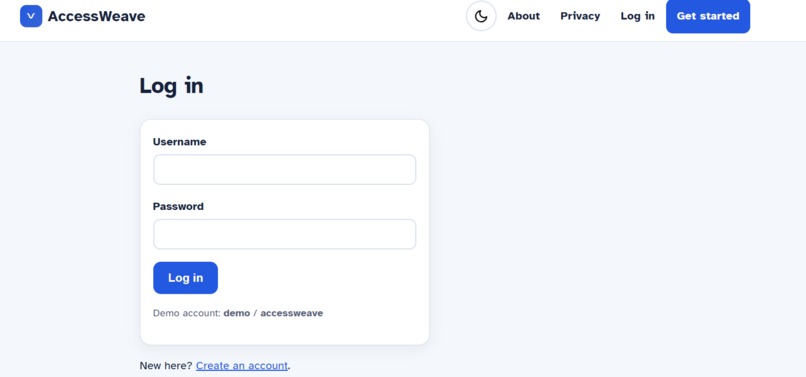
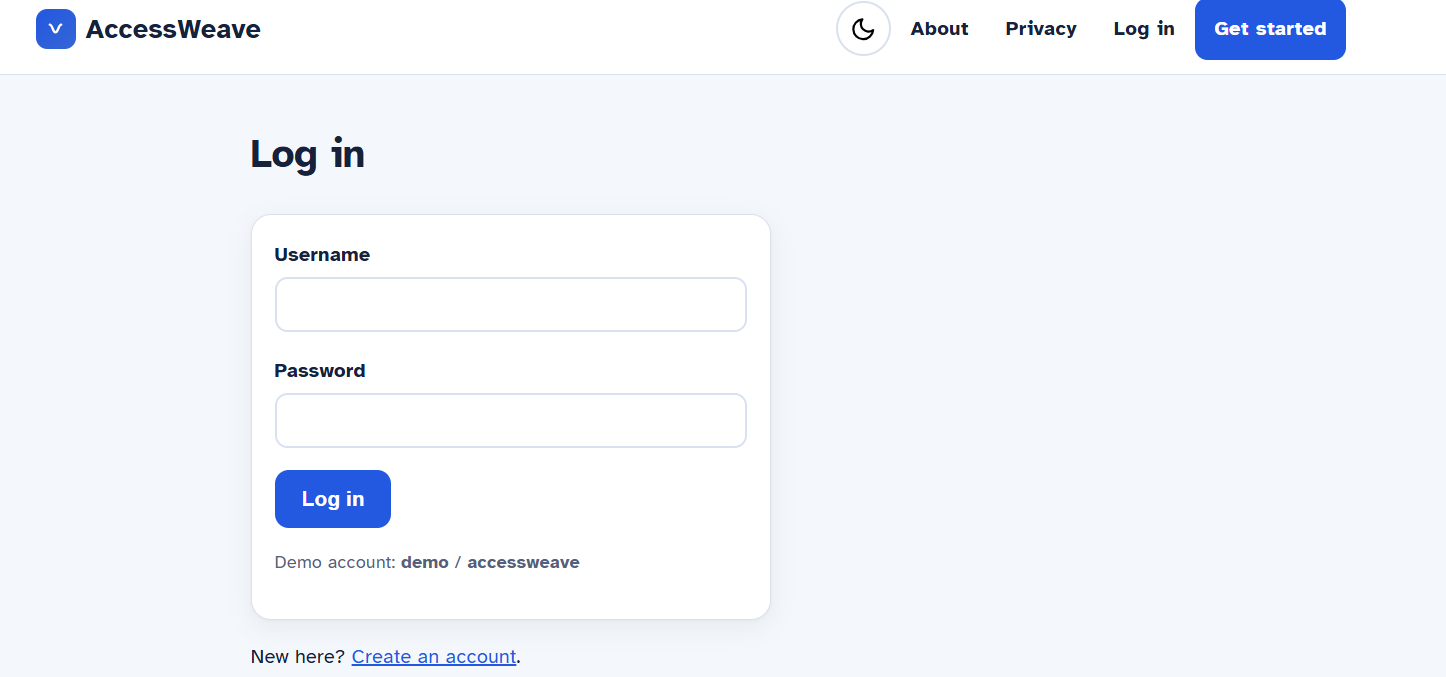
vercel site
Inspiration
AccessWeave began with someone very close to me: my brother.
My brother has cerebral palsy, and growing up with him changed the way I understood disability, independence, and technology. I saw how tasks that many people complete without thinking could become exhausting or frustrating for him. This was not because he lacked intelligence, determination, or ability. It was because the systems around him were not designed with his needs in mind.
A medicine label could be too difficult to read. A form could contain confusing instructions and inaccessible controls. A conversation could move too quickly. A website could technically contain the required information while still making it nearly impossible for someone with different visual, motor, cognitive, or communication needs to complete the task independently.
I also saw how often family members and caregivers had to step in, not because my brother was incapable, but because the technology failed to adapt to him.
That distinction became the emotional foundation of AccessWeave.
I did not want to create another application that simply identified text, read a webpage aloud, or added one accessibility feature. I wanted to build something that could understand the actual barrier a person was facing and transform the entire task into a path they could follow with greater independence.
AccessWeave is built around a simple belief:
People with disabilities should not constantly have to adapt themselves to inaccessible systems. Technology should adapt the task to the person.
For me, this project is not only about innovation. It is about dignity. It is about giving someone the confidence to say, “I can do this myself,” while still providing safeguards and support when needed.
What We Built
AccessWeave is a privacy-first adaptive independence copilot that turns inaccessible everyday tasks into personalized, accessible steps.
A user can photograph a medicine label, paste a confusing form, provide a webpage, speak a goal, type instructions, or choose an example task. The application then identifies what may be making the task difficult, including:
Small or visually dense text Complicated language Ambiguous instructions Too many choices at once Mouse-only controls Safety-sensitive information Missing confirmation steps Sensitive personal data
Its Barrier Translator explains why the task may be inaccessible, provides evidence and confidence information, and recommends a practical adaptation.
The Accessibility Compiler then rebuilds the task as a sequence of personalized Access Cards. Instead of presenting a long and overwhelming document, the user may receive one clearly written step at a time, with large text, plain language, speech output, keyboard navigation, saved progress, and confirmation before consequential actions.
This idea became the central technical concept behind the project:
Accessibility as compilation.
Just as a compiler transforms information into a form that a computer can execute, AccessWeave transforms an inaccessible task into a form that a particular person can understand, control, and complete.
The application can support tasks involving medicine labels, appointment letters, bills, forms, cooking, shopping, transportation, phone calls, writing, email, and device setup.
We also built features that address different real-world access needs:
Look Around identifies nearby objects and describes their positions using on-device detection. Sound Watch detects sounds such as alarms, doorbells, and knocks and provides visual, vibration, and system alerts. Conversation Mode provides large live captions and allows users to respond through typed messages, saved phrases, or text-to-speech. Communication Bridge includes phrase packs, partner cards, and a “please give me more time” option. Voice control allows users to navigate and operate the application through speech. Switch scanning allows users with limited motor control to move between controls and select them using a key, click, game-controller button, or adapted switch. Dwell selection allows a user to activate a control by resting a pointer, head tracker, or eye tracker over it. Focus mode reduces distractions and shows only the information required for the current task. The Access Passport stores functional preferences, such as larger text, simpler instructions, reduced choices, or spoken guidance, without requiring the user to disclose a diagnosis.
One of the most important design decisions was that AccessWeave never asks, “What is your diagnosis?”
Instead, it asks:
“What would make this task accessible to you?”
This respects the person as an individual rather than reducing them to a medical label.
How We Built It
AccessWeave was developed as a server-rendered Django web application using semantic HTML and progressive-enhancement JavaScript.
The system contains separate components for:
The typed Access Passport Barrier identification Task compilation Access Card generation Plain-language transformation Safety classification Resource matching OCR and multimodal input Task-state management Privacy and consent controls
We designed the core system to be deterministic, testable, and explainable. The application does not depend on a paid artificial intelligence service to function. An optional, schema-validated language model can enrich the experience, but the essential task-compilation engine can operate locally and offline.
This was important to us because assistive technology should remain dependable even when internet access is limited, an external API fails, or the user cannot afford a subscription.
We also designed AccessWeave so that accessibility is not simply an additional feature layered onto the application. The application itself targets WCAG 2.2 AA accessibility and includes keyboard-only navigation, semantic landmarks, visible focus indicators, screen-reader announcements, high-contrast options, reduced motion, responsive text resizing, and no-JavaScript fallbacks.
Every spoken command has an equivalent on-screen control. Nothing is voice-only, and essential functionality does not disappear when JavaScript or an optional service is unavailable.
Safety was equally important. Medicine dosages and warnings are preserved verbatim, uncertain OCR results are clearly flagged, and important actions require explicit confirmation. A user can strengthen these safety protections through their Access Passport, but they cannot unintentionally disable the minimum safety requirements.
Challenges We Faced
The greatest challenge was realizing that accessibility is not a checklist of isolated features.
Adding speech, captions, large text, or keyboard controls does not automatically make a task accessible. A person may be able to hear every word on a medicine label and still not know which information requires verification. A form may technically support keyboard navigation while still presenting too many confusing choices at once.
We therefore had to think beyond access to information and focus on access to completion.
The system needed to identify barriers, determine appropriate adaptations, restructure the task, maintain progress, communicate uncertainty, and protect the user from unsafe actions, while allowing the person to remain in control.
Voice interaction also created technical challenges. Speech output needed to be queued so that instructions would not interrupt one another. Speech recognition needed to automatically restart and preserve its state across page changes. At the same time, voice control could not become the only way to access a feature.
Sound Watch created another challenge because browsers often reduce background processing when a user changes tabs. We addressed this by running sound detection on the audio thread so that the feature could continue operating in the background.
Another major challenge was balancing personalization with privacy. A highly personalized system can easily begin collecting excessive medical or personal information. We deliberately chose a different approach by storing only the functional preferences required to make the experience accessible.
We also had to design for uncertainty. OCR can misread a number. Webpages can contain misleading layouts. Automated systems can misunderstand context. AccessWeave does not hide these limitations. It presents confidence information, identifies where content came from, and asks the user to verify safety-sensitive information.
What We Learned
Building AccessWeave taught me that meaningful assistive technology must begin with listening.
Technology often assumes that independence means completing every task without help. My experience with my brother taught me that independence is more personal than that. It can mean choosing how instructions are presented, controlling the pace of a conversation, asking for more time without embarrassment, recovering from a mistake, or deciding when assistance is needed.
I learned that the best technology does not try to “fix” a disabled person. It removes unnecessary barriers around them.
I also learned that artificial intelligence has the greatest value when it solves a specific human problem rather than simply demonstrating technical complexity. The most powerful part of AccessWeave is not that it can process text, images, webpages, speech, and sound. Its value comes from bringing these technologies together to help a person complete something that previously required assistance.
For someone else, completing an online form or understanding an appointment letter may appear to be a small accomplishment. For a person who has repeatedly been excluded by inaccessible design, completing that task independently can represent confidence, privacy, and freedom.
My brother motivated me to build AccessWeave, but the project is intended for a much wider community of people with intersecting visual, motor, hearing, cognitive, speech, and energy-related access needs.
This project represents the kind of engineer and innovator I want to become: someone who does not build technology only because it is technically possible, but because it can make another person’s life more independent, dignified, and human.
AccessWeave is our attempt to demonstrate that technology can do more than describe accessibility problems.
It can actively remove them.


Log in or sign up for Devpost to join the conversation.