-
-
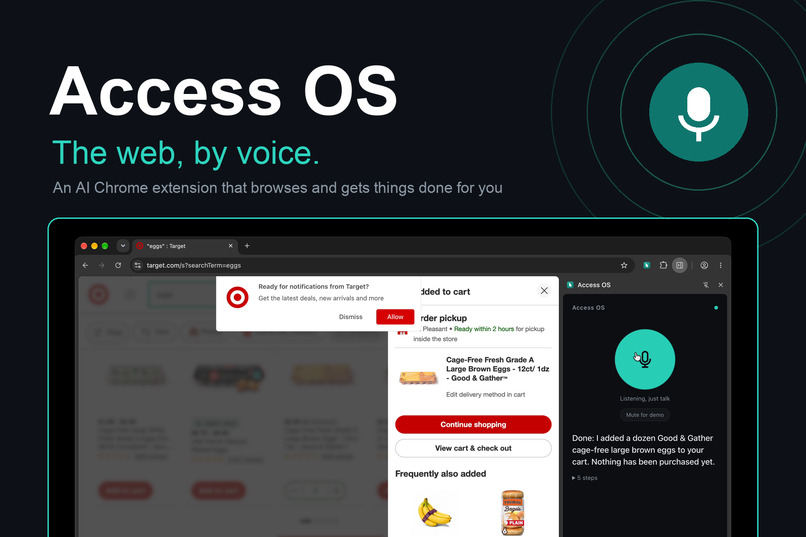
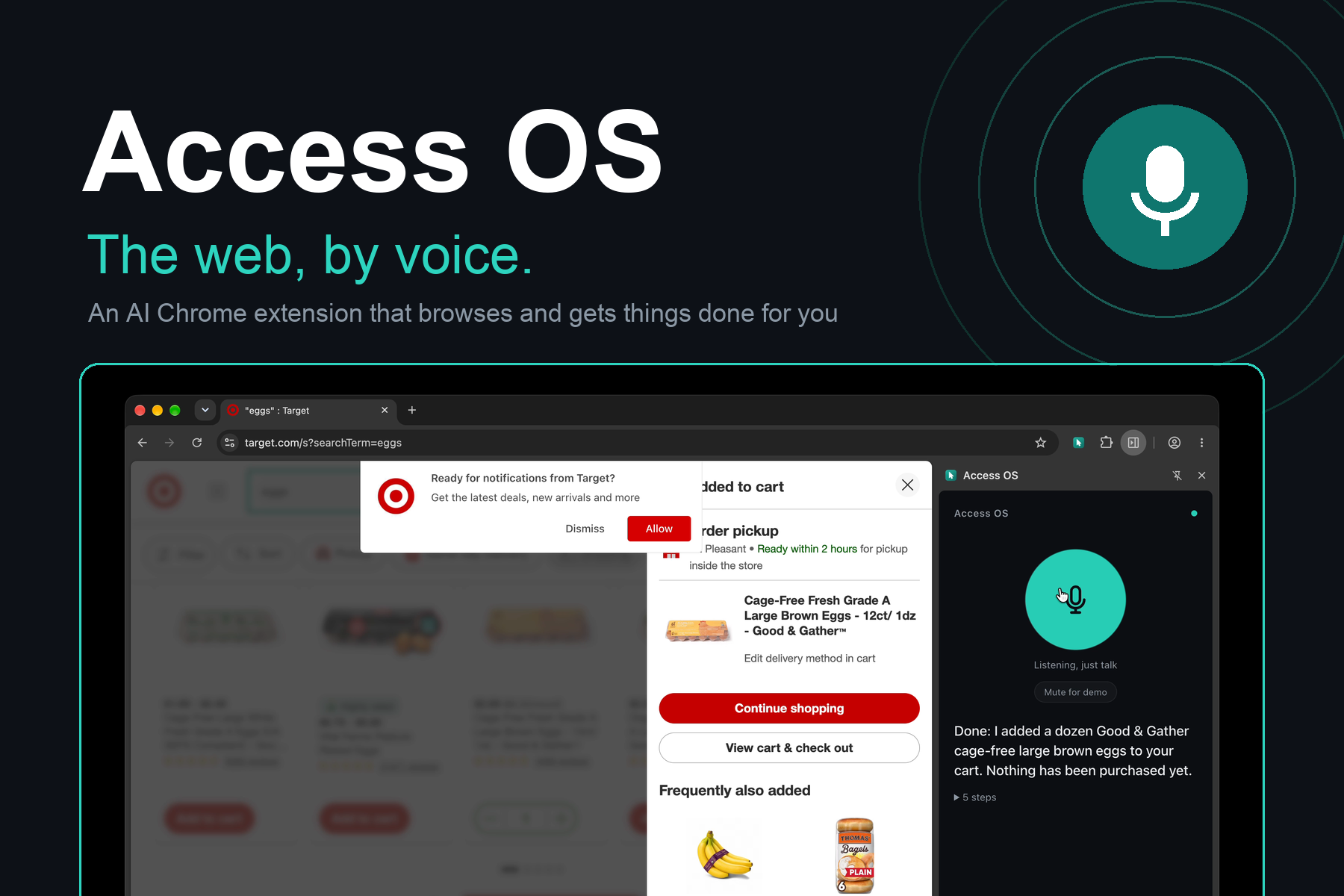
Thumbnail
-
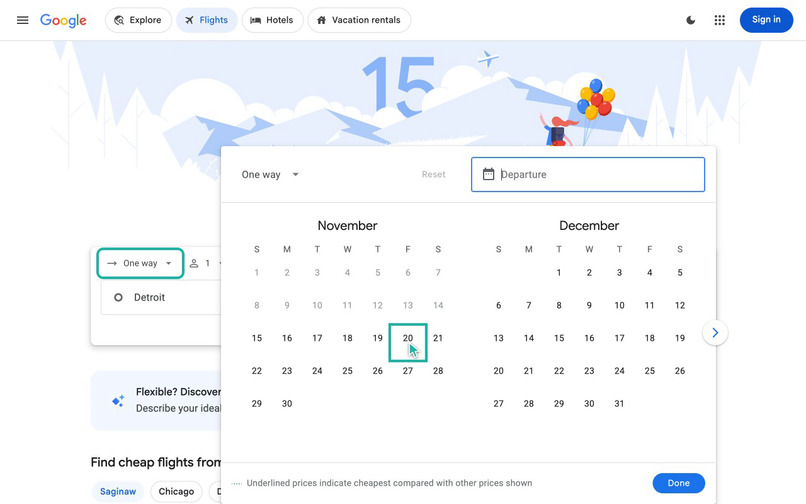
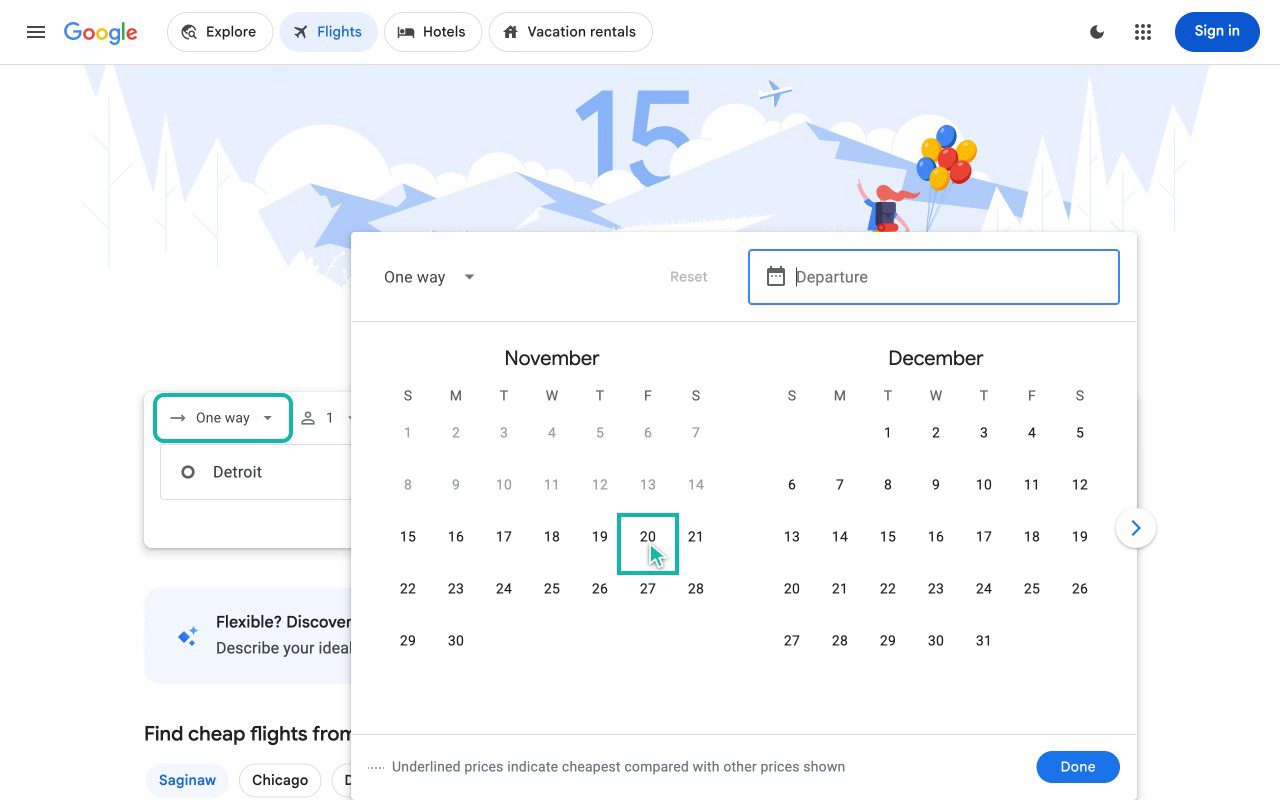
Customizing the date of flights according to the user
-
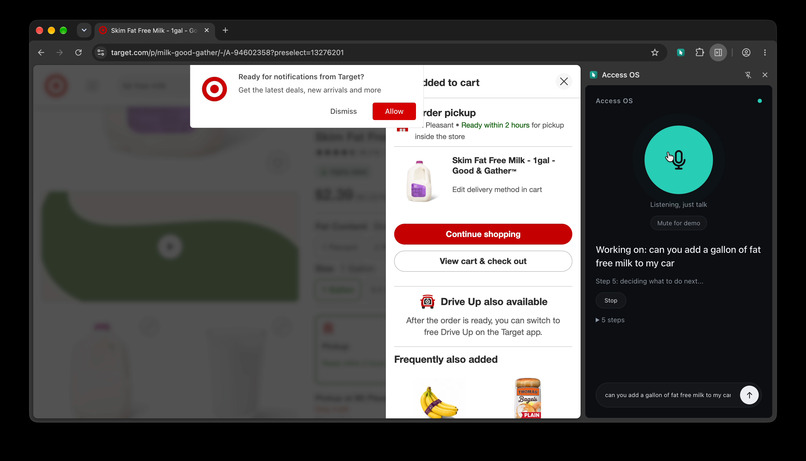
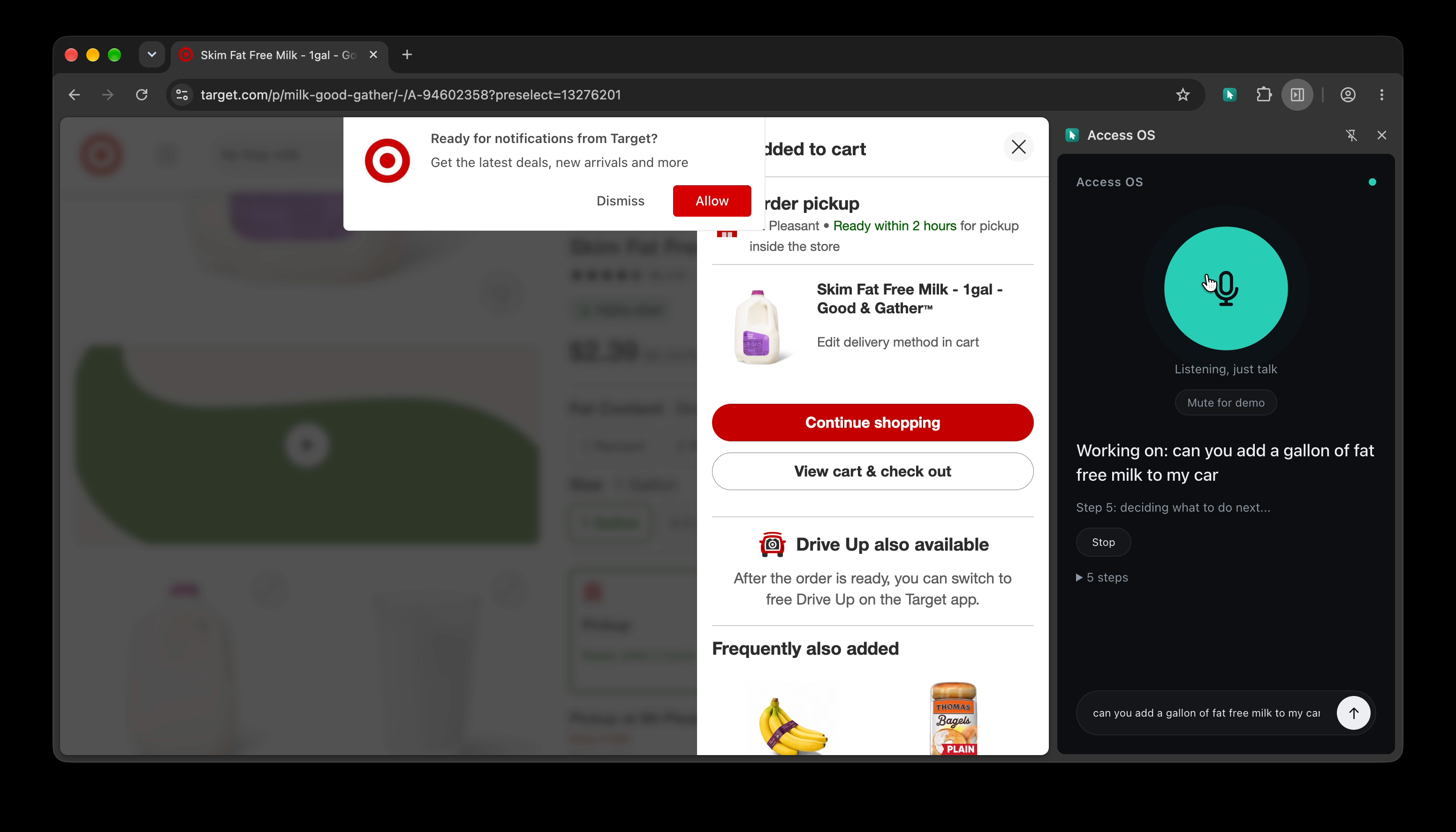
Adding milk to the cart
-
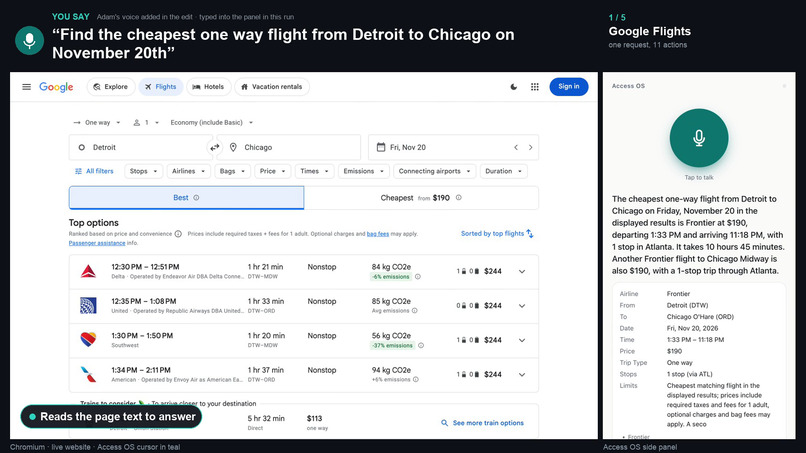
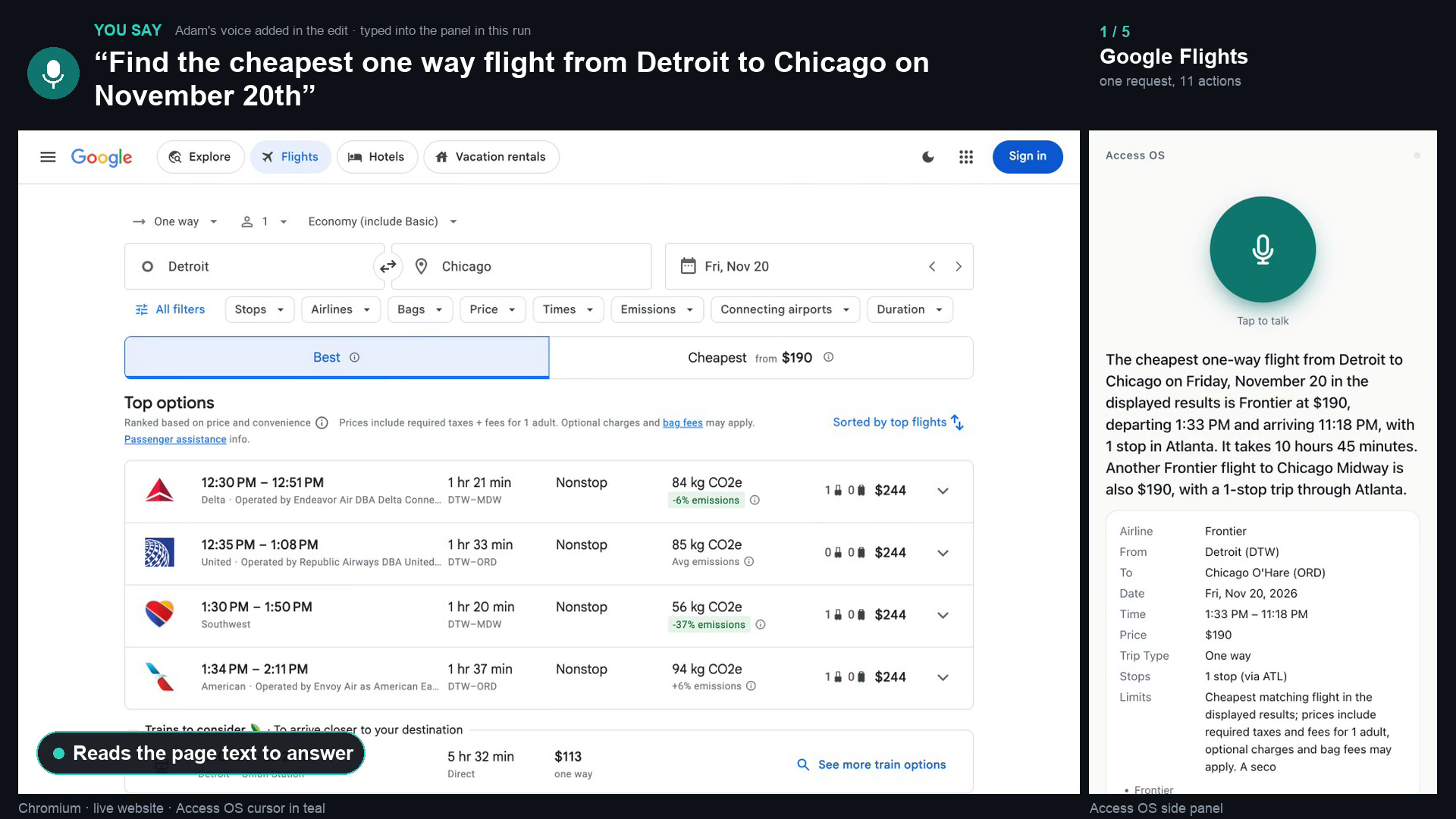
Finding the cheapest flight in one command
-
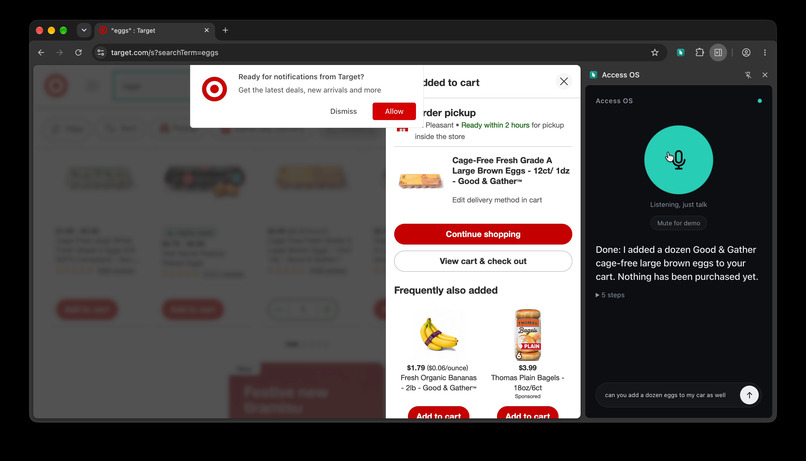
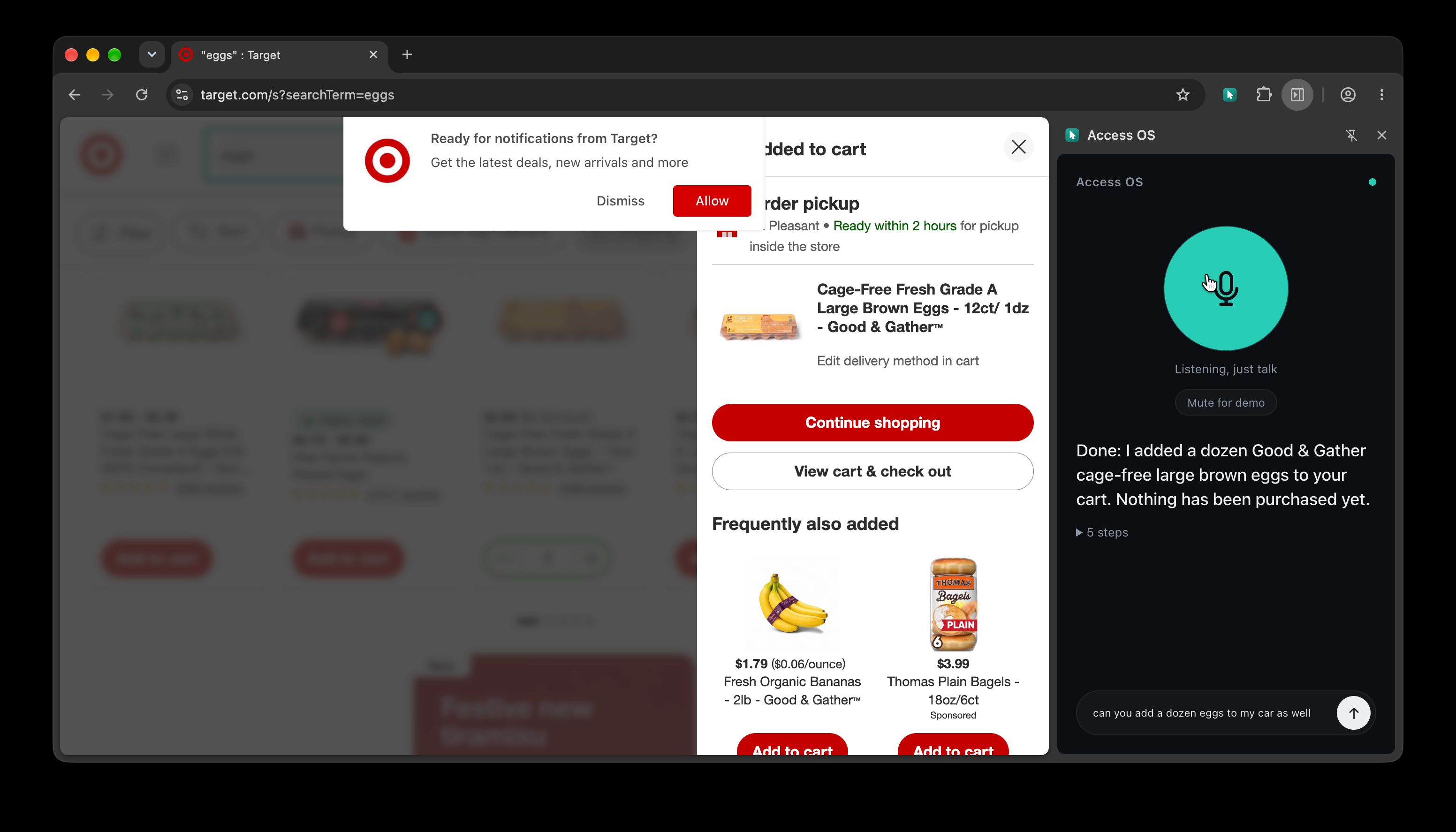
Adding eggs to Target order
-
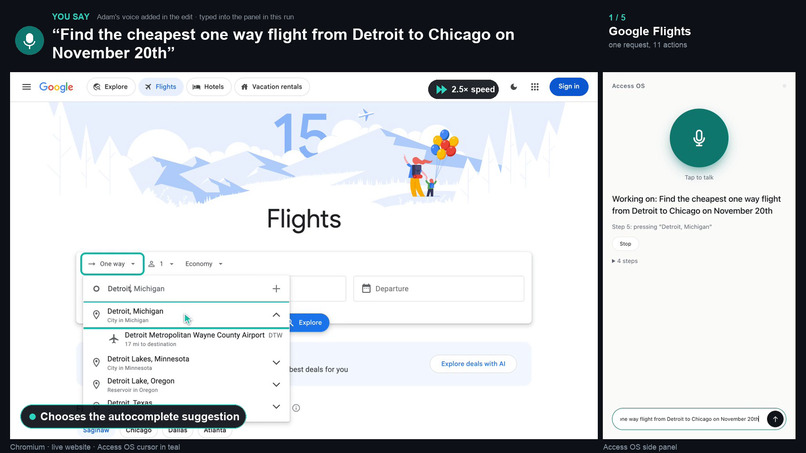
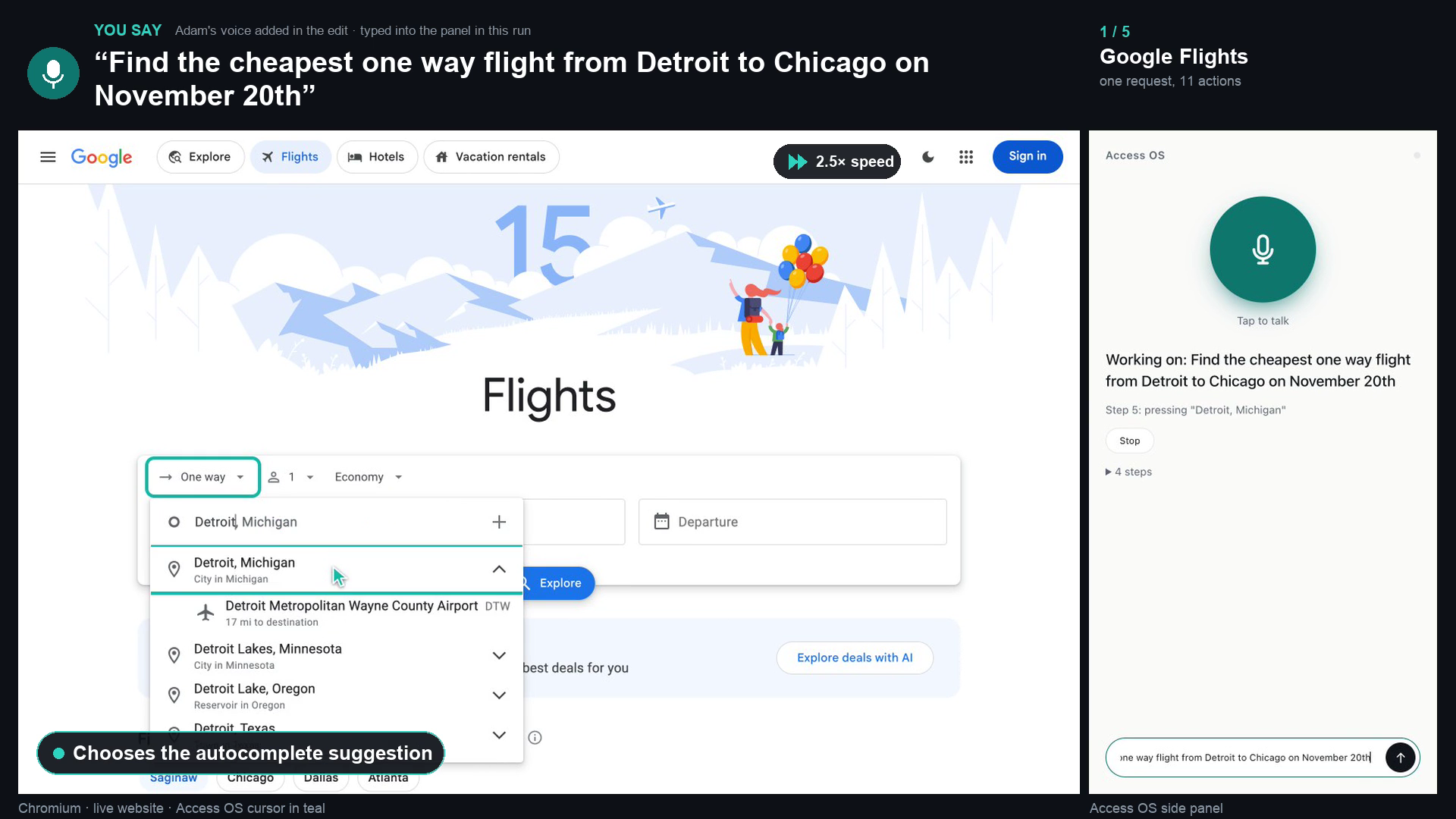
Changing the location of the flight
Inspiration
I chose the Hidden Horizons track because I wanted to build something for a group of people that technology often overlooks. Most websites are designed around the assumption that everyone can easily use a mouse and keyboard. For people with limited mobility, tremors, or other motor impairments, even simple tasks like searching for flights can become frustrating.
I wanted to see if AI could make browsing the web less about clicking individual buttons and more about simply telling your computer what you want to accomplish.
What it does
Access OS is a Chrome extension that lets users navigate websites through natural voice or text commands. Instead of manually clicking through forms and menus, users can describe a goal and let the extension work toward it.
It can navigate websites, fill out forms, interact with dropdowns and calendars, search for information, and read results aloud. It also shows a visible cursor so users can follow what it's doing, and they can stop or change their request along the way.
How I built it
I built Access OS using TypeScript, React, WXT, and the Claude API.
I started with a basic Chrome extension that could identify and click buttons on webpages. From there, I used Claude Code to help expand and refine the implementation.
The extension scans a webpage's DOM to identify interactive elements and gives Claude a structured list of available controls. Claude chooses one action at a time, and the extension performs it, checks whether it worked, and repeats until the task is finished.
A small Node.js backend handles communication with Claude, while the browser's Web Speech API handles voice input and spoken responses.
Challenges I ran into
The hardest part was getting the extension to work reliably on real websites, especially Google Flights.
Modern websites have complicated inputs, autocomplete suggestions, calendars, and elements that change constantly. Sometimes an action would appear successful, but the website hadn't actually accepted it.
To address that, I added verification after interactions, more realistic browser events, and checks to make sure the agent was still working with the correct elements.
What I learned
This project taught me a lot about how browsers actually work, especially DOM manipulation, Chrome extension architecture, asynchronous JavaScript, and interacting with React-based websites.
I also learned that getting an AI model to choose an action is only one part of building an agent. Making sure that action actually worked, and knowing when to stop or retry, is just as important.
What's next
Access OS is still a prototype, but I'd like to keep improving it. The biggest next steps are testing with people who use assistive technology, improving privacy and safety controls, and making it work reliably across more websites.
My long-term goal is to make the web easier to use for people who can't interact with it in the traditional way.

