Inspiration
I have a friend who broke her foot during a Badminton game. Becoming crutch-dependent, it was an exhausting trek across the school campus. Specifically, it was even worse trying to go to the AP Chemistry on the second floor. Usually, she can take the elevator, but it was under postponed maintenance for months now. She had to hop the stairs using her crutches. Similar cases suround us in a public high school, as we see students in wheelchairs struggle through gravely roads or be forced to wait for help to open a heavy hallway door. Our schools do not have perfect accessability infrastructure, and having a method for communicating this with others make it much easier for both students and school staff to help correct these issues.
37% of public high school students in the U.S. who have disabilities find that simply navigating campus can be stressful, frustrating, or even impossible. And the process for fixing this is far too slow, since there was no central place to report, track, or solve these accessibility challenges.
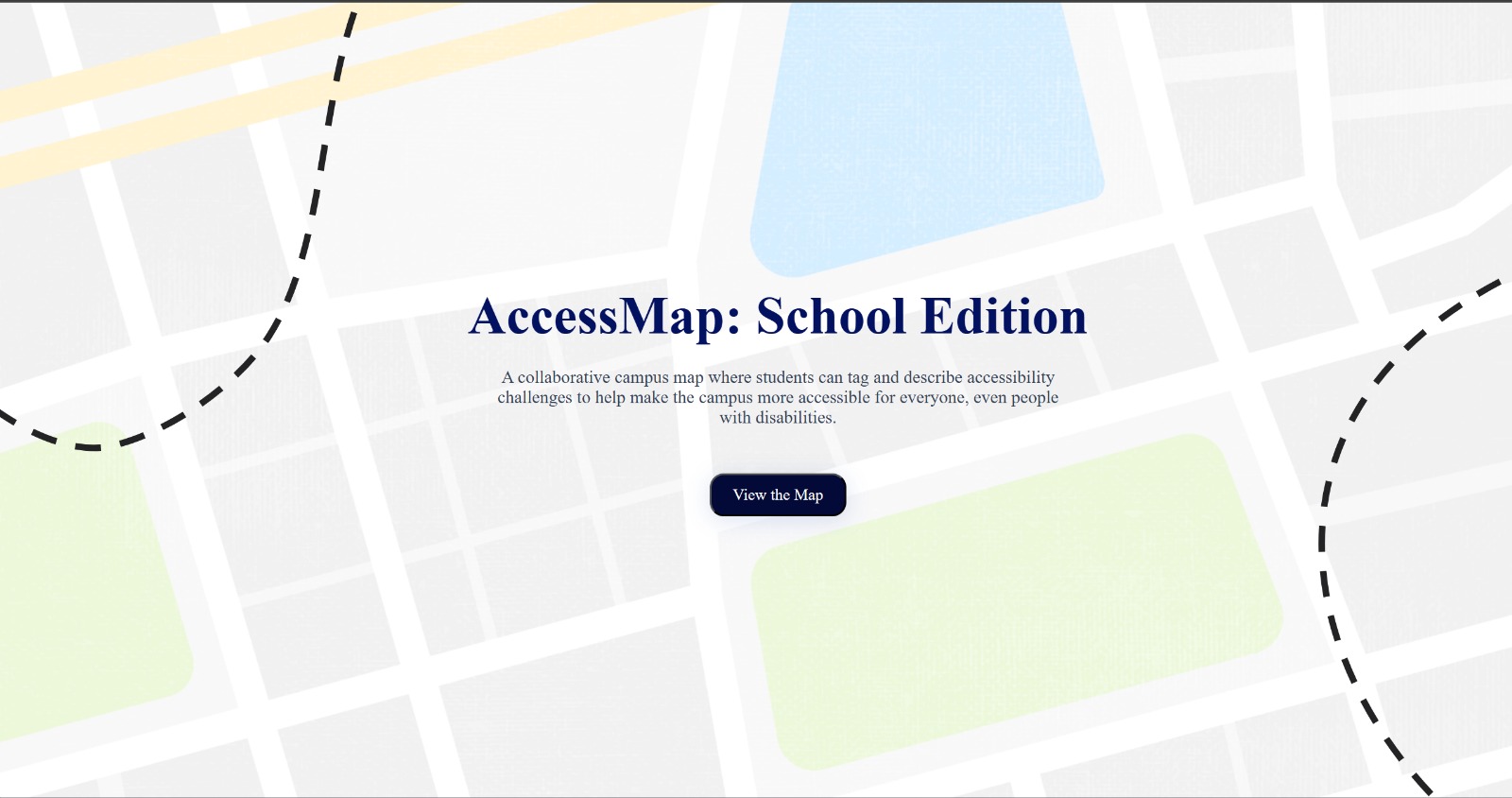
Looking to give these students a voice, we developed AccessMaps, a community-powered accessibility reporting platform that lives right in your browser.
What it does
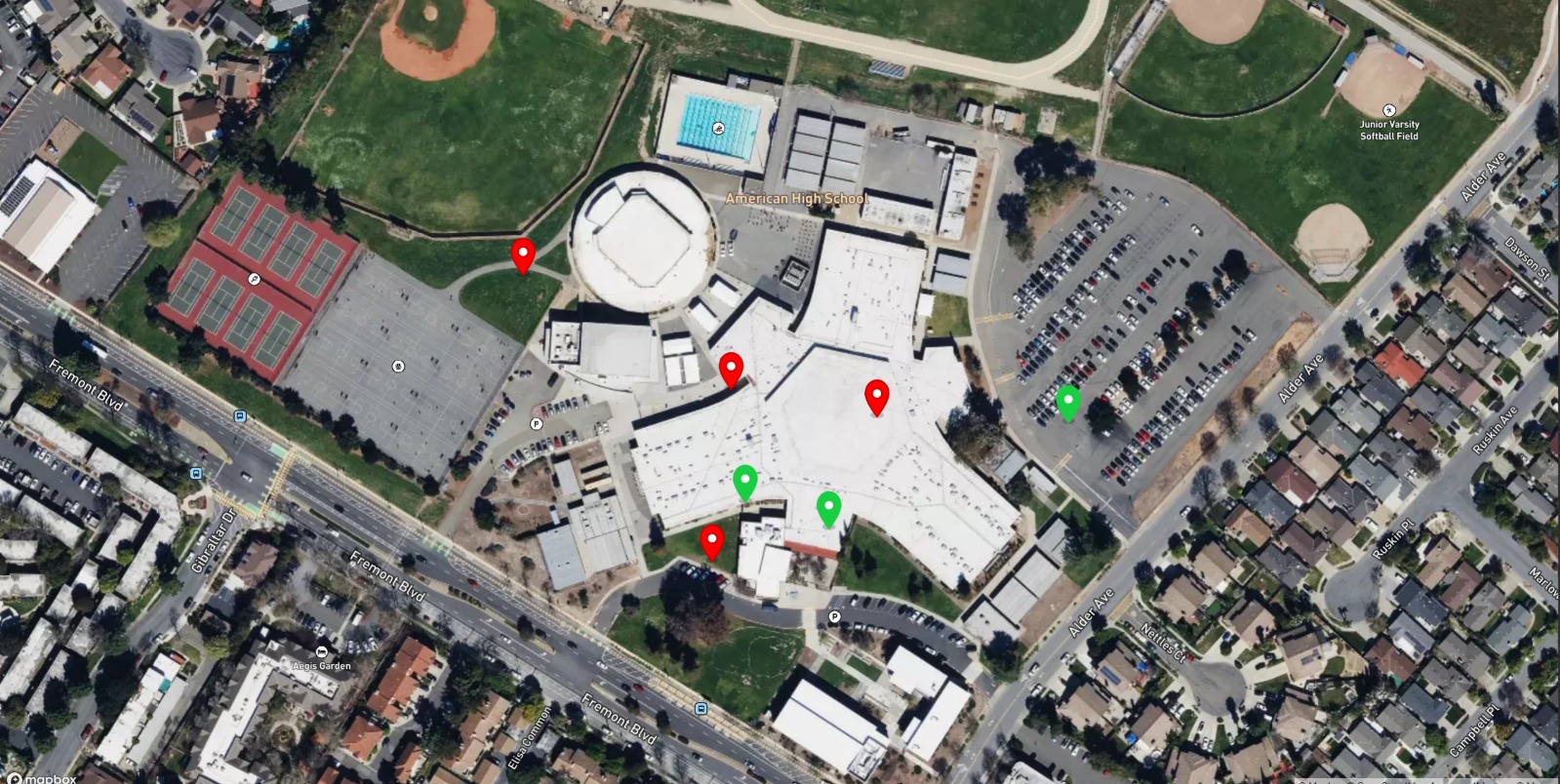
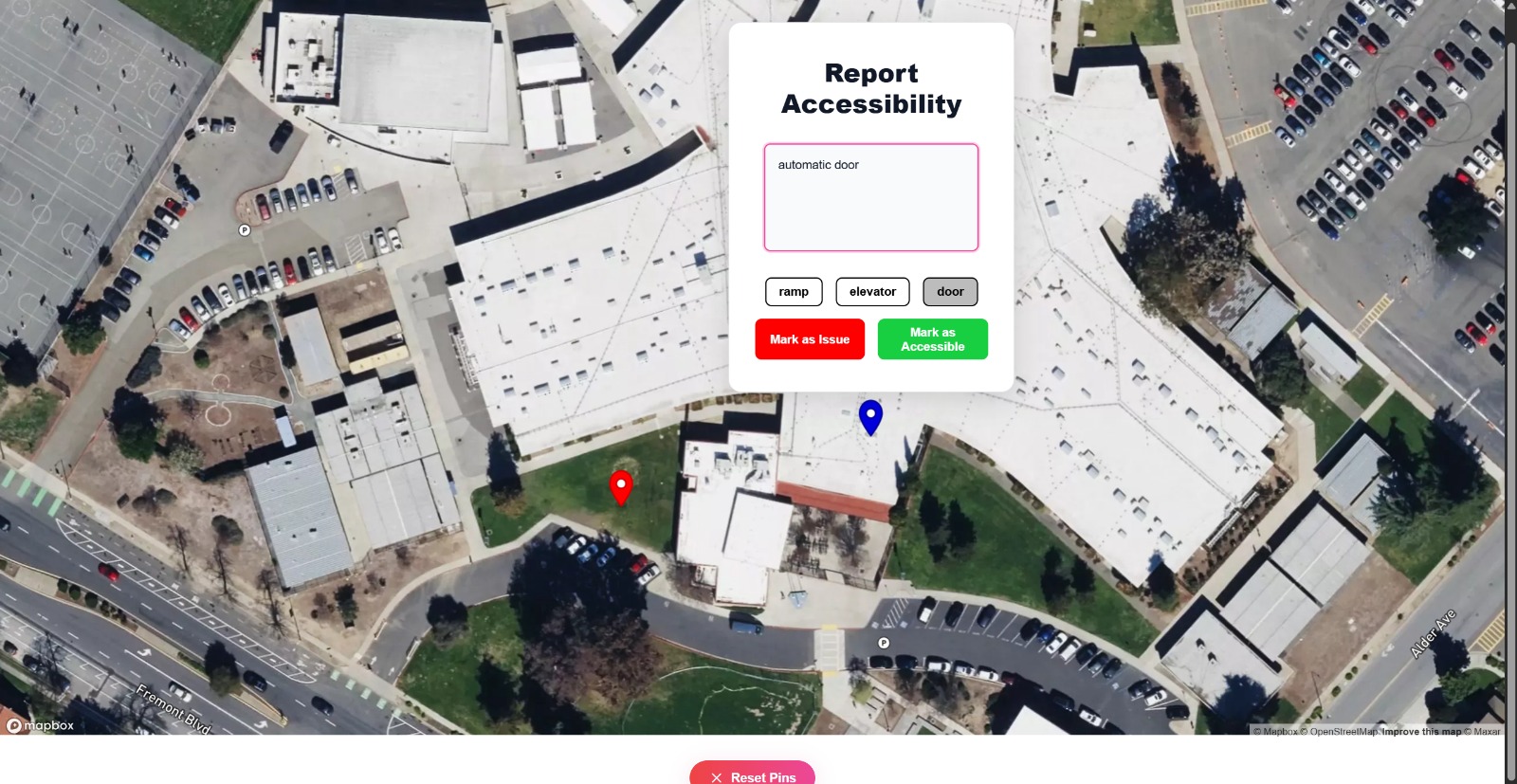
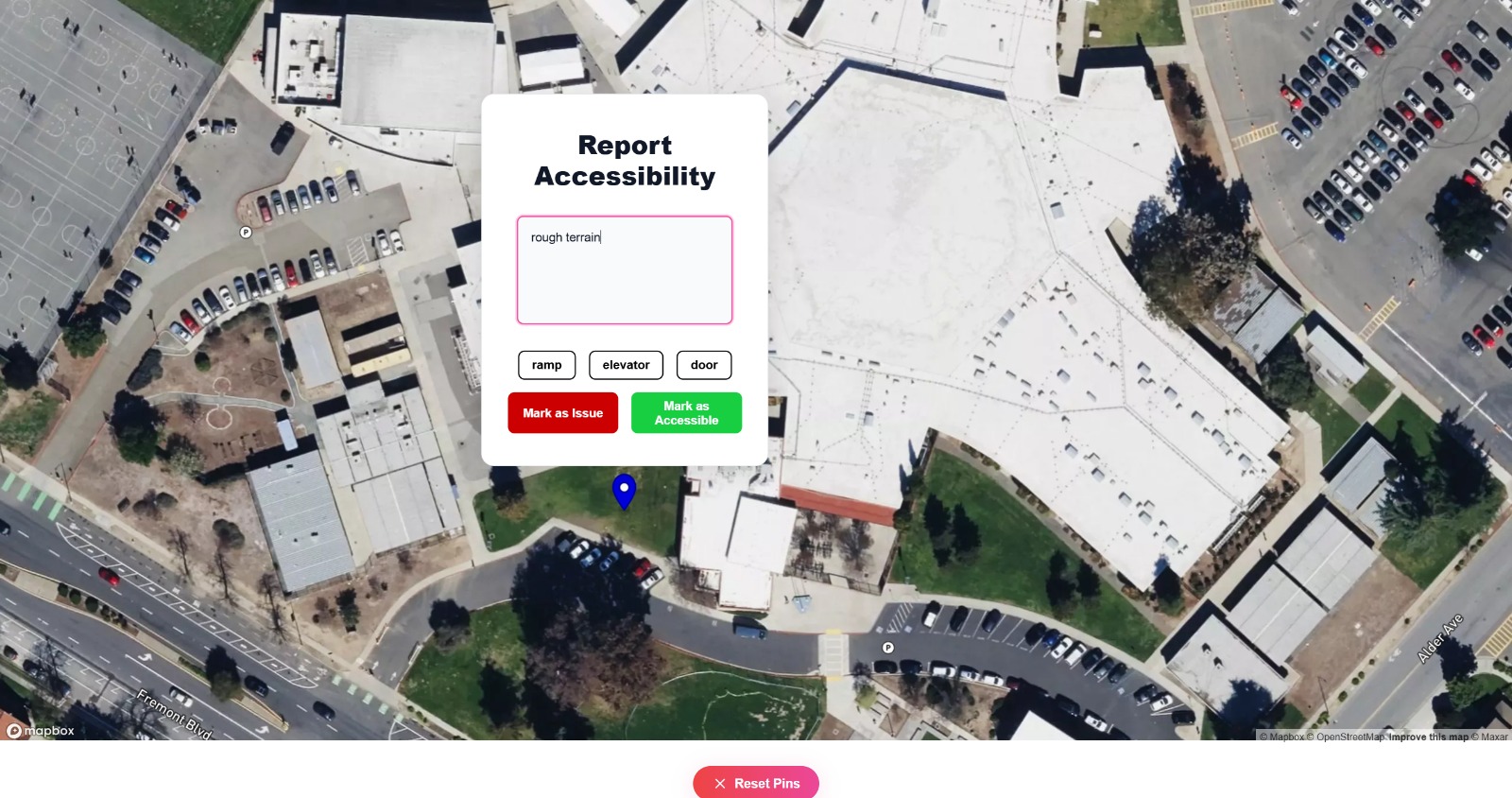
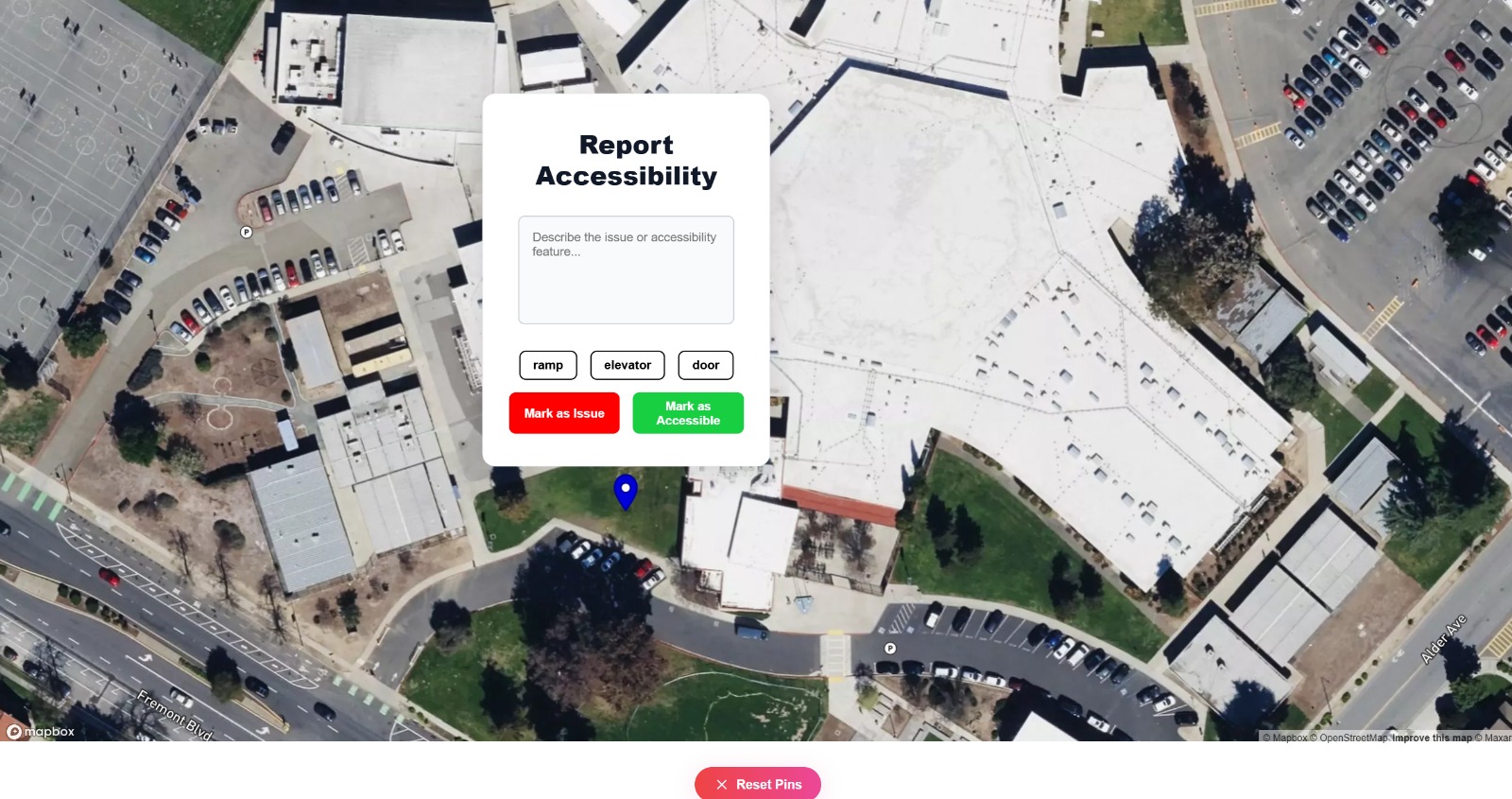
AccessMaps is a web-based mapping application which allows users to place pins on any current location on the map and mark the type of accessability event they faced, whether good or bad. They can either enter a detailed description in the text box, or just use one of the autocomplete phrases to rapidly report. Then, other users can view these markers and make better choices on which path they take to get to their destination. This is helpful in places like schools so that students know which paths and hallways are easy to access and where ramps and elevators are present. Furthermore, these reported events allow infrastructure management to respond quickly and learn about what forms of accessability changes are successful in helping students.
How we built it
AccessMap was built as a responsive web app using the Next.js framework with TypeScript.
Breakdown of our tech stack:
Frontend: We used React with CSS to create a modern, minimalist UI that is both accessible and responsive. The homepage introduces the app with smooth scroll animations and custom fonts to set a clean, optimistic tone.
Backend: We used local storage for our backend infrastructure. We are planning to expand our backend by using Firebase so it can be synced across devices and user authentication can occur.
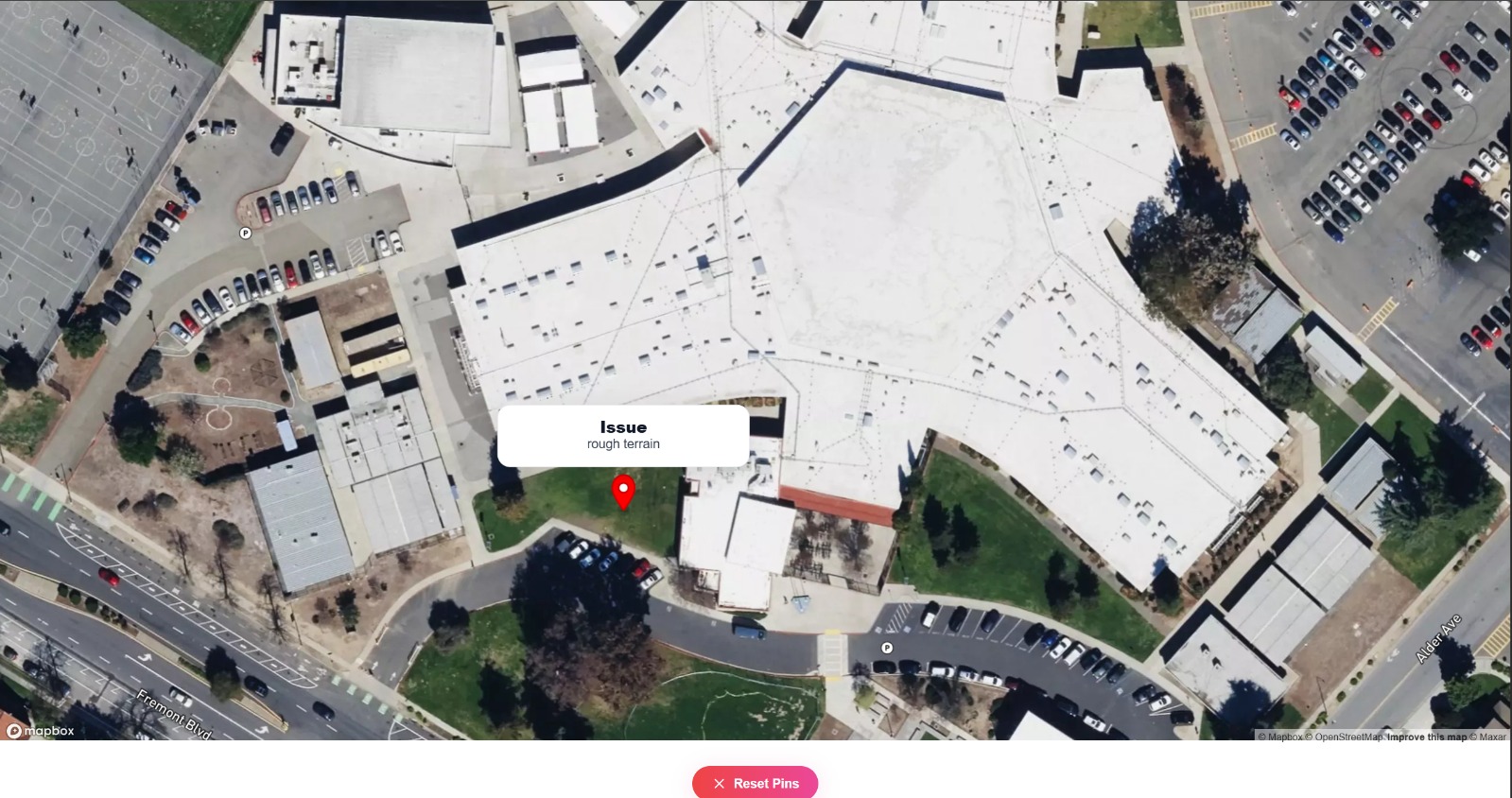
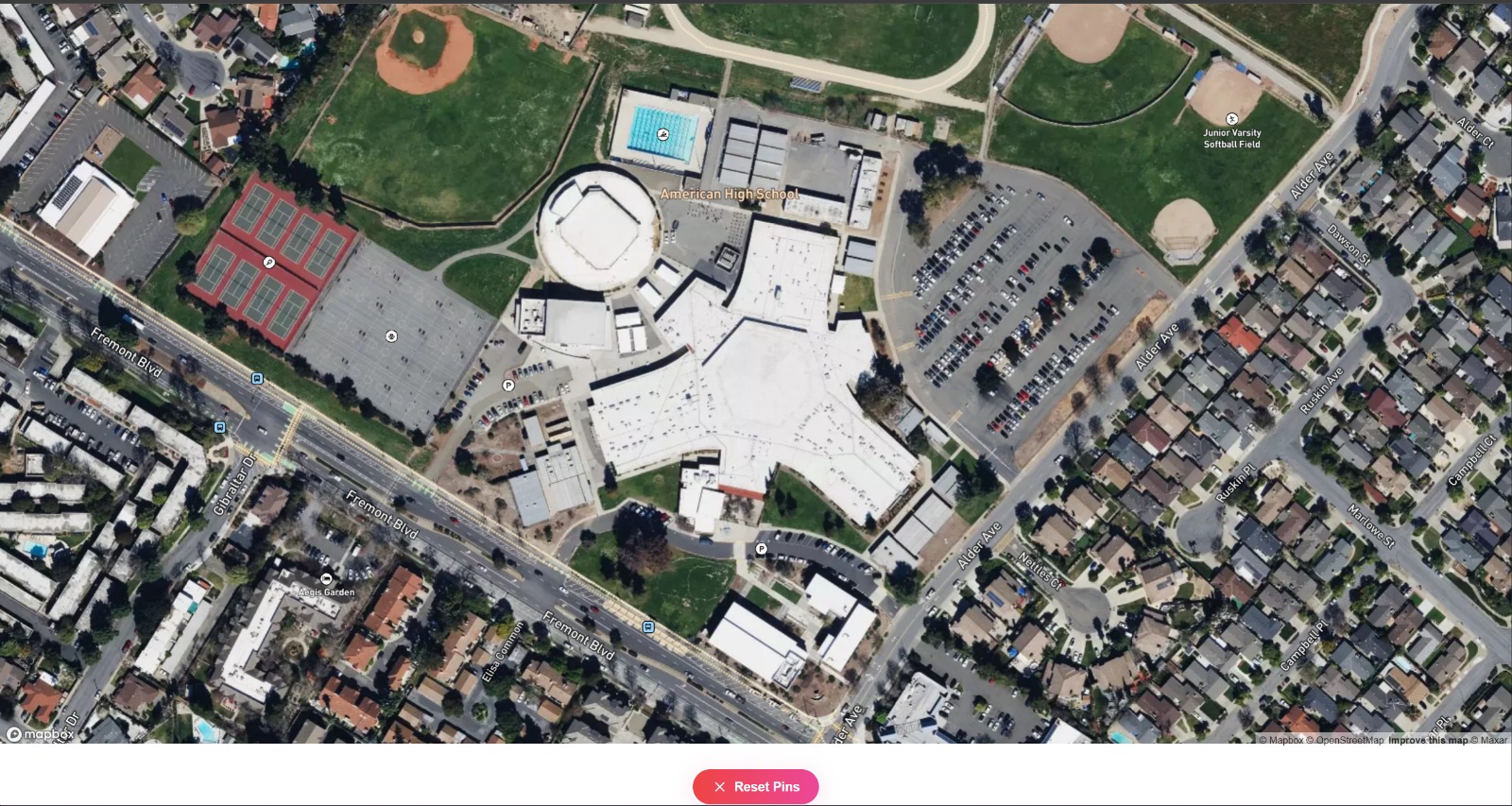
Mapping Interface: We integrated a mapping library called MapBox to allow users to tag locations on a visual campus map. Each pin is color-coded based on accessibility status (e.g., green = accessible, red = inaccessible), and hovering over pins reveals student-submitted notes.
Responsiveness: We made a conscious choice to build this as a web app, so it could work across all devices—including school-issued Chromebooks, which are often restricted from installing apps. This makes our solution instantly usable by any student with a browser, enhancing its reach and equity.
Challenges we ran into
There were a few issues that we faced through this development process. Mapping the accessibility data posed a struggle. There were many issues with: placing markers, creating proper report pop-ups, and managing clicks and zooming. Integrating the map into our UI also took a little bit of time to format correctly. Additionally, designing with accessibility in mind meant constantly testing our site with different perspectives. We also spent a lot of time working on our color scheme and content sizing to ensure that it could be used by a disabled audience. We also faced many issues with setting up the CSS and UI even after creating functionality. Lastly, with limited time during the hackathon, we had to prioritize core features while leaving room to expand. We had so many ideas, like being able to upload images, push notifications, and integrate Firebase for the backend, but had to keep things realistic. So, we stuck to make sure that the project had the correct feel to use and served as an appropriate prototype that can easily be expanded on.
Accomplishments that we're proud of
One of our main accomplishments with this project is allowing users to create a report in just 3 clicks which still being highly informative and revealing of what they may have encountered. These 3 clicks create a pin in a precise location, add color to it, and give it a default description on what the user actually encountered. Another key accomplishment is enabling an effective map view that is easy to navigate, clear in showcasing the locations, and allowing a variety of users to still easily navigate the app.
What we learned
This was one of our first experiences with creating an extensive UI with React Web, and also the first time using a Mapping API in our projects. We learnt how to use new elements like pop-ups and buttons with different styles in the project. We learnt about using localStorage and rapidly developing prototype-style projects which are ready to be scaled up. We also became more comfortable with solving problems we observed ourselves with technology and developing solutions that actually help students.
What's next for Access Maps
The next steps for AccessMaps will be to integrate a full cloud database and hosting the site on a server to support multi-device functionality. We also want to include a sign up, and multiple account types to control who can create, delete, and resolve pins based on current status. We want to implement an optimal path generator that uses a machine learning model to use the current pins on the map to create an efficient path which uses accessible routes.
Built With
- css
- cursor
- html
- javascript
- mapbox
- react
- typescript
- vscode


Log in or sign up for Devpost to join the conversation.