-
-
Home
-
Map
-
About Us
-
Contact Us
Inspiration
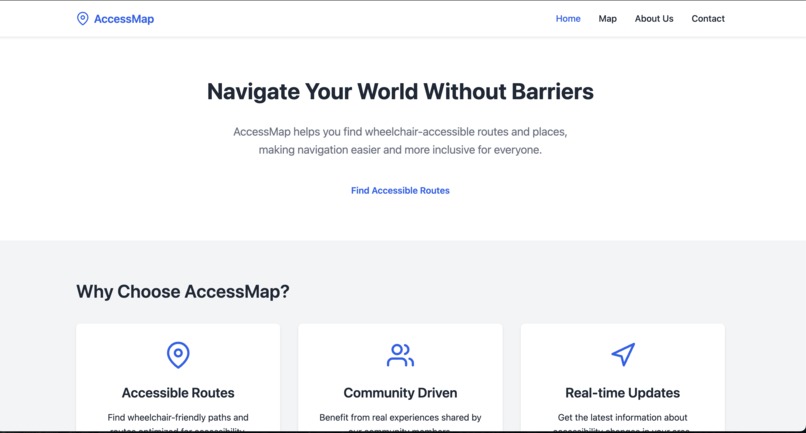
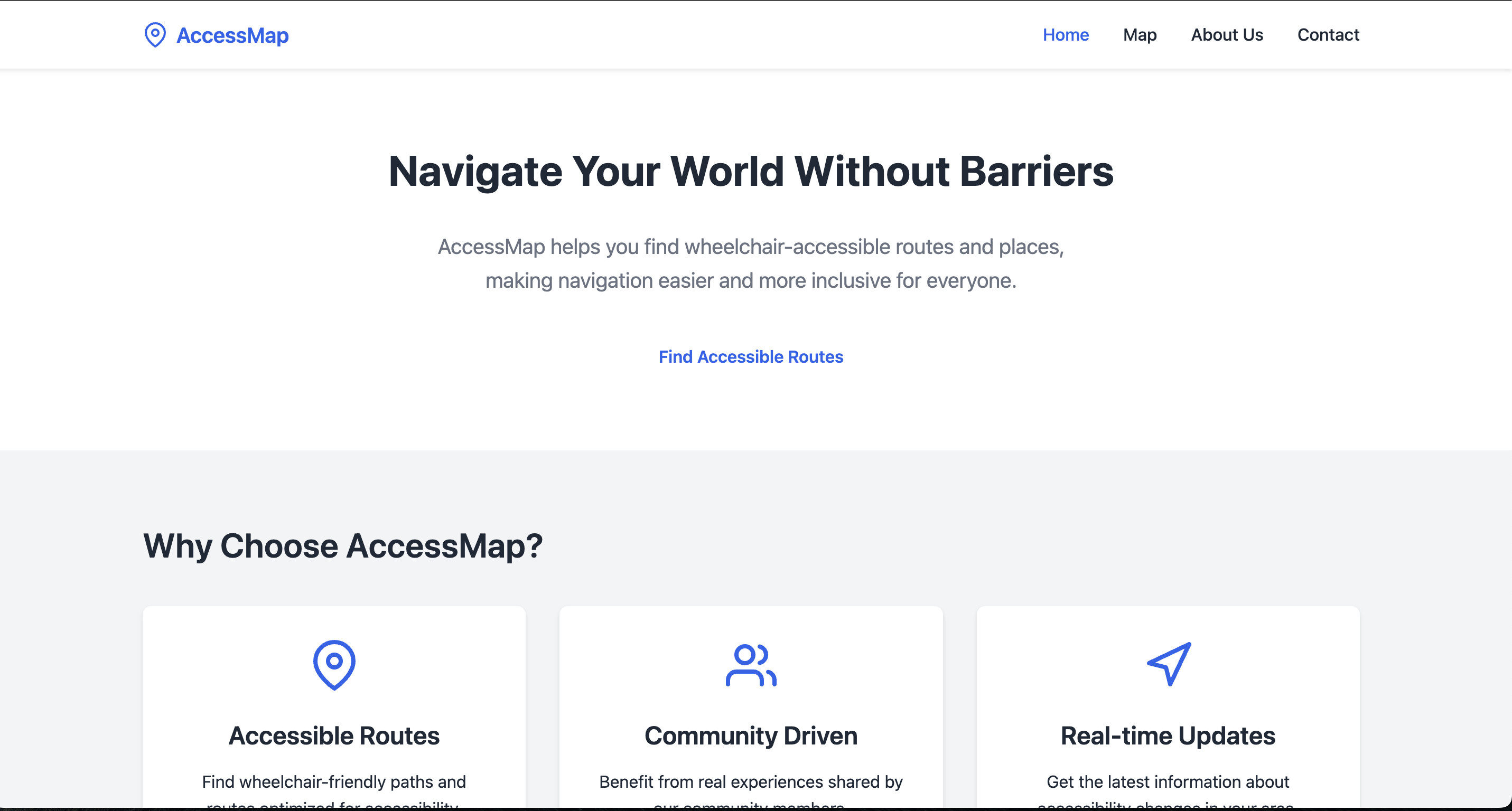
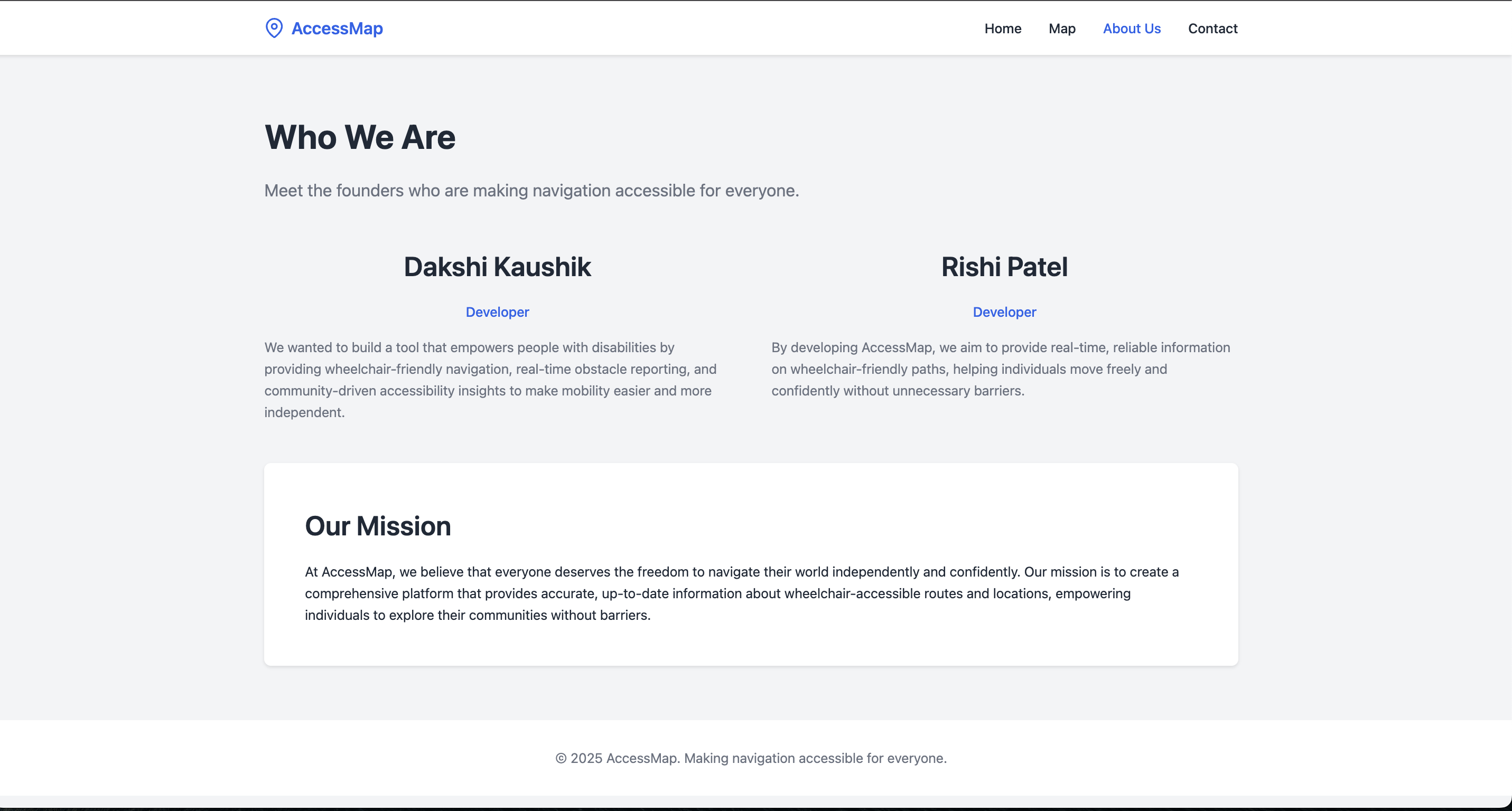
AccessMap was inspired by the challenges wheelchair users face when navigating public spaces. While popular sources, such as Google Maps, provide general navigation, it does not prioritize accessibility, leaving users unaware of obstacles like blocked ramps, broken elevators, or steep inclines. Dakshi saw this struggle firsthand through her father’s experiences, where every trip became a challenge due to unreliable accessibility information. Seeing the lack of a dedicated solution, we built AccessMap—a platform that provides a wheelchair-only view of the map, ensuring users can find safe, accessible routes with confidence. AccessMap empowers individuals to travel freely and independently, eliminating the uncertainty that many wheelchair users face every day.
What it does
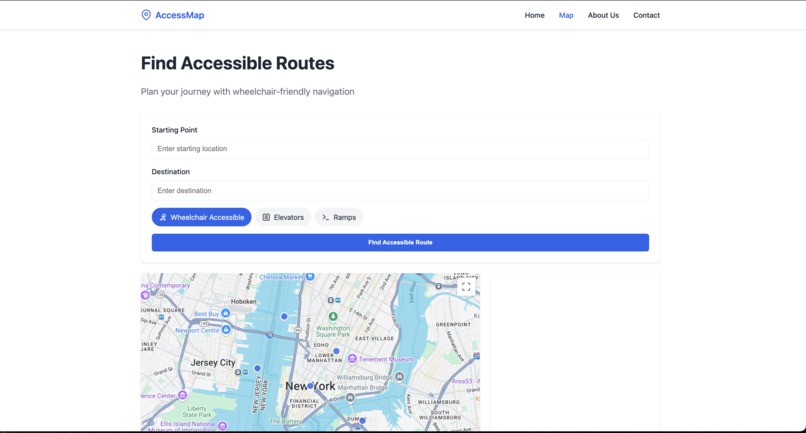
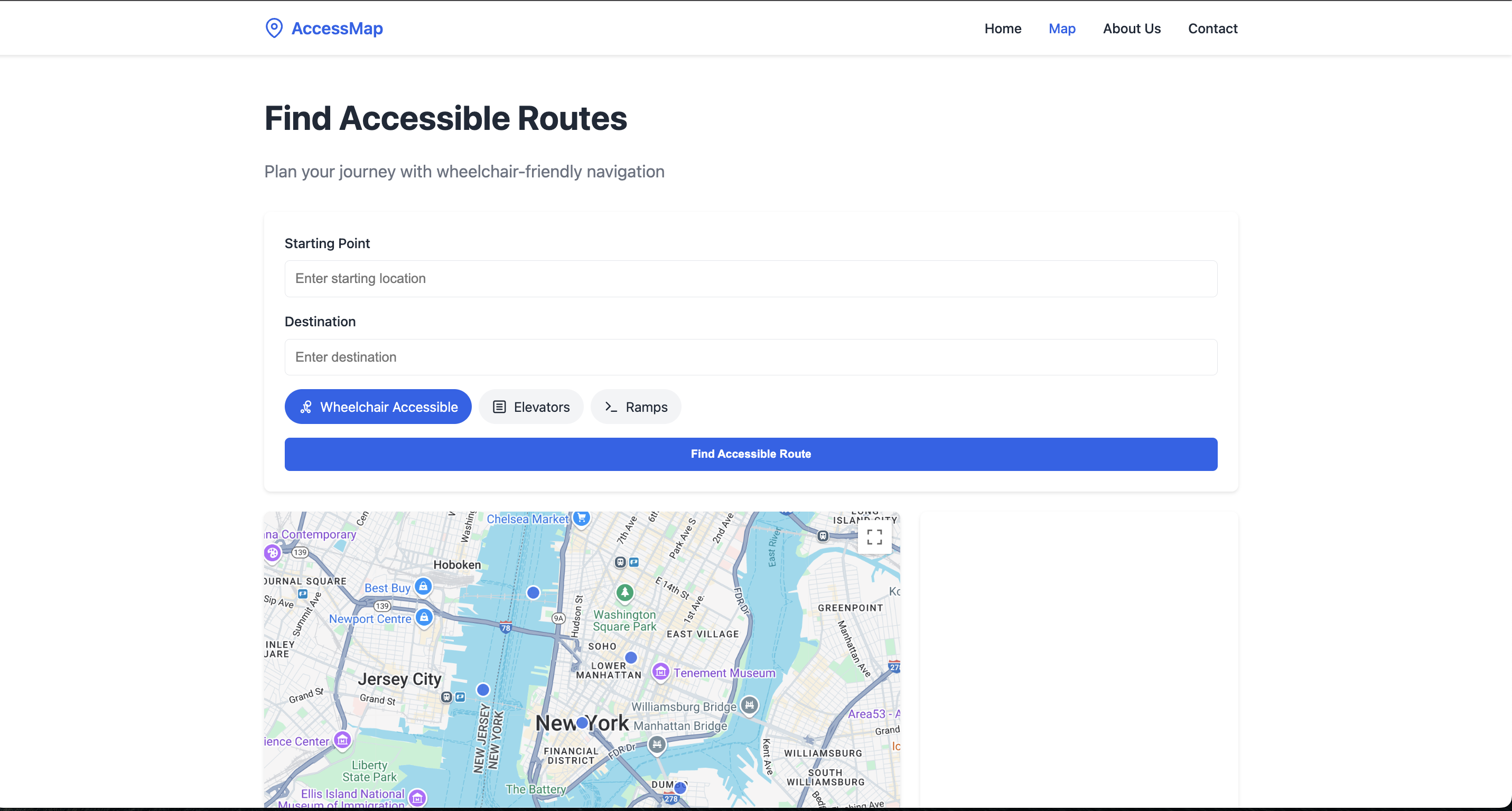
Access Map highlights accessible pathways, elevators, and ramps while allowing users to report obstacles like blocked ramps or broken elevators. Users can also upvote or downvote reports to ensure accuracy, making the app a community-driven accessibility solution.
How we built it
Google Maps API for route mapping and displaying accessibility features JavaScript, HTML, and CSS for frontend development Node.js for backend functionality
Challenges we ran into
One of the biggest challenges we faced was implementing Google Maps API. Setting up the API key took longer than expected, and getting it to function correctly required troubleshooting authentication issues and adjusting permissions.
Accomplishments that we're proud of
- Successfully integrating Google Maps API to display wheelchair-friendly routes
- Designing an easy-to-use and lightweight interface that prioritizes accessibility
- Overcoming technical difficulties in API implementation and data storage
- Providing a platform for wheelchair-accessible users to transport easily. ## What we learned
- How to work with Google Maps API and troubleshoot authentication and permissions issues
- The importance of user-centered design when creating an app for accessibility
- The value of working as a team to overcome unexpected technical challenges
What's next for Access Map
We see a lot of potential for AccessMap and want to continue improving it with:
- More detailed accessibility filters, such as incline steepness and surface conditions
- Offline support for users navigating areas with limited internet access
- Business accessibility ratings, allowing users to check if places have ramps, elevators, or accessible restrooms
- Machine learning integration to analyze accessibility reports and suggest improvements
- Mobile app version for a smoother experience on the go

Log in or sign up for Devpost to join the conversation.