-
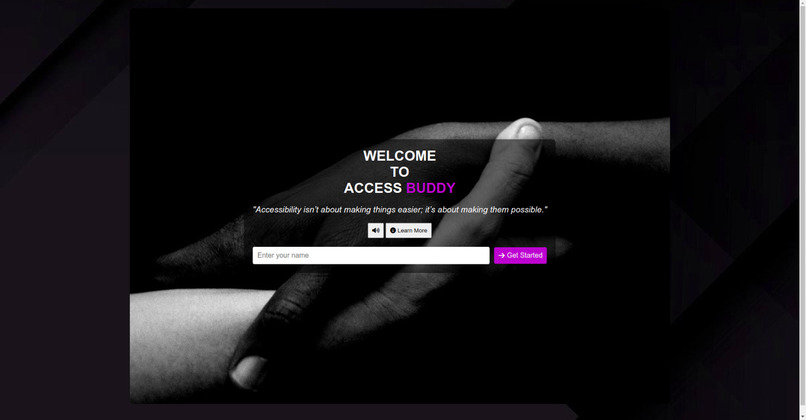
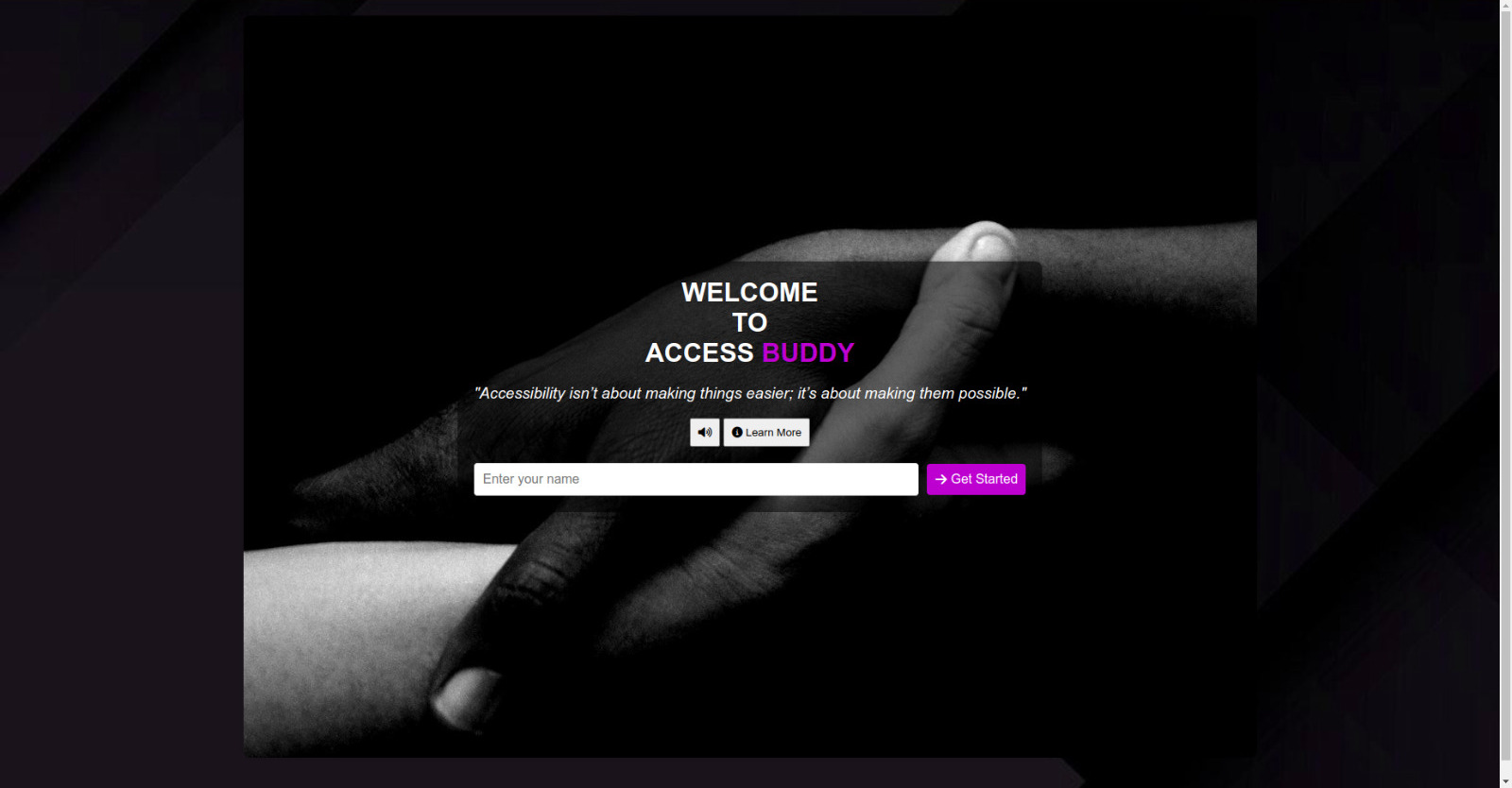
Home Page
-
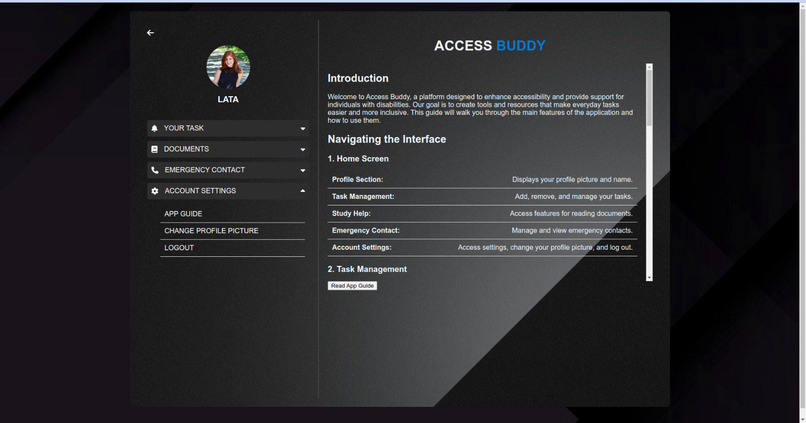
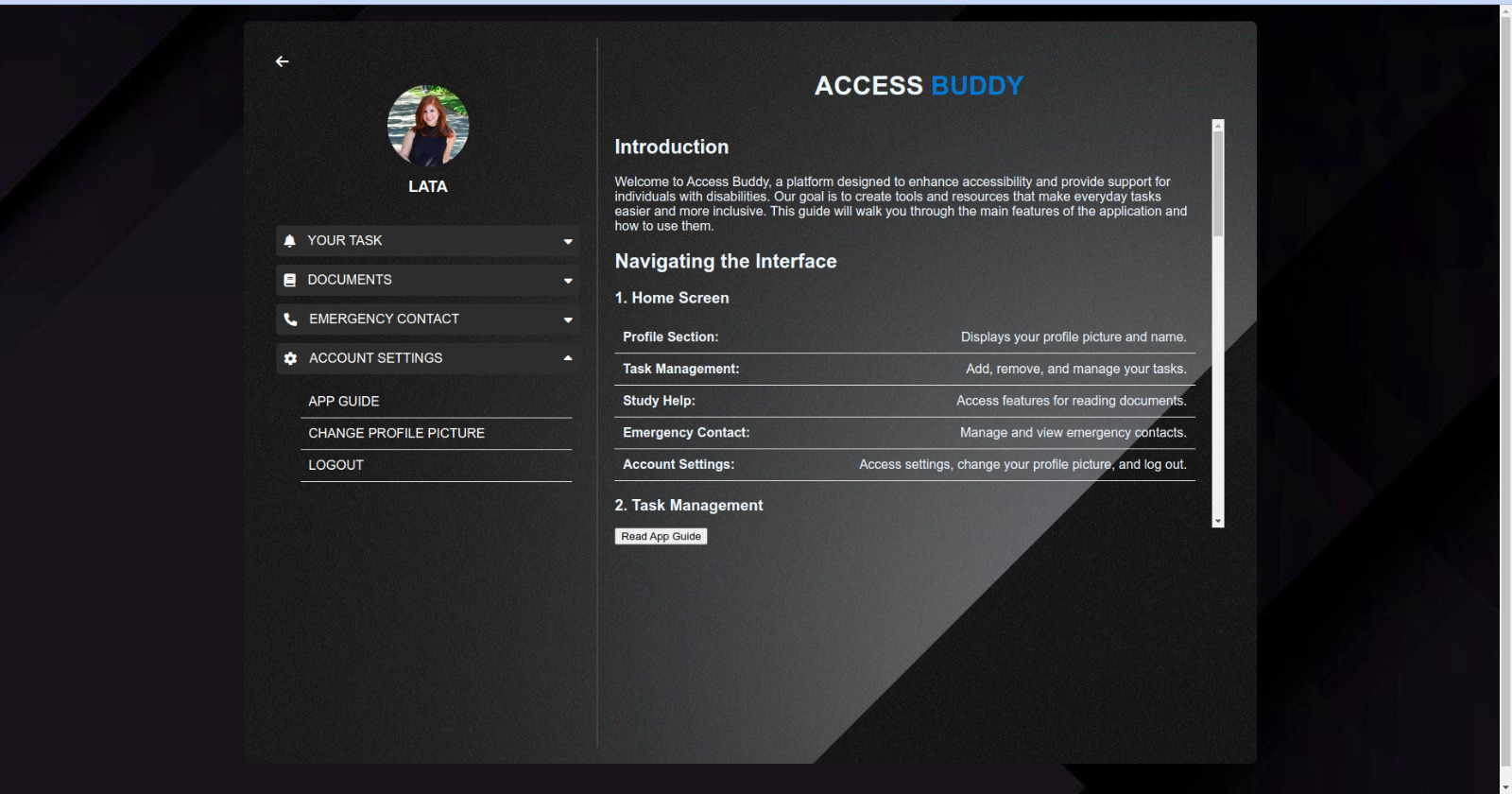
App Guide
-
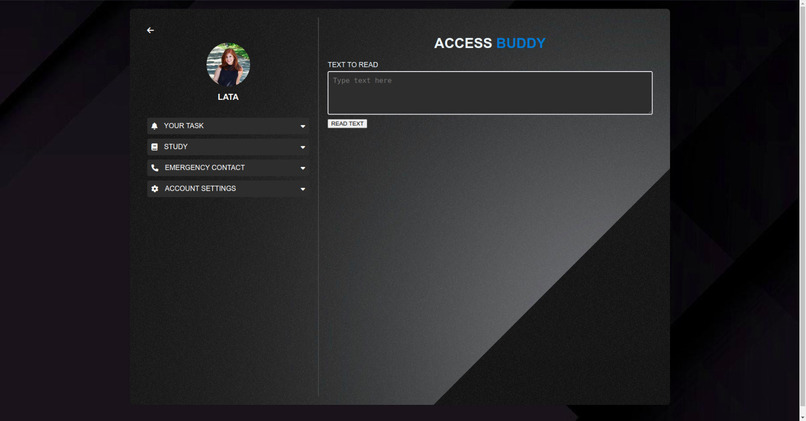
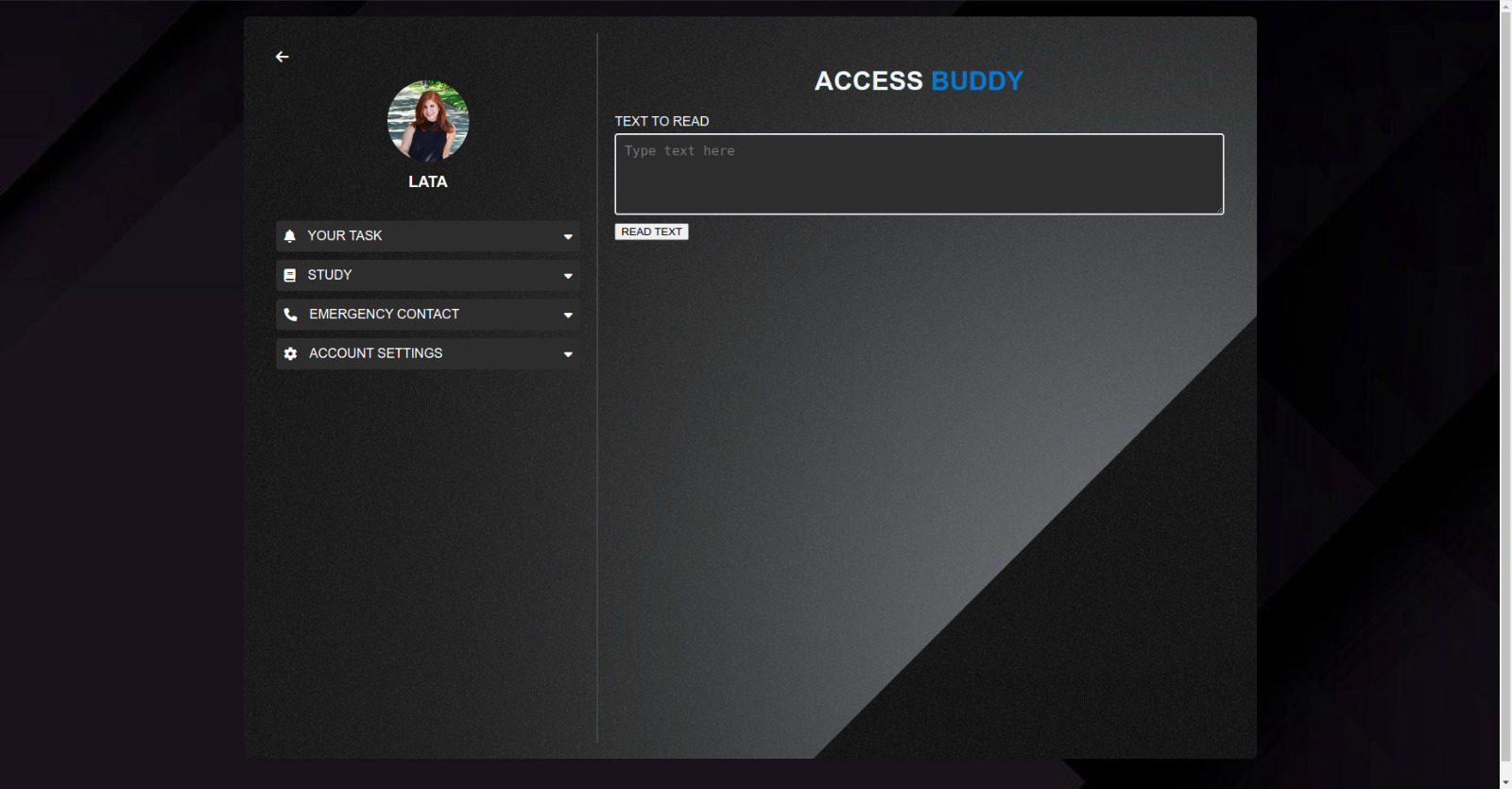
Read Texts
-
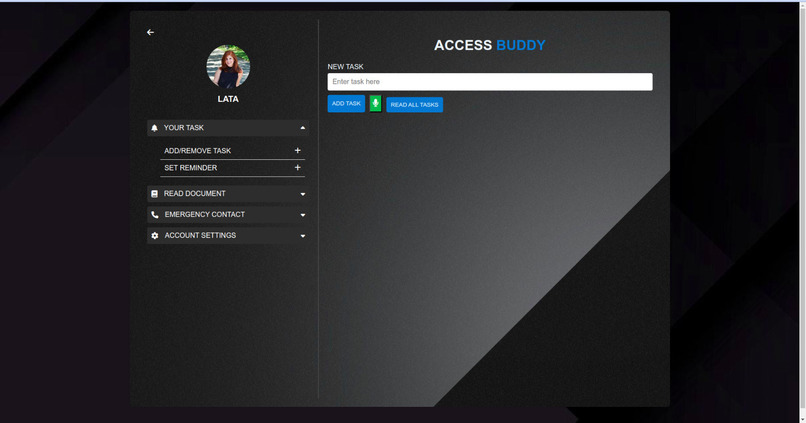
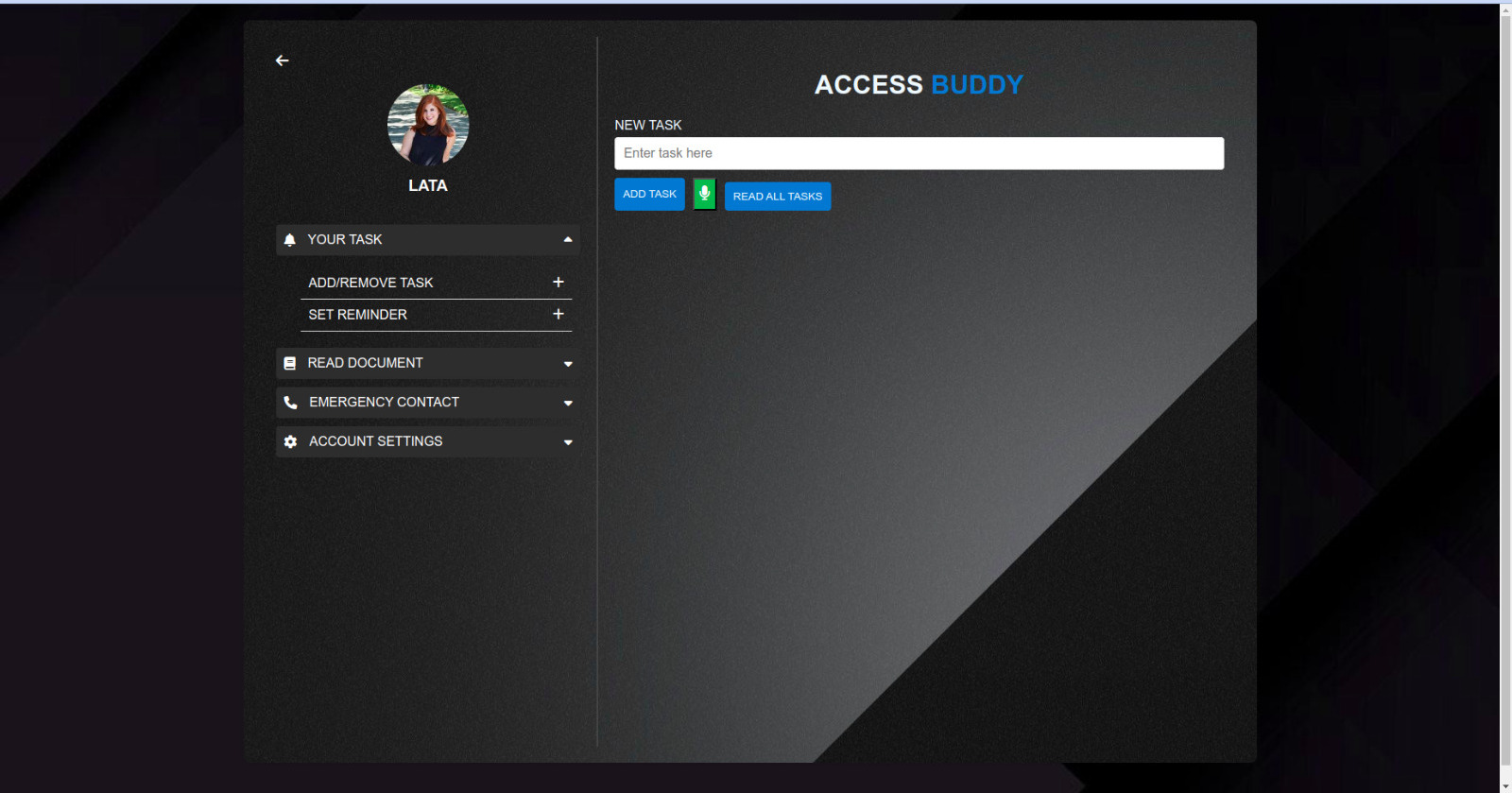
Add/Remove Tasks
-
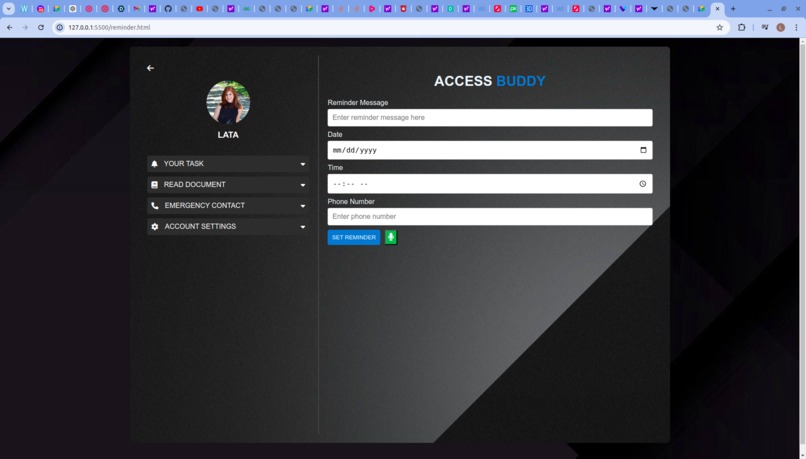
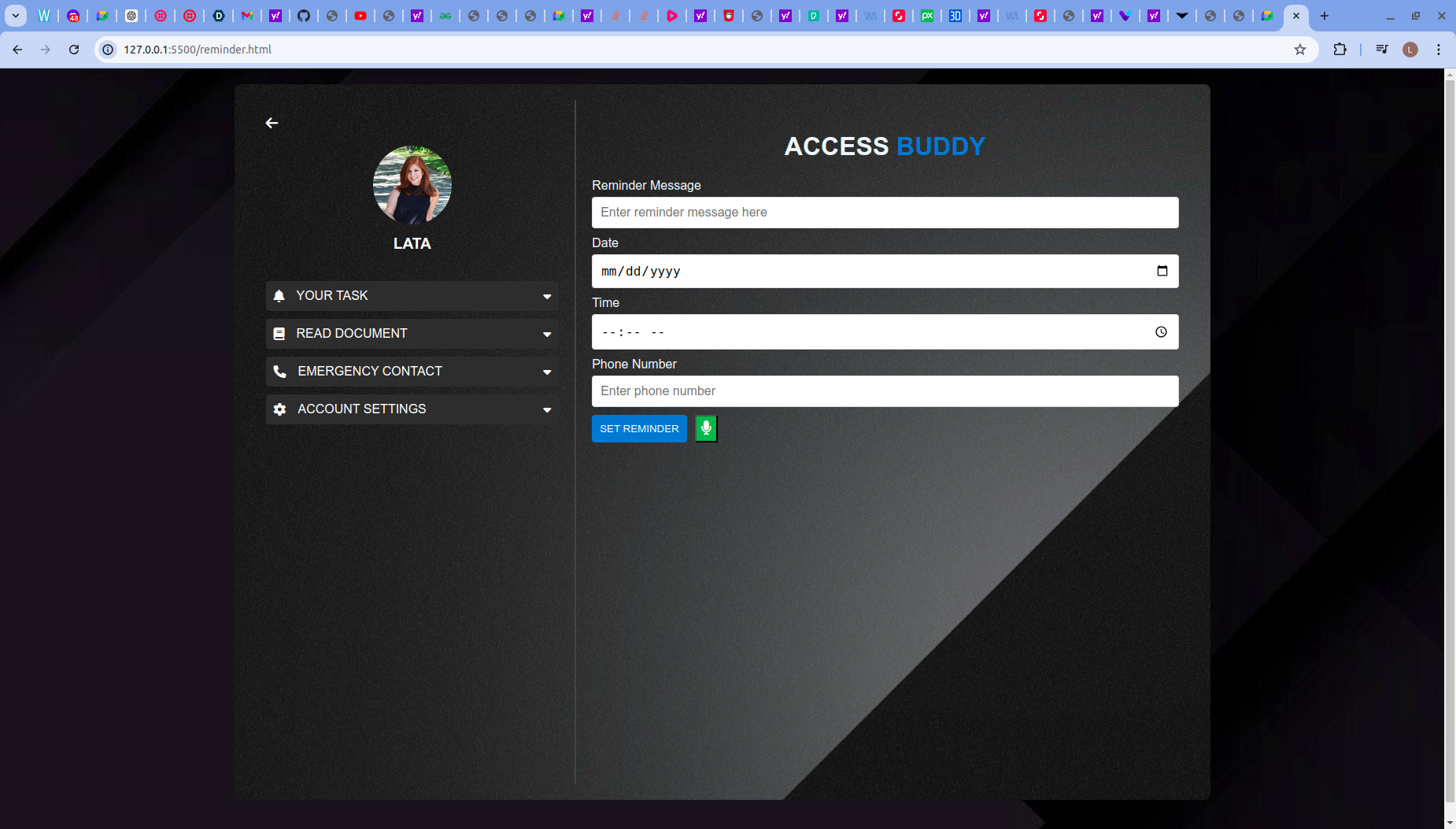
Set Reminder
-
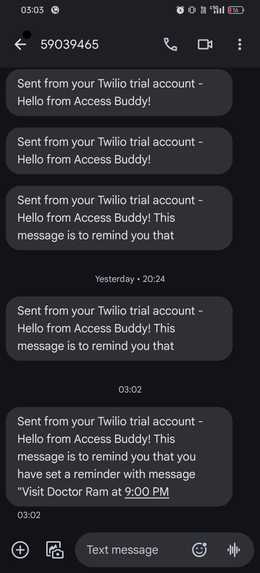
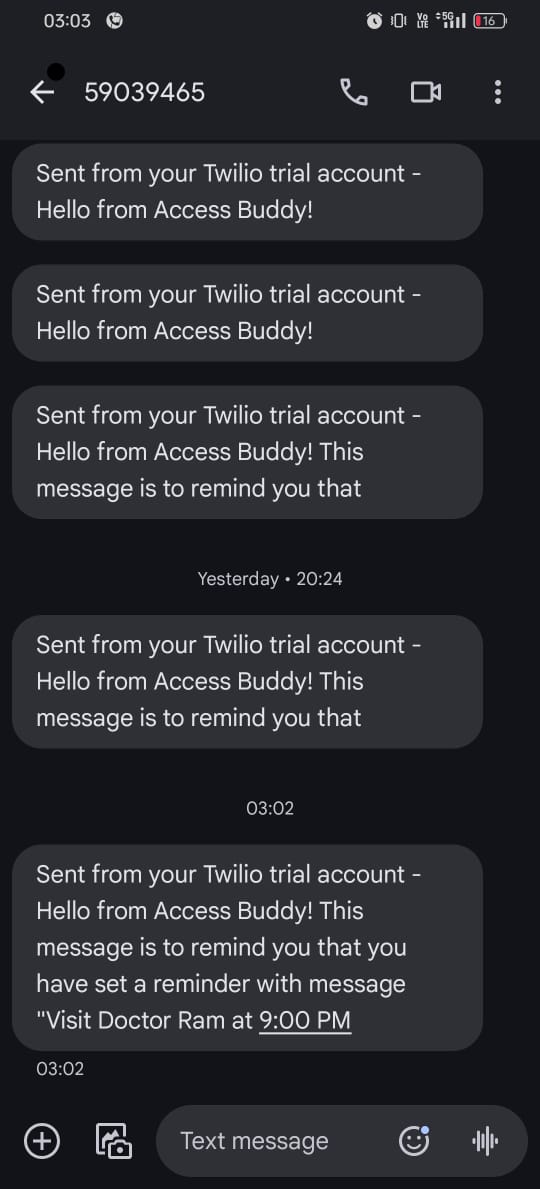
Reminder SMS received
Inspiration
The inspiration behind Access Buddy came from a desire to make everyday tasks more accessible for visually impaired individuals. I recognized the challenges faced by those with visual impairments in managing tasks, setting reminders, and accessing written information. My goal was to create a solution that simplifies these tasks through voice commands and text-to-speech technology, making daily life easier and more manageable.
What It Does
Access Buddy is designed to empower visually impaired individuals by transforming everyday tasks into accessible and manageable experiences. It offers:
- Voice-Controlled Task Management: Users can add, remove, and manage tasks through simple voice commands.
- Text-to-Speech for Documents: Allows users to upload documents and have them read aloud.
- Intelligent Reminder Systems: Provides reminders through SMS and calls, ensuring important tasks and deadlines are not missed.
- Text-to-Speech for Custom Input: Users can type in any text and have it read aloud using speech synthesis.
How I Built It
I built Access Buddy using a combination of web technologies and APIs. The core components include:
- Frontend Development: Created with HTML, CSS, and JavaScript to ensure an accessible and user-friendly interface.
- Voice Commands: Integrated using Web Speech API and ResponsiveVoice to enable voice interactions.
- Text-to-Speech: Implemented using text-to-speech libraries to convert text into spoken words.
- Reminder System: Developed using a mix of server-side technologies and third-party services for SMS and call notifications.
Challenges I Ran Into
Some challenges included:
- Integrating Voice Commands: Ensuring reliable voice command recognition and handling different accents and speech variations.
- Text-to-Speech Accuracy: Making sure that the text-to-speech functionality accurately reads various types of documents and text inputs.
- Accessibility Testing: Testing the app to ensure it meets the needs of visually impaired users and provides a seamless experience.
Accomplishments That I'm Proud Of
- Voice-Controlled Functionality: Successfully implemented a robust voice command system that allows for hands-free task management.
- Seamless Document Reading: Developed a reliable text-to-speech feature that effectively reads different document types.
- Comprehensive Reminder System: Created a reminder system that uses SMS and calls, ensuring users receive timely notifications.
What I Learned
Throughout this project, I learned a great deal about:
- Voice and Speech Technologies: How to effectively use voice recognition and text-to-speech APIs to enhance accessibility.
- User-Centered Design: The importance of designing with accessibility in mind and how to test features with real users to ensure effectiveness.
- Integration Challenges: How to overcome technical challenges when integrating multiple APIs and services.
What's Next for Access Buddy
For the future of Access Buddy, I plan to:
- Expand Voice Commands: Add more voice command functionalities to cover additional tasks and features.
- Enhance Document Reading: Improve the text-to-speech capabilities to handle more complex document formats.
- User Feedback Integration: Gather and incorporate user feedback to further refine and improve the app’s accessibility and usability.

Log in or sign up for Devpost to join the conversation.