-
-
Cover
-
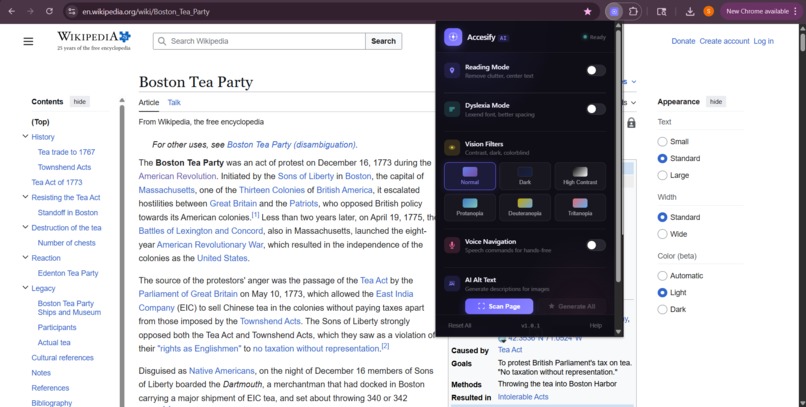
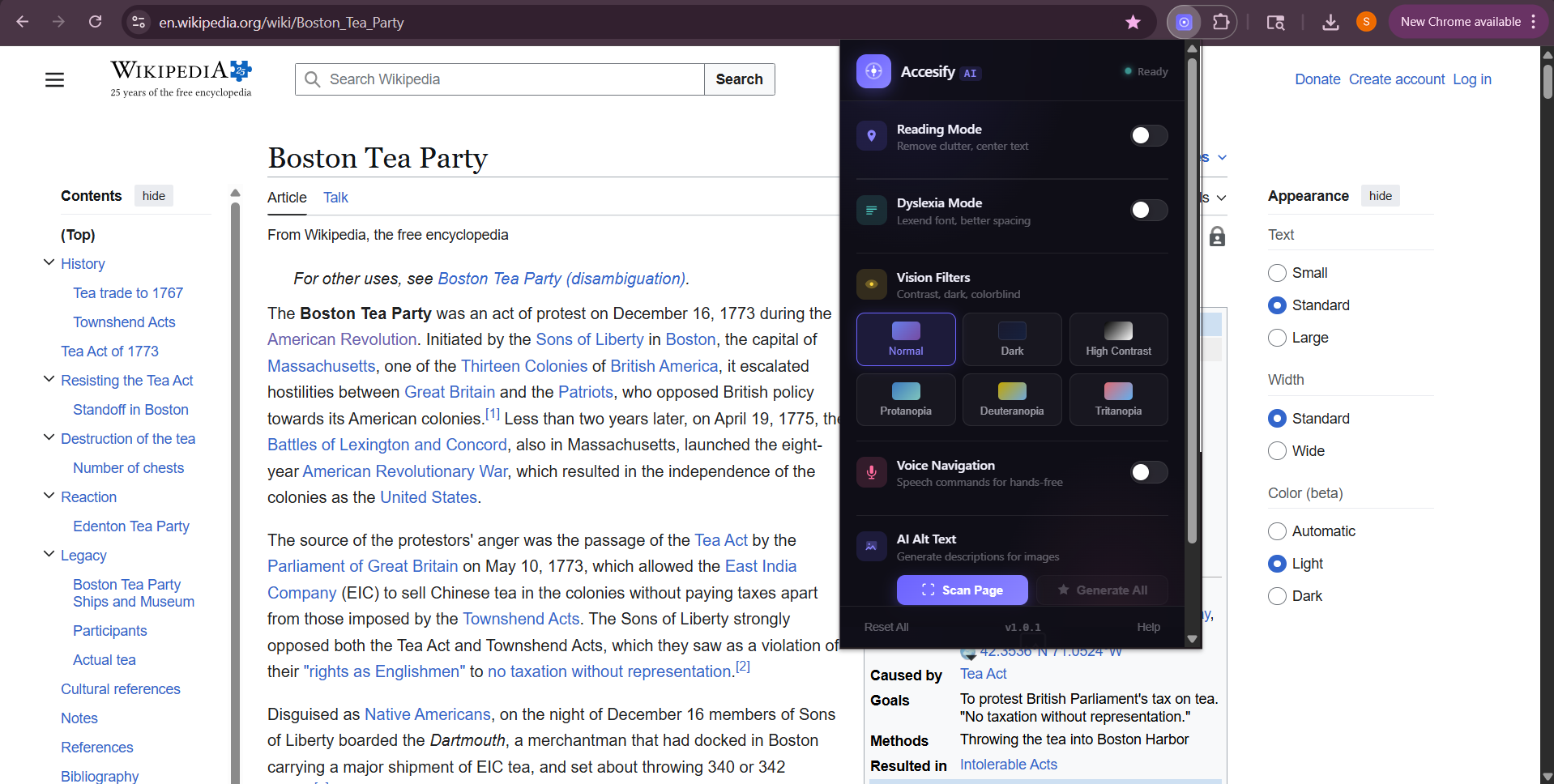
Basic Interface
-
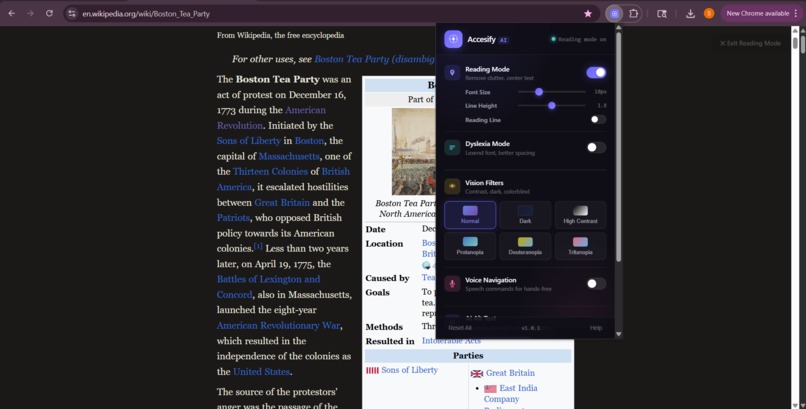
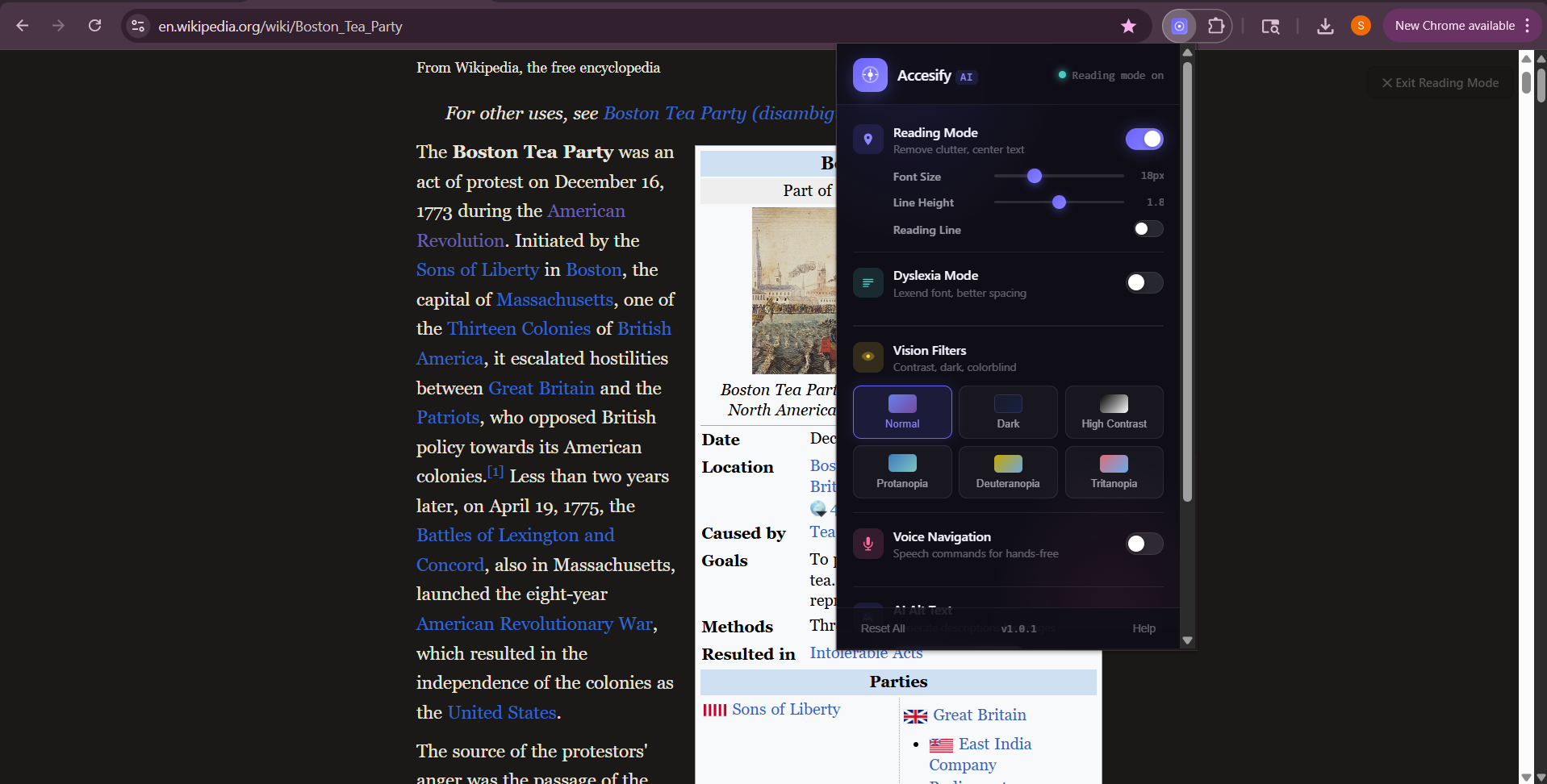
Reading Mode
-
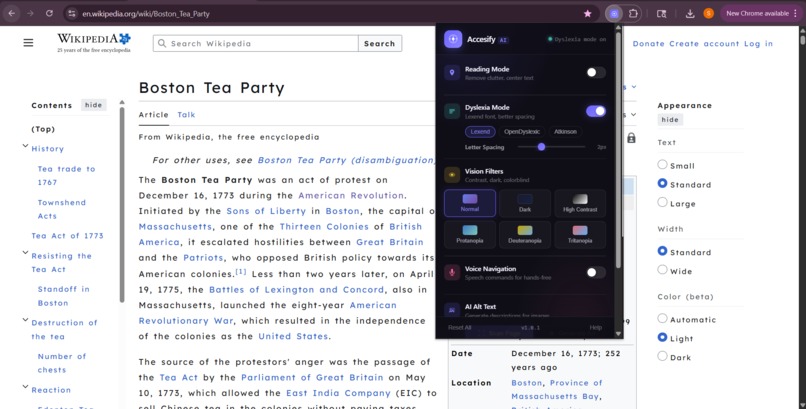
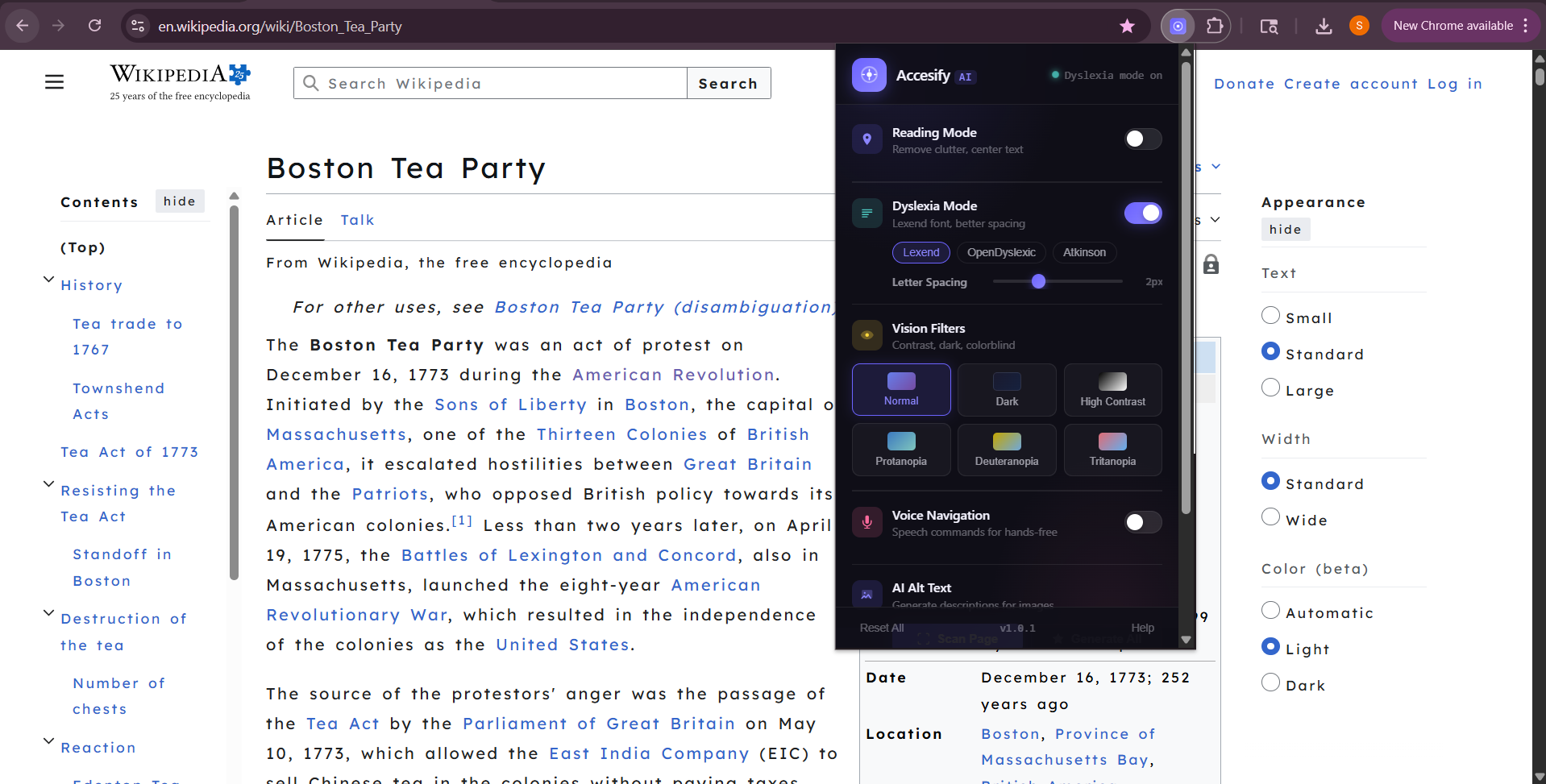
Dyslexia Mode (3 font choices)
-
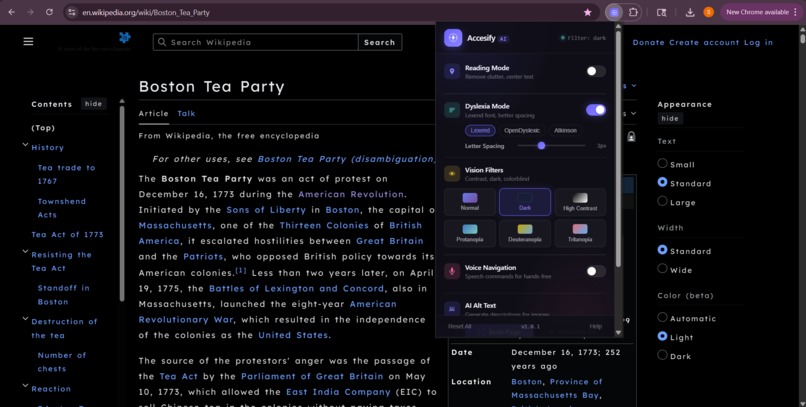
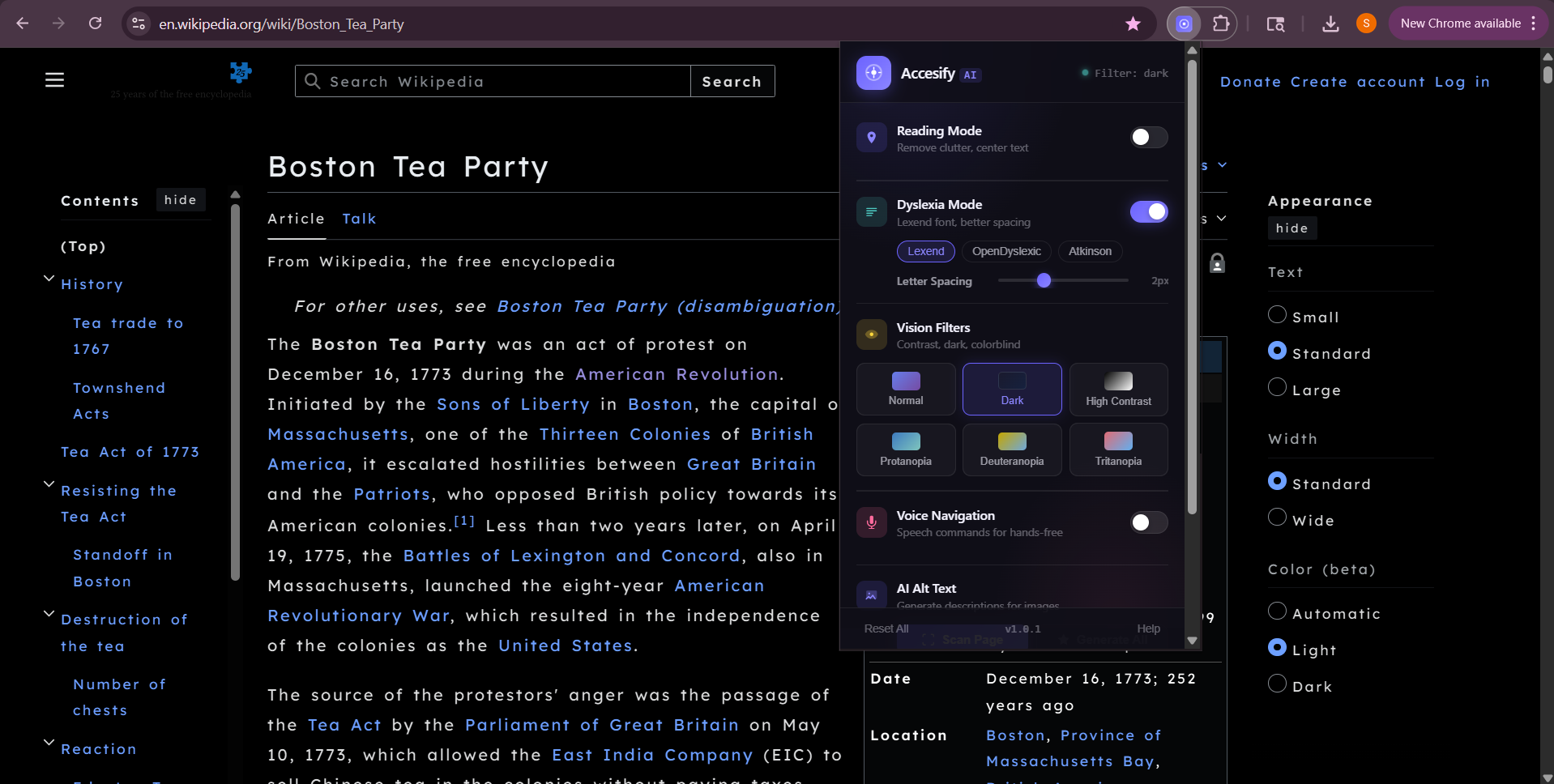
Dark Mode (6 total options)
-
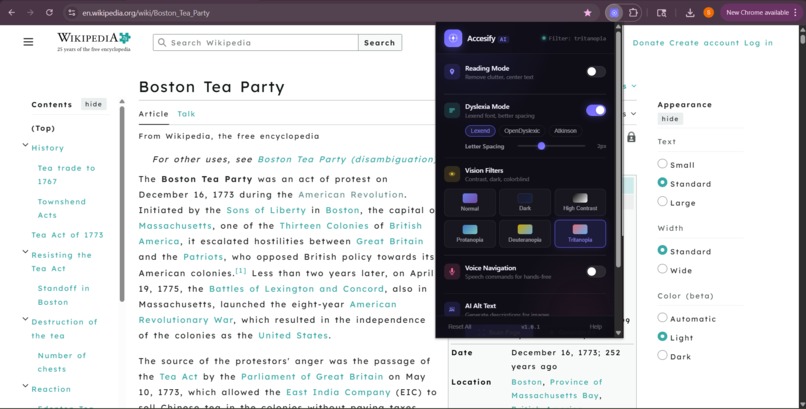
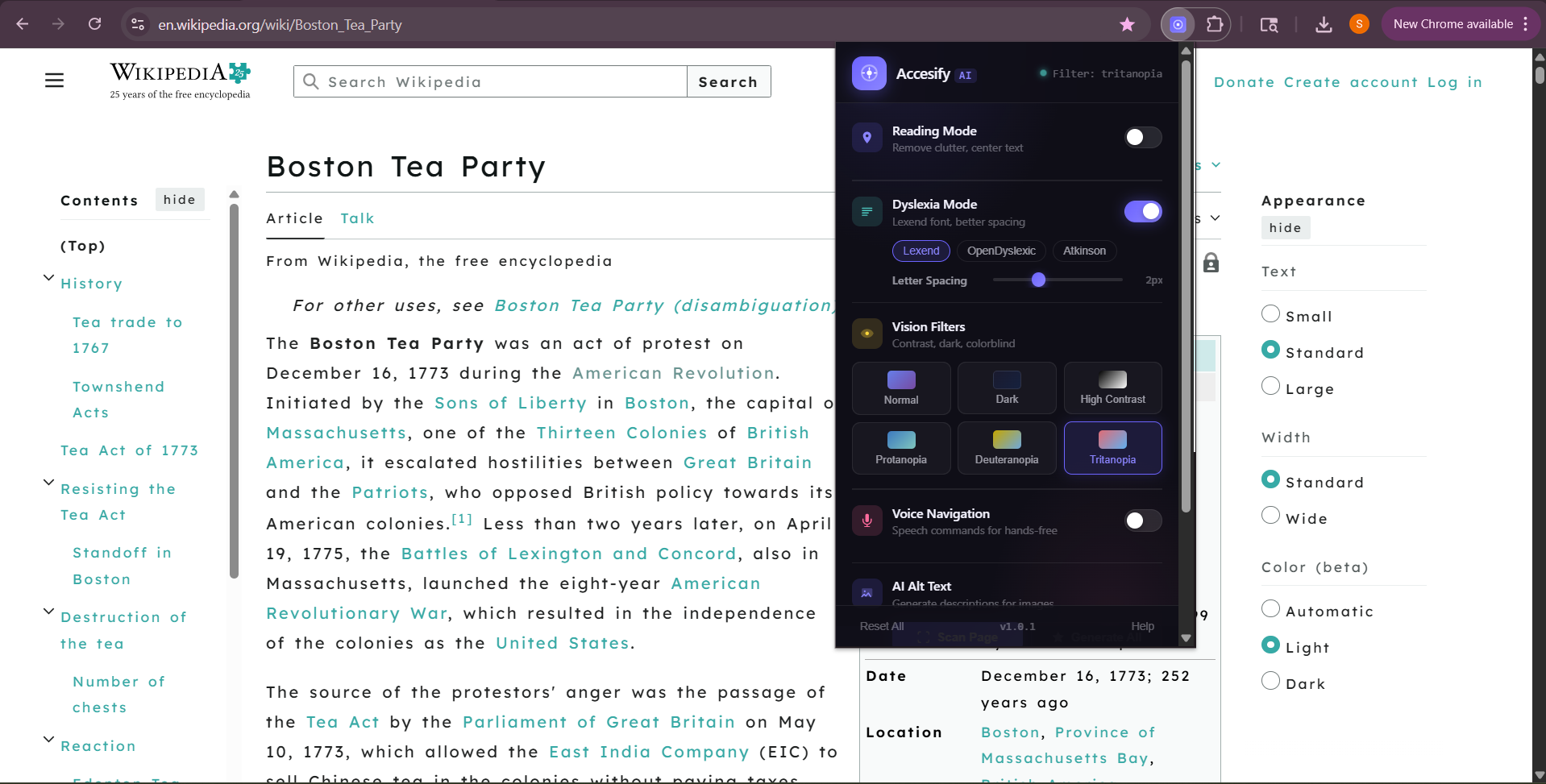
Tritanopia (6 total options)
-
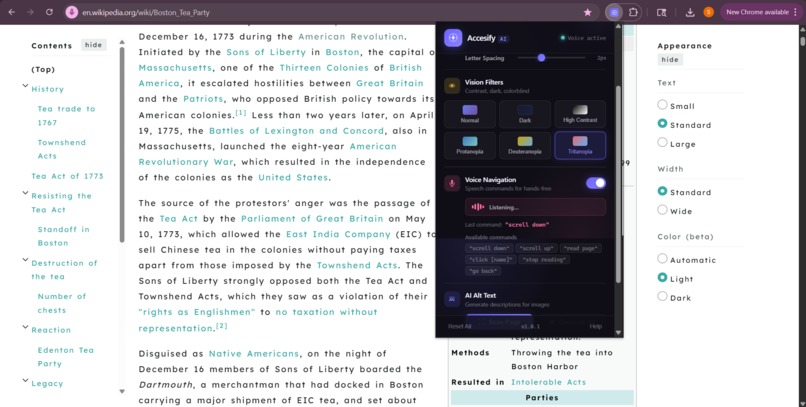
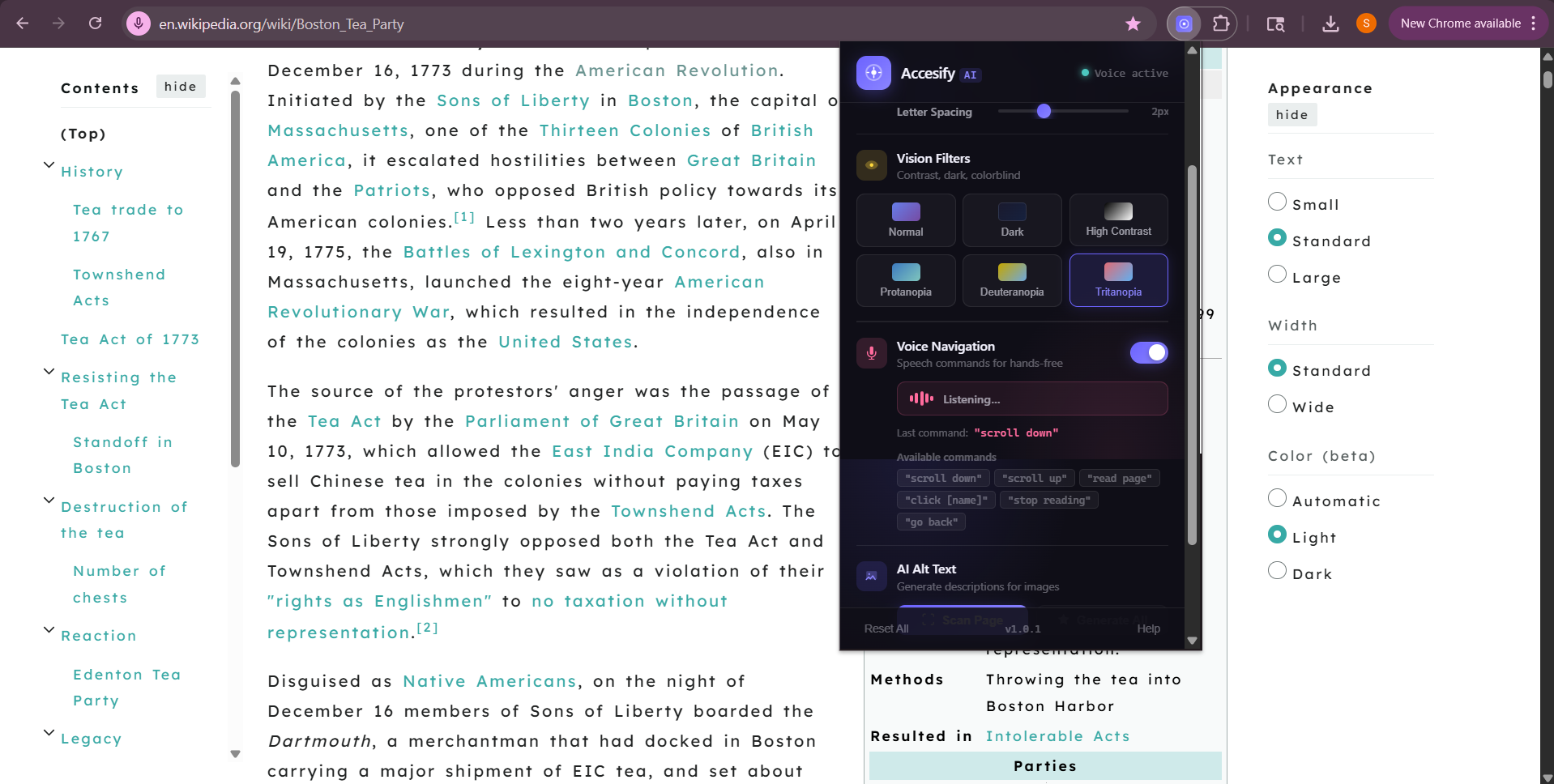
Voice Navigation
-
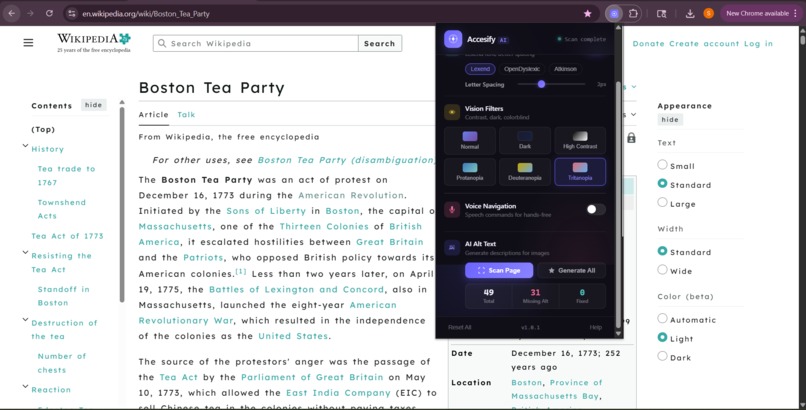
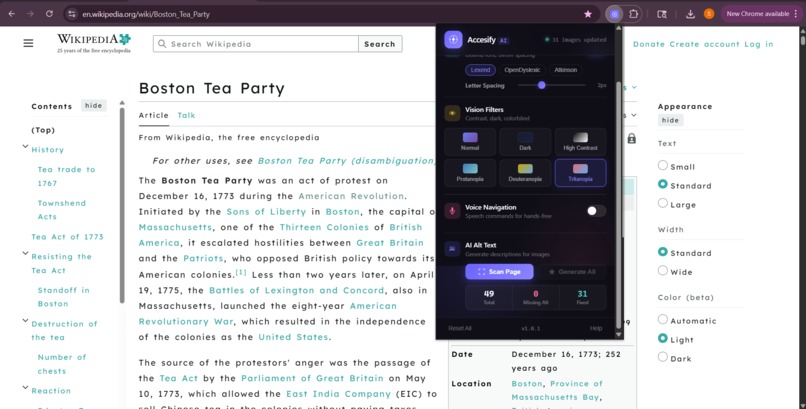
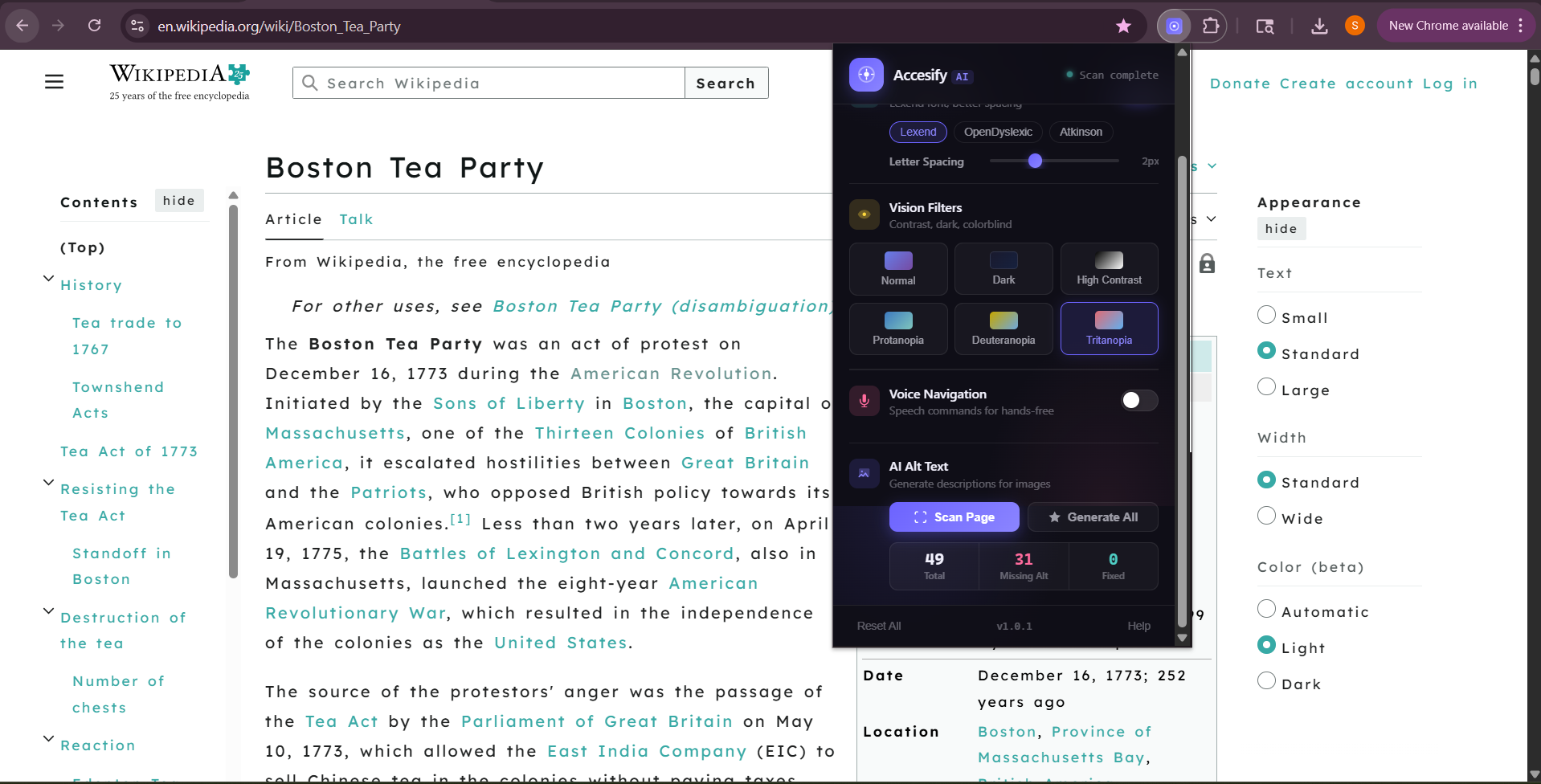
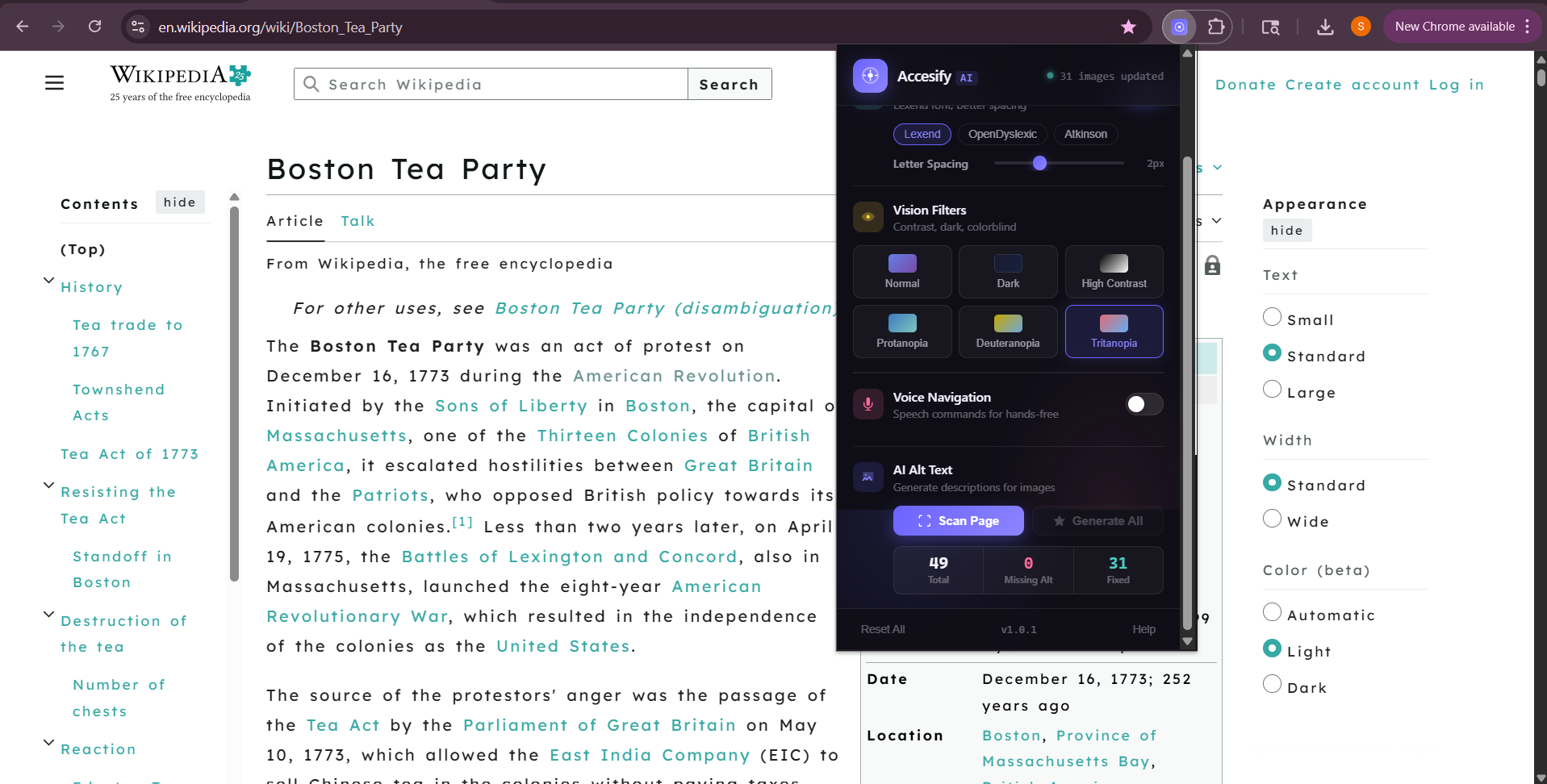
AI Alt Text Scanning
-
Fixing Alt Text after Scanning
Inspiration
Even in 2026, many websites are still hard to use for people with disabilities. Dyslexia, color blindness, or limited mobility can make browsing frustrating or impossible. I wanted to build a tool that instantly adapts any site, so everyone could read, navigate, and interact online independently.
What it does
Accesify AI is a Chrome extension that adds an accessibility layer to any website. It helps you:
Read more easily with dyslexia-friendly fonts
Navigate via voice commands
See images with AI-generated alt-text
Switch to a clean, simplified reading mode
Apply vision filters for colorblind or low-contrast viewing
Control everything through a friendly, interactive panel with toggles, sliders, and status indicators
It’s made to feel like a real product, with smooth animations and a friendly interface.
How I built it
I used HTML, CSS, and JavaScript with Chrome’s extension APIs. AI features use OpenAI for image alt-text and the Web Speech API for voice commands.
The extension is split across several files, popup, content scripts, background scripts, and AI modules, to keep it organized.
Challenges I ran into
Chrome doesn’t auto-load scripts on tabs that are already open, so I had to figure out a way to inject them on the fly.
Making the extension accessible to everyone meant carefully handling keyboard navigation and screen reader support.
Real-time reading mode and image scanning could slow down the page, so I had to optimize how updates happen.
Security was critical. We implemented a full HTML sanitizer to prevent XSS attacks.
Accomplishments I'm proud of
A working, polished Chrome extension
A UI that’s easy to use and looks professional
AI-generated alt-text that actually works
A system that handles older tabs correctly
Fixed accessibility and performance issues from testing
What I learned
Chrome MV3
How Chrome extensions work behind the scenes
Real accessibility best practices for websites
How to optimize code to keep things fast
What’s next for Accesify AI
Add AI text simplification for easier reading
Expand voice commands for more control
Make it work in other browsers
Let users sync settings across devices
Eventually turn it into a tool schools and organizations can use
Built With
- canva
- chromeextensionapi
- css3
- github
- googlefonts
- html5
- javascript
- json
- openaiapi
- soraai
- vscode
- webspeechapi

Log in or sign up for Devpost to join the conversation.