Inspiration
Accents carry so much information—where we learned English, what sounds we’re used to, and which parts of pronunciation still feel “foreign” to our mouths. I wanted to build something that’s both fun and genuinely useful: a lightweight way to hear what your English sounds like to others, and a practical starting point for improving clarity without turning language learning into a chore.
What it does
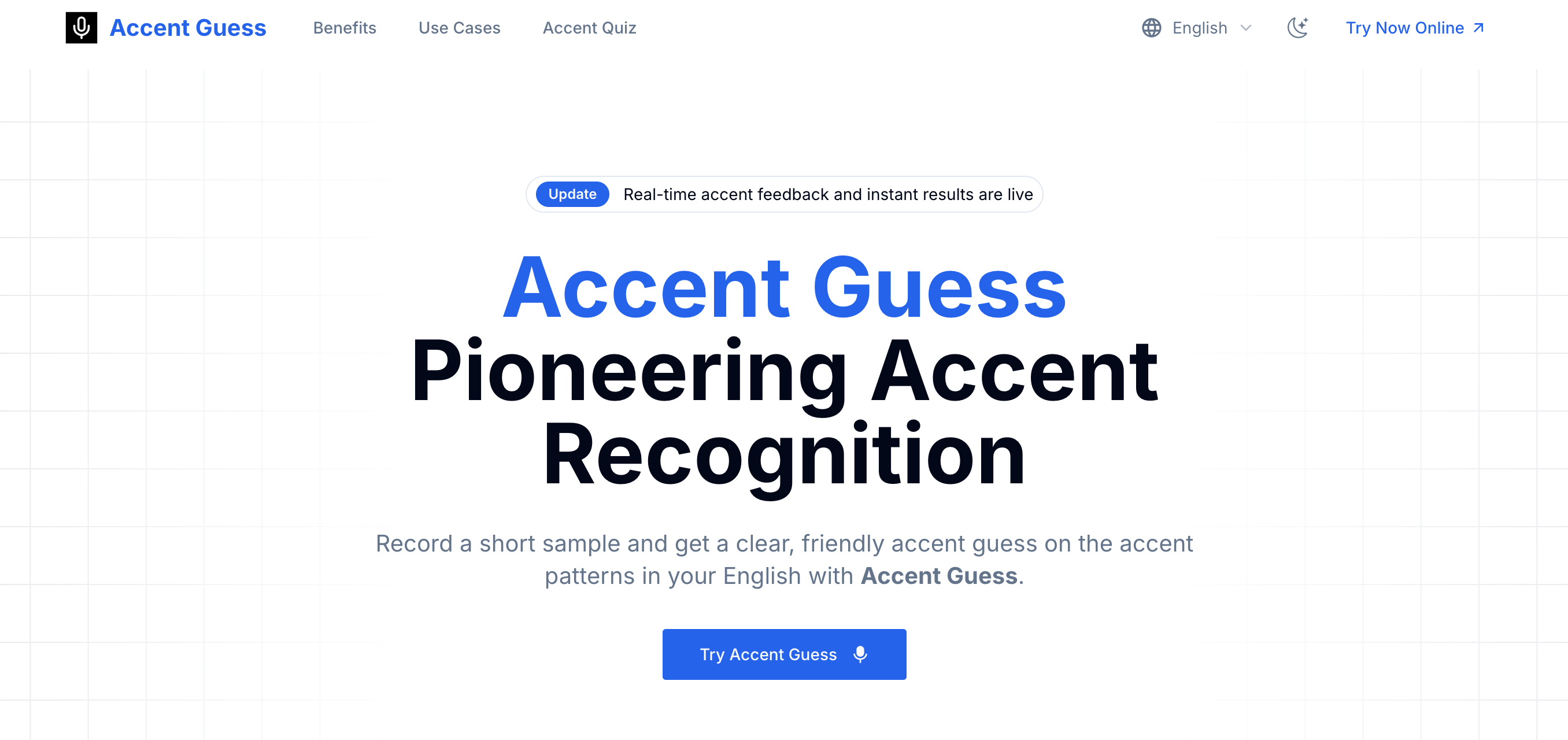
Accent Guesser (AccentGuess) lets you record a short English sample and instantly get an AI-based accent guess. Beyond the label, it’s designed to highlight the pronunciation patterns that influenced the result and offer simple guidance you can apply right away. It also supports a quiz-style flow where you read multiple sentences so the system can make a more confident call and return a richer “accent profile.”
How I built it
I built it as a simple pipeline optimized for speed and consistency:
- A clean browser-based recorder with clear instructions and guardrails (so users know exactly what to read and how long to speak).
- Audio preprocessing to normalize volume and reduce noise sensitivity, then feature extraction focused on phonetics and prosody (vowels, consonants, rhythm, stress).
- A model layer that scores likely accent families/regions and produces confidence estimates.
- A post-processing layer that turns raw model signals into a user-friendly explanation plus targeted practice tips (what to work on, not just what you “are”).
- A results UI designed for sharing, with an optional multi-sentence quiz flow to improve stability of the output.
Challenges I ran into
- Similar accents are genuinely hard to separate. Some accent patterns overlap heavily, especially with non-native speakers influenced by multiple languages.
- Recording quality varies wildly. Mic differences, background noise, and speaking speed can shift results, so the system needed robust normalization and clear user instructions.
- Balancing honesty and friendliness. The product has to be transparent about uncertainty without making results feel meaningless.
- Making feedback actionable. “You sound like X” is entertaining, but real value comes from practical guidance users can actually practice.
Accomplishments that I'm proud of
- A “low-friction” experience: record → get results fast, without complicated setup.
- Results that feel human: a friendly explanation and improvement suggestions instead of a cold classification.
- A quiz flow that encourages better samples and produces more stable results.
- A product that can serve both casual curiosity and serious learners without changing the core UX.
What I learned
- The best ML UX is often about reducing variability (controlled prompts, consistent recording flow) rather than chasing complexity.
- Users trust results more when you present confidence and clear next steps, not just a label.
- Pronunciation feedback is as much product design as it is modeling—how you explain matters as much as what you predict.
- “Fun” can be the gateway to learning when the experience stays lightweight and non-judgmental.
What's next for Accent Guesser
- More actionable coaching: short practice drills tailored to the user’s top two pronunciation challenges.
- Better robustness: clearer mic checks, noise detection, and guidance for getting a clean sample.
- Finer-grained results: more regional nuance where the model is confident, and clearer grouping when it isn’t.
- Progress tracking: optional history so users can measure improvement over time (without making sharing or privacy feel risky).
- More languages and modes: support for different English prompt sets and possibly other languages in the future.
Built With
- nextjs
- typescripe

Log in or sign up for Devpost to join the conversation.