Inspiration
Motion controls for the Wii remote, smartphones, etc...
What it does
Uses acceleration data from an accelerometer module to control a tilting maze within a Unity 3D application.
How we built it
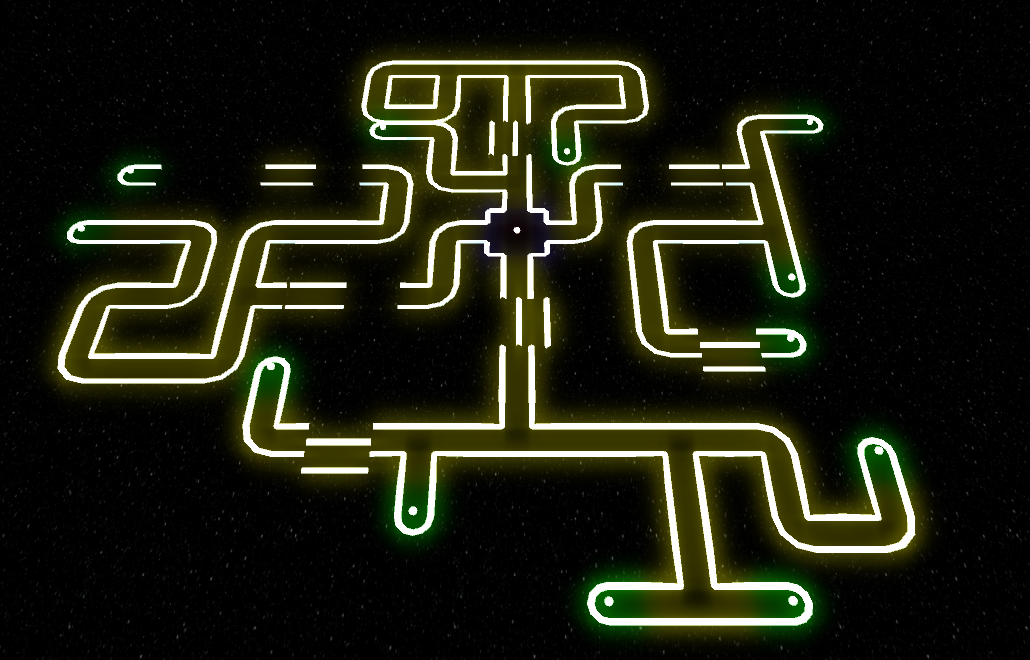
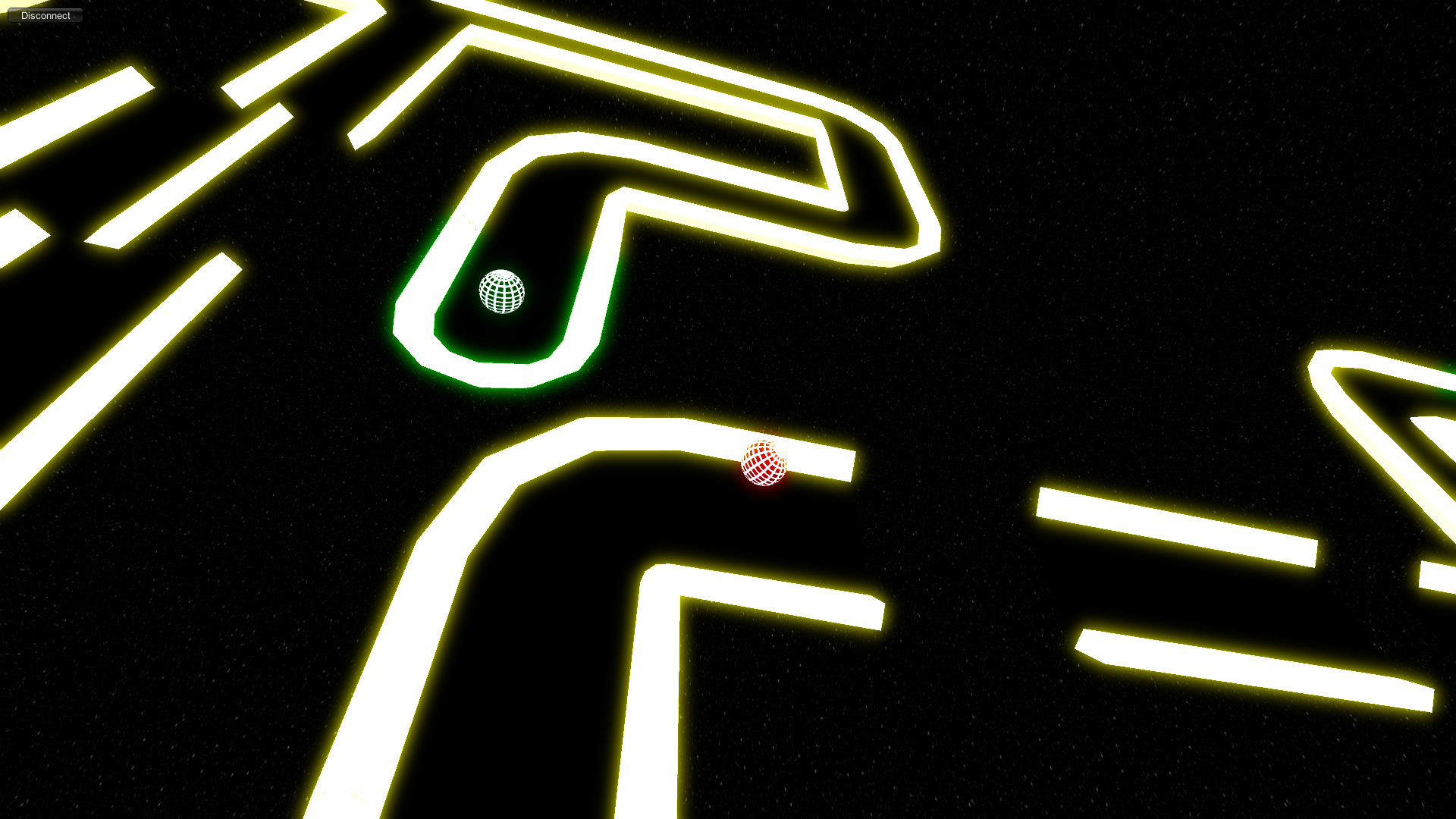
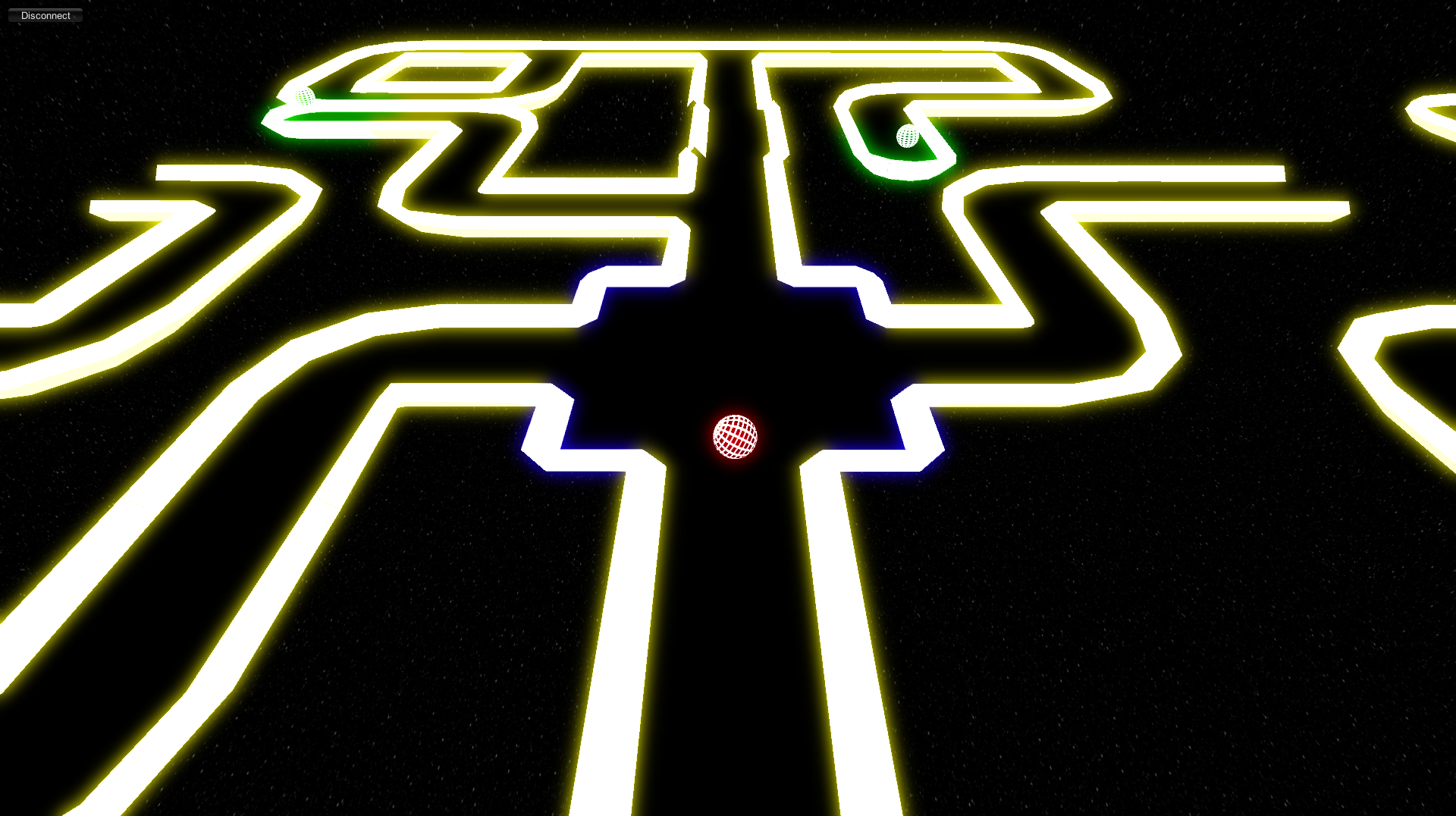
An Arduino Nano board was used to interface with the MPU6050 accelerometer / gyroscope using I2C. The raw acceleration data was sent to the computer using a serial interface (USB). The Unity 3D application requested, received, filtered, and processed the incoming data to turn it into rotation vector. The maze was built in Blender and imported into Unity 3D. It was then rotated in synchronization with the physical device in the user's hand. The ball on the maze can be rolled around to collect green orbs and navigate the maze.
Challenges we ran into
Finding the correct Arduino library. Implementing the correct data processing algorithm. Filtering the rotational vector to remove jitter. Dealing with USB connection issues.
Accomplishments that we're proud of
Getting real-time orientation data based on the direction of gravity using a cheap accelerometer module. Developing the Unity 3D simulation and maze.
What we learned
Interfacing with a accelerometer module. Converting raw acceleration data to filtered orientation data. Unity 3D application development. Blender 3D modelling. Communication between Arduino and Unity 3D.
What's next for Accele-maze
Using a smartphone accelerometer for more reliable data, making the device wireless. Continuing to add features to the Unity 3D simulation.


Log in or sign up for Devpost to join the conversation.