-
-
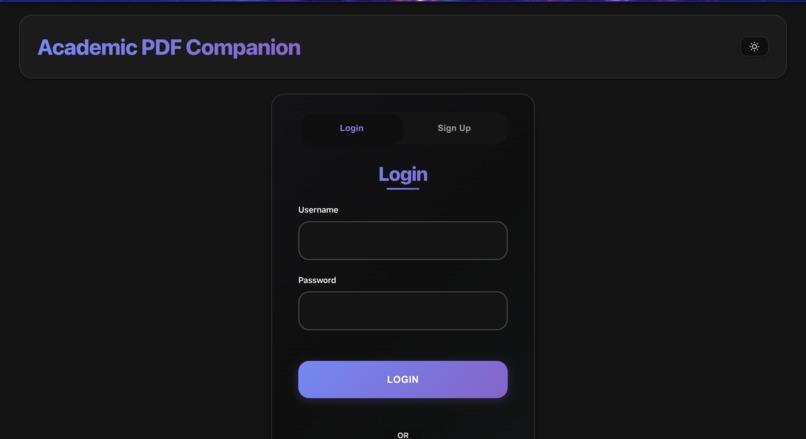
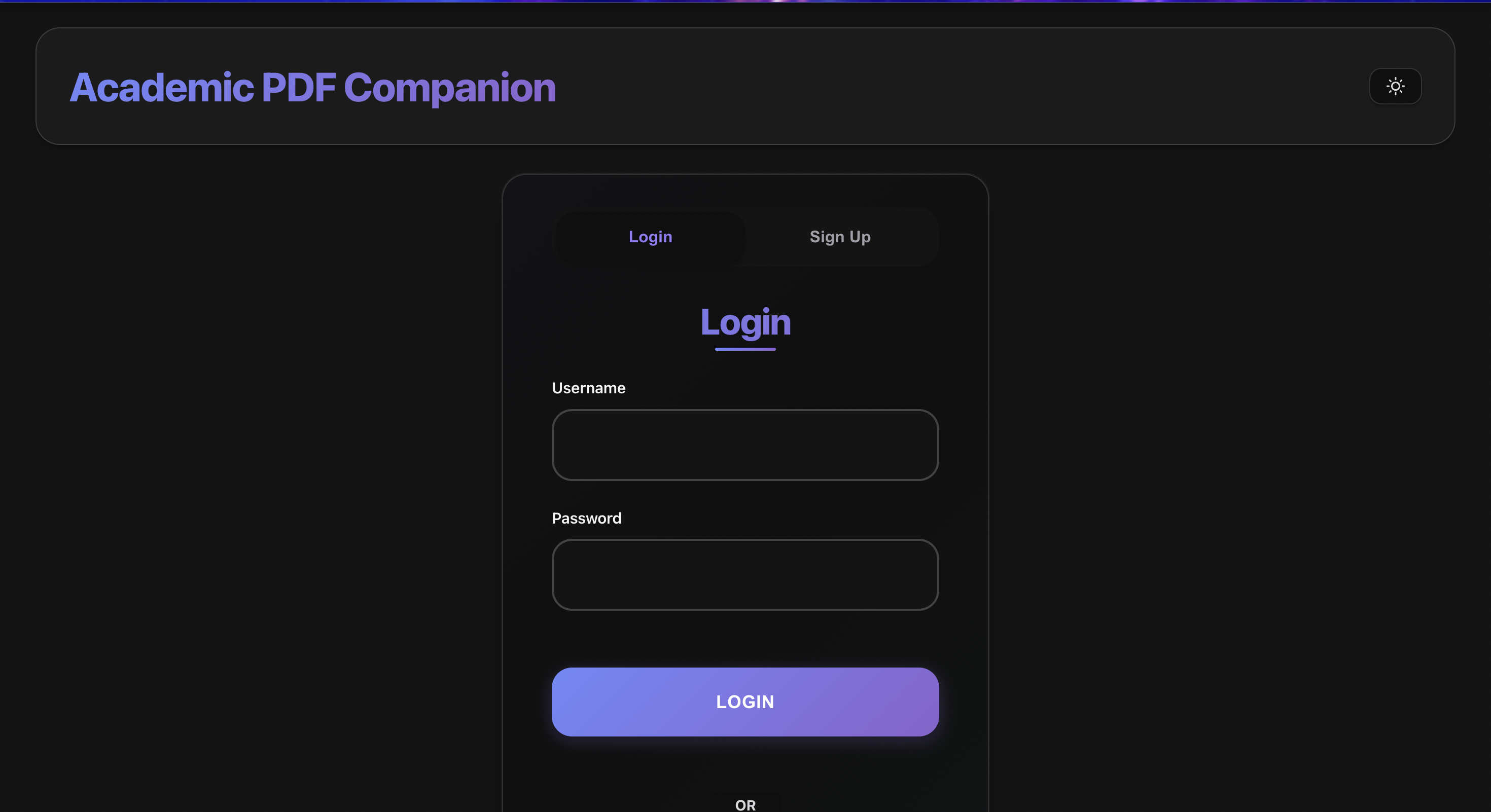
auth screen
-
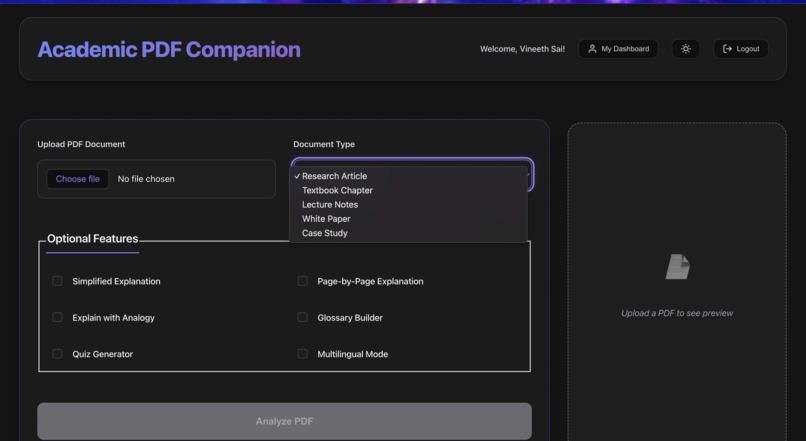
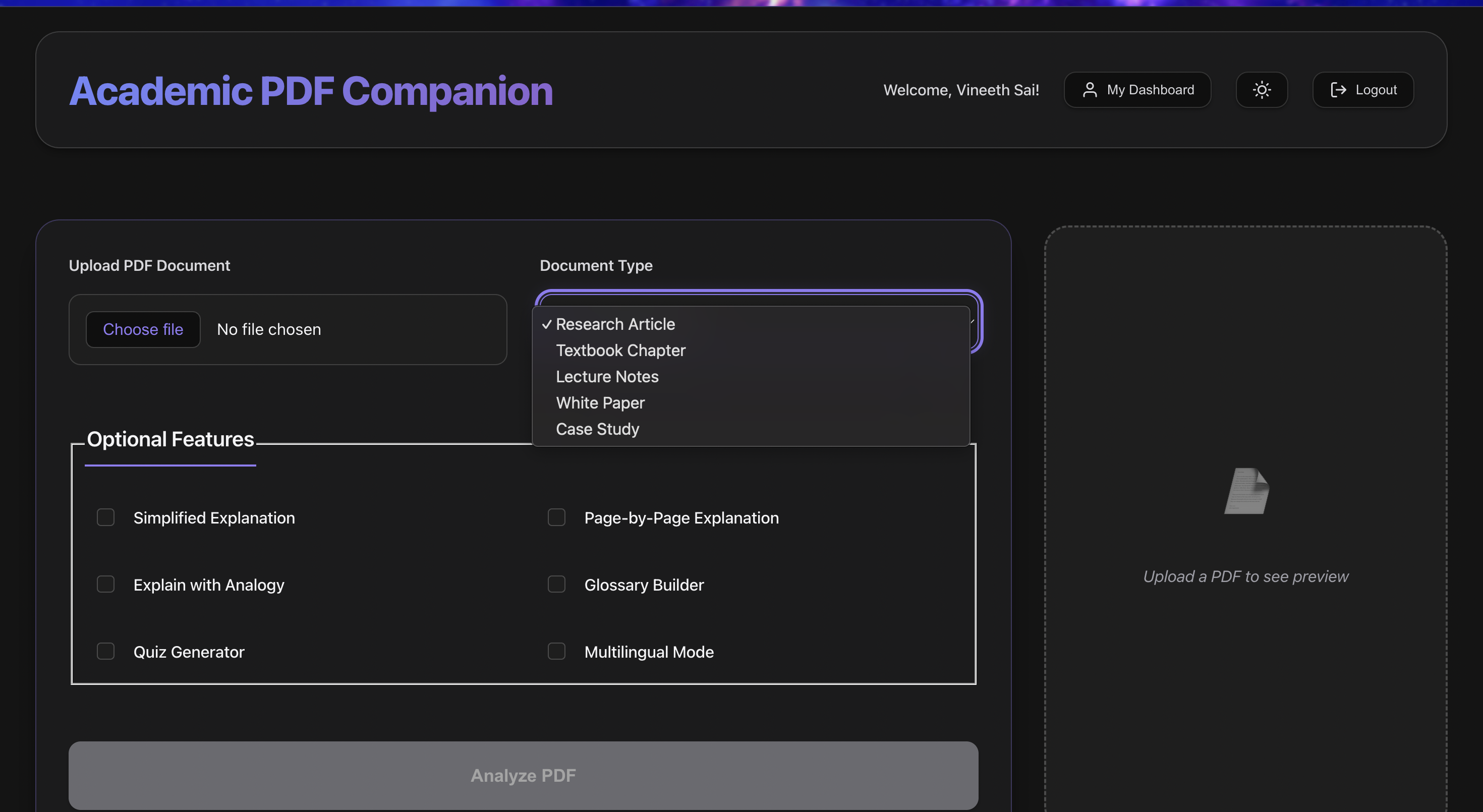
pdf upload
-
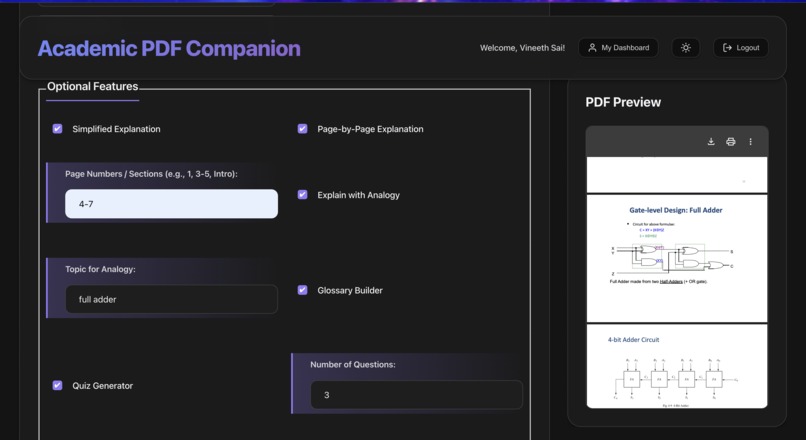
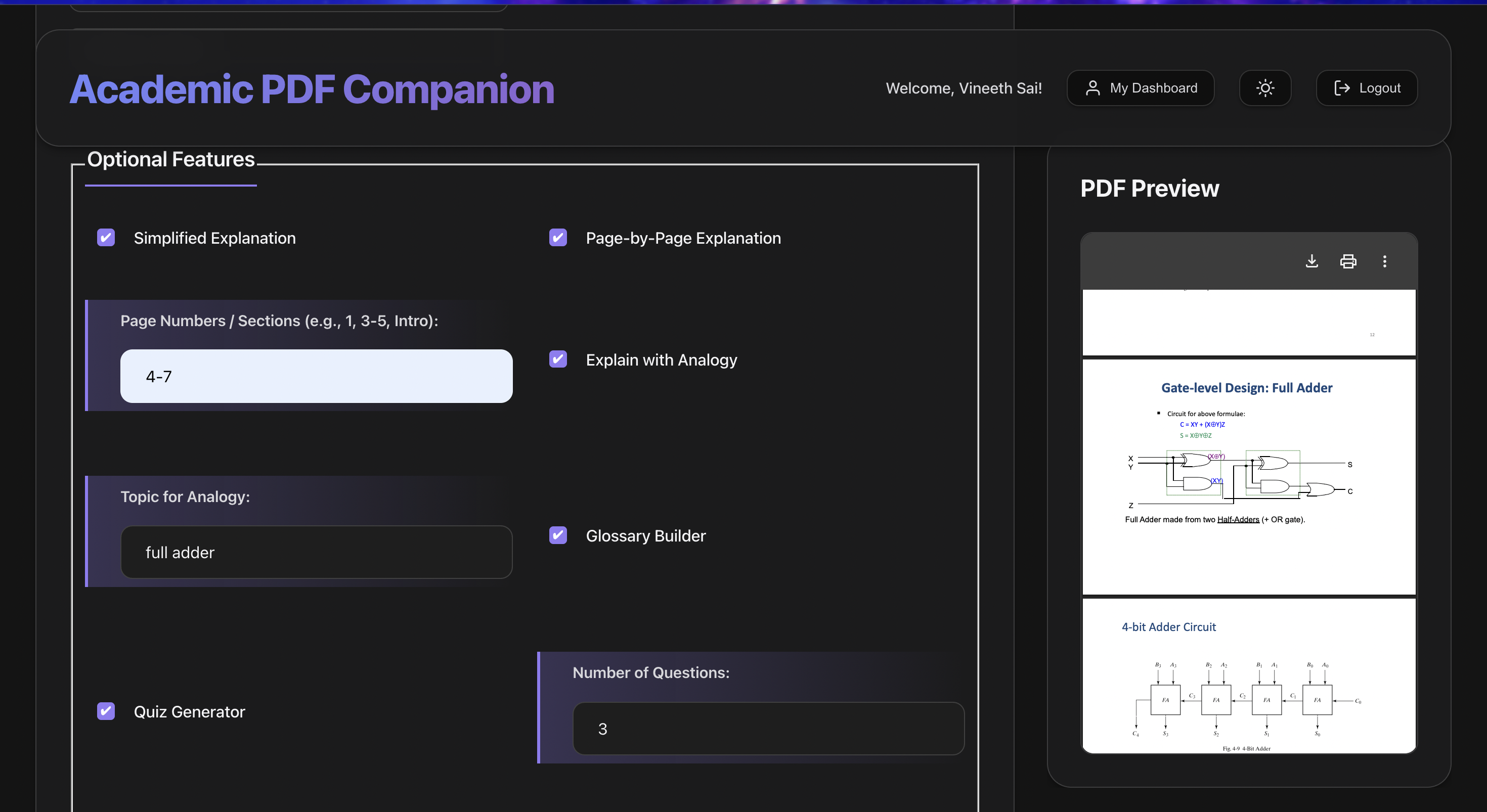
pdf preview
-
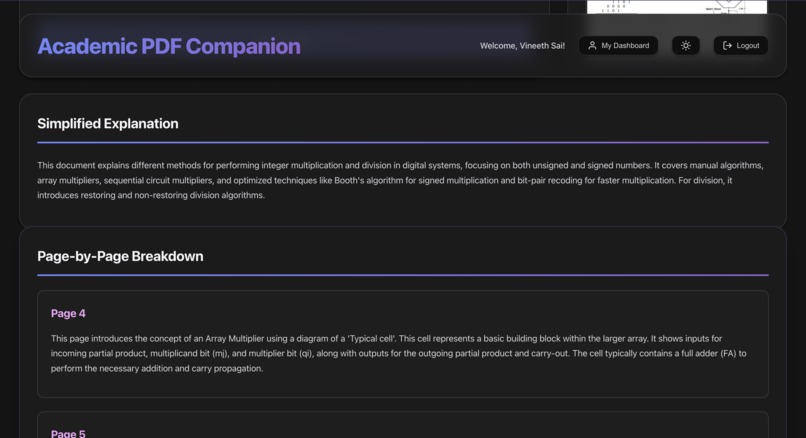
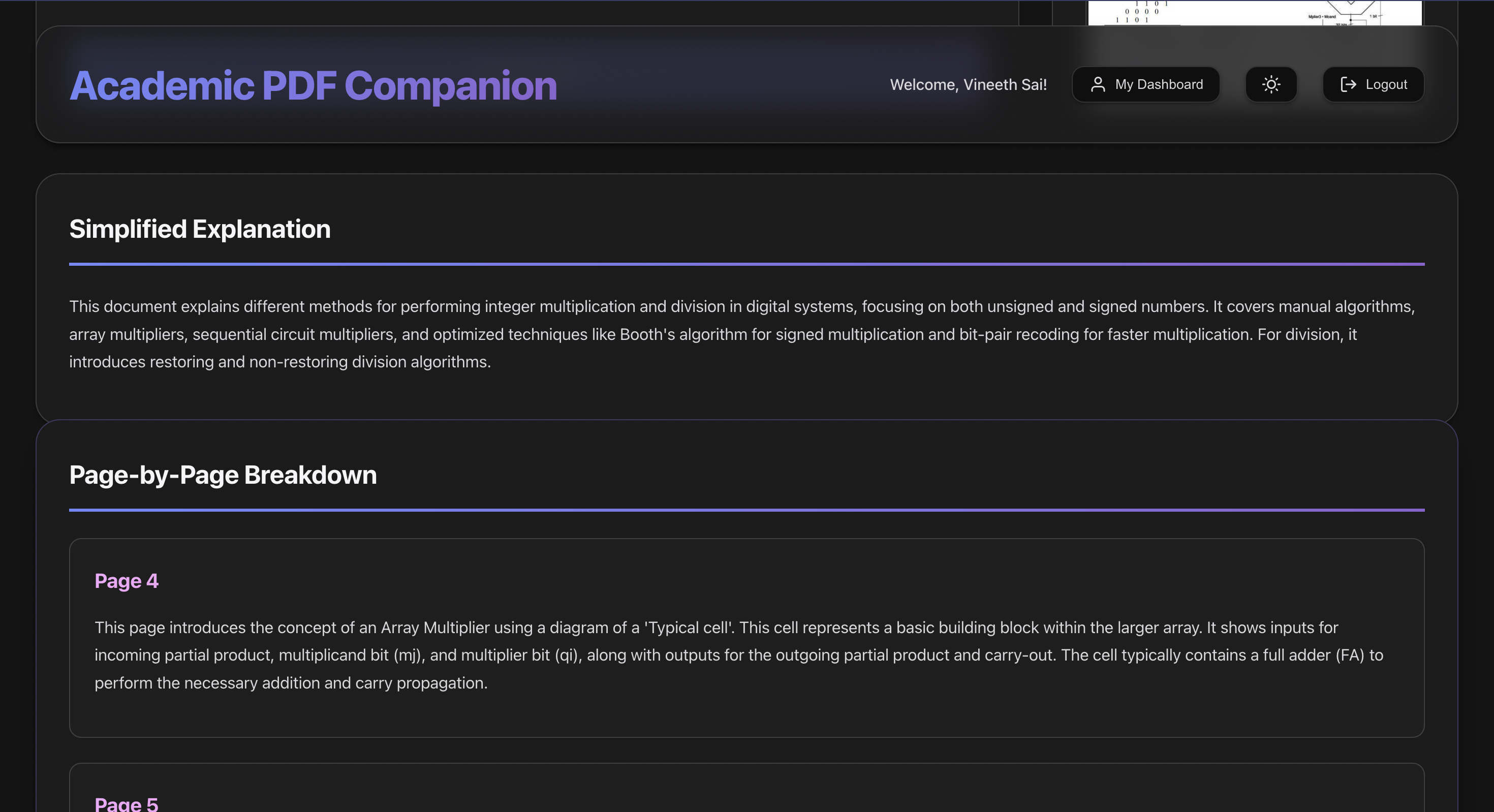
results
-
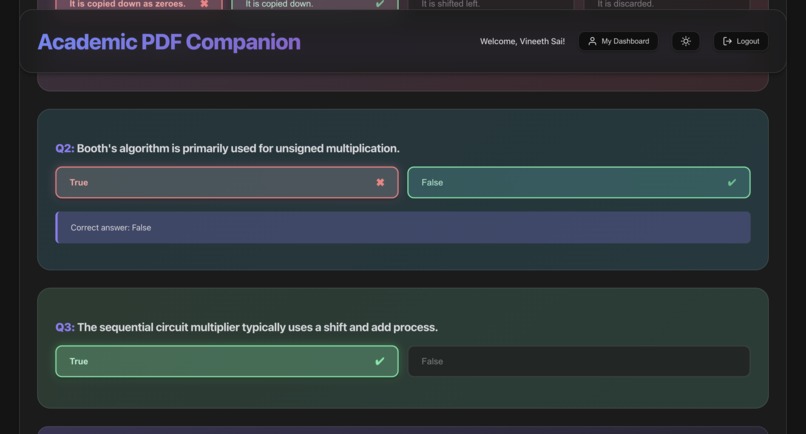
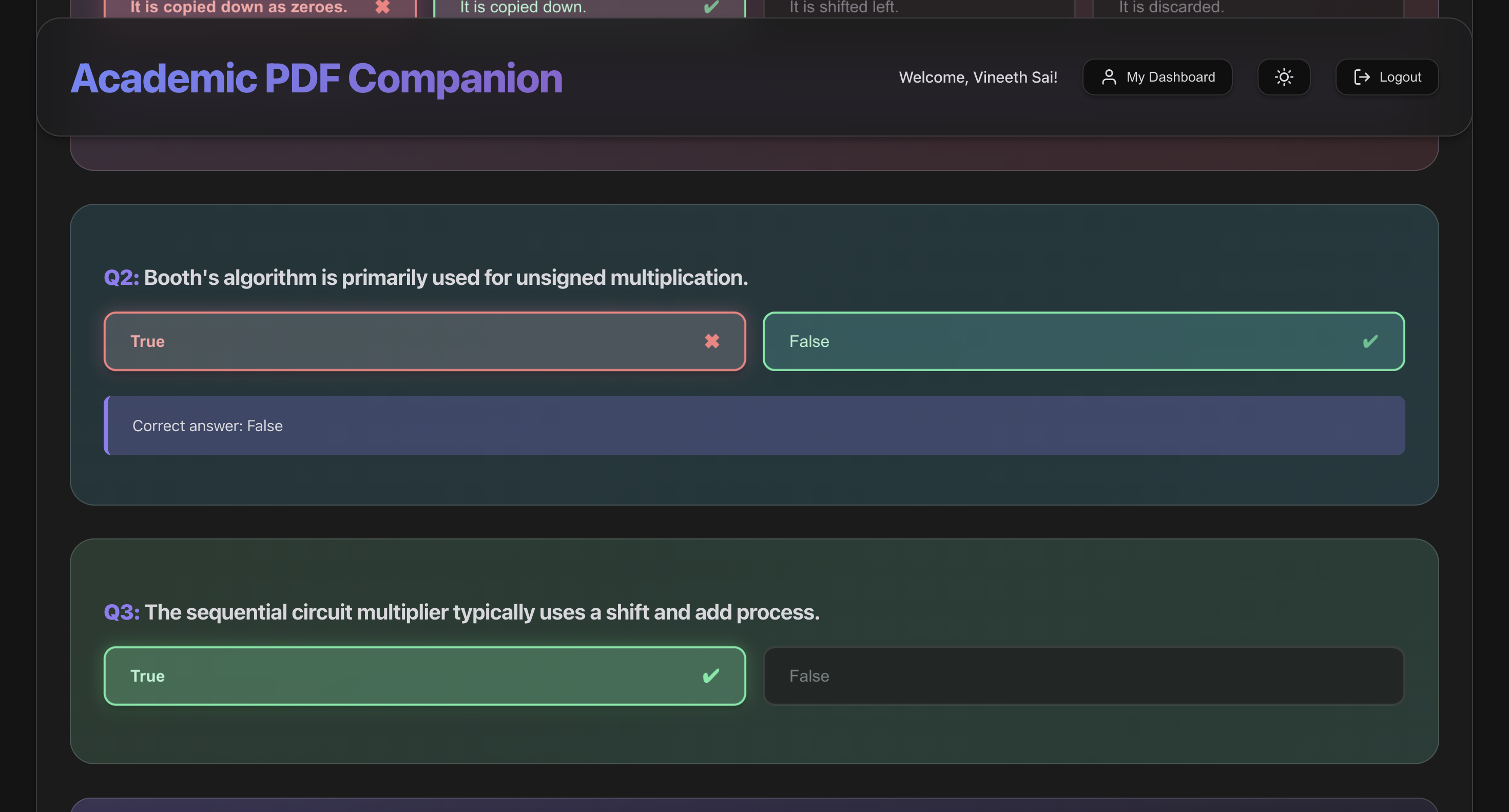
quizzes
-
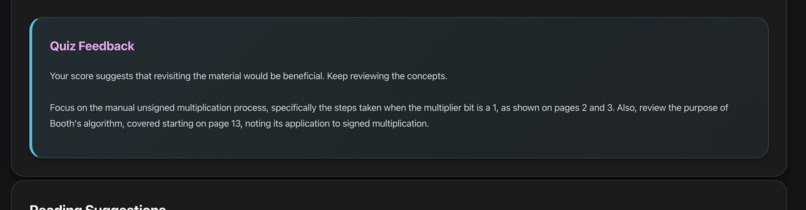
analogy
-
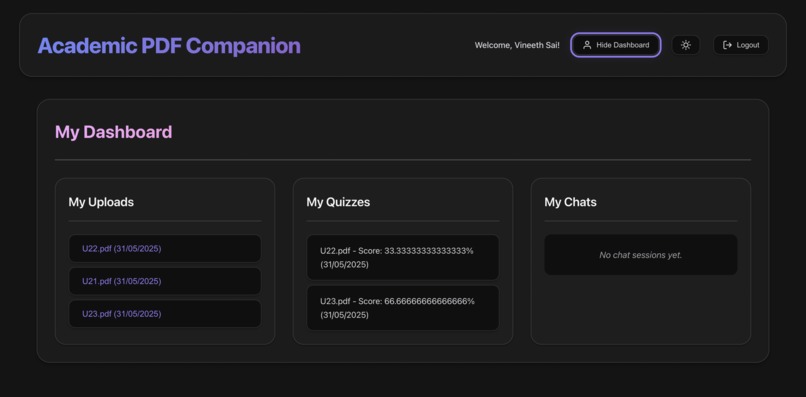
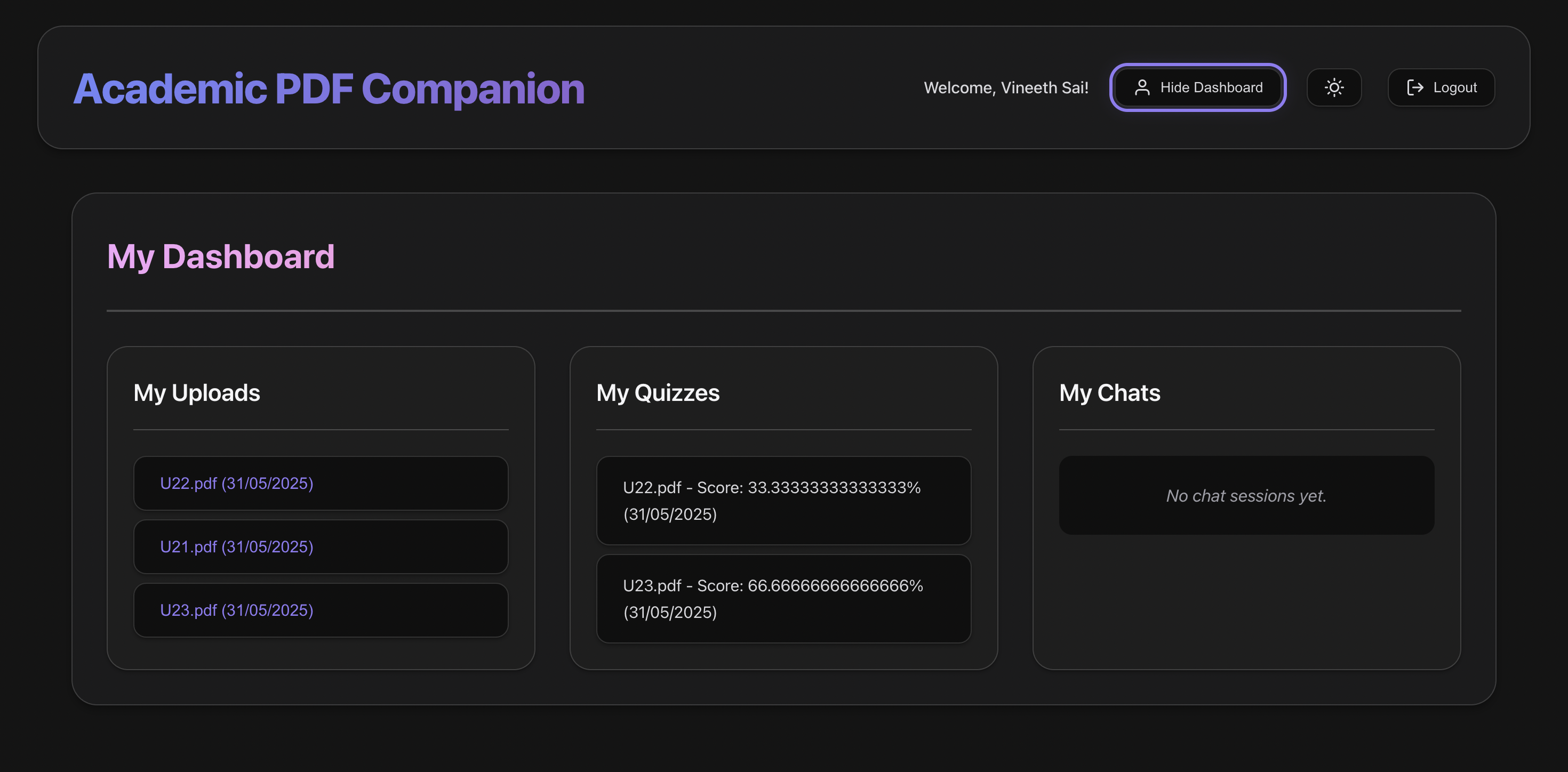
history
Academic PDF Companion
Inspiration
I've always found academic PDFs hard to engage with. Whether it was dense research papers or scattered lecture notes, the learning process often felt inefficient. I kept wondering: what if an AI could help break it down the way a really good tutor would? That curiosity sparked the idea for Academic PDF Companion — a tool that could make academic reading more digestible, interactive, and personal.
What it does
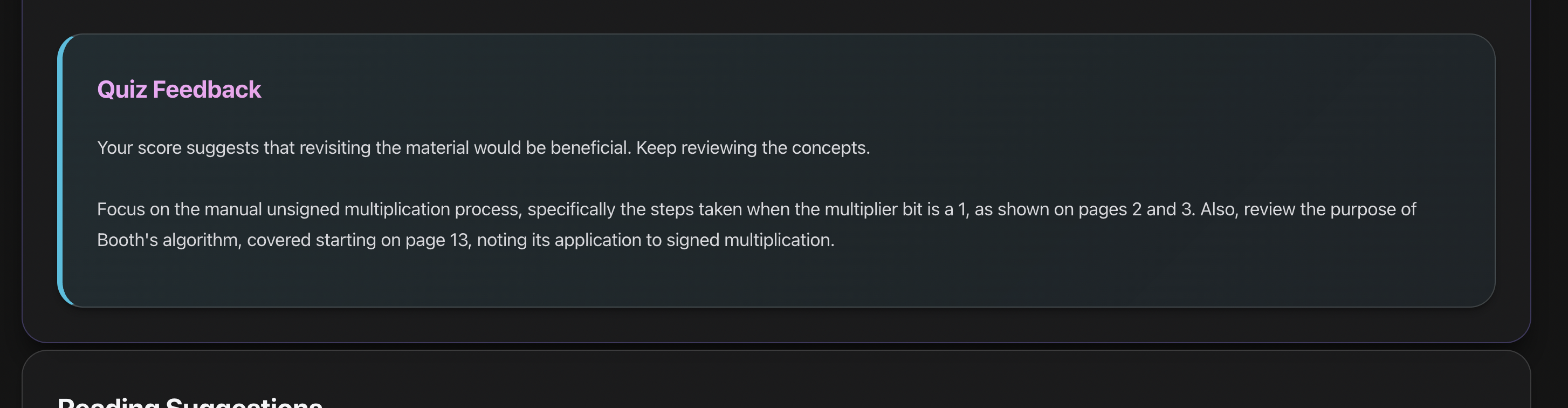
Academic PDF Companion lets users upload any academic PDF — such as a research paper, textbook chapter, or lecture notes — and transforms it into a structured learning experience. It provides:
- Clear, simplified explanations
- Quiz questions with answers hidden until revealed
- Glossaries of key terms
- Analogy-based explanations for deeper conceptual understanding
- Page-by-page breakdowns for focused learning
- Real-time PDF preview
- Chat with document using session-based memory
- Option to export quizzes as printable sheets
- User login and upload history via persistent accounts
- Light/dark theme toggle for comfortable reading
How we built it
- Frontend: Built with React and styled using Tailwind CSS for a modern, responsive interface
- Backend: Node.js and Express handle PDF uploads, user accounts, and secure AI requests
- AI Integration: Google Gemini API used for all content generation (summaries, quizzes, explanations)
- PDF Handling: Base64-encoded uploads, preview rendered using react-pdf, export with jspdf
- Auth & Sessions: Google OAuth for login, session-based memory for chat, persistent user data in Firestore
Challenges we ran into
- Designing prompts that consistently return usable output from Gemini
- Structuring output clearly across document types (research papers vs. lecture notes)
- Preventing hallucinations while encouraging useful analogies
- Building a smooth, responsive UI that works well across formats and devices
- Handling large and scanned PDFs with limitations in browser memory
Accomplishments that we're proud of
- Built a complete full-stack app that actually helps users learn better
- Integrated chat functionality with persistent document memory
- Enabled quiz export and printable assessment sheets
- Implemented user authentication and history tracking
- Delivered a clean, accessible UI with light/dark themes and real-time document preview
What we learned
- Advanced prompt engineering with Google Gemini
- Securing AI interactions and API keys using a Node.js backend
- Efficient PDF processing in the browser (Base64 handling, previews, exports)
- Designing a feature-rich app under tight deadlines with strong UX focus
- Implementing user session storage, authentication, and protected API routes
What's next for Academic PDF Companion
With the foundation in place, I'm excited to focus on:
- Supporting scanned PDFs and handwritten notes using OCR
- Adding automatic topic tagging and concept maps
- Integrating voice input and AI-generated audio summaries
- Enhancing multilingual support with auto-detection and regional fluency
- Building a teacher dashboard for creating and assigning AI-generated assessments
The vision is to make this not just a tool for students, but a learning companion for anyone working with academic content.
Built With
- api
- firebase
- gemini
- google-auth
- jspdf
- react
- render
- tailwind
- typescript
- vercel


Log in or sign up for Devpost to join the conversation.