-
-
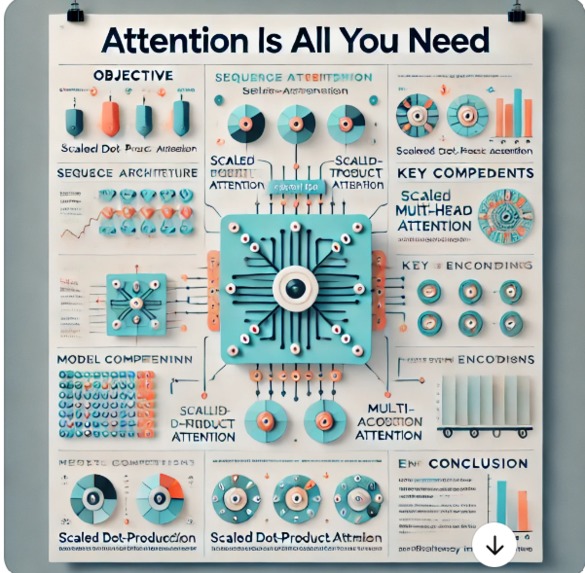
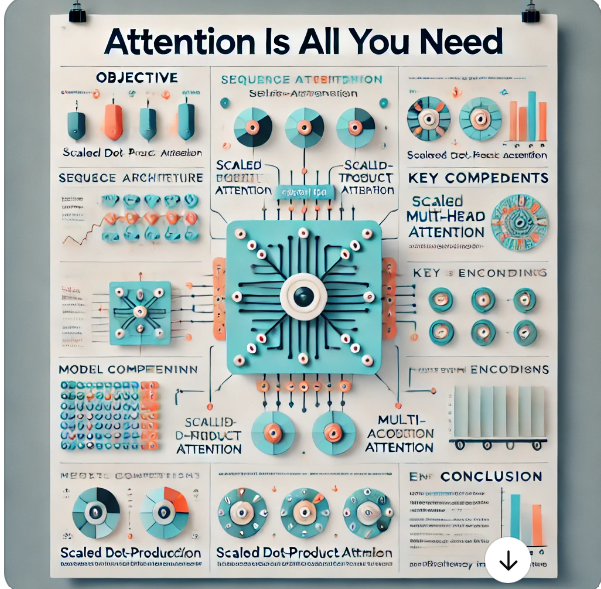
Comparison of other LLM generating Visual Abstract (unintelligble, not scientific)
-
Inspiration
Research is undoubtedly a keystone of academia. Where more and more research is published, it can be time intensive to efficiently sift through papers to find the information you need. In our experience as students, it is often useful to have a visual abstract to help digest research papers—something many papers do not have. Thus, cue Abstractify, a one-stop shop for creating visual abstracts and making research more understandable.
Unfortunately, current LLMs struggle in generating images that are not landscape based. Thus, when we ask current LLMs to generate visual abstracts, what they output is pretty much useless for any sort of understanding. Their output is a bunch of images that are kind of related to the topic, seemingly spliced together with no rhyme or reason, with text that is unintelligible. Furthermore, they do not generate any figures, charts, or diagrams, leaving a user scratching their head on how the output is even remotely related to the paper they want to generate a visual abstract for.
What it does
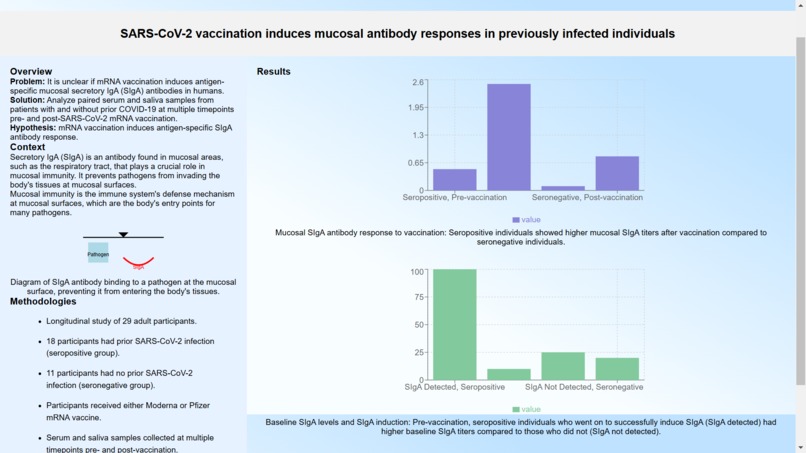
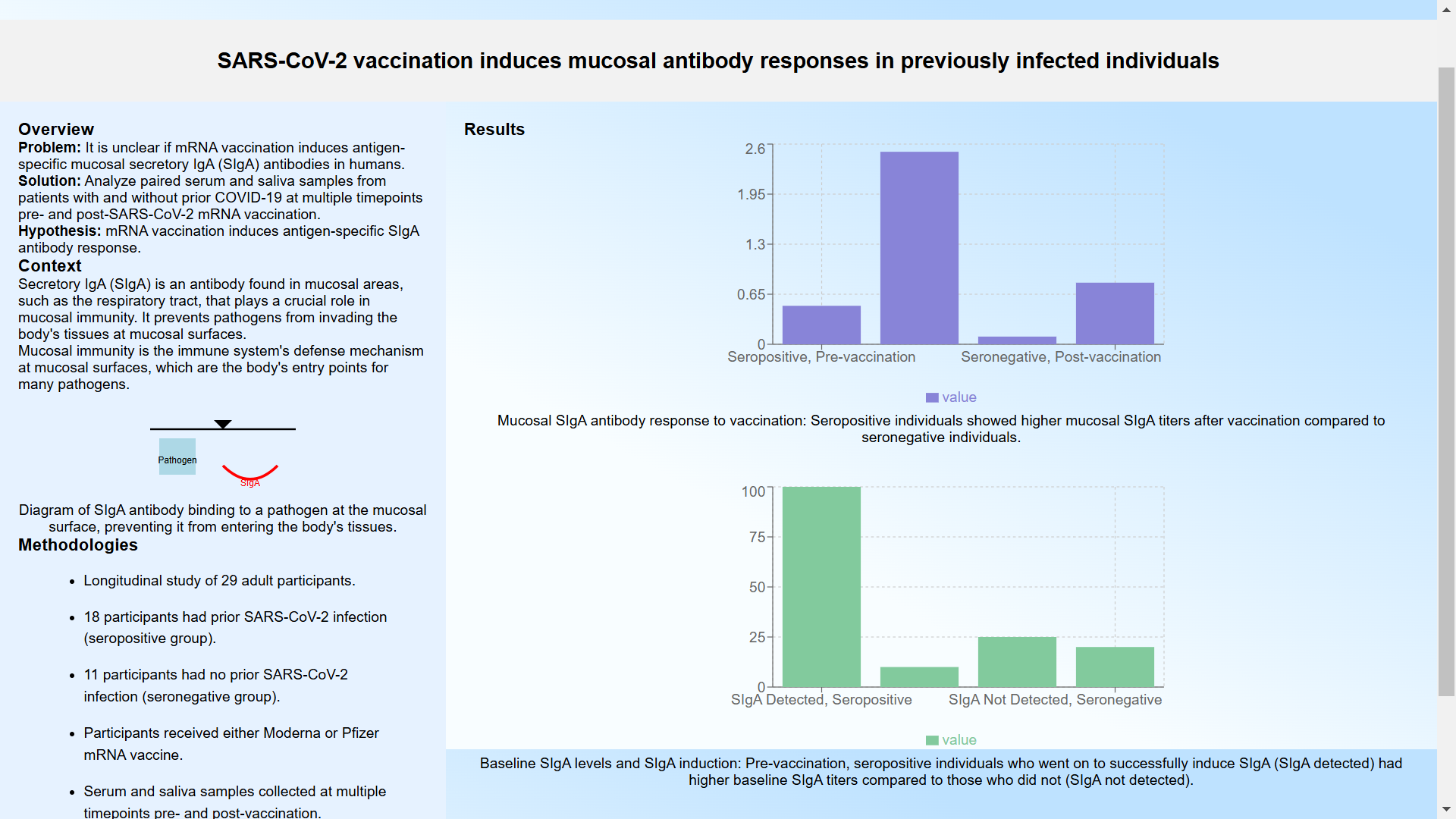
Abstractify solves these errors, using fine-tuned models to generate an aesthetically pleasing, harmonious visual abstract. This abstract contains multiple types of elements, including code embedded graphs of numerous types (histograms, plots, heatmaps, etc.) with captions and labels, labelled scientific diagrams, and concise, summarizing sentences.
Here is how it works:
- The user inputs a research paper in the form of a PDF onto our website, which is parsed into text and figure elements by Gemini 1.5 Pro.
- Our fine tuned Gemini model determines the main topics from the research paper that are key for understanding. It then determines the best way to display these elements as graphs, diagrams, or text. 3. The model then plots all of these elements in an aesthetically pleasing, visually harmonious manner, creating the final product of a visual abstract.
- The model parses the markup data for the visual abstract into react-live code, which is then displayed dynamically on the website.
- The data of the model is saved in a MongoDB database that serves multiple purposes. First, it allows users to quickly access their previous visual abstracts, bypassing the need for a new generation. Second, the MongoDB database is accessible globally to all users, so if one user has already inputted a research paper PDF, our algorithms check for PDF equality and display the already generated visual abstracts. Both of these not only save tokens, reducing the computational expense of the project but make it much quicker for users to actually generate visual abstracts.
How we built it
At the highest level, Abstractify is built on the MERN (Mongo, Express, React, Node) stack. We used three instances of the Google Gemini 1.5 Pro model to handle our data. The first instance takes in a user inputted PDF as input and returns a .json file of all of the necessary elements that need to be in the visual abstract file. The model is meticulously prompt engineered to not only extract the elements, but also determine which format they should be conveyed in. The formats are text, diagrams, and charts. The charts and diagrams are both meant to be portrayed as embedded codes.
We then used another Gemini 1.5 Pro model to actually convert the .json data to React-Live code input, so it can be dynamically rendered for the user. This model required the most tweaking and prompt engineering, and we had to set parameters and feed example data to ensure the output was in the right format so we would not get compilation errors while rendering it. The model also was engineered to plot the elements in a way that relationally made sense, so the visual abstract looks cohesive and harmonious.
We used the last Gemini 1.5 Pro model to gather the metadata of the research papers that were uploaded. This parsed through the pdf and intelligently gathered the DOI and the title of the research paper. This data was then stored in a MongoDB database along with the generated code from the previous model. This was done so that if the same article was ever uploaded by any user, it would just return the code generated from the first time the article was uploaded. This provided an efficient way to reduce the amount of tokens and requests we used by ensuring that duplicate calls to the Gemini API would never occur.
We also used Google oAuth. This provided a secure way to make accounts for users, and it allowed for previous uploads to be saved in a user profile for quick access. Once again, this used the third model to just pull the already generated code from the database instead of needlessly regenerating a visual abstract.
In order to actually dynamically render the visual abstract, we used a library called react-live. This library creates a sandbox that allows for string input of formatted javascript code, which it renders live. We had the initial state be a loading message, and once the models generated the necessary javascript data of visual abstract, it replaced the initial code with the new code. This allows many types of safety that prevent the app from ever crashing from invalid input, token limiting, and other factors.
All of the frontend components were created using React and CSS styling.
All of the backend components were created using Express.js. We had multiple routes folders that we integrated in a main folder to handle all of the API requests. We used get and post requests to transfer the data, and JSONified the data wherever possible to ensure safety of data transfer.
Challenges we ran into
While we were developing our technical framework, we at first wanted to utilize both Google's Gemini and Anthropic's Claude model to parse .json data and return a visual abstract, respectively. However, we ran into difficulties fine-tuning their output for our needs. This issue, combined with Claude's token rate limit incentivized us to switch primarily using Gemini for both our processing and generative needs.
The most pressing issue we ran into was how we originally designed the models to generate .jsx component code to inject into the page. However, the base version of React does not allow for dynamic compilation of components. Essentially, every component had to be built at compile time, which obviously would not work as we used models to generate the components in run-time. We solved this problem by trying multiple pathways, even migrating our repo to a Next.js project at one point. What we found worked was using react-live, a sandbox that allows for dynamic rending based on a string input of formatted JS code. We had to adjust the models to strictly format the output into this niche code structure, which took many examples for the model to get the hang of it as well as clever prompt engineering strategies that we found on the Gemini API documentation. While the output is not as robust as it originally was, it more than gets the job done much better than other LLMs.
What we learned
Our team is composed of beginners regarding AI, so we learned the most in how to implement AI in robust applications.
We learned how to interact with Gemini and Anthropic's APIs, fine-tuning and prompt-engineering them for maximum results.
We learned how to implement intelligent querying for PDFs.
We learned how to optimize our methods and structures to prevent unnecessary regeneration and save tokens.
We learned how to work together and be resilient, even when all seems as it will fail.
What's next for Abstractify AI
We plan on further optimizing the models for speed and robustness. One method we experimented with that generated more robust visual abstracts was rendering each element individually, and generating a relational map to plot the elements on. However, with the constraints of the APIs we have access to, we were unable to implement it due to its token and rate requirements as well as the general speed of compilation. With better, premium versions of models, we will be able to implement this.
We also plan on implementing a chatbot and a summarized paper generation. The user will be able to click on elements in the abstract and it will direct them to the part of the paper that the element is referring to. From there, they will be able to chat with a chatbot and gain further insights on this part of the paper, including definitions, explanation, and related literature.


Log in or sign up for Devpost to join the conversation.