-
-

Landing Page
-
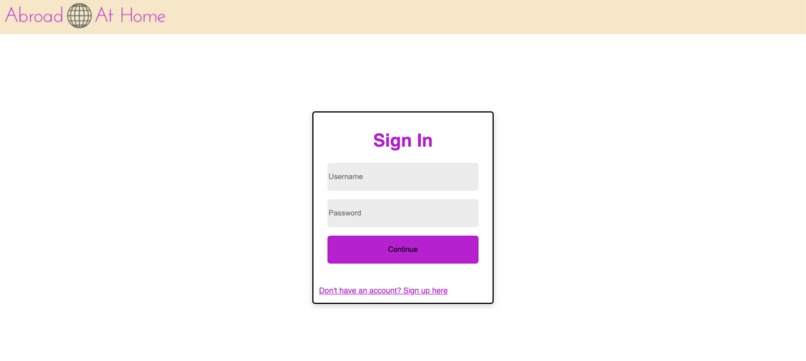
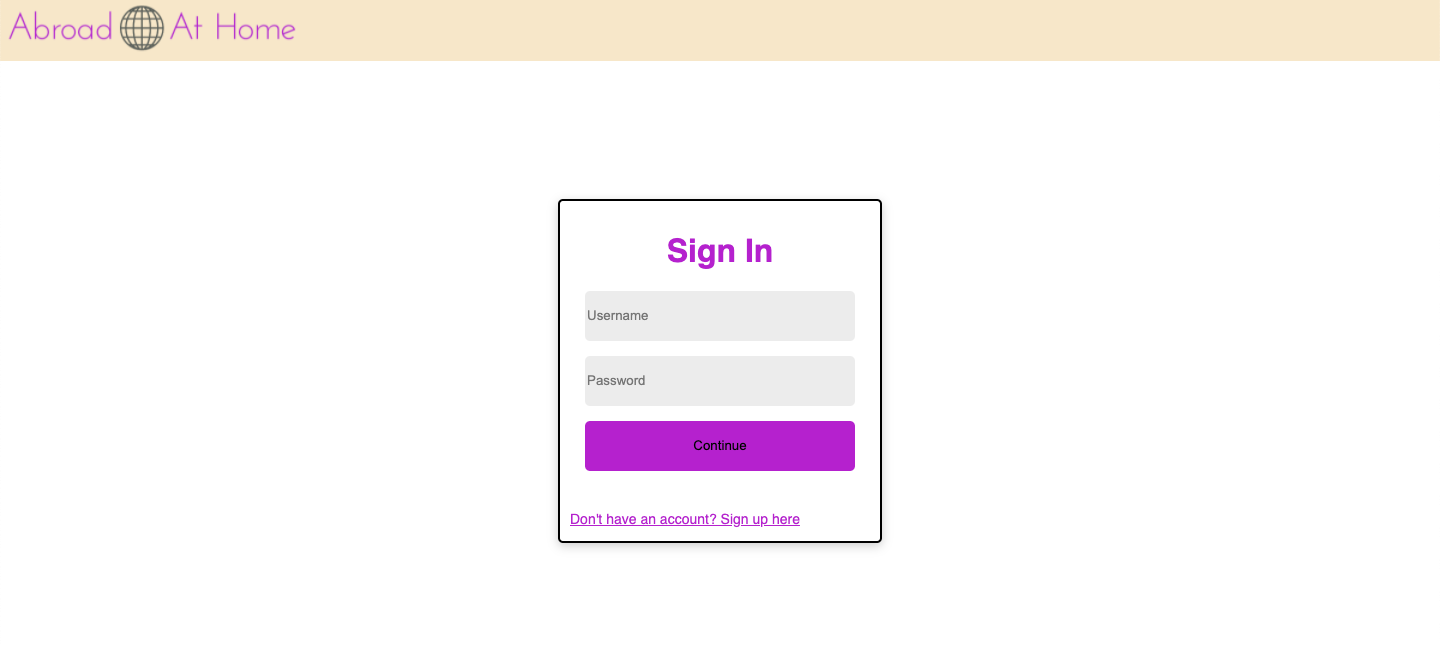
Sign In Page
-
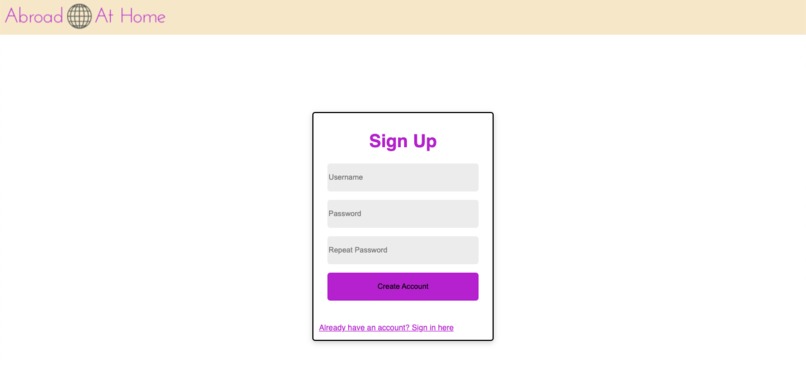
Sign Up Page
-
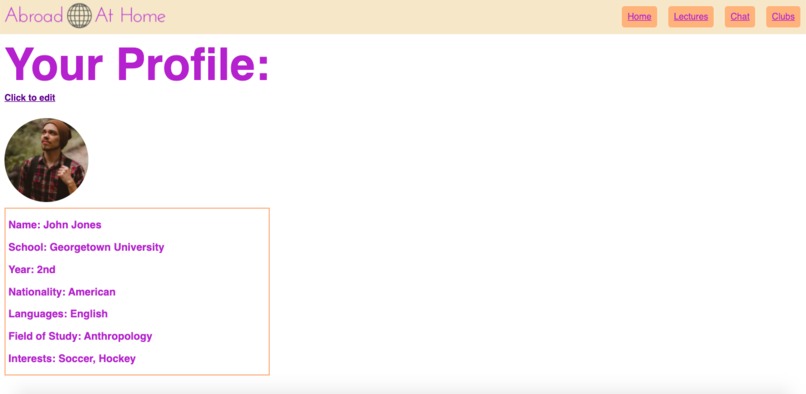
Sample Profile Page
-
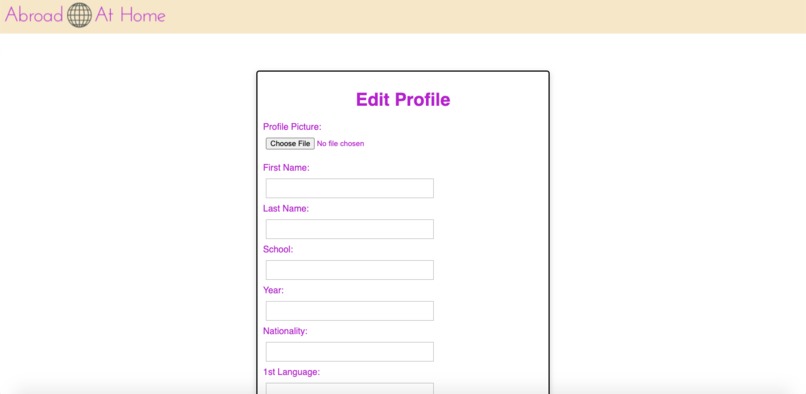
Edit Profile Page
-
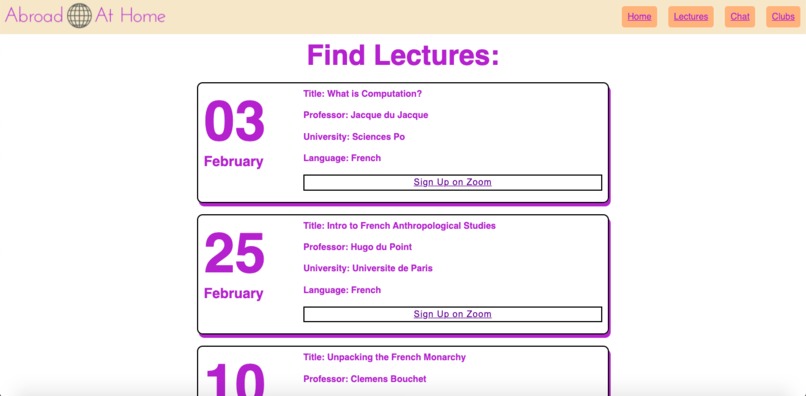
Find Lectures Page
-
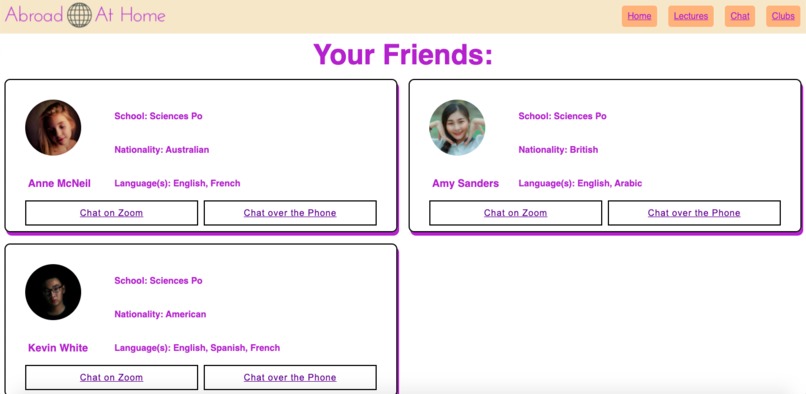
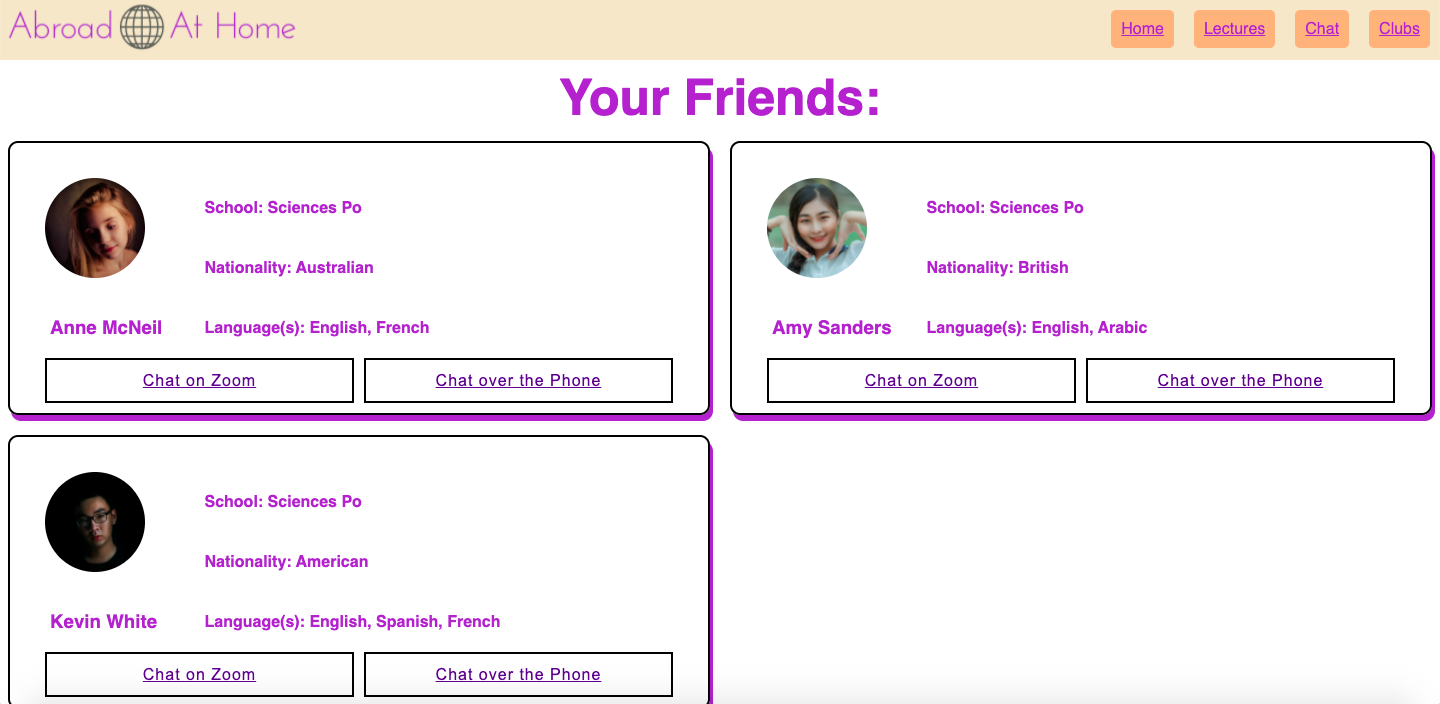
Chat Page
-
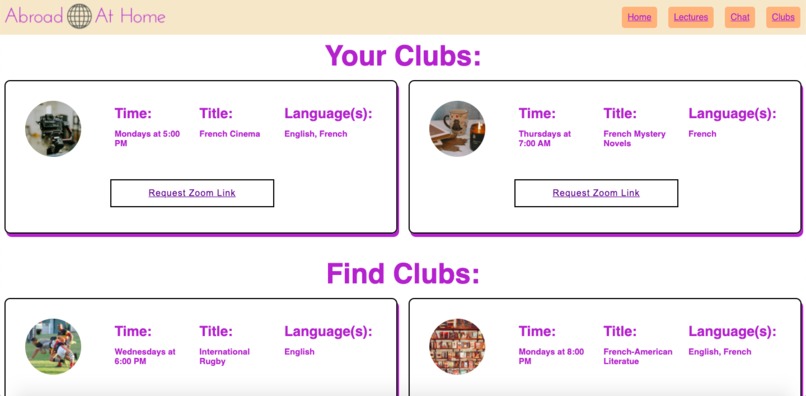
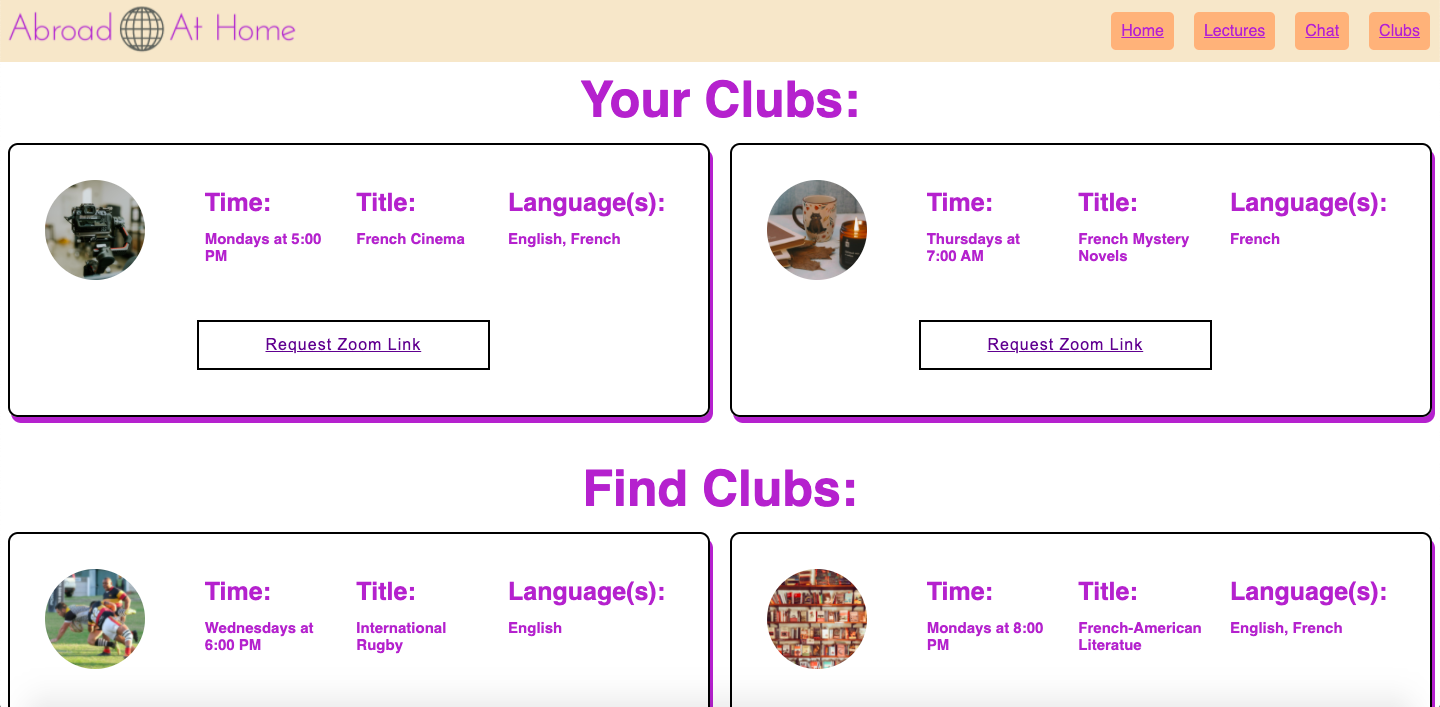
Clubs Page

Abroad At Home: A Virtual Study Abroad Experience
By Team 30: Sí Plus Plus
Sam Litwin and Anastasia Nesterova
Inspiration
For students at schools like Georgetown, the traditional 4-year experience was turned on its head by COVID-19. University administrators made their best efforts to move experiences online, like classes or clubs, but they failed to replicate a virtual experience for one hallmark experience: Study Abroad. Our group missed out on that key college experience, which is why created Abroad At Home: a front-end prototype for a virtual study abroad program to help students get that international experience, despite continued health and safety restrictions.
What it does
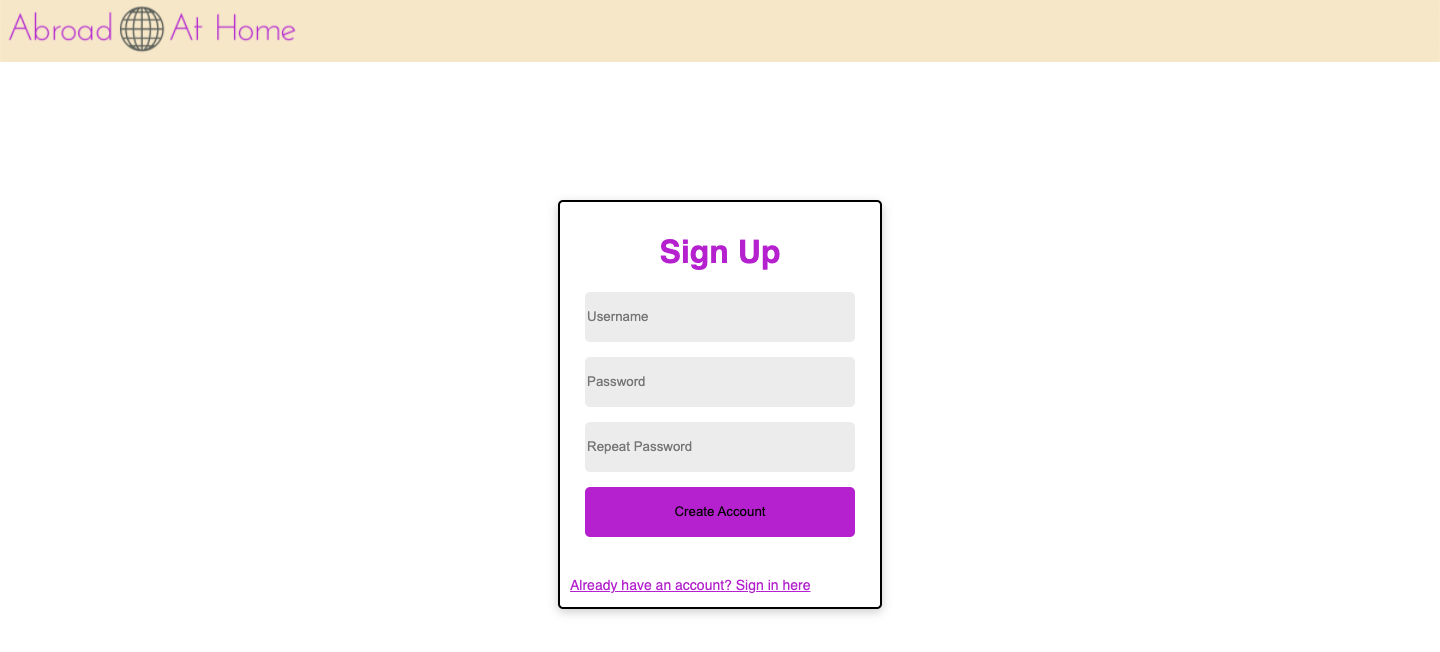
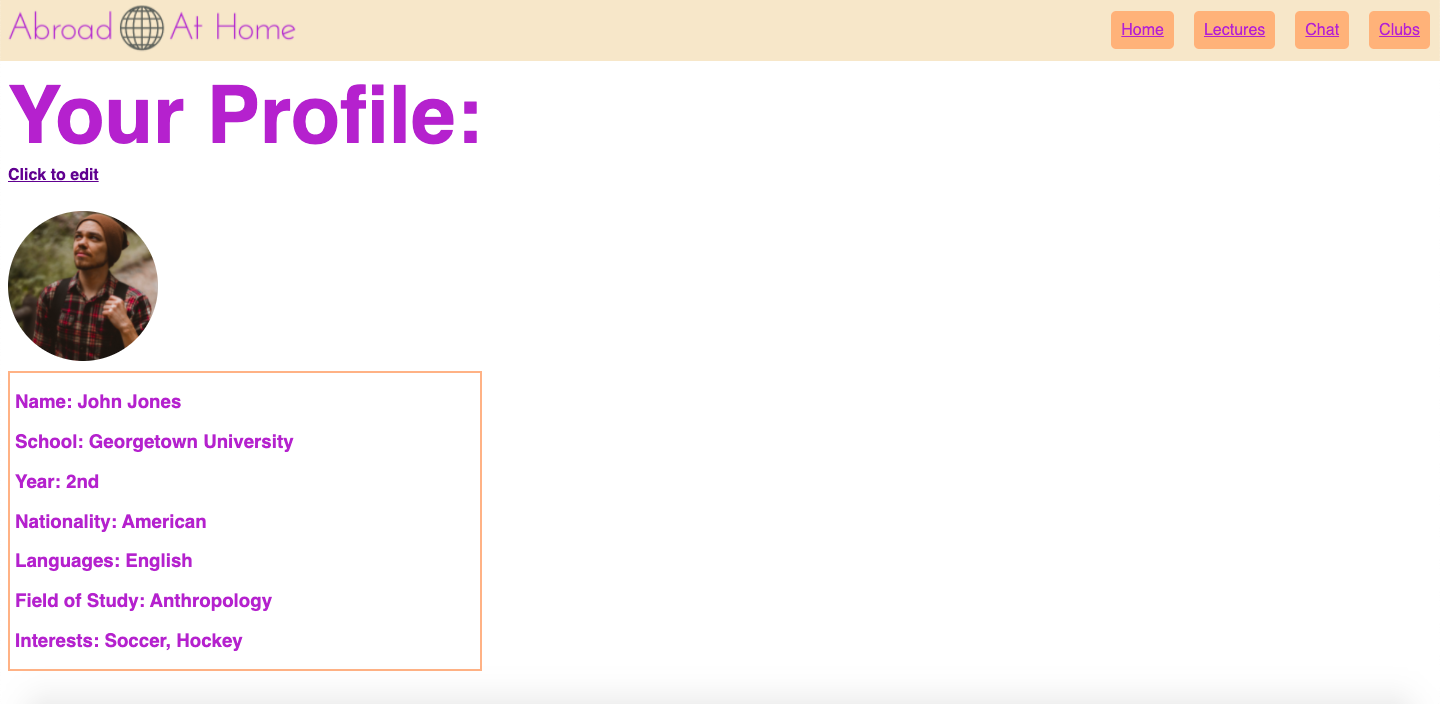
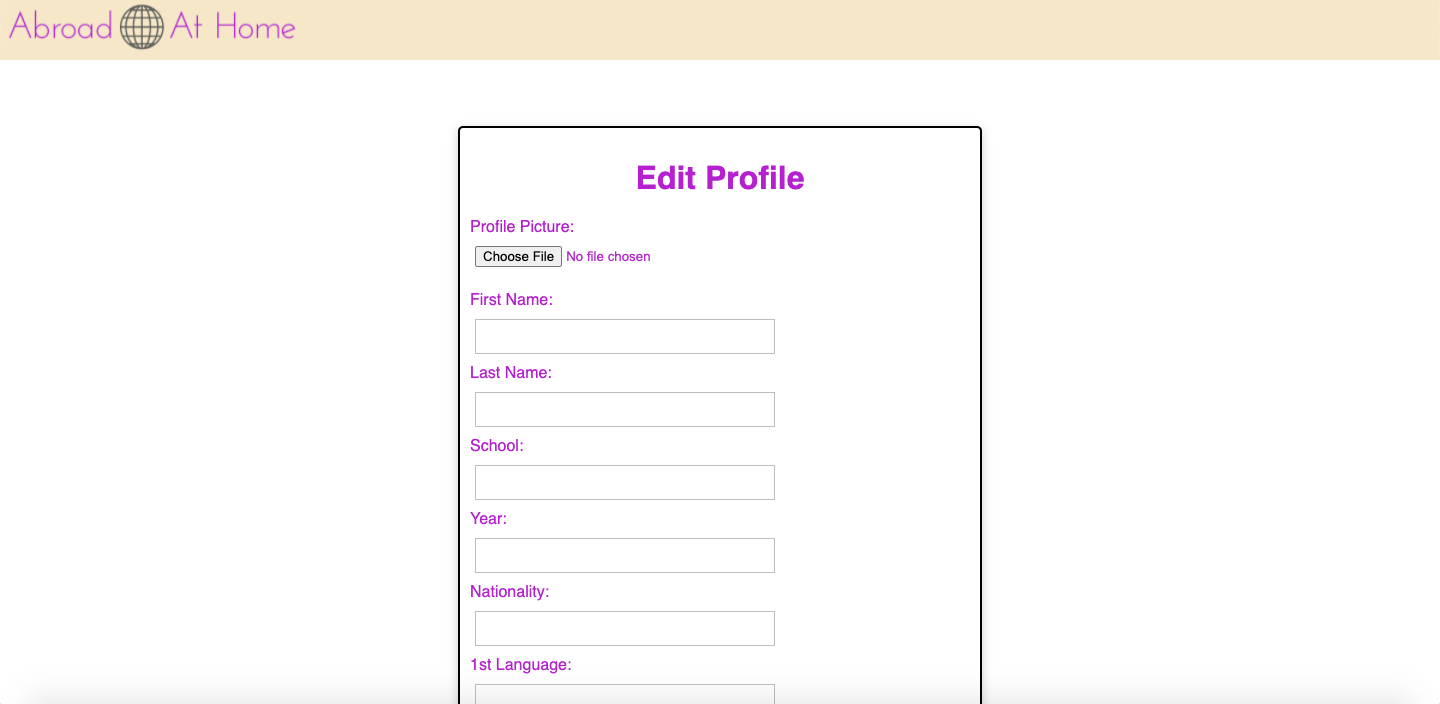
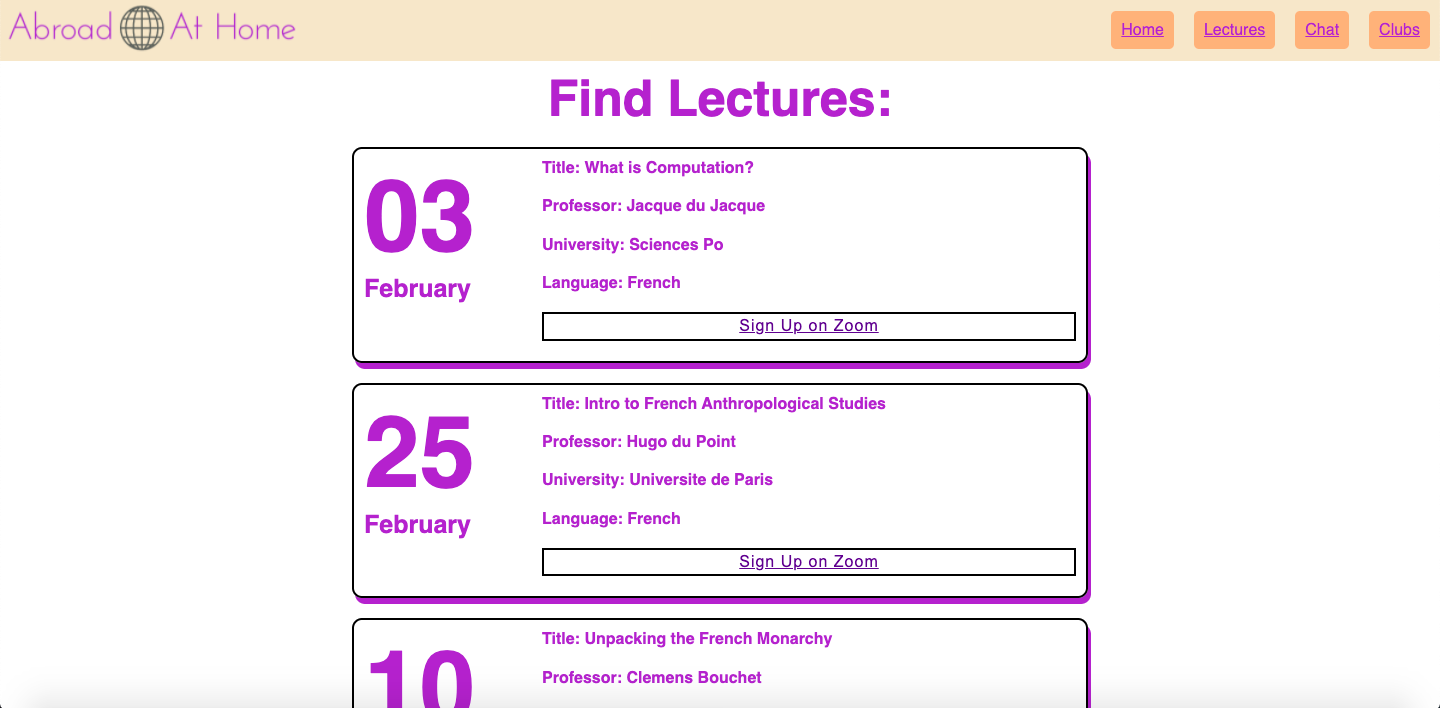
Abroad At Home is a service that universities can sign up for and partner with other international universities to connect their students and simulate abroad experiences. On a broad level, Abroad At Home's focus on students filters some of the bad elements of other international "immersion apps" through its student verification. In terms of function, Abroad at Home has three main features. After a user has created a profile and filled out some basic information about themselves and their hobbies, they have the option of attending lectures by professor at other partner universities, chatting with international students in either their native or learned language, and joining virtual clubs like book clubs or sports discussion groups to develop deeper relationships with students across the world.
How we built it
At this point, Abroad at Home is a functional front-end website, but we have not yet incorporated a back-end to store information. So, we used three main languages to build the front-end: HTML, CSS, and JavaScript. After mapping out the overall system design and individual page design, we created every webpage in HTML and styled them with CSS. We pushed our own personal boundaries by researching new CSS topics like animation and pseudo-elements to enhance our build and our own skills. Then, we used JavaScript to build out the interactive features such as being able to add friends and join clubs. Sam and Anastasia both designed the overall systems, but Sam worked as the primary HTML/CSS developer while Anastasia focused on interactive JavaScript logic.
Challenges we ran into
Two of the biggest challenges we ran into how to represent user information to maximize functionality while ensuring privacy and how to create a seamless flow between our websites. We debated on whether or not to include profile pictures, hometowns, etc. and ultimately decided on including the features that make people seem real without giving up too much personal details. Then, to address the flow problem, we mapped out each page with pencil and paper and kept a simple navigation.
Accomplishments that we're proud of
Our two biggest accomplishments are our layout and the interactive features. After struggling with it, we were really happy with the aesthetics and the flow of our layout. Second of all, it was a big accomplishment for us to be able to auto-populate the websites with user information. Moving beyond just static webpages, we were able to provide a personal experience that will customize to each user.
What we learned
We learned a lot about how to put together a website from scratch. Both of us had done individual webpage products, but we learned about the planning and thought required to put together a website with 10+ pages. Also, as mentioned earlier, we learned advanced styling techniques, and we improved our JavaScript skills.
What's next for Abroad At Home
-Build a back-end and move user data there -Embed video chat into the website to improve our lecture and chat features -Create an administrator view for university officials to add students and create lectures/clubs

Log in or sign up for Devpost to join the conversation.