Inspiration
On my phone I use "OK Google" all the time to look things up quickly, but on my computer there's nothing like it: Siri isn't much help, and tools like Wispr Flow only take dictation, so I wanted something I could press Alt+A to ask a quick question, or have it act on the page for me, and then get back to work.
Most of what I do online is small, repetitive work: filling in the same form fields, writing quick replies, looking for one sentence on a long page, and closing tabs I no longer need. Voice assistants have existed for years, but they live outside the browser. They can tell you the weather. They can't see the form you're stuck on.
I wanted an assistant that sits inside the page with me. I wanted to be able to say "fill this in" or "make that shorter" and have it done, without having to describe the screen first.
I also didn't want to trust it blindly. An AI that fills forms for you is only useful if it never makes up an answer and never submits anything you haven't approved. So I built those two rules into the code, not just into the prompt. That's Aalto: a voice agent you can talk to like a person and trust like a tool.
What it does
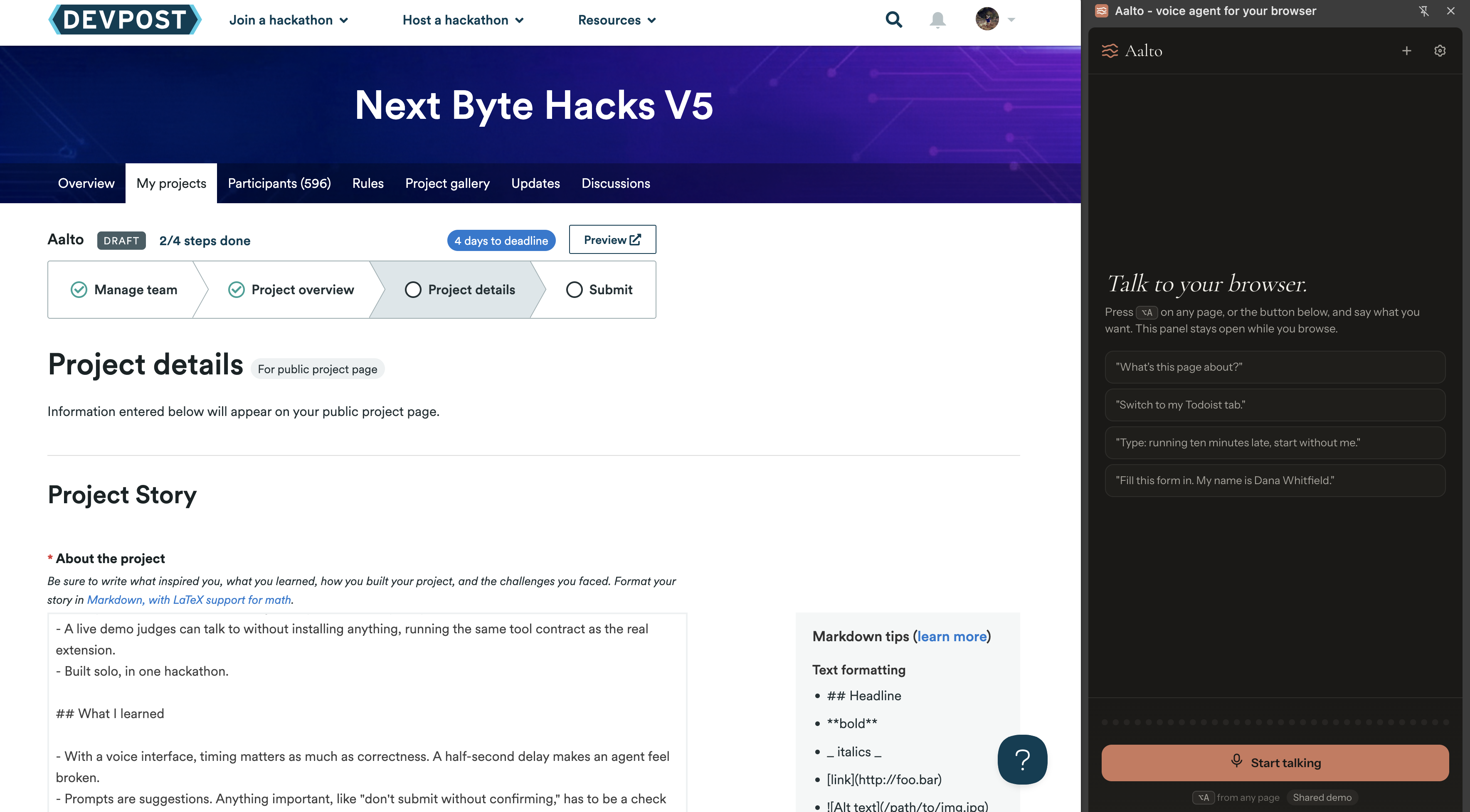
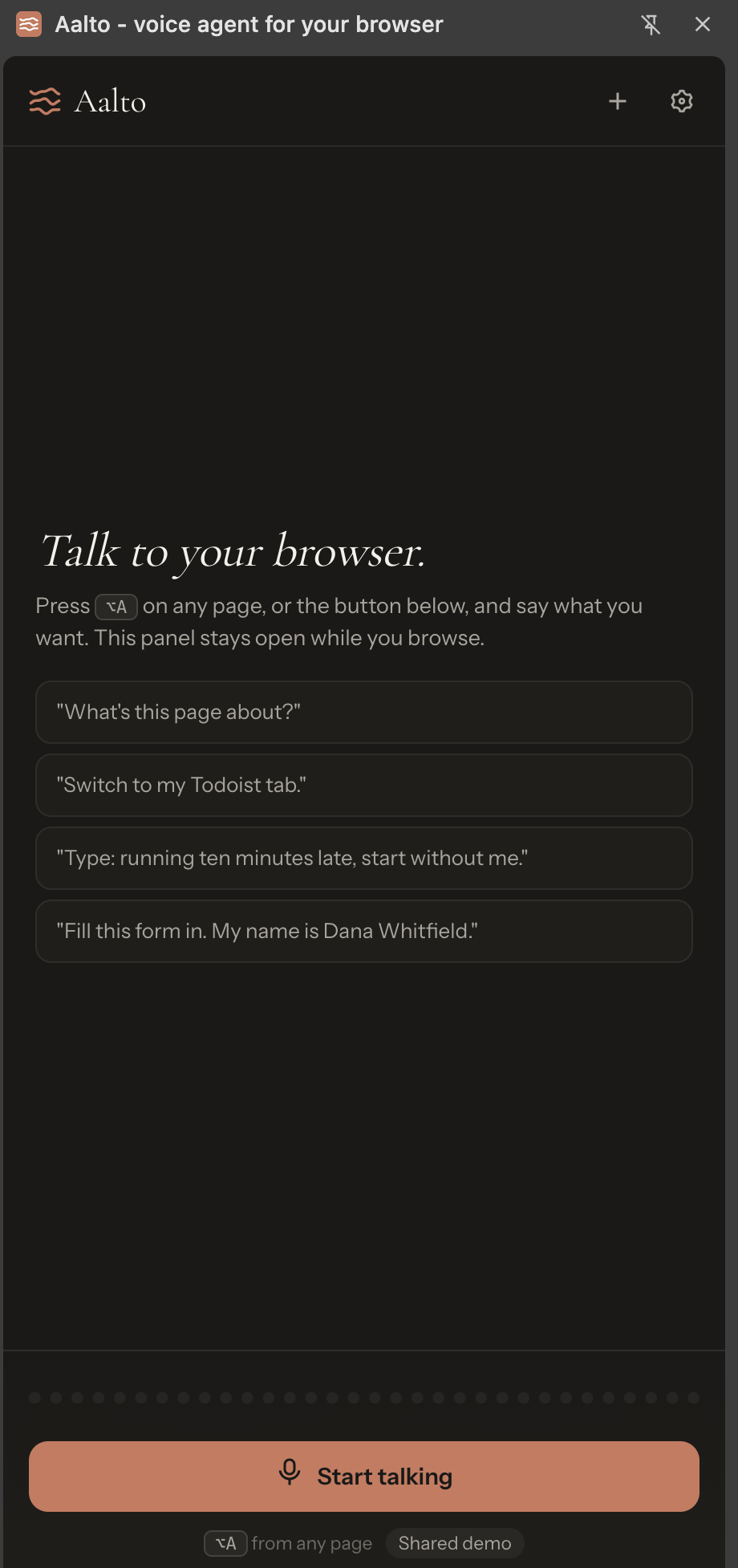
Press Alt+A and talk. Aalto reads the page you're on and acts on it:
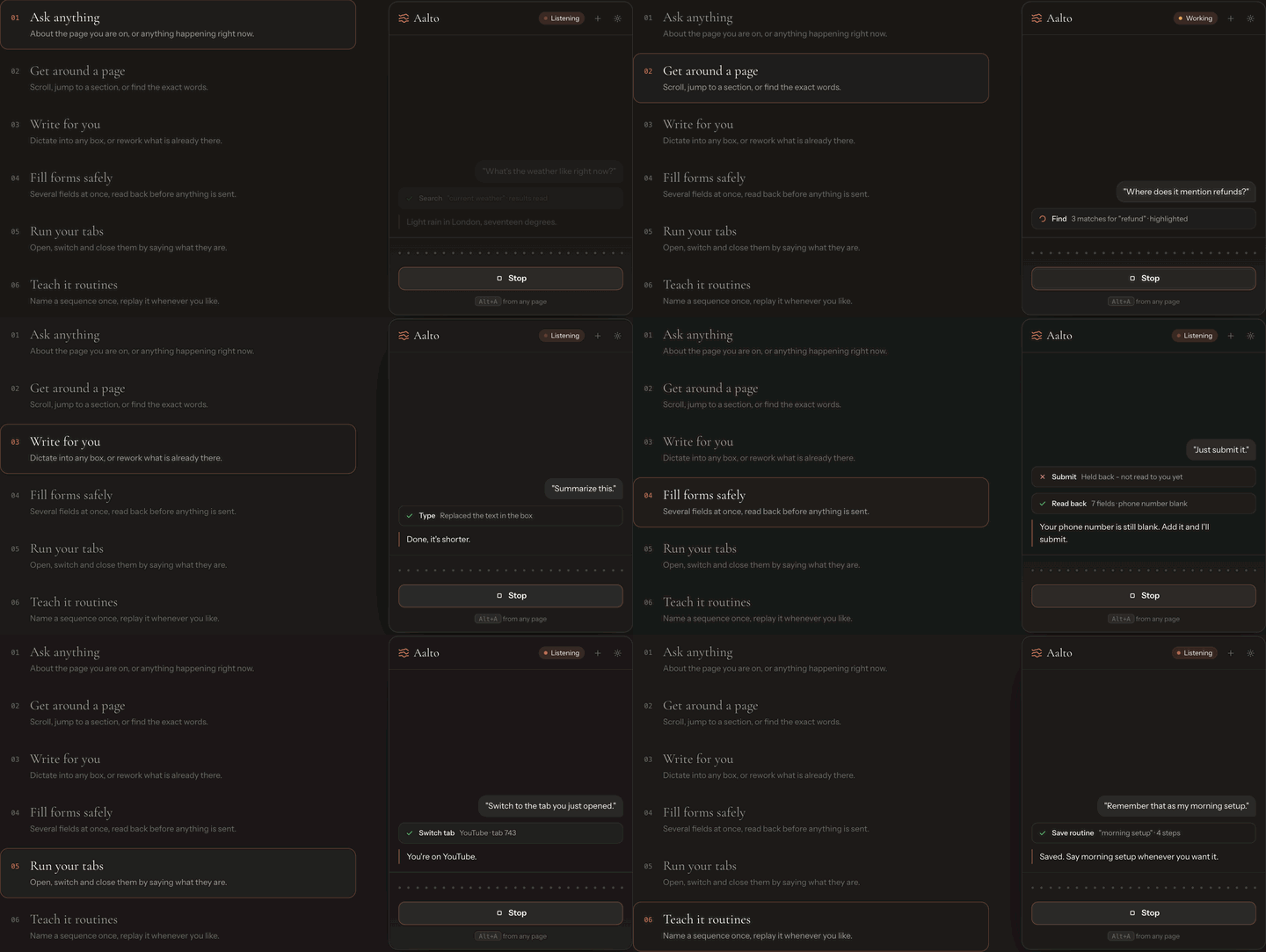
- Dictate anywhere. "Reply saying I can do Thursday after two." It writes the text in the right tone. "Make that shorter" edits what's already there.
- Fill any form. Say several answers in one sentence. Aalto fills the matching fields, then reads every answer back to you, including the fields left blank.
- Ask the page. "How long does registration take?" It answers from the page you're looking at and highlights where the answer came from.
- Drive your tabs. Open, switch and close tabs by voice. New tabs open behind the one you're reading.
- Interrupt it. It's a real conversation. Start talking and it stops and listens.
- Teach it once. "Remember that as my morning setup." Later, replay it by name.
Built-in safety: Aalto won't submit a form it hasn't read back to you. It won't guess a value you didn't say. If you ask it to close a lot of tabs, it asks first. These checks run in code, so a clever prompt can't talk the agent out of them.
You can try it without installing anything. The website has a small browser inside the page that the agent controls using the same tools as the extension.
How I built it
- Chrome extension (Manifest V3): a side panel for the UI, a background service worker that runs the tools and enforces the safety checks, an offscreen document for the microphone and speaker, and a content script that reads and edits the page.
- AssemblyAI Voice Agent API: handles speech-to-text, the language model, turn detection, interruptions and speech output over a single WebSocket. This means there's no orchestration server. The agent is defined by a tool schema (18 tools) and a system prompt.
- Cloudflare Worker: creates single-use session tokens so no API key ever reaches the browser. A Durable Object keeps track of the shared demo's daily budget, so two visitors arriving at the same moment can't both spend the last of it.
- Shared code: one
shared/folder holds the tool contract, agent config, audio worklet and fuzzy matching. A sync script copies it into both the extension and the website, and a check fails if a copy drifts. The demo and the extension behave the same because they run the same code. - Tests: Vitest with happy-dom, and Biome for linting.
Challenges I ran into
- Tool results have timing rules. You can only send a tool result back while the session is idle. If you send it as soon as the call arrives, the agent seems to ignore its own tools. It took me a while to see why.
- Interruptions felt slow at first. At first I stopped the agent's voice when the server confirmed an interruption, but by then it had already talked over the user for most of a second. Stopping on the first sign of user speech fixed it.
- Audio format. Audio is sent as base64 PCM16, mono, 24 kHz, inside JSON, not as binary frames. Forcing the browser's audio sample rate broke echo cancellation in Firefox and garbled Safari, so I resample instead.
- Microphone permission in MV3. The offscreen document can use the microphone but can't ask for permission. Aalto opens a real page once to get permission.
- Matching speech to fields. People say "my birthday is the third of March," not
1990-03-03. I wrote fuzzy matching for labels, options and dates. It refuses impossible dates like 31 February instead of guessing.
Accomplishments that I'm proud of
- A full voice agent in the browser with no backend server for the conversation itself.
- Safety rules enforced in code, not just requested in the prompt.
- A live demo judges can talk to without installing anything, running the same tool contract as the real extension.
- Built solo, in one hackathon.
What I learned
- With a voice interface, timing matters as much as correctness. A half-second delay makes an agent feel broken.
- Prompts are suggestions. Anything important, like "don't submit without confirming," has to be a check in code.
- Browser extensions have many sandboxes, and each one can do a different set of things. Planning which part does what saved me a lot of rewriting.
What's next for Aalto
- Publish on the Chrome Web Store, then port to Firefox.
- Better accessibility support, so people who find a keyboard or mouse hard to use can get through everyday web tasks.
- More languages.
- Shareable macros, so one person can teach a routine and others can reuse it.
Built With
- assemblyai
- biome
- chrome
- cloudflare-workers
- durable-objects
- html
- javascript
- manifest-v3
- typescript
- vitest
- web-audio-api
- websockets

Log in or sign up for Devpost to join the conversation.