-
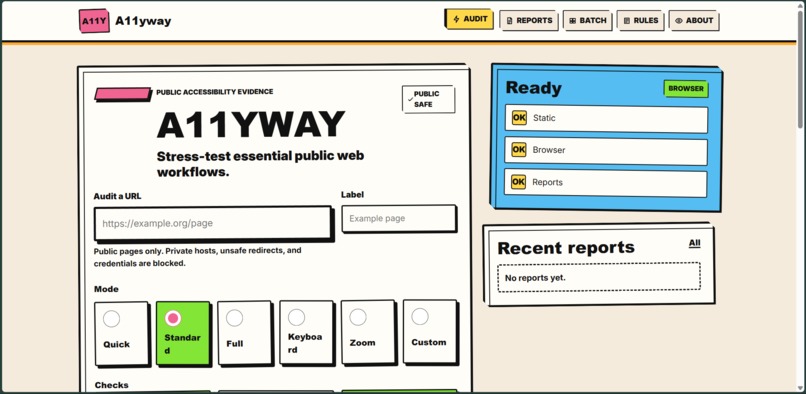
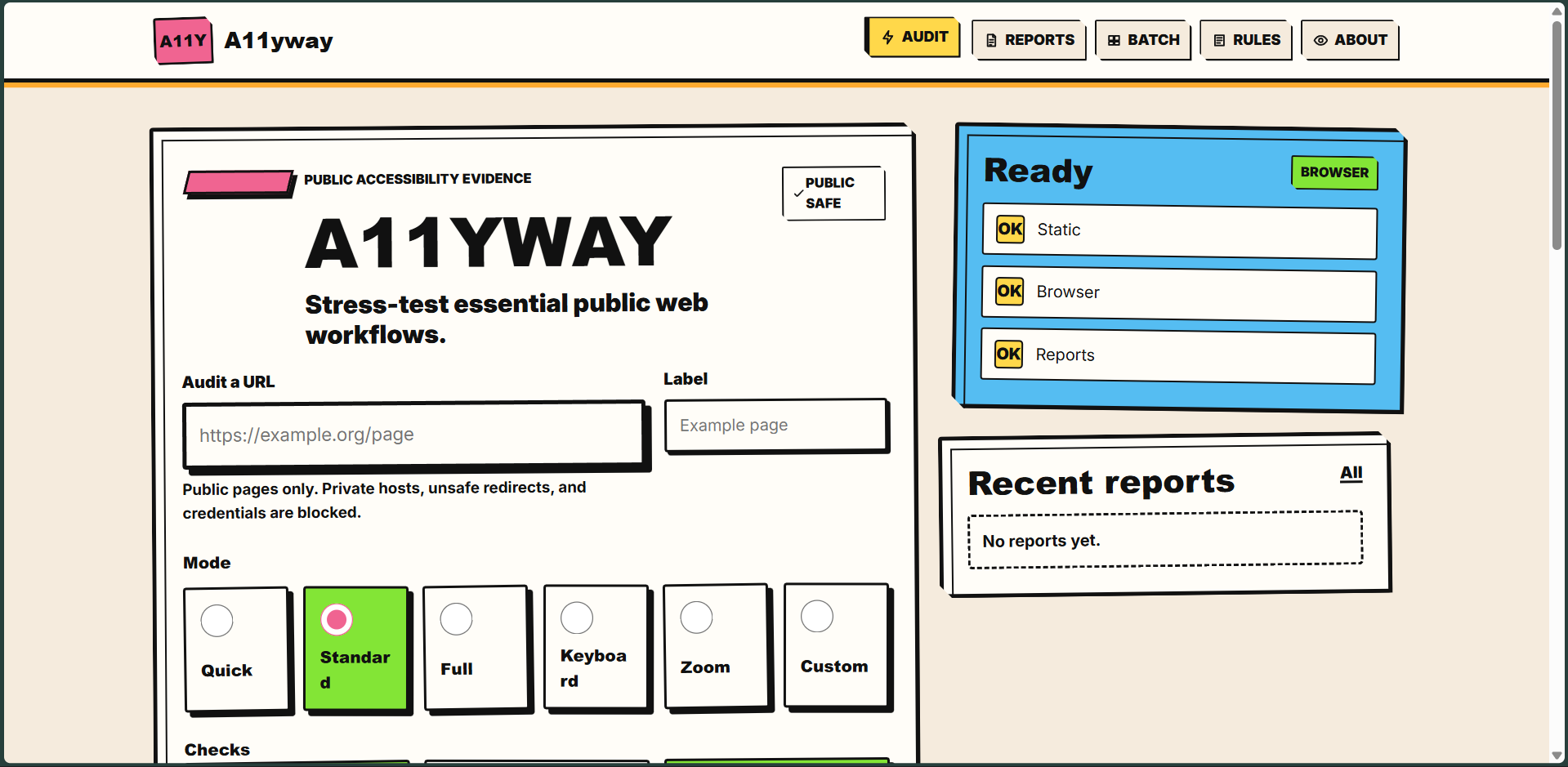
GUI
Inspiration
When I was younger, I wanted glasses because I thought they looked cool. Then I actually got them and very quickly stopped thinking they were cool.
Obviously, needing glasses is nowhere close to being visually impaired, but it was probably the first time I noticed how much of everyday life depends on something as basic as being able to see clearly.
A few years later, I visited a home for people with disabilities in Patiala. I was talking to a visually impaired kid there and he asked me what my dream was.
I genuinely did not have an answer.
That conversation stuck with me for a long time. Eventually it pushed me toward working on accessibility, first through CodeUp and later through A11yway.
While working on accessibility software, I kept noticing the same problem: websites could look completely normal to me while being frustrating or outright unusable for someone navigating differently.
So I built A11yway to stress-test real websites and workflows instead of assuming that "the page loads" means everyone can use it.
What I built
A11yway is an open-source accessibility stress-testing toolkit for real web workflows.
It combines browser automation, accessibility audits, keyboard navigation testing, low-vision testing, screen-reader-oriented checks, evidence collection, and re-testing after fixes.
I started running it on universities and public-service websites, then actually sent the findings to the organizations responsible for them.
That part became much more real than I expected.
Brown, Stanford, and Cornell made changes to their websites after issues I reported, while several other Ivy League universities opened internal accessibility cases based on A11yway findings.
At that point, A11yway stopped feeling like a tool I was building for myself and started feeling like something that could actually change the web people use.
How I built it
I built A11yway mainly with Python, Playwright, axe-core, JavaScript, HTML, and CSS.
Playwright lets it move through websites like a user instead of only inspecting static HTML. I added different testing modes for keyboard navigation, low vision, screen-reader-related structure, mobile layouts, orientation changes, evidence capture, and automated rechecks.
A11yway can also compare results over time, so when someone fixes an issue I can check whether the actual workflow improved instead of just seeing that a line of code changed.
What I learned
The biggest thing I learned is that accessibility bugs are often invisible if you are not the person affected by them.
A website can look perfectly fine and still have an unlabeled field, a broken keyboard path, a confusing dialog, or an interaction that becomes painful without a mouse.
Building A11yway made me much more suspicious of the phrase "works on my machine."
Challenges
The hardest part has been making sure A11yway does not pretend automated testing can replace disabled users.
Automation is useful for finding suspicious behavior and collecting evidence, but accessibility is ultimately about whether a real person can use something.
So I built A11yway to help find where humans should look, not to pretend a score can decide whether a website is accessible.


Log in or sign up for Devpost to join the conversation.