Inspiration
Two failures, stacked. First, AI agents "use" the web by guessing which pixel is a button — and guess wrong. Second, accessibility tooling is built for English. Our lead user is a Thai person in front of an English-only visa, university, or airline form: it's well-marked-up and completely unusable if you don't read English, and nobody translates it. Screen readers mangle code-switched Thai. The same tool helps blind, low-vision, motor-impaired, and elderly users — so we built it as a capability, not a special-needs product.
What it does
a11y-mcp turns any semantically sound web form into typed tools an AI agent can call (via WebMCP / document.modelContext), then lets a Thai speaker read, fill, correct, and submit that form entirely by voice. You press a microphone, speak Thai, and GPT-4o-mini calls the page's tools while the page answers with structured, typed feedback instead of a red border. It reads the form aloud in Thai, fills each field from your speech (keeping names in Latin script, translating free text to English, matching dropdown options), self-corrects from typed validation errors, asks you in Thai when it isn't sure, and never submits without an explicit confirmation.
How we built it
TypeScript + Vite + @crxjs/vite-plugin, with Zod defining the tool boundary once for both JSON Schema and runtime validation. It's an MV3 extension with two content scripts bridged over postMessage: a MAIN-world script that reaches document.modelContext, registers the four tools (describe_form, read_form, fill_form, submit_form), and runs the GPT brain; and an ISOLATED-world script that owns the microphone and calls Paxa. GPT-4o-mini function-calling turns Thai speech into tool calls; Paxa Labs handles Thai text-to-speech (voice "yoyo") and translation; the Web Speech API handles voice input. Both APIs allow direct browser calls, so there's no proxy in the demo path.
Challenges we ran into
The WebMCP spec is unstable. The API had movedext to document.modelContext (deprecated in Chrome 150), so nothing worked at first. We instrumented the live Chrome 152 surface and dct: registerTool is async, there is no unregisterTool, duplicate tool names throw, getTools() returns inputSchema as a JSON strinarguments as a JSON string — none of which the docs said. We rebuilt against that. We also had to get the failed-vs-needs_human distinction righit, and work around audio autoplay needing a user gesture.
Accomplishments that we're proud of
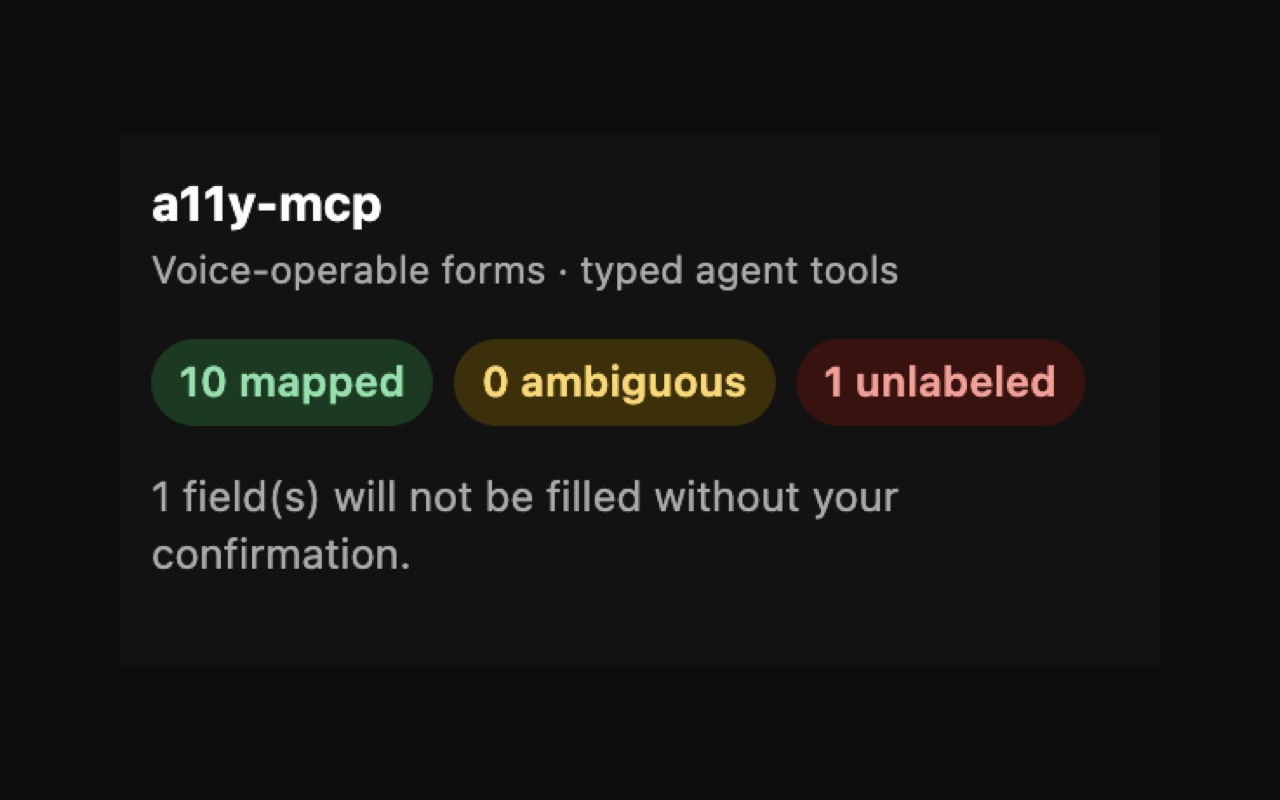
The failed vs needs_human split: "failed" is reactive (the page rejected a value, so the agent retries), while "needs_human" is prensure, so nothing is filled and the agent must ask). A confidently-wrong value on a visa form is the failure mode that actually hurts peoplet. Error speech comes from stable Thai templates keyed by an enum — never model prose. And the read-back: a blind Thai user can finally percejust fill it. We verified the whole loop live in Chrome — one Thai sentence filled eight fields, translated the free text, matched a dropdown, rrected a bad ID number, and correctly left an unlabeled field empty.
What we learned
Don't trust the docs for an unstable API — instrument the runtime; it's the only truth. WebMCP's real value is constraint feedbnt can act on, versus a red border a human has to interpret. And accessibility and agent-usability turn out to be the same problem — a well-markeh. The Thai angle isn't a bolt-on; it's exactly the audience Western accessibility tooling has never served.
What's next for a11y-mcp
It works on sites with reasonable semantics, aells the truth when a site's markup is bad rather than filling wrong values silently. Next: move the API keys server-side and ship it publicly oncehind the Chrome flag. Deliberately out of scope for now — cross-page memory (a privacy design problem) and custom non- widgets.
Everything in it is accurate to what we actualnt me to tighten any section, or add yourteammates / a "Built with" tech list (Devpost usually has a separate "Built with" tags field — I'd suggest: typescript, vite, chrome-extension, webmcp, opabs, zod, web-speech-api)?
Built With
- openai
- typescript

Log in or sign up for Devpost to join the conversation.