-
-
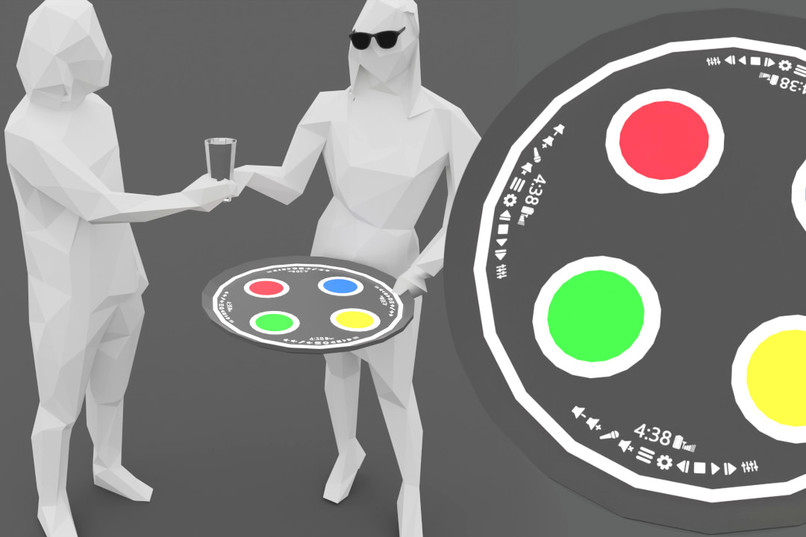
thumbnail
-
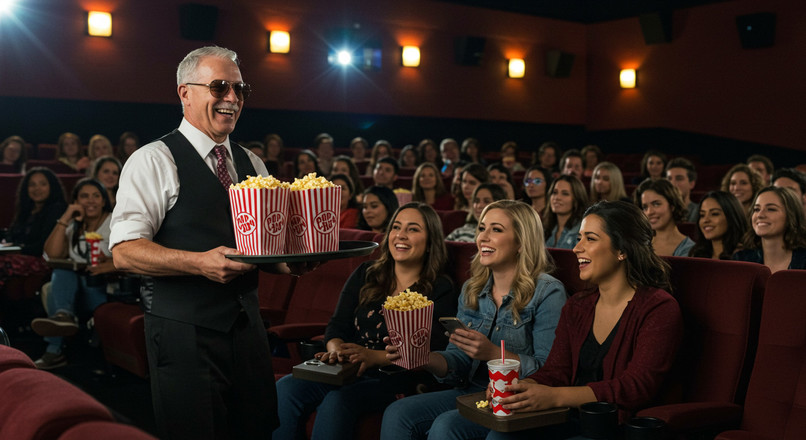
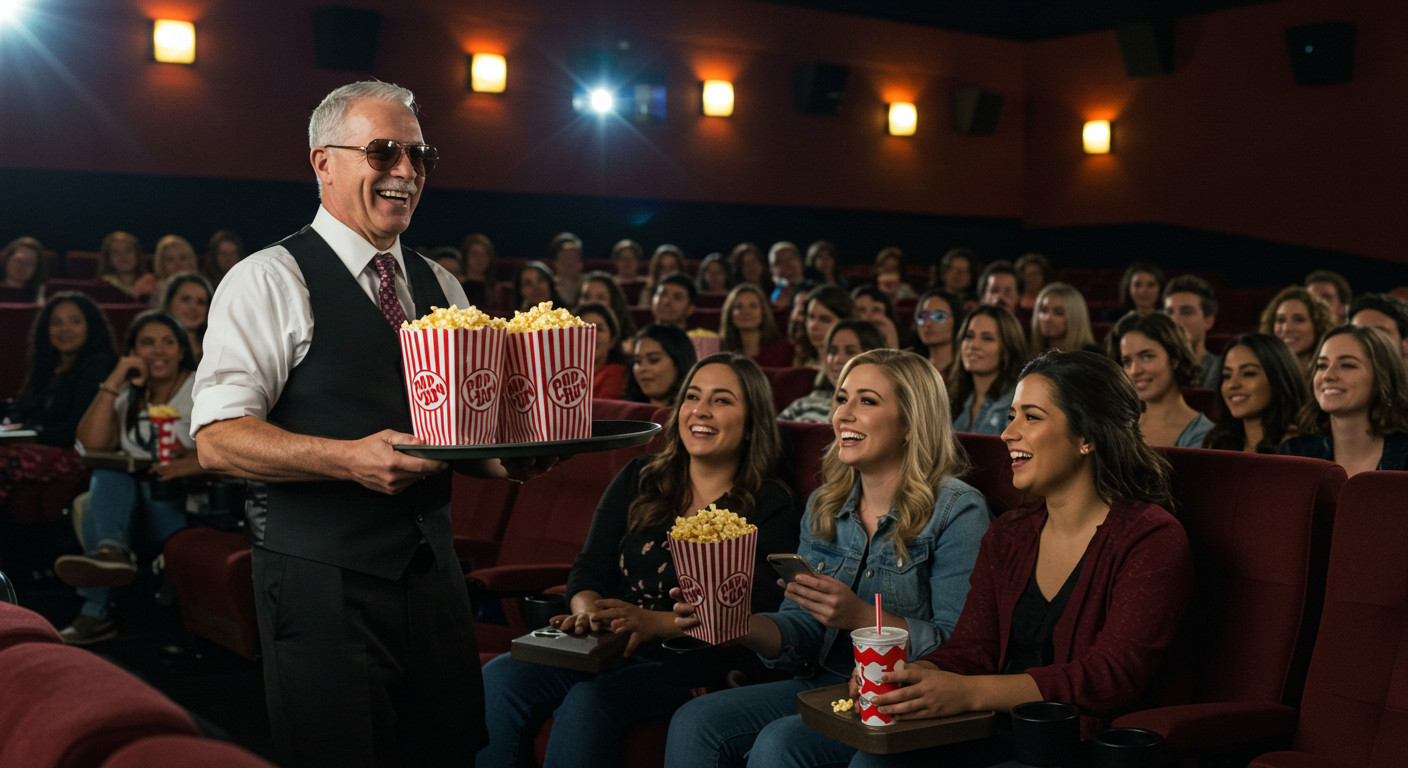
delivering popcorn in a crowded theater
-

delivering drinks on a crowded beach
-
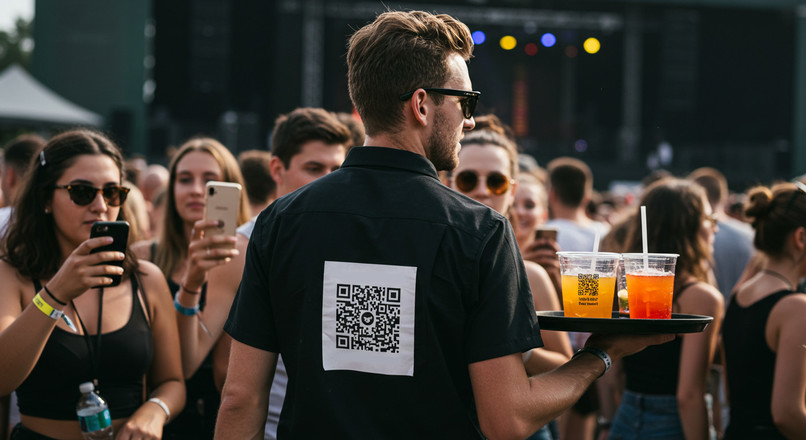
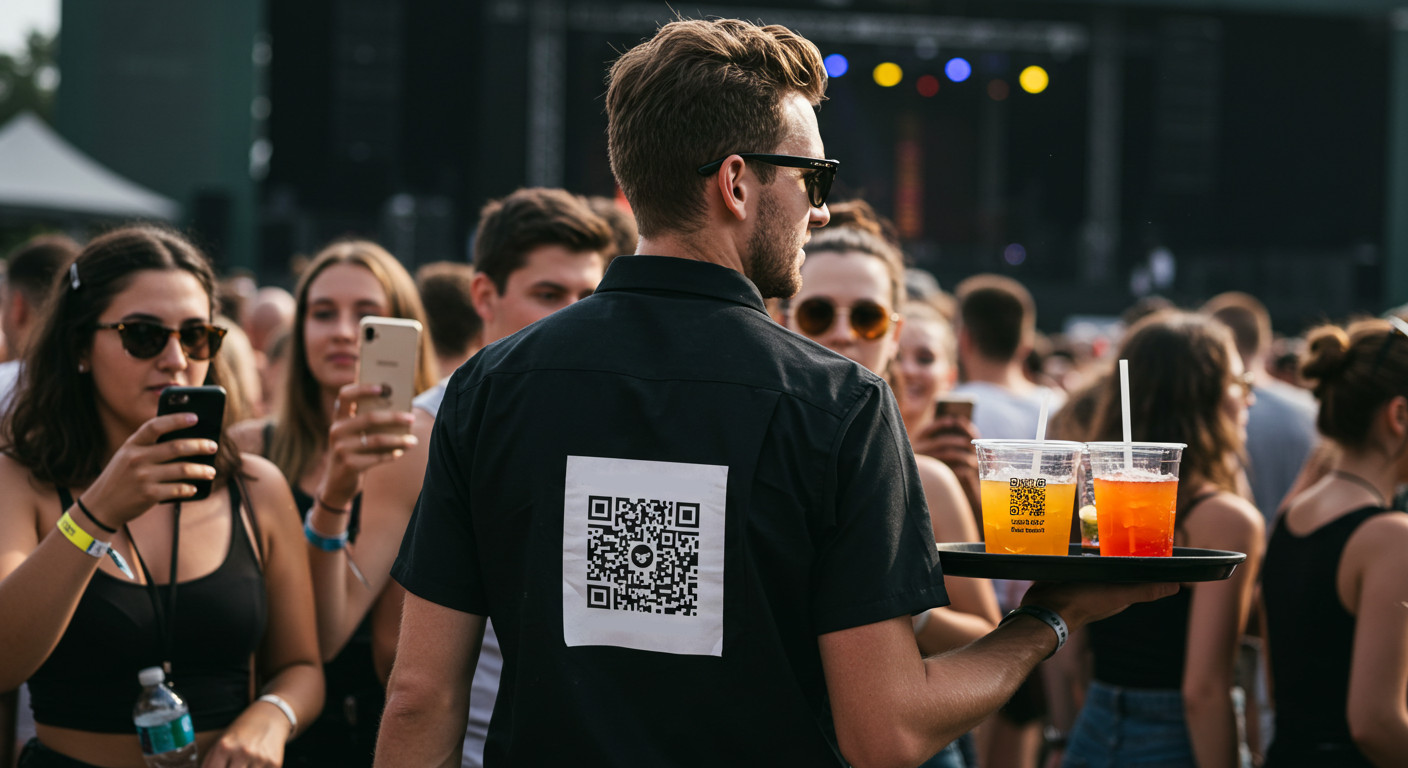
QR code discoverability
-
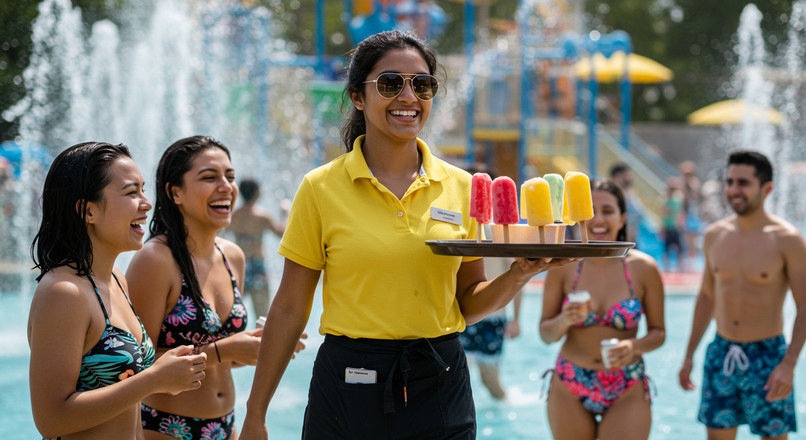
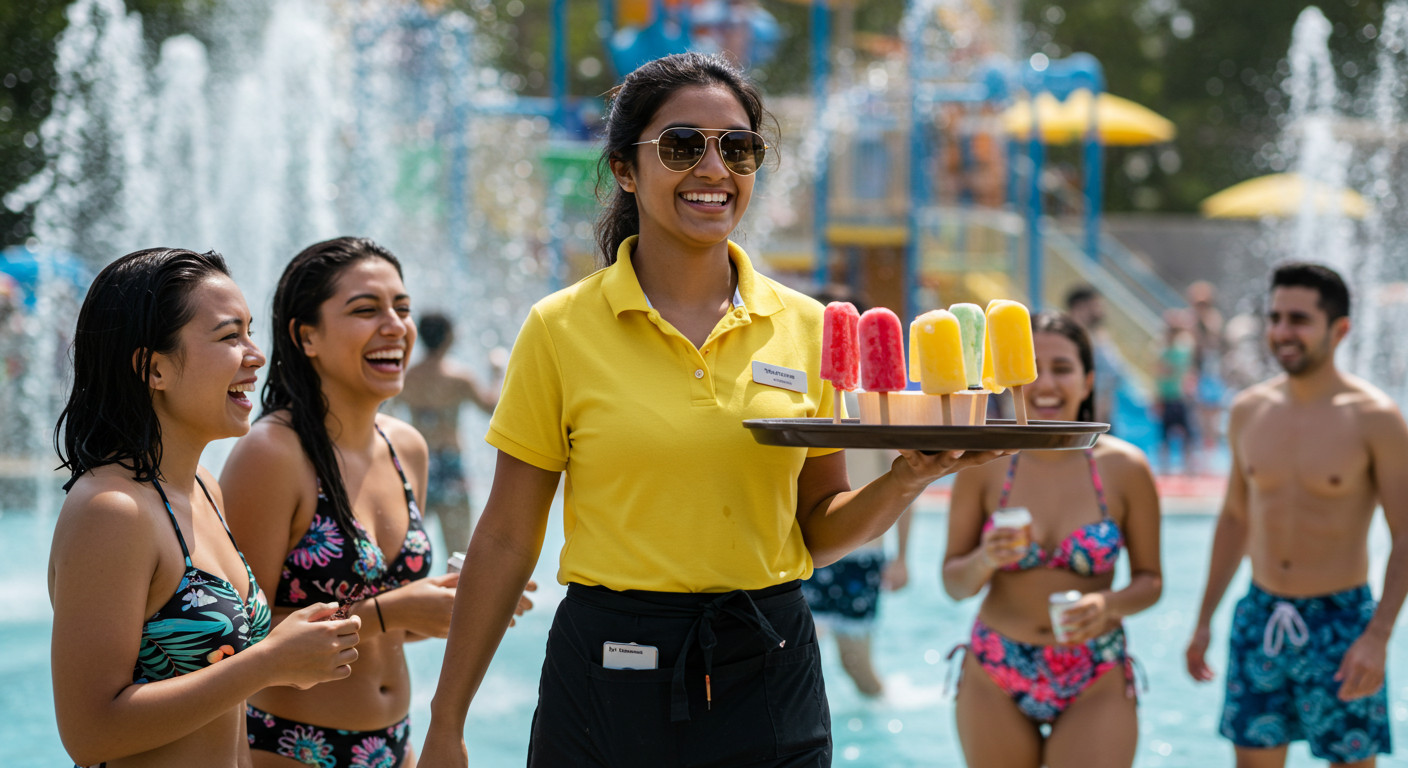
delivering popsicles at a water park
-
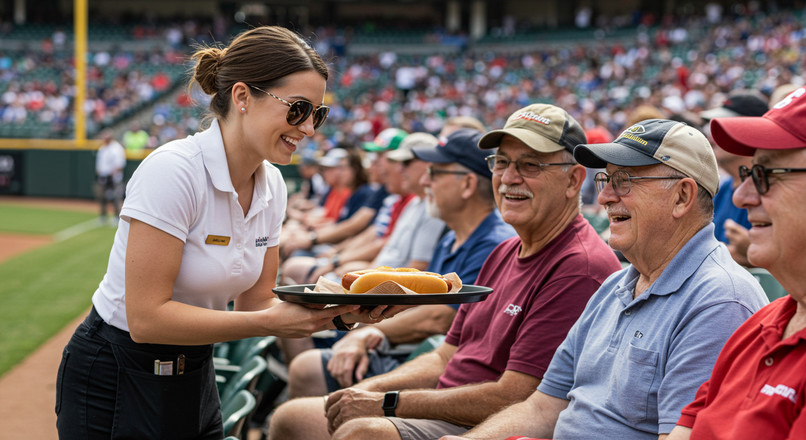
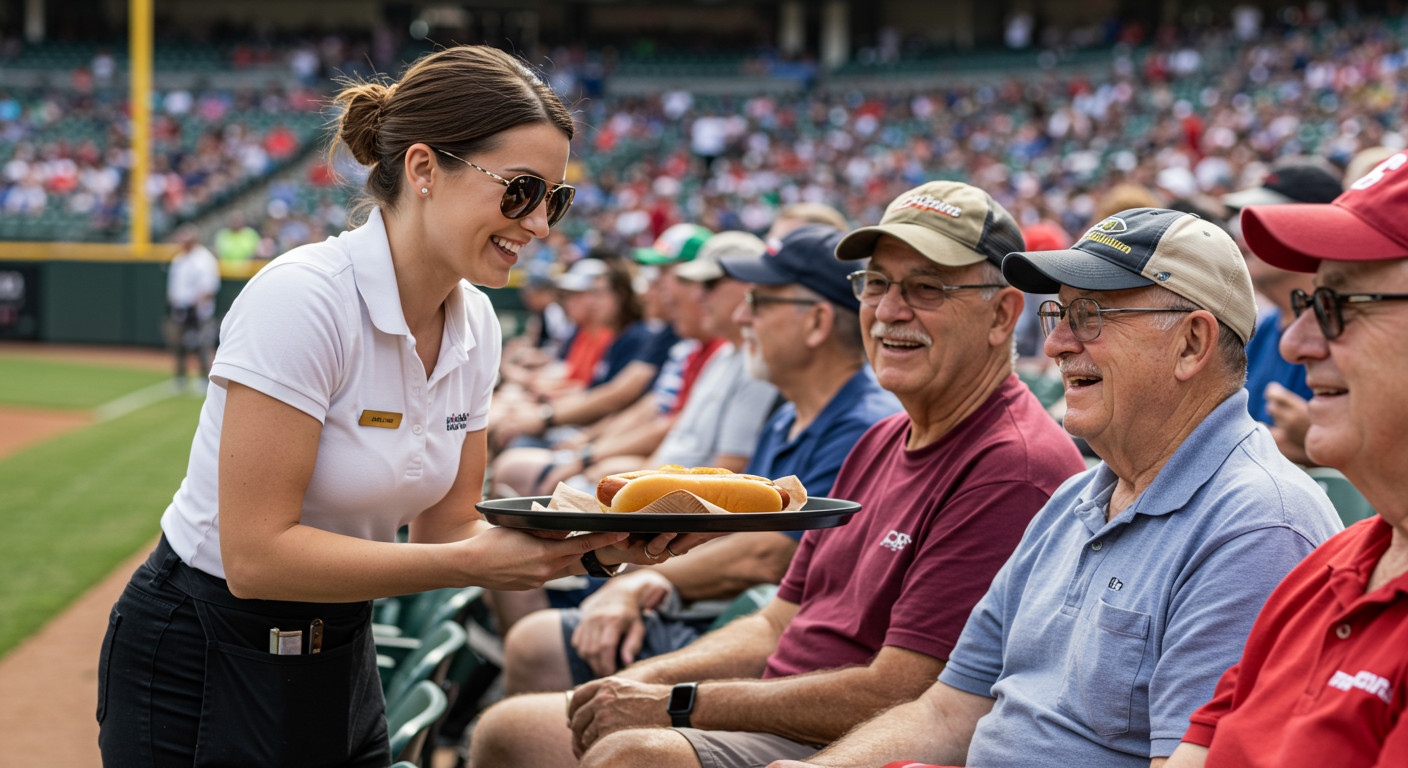
delivering hotdogs at a ballgame

Inspiration
The first time I realized the need for this product was many years ago while watching a movie in a theater, unable to visit the concession stand because I but couldn't risk missing part of the movie. It occurred to me that a system where movie-watchers could order concessions directly to their seats would probably double or triple sales. But how would they find you in a dark crowded theater while they had their hands full? Then recently while I was brainstorming possible use cases for AR glasses, suddenly it clicked!
What it does
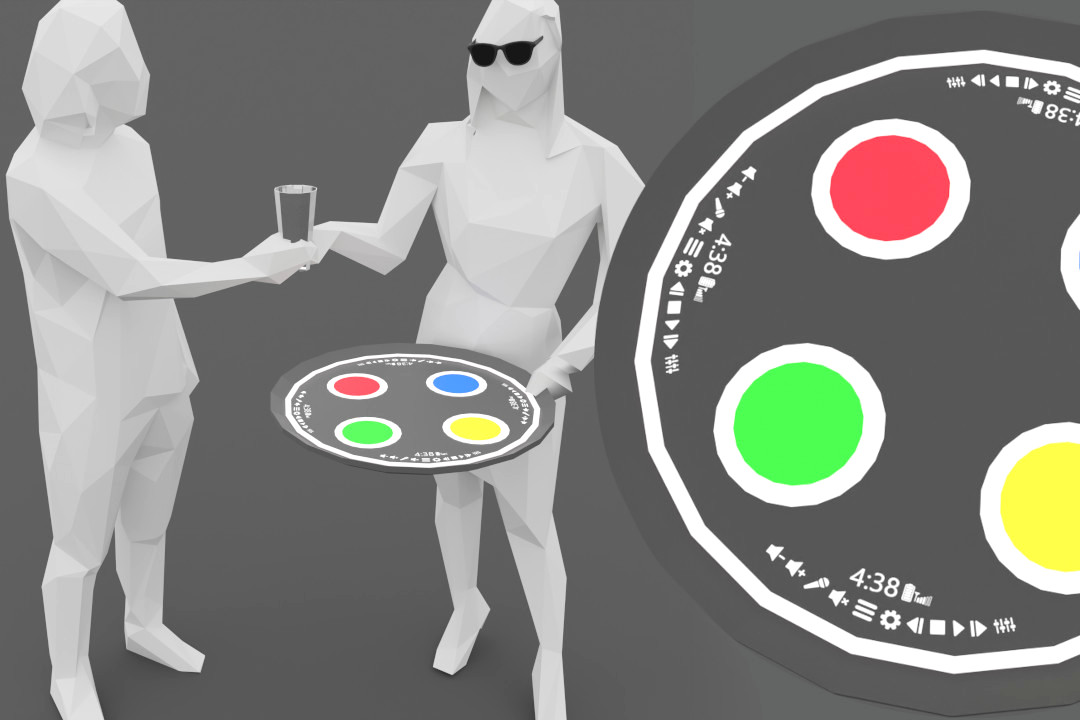
The customer ordering food uses a simple mobile app on their phone which will feel very familiar. For the server, their version of the app will be running on their smart glasses. They will interact with it using a UI superimposed upon their serving tray via AR.
Imagine: you are in a crowd at an event (sports game, fireworks show, parade, concert, theme park, festival, etc.) and let’s say you would like a glass of wine. But you don’t know where the nearest wine vendor is, or how far, which direction, their selection, their prices. And you’re not spending 10 minutes to figure it out.
Then suddenly you notice a waitress (wearing snazzy AR glasses) walk by carrying a tray full of drinks and handing glasses of wine to people. On the back of her shirt is a QR code, so you take out your phone and scan it. A web app opens, you find a button for wine and soon you have selected an appealing Merlot. Confirm purchase. That’s it. Now you can get back to enjoying yourself.
Meanwhile, over at the nearest wine bar, the sommelier (wearing snazzy AR glasses) notices a serving tray light up with a glowing drink coaster. They also notice a specific bottle in their vast cellar has started glowing. Quickly they fill a glass of Merlot and place it on the tray.
Next, a waiter (wearing snazzy AR glasses) picks up the tray, looks around and sees you (yes you) glowing in the distance. Off they head in your direction.
Before you know it, the waiter is standing next to you, handing you wine. As he walks away, several curious women scan the QR code on the back of his shirt. The cycle repeats.
How we built it
My demo was made with Blender and ShapesXR. There is no working code.
Challenges we ran into
I tried so hard to use generative AI to make my video. Like half of this project was exploring different AI video tools and workflows before I had to give up and model everything in 3D.
Working with ShapesXR was fun, despite frequently feeling limited by its functionality. An interesting trick I used to reduce the weight of my 3D models was to render distant objects as 2D images and put those images onto individual planes with transparency.
Accomplishments that we're proud of
I am happy with my layout for the UI on the tray. It took many iterations to come up with something that could be used equally well by either hand, viewed from any 360° direction, and accommodate several simultaneous users. Making it curved to fit the edge may seem obvious, but when it occurred to me I definitely felt like a brilliant XR designer.
What we learned
Mixed-reality interfaces are fun to explore, but very strange. It is absolutely necessary to build and view them in 3D because you will encounter usability issues you never imagined related to optical phenomena like parallax or occlusion.
ShapesXR has a handy function where both PC and VR users can edit the same scene at the same time, so I was able to switch back and forth between my headset and my browser seamlessly, which is an amazing workflow.
What's next for A-Tray: Augmented Serving Tray
Maybe I will develop this design into a working app. Most likely some startup will take my idea and pretend it was theirs.
Built With
- blender
- shapesxr


Log in or sign up for Devpost to join the conversation.