-
-
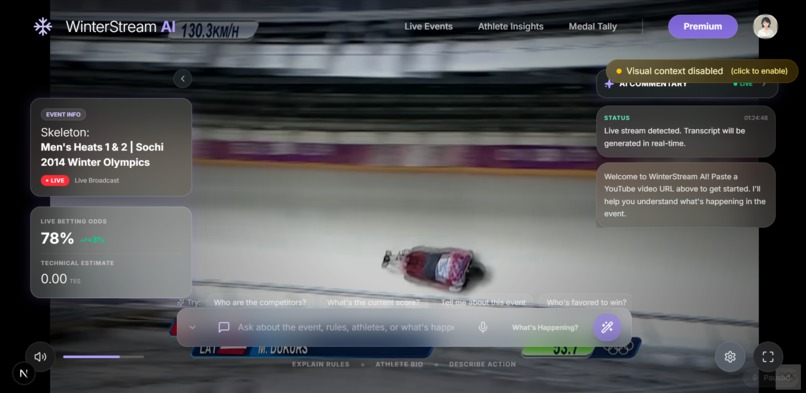
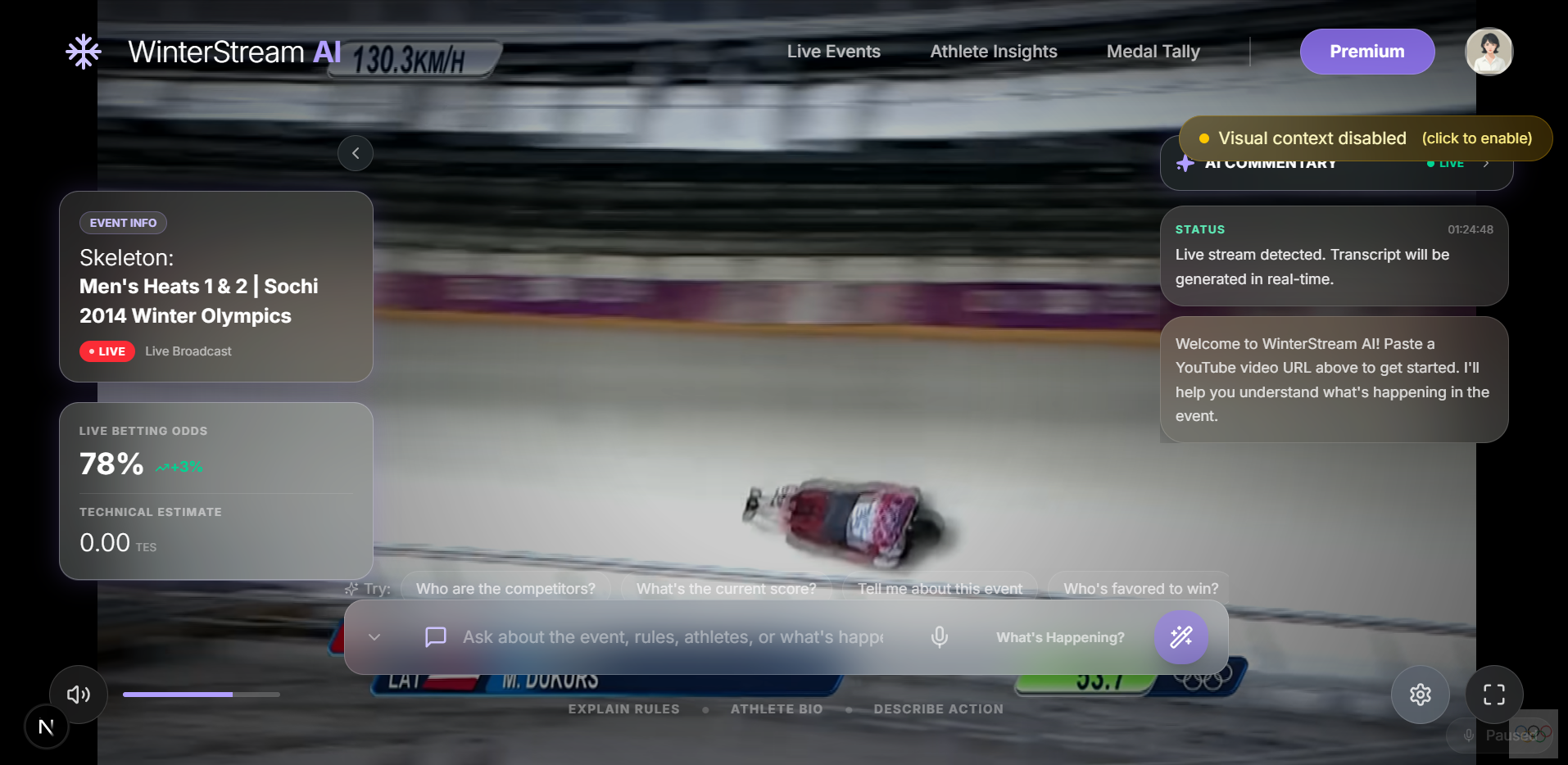
Demonstration of our Amazing WinterStream AI App
-
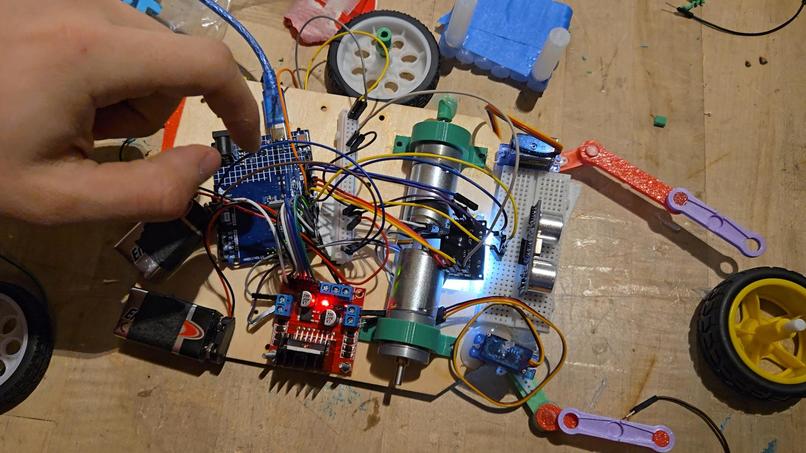
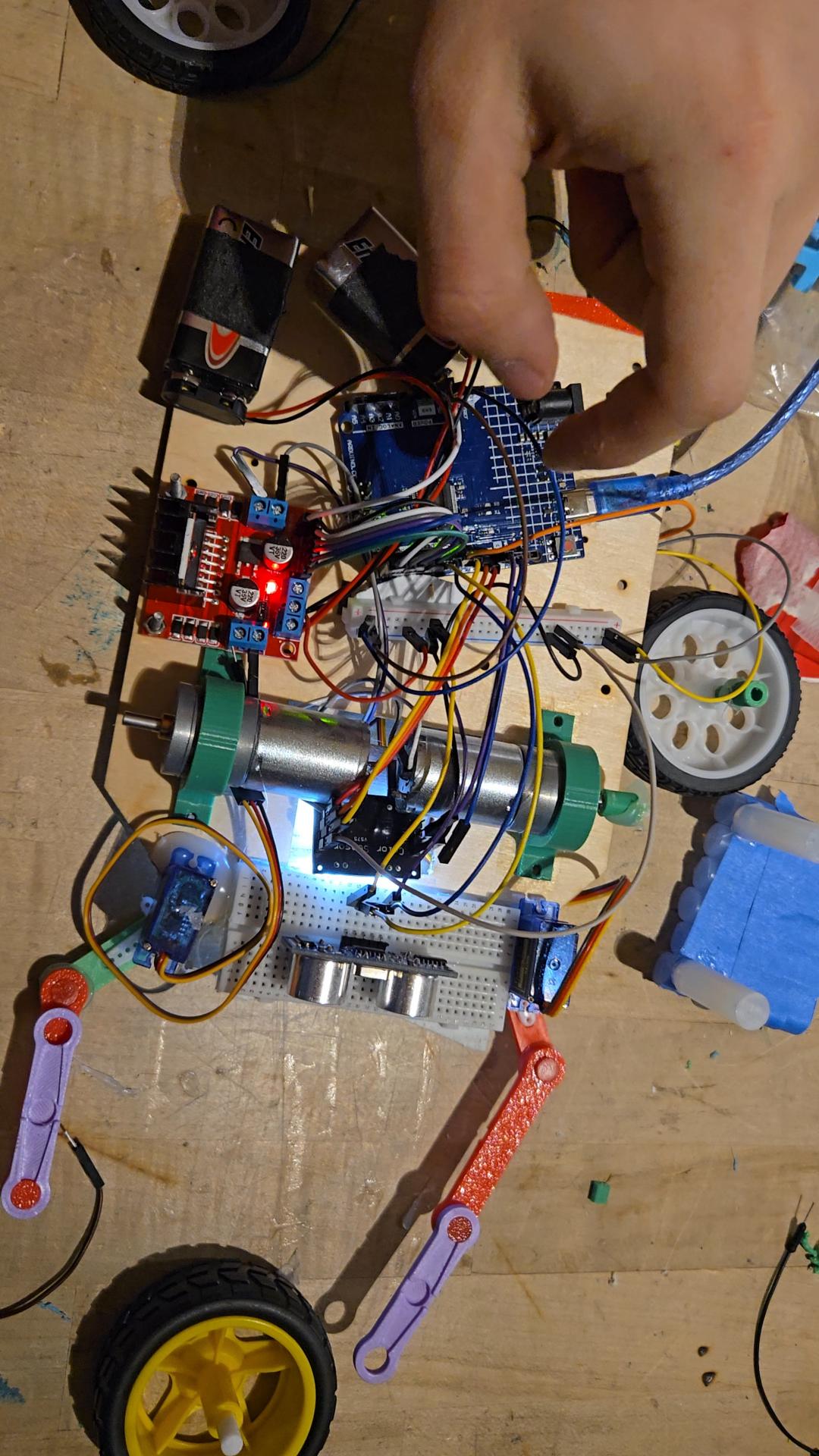
Our robot before our axles broke and they ran out of spare parts :(
Inspiration
WinterStream AI was born from a desire to make sports streaming more accessible to everyone — especially for blind or visually impaired users and newcomers to Winter Olympic sports. Traditional livestreams often rely on visuals that aren’t easily interpreted without sight, so we set out to pair event video with real-time AI-generated commentary and voice responses, letting users hear the action and ask questions naturally.
What it does
WinterStream AI is an accessibility-first, audio-centric Winter Olympics companion web app that:
Embeds livestreams or YouTube videos and automatically fetches transcripts.
Uses AI to answer user questions about what’s happening in the video.
Provides text-to-speech narration of those answers, creating an interactive, spoken experience.
Supports voice input, so users can speak questions instead of typing.
Prioritizes clear descriptive audio — minimal reliance on screen-only cues.
How we built it
We combined modern web frameworks and AI services to make WinterStream AI work end-to-end:
Next.js + React (TypeScript) for the frontend UI and video playback interface.
FastAPI (Python) for the backend service that mediates between the frontend and AI APIs.
YouTube IFrame API to control and display any pasted video or livestream.
Google Gemini API to power question-answering about live video content.
ElevenLabs Text-to-Speech to turn AI responses into natural, spoken audio.
WebSockets for real-time messaging between the frontend and backend.
Challenges we ran into
Some of the biggest hurdles included:
Synchronizing video playback with AI Q&A — we needed smooth back-and-forth interaction without lag or confusing state changes.
Accessible design trade-offs — avoiding visual language like “see this” required extra care in text and audio responses.
Transcript reliability — building a robust pipeline to pull and parse captions from diverse YouTube content was trickier than expected.
Integrating multiple APIs (YouTube, Gemini, ElevenLabs) meant careful error handling and rate-limit management.
Accomplishments that we’re proud of
Built a fully functioning prototype that supports both text and voice questioning of livestream content.
Created a UI that is friendly for screen readers and non-sighted users.
Successfully demonstrated real-time AI commentary on sporting events, something not commonly accessible outside major broadcast platforms.
Connected multiple complex systems (video, AI, speech) into a cohesive user experience within the duration of the hackathon.
What we learned
Focus on accessibility from the ground up makes design decisions clearer — not an afterthought.
Integrating realtime AI features takes careful backend architecture and state management (WebSockets helped a lot).
Text-to-speech and voice input dramatically change how users interact with apps — you have to think like a conversational platform.
Reliable video transcript fetching and management is essential for context-aware AI responses.
What’s next for A-MAZE-ing Robot 2 & WinterStream AI
Expand WinterStream AI’s support to multiple livestream platforms (e.g., Twitch, other sports feeds).
Add language support beyond English for global accessibility.
Build custom AI models or fine-tuning for sports commentary to improve accuracy.
Create a mobile-friendly version or native app wrapper.
Develop a visual-free UX mode specifically optimized for screen-reader users.
Integrate live object detection / visual AI feedback to enhance context for questions about athletes, scores, or movements.
Built With
- css
- elevenlabs
- gemini
- javascript
- mjs
- npm
- python
- svg
- tsx
- uvicorn


Log in or sign up for Devpost to join the conversation.