-
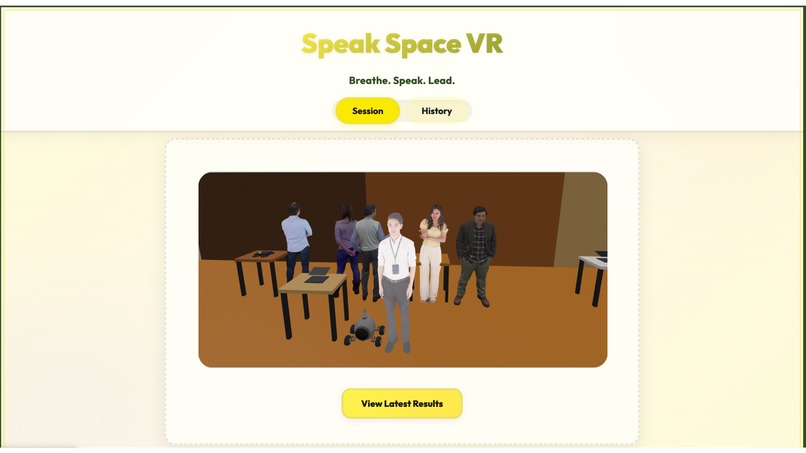
VR + AI public-speaking coach that lets you rehearse in immersive, customizable environments.
-
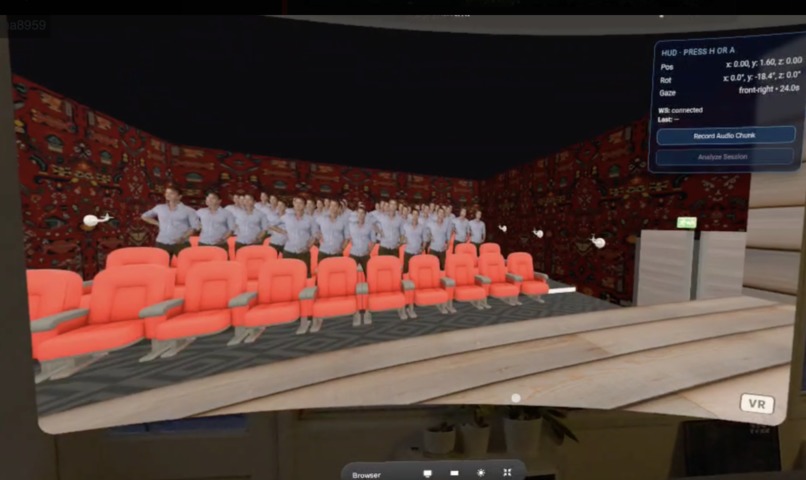
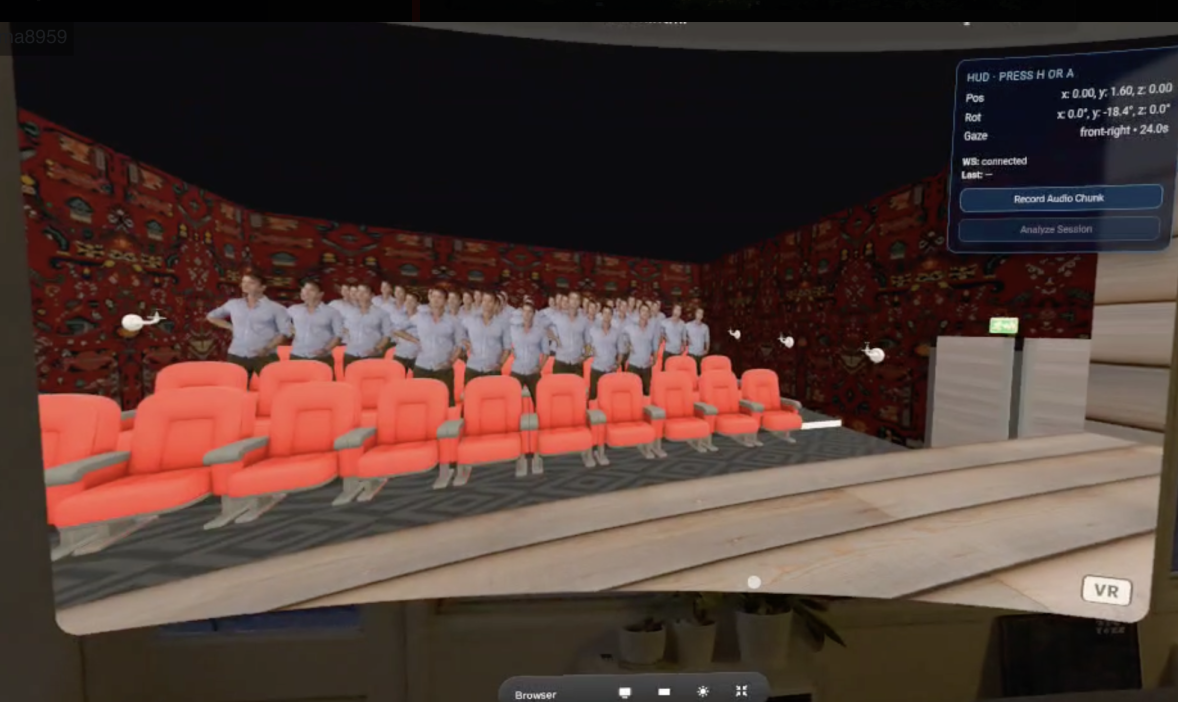
Immersive auditorium
-
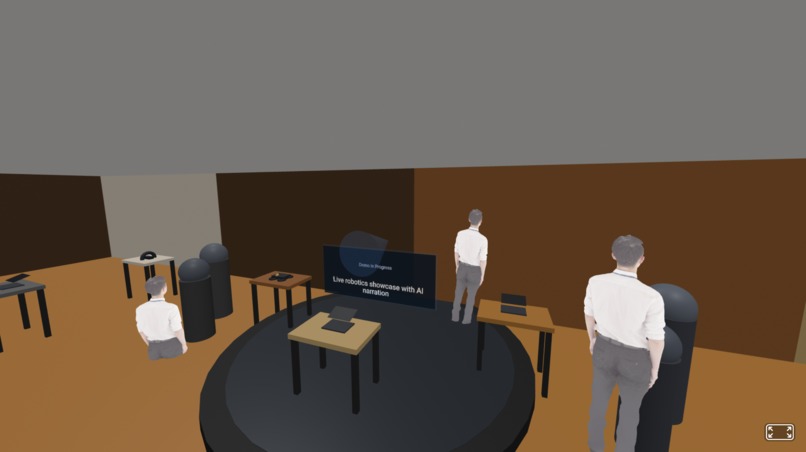
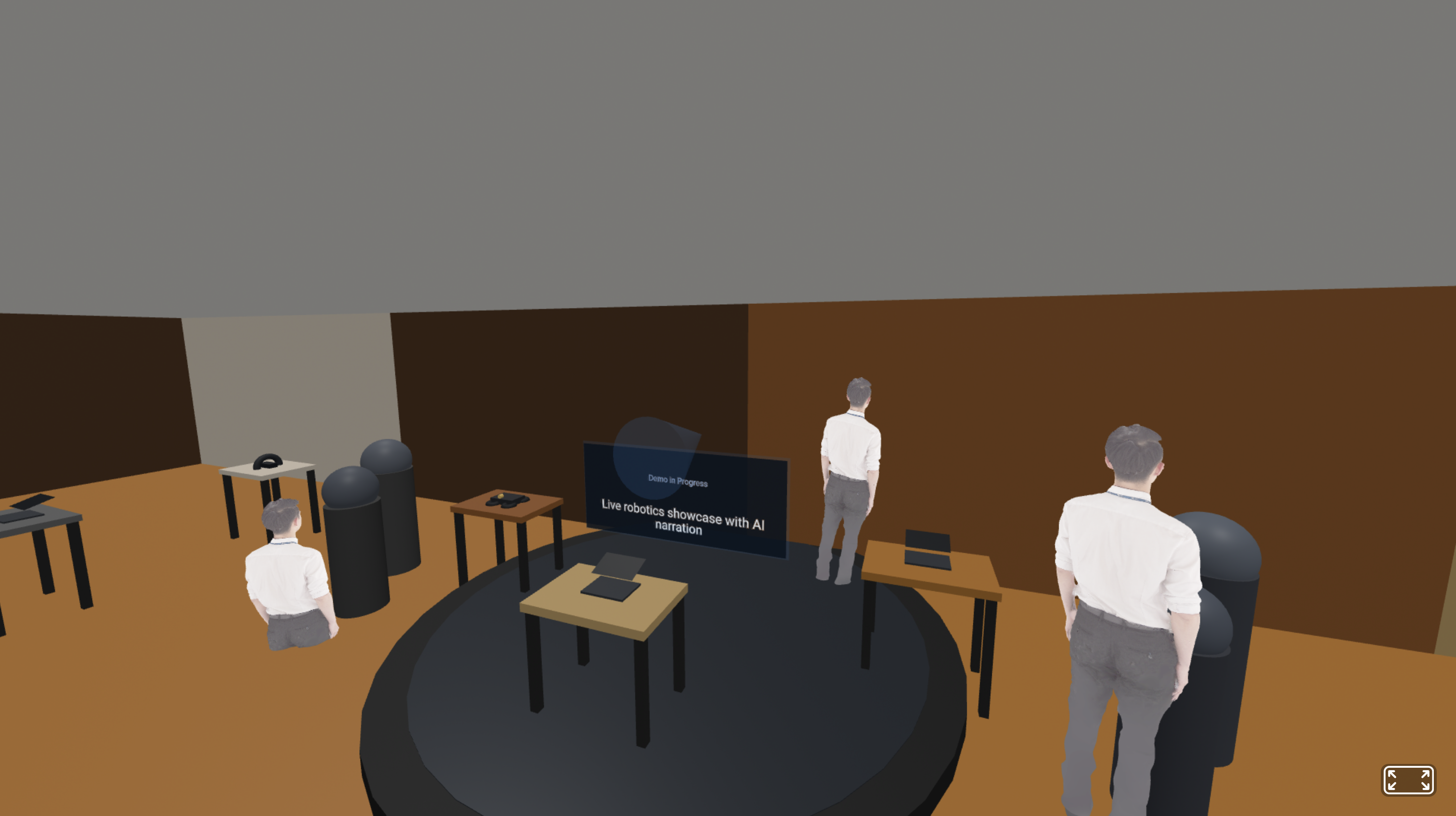
Immersive Symposium
-
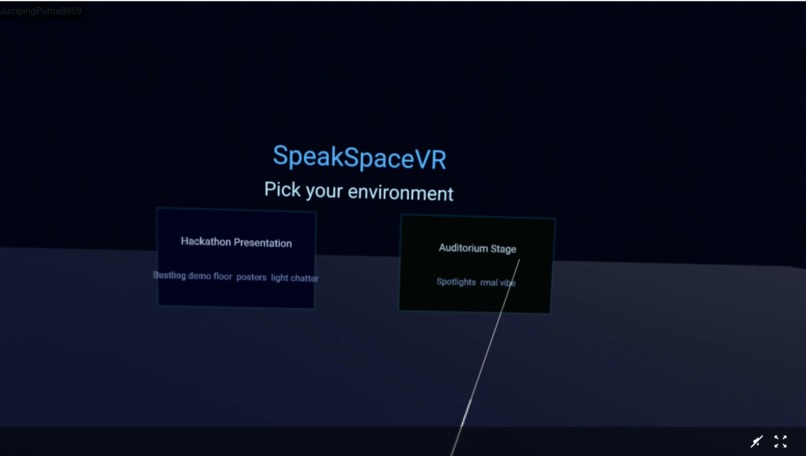
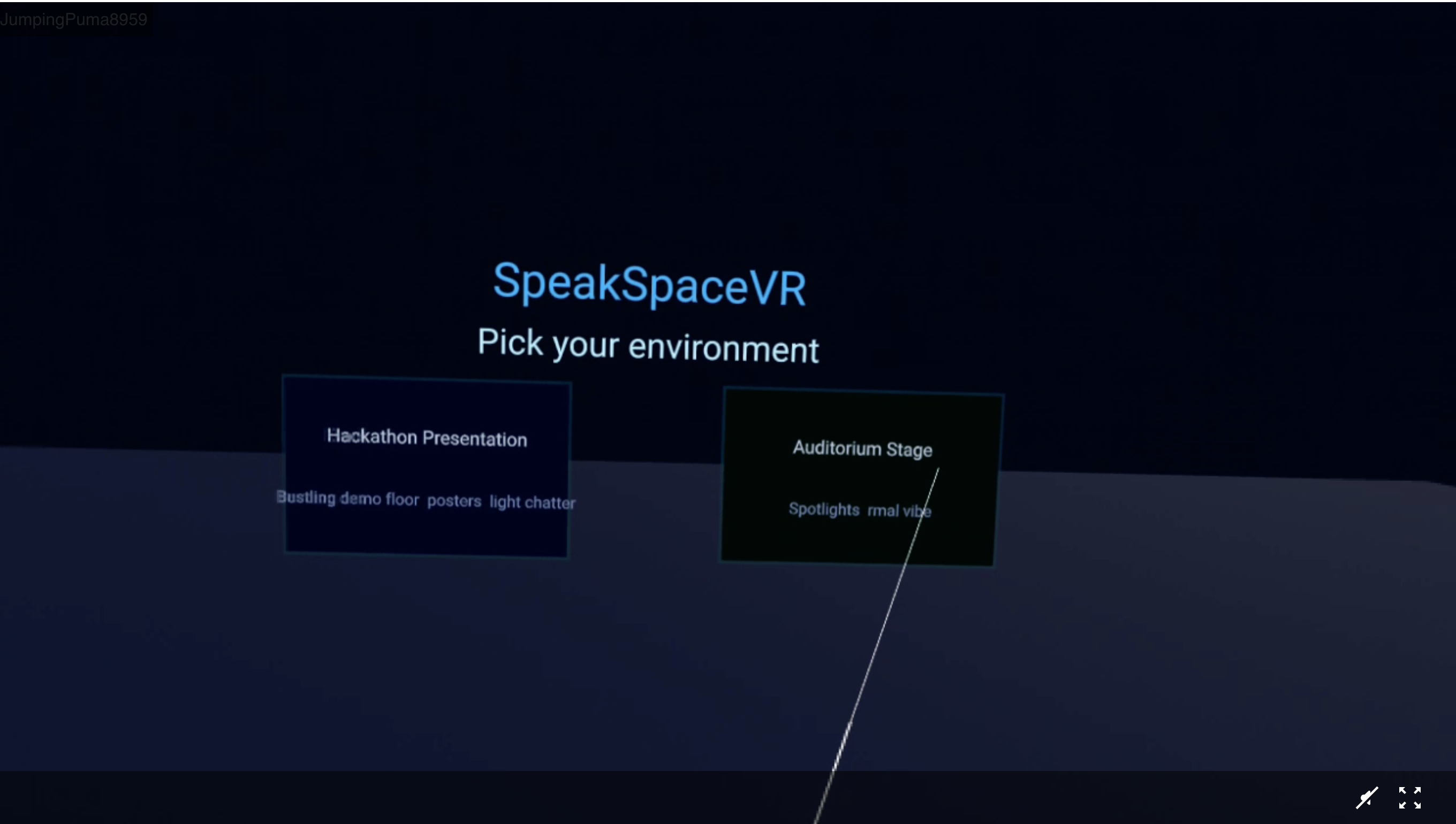
Pick environment page on VR
Inspiration
The key isn’t just solving problems — it’s being able to inspire others to believe in your solution.
One of us had a research presentation coming up, but finding someone to practice with felt impossible. Friends and family were busy, and rehearsing alone never captured the pressure of facing a real audience. That’s when we realized, what if we could simulate the experience of presenting to a crowd?
What it does
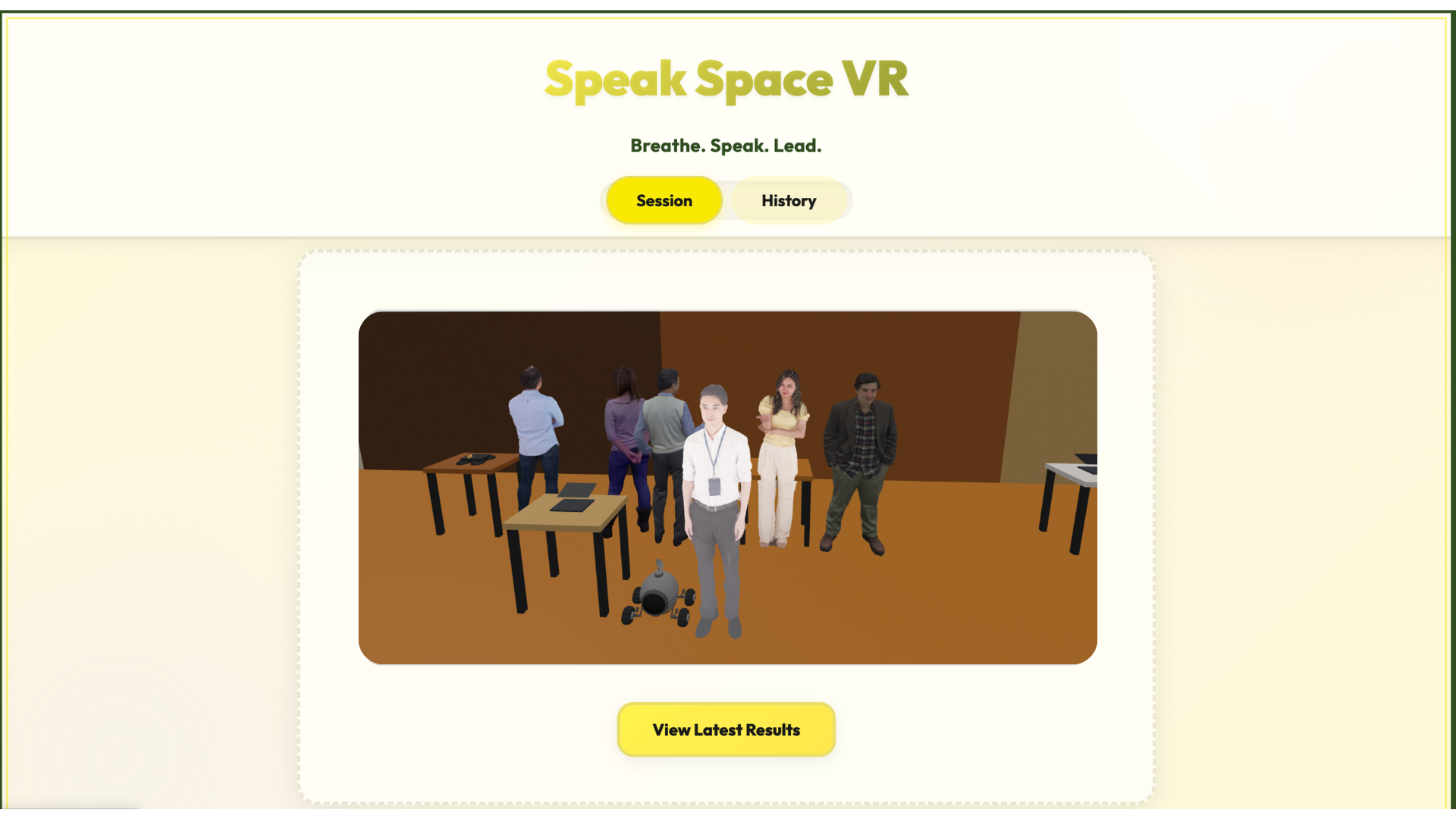
SpeakSpaceVR is a VR-powered public speaking coach that helps users overcome stage fright through immersive, realistic simulations. It places you in virtual environments like classrooms, hackathons auditoriums, or research conferences — complete with subtle audience movements, coughing, and background sounds that mirror real-life distractions. While you present, AI models analyze your speech for pacing, filler words, and tone, offering instant feedback and progress tracking. The result? A safe, data-driven space to practice speaking confidently before stepping onto any real stage.
How we built it
We built SpeakSpaceVR using A-Frame, WebXR, and Three.js to create immersive 3D environments like an auditorium and a hackathon stage. The frontend handles scene rendering, audio playback, and audience interactions, while the Flask backend manages AI-powered feedback through integrations with Deepgram, Whisper, and Gemini for speech analysis. We used the MediaRecorder API to capture the speaker’s voice and send it to the backend, which performs transcription, filler word detection, pacing analysis, and tone scoring. All analytics are stored in local JSON sessions for visualization and progress tracking. The project runs through Vite + Node.js for lightweight modular builds and Git LFS for large 3D asset handling.
Challenges we ran into
Building a fully immersive environment that runs smoothly in-browser was tricky — especially when optimizing 3D assets and managing performance across devices. Integrating multiple AI services (Deepgram, Whisper, Gemini) required careful synchronization to process real-time audio without lag. Another challenge was calibrating realistic audience behavior — adding subtle movements, randomized sounds, and maintaining natural ambiance without breaking immersion. Finally, testing VR compatibility with the Meta Quest 3 involved multiple iterations to ensure smooth rendering and intuitive controls.
Accomplishments that we're proud of
Creating a fully functional VR environment that runs directly in the browser with no heavy installations. Implementing AI-driven speech feedback that tracks pacing, clarity, and filler words in real time.
Designing realistic audience dynamics — from fidgeting animations to ambient sounds — for authentic practice sessions.
Building a modular architecture that makes it easy to add new environments and analytics dashboards in the future.
What we learned
We learned how powerful and flexible WebXR and A-Frame can be for building browser-based VR experiences. We deepened our understanding of speech analysis models, real-time audio processing, and user experience design in immersive environments. Collaborating under time pressure also taught us the importance of version control, modular development, and clear team communication when merging creative and technical ideas.
What's next for SpeakSpace VR
🎨Using AI to generate unique, customizable environments that adapt to the user’s goals — from a crowded conference hall to an intimate classroom setting.
🧠Integrating emotion and gaze detection to personalize feedback.
🎤Adding an AI voice coach that guides users live during practice.
👩🏫Supporting multi-user VR sessions for group rehearsals and classrooms.
🖥️Enabling slide synchronization and custom stage design for presenters.
📈Expanding analytics to include confidence scores, vocal modulation, and engagement heatmaps.


Log in or sign up for Devpost to join the conversation.