-
-
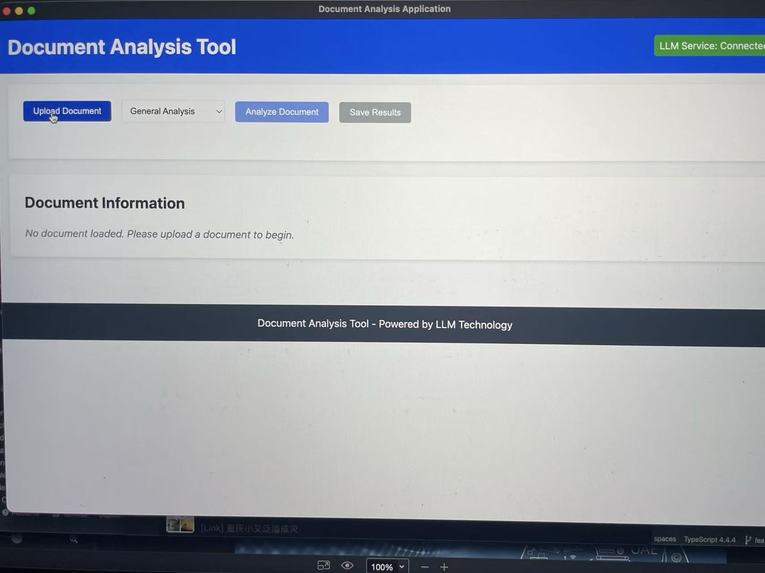
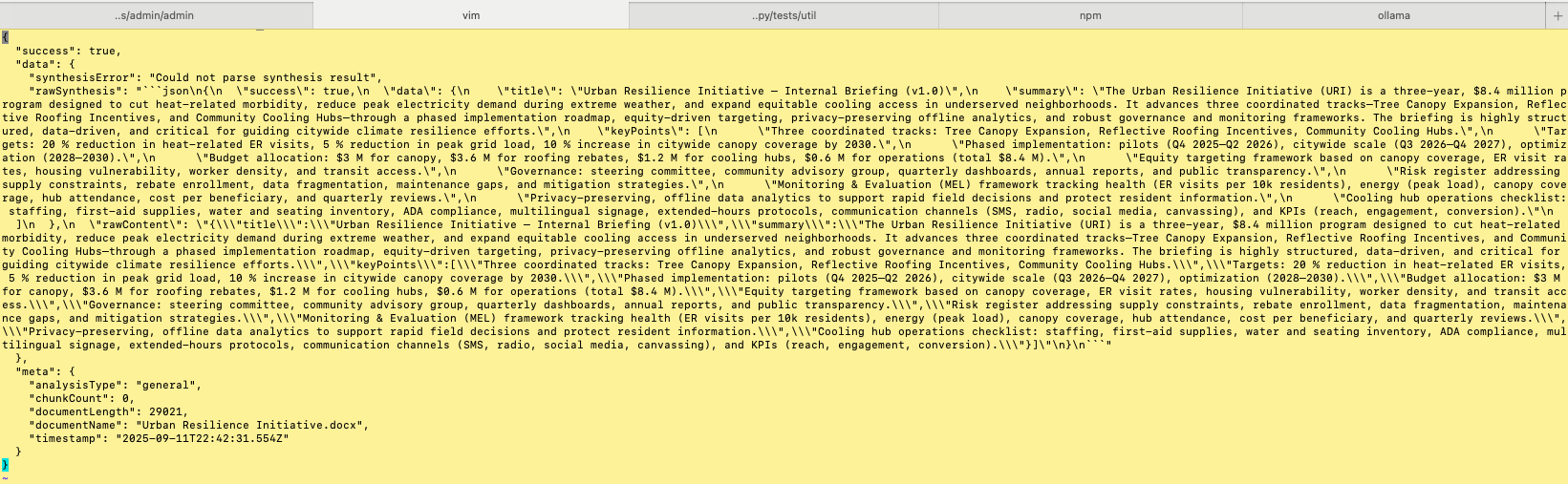
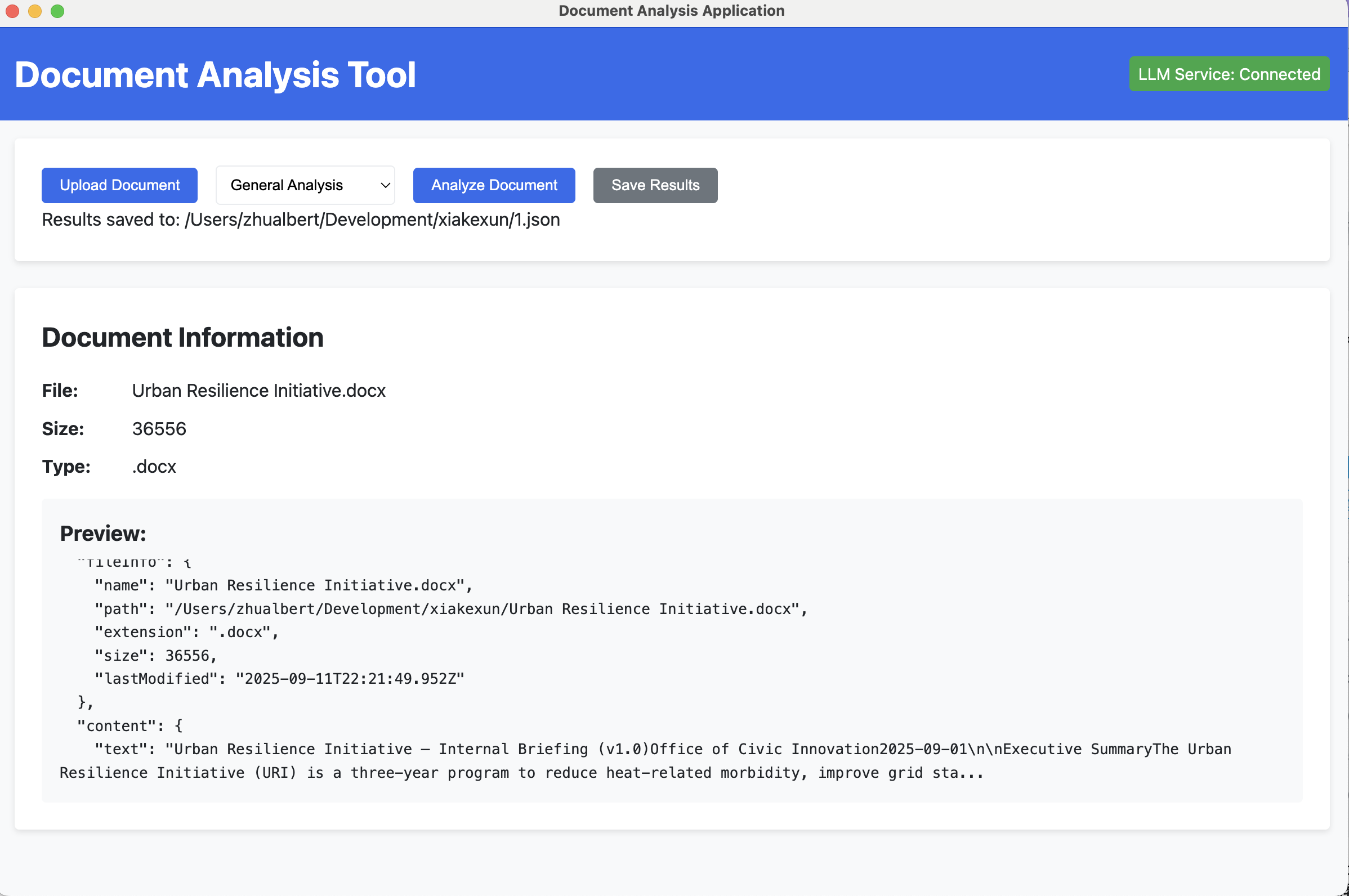
The layout of TriDoc
-
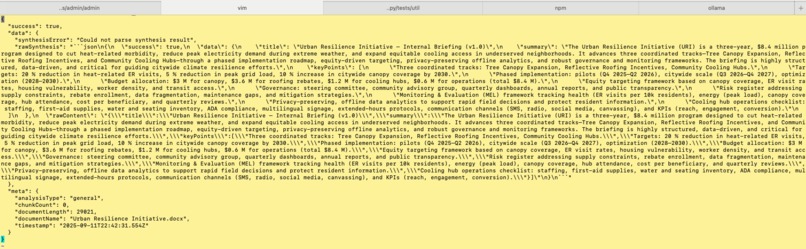
analysis result output layout (Example)
-
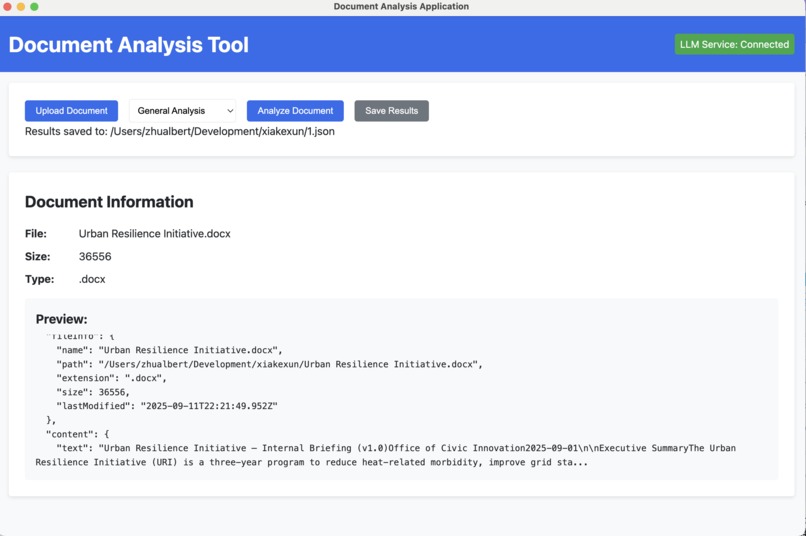
Uploaded document layout (Example)
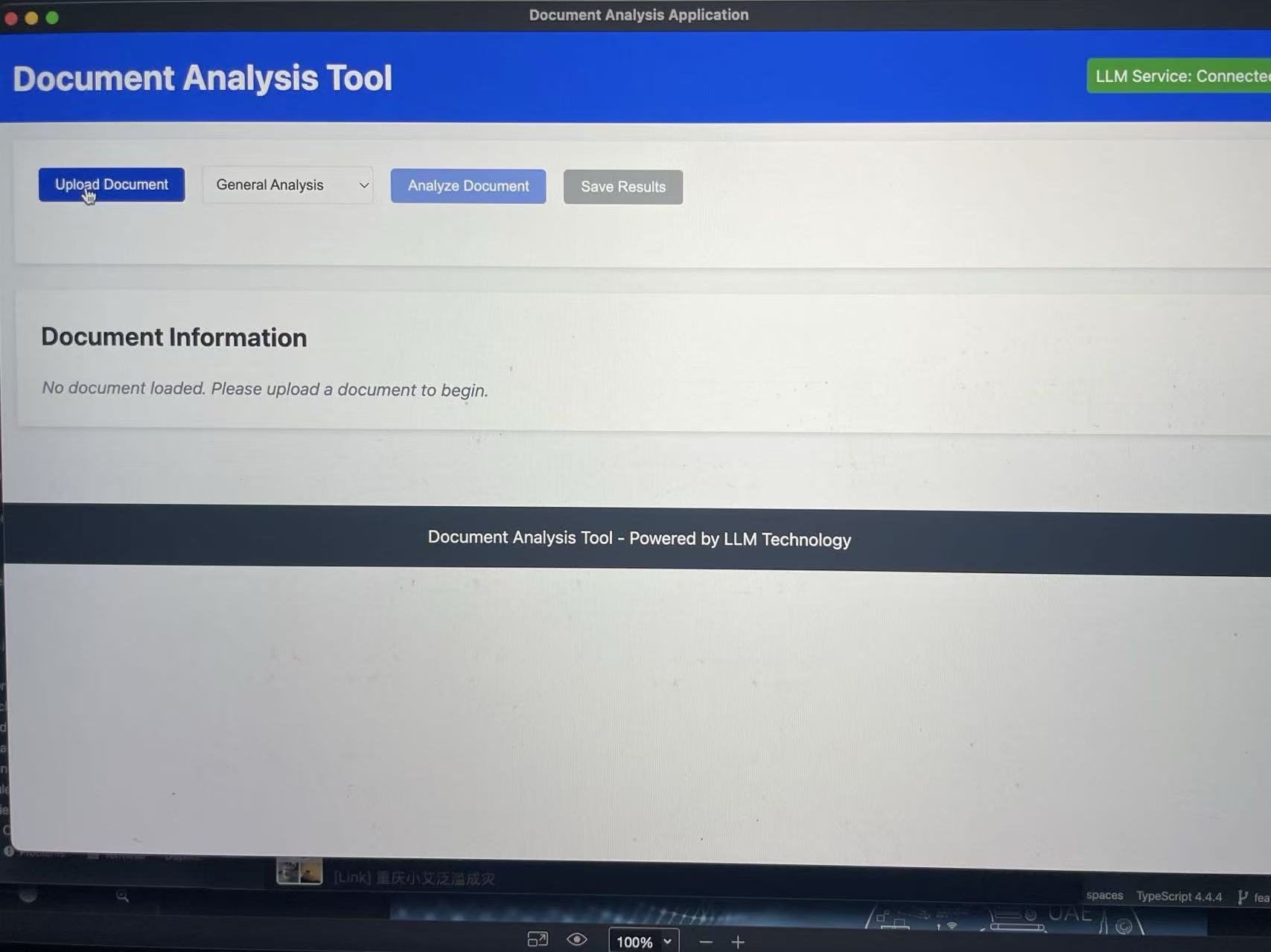
Inspiration
- Many users have diverse needs when processing documents: from quick previews to deep understanding to extracting structured data.
- A clear functional split can improve efficiency and user experience compared to a single “all-in-one” analysis.
- Inferred from current design:
- Pain point: a single generic pipeline serves poorly when users need different depths of insight (scan vs. deep dive vs. structured facts).
- Non-goal: avoid a single “do-everything” button; separation is intentional for clarity and efficiency.
- Offline-first requirement: fully local inference on a lightweight gpt-oss-20b model enables private, reliable analysis on typical laptops.
- Product form factor: a cross-platform Electron desktop app with a user-friendly GUI and a mode dropdown (Outline, Importance, Comprehensive).
What it does
Our project provides three complementary document-processing capabilities and a fully offline, cross-platform desktop application. The app parses and summarizes content according to different template types, handles long documents via smart chunking with binary-content filtering, and exports results as JSON across all functions.
1) General Analysis
- Application scenarios:
- Comprehensive understanding of a document
- Exploratory analysis when specific needs are unclear
- Multi-angle, in-depth analysis of complex documents
- Broad Q&A and interactive analysis
- May include structure analysis and key point identification
- Applicable document types:
- Research reports, academic papers
- Long-form articles
- Business proposals or plans
- Complex technical documentation
- Inferred from current design:
- Output emphasis: breadth and depth of insights, ability to answer broad questions.
- Implementation context:
- Delivered through a desktop GUI with mode selection; runs locally on gpt-oss-20b with JSON export.
2) Entity Extraction
- Application scenarios:
- Identify and extract specific information (persons, locations, organizations, dates, etc.)
- Build structured databases
- Mine targeted information from large volumes of documents
- Information retrieval and classification
- Construct knowledge graphs
- Applicable document types:
- News articles
- Contracts
- Resumes
- Product manuals
- Clinical medical records
- Financial reports (e.g., company names, figures, dates)
- Inferred from current design:
- Output emphasis: correctness and completeness of specified entity types as structured fields.
- Implementation context:
- Outputs can be exported as JSON like the other functions; processed locally with smart chunking when needed.
3) Document Summary
- Application scenarios:
- Quickly grasp a document’s main content
- Save time on large volumes of documents
- Provide document previews and executive summaries
- Content aggregation and condensation
- Applicable document types:
- Long reports
- Academic papers
- News articles
- Meeting minutes
- Legal documents
- Technical white papers
- Inferred from current design:
- Output emphasis: readable summaries that cover key points without unnecessary detail.
- Implementation context:
- Executed via the desktop GUI; long inputs are chunked locally, with binary content filtered; results exported as JSON.
Why this breakdown is reasonable
- Clear functional differences targeting different goals
- Different depth and breadth:
- General Analysis = depth + breadth
- Entity Extraction = precise targeting
- Document Summary = compression and concision
- Distinct user scenarios; easier to choose the right tool
- Efficiency: targeted functions avoid unnecessary comprehensive analysis
- Better user guidance than a single universal option
- Aligns with common practices in document processing and NLP
- Inferred from current design:
- Value: targeted modes reduce compute and user time when only a summary or entities are needed.
- Non-goal: sentiment analysis, topic modeling, and other specialized tasks are not default—reserved for future extensions.
- Operational advantages:
- Entirely offline on a local gpt-oss-20b model; data stays on-device, suitable for privacy-sensitive environments.
- Cross-platform Electron app with a user-friendly GUI; packaged for one-click install and optimized for everyday hardware.
Possible improvements or alternatives
- Task-oriented options:
- “Quick Browse” → Summary
- “In-Depth Analysis” → General Analysis
- “Information Extraction” → Entity Extraction
- More granular functions:
- Add options like Topic Analysis, Sentiment Analysis
- Tailor analyses for specific document types (e.g., contracts, resumes)
- Adaptive analysis:
- System auto-selects the best method based on document type and content
- Composite analysis:
- Allow combining methods, e.g., “Summary + Entity Extraction”
- Inferred from current design:
- UX guidance: offer presets for common combinations (e.g., “Summary + Entities”).
- Roadmap logic: core three modes → composite workflows → adaptive analysis → specialized modules.
How we built it
- Electron-based desktop app for Windows, macOS, and Linux with a simple, consistent UI.
- Local‑only inference using a gpt‑oss‑20b model; no network dependency.
- Chunking strategy for long texts and binary‑content filtering to keep outputs coherent.
- A unified JSON export pipeline shared across all modes.
- Packaging and resource optimizations for smooth installs and everyday hardware.
- Fallback mechanisms to ensure basic results with messy inputs.
Challenges we ran into
- Balancing on‑device performance and output quality on modest hardware, even with a 20B model.
- Designing a UI that clearly exposes three modes without overwhelming users.
- Managing long‑document context (chunking, stitching, de‑duplication) fully offline.
- Keeping JSON outputs stable and predictable across varied document types and formats.
Accomplishments that we're proud of
- Defined a clear, user-centered functional framework covering major document-analysis needs.
- Inferred from current design:
- Clarified boundaries and non-goals to reduce scope creep.
What we learned
- Clear separation of analysis goals improves usability and efficiency.
- Users benefit from both targeted tools and options to combine methods.
- Inferred from current design:
- Success signals:
- Summary: readability and coverage of key points.
- Entity Extraction: correctness and completeness for specified entities.
- General Analysis: breadth and depth of insights and ability to answer broad questions.
- Trade-off awareness: speed vs. depth, precision vs. coverage are key considerations across modes.
What's next for Untitled
- Explore adaptive analysis that auto-selects the best pipeline per document.
- Add specialized modules (e.g., Topic Analysis, Sentiment Analysis, contract/resume-specific analyzers).
- Support composite workflows like “Summary + Entity Extraction.”
- Inferred from current design:
- Milestone ordering: 1) solidify three core modes, 2) add common presets for combinations, 3) experiment with adaptive selection, 4) extend with domain-specific modules.
Built With
- electron
- gpt
- javascript
- jest
- node.js


Log in or sign up for Devpost to join the conversation.