-

-
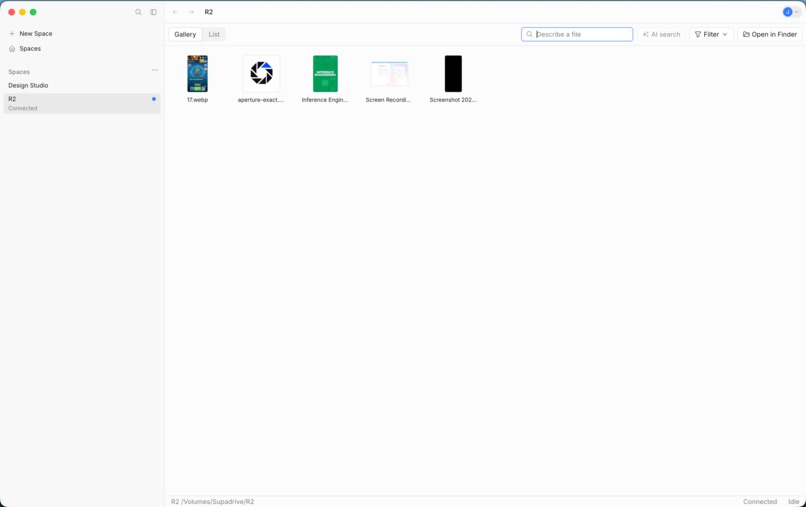
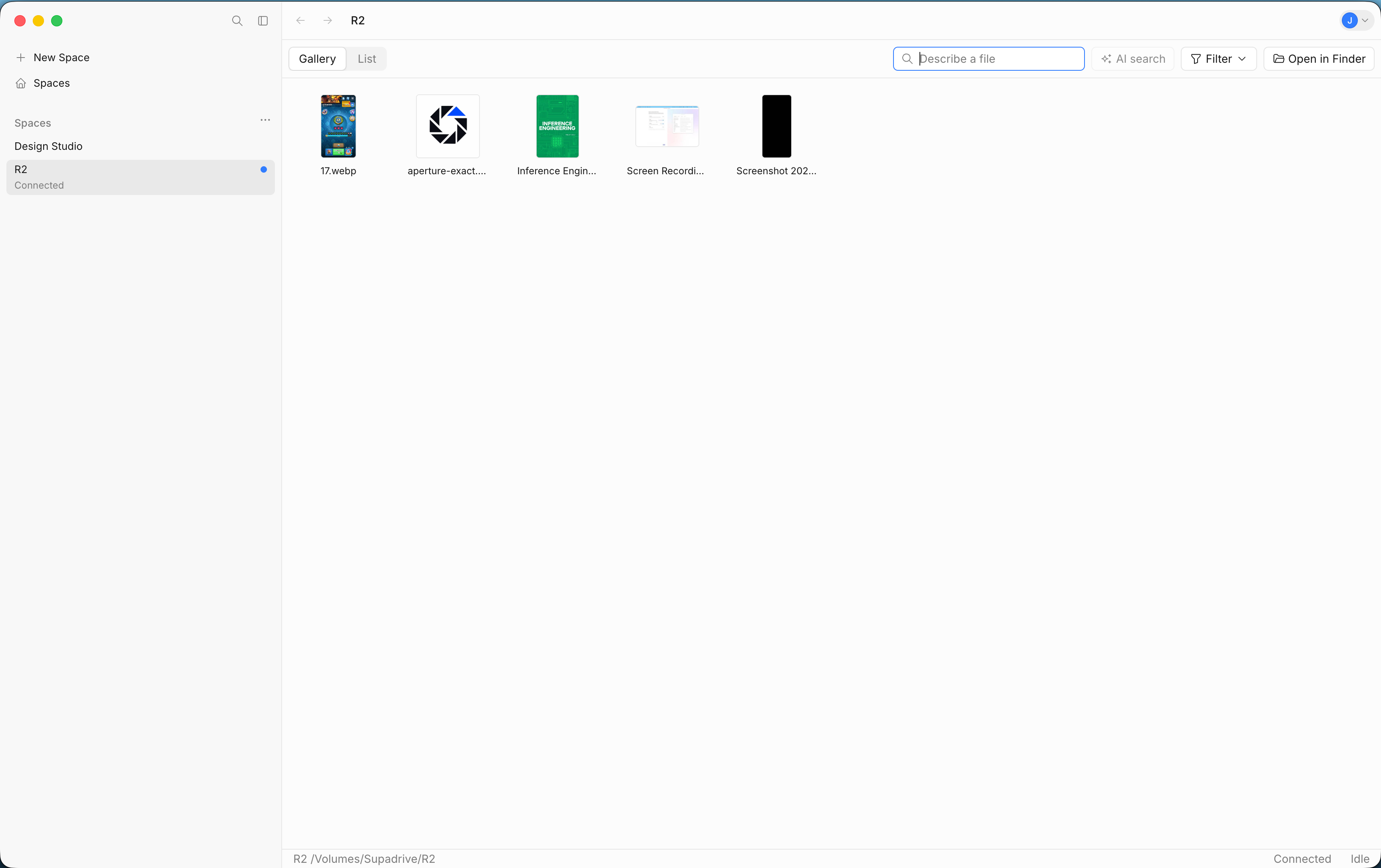
supadrive macos space view
-
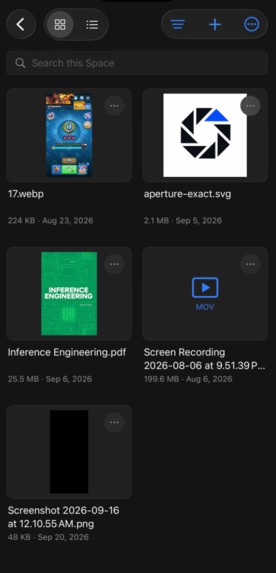
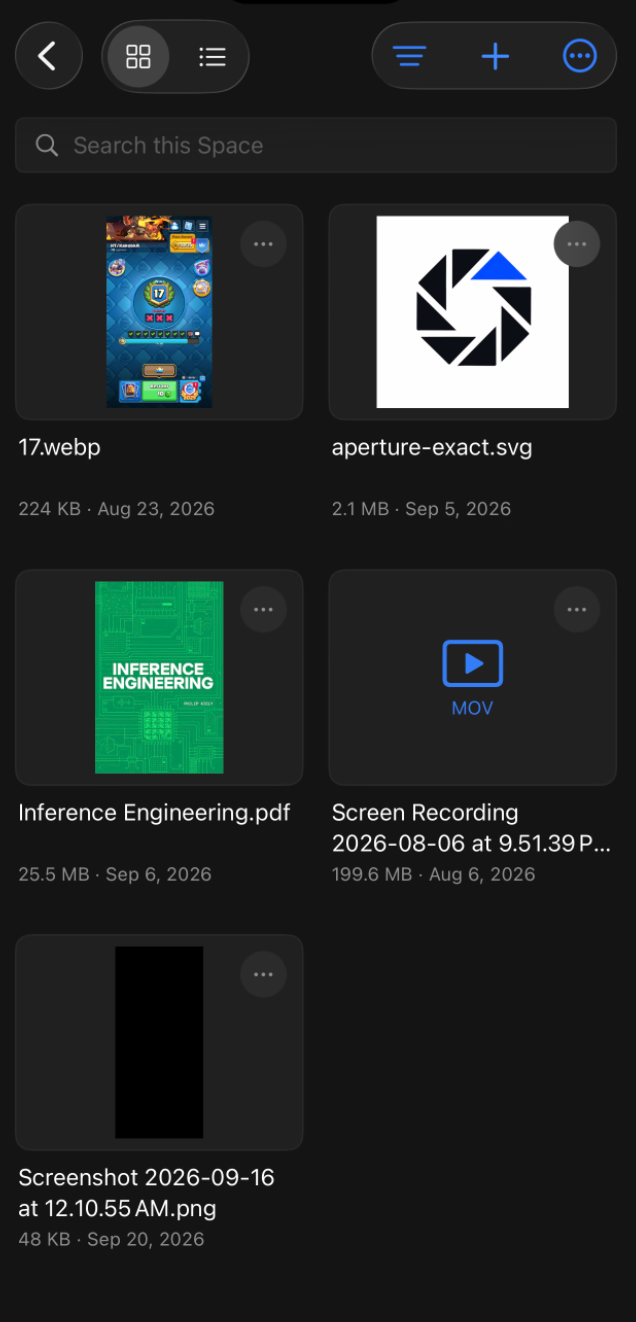
supadrive ios space view

Inspiration
A couple weeks ago, I came across a post on X about giving your computer infinite storage through this product called SkyGlass (Now called Space). The original post can be found here by @byjasonz.
The demo video looked like complete magic to me and I also ran into this problem when I had to transfer a giant folder from macOS to Windows which took a painful amount of time so I challenged myself to rebuild it to use it myself and to learn how the tech works.
What it does
Supadrive is a cloud storage solution that lets you upload files to the cloud, and open or edit them on another machine (Depends on how good your WiFi is) "instantly".
How I built it
The desktop app is Electron and React. The API is Hono on Node, with PostgreSQL for accounts and the file list, and Cloudflare R2 for object storage. iOS has a native app. I would have other parts to the system if I were serving a lot of users but out of scale for my (also not p0) goals.
Challenges I ran into
The hardest part about this entire project was finding a way to show a file on your computer without saving it to your hard drive first.
Normal cloud storage options (like Dropbox or Google Drive) don't do this. If you were trying to download a 10 GB file to check a 60-second clip, the machine you're using will download all 10 GB in the background.
I had two plausible ideas that could achieve this behaviour:
Empty placeholder files but on open, it would open the original file, not the placeholder taking up 0 bytes but claiming to be the original file size
A known file-extension provider for each operating system
My first attempt using the empty placeholder files didn't work. While you can create a file that claims to be 10 GB while using zero storage, clicking play just feeds blank empty data to your video player. A normal placeholder file has no way to pause the player and pull the missing data from the internet.
The file-extension method worked and the results passed my requirements:
- On desktops, it lets Supadrive sit quietly between your file manager and
the rest of the computer. Whenever an app opens a file, Supadrive only grabs that part from the cloud, and reports the file as
0bytes on disk. Anything cached is in a different folder. - On mobile, it streams file previews directly inside Supadrive, and does the same as desktop by fetching only the needed parts.
Accomplishments that we're proud of
It works!
What we learned
Almost all software is "clone-able" with AI but to make good software, you still need taste. Also learnt a lot about byte range streaming
What's next for Supadrive
None, this project is very expensive (unless you're abusing some cloud provider's free egress and $/requests) and you're better off getting a subscription for Space.
OpenAI and Codex + Devin
The OpenAI API was used to power AI search for the application. Most people aren't very organized and even when they are, they may hundreds of videos of the same scenery/footage, with similar names. An AI search helps filter out the noise to help bring up relevant results given a text prompt of what they're looking for. Codex was used to investigate and build out majority of the difficult backend/infra in the app (MVP). I used Devin to iterate on frontend and for miscellaneous tasks.
Built With
- amazon-web-services
- electron
- postgresql
- r2
- react
- stylex
- swift
- swift-ui
- typescript

Log in or sign up for Devpost to join the conversation.