Team: Cool People's Really Exclusive Club
Members: Jack Hayes
2 projects
(A) AR Geo Video
problem: clients want scene/ street context for lcoation of underground utilities.
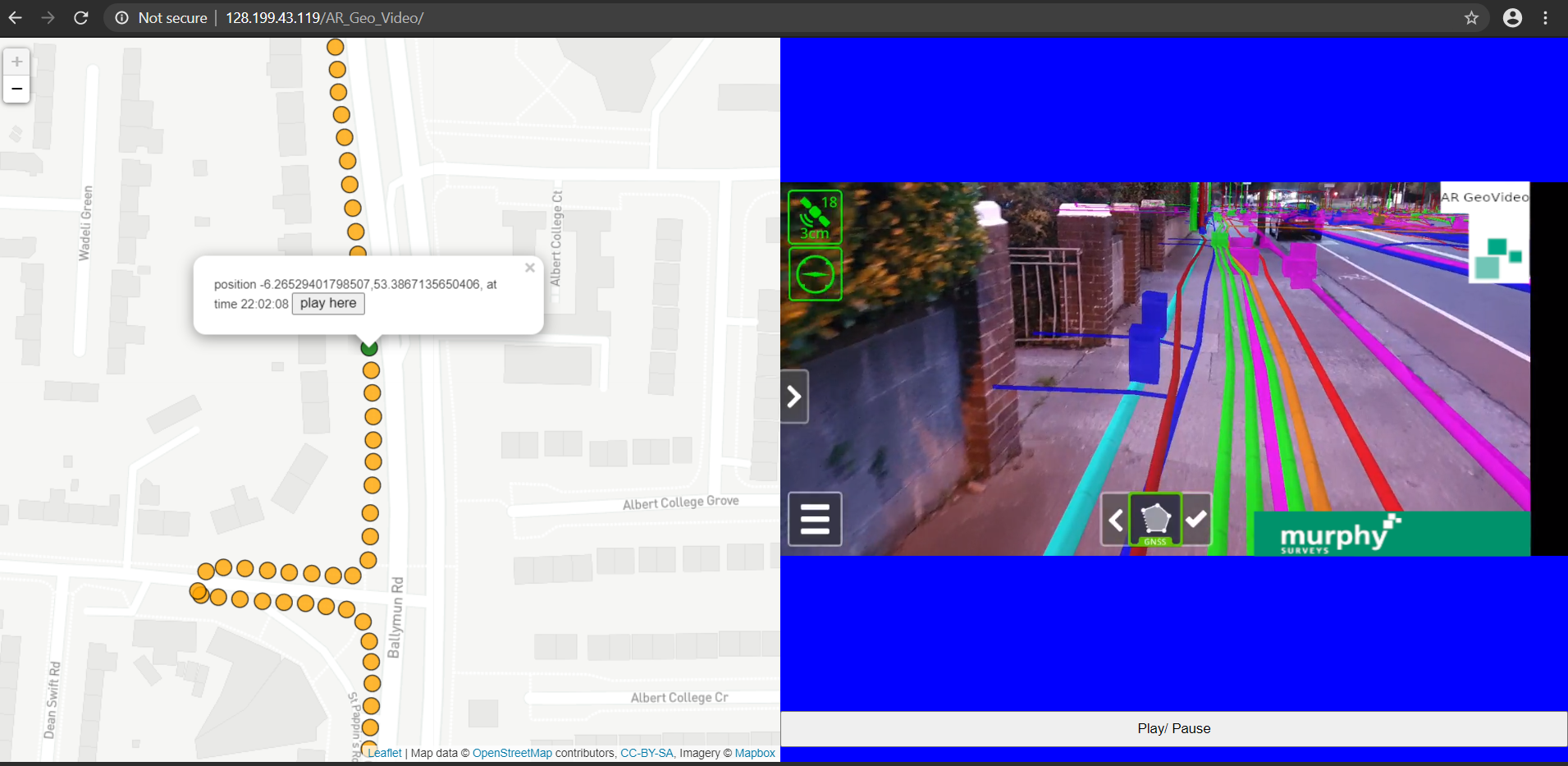
solution: record an AR video that overlays the BIM model onto the scene and is also geo-referenced so clicking a map point shows the relevant video portion.
link: 128.199.43.119/AR_Geo_Video/index.html
usage: wait ~10s for video to load then click any map marker, then click "play here" to play video at that location.
workflow to create:
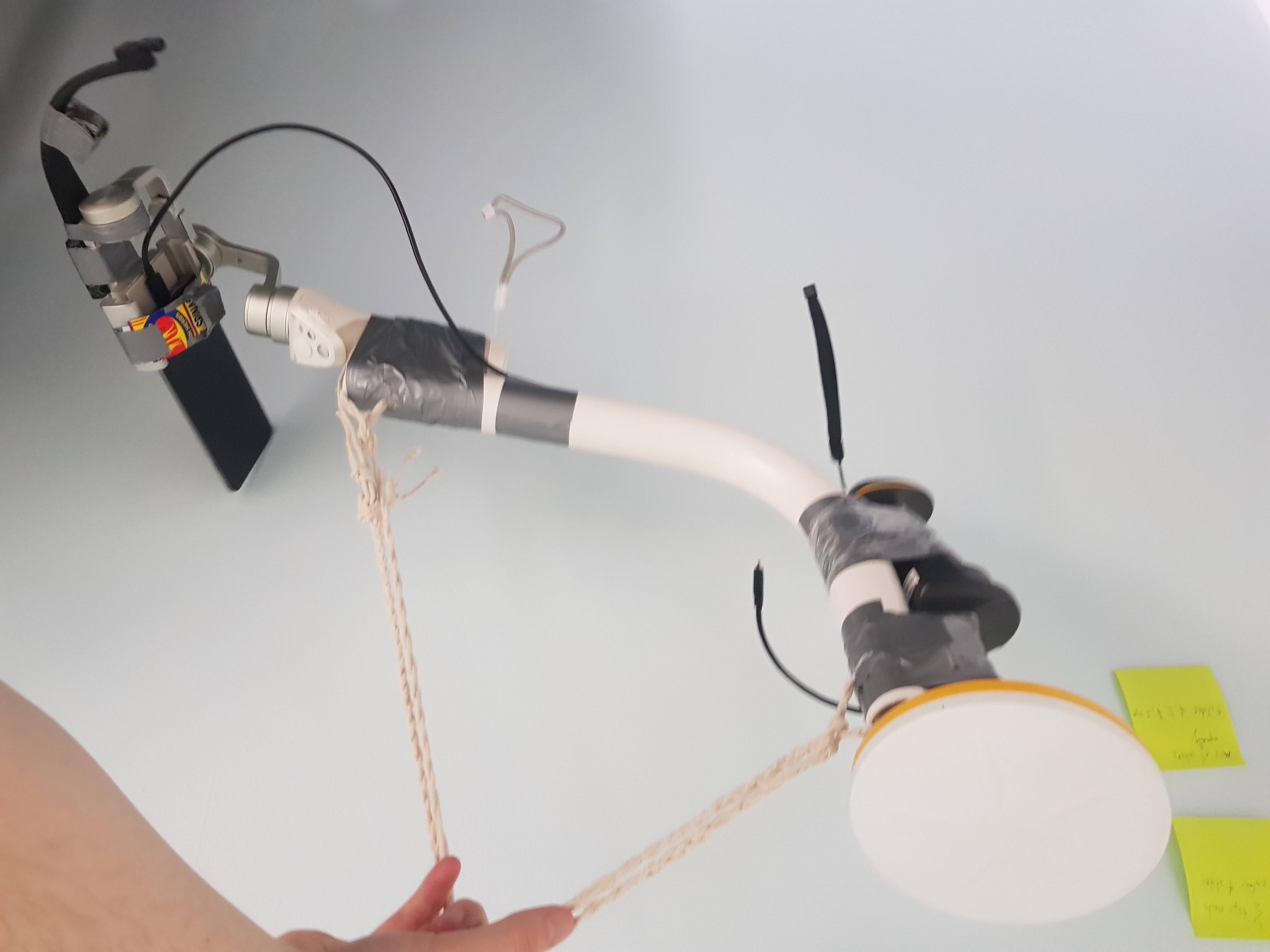
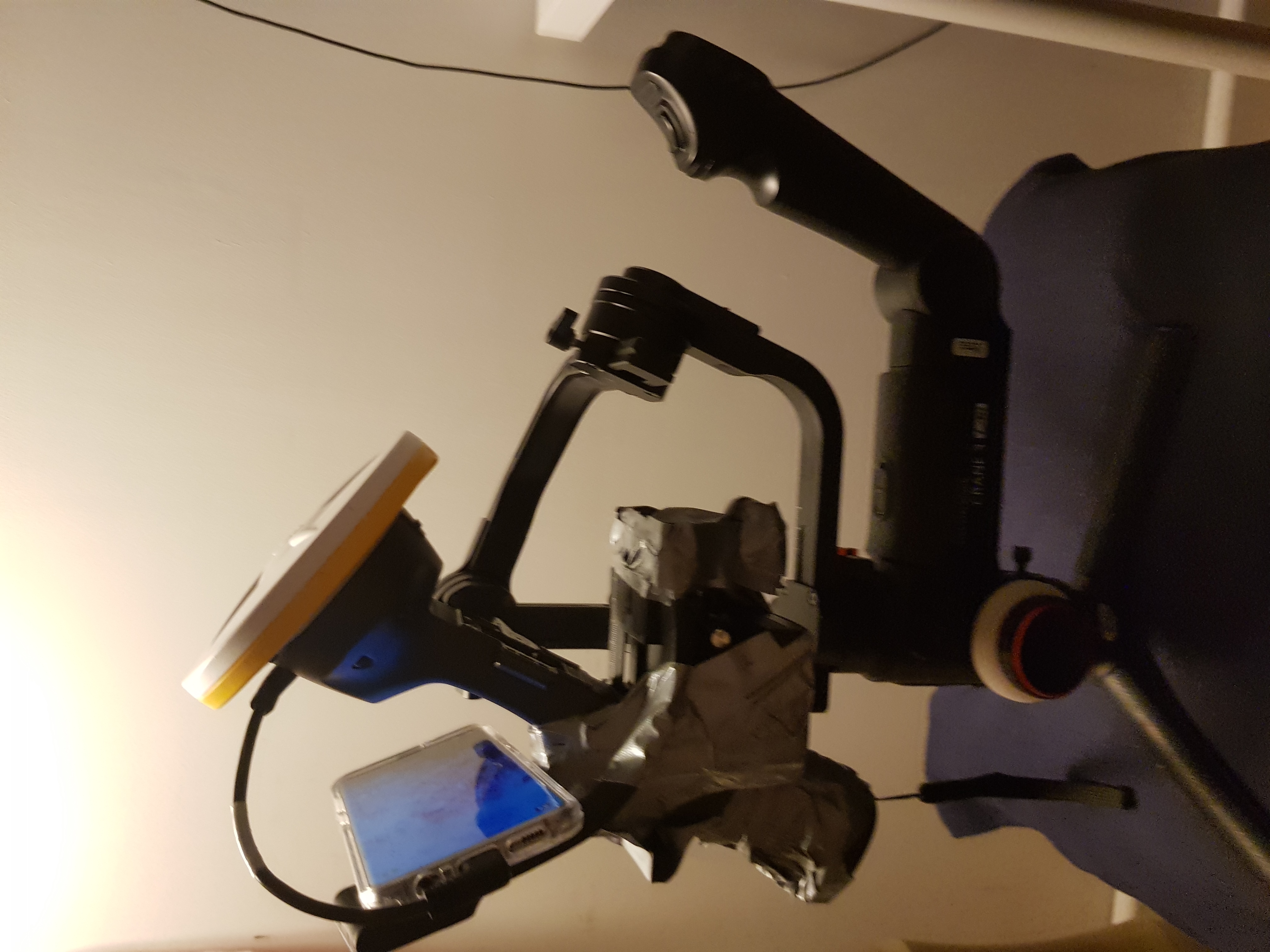
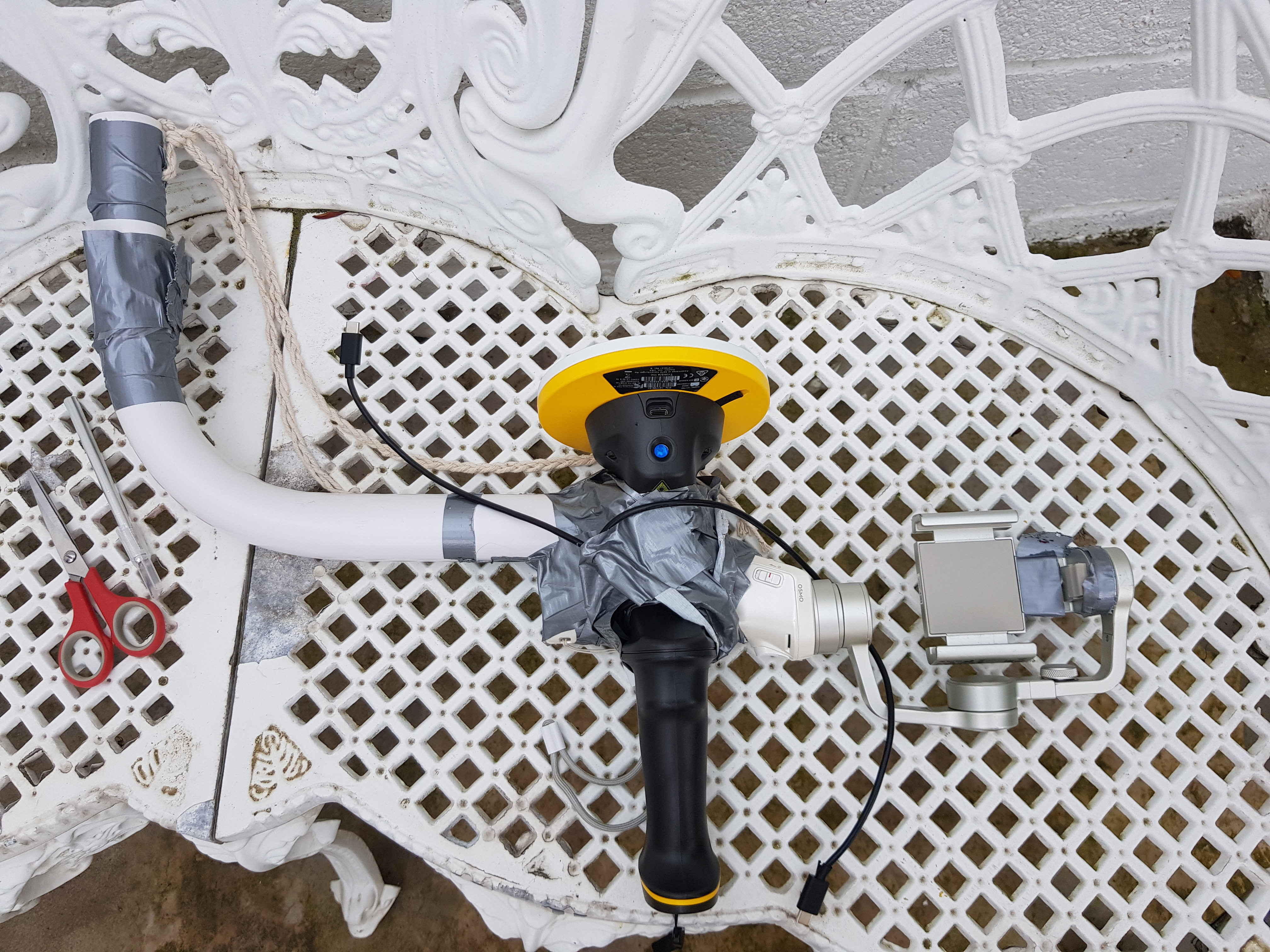
1. Trimble SiteVision
2. heavy duty gimbal (Zhiyun Crane 3)
3. screen recorder
4. auto-screen clicker app
5. ducktape the SiteVision with phone into the gimbal
6. set auto screen clicker to click every 5s the "draw line point" button in SiteVision (this records the GNSS in a .csv)
7. set the screen recorder to start recording
8. start walking the route of the BIM model
9. after recording, export both the screen recorder video and csv of GNSS points to server
10. the video and and GNSS points correlate since they both use the common phone clock for timestamps
11. the index.html shows how the two data sources interact


(B) Align and display site camera in Forge (using Autodesk Dublin office)
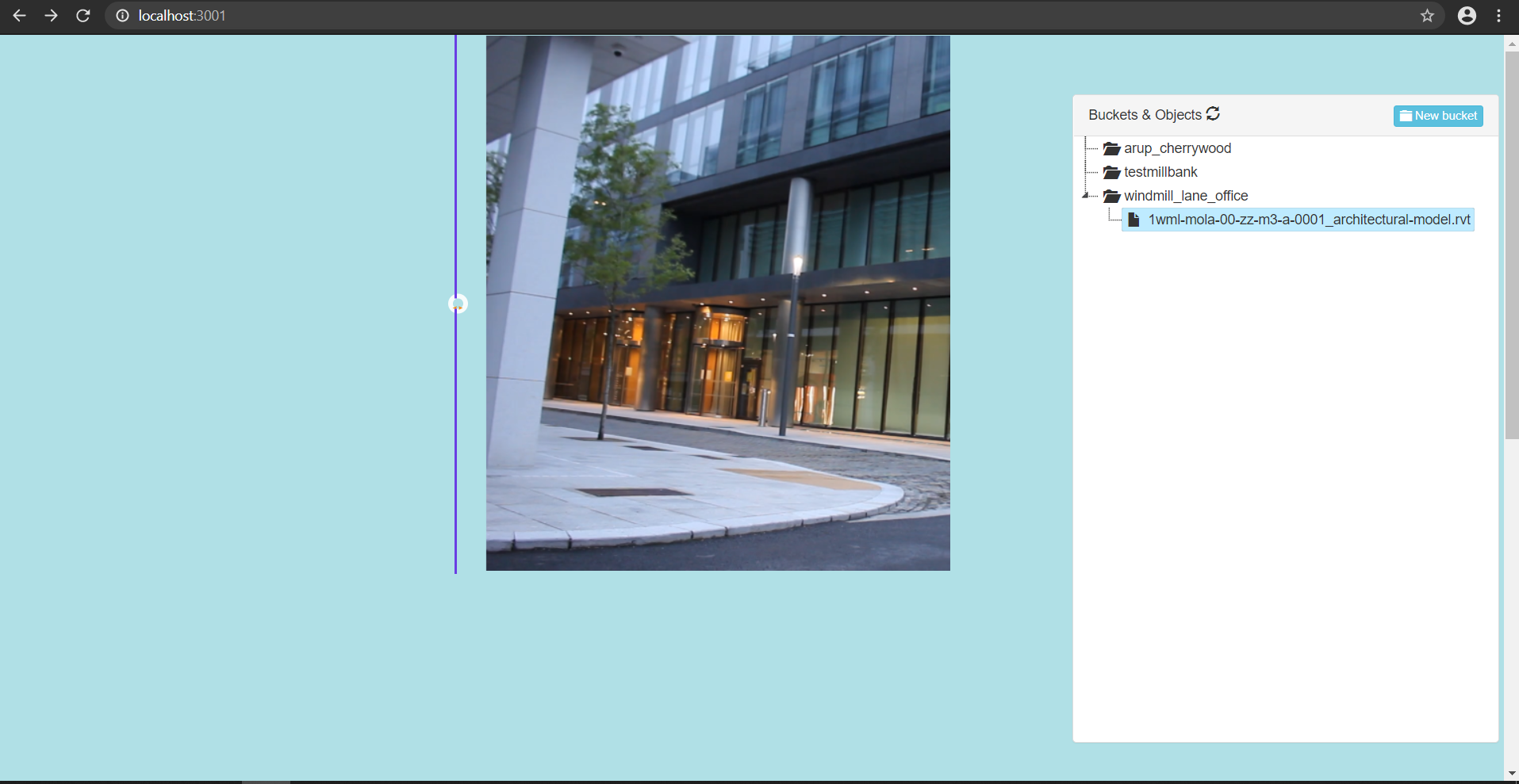
problem: clients want to see a live view of the site against their BIM model, also how to align the camera without being on-site? what if the camera moves a bit?
solution: pick corresponding pairs of 4 points on the Forge model and 4 points in a frame of the video feed,
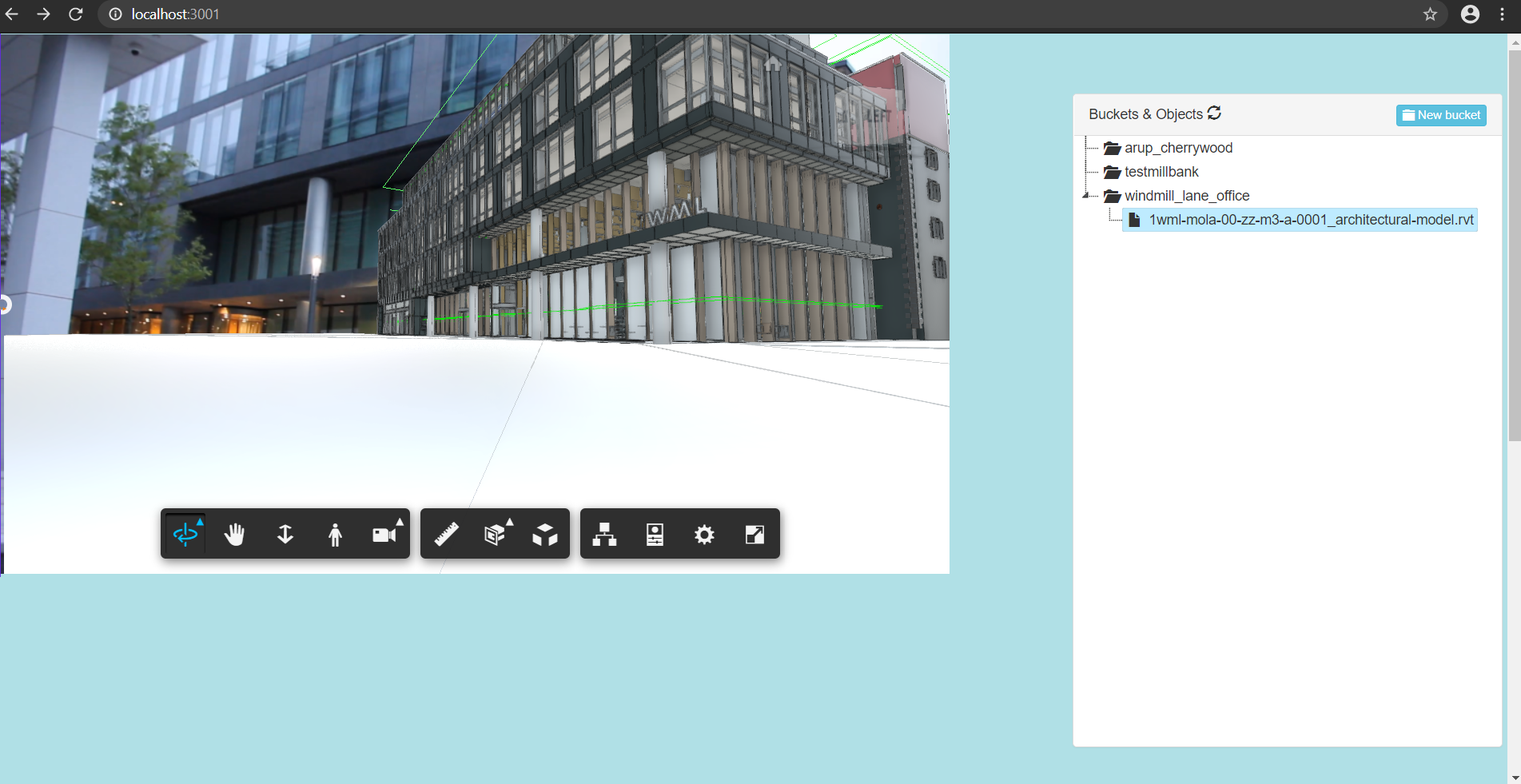
use OpenCV to solve the camera position and rotation, set the Forge Viewer virtual camera to match the real solved video,
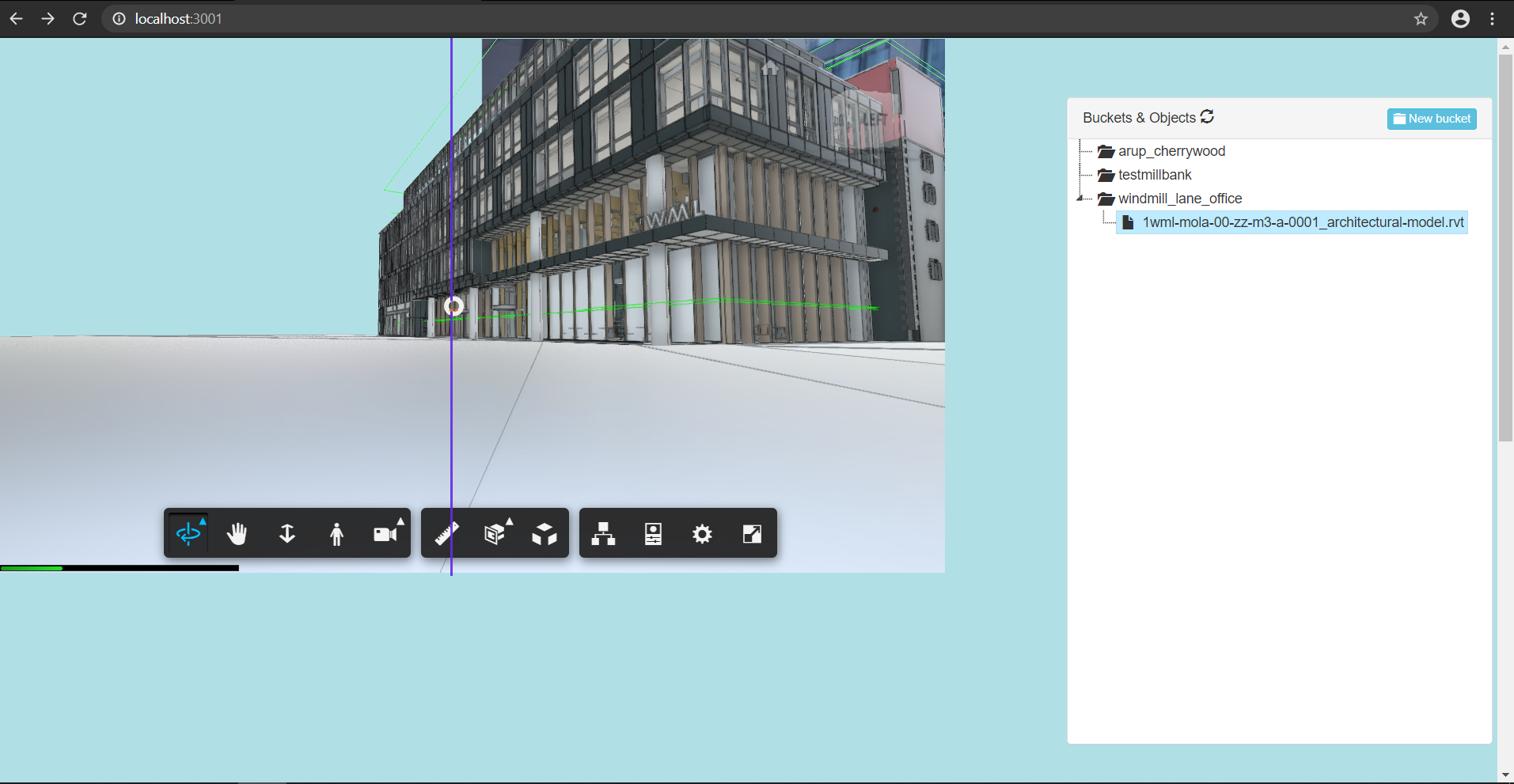
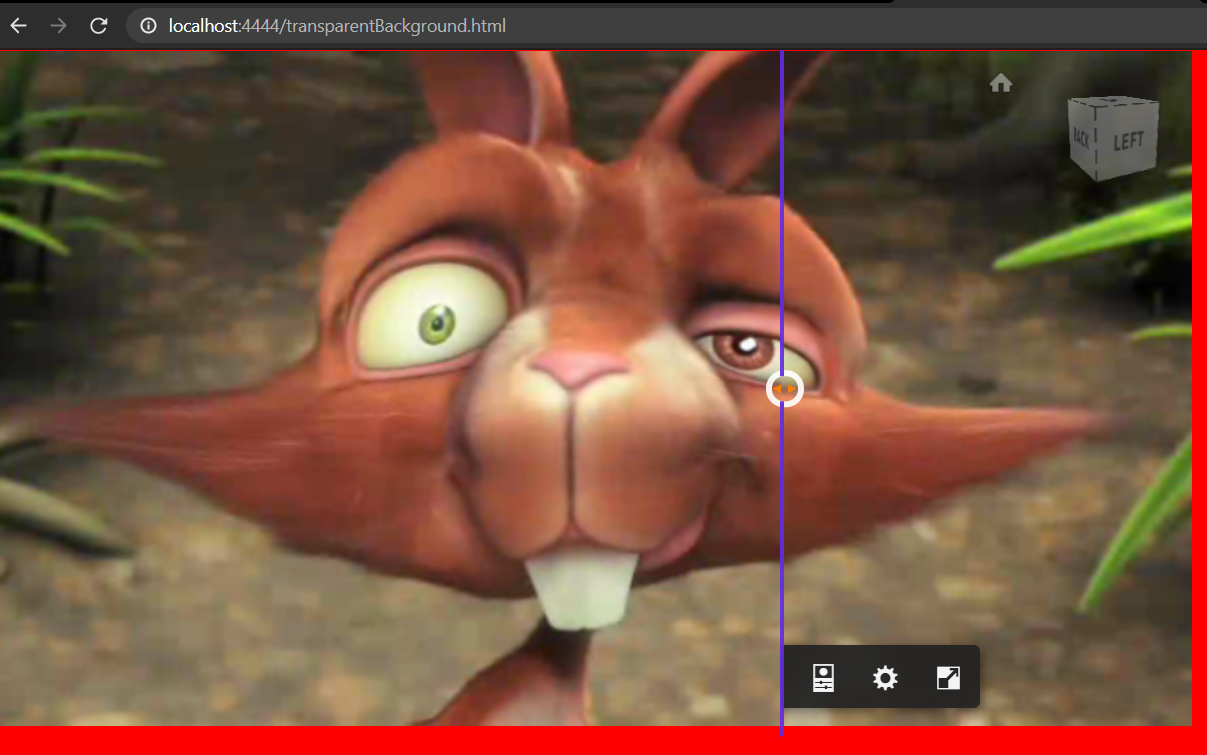
display the video as two HTML canvasses with the Forge Viewer having transparent background
the OpenCV solver is "PNP" using the "P3P" version: https://docs.opencv.org/4.4.0/d9/d0c/group__calib3d.html#ga549c2075fac14829ff4a58bc931c033d
calibrate camera files: http://128.199.43.119/site_monitoring_Forge/align_camera_to_Forge_model/
view model with video background: http://128.199.43.119:3001/index.html
workflow:
take photos of chessboard and record square size: calibration_images folder contains images taken by my DSLR
fedd calibration images to OpenCV calibration script: camera_calibration_cmd.py script was used to create the camera_calibrated.yml file
pick 4 points on a frame/ screengrab of the video feed: image_coordinates.html was used to pick 4 image points
pick 4 corresponding points on the Forge model: 4 points on the model were read directly from Forge using the raycaster and reading the interseciton points in console.log using this page: http://128.199.43.119:3001/getObjPoints.html
the original_camera_align.py script was fed the input data in camera_align_real_params.txt to output the solved camera pose to solved_camera.txt
usage:
go to http://128.199.43.119:3001/index.html
click on model of windmill lane office
Bugs:
the camera seems to have the right position, but I'm not sure if the Forge camera is actually being set to the correct field of view and rotation
the slider is stuck for some reason
sometimes the model viewer doesn't have a transparent background
To Do:
fix video slider
check Forge viewer field of view and rotation parameters
add live video using RTSP protocol
integrate Gantt chart to show 4D model progress against video feed
integrate all camera calibration steps into single webpage w/ API to Python OpenCV back-end


Here the video correctly occludes part of the Forge viewer:

Built With
- autodesk-forge
- html5
- javascript
- leaflet.js
- opencv
- python
- three.js
- trimble-sitevision

Log in or sign up for Devpost to join the conversation.