-
-
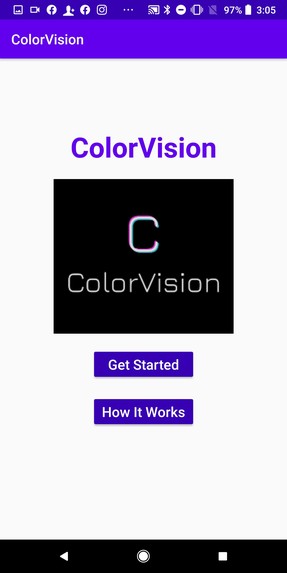
Welcome Screen
-
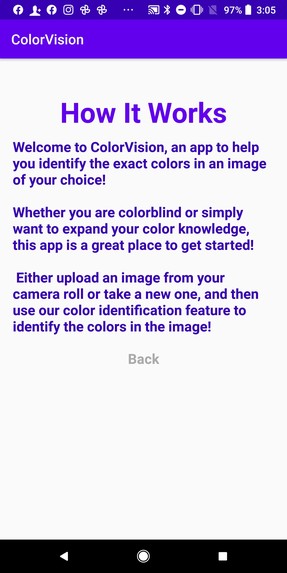
How it Works
-
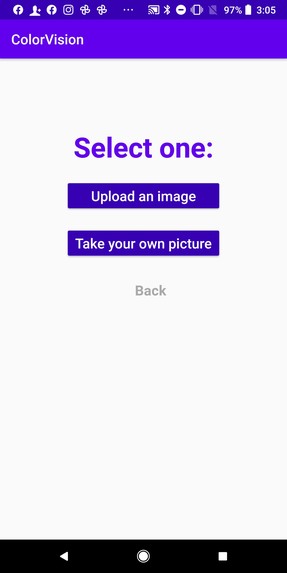
Selection
-
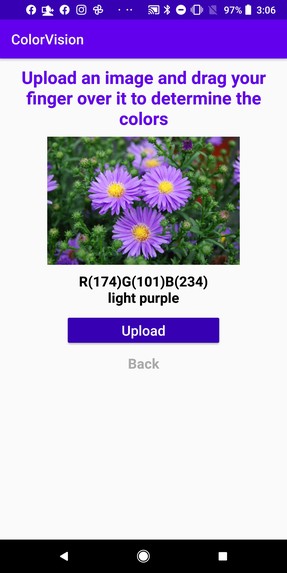
Upload Option
-
Take Picture Option
-
Taking Picture
Inspiration
There are approximately 300 million people worldwide who suffer from color blindness, which means that although these people can see as clearly as others, they are unable to distinguish certain colors. Consequently, the colorblind will have difficulty correctly identifying colors in an image; for example, those with red/green color blindness will likely confuse blue and purple because they cannot fully "see" the red elements in purple.
Due to these challenges faced by the colorblind community, we decided to create ColorVision, an app to help the color blind identify the exact colors in an image of their choice. This app may also prove useful for everyday people or graphic designers who want to pinpoint exact RGB values in an image.
What it does
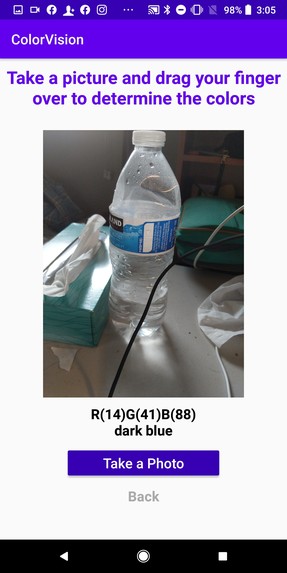
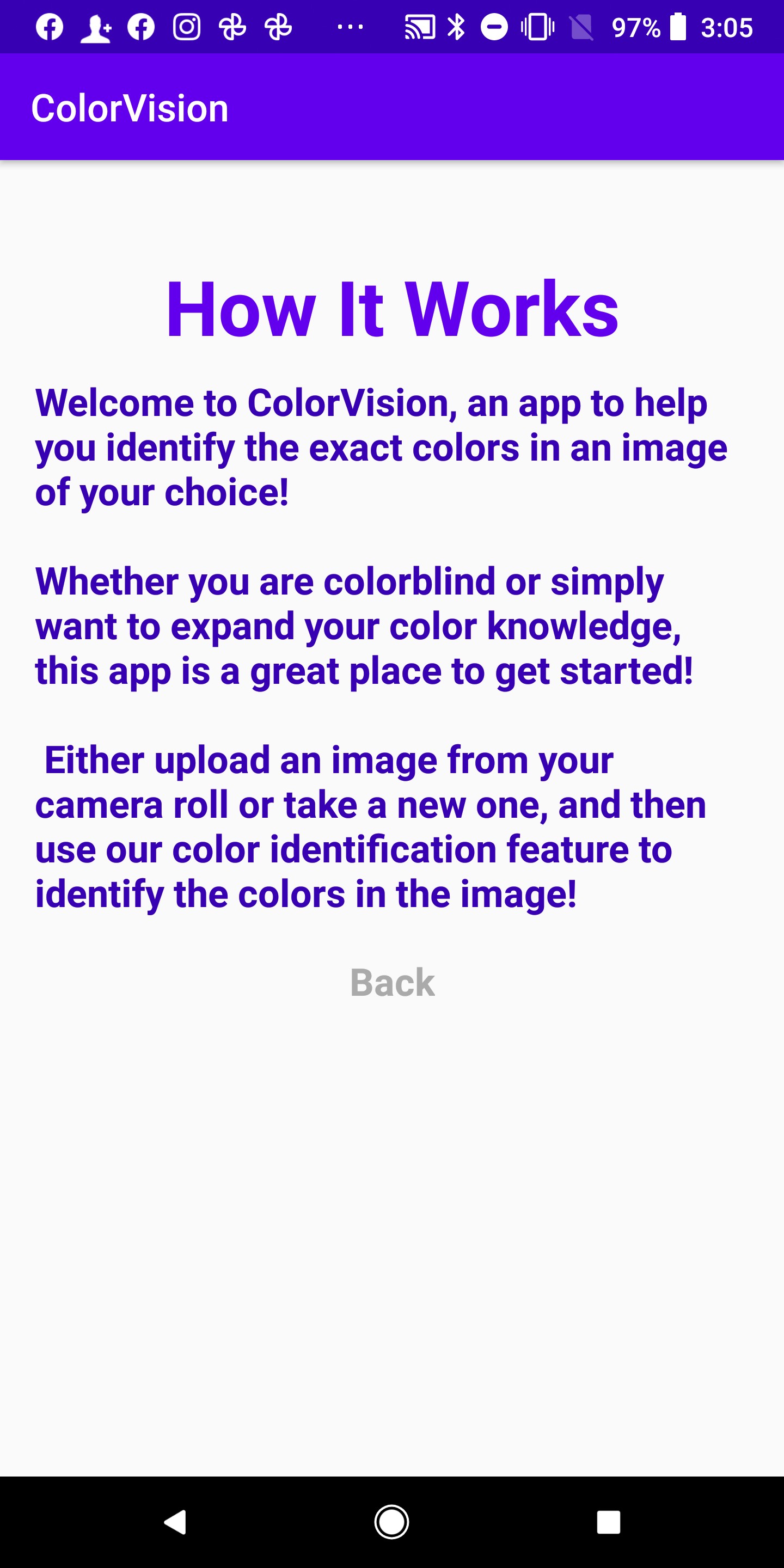
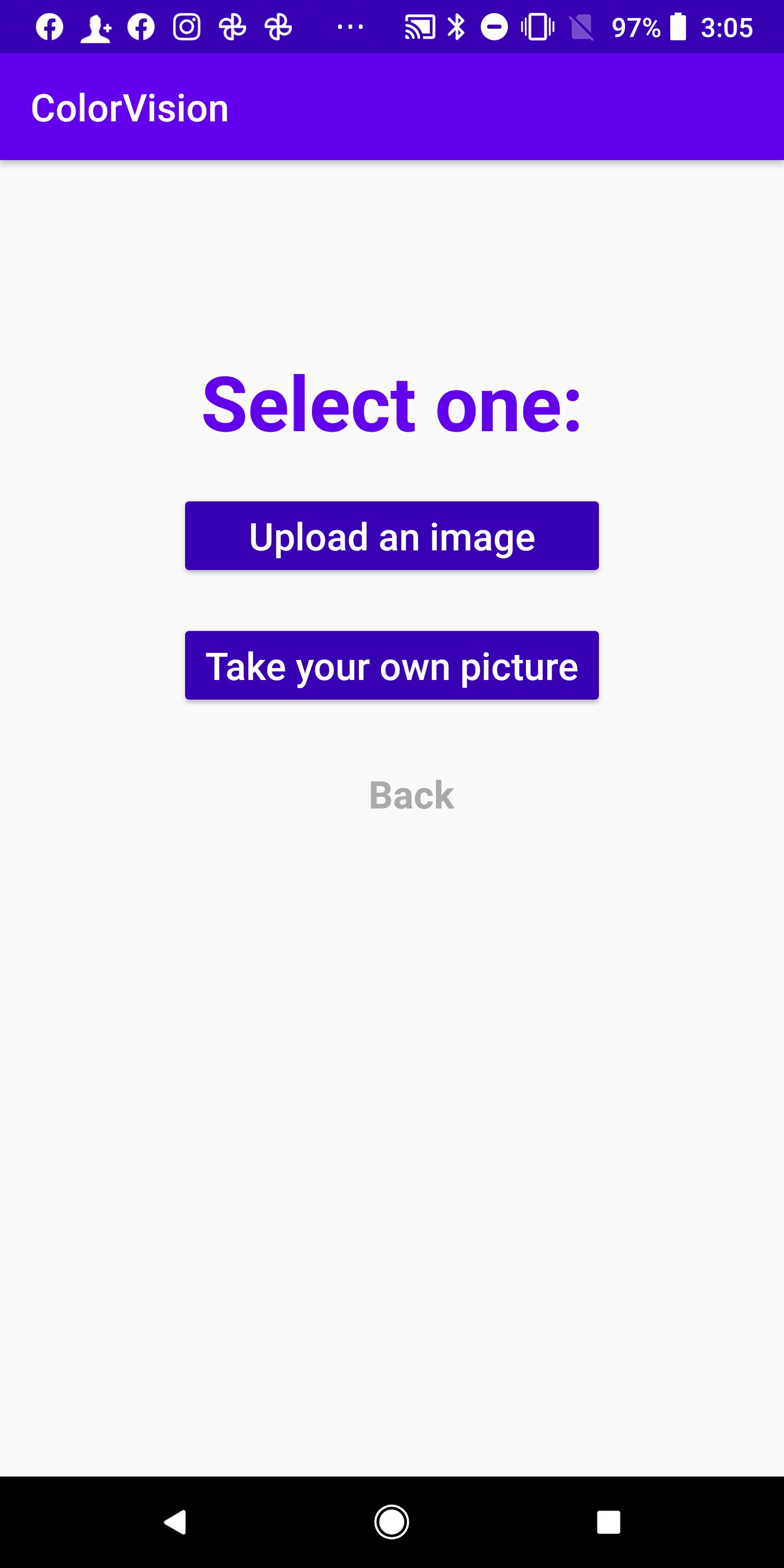
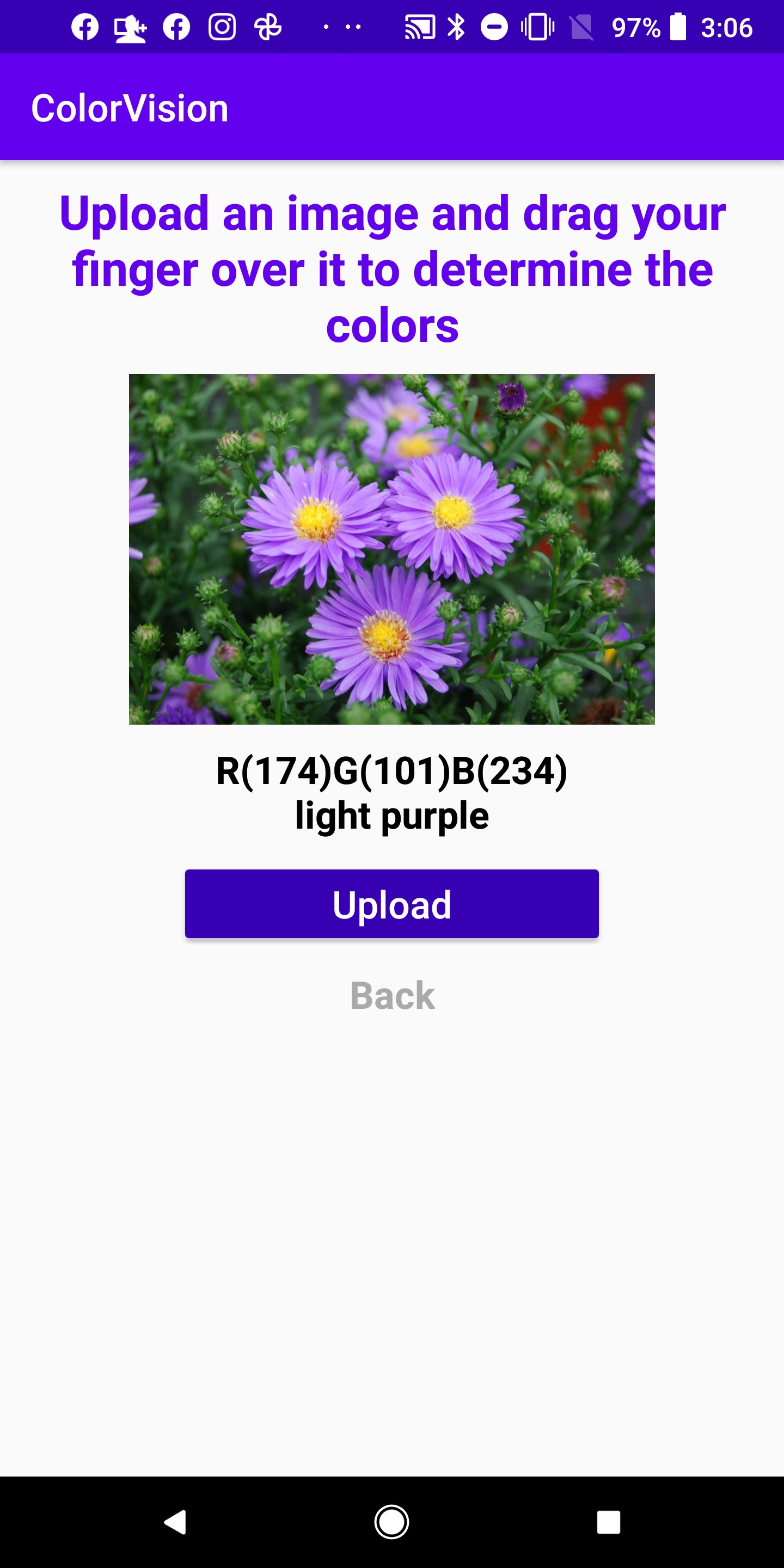
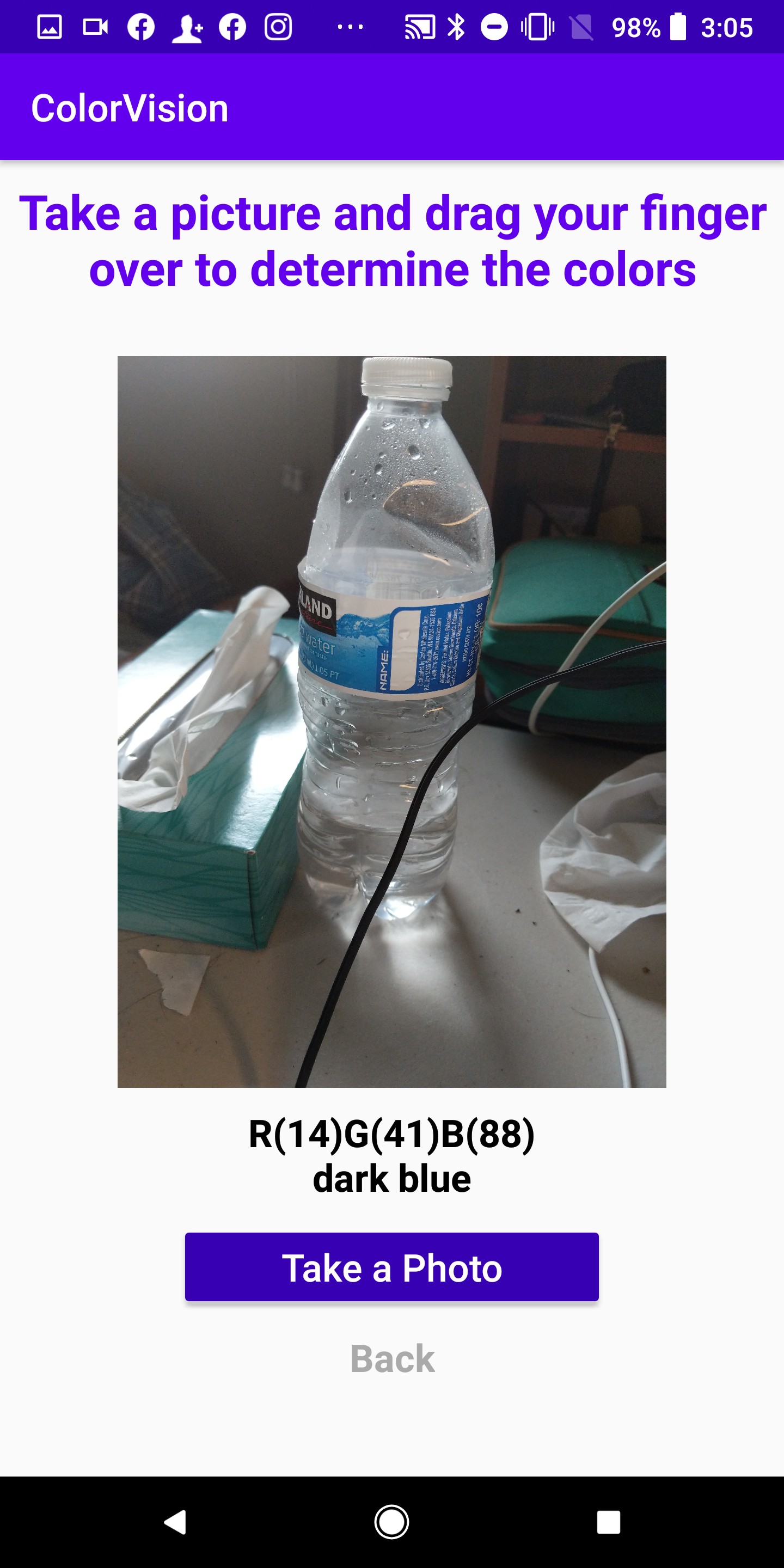
ColorVision provides the user with two options: uploading an image from their camera roll or taking a new picture on their phone camera. The app will display the image, and the user is able to drag their finger over the screen and get the name of the color they are touching, as well as the RGB values for that color.
How we built it
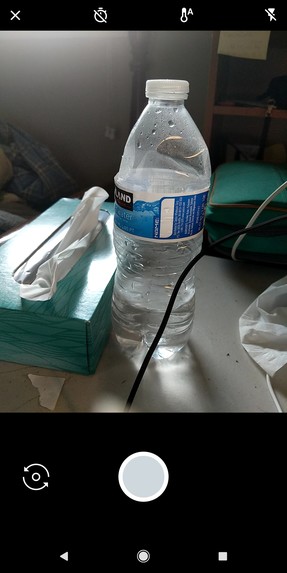
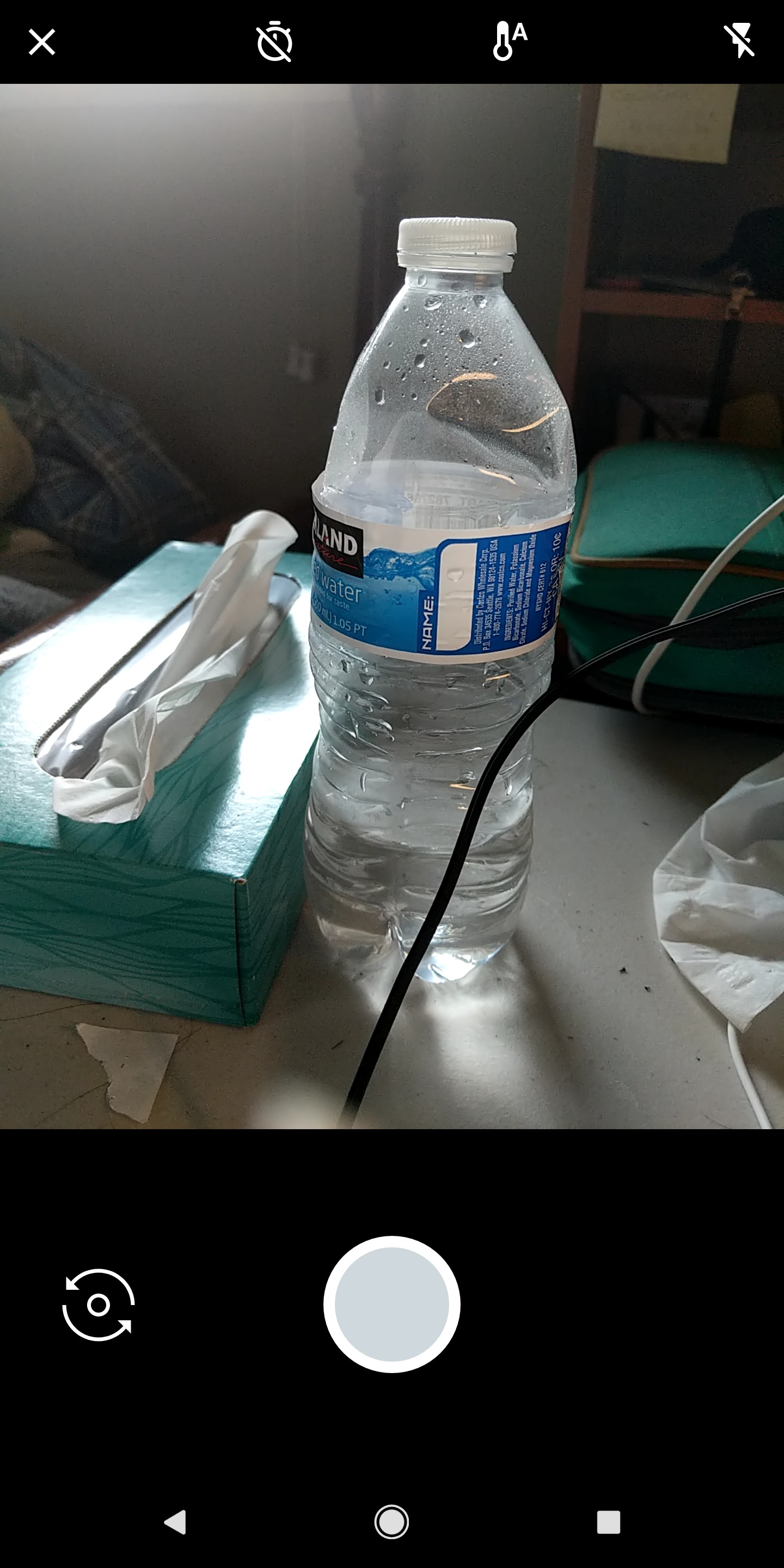
We created an Android app with Android Studio with basic button features for the user to navigate between screens. To upload an image from the camera roll, we first made sure that the user authorized the app to access their camera roll, and then we loaded in the user's image of choice. Since the app also needs to use the device camera, the app has been restricted to be only downloadable by devices with cameras. We also then made sure that the user authorized the app access to their camera. Afterward, the app used the device camera to take a picture, and on the user’s confirmation, saves it to the external storage in the device where the app can place files that remain private to the app, so the captured photo is not saved to the app’s gallery. The app then used the file path of the image to get the full size from storage and display it. After displaying the uploaded or newly taken picture on the screen, the user can activate color identification. To do so, the user needs to press down on the part of the image they would like to get the color of. They can also drag their finger across the screen to determine multiple colors. We used a bitmap to get the pixel at that part of the image and then found the RGB values for that pixel. Given the newly found RGB values for the pixel, we compared those values to those in a database of known colors to determine the name of the color. Finally, we displayed the color name and RGB values on the screen.
Challenges we ran into
We ran into trouble with user permissions when taking new images, but we were eventually able to sort those out. In addition, we had to refine the database of color names and RGB values multiple times in order to make color identification as accurate as possible.
Accomplishments that we're proud of
We were able to allow the user to take and upload photos as well as determine the RBG values and color name of a certain part of the image.
What we learned
We learned how to upload and manipulate images in Android Studio, how to use a phone camera to take pictures and insert them into an app, and to identify an individual pixel's RGB value.
What's next for ColorVision
We would like to accommodate a broader range of colors, display hexadecimal color values, add a search feature to determine whether a specific color is in an image, and determine the most dominant colors in an image. We would also like to allow users to be able to tag certain areas of an image with the dominant color of that region.

Log in or sign up for Devpost to join the conversation.