-
-
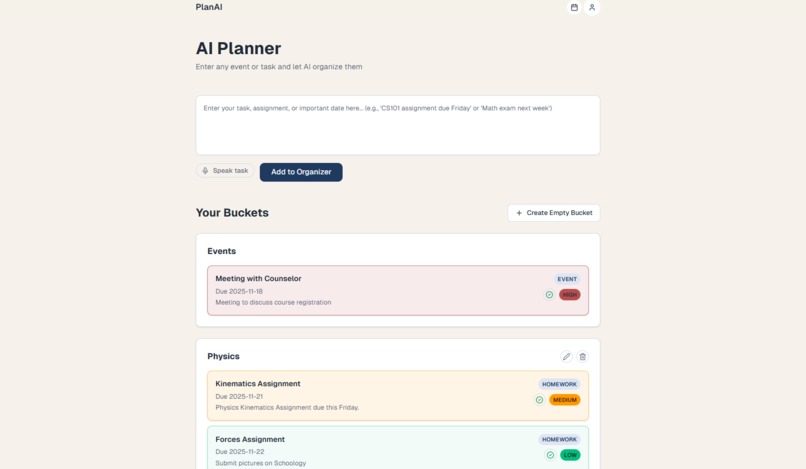
PlanAI main page
-
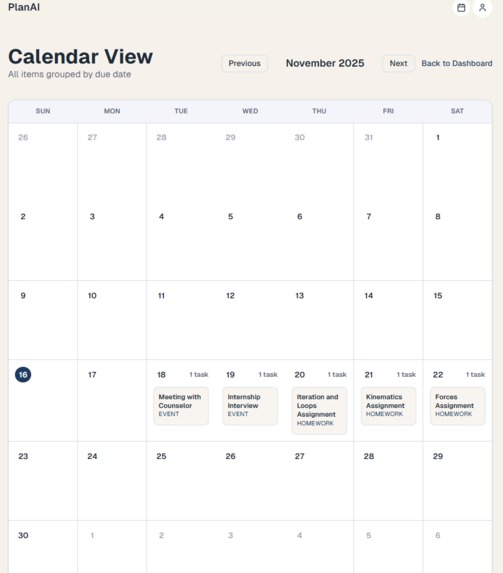
PlanAI calendar view
Inspiration
We were inspired to create this project because, as students, we realized how hard it was to constantly stop and manually enter assignments into a planner, especially during busy transitions between classes. And whenever we told ourselves we’d write it down later, we almost always forgot. Also, we made this because we didnt like the clutter of other productivity software. Too many features, and it took way too many steps to add something to a planner or create a task.
PlanAI solves these issues. It’s a lightweight planner you can quickly open anywhere and just talk to. Instead of spending time typing things out, you say what you need to do, and PlanAI instantly captures and organizes it for you.
What it does
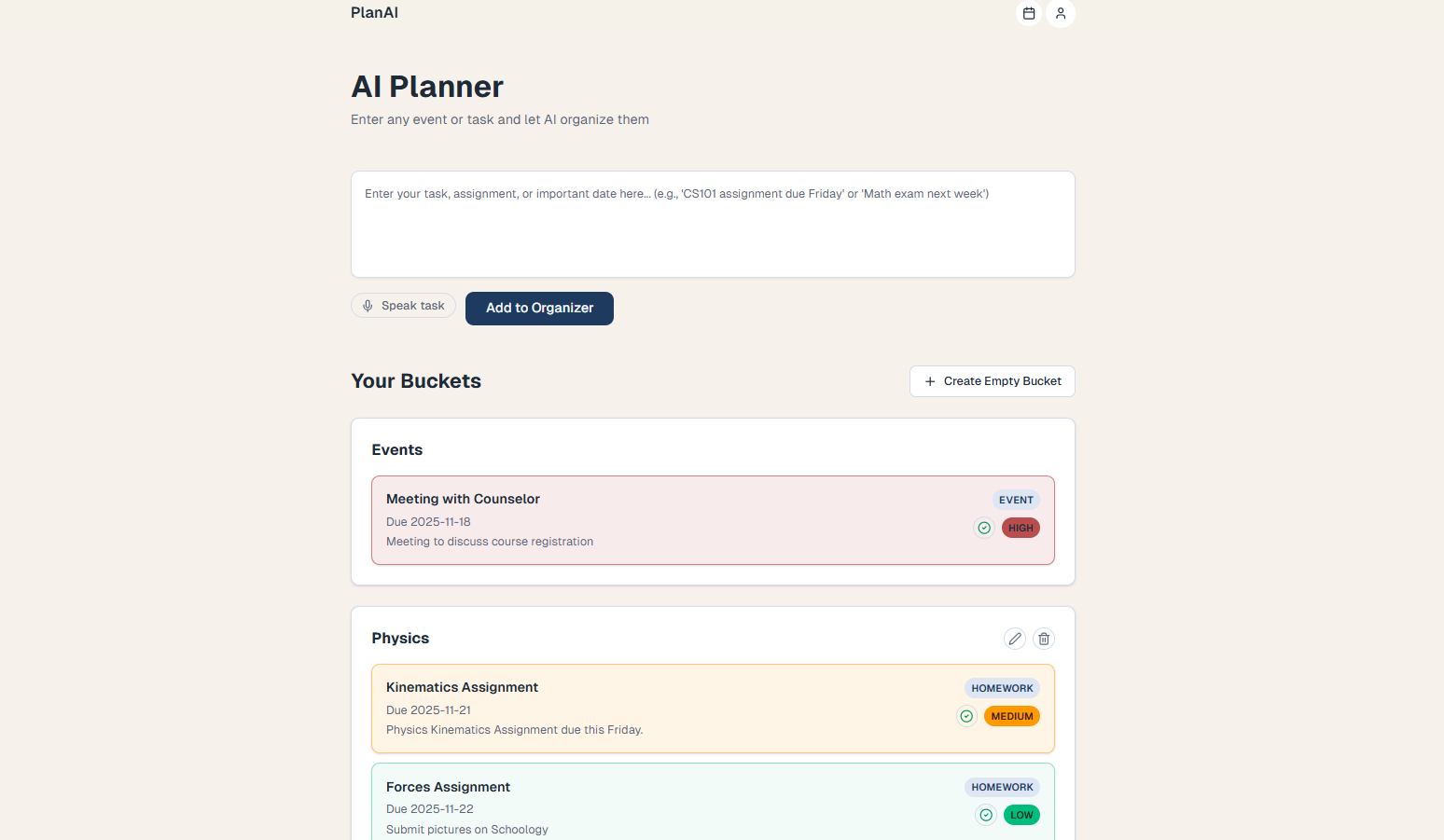
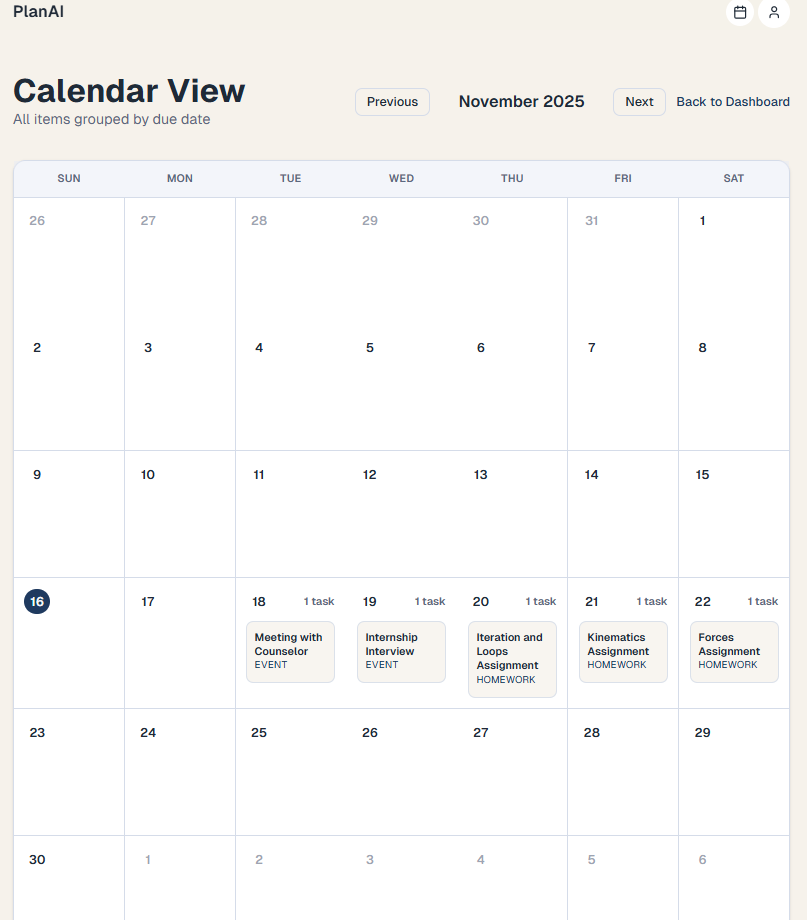
PlanAI is an AI-powered productivity website. You can input information through speech or text. Our software will automatically categorize tasks into existing buckets or create a new bucket, assign a priority to the task, and classify it as homework, test, etc. You can edit tasks, mark tasks as completed, delete task buckets, and do much more to customize the planner. Additionally, the tasks are viewable in a calendar format and are organized by date.
How we built it & How it works.
To begin with, we brainstormed around our core idea of a task organizer. We thought of core functionality and features that could be added to this website that would add value and provide a different experience than other productivity websites. After, we started working on the main dashboard page, where we began working on adding tasks and creating buckets with text input. We made sure all the analysis of tasks and the functionality worked with text input, so we could then move on to the voice input. We added voice input so that you could talk about all your tasks, and the software would just add them to the buckets and analyze the new tasks. After finishing the dashboard page completely, we worked on the authentication portion using Better Auth, creating a sign-in page to keep data separate for each user. We then used Neon and Drizzle so that all tasks and buckets created for each user would be stored in a database. After finishing this, we created the calendar view and added finishing touches.
How PlanAI Works
1. Input
- Speak or type a task
- Natural language accepted
2. AI Parsing
- Detects class / event
- Extracts due dates & details
3. Smart Categorization
- Automatically files task
- Adds to correct class or event list
4. Your planner gets updated
- Instantly organized
- Ready anywhere, anytime
Challenges we ran into
The biggest challenge we ran into was making sure that the bucket naming happened correctly, especially with the voice input. Sometimes, when we input "Math homework due next Friday", the bucket would be named "Math homework" instead of just "Math", but naming it "Math" would allow everything that would go into that Math course to be placed in that bucket. Debugging these issues and fixing them took time, but that fine-tuning helped us create a really nice result.
Accomplishments that we're proud of
We are proud of building this app overall. We put a lot of time into it to really fine-tune it and integrate everything smoothly. We also tried to improve performance as much as possible, so that after a task was submitted, it would be analyzed and classified in a short amount of time. We also tried to include a lot of customization options to adjust to personal preferences and so the tool can be used by a wide variety of people.
What we learned
We learnt how to properly create AI prompts to achieve our goals. As stated in the challenges we faced, we had a tough time getting the AI to categorize the task into the right category. We took a few steps back, watched some videos on how to right the best prompts, and fixed the issue soon after. We also learned about how to integrate authentication with Better Auth, a lightweight auth library which we used for signing in with Google and our overall sign-in page.
AI Tools Disclosure
We used Cursor IDE to help build the app.
Built With
- betterauth
- drizzle
- neon
- next.js
- openai
- postgresql


Log in or sign up for Devpost to join the conversation.