-
-
-
-
-
App icon, 1024 x 1024
-
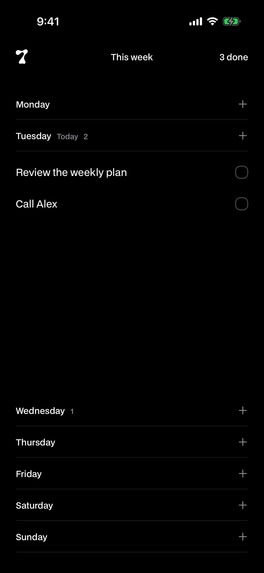
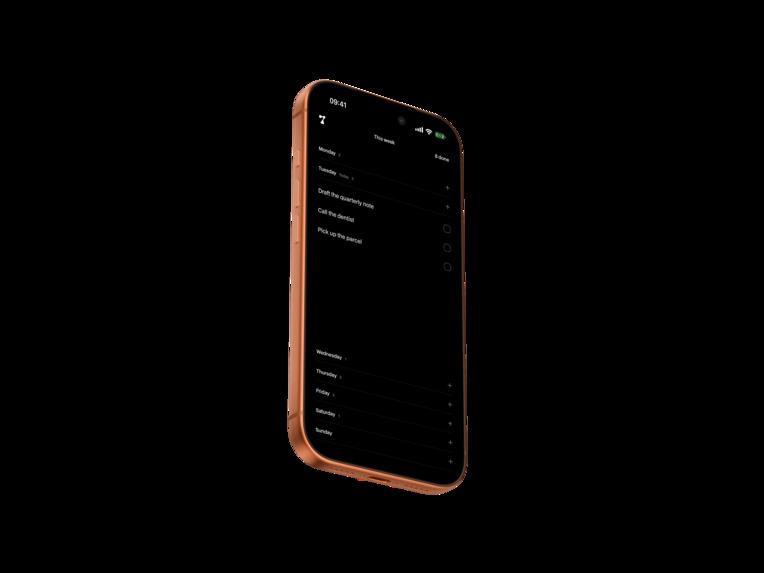
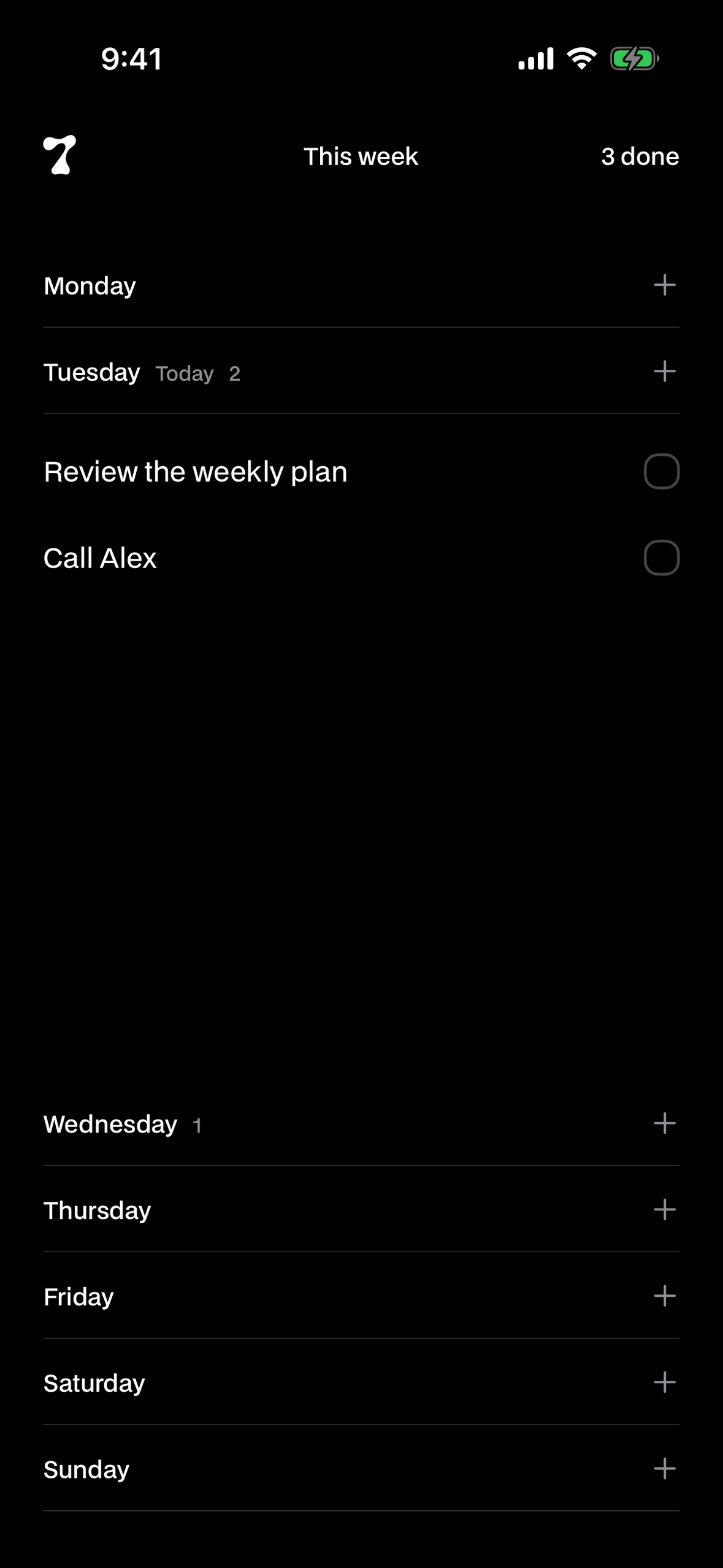
The same board in dark mode (unframed 1179 x 2556)
-
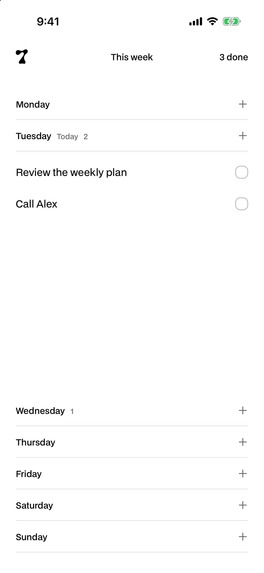
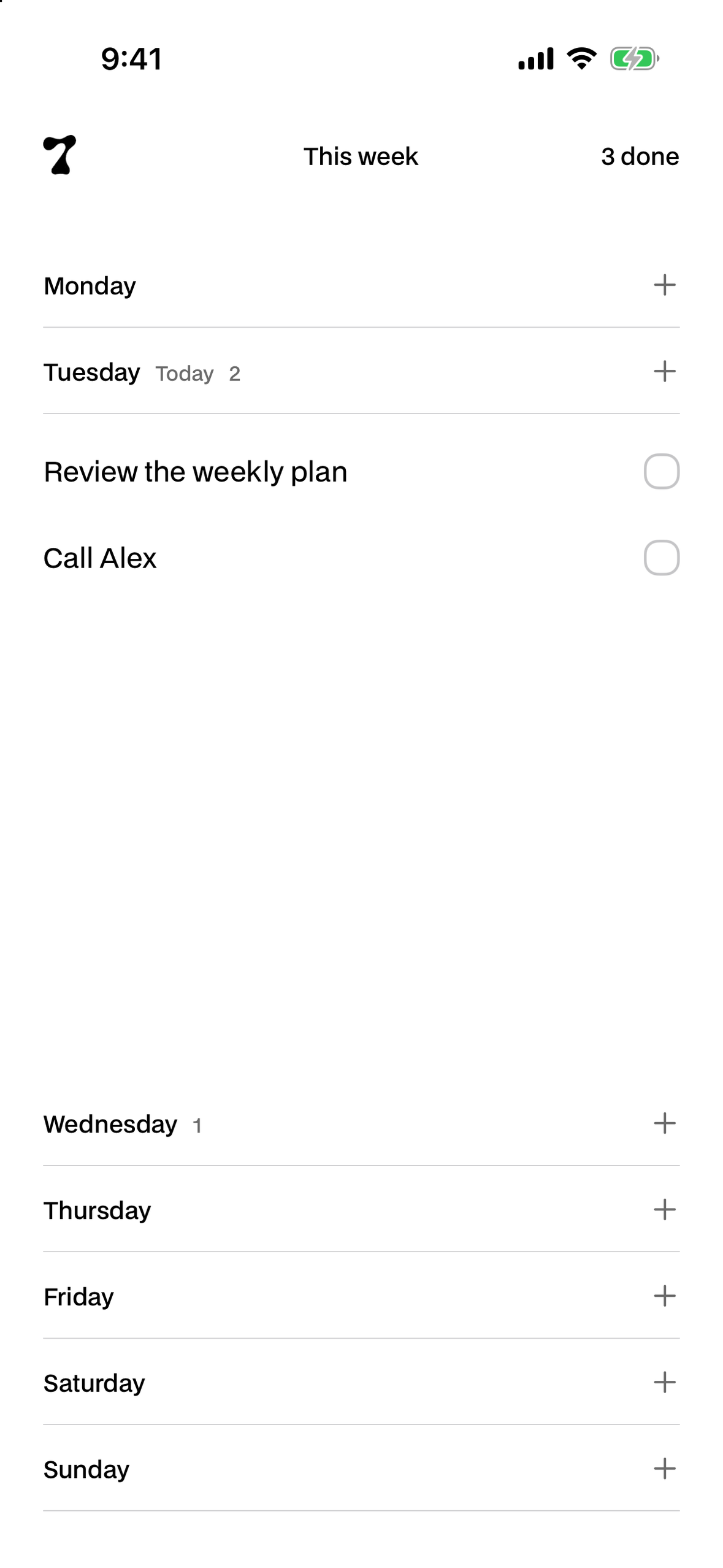
The week board in light mode (unframed 1179 x 2556)
The idea
See the week, open a day, and get something done without maintaining a planning system. That is the product brief behind 7ODAY.
The design takes the familiar shape of a weekly board and keeps the interaction close to the task. There is no account to create or setup to complete before using the board.
What it does
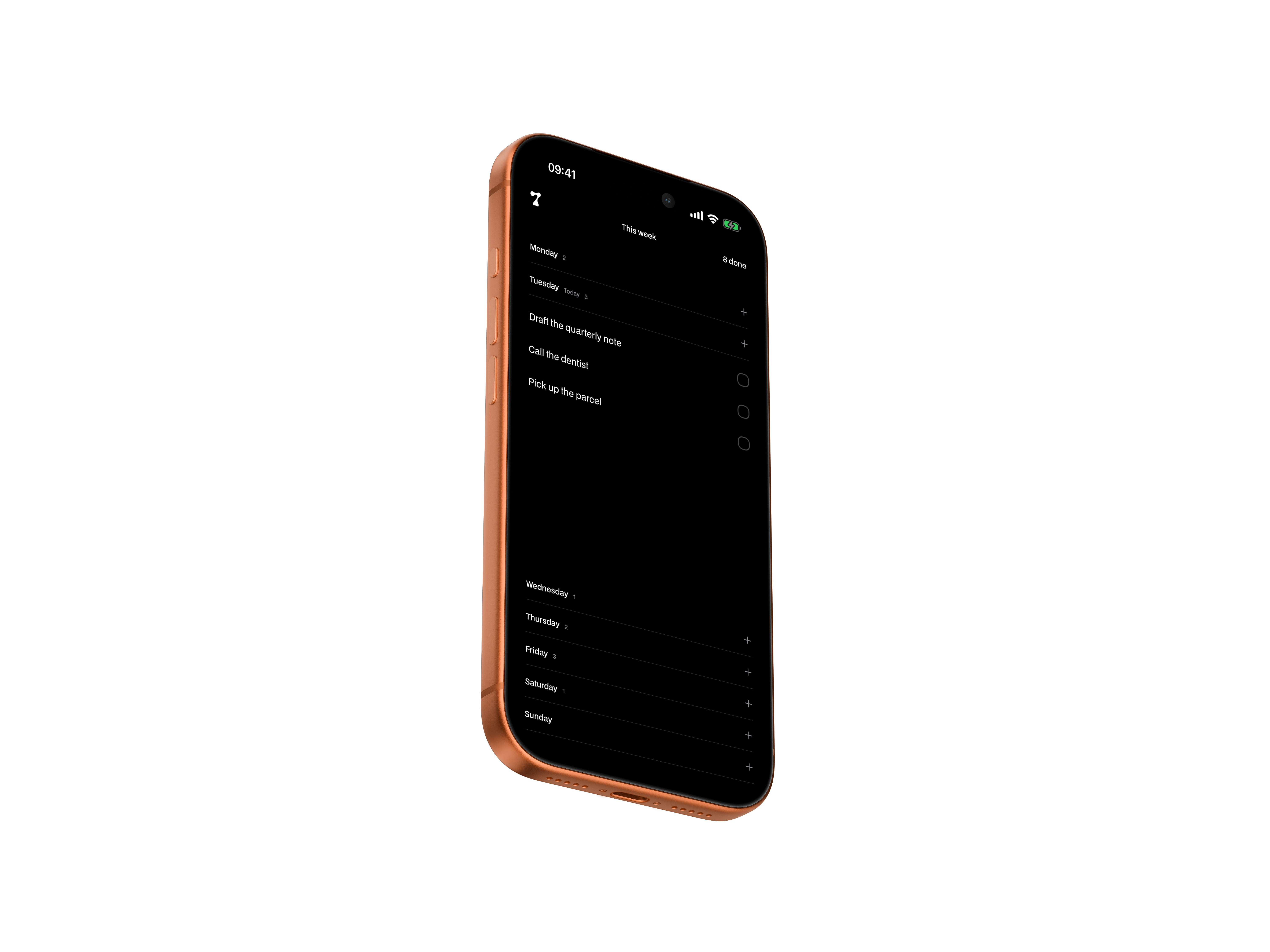
7ODAY puts seven days on one screen. Open a day, write a task, and tap outside the entry to save it. The other days stay visible to keep you oriented. When you finish something, the task moves into the completed counter, where you can reopen it if you checked it off too soon.
Tasks belong to a weekday on the board. Unfinished work stays where you left it as the week changes. An optional Premium setting can clear older unfinished tasks at the start of a new week; it is off by default.
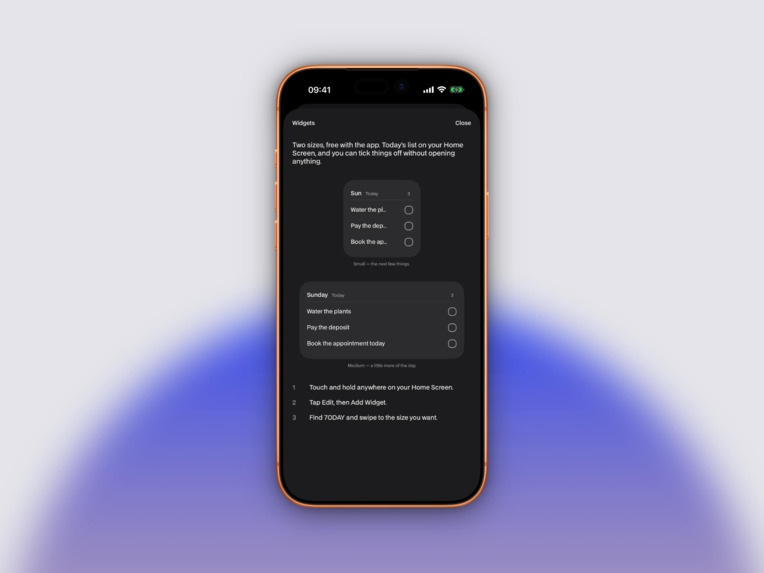
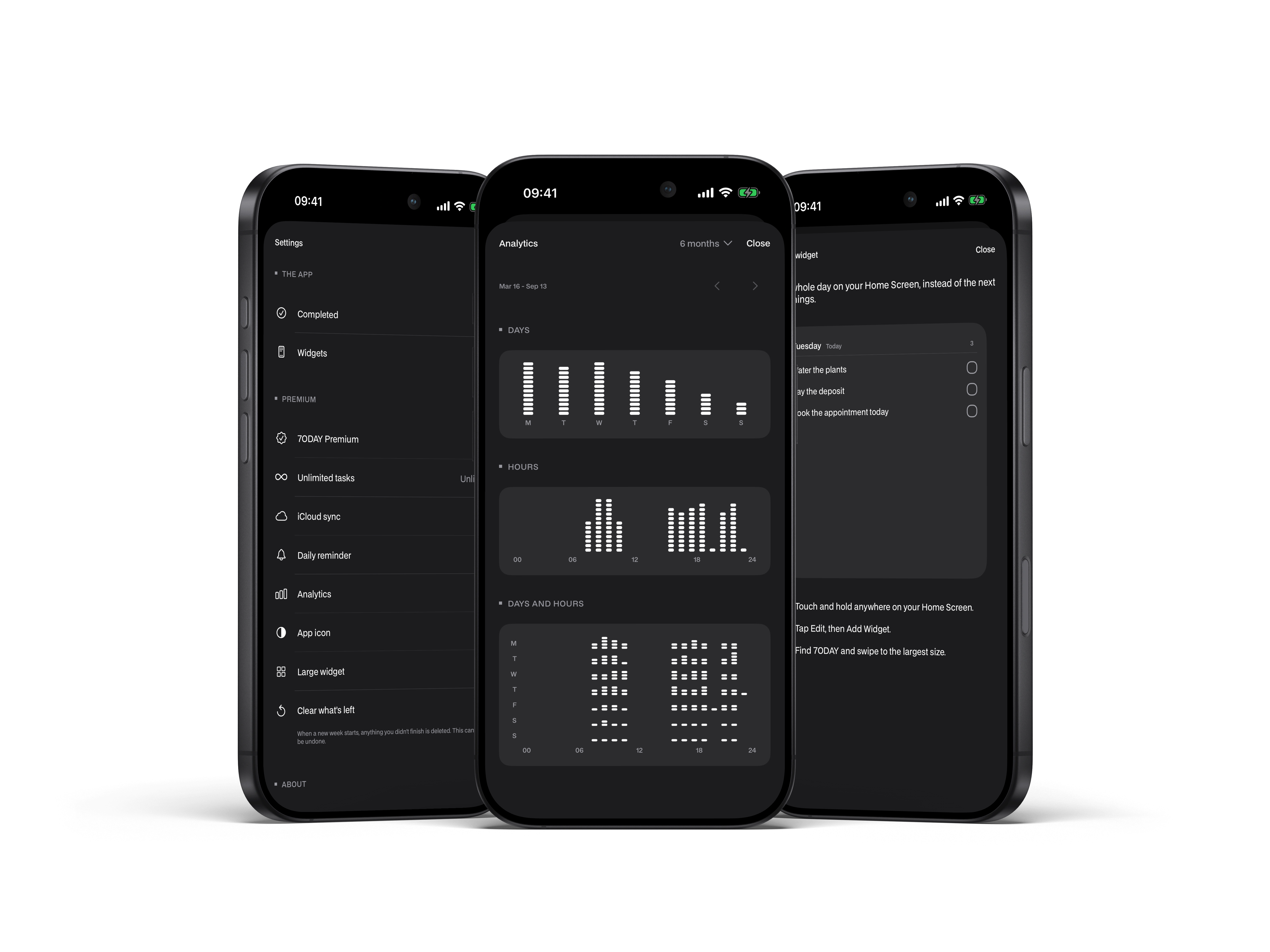
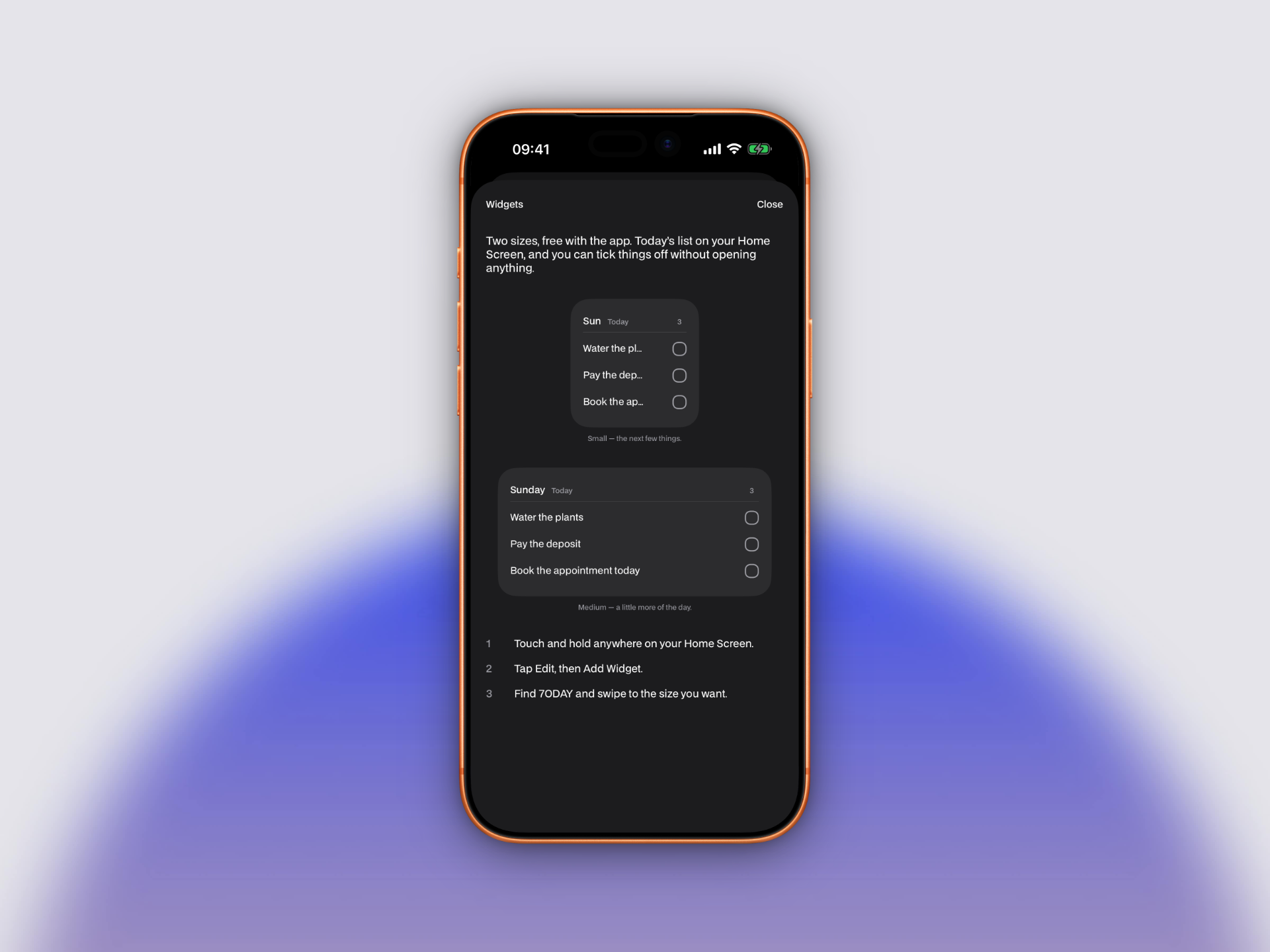
Two free interactive Home Screen widgets show today's tasks and let you complete them without opening the app. The task board works offline, with optional private iCloud sync in Premium.
Design decisions
The interface uses typography, spacing and fine separators to establish hierarchy. BDO Grotesk gives the board its character, while restrained color marks a completed action. The movement into the counter shows where the task went and connects the two places where it can be acted on.
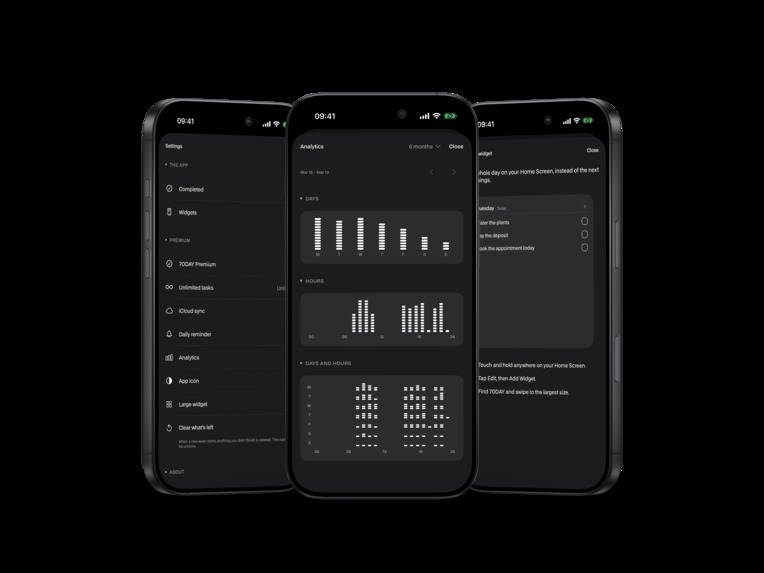
The layout adapts for larger text, and the implementation includes VoiceOver labels and actions, dark appearance, and reduced motion alternatives. Personal completion patterns live in a separate screen that the user chooses to open. They describe completed work without goals or streaks.
How it is built
The app is built in Swift with SwiftUI and SwiftData. The app and widget share local storage through an App Group. Optional synchronization uses the user's private CloudKit database. WidgetKit and App Intents power the interactive widgets, and local notifications provide an optional daily reminder that stays quiet when nothing is left.
RevenueCat supplies the available purchase packages, processes purchase and restoration flows, and delivers Premium entitlement updates. The paywall is custom SwiftUI so it follows the same visual language as the board. Purchase, restoration and background entitlement responses are reconciled in one serial path, preventing an older response from overwriting a newer state.
A challenge and what it taught us
A widget can show an older state after a task has been completed elsewhere. Treating its completion action as a toggle could reopen that task by accident.
The implementation separates completion from reopening. Completing an already completed task does nothing; reopening addresses the particular completion entry the person selected. The lesson is that a simple interface needs precise operations underneath it, especially when the app, widget and iCloud can each see changes at different times.
Free and Premium
The free plan allows four pending tasks across the board, two interactive widgets, completion history and dark mode. Completing or deleting a task frees space. The limit never prevents reopening a completed task or removes existing tasks.
Premium adds unlimited tasks, iCloud sync, a daily reminder, personal completion patterns, a light or dark app icon, the large widget and the optional weekly reset. It is available as an annual subscription or a one-time purchase.
7ODAY is available now on the App Store for iPhone with iOS 26 or later, with seven localizations including both Brazilian and European Portuguese.

Log in or sign up for Devpost to join the conversation.