-
-
60+ Friends
-

60+ Friends app icon.
-
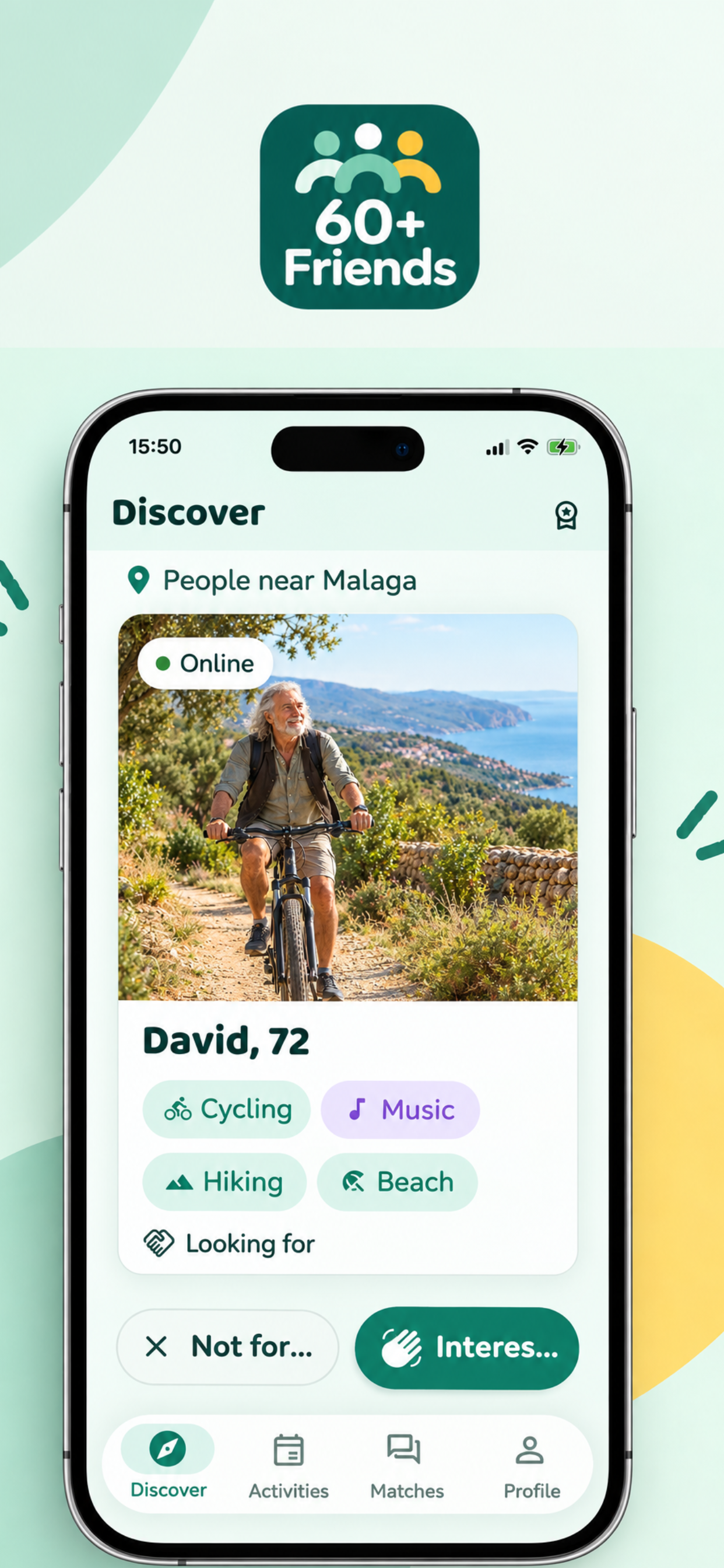
Discover screen — browse nearby profiles by shared interests and tap Interested to match.
-
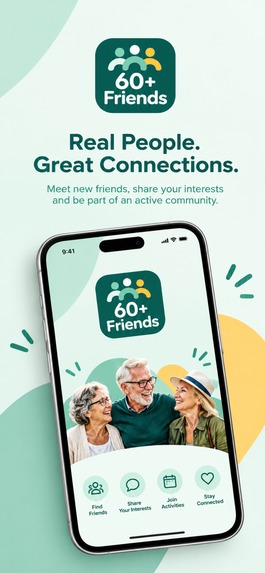
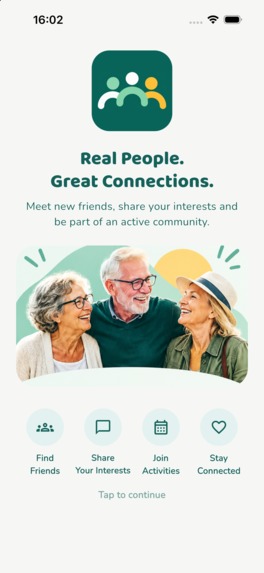
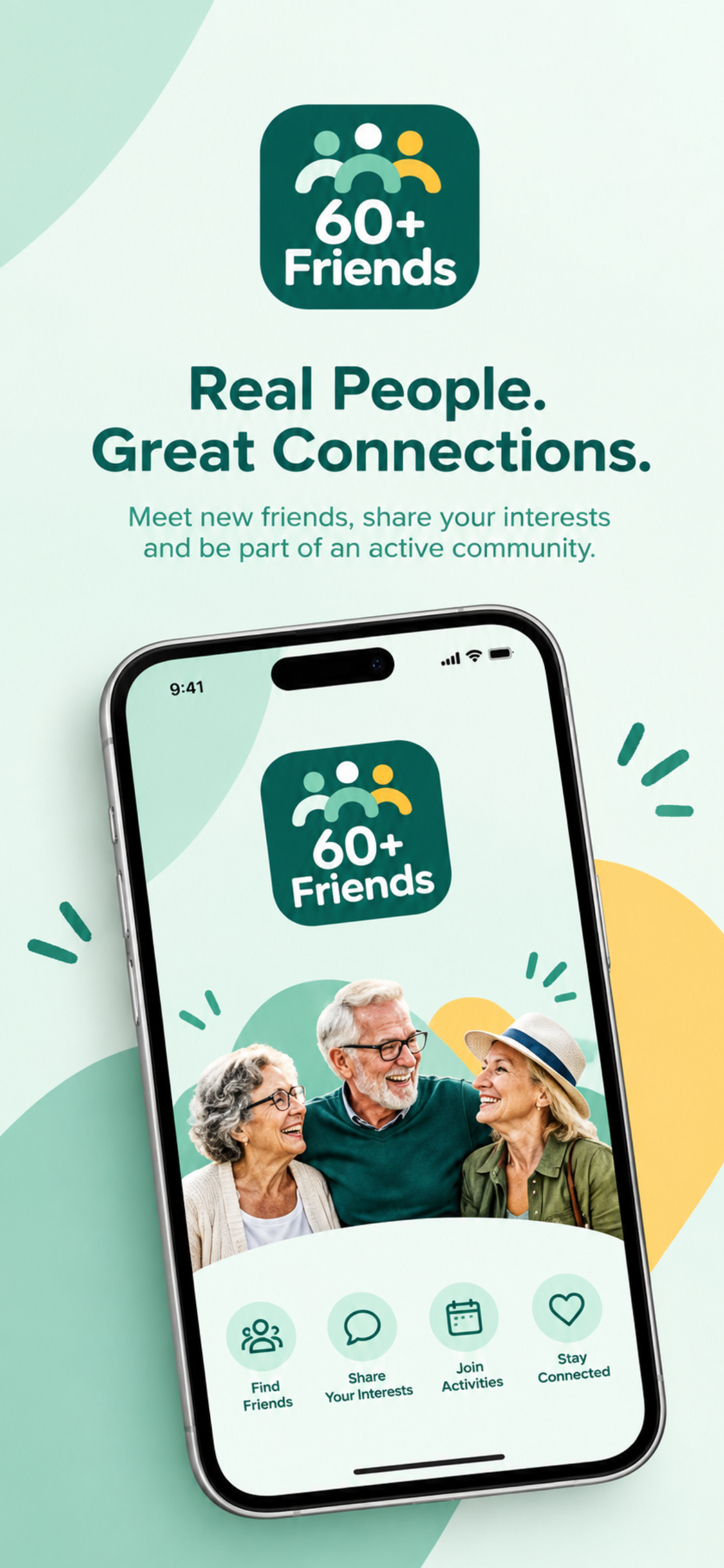
60+ Friends: helping people 60 and over meet nearby, share interests, and join local activities.
-
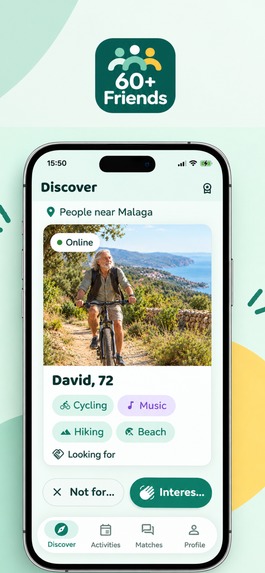
The Discover screen — browse nearby profiles by shared interests and tap Interested to match.
-
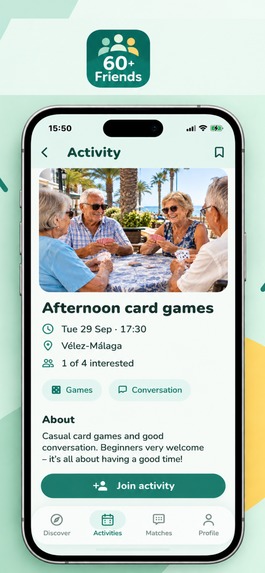
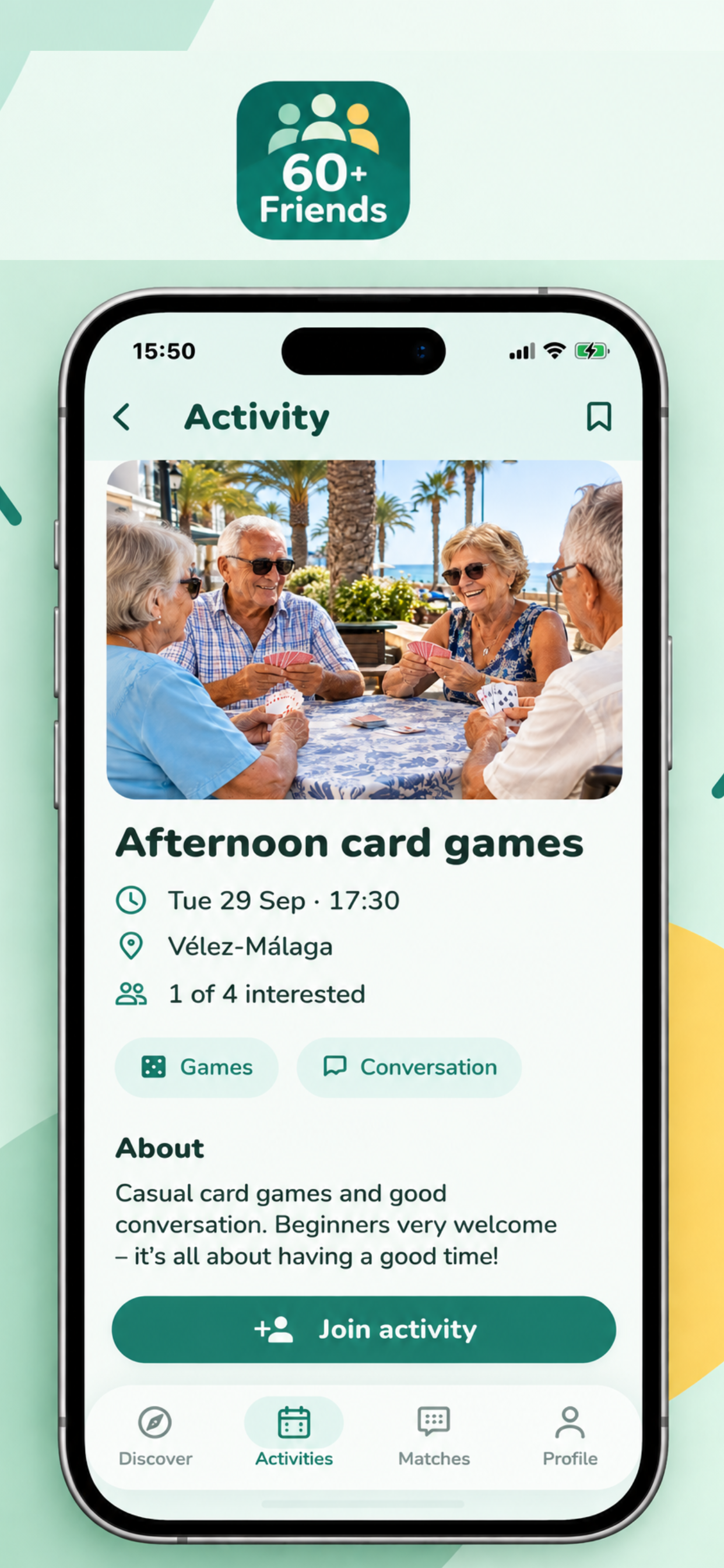
Activity detail view — see who's interested, what it's about, and join with one tap.
-
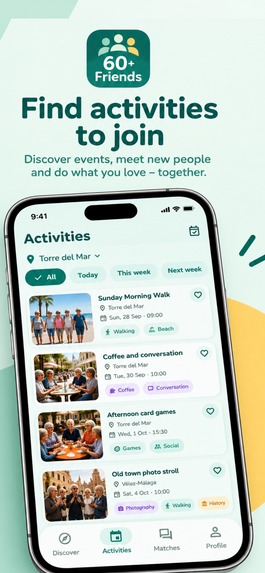
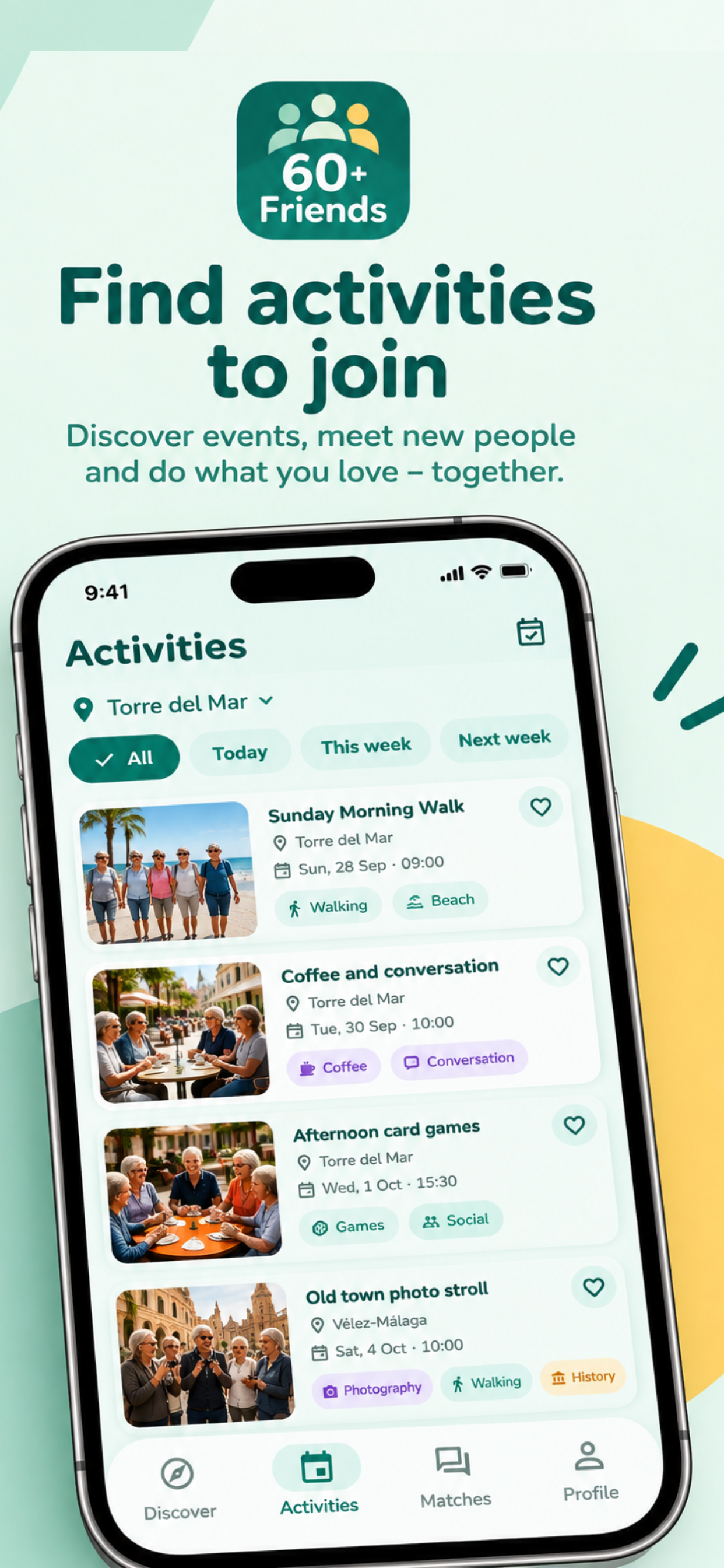
Find and join local activities nearby — walks, coffee, card games, and more with real people.

Inspiration
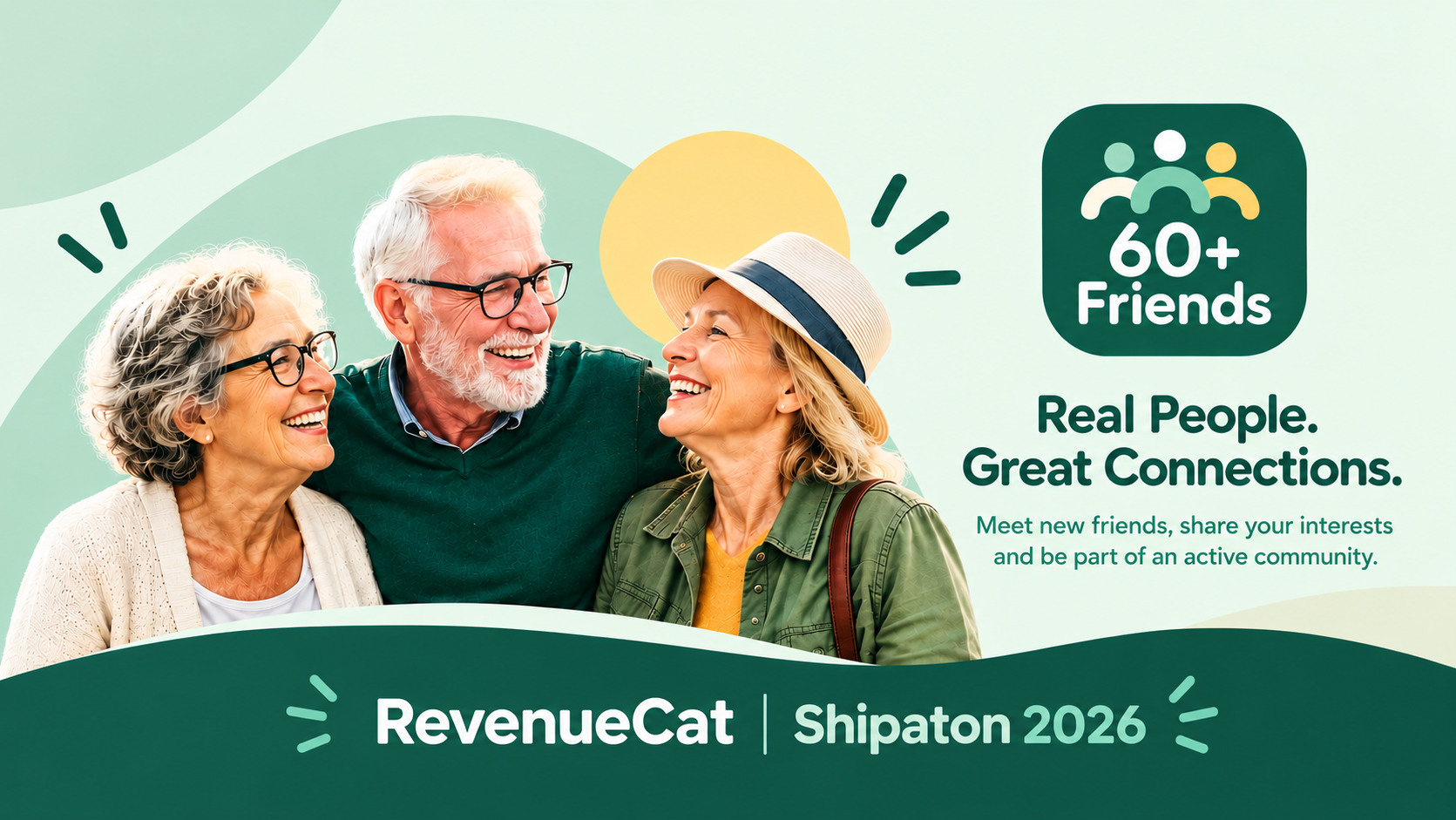
Getting older often means your social circle quietly shrinks — friends move, retire, or life just gets smaller. Most social apps are built for dating or for a much younger crowd, and don't feel right for someone in their 60s, 70s, or beyond looking for genuine friendship and things to do nearby. We wanted to build something warm and straightforward: no swiping, no games, just a simple way to meet people close by who share your interests and do something together.
What it does
60+ Friends lets people 60 and over discover others nearby, express interest, and match when it's mutual — then chat directly, no pressure. Beyond one-on-one connections, users can create or join local activities like walks, coffee mornings, and card games, making it easy to turn a match into an actual get-together.
Privacy is built in from the start: only an approximate area is ever shown, never an exact address, and block/report tools keep the community safe. A Premium subscription (with a 2-week free trial via RevenueCat) unlocks seeing who's already interested in you, unlimited interest, and a wider search radius.
How we built it
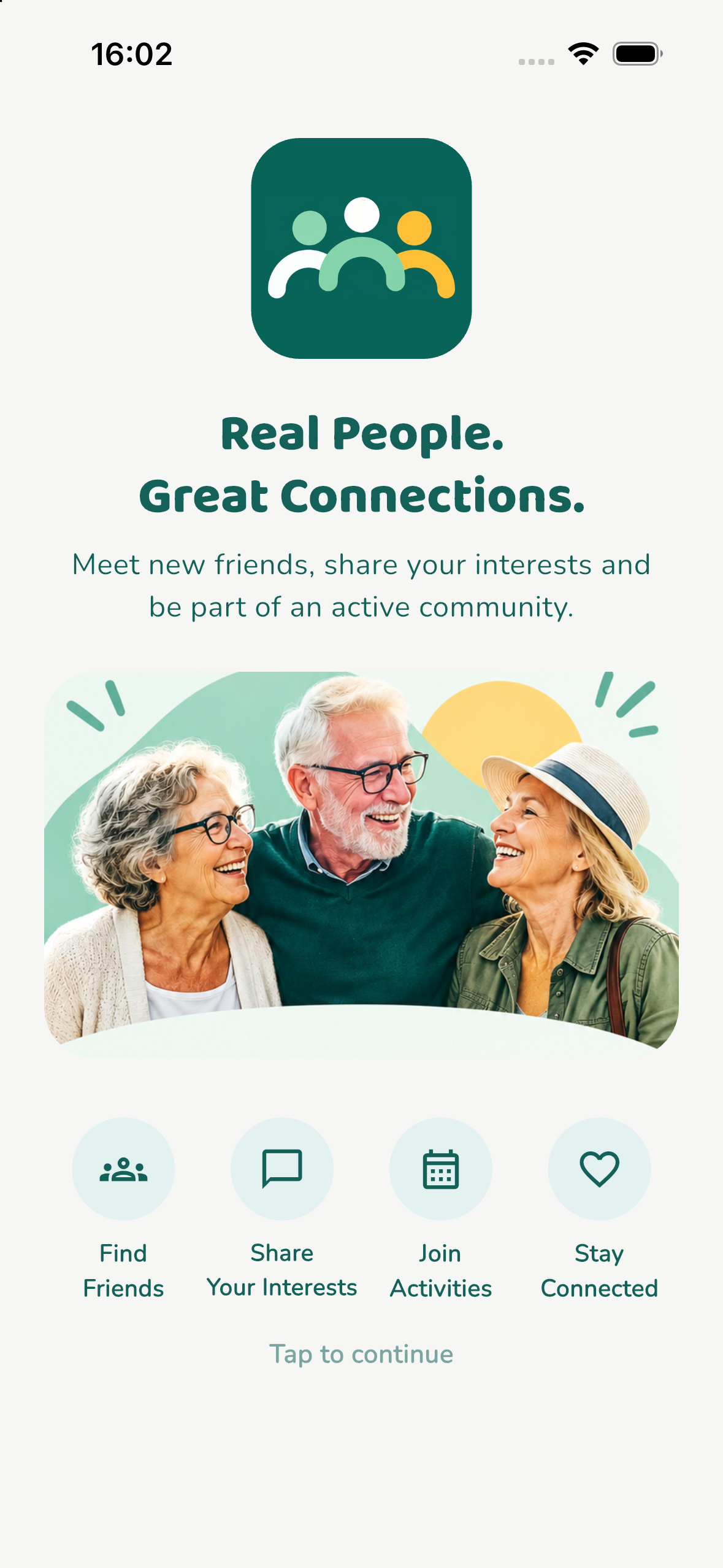
The app is built with Flutter and Riverpod for state management, with go_router handling a redirect-based auth flow (splash → intro → onboarding → app). Firebase powers the backend: Firebase Auth for sign-in, Firestore for profiles/matches/activities/messages, and Firebase Storage for photos, all behind tightened security rules that restrict writes to field-level ownership. RevenueCat and StoreKit handle the Premium subscription end-to-end, from the paywall to entitlement checks throughout the app.
Challenges we ran into
Several bugs only showed up through real device testing rather than in the simulator. One crash traced back — via actual .ips crash logs pulled from the physical device — to a race condition between an anonymous RevenueCat configuration call and a signed-in login call firing at nearly the same moment; we fixed it by serializing the configuration through a single tracked future.
Another bug was purely visual: a privacy-consent sheet was silently covering the new intro screen on every launch, which only became obvious once we started comparing actual screenshots frame-by-frame instead of relying on debug logs — the logs looked completely correct the whole time.
Accomplishments that we're proud of
Getting a real, working subscription flow live end-to-end — RevenueCat entitlements, a genuine sandbox purchase with a free trial, and a build submitted to Apple for review — inside the Shipaton's timeframe, on top of shipping a polished onboarding flow, a custom intro screen, and a full bilingual privacy policy/terms hosted at a real public URL.
What we learned
That the visual truth (screenshots) and the logical truth (logs) can tell completely different stories — some bugs are invisible until you actually look at the screen. Also, a lot of the real work in a subscription-based app happens outside the code: App Store Connect's privacy questionnaire, subscription group setup, and review requirements took as much careful attention as the Flutter/Firebase implementation itself.
What's next for 60+ Friends
Smarter geo-based matching (the current MVP pages through the whole user pool rather than filtering by real distance), push notifications for new matches and messages, and expanding activities with RSVPs and reminders.
