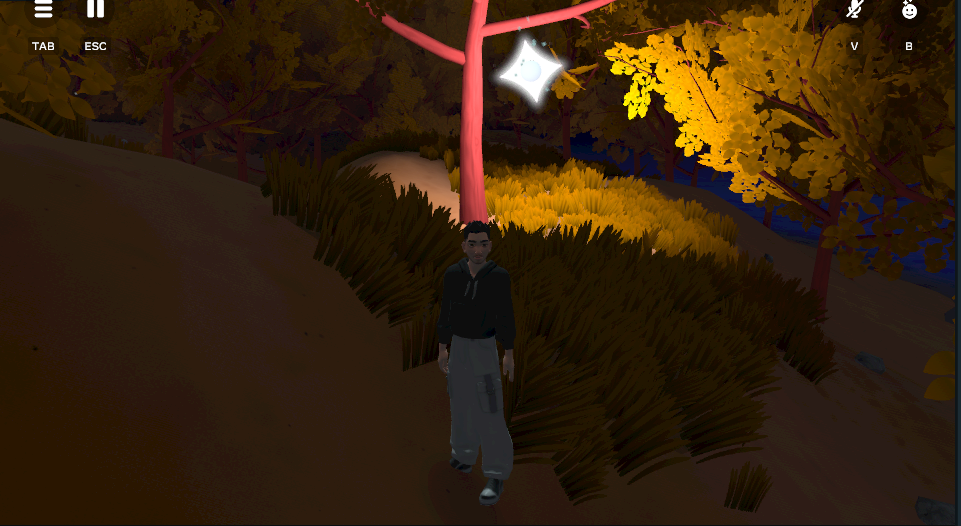
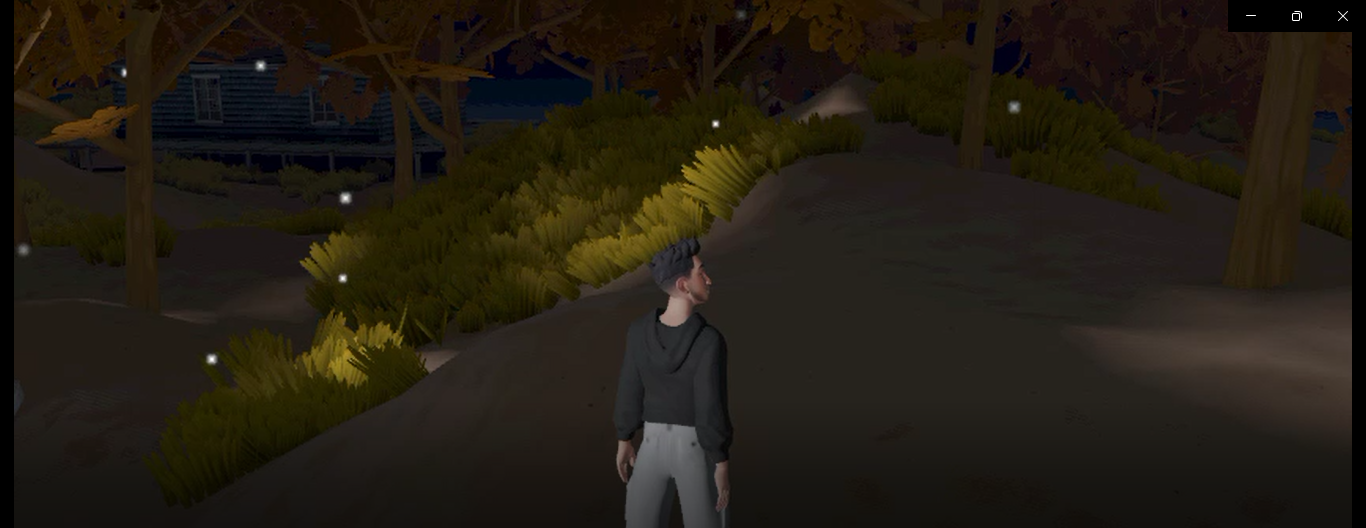
Here’s a detailed and compelling set of responses for your Devpost submission for the project “5 Unique Lighting Effects to Transform Your Dark World”:
🧠 Inspiration
When building worlds in Horizon, we noticed a common challenge: darker environments often feel empty, hard to navigate, or visually flat. Lighting can dramatically change that — not just by improving visibility, but by adding atmosphere, emotion, and guidance. We wanted to create a set of plug-and-play lighting techniques that both beginners and experienced creators could use to bring their dark worlds to life.
⚙️ What it does
This project introduces five unique lighting systems designed for use in dark Horizon Worlds maps. Each technique solves a different visual or gameplay challenge:
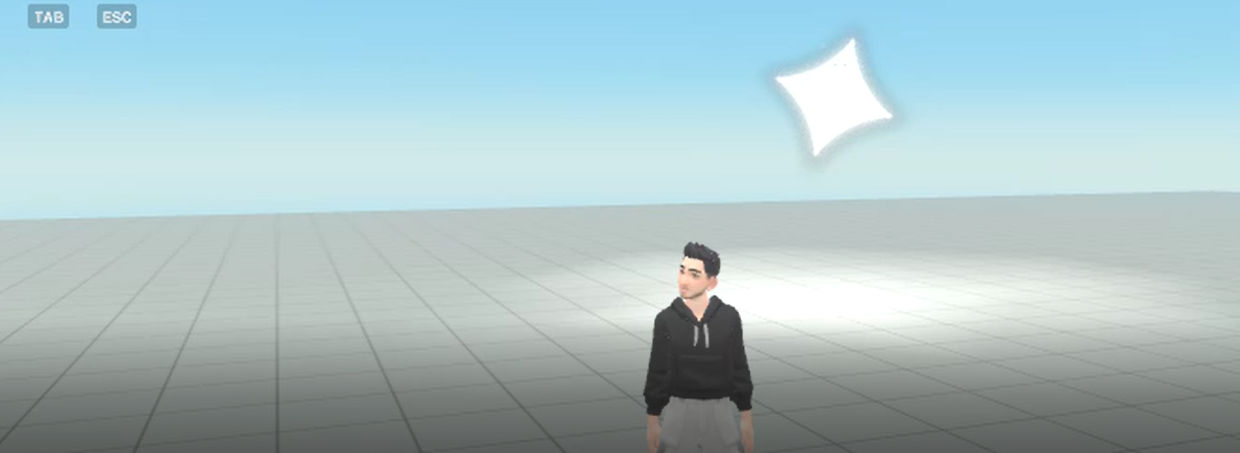
Fireflies – Organic, randomly moving lights for magical or forest atmospheres.
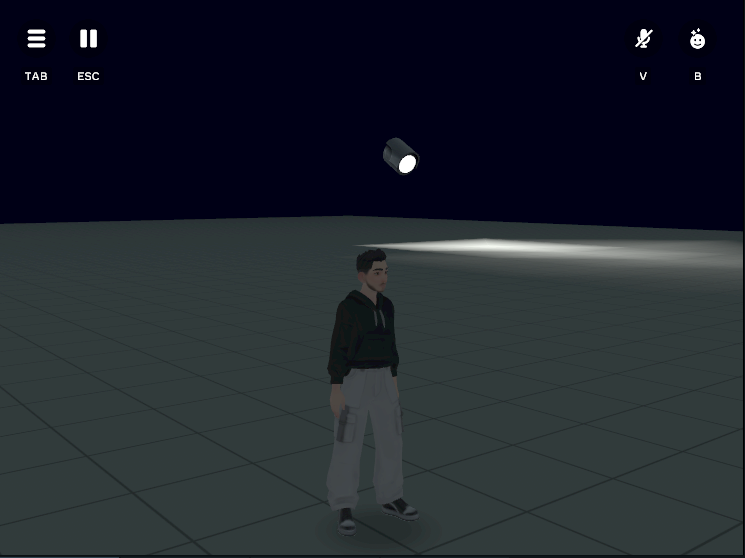
Rotating Searchlight – Patrol-style spotlight that tracks players and simulates AI detection.
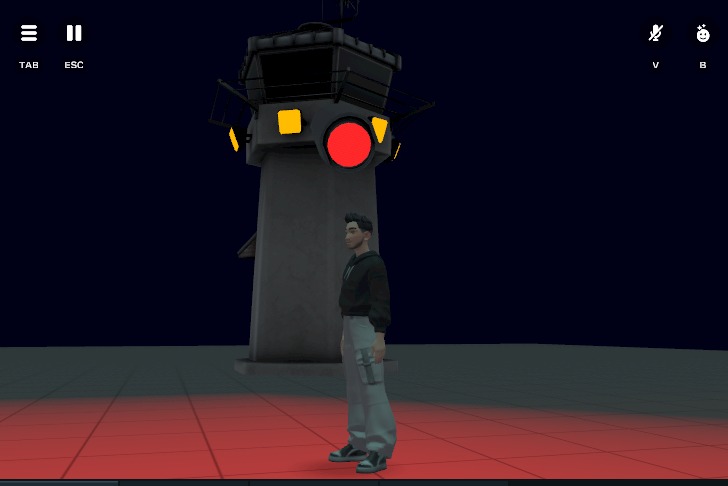
Navigation Light – A Guiding light for players through narrative or maze-like worlds.
Flickering Torch/Neon Effects – Adds dynamic flicker to lights or signs to simulate fire, aging, or broken tech.
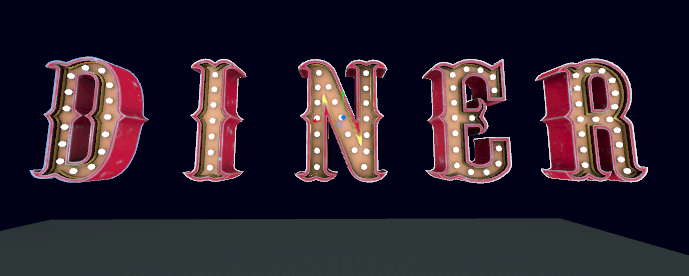
Neon Signs – Improves text visibility in dark scenes with vibrant glowing effects.
Together, they offer a modular toolkit for transforming dark environments into vivid, interactive experiences.
🛠️ How we built it
We used Horizon’s Lighting Gizmo, Environment Gizmo, and Dynamic Light, combining them with custom scripts written in Horizon Scripting API (TypeScript). We created:
Modular components like Firefly.ts, Search_Light_Logic.ts, and FlickeringLight.ts.
Tutorials and documentation in Markdown with images, hosted on GitHub.
Testing environments with different textures and skyboxes (e.g. Midnight Black) to simulate dark worlds.
All visuals were created using in-editor screenshots for maximum clarity.
🚧 Challenges we ran into
Performance Limits: Horizon restricts the number of dynamic lights per scene, so we had to optimize each lighting effect to balance visuals and performance.
Orientation Offsets: Some assets like the Search Light didn’t face the right direction, requiring clever use of offset rotation.
Flicker Timing: Getting flickering lights to feel natural (not annoying or erratic) took a lot of tweaking.
Documentation Clarity: It was important that the tutorial was accessible to beginners, so we had to balance technical accuracy with simplicity.
🏆 Accomplishments that we're proud of
We created a complete lighting toolkit with customizable scripts, effects, and assets.
We provided a high-quality, image-rich tutorial that makes learning Horizon lighting easy and fun.
We made these techniques modular — creators can pick and choose what they need.
The final effects feel cinematic, functional, and stylized — they genuinely improve any dark world.
📚 What we learned
Lighting is more than visibility — it’s storytelling.
Horizon’s scripting system, while powerful, requires creative solutions for simple problems (like offsets or timers).
A good tutorial is just as important as a good feature — documentation makes your work accessible.
Even small effects like a flicker or glow can drastically improve immersion.
🚀 What’s next for 5 Unique Lighting Effects to Transform Your Dark World
Add weather-reactive lighting like lightning flashes and fog-based dimming.
Create presets or templates that users can import directly into their projects.
Expand with color-based gameplay (e.g. red lights mean danger, blue means safe).
Release a YouTube video walkthrough for visual learners.
Optimize all effects to run better on mobile VR headsets.
We want this to become the go-to lighting toolkit for anyone building moody, mysterious, or stylized Horizon Worlds.


Log in or sign up for Devpost to join the conversation.