-
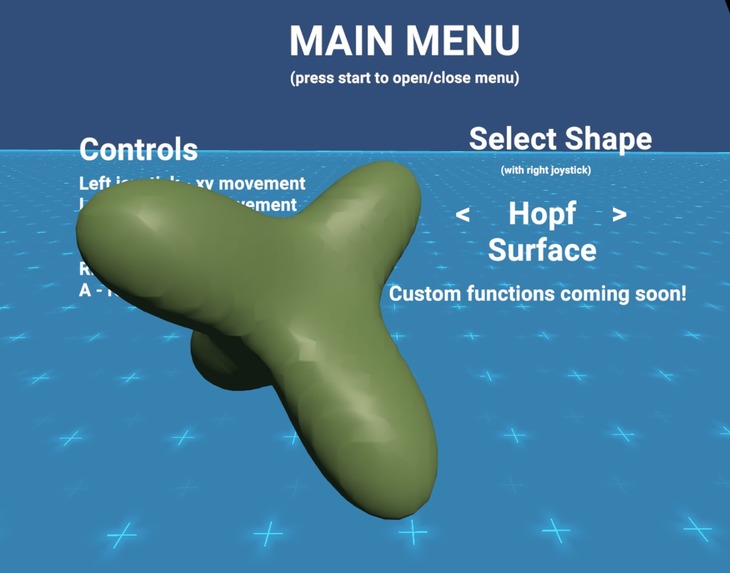
The Hopf Surface!
-
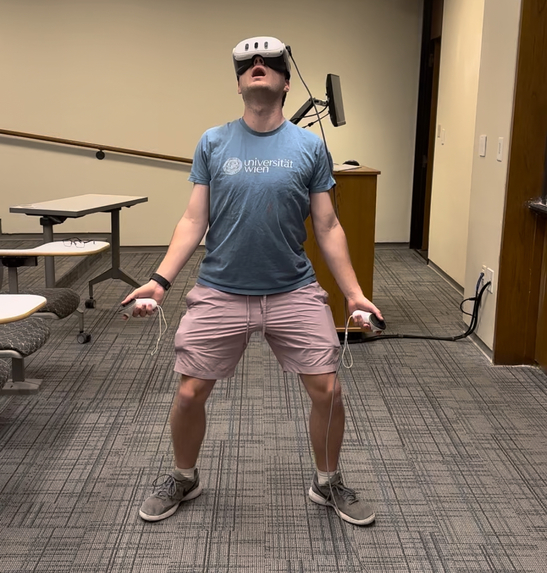
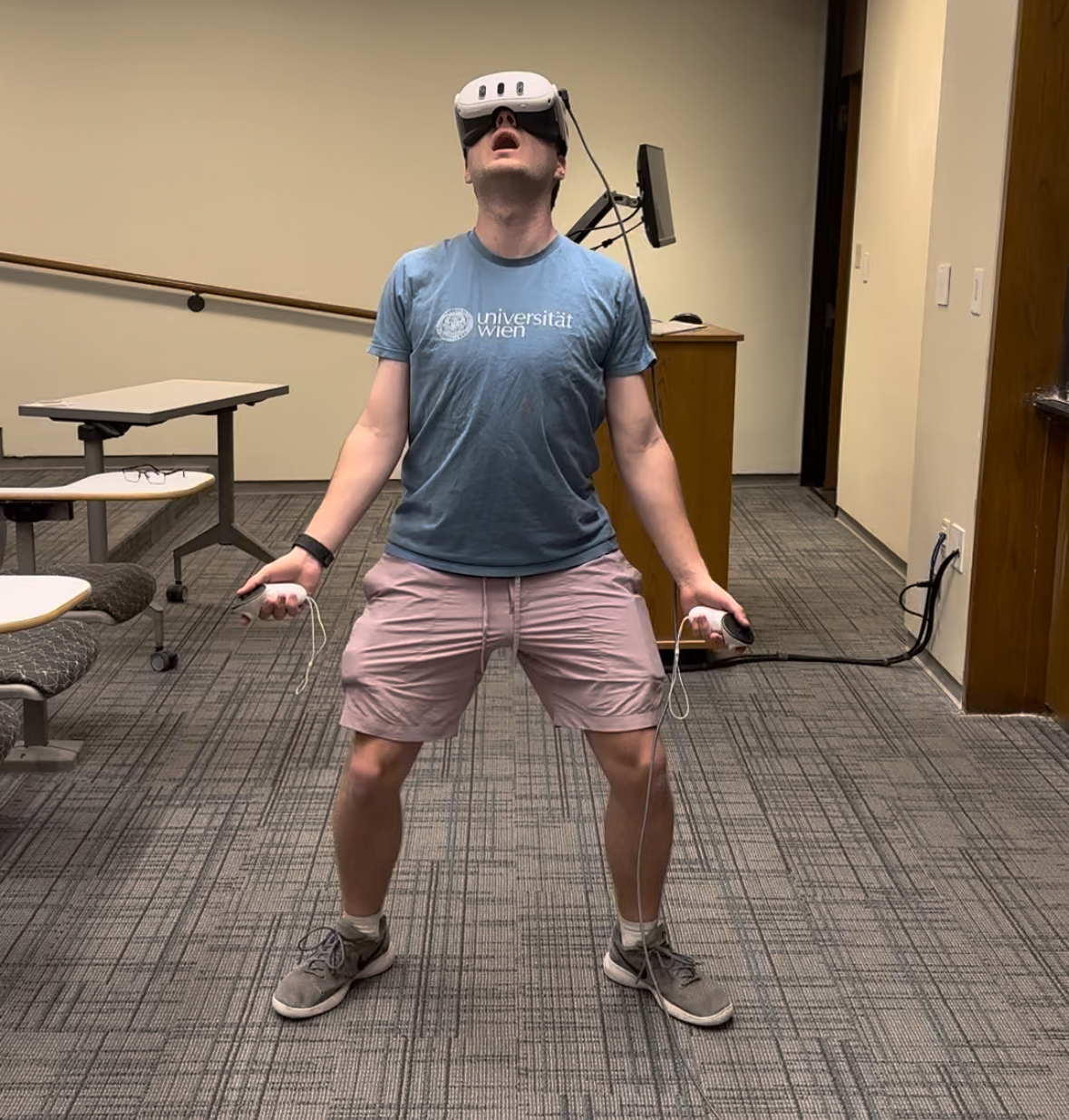
Colby seeing the Hopf Surface for the first time!
Inspiration
We're two math majors that happen to work a lot with 4-dimensional surfaces, and think it would be extremely useful to have an effective tool to visualize these objects. Most 4D visualizers (of which there are very little of) are very limited in the ways you're allowed to "explore" in the fourth dimension. Recently, a game developer named CodeParade released this video game called "4D Golf," which brought a lot more ideas to the table on how to effectively learn and play with 4D. We decided to take some of the ideas of 4D visualization from 4D golf, port them over to VR, and turn it into a kind of graphing calculator (with inspiration from the online graphing calculator Desmos)! We hope that giving people the experience of visualizing 4D will help people, from research mathematicians to students to those who are just curious, to engage with this material.
What it does
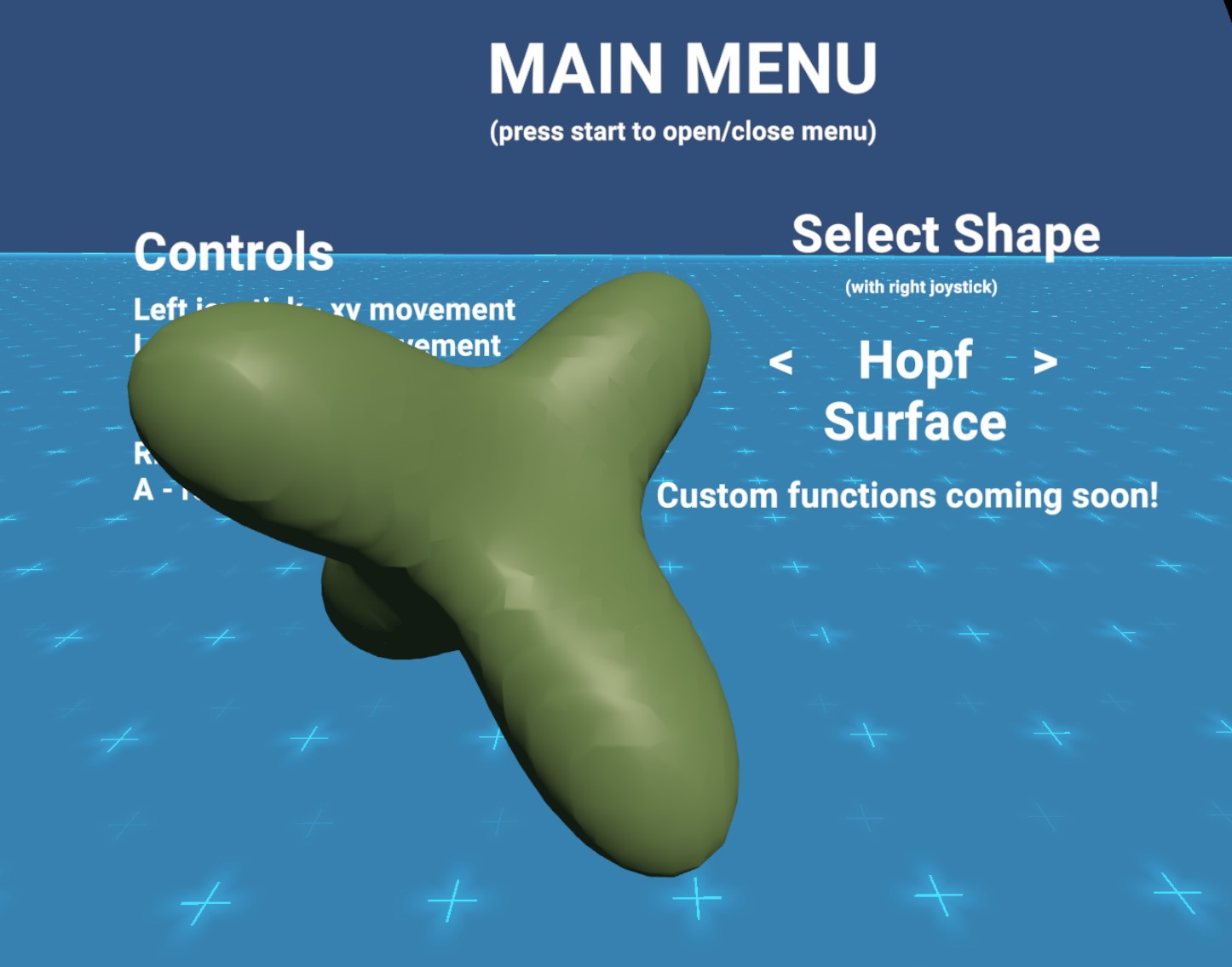
It's a 4D graphing calculator! Given a surface modeled by (any) function, you can explore this surface by interacting with it's 3D cross sections. You're able to walk around in VR in 4D, as well as rotate your object in 4D, to get a much better picture of what this object would actually look like and feel like.
How we built it
We used Unity and C# to render the graphs of our functions, using a marching cubes algorithm. Using Unity also gave us access to the Meta XR and Oculus VR packages, which was useful in helping us integrate VR capabilities quickly.
Challenges we ran into
We struggled in coming up with an effective way to render our functions, and in the end, our marching cubes algorithm still has some small technicalities that cause a couple of triangles to not render properly. Coming up with a coherent input system for the many degrees of freedom in 4D was also difficult, compounded by the limitations of the Meta Quest controllers.
Accomplishments that we're proud of
We're really proud that we were able, with almost no VR experience, to get a project at this scale up and running! We are also proud that, despite the interface challenges, on the level of the code it is very easy to graph and thus visualize arbitrary functions, not just the ones we are demoing!
What we learned
Coding is hard and marching cubes are O(n^3) :) In all honesty, we got much more familiar with the Unity interface and its capabilities, and started to really understand the basics of VR app development. Also, we got into the rabbit hole of mesh creation, shaders, and rendering, which ended up being a really interesting aspect of our project.
What's next for 4Desmos - Visualize 4D in VR
Immediate next goals are to optimize the rendering (which will also allow for larger viewing windows) and allowing the user to type in their own functions in the app!


Log in or sign up for Devpost to join the conversation.