-
-
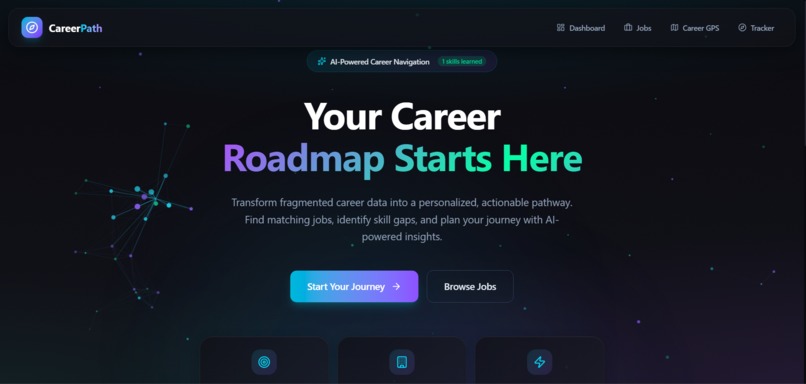
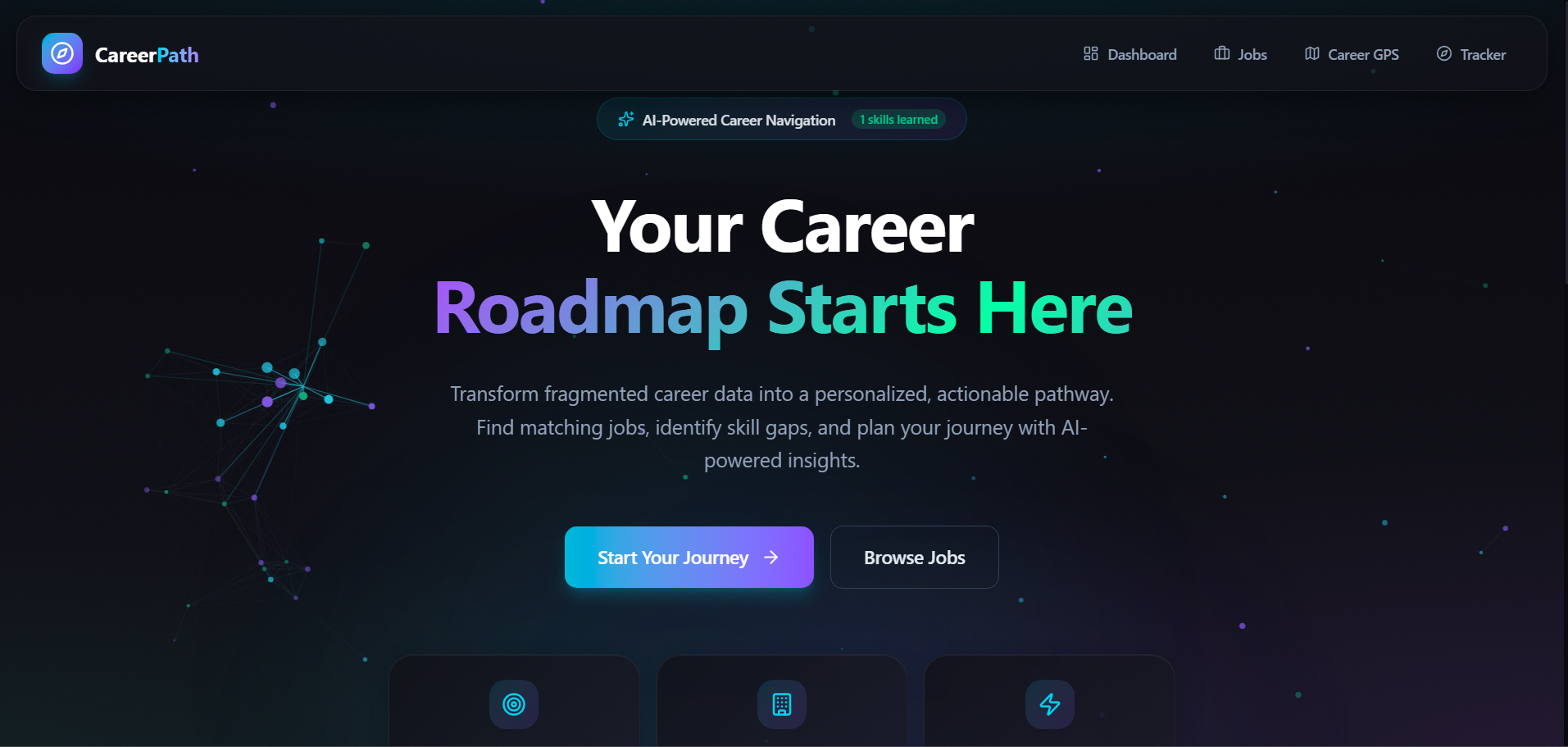
Our home page
CareerPath AI
Overview CareerPath AI is a unified platform designed to close the skills gap and reduce information barriers for job seekers. By transforming fragmented data into actionable insights, it guides users from discovery to employment.
Additional Intelligence Beyond the core journey as discussed below, CareerPath AI integrates a suite of sophisticated features that transform the application and upskilling experience.
- Resume Optimization intelligently rewrites resumes tailored to each job description, highlighting missing keywords and reframing experience to maximize relevance while providing a clear difference of what was added or modified for transparency.
- Intelligent Job Scoring assigns a dynamic match score to every filtered job, calculated by algorithmically comparing the job description against the user's resume to ensure visibility into their true fit before investing application effort.
- Targeted Interview makes preparation goes beyond generic questions by generating 10 role-specific questions: 3 Technical (focused on the role and user's resume), 2 Behavioral (based on their work history), 2 Problem-Solving scenarios (contextual to the company), 2 Company Culture Fit questions, and 1 Compensation discussion prompt, all customized to the specific role and organization.
- The Upskilling Module identifies missing skills through intelligent gap analysis, recommends free and paid courses from curated sources, and visualizes a personalized learning roadmap with progress tracking.
- Skills Learnt Tracker maintains the user's complete learning trajectory, tracks learning streaks to build momentum, and displays a timeline of certifications and courses completed.
- Integrated AI Chatbot serves as a career confidant, allowing users to freely discuss concerns, career pivots, application worries, and get personalized guidance in real-time. Together, these features create a closed-loop system where users move from self-assessment through application and continuous growth, supported by AI-driven insights at every decision point.
User Journey Flow Phase 1: Entry & Profile Intelligence The journey begins by establishing a baseline of the user's current capabilities to enable personalized matching.
- Landing Page (/) to Profile (/profile).
- Resume Upload: User uploads their existing resume (PDF/DOCX).
- AI Parsing: The system (via Gemini AI) extracts skills, experience, and education automatically.
- Profile Creation: User confirms their Target Roles and Citizenship Status (Citizen, PR, or International). Requirement Fulfilled: Personalized Roadmap Foundation By parsing the user's data upfront, the platform lays the groundwork to "transform fragmented career information into personalized, actionable roadmaps".
Phase 2: Centralized Job Discovery The user moves to the Job Explorer, where fragmented data is consolidated.
- Navigate to Job Explorer (/jobs).
- Unified Search: The user browses a single feed containing jobs from 6 different sources (Indeed, MyCareersFuture, JobStreet, etc.).
- Smart Filtering: ○ Users toggles the Tech Stack Filter to see only "React" or "Python" jobs. ○ The user selects "Fresh/Entry Level" to filter by experience. ○ User filters by Location and Job Type (Internship vs Full-time). Requirement Fulfilled: Centralized Data "Integrated data from multiple sources" is achieved by aggregating CSV feeds from 6 major platforms into one normalized schema. Requirement Fulfilled: Job Filtering "Filters to ensure people know the job is suitable for them" is fulfilled via the sidebar filters for Tech Stack, Experience, and Location.
Phase 3: Analysis & Transparent Matching Before applying, the user analyzes their fit for a specific role.
- View Job Card: User clicks on a job card to expand details.
- Check Match Score: The user sees a Skill Match Score (e.g., "85% Match") calculated by comparing their profile skills against the job description.
- Review Gaps: The UI explicitly lists "Matching Skills" and "Missing Skills".
- Eligibility Check: The system flags citizenship requirements (e.g., "Singaporean/PR Only") to prevent wasted applications. Requirement Fulfilled: Transparent Requirements "Explicit listing of required skills, qualifications, and constraints" is achieved through the Match Score algorithm and the Eligibility Checker, which explicitly parses citizenship constraints.
Phase 4: Upskilling & Gap Closing (Star Feature) If the match score is low, the user takes action to bridge the gap.
- Click "Upskill": User selects the Upskill button on a job card where they lack requirements.
- Visual Roadmap: The user is taken to the Skill Gap Visualizer (/roadmap). ○ A node-based graph maps their current state to the target role. ○ Missing skills are highlighted as "To Learn" nodes.
- Course Recommendations: User clicks a "Missing Skill" node (e.g., "Docker").
- Actionable Resources: The system provides direct links to 4 real online courses (free and paid) to learn that skill immediately.
- Track Progress: As the user completes courses, they mark them as "Done" in the Skills Learnt Tracker (/skills-learnt).
Phase 5: Application Optimization (AI Powered) Once ready to apply, the user optimizes their application materials.
- Click "Optimize Resume": From the Job Card, the user navigates to Resume Optimization (/resume-optimization).
- AI Rewrite: The system rewrites their resume specifically for this job title and company, injecting missing keywords and reframing experience.
- Click "Prepare for Interview": The user moves to Interview Prep (/interview-prep).
- Simulated Q&A: The system generates 10 tailored questions (Technical, Behavioral, Cultural) based on the job description and the user's specific background.
Phase 6: Application Tracking The user manages their active applications.
- Click "Save Job" or "Apply Now": The job is added to the Tracker.
- Navigate to Tracker (/tracker): The user sees their Kanban Board.
- Manage Status: ○ The user drags the job card from "Saved" to "Applied". ○ Later, they move it to "Interview" and add notes about the recruiter call. ○ Finally, they move it to "Offer" or "Rejected". Requirement Fulfilled: Application Tracking "Track their progress and receive status updates" is fulfilled by the Kanban board, which persists the state of every application.
Built With
- ai
- frontend:-next.js-(typescript)
- lucide-icons-backend:-next.js-server-actions
- react
- tailwindcss

Log in or sign up for Devpost to join the conversation.