-
-
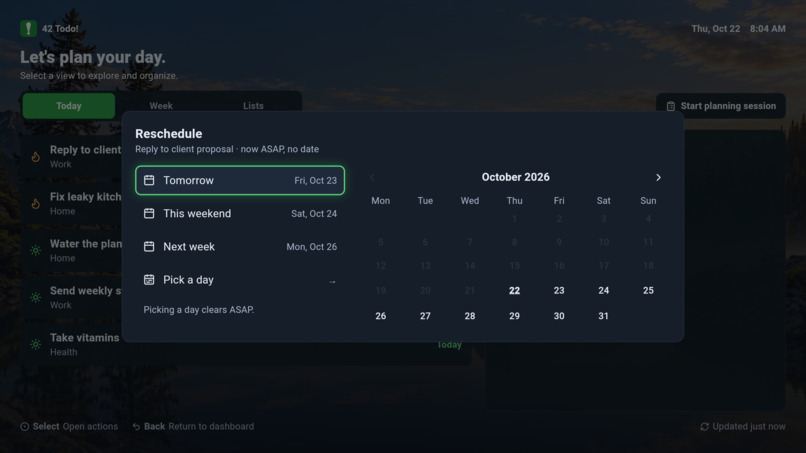
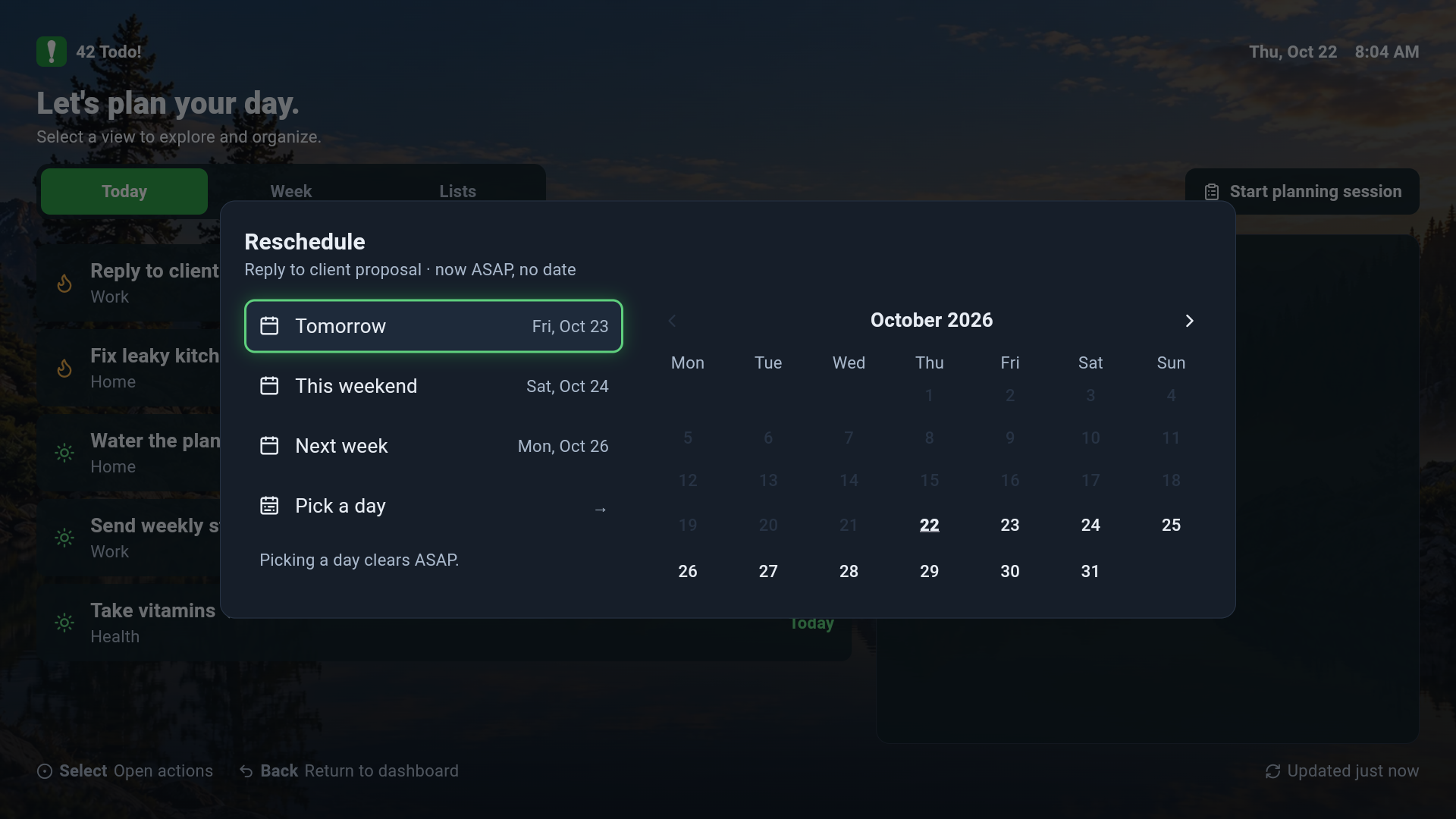
Rescheduling Existing Task Dialog
-
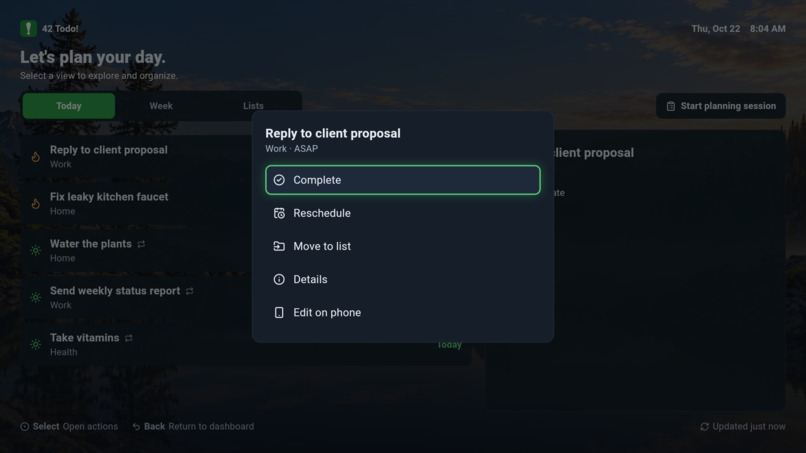
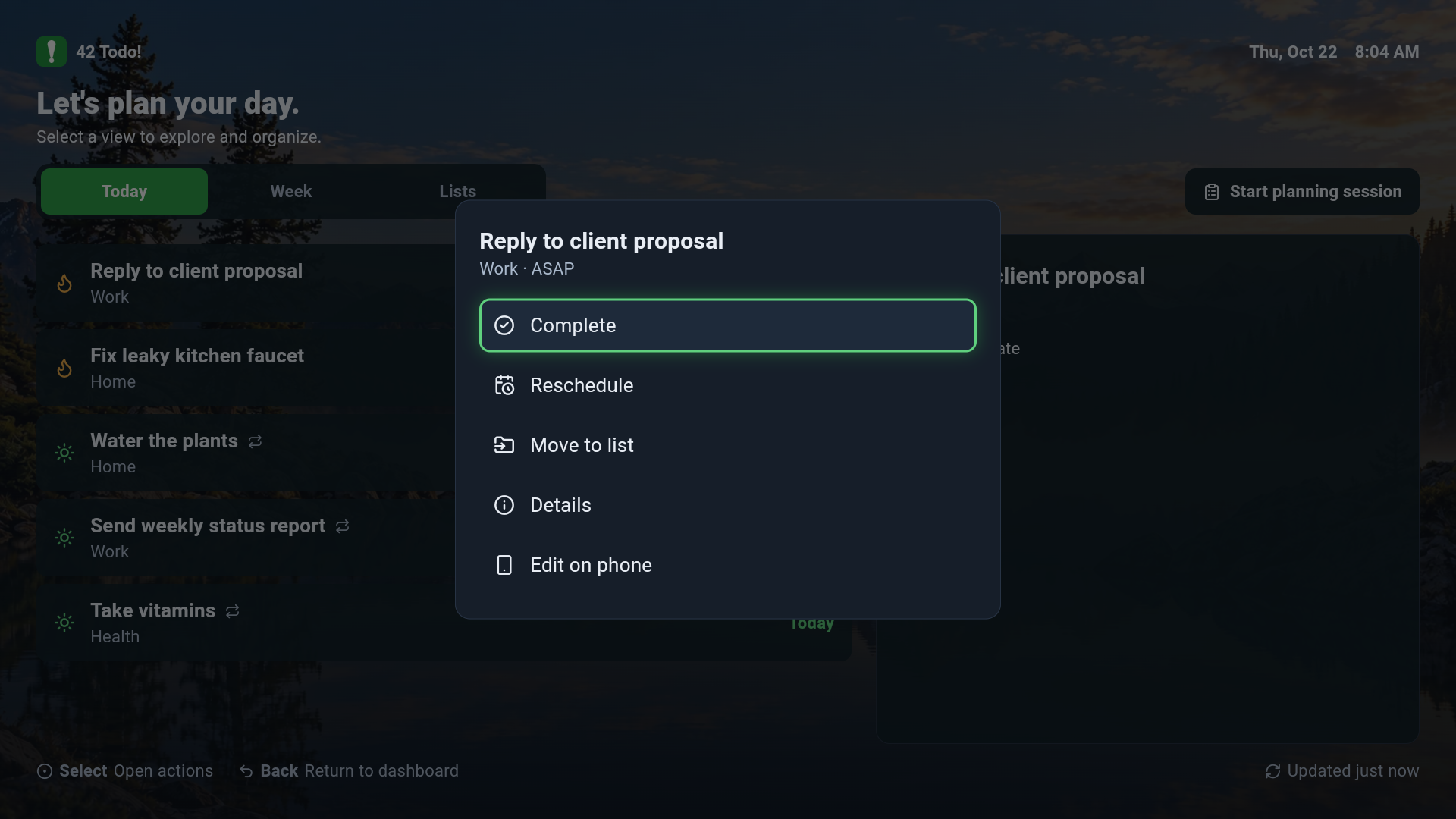
Task Actions Dialog
-
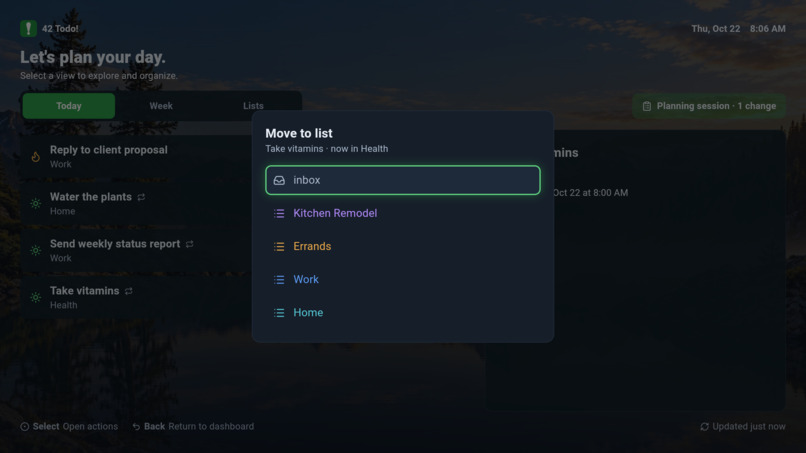
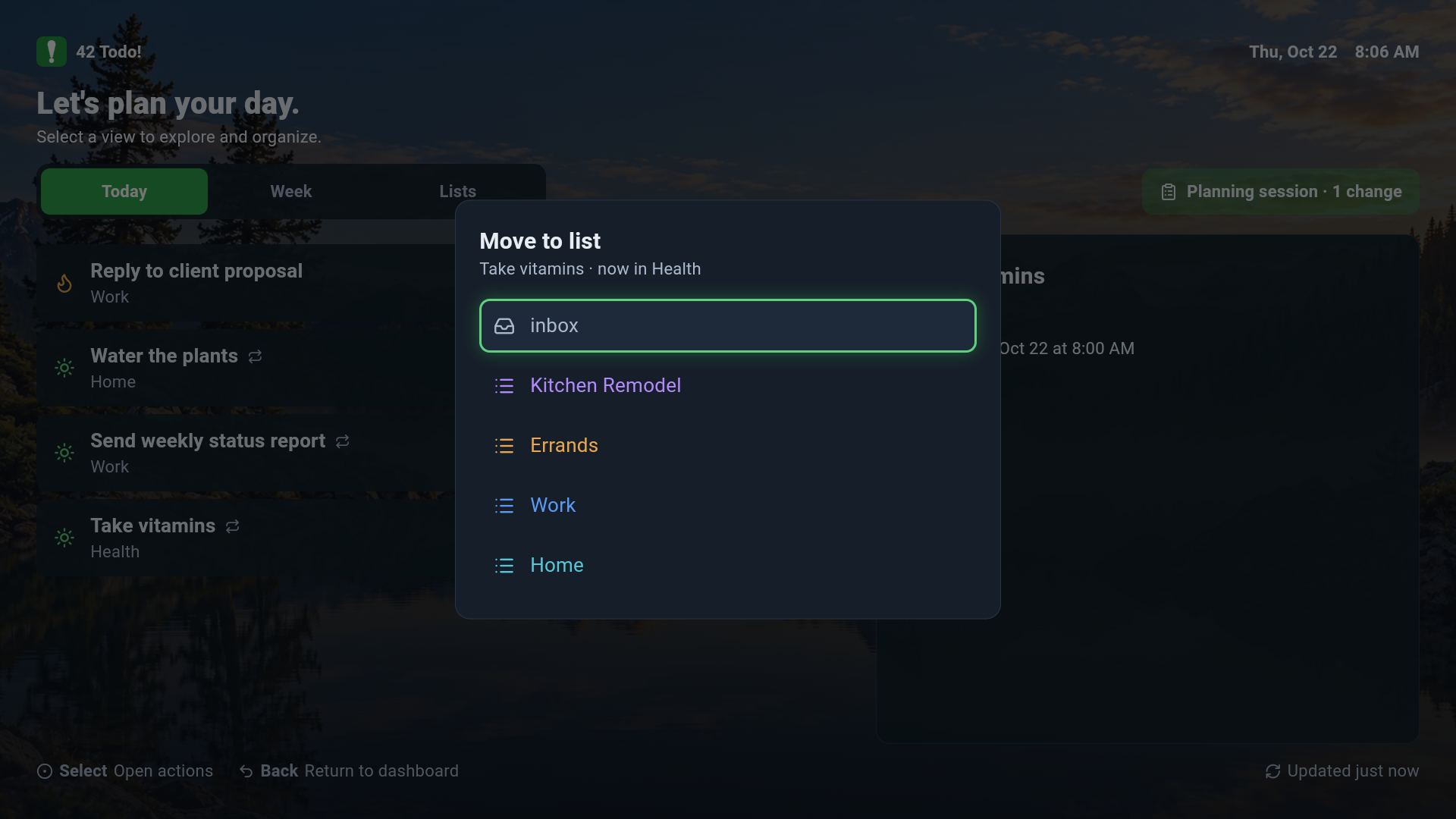
Move To List Dialog
-
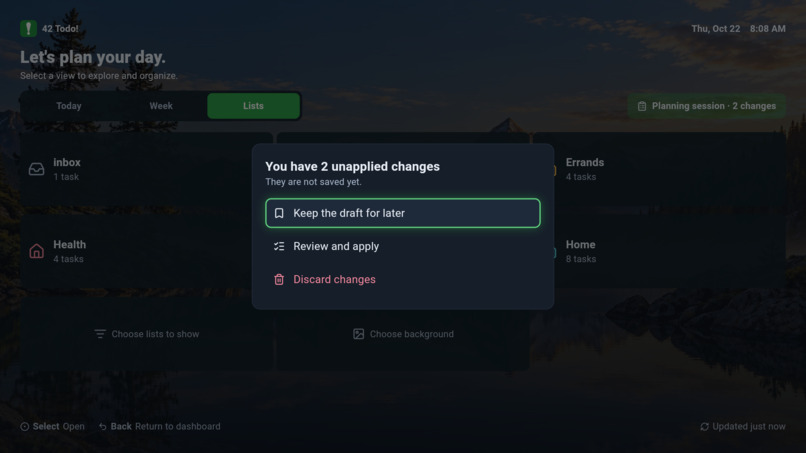
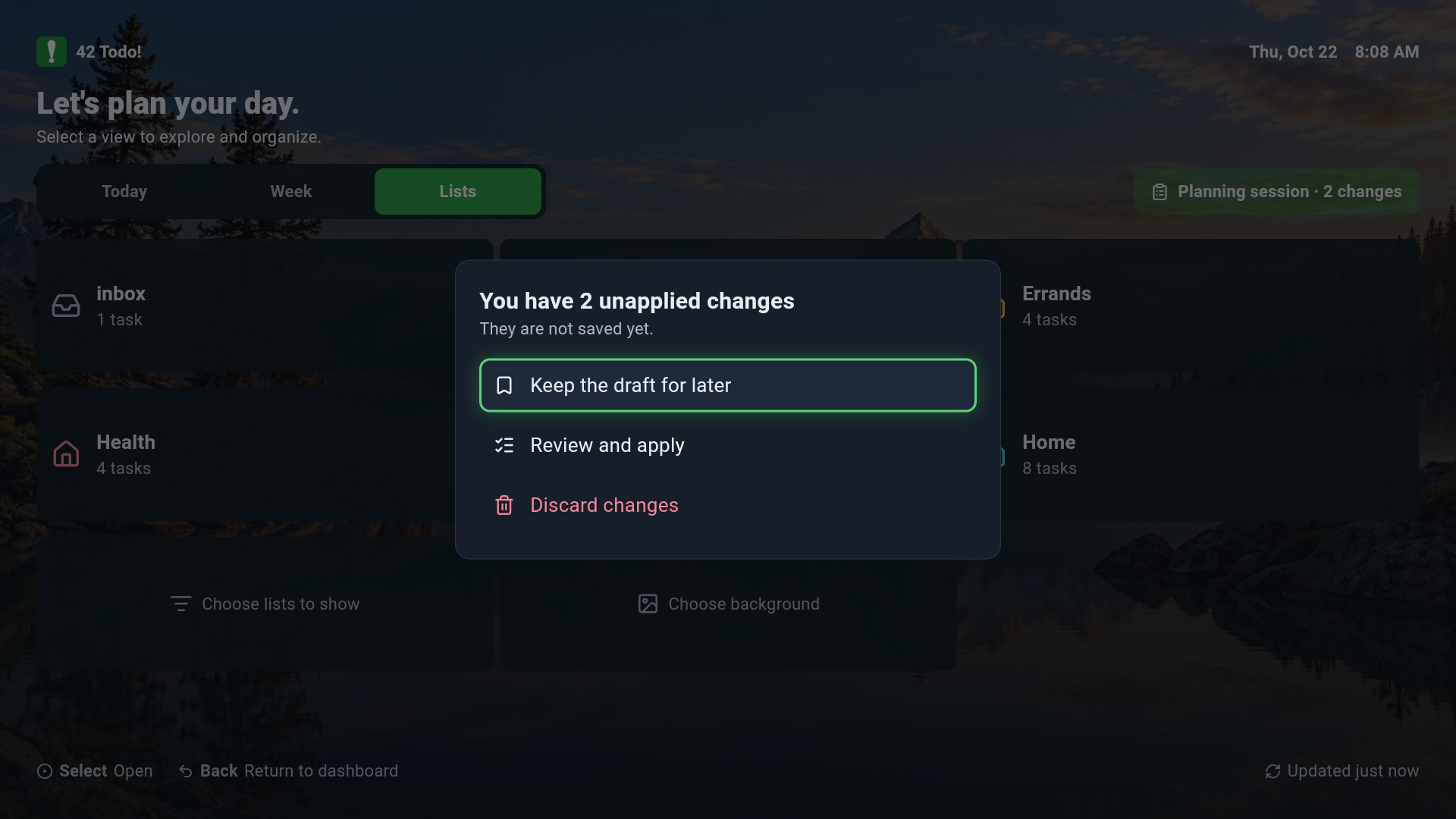
Unapplied Dialog
-
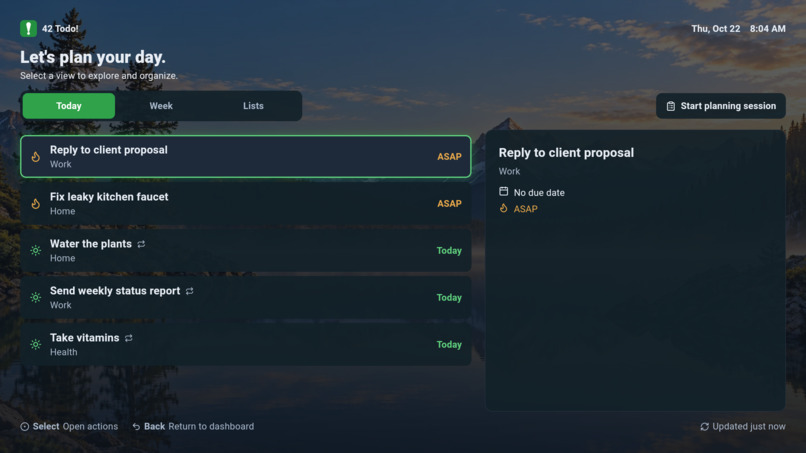
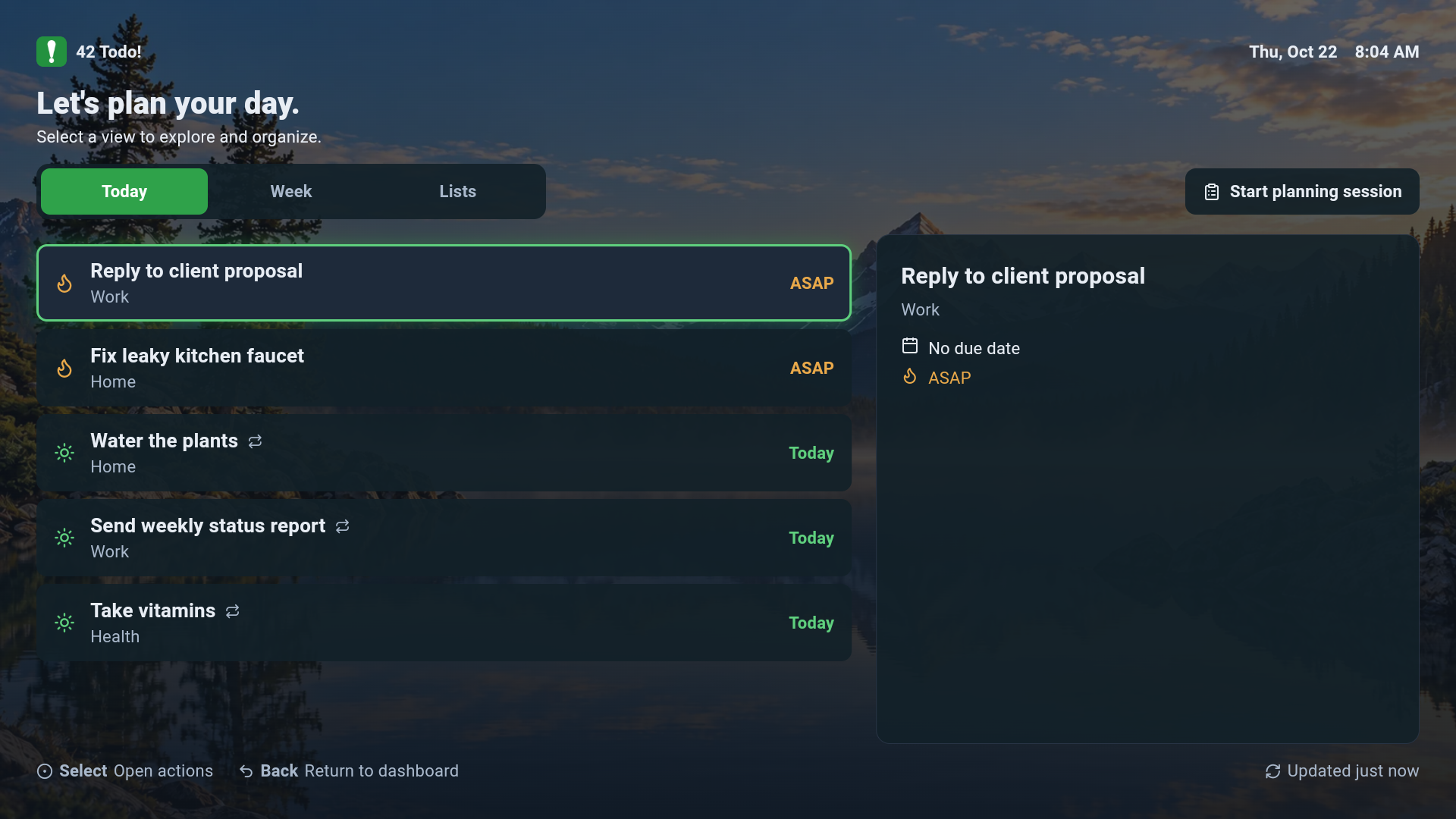
Today's Task View
-
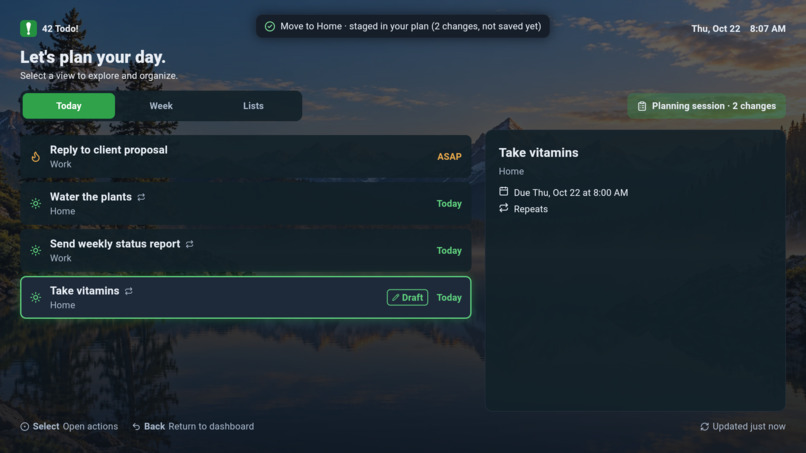
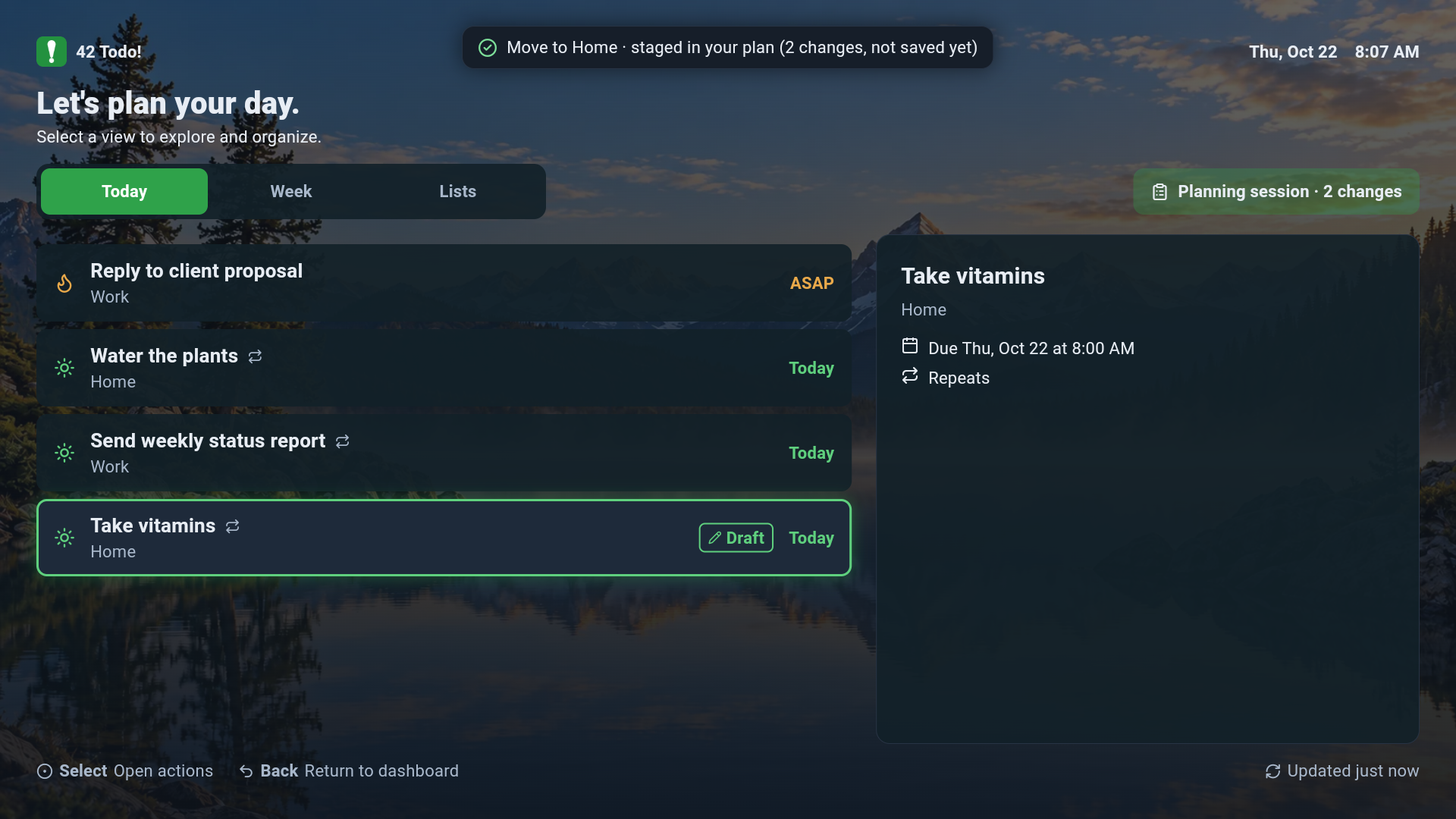
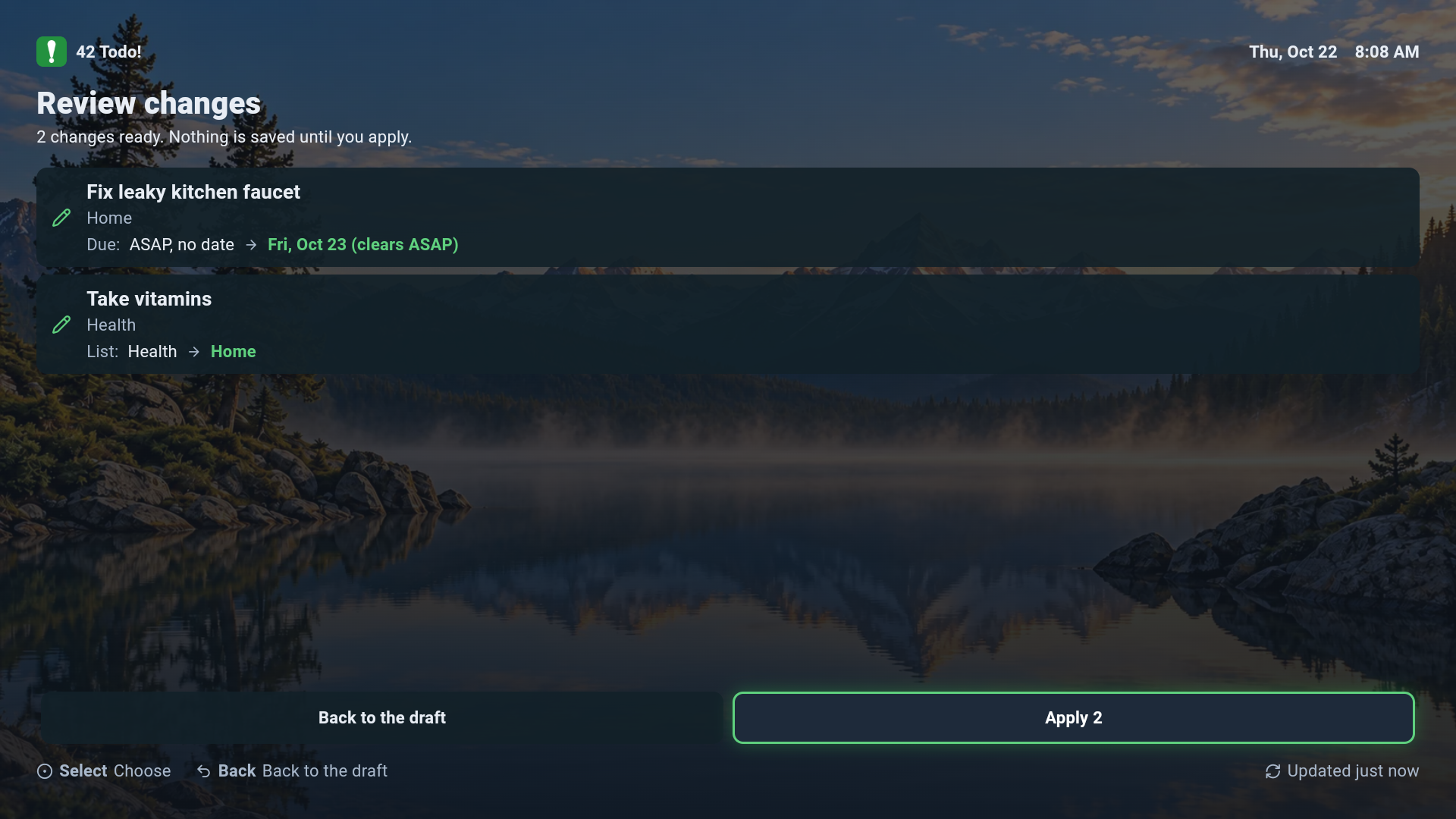
Draft Screen for Staged Changes
-
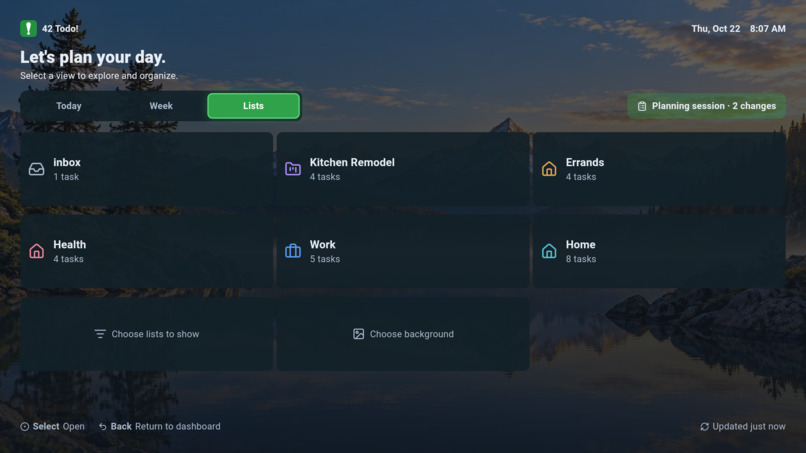
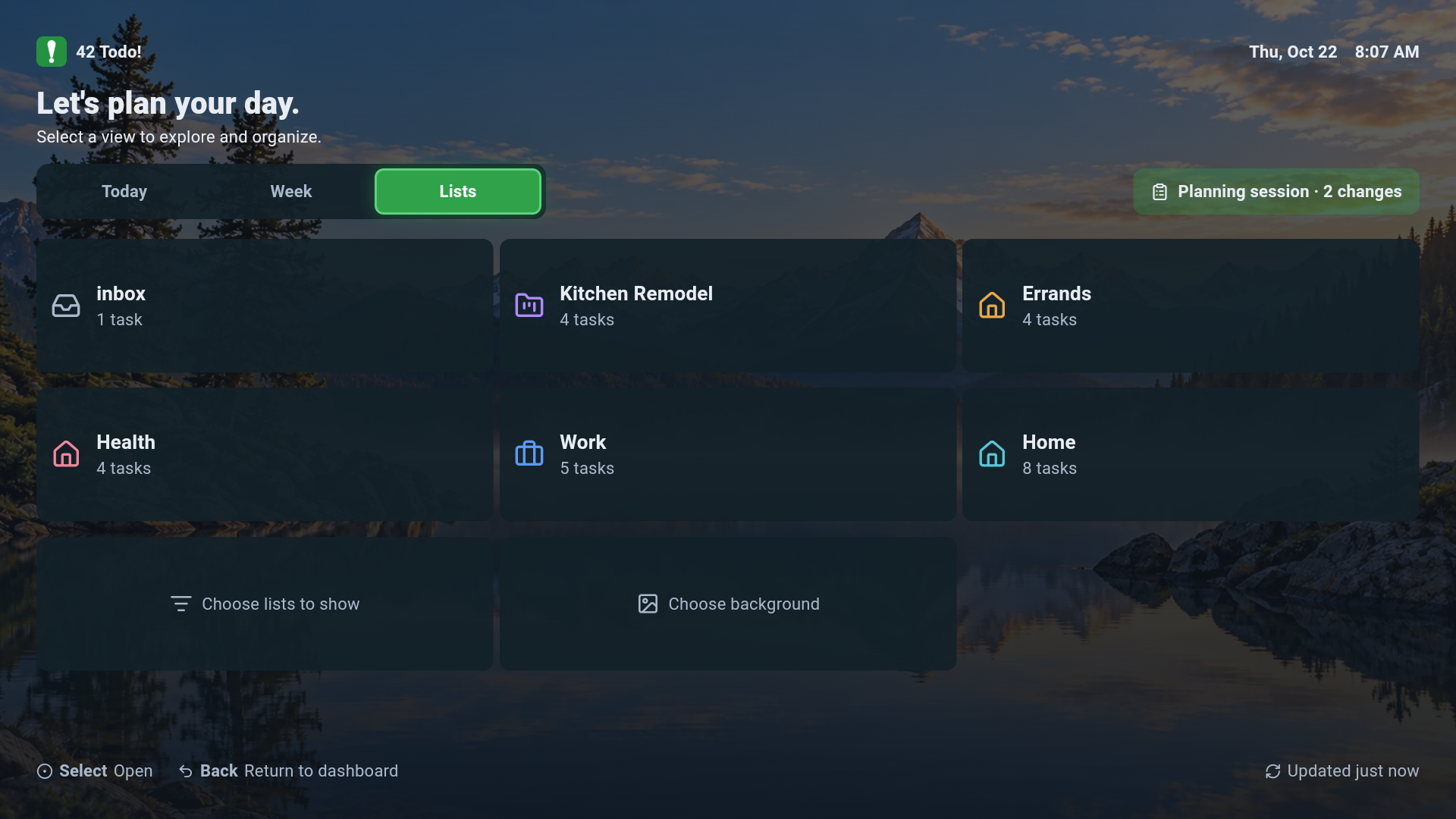
List Screen
-
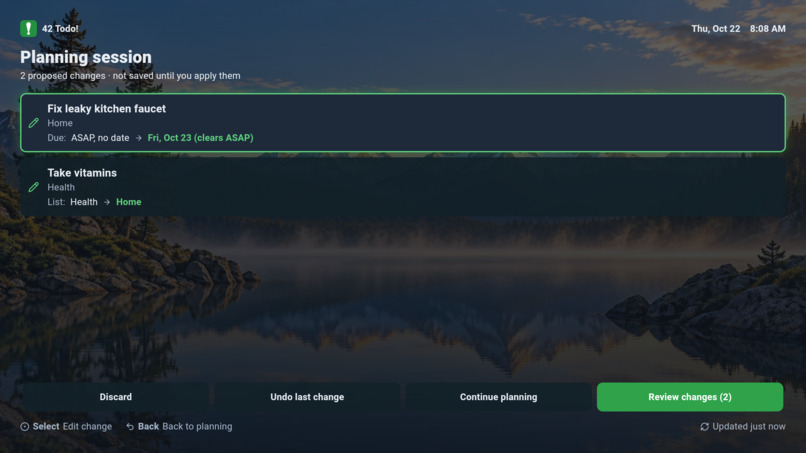
Planning Screen
-
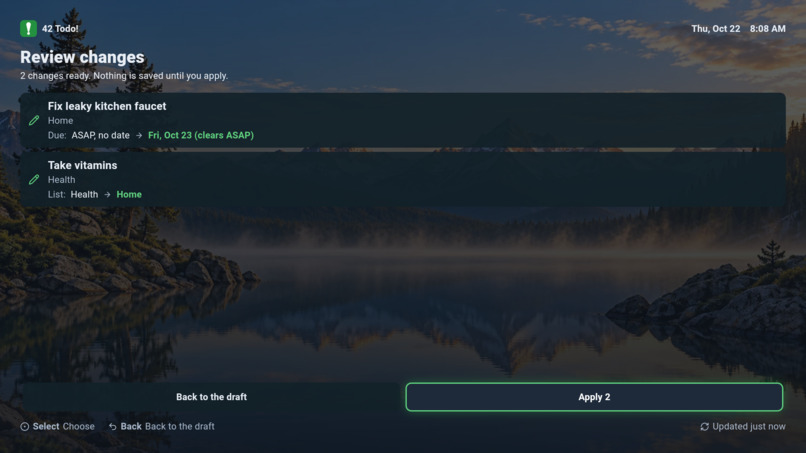
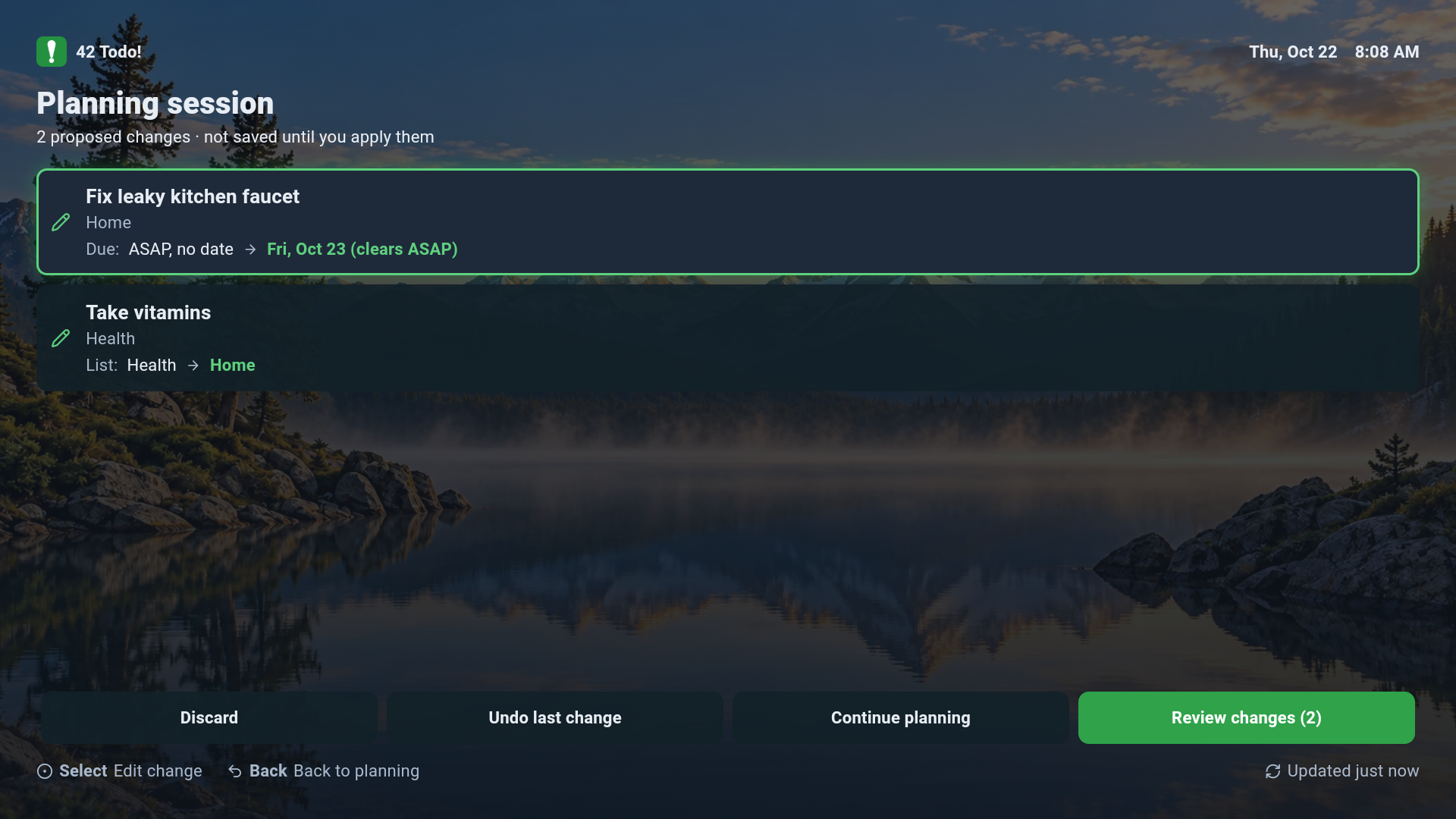
Final Review Screen
-
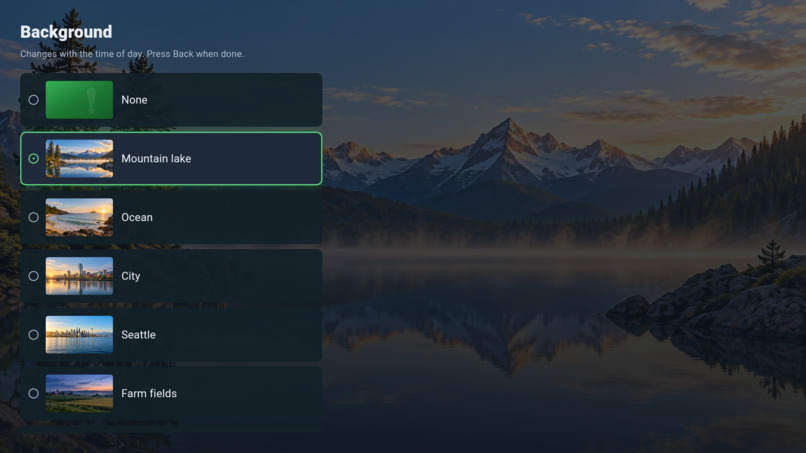
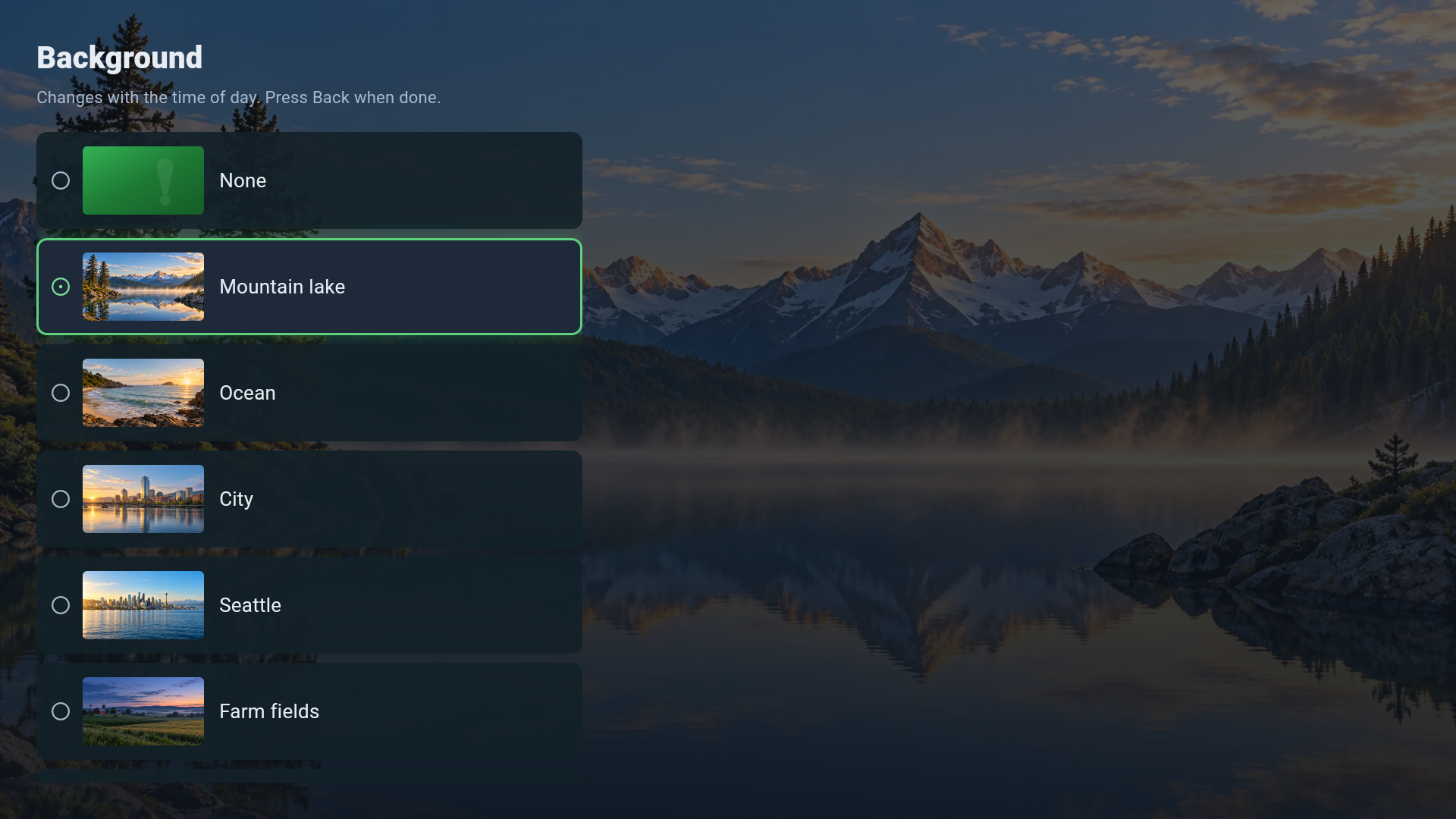
Ambient Background Selector
-
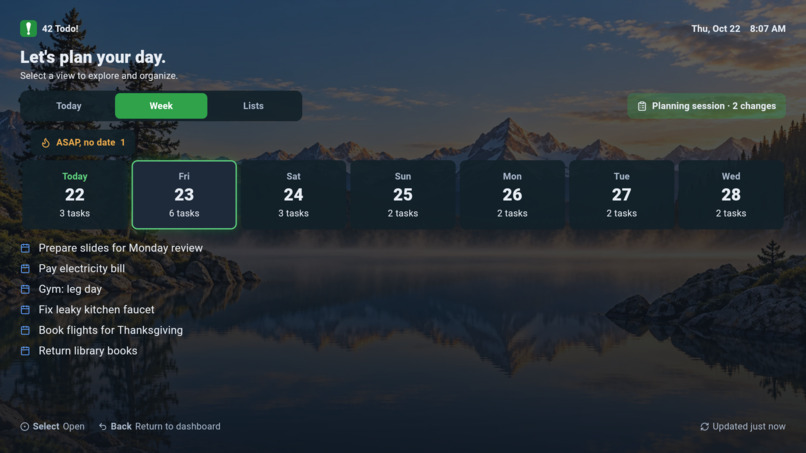
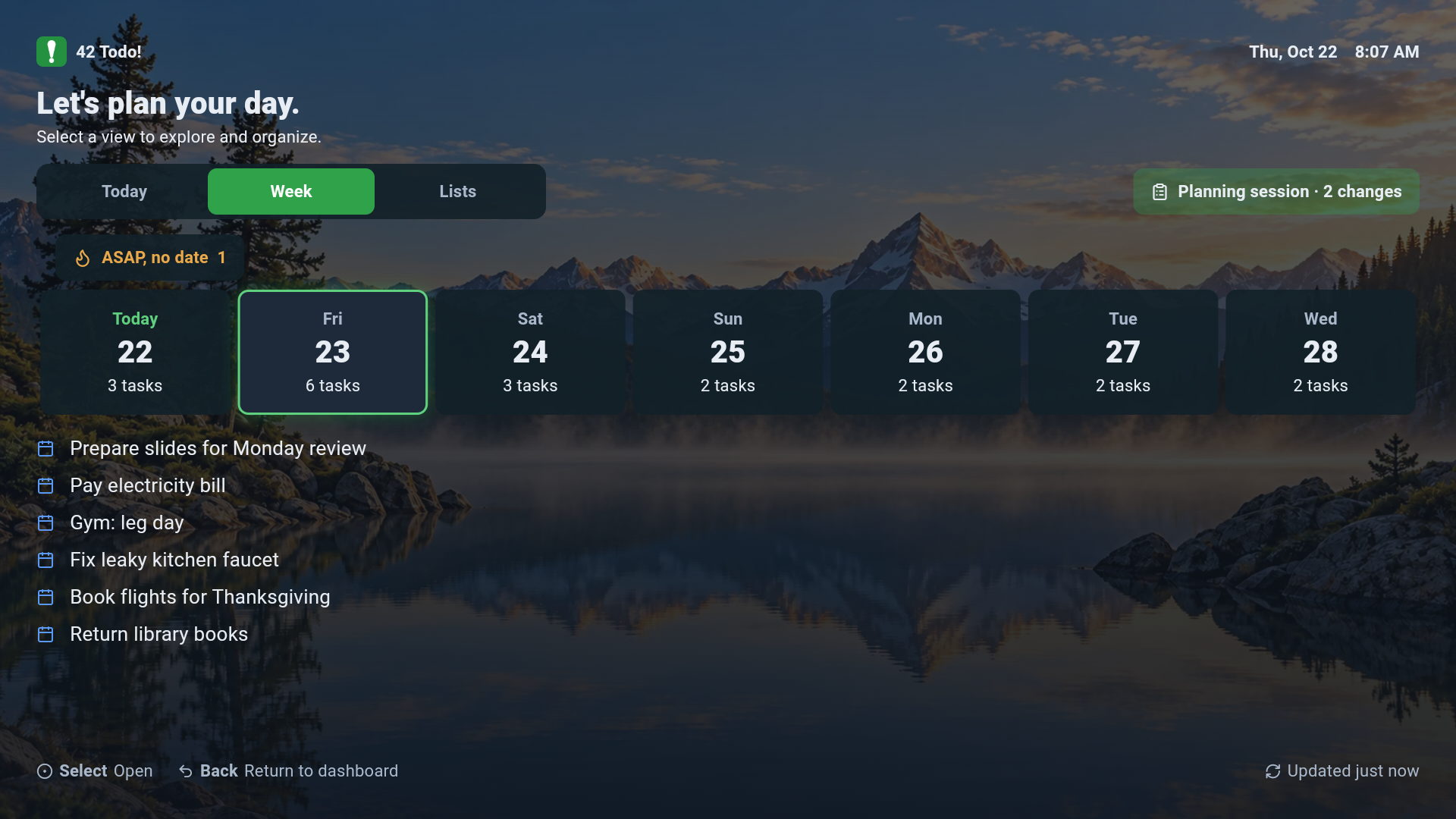
Week's Task View
-
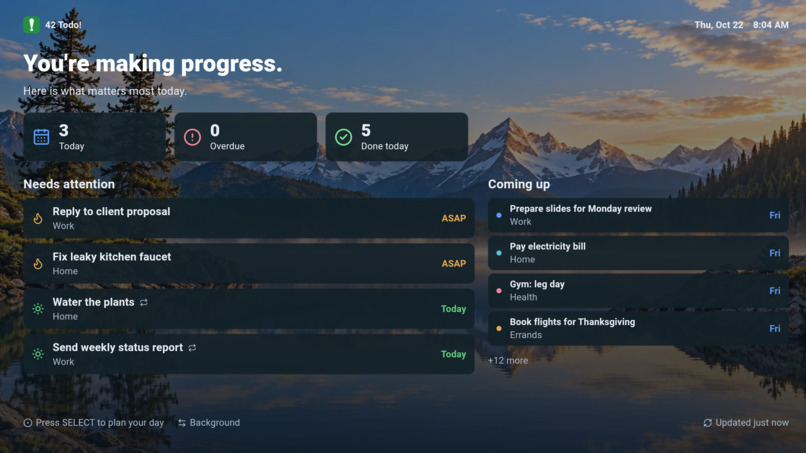
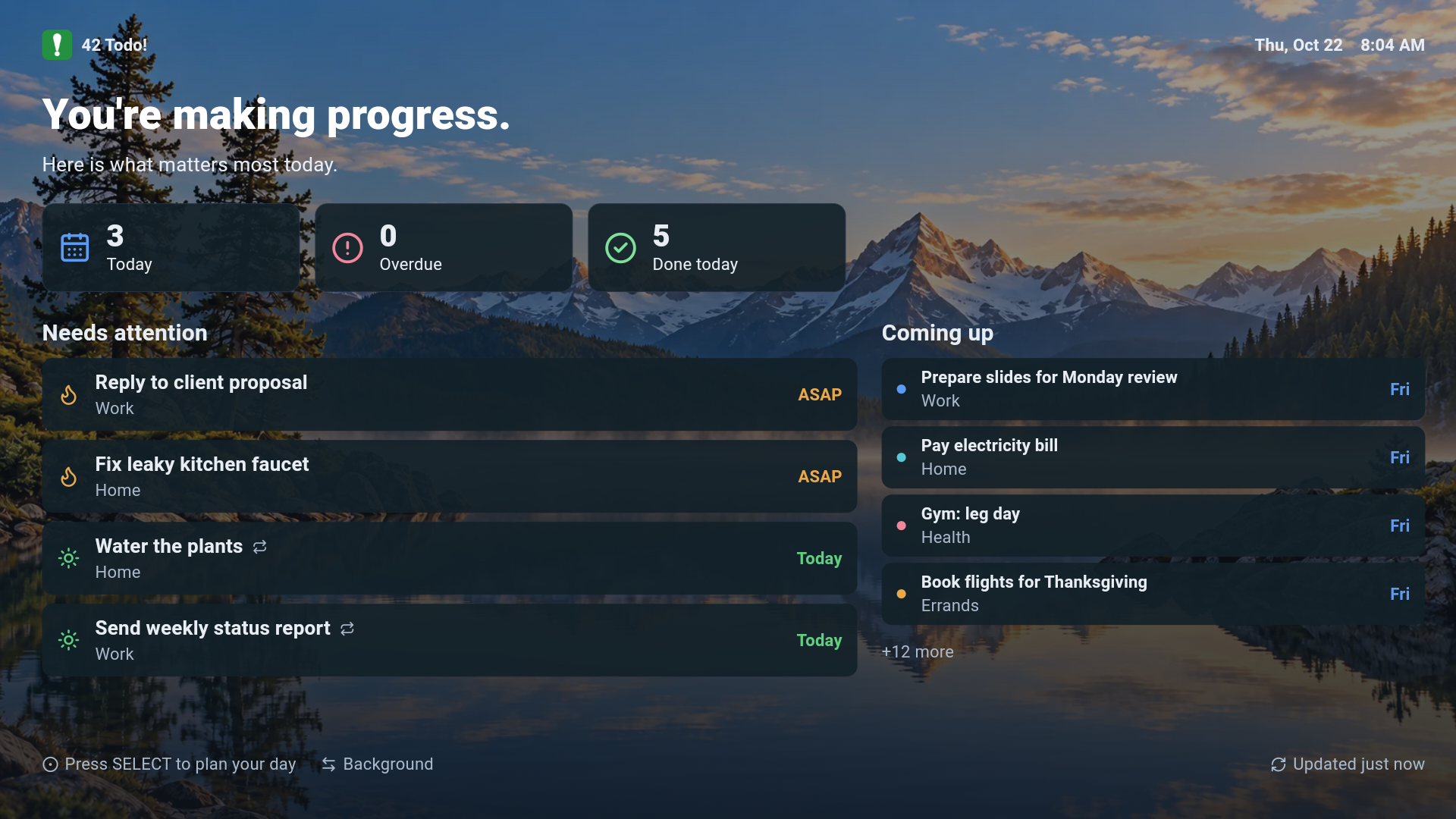
Ambient Main Screen
Inspiration
42 ToDo started with a simple idea: capturing and managing commitments should be effortless, wherever you happen to be.
We already use phones, computers, and AI assistants to manage our work. But there's another screen we spend time around every day: the television.
I wanted to see whether a Fire TV could be more than an entertainment device. Could it become a calm, useful household dashboard when nobody is interacting with it, and a practical task-management interface when someone picks up the remote?
That became 42 ToDo for Fire TV.
42 ToDo for Fire TV was first created on August 17, 2026. On October 20, 2026, I redesigned and rebuilt the entire user interface from scratch. Everything shown in the demo comes from that rewrite: the time-of-day ambient dashboard, the remote-first planning board (Today, Week and Lists), the task actions dialog (complete, reschedule, move to list), staged planning sessions with a final review, and the QR-based TV pairing flow. The commit history in the repository documents the redesign.
What it does
42 ToDo for Fire TV has two complementary experiences.
Ambient mode transforms the television into a glanceable dashboard showing tasks, priorities, and progress. Scenic background themes change with the time of day, including early morning, morning, afternoon, evening, and night.
Planning mode turns the TV into an interactive task board controlled entirely with the Fire TV remote. Users can review tasks, navigate Today, Week, and Lists, complete tasks, reschedule them, and move them between lists.
The app is designed for the realities of television: viewing from across the room, navigating with a directional pad, and switching naturally between passive display and active interaction.
It connects to the existing 42 ToDo platform, allowing tasks to be managed across supported clients rather than locking the experience to one device.
How I built it
The application is built with Flutter and Dart and targets Amazon Fire TV devices.
It communicates with the 42 ToDo backend through authenticated APIs. The interface was designed specifically for remote-control navigation, with clear focus states, readable layouts, and predictable directional movement.
Several implementation details make the experience more reliable:
- Time-aware ambient themes: Five daily periods determine which background appears, with consistent scenes across a theme pack.
- Remote-first planning: Task navigation and editing work through directional controls rather than assuming touch input.
- Planning sessions: Users can prepare multiple task changes before applying them.
- Conflict detection: Optimistic concurrency checks help prevent stale edits from silently overwriting newer task changes.
- Offline resilience: Cached task data allows the interface to remain useful when connectivity is interrupted, with freshness indicators.
- Device pairing: QR-based pairing makes authentication practical without typing long credentials using a TV remote.
- Idle transitions: The interface returns to ambient mode when appropriate while protecting unfinished planning work.
Challenges
The biggest challenge was designing a real productivity interface for a device that was never intended to behave like a phone or laptop.
A Fire TV remote has only a handful of buttons. That makes focus management, calendar navigation, editing flows, and error recovery much more important than they would be in a touch interface.
Other challenges included differences in Fire TV display density, device compatibility, APK architecture, authentication, network interruptions, and handling task updates made on another device.
I documented the implementation problems, workarounds, and lessons learned in the repository's friction log.
What I learned
I learned that a television can be a genuinely useful productivity surface, provided the application respects how people use it.
Ambient mode and planning mode solve different problems. One helps people stay aware of commitments without demanding attention. The other provides a deliberate place to review and organize work.
I also learned that reliability matters just as much as visual design. Cached data, visible synchronization status, conflict handling, and protection against losing unfinished changes are essential when a shared task system appears on multiple devices.
What's next
The next steps are broader device testing, additional ambient theme packs, continued usability improvements, and deeper integration with the 42 ToDo ecosystem.
The long-term goal is a lightweight, consistent place for commitments across phones, televisions, and AI assistants.
42 ToDo for Fire TV makes your commitments visible when you need a reminder and manageable when you're ready to act.
Built With
- amazon-cognito
- amazon-fire-tv
- amazon-web-services
- android
- dart
- flutter
- oauth-2.0
- qr-code
- rest-api

Log in or sign up for Devpost to join the conversation.