-
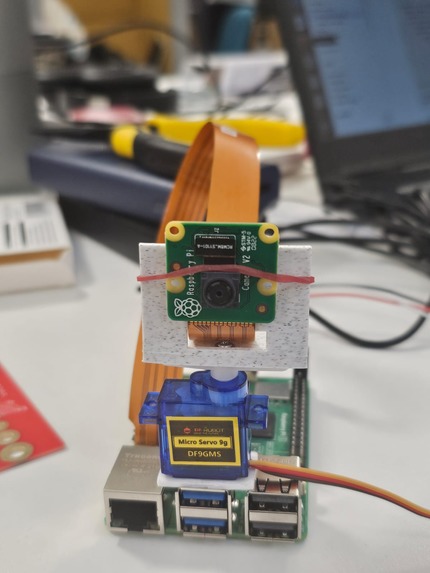
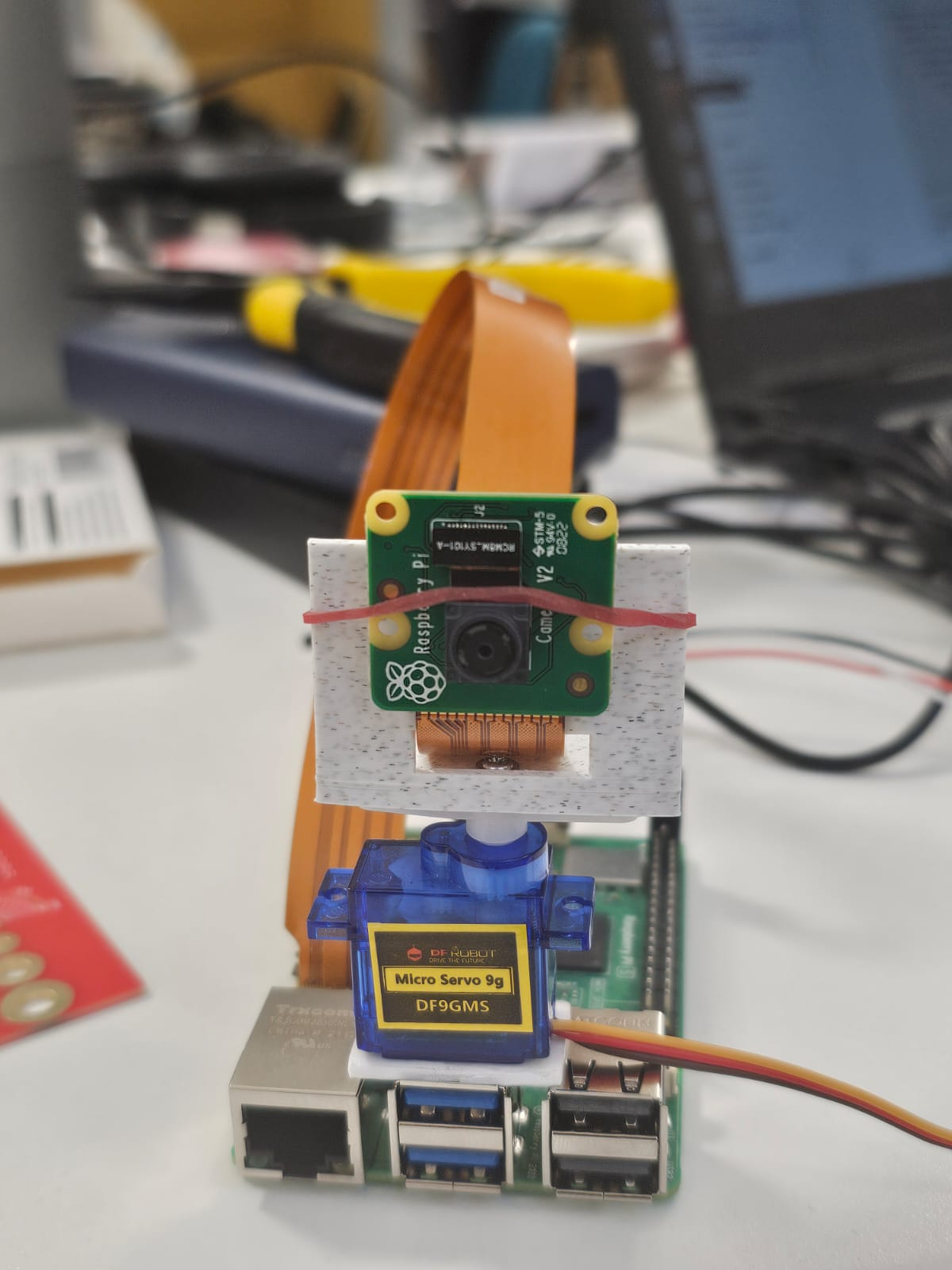
Our servo mounted on the raspberry pi with the camera on top
-
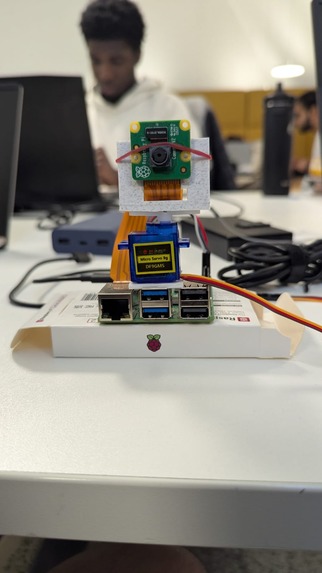
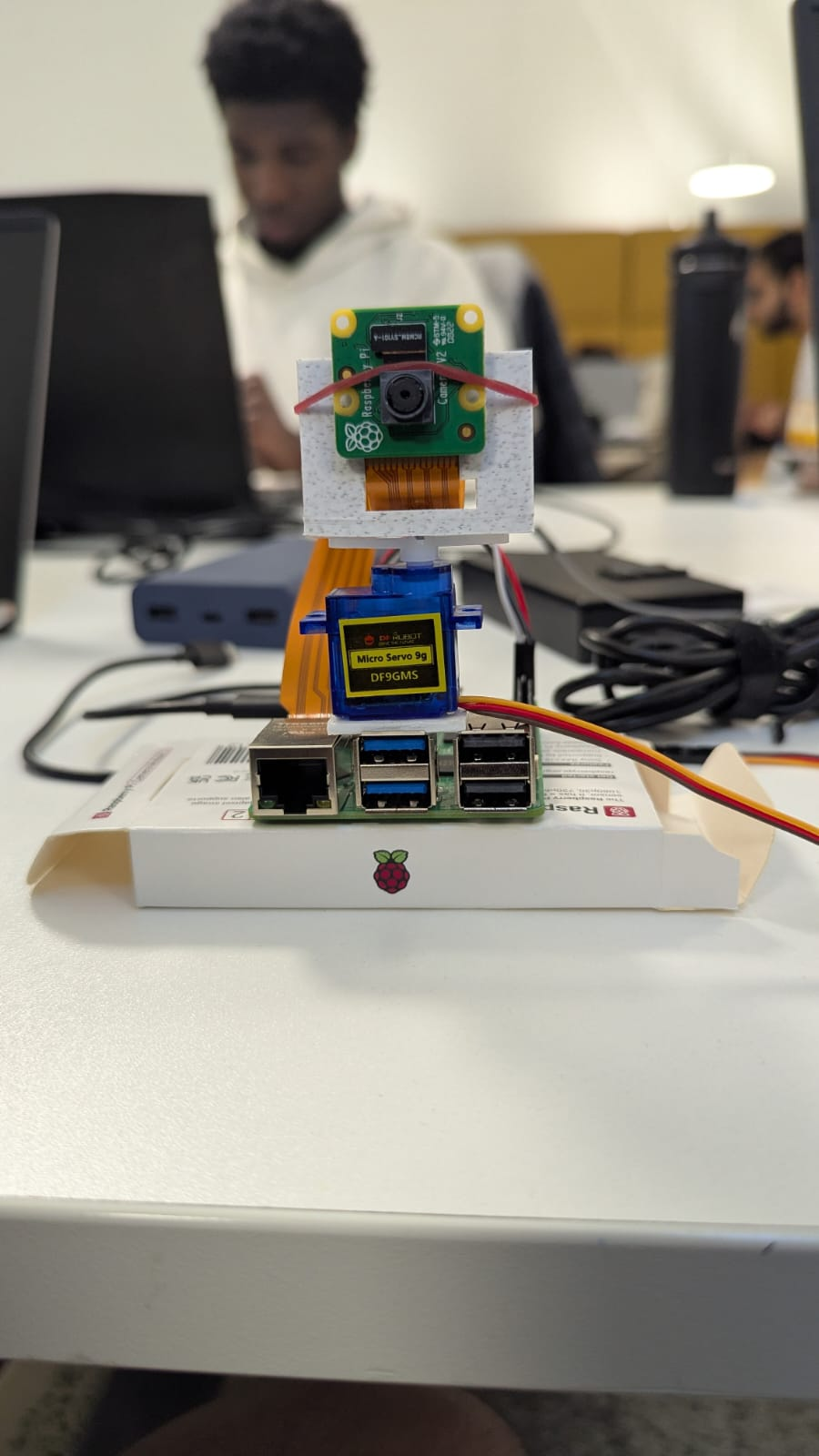
Mimic of a moving camera built with a raspberry pi
Inspiration
Everyday camera systems are passive—you have to aim them or buy expensive tracking equipment. We wanted to build a camera that actively follows you, providing hands-free monitoring or assistance for people with mobility limitations, remote collaboration, or security. Inspired by modern AI and the need for more accessible, affordable smart cameras, we created a system that anyone can build using a laptop, a Raspberry Pi, and open-source tools.
What it does
3rd Eye lets you control a camera with your face—no special hardware required. Move your head, and the camera follows in real-time. The live video stream appears in a modern web dashboard. Behind the scenes, our system uses on-device AI to analyze what the camera sees, generating natural-language scene summaries and even sending instant alerts if a specific object (like a package or a pet) appears.
How we built it
Laptop tracks your face using MediaPipe Face Mesh, analyzing the webcam feed for head orientation (yaw and pitch). That orientation is sent over the network to the Pi using a Python Flask backend (REST API or WebSockets). Raspberry Pi receives movement commands, steers a servo-powered camera in real-time, and streams the camera feed back to the web UI. Pi also runs an AI module that regularly analyzes camera frames—using cloud LLMs—to describe the scene and visualize detected objects. A React frontend displays both video feeds, orientation status, AI insights, and alert banners. Everything is open-source, and the system is modular—you can swap in different AI models or use a different device for tracking.
Challenges we ran into
Matching the Pi camera’s movement smoothly with the face tracking on the laptop—network lag and noisy data could make the camera jitter. Ensuring low latency and real-time feedback with multiple moving data streams (simultaneous MJPEG, API calls, and WebSockets). Python package/dependency conflicts (especially on Raspberry Pi OS) and ensuring MediaPipe compatibility. Integrating cloud AI models on a budget (handling API limits and keys) while making sure the system is robust even if the AI module is temporarily down. Frontend/Backend/Hardware integration in a distributed student team, including merging code from teammates working remotely.
Accomplishments that we're proud of
Achieved real-time face tracking and servo control with sub-200ms end-to-end latency. Created a web dashboard that works out of the box and looks professional. Built flexible AI insights: you can see what the camera “thinks it sees” in everyday language and text to speech!. The whole system runs on commodity hardware—no expensive robotics required! Modular and documented codebase, so the project can be forked and extended by others for home automation or accessibility needs.
What we learned
Cross-platform hardware/software projects require planning, strong communication, and a bit of duct tape! Syncing branches, APIs, and ports is hard. Real-time computer vision is as much about UI/UX as it is about code—users expect smooth, responsive, and intuitive feedback. Hardware always fails at the worst moment—remote debugging tools and clear logs are lifesavers. Cloud-based AI is powerful, but you need fallbacks when rate limits or connectivity issues arise. Accessibility and usability are just as important as technical achievement for impactful projects.
What's next for 3rd Eye
Add smart zones (“notify me only if there’s motion in the doorway,” etc.). Voice or gesture commands for the camera (e.g., “look left!”). Fine-tuning the AI scene descriptions for accessibility (e.g., low-vision users). Deploy on alternative embedded platforms (Jetson Nano, Coral TPU, etc.) for more edge processing. Release as an open-source kit for the visually impaired, home security, or “maker” community—letting anyone replicate a DIY AI-powered camera. Sharpen up installation scripts and documentation so anyone can build 3rd Eye in an afternoon.


Log in or sign up for Devpost to join the conversation.