-
-
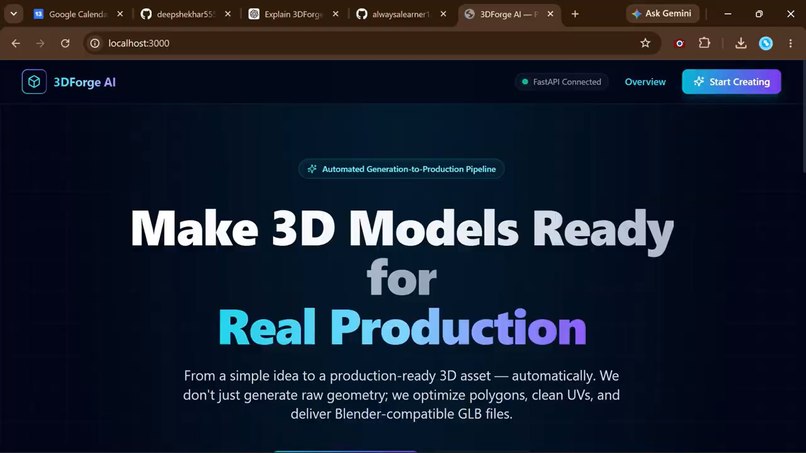
Dashboard
-
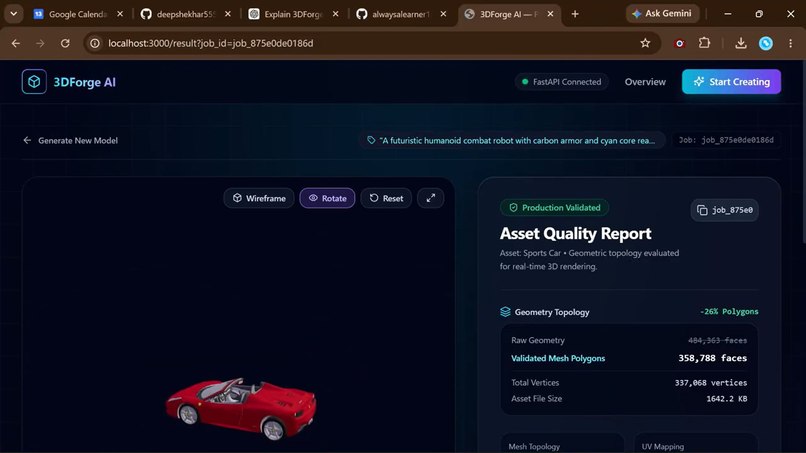
Asset generation
-
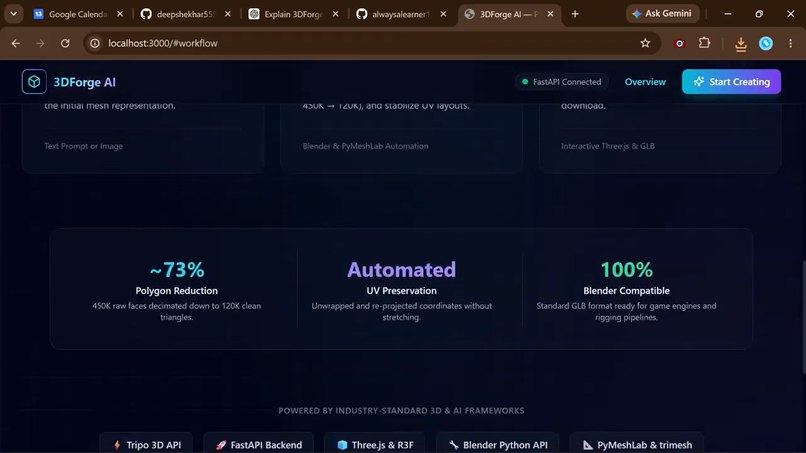
.
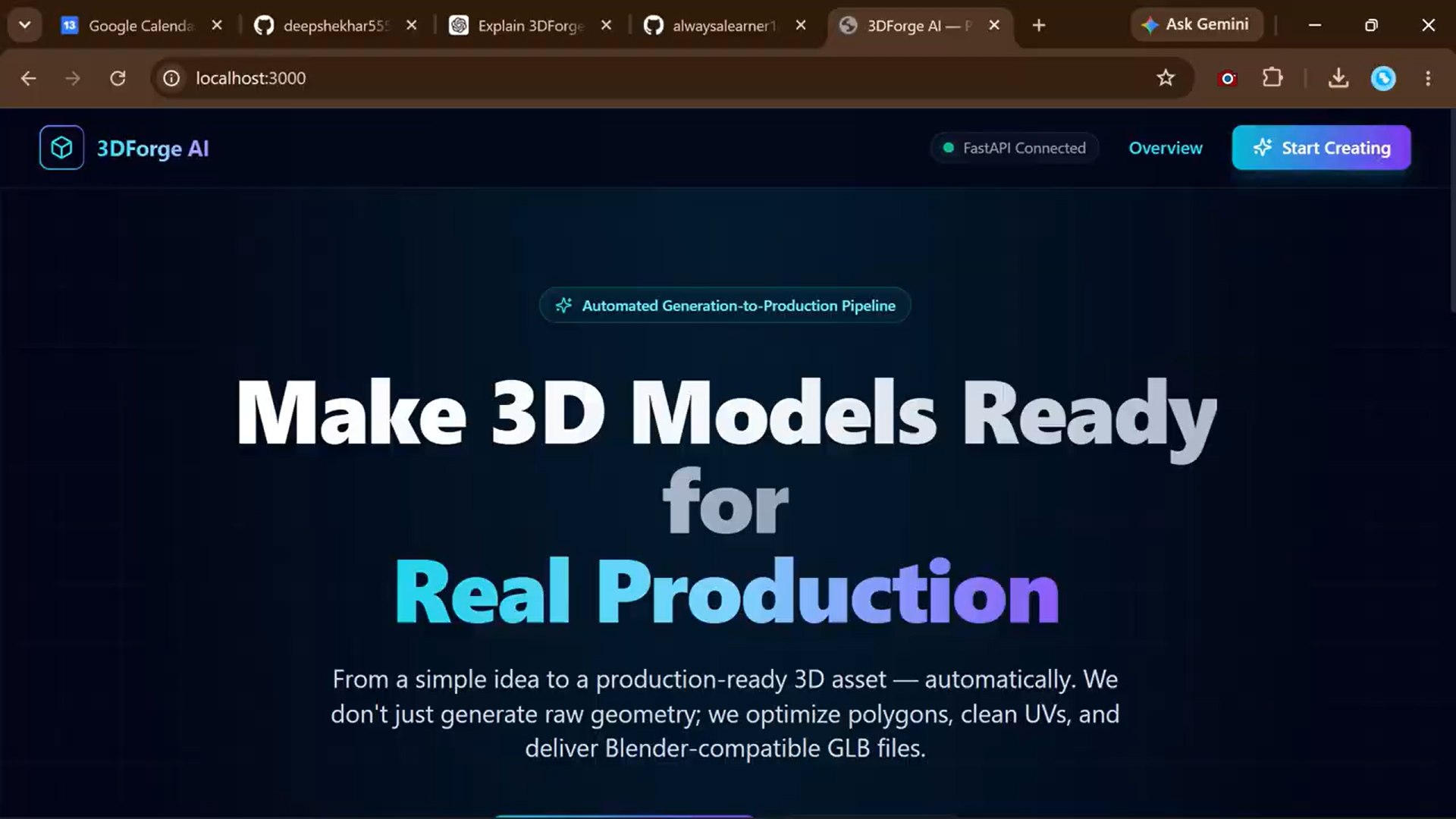

Inspiration
Creating production-ready 3D assets traditionally requires significant time, technical expertise, and multiple stages of manual work. While AI can now generate 3D models from simple prompts or images, raw AI-generated models often still require cleanup, optimization, UV processing, texture handling, and preparation before they can be used in real projects.
We wanted to bridge this gap by creating 3DForge AI — a platform that goes beyond simply generating a 3D model and automates the journey from an idea to a production-ready asset.
What it does
3DForge AI converts a text prompt or a single reference image into a production-ready 3D asset.
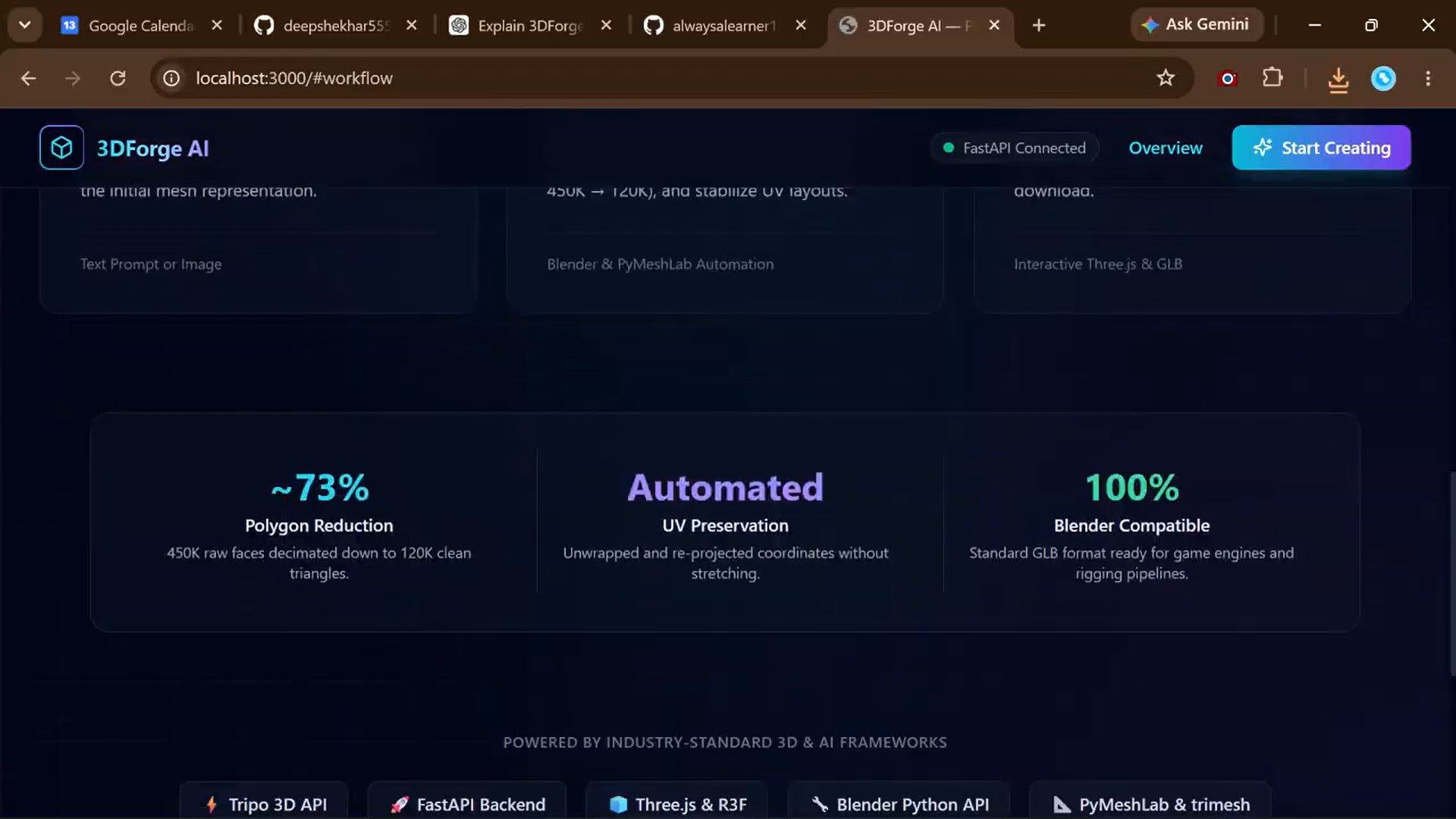
The platform combines AI-based 3D generation with an automated processing pipeline that handles:
- 3D model generation
- Mesh cleanup
- Geometry optimization
- Texture and material processing
- UV optimization
- Quality validation
- Rigging preparation
- Standard 3D export
The final asset can be previewed and exported for use in applications such as gaming, VR/AR, visualization, animation, and digital design.
How we built it
We built 3DForge AI as a web-based platform with a Python backend and a modern 3D frontend.
The system uses Tripo for AI-powered 3D generation. A FastAPI backend manages inputs, generation requests, jobs, file handling, and processing states. Python-based 3D processing tools are used for mesh and asset preparation, while Blender Python APIs support production-oriented processing.
For the frontend, we use Next.js, React, Tailwind CSS, and Three.js to provide an interactive interface where users can generate, inspect, preview, and download their assets.
The overall workflow is:
Text/Image → AI 3D Generation → Mesh Processing → Optimization → UV/Texture Processing → Validation → Production-Ready GLB
Challenges we ran into
One of the biggest challenges was dealing with the gap between AI-generated geometry and production-ready geometry.
Generated models can contain excessive polygon counts, inconsistent geometry, topology issues, UV problems, or material and texture inconsistencies. Making the pipeline reliable while preserving the visual quality of the original model required careful processing and validation.
Another challenge was connecting multiple stages into a single automated workflow while maintaining consistent file formats, job states, and communication between the backend and frontend.
Accomplishments that we're proud of
We are proud of building a workflow that focuses on the complete 3D asset pipeline, rather than stopping at AI generation.
Our main accomplishment is connecting AI generation with automated processing so that users can move from a simple idea to a significantly more usable 3D asset through a single workflow.
We also created a modular architecture that can be extended with additional processing techniques and AI capabilities in the future.
What we learned
We learned that 3D generation is only the first step in creating a useful digital asset.
A visually impressive AI-generated model is not necessarily ready for a real production environment. Geometry, topology, textures, UVs, optimization, compatibility, and validation all play an important role.
We also learned how important modular architecture and clear interfaces are when combining AI services, backend processing, 3D tools, and interactive visualization into one system.
What's next for 3DForge AI
Our next goal is to make the pipeline even more automated and production-focused.
Future improvements include:
- AI-powered automatic retopology
- Automatic character rigging
- Natural-language texture editing
- Style transformation
- Automatic Level of Detail (LOD) generation
- Unity, Unreal Engine, and Godot integrations
- Collaborative asset workflows
- Personal asset libraries
- More advanced quality and compatibility validation
Our long-term vision is to make 3DForge AI a complete AI-powered 3D production pipeline — from a simple idea to a production-ready asset, automatically.
Built With
- blender
- fastapi
- glb/3d
- javascript
- processing
- python
- react
- tripo


Log in or sign up for Devpost to join the conversation.