-
-
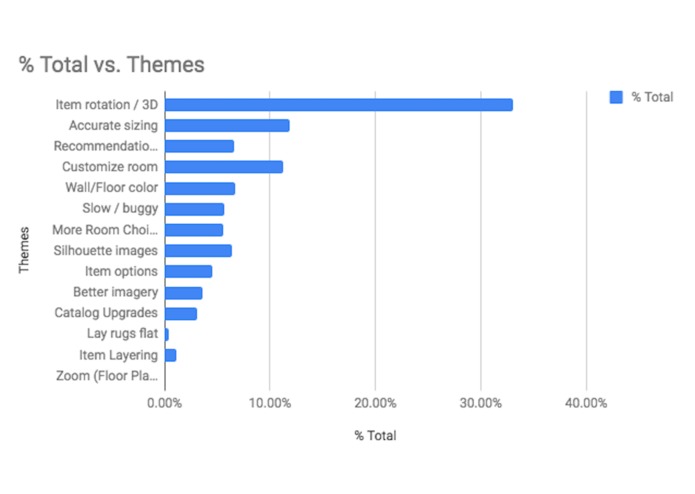
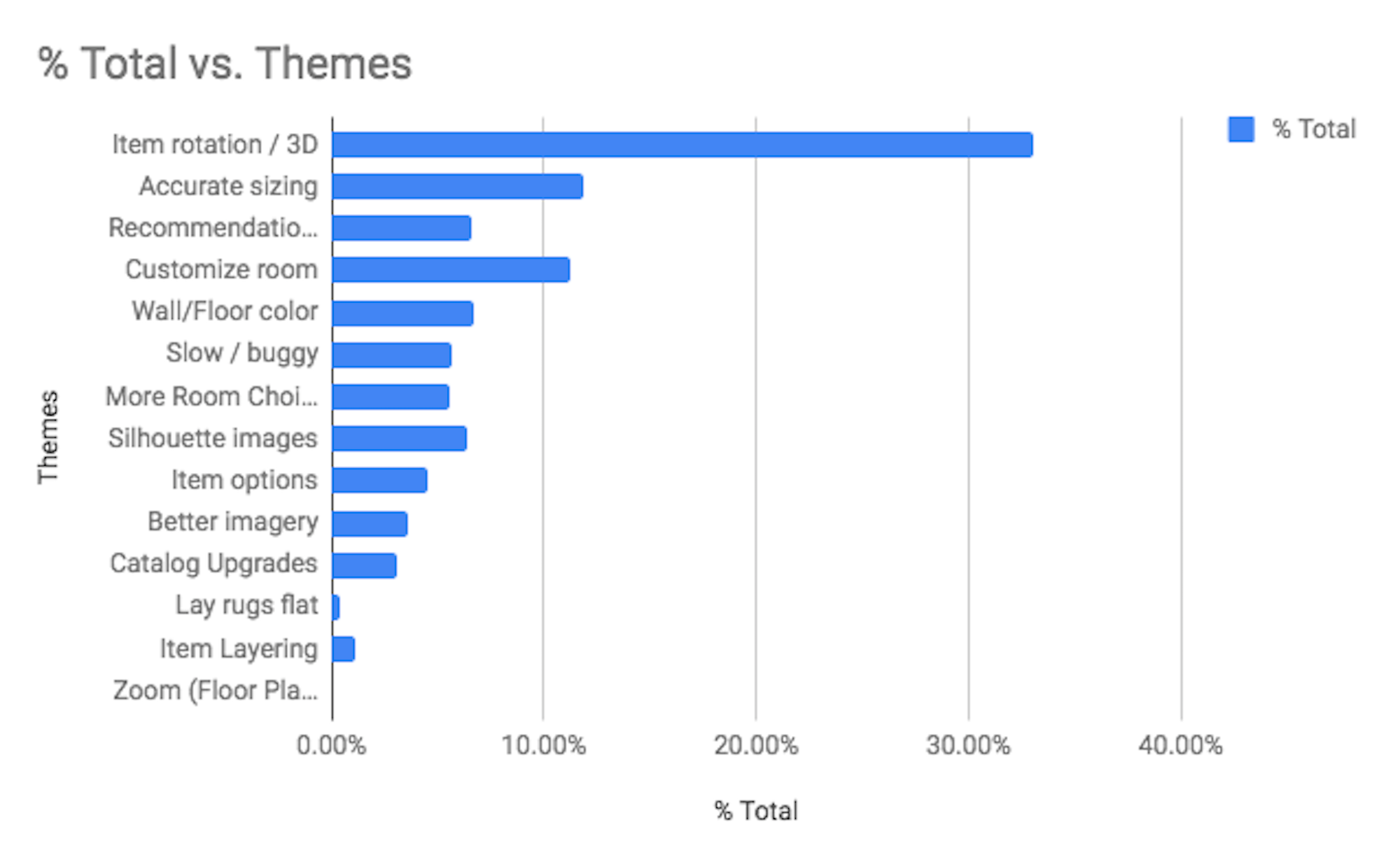
Room Planner customer feedback
-
It all begins here...
-
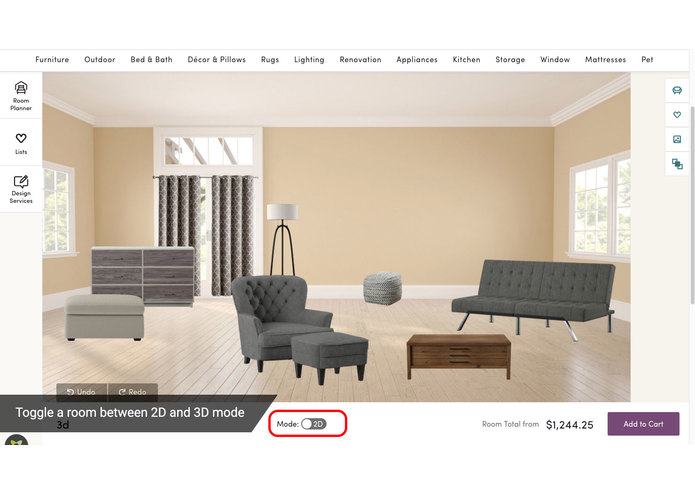
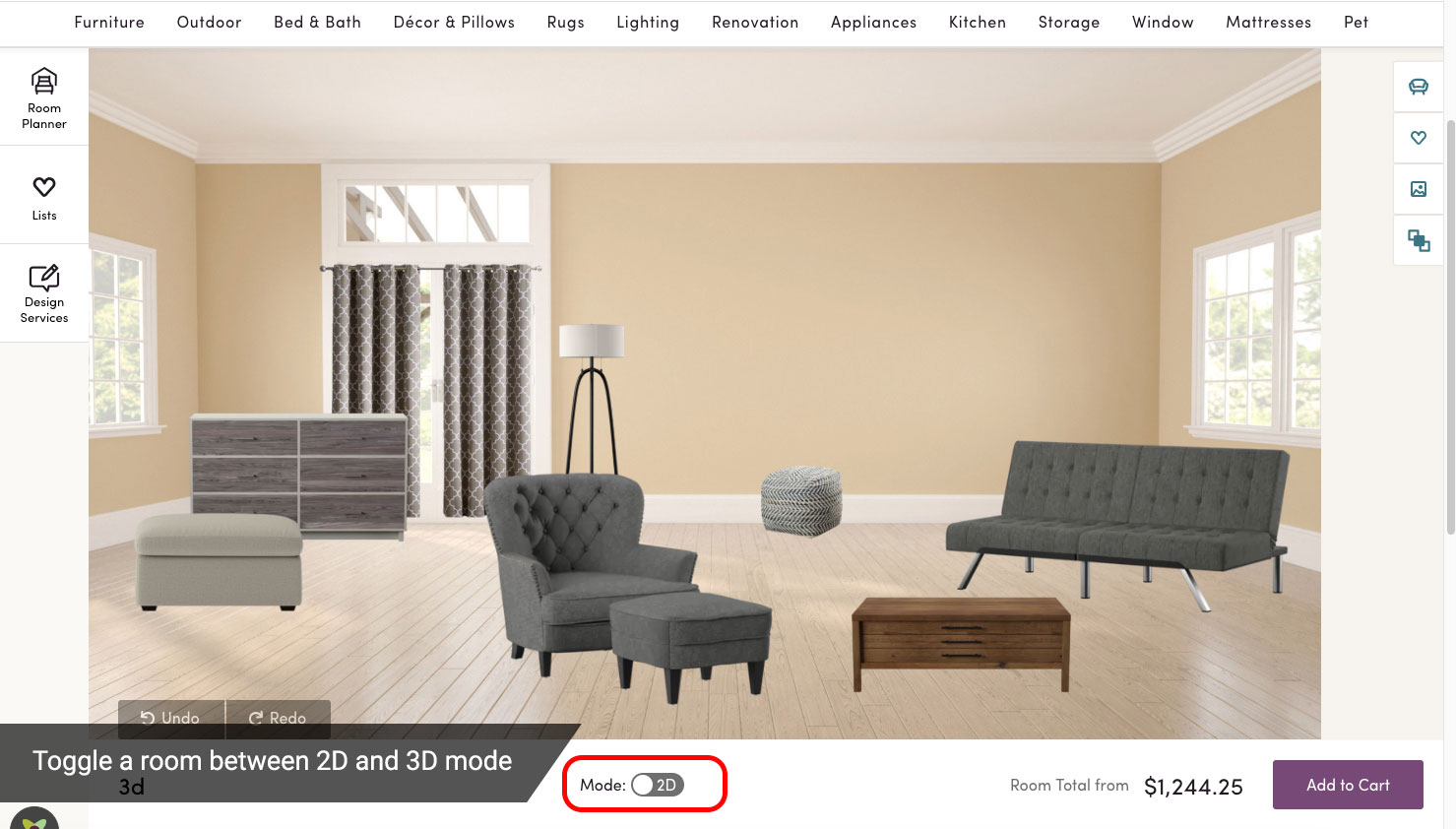
Switching between 2D and 3D view
-
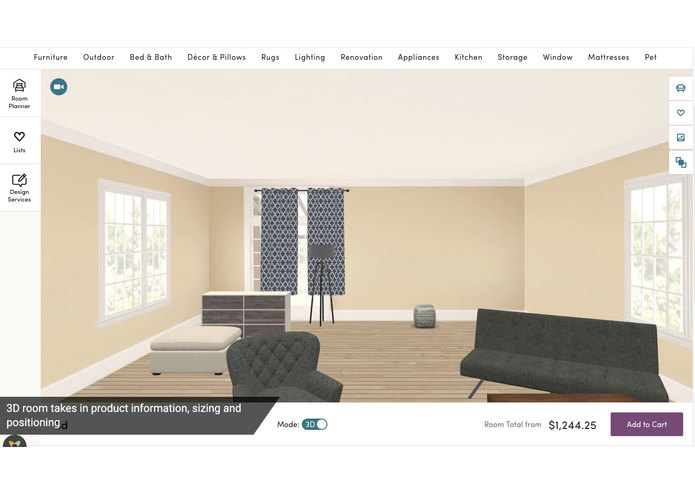
Items placed in room!
-
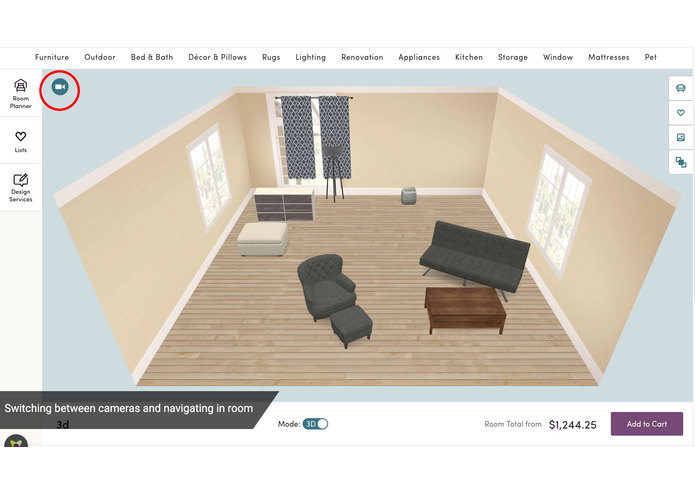
Switching between camera view
-
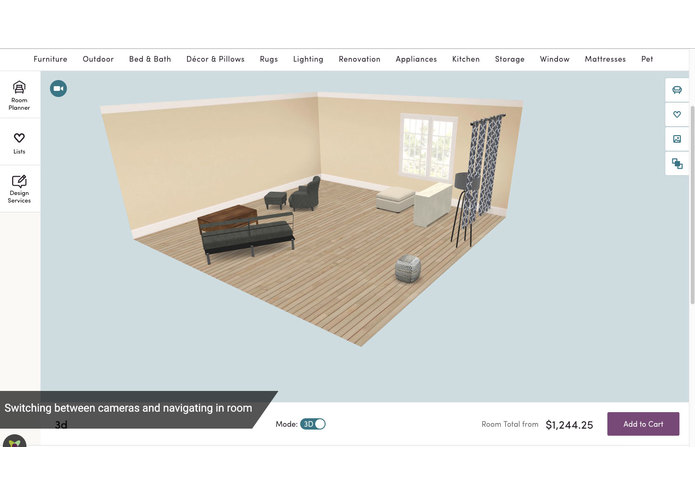
Switching between camera view
-
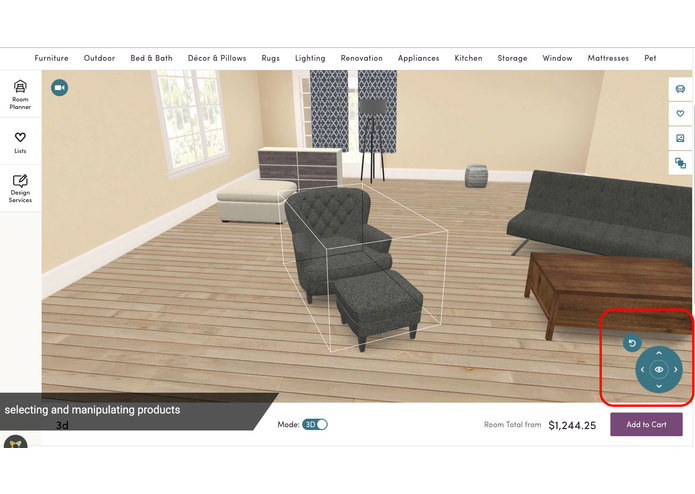
Item selection and manipulation
-
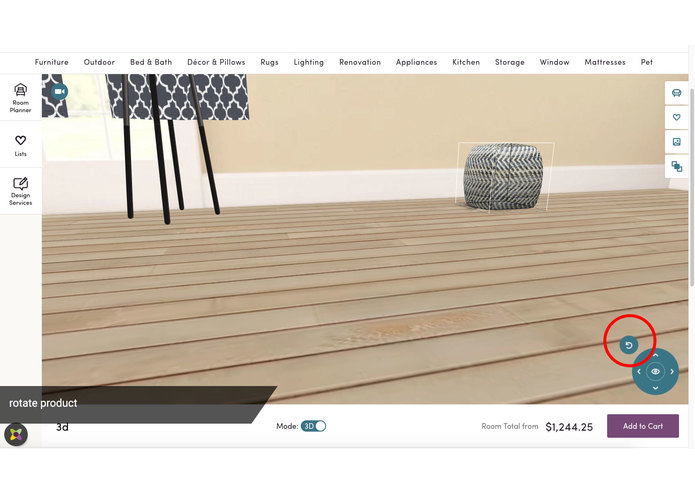
Product rotation
-
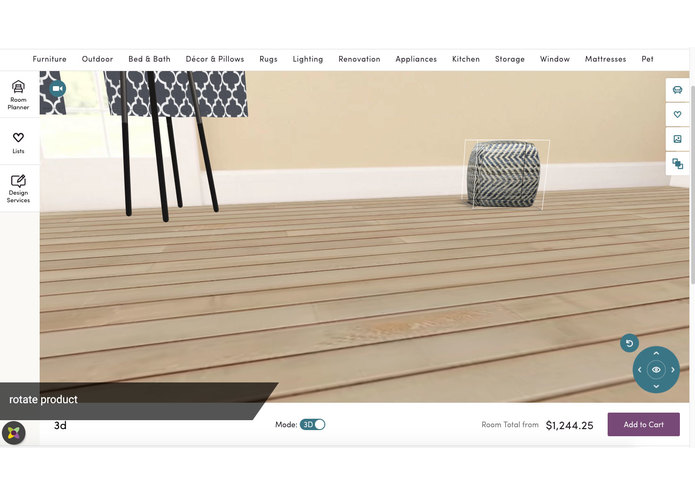
Product rotation
-
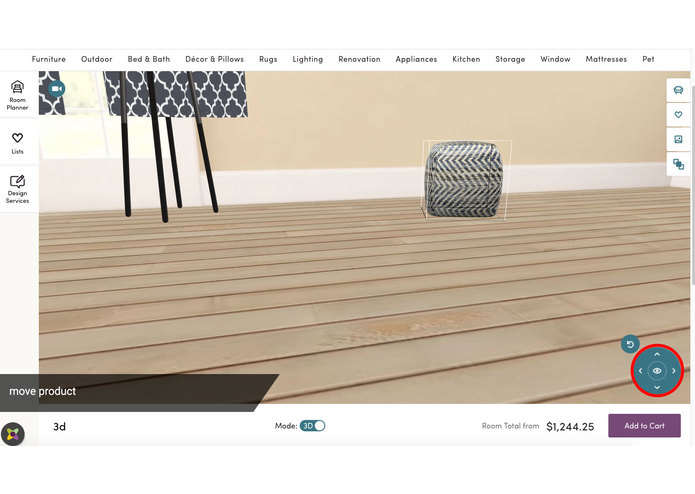
Moving an item in room
-
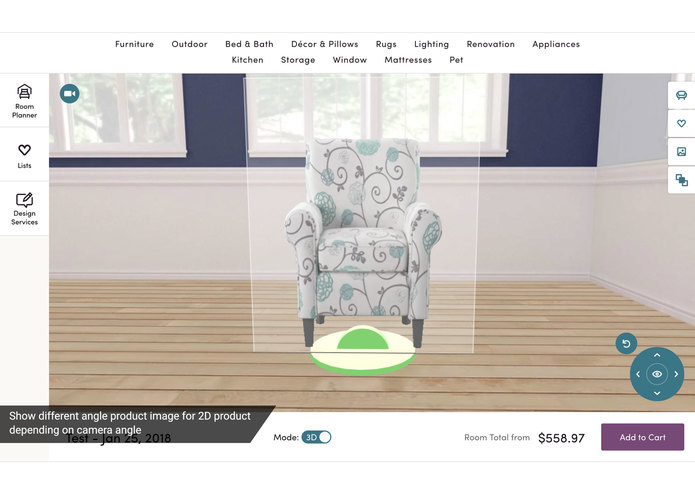
When a 3D model is unavailable, show the appropriate 2D image (if available) depending on the camera angle
-
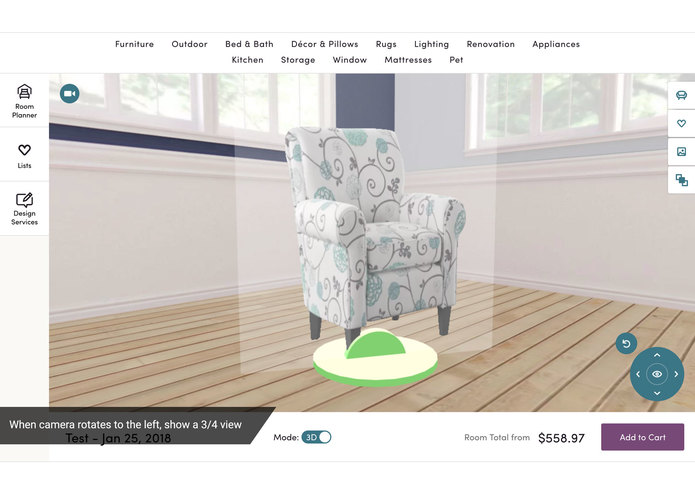
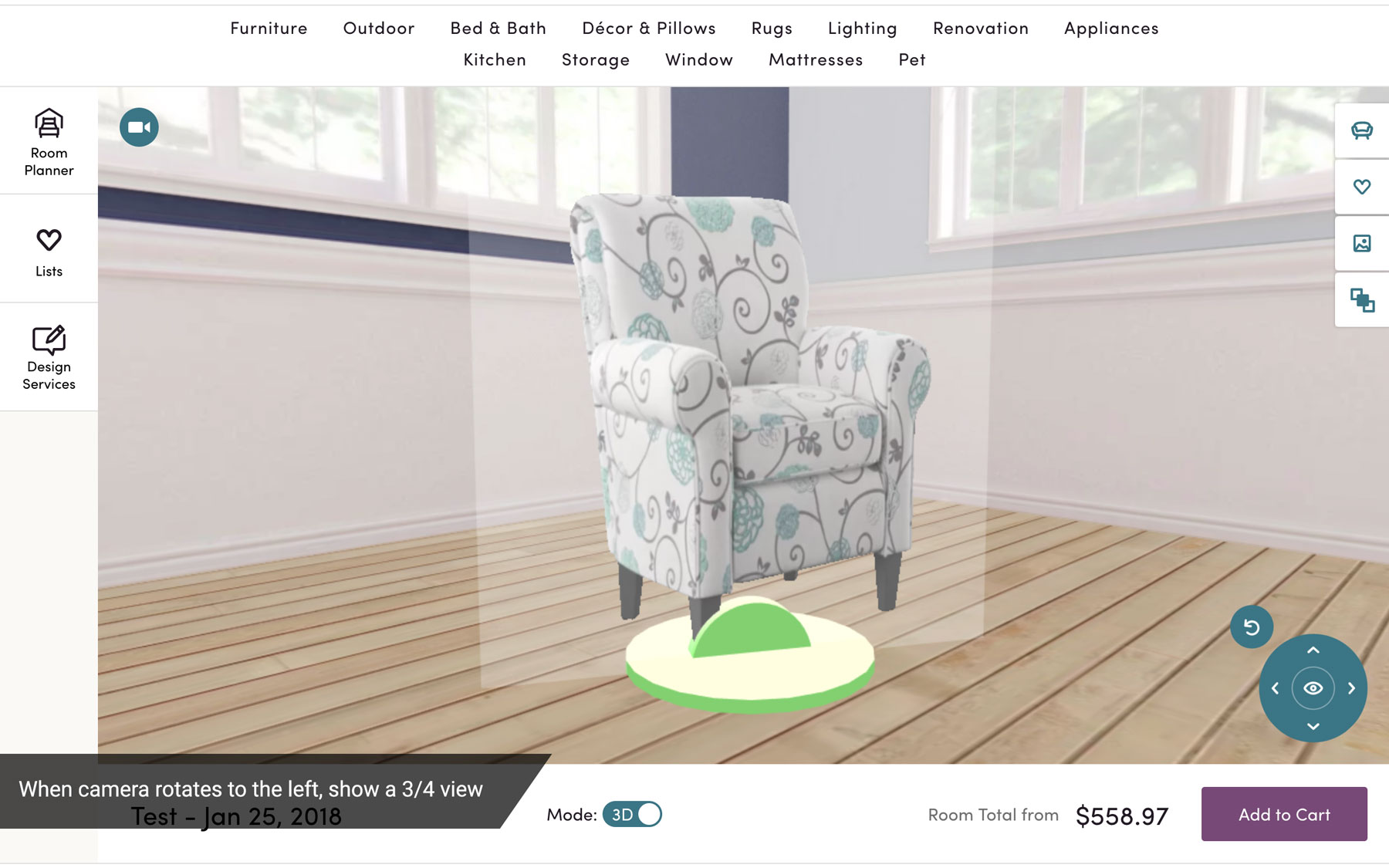
When camera rotates to the left, show a 3/4 view
-
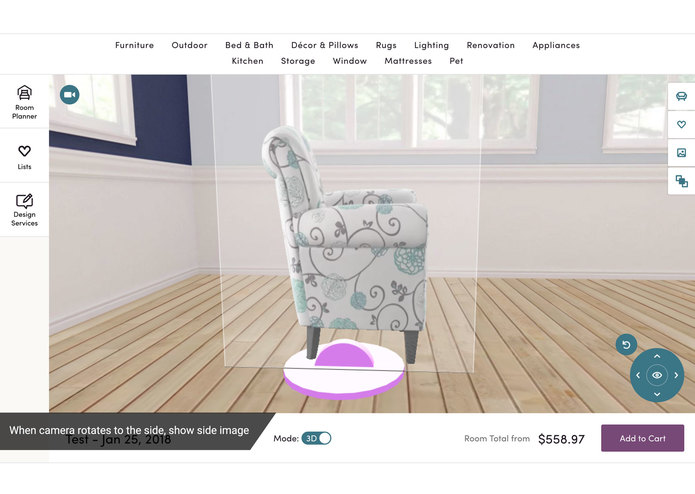
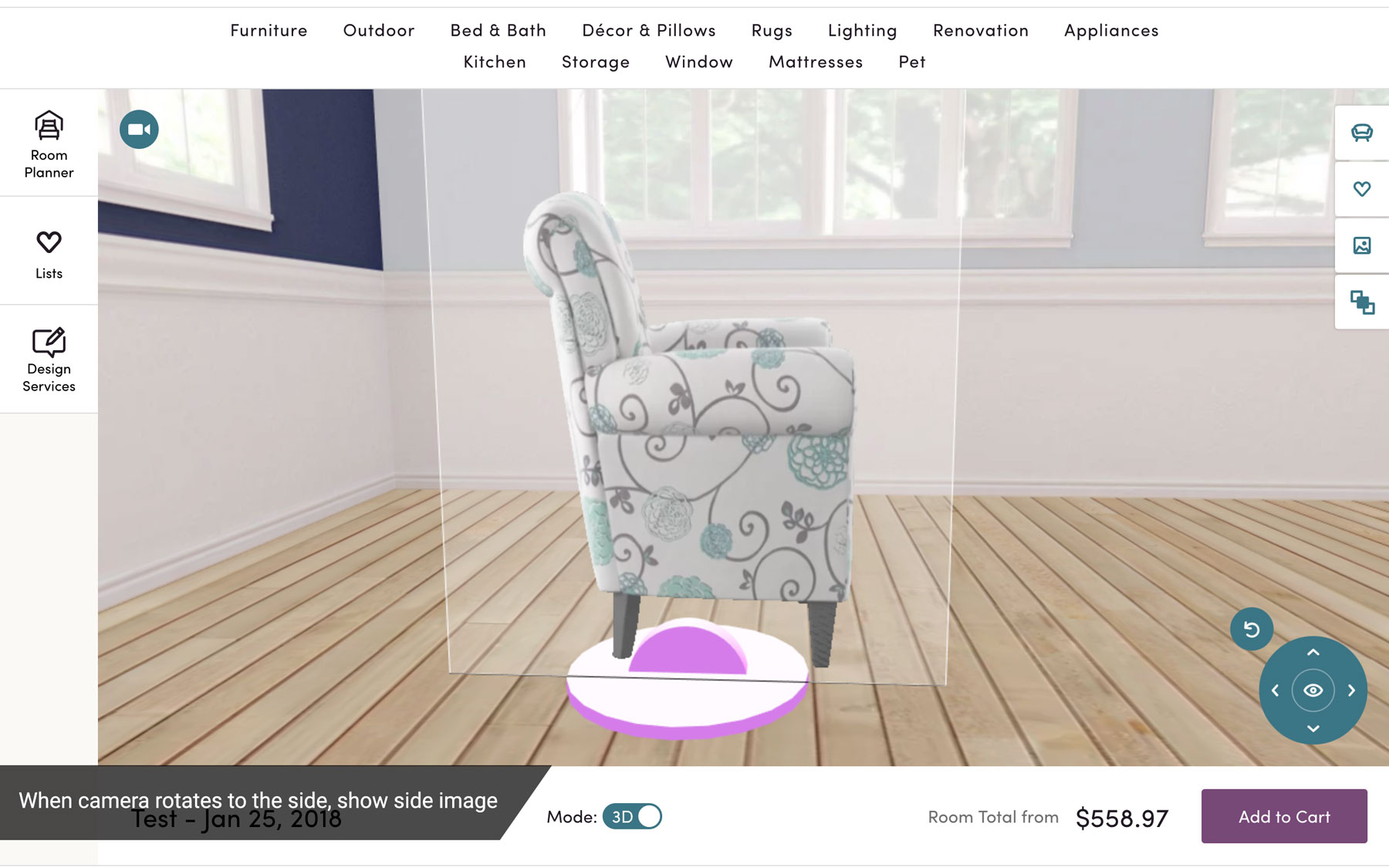
When camera rotates to the side, show side image




Intro
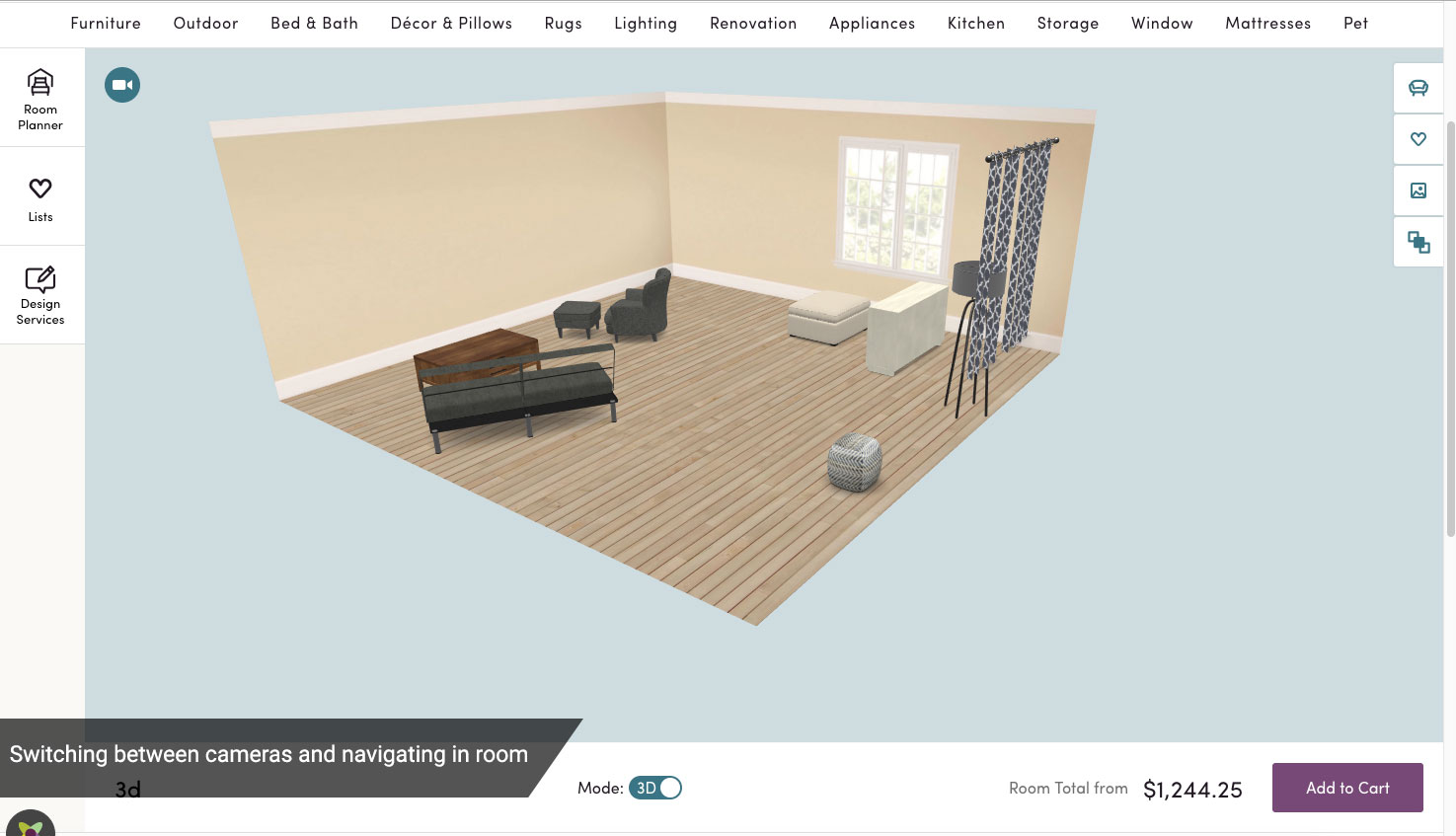
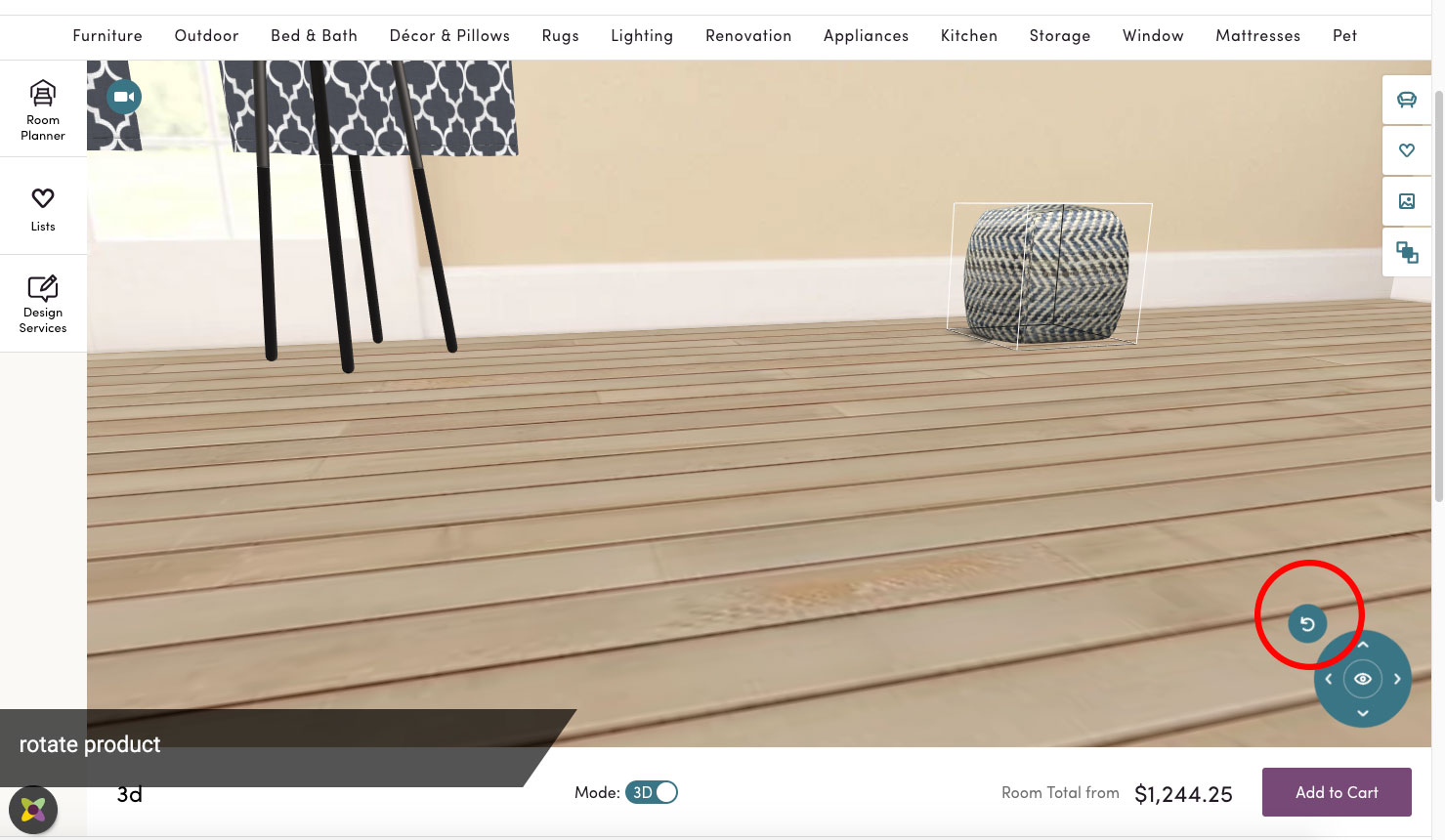
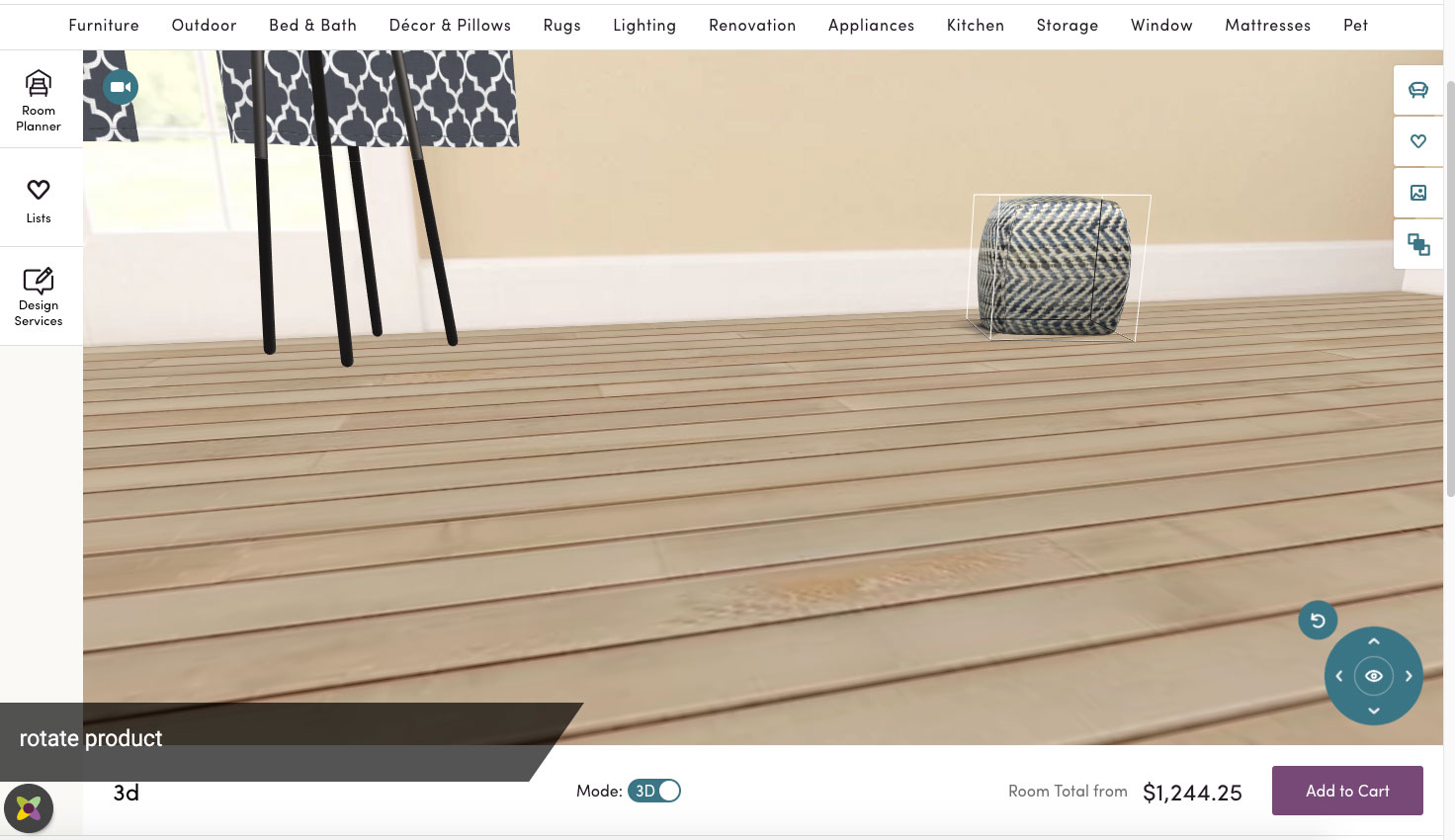
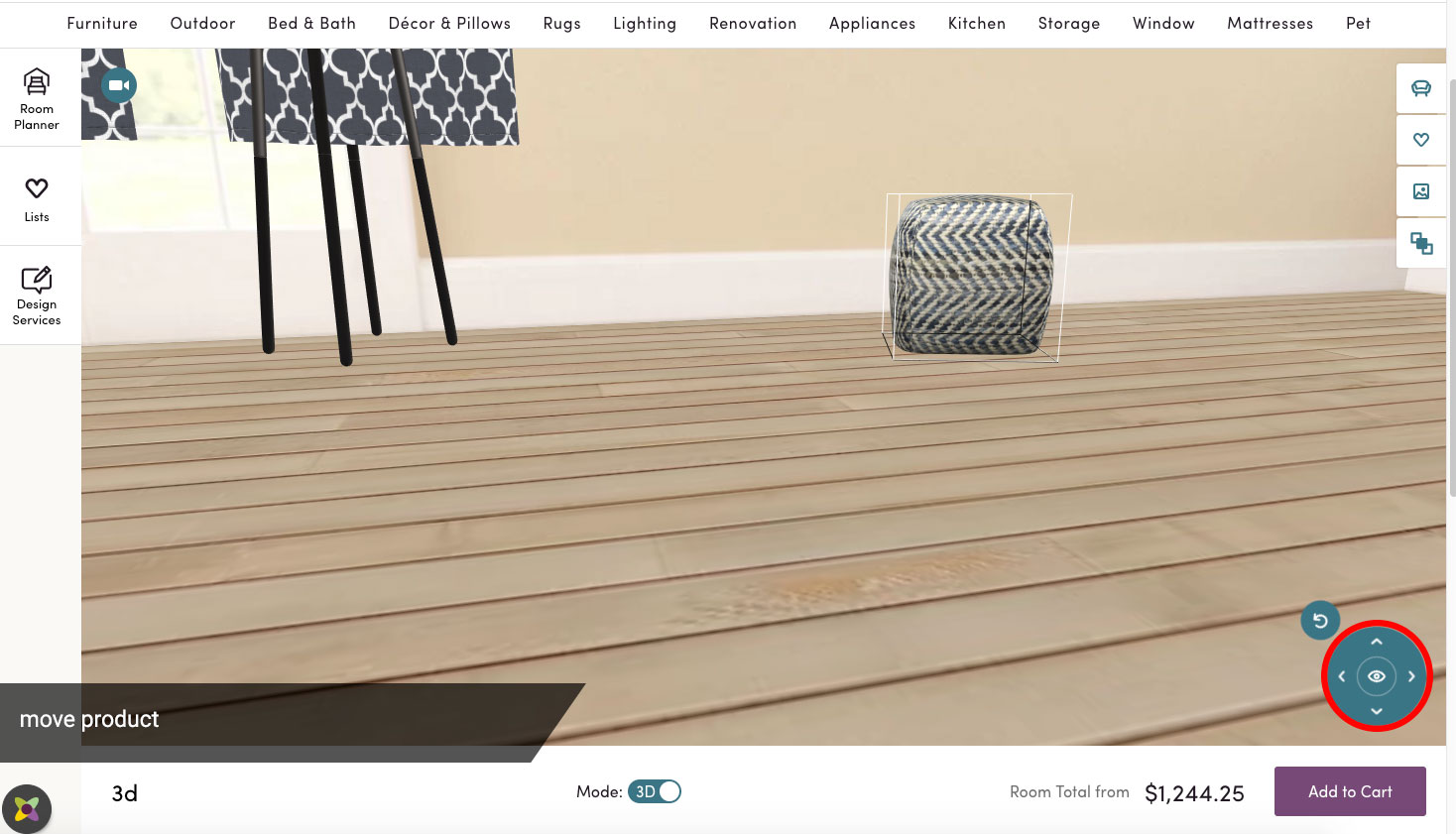
This weekend a few of the original & current Room Planner engineers got together to build the next generation of Room Planner, 3D Room Visualizer. The current Wayfair room planning experience has customers interacting with a 2D plane, dragging products into the space and resizing them to their liking. The number one feedback we've received is how it can be difficult to accurately determine the dimensions of the products relative to the room. Although we've made huge strides in the current experience to bring products into the room at the right relative size, we believe the use of 3D models inside of a 3D room is the breakthrough our customers have been yearning for.
What it does
Customers can now toggle their existing Room Planner rooms from 2D to 3D. Yes, that means they can keep the rooms they've already worked so hard to design! In fact, customers can continue to edit their 2D rooms because moving a product in the 2D space will move it accordingly in the 3D space. As our customers continue to get acclimated to 3D technology, we felt it to be vital for customers to continue to have the ability to design their room with a more familiar 2D interface.
How we built it
We built a 3D room component to act as the counterpart to the existing 2D room component in React. We used the Babylon.js JavaScript framework to construct and manipulate the 3D environment. Passing data into the 3D room worked seamlessly as we were able to take advantage of the existing Redux app state to connect data straight to the 3D room component. On the backend, we added a glTF finder to the GraphQL space so that the products in the room had a link to its glTF file.
Challenges we ran into
The challenge we were all aware of coming into the hackathon was the dearth of glTF files relative to our massive catalog. To combat this, we created 3D illusions of 2D products by showing flat images of the product at different angles based on the camera's rotation angle. This is a major key for us if we want to continue forward with a 3D Room Planner as our 3D model coverage ramps up.
On a minor note, Wayfair's glTF files are not accessible on the dev CDN due to security purposes. We had to create a feature toggle to get the glTF files from production (?&ft_override_use_prod_3d_image=ON).
Accomplishments that we're proud of
- We can't believe how much was done in a weekend.
- Extrapolating depth from only 2D data
- Presenting correct 2D imagery based on camera position
What we learned
- You can get surprisingly far and quickly with the little data available if you make good assumptions
- 3D data is incomplete and often inconsistent (different orientations, different local origins, etc.)
- If this is just the tip of the iceberg, 3D Room Planner should be an amazing product when complete.
What's next for 3D Room Visualizer
- Bug fixes and tweaks ;-)
- Mirror images for missing product angles
- Customizable walls
- Doors / windows
- VR integration
Built With
- babylonjs
- javascript
- php
- react


Log in or sign up for Devpost to join the conversation.