-
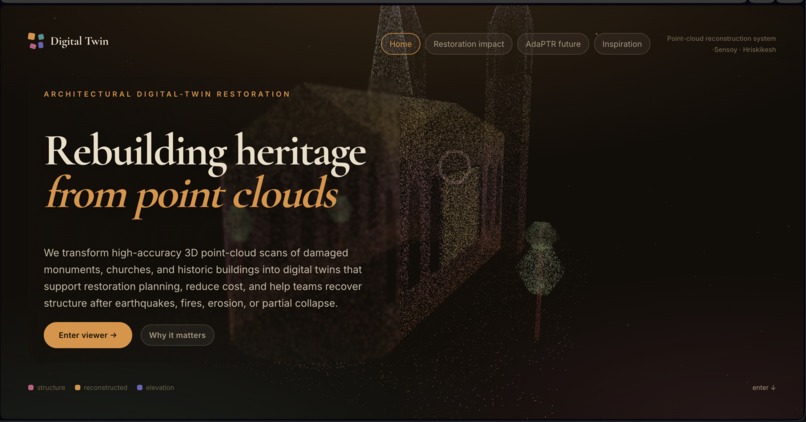
3D Reconstruction system
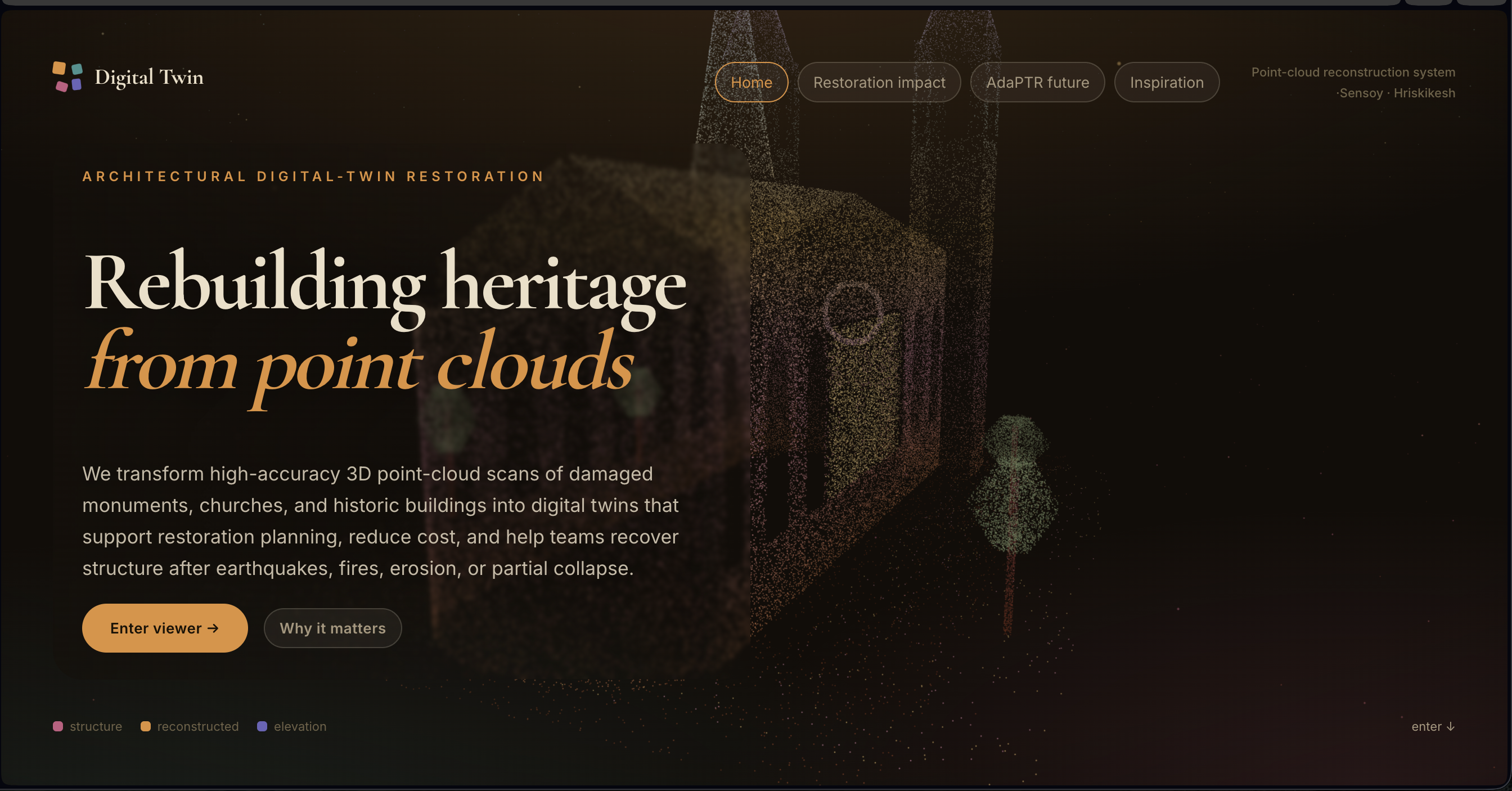
Multi-Monument Point Cloud Completion
A point cloud reconstruction tool that repairs and completes damaged 3D monument scans. It ships with built-in test monuments and also accepts your own custom .ply uploads.
Test Subjects
| Monument | Description |
|---|---|
| Broken Roman Arena | Built-in test monument |
| Broken Palmyra Arch | Built-in test monument |
| Demolished Leaning Tower of Pisa | Built-in test monument |
| Custom Monument | Upload your own .ply file |
Built-in Test Cases
Each built-in monument includes four deterministic test cases, including the deliberately extreme non-symmetric half-chop demolition.
- Case 1 — Local demolition
- Case 2 — Second demolition
- Case 3 — Diagonal / severe damage
- Case 4 — Absurd half-chop demolition
Custom Upload Modes
When you select Test subject → Custom monument (upload PLY), the panel reveals a Custom reconstruction mode control:
| Mode | When to use |
|---|---|
| Conservative | Safest option — fewer red particles |
| Balanced | Recommended default |
| Aggressive | Fills larger missing regions — may add more red particles |
Leaning or slanted objects: Balanced and Aggressive apply an adaptive height-wise centerline before symmetry reflection. This reconstructs uploaded towers and slanted monuments more accurately than the older rigid vertical-plane method.
Supported PLY Files
- ASCII PLY with
x y zvertices - Binary little-endian PLY with
x y zvertices - Binary big-endian PLY with
x y zvertices
Getting Started
cd "C:\Hrishikesh\point cloud project\multi-monument-completion-custom-upload-modes"

py -m pip install -r python/requirements.txt
py python/run_subject.py --all --regenerate
py -m http.server 8000
Then open:
http://localhost:8000/index.html
In the browser
- Test subject → Custom monument (upload PLY)
- Custom reconstruction mode → Balanced or Aggressive
- Upload your
.plyfile - View → Reconstructed particles or Completed cloud
Changing the custom mode reprocesses the uploaded PLY directly in the browser. It does not overwrite the Roman Arena, Palmyra Arch, or Leaning Tower outputs.
Notes
Custom PLY reconstruction is generic — it doesn't know the monument type, so results depend on how symmetric and clean your uploaded point cloud is.
- Balanced is the best default for most uploaded objects.
- Use Aggressive when the red reconstruction comes out too sparse.

Log in or sign up for Devpost to join the conversation.