Inspiration
I wanted to bridge the gap between abstract hardware lists and the physical reality of building a PC. Scrolling through text-based shopping lists is useful, but it doesn't help you actually understand the scale, orientation, or layout of the components. I wanted to build something that felt more intuitive and engaging, like a digital workbench for PC builders.
What it does
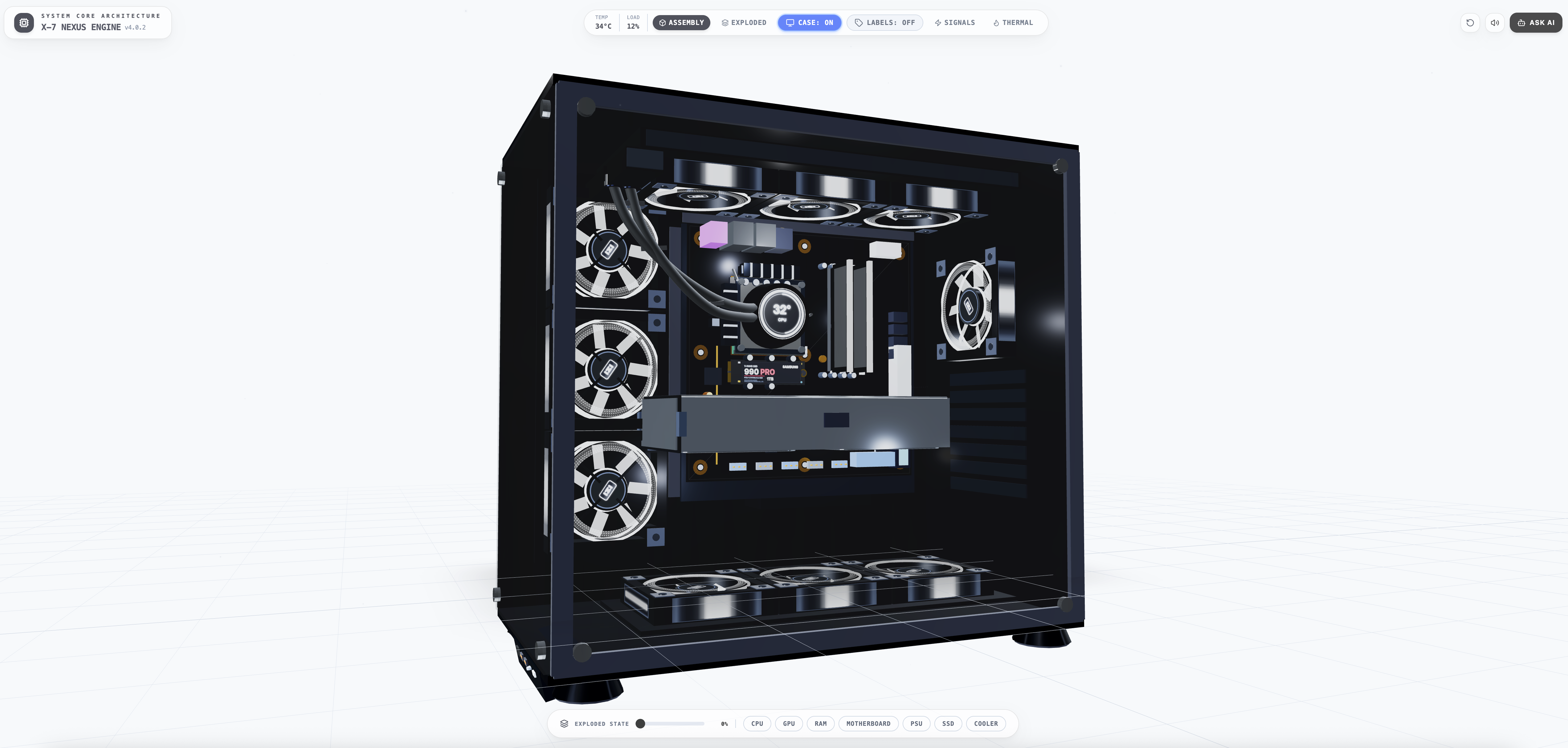
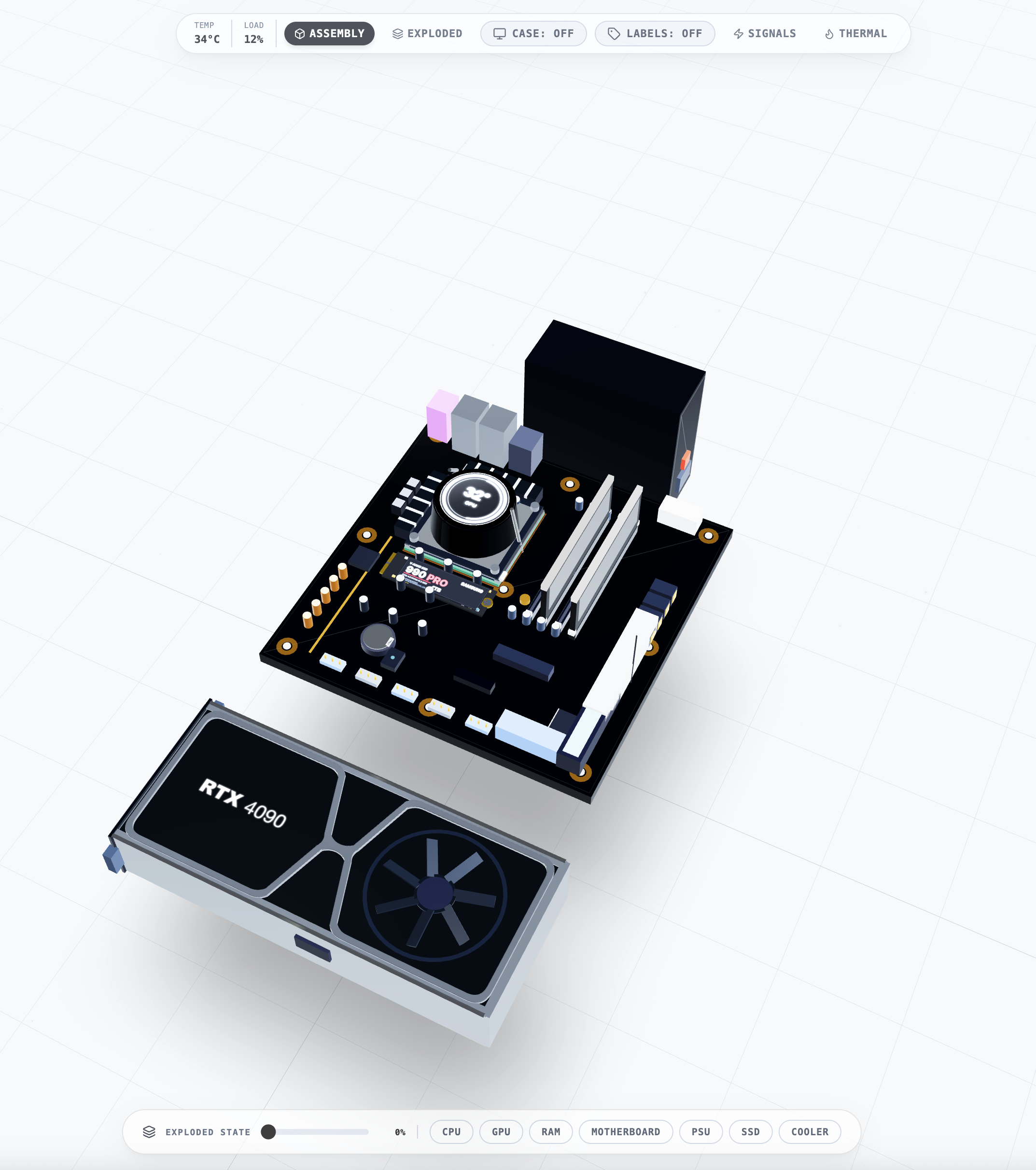
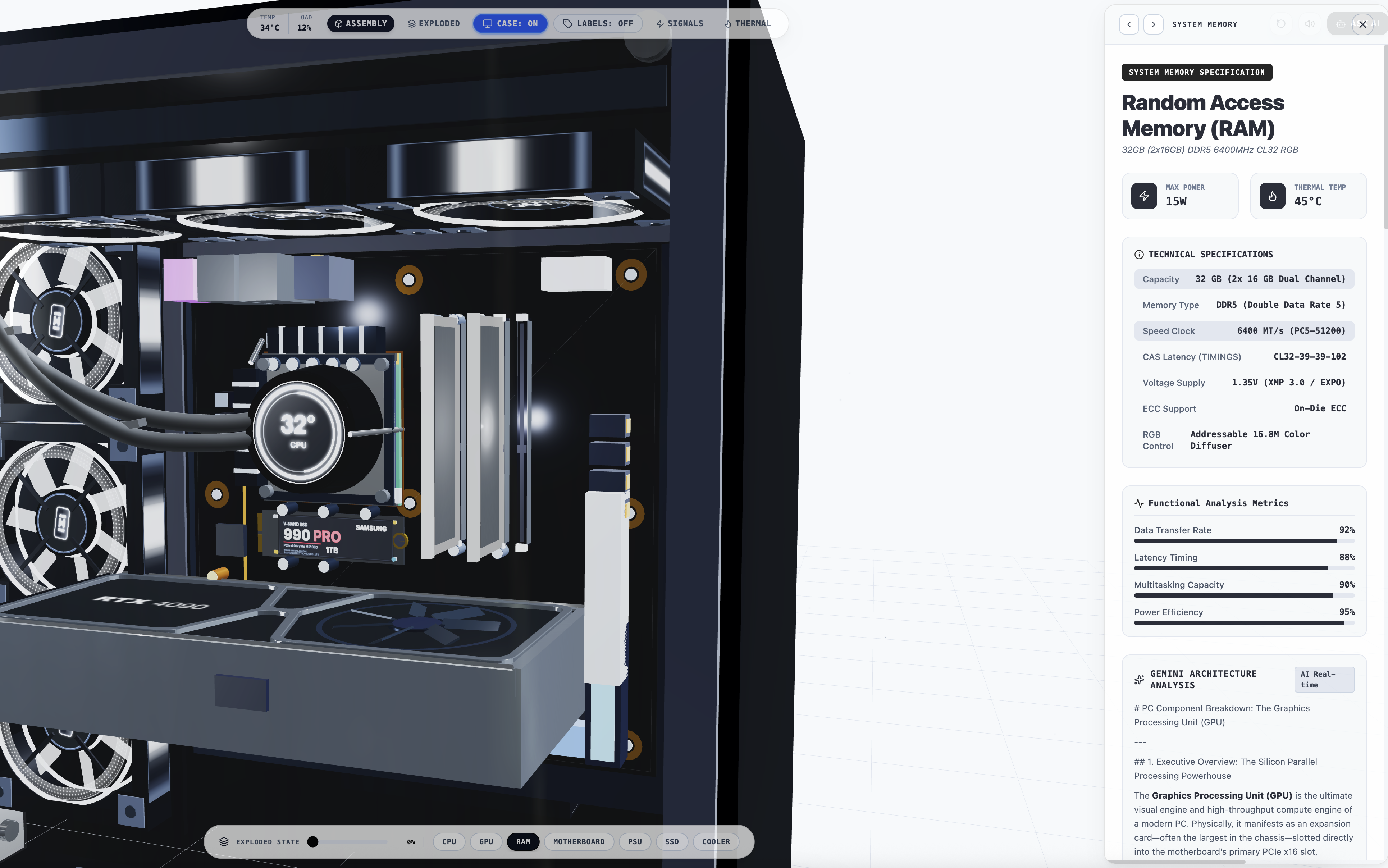
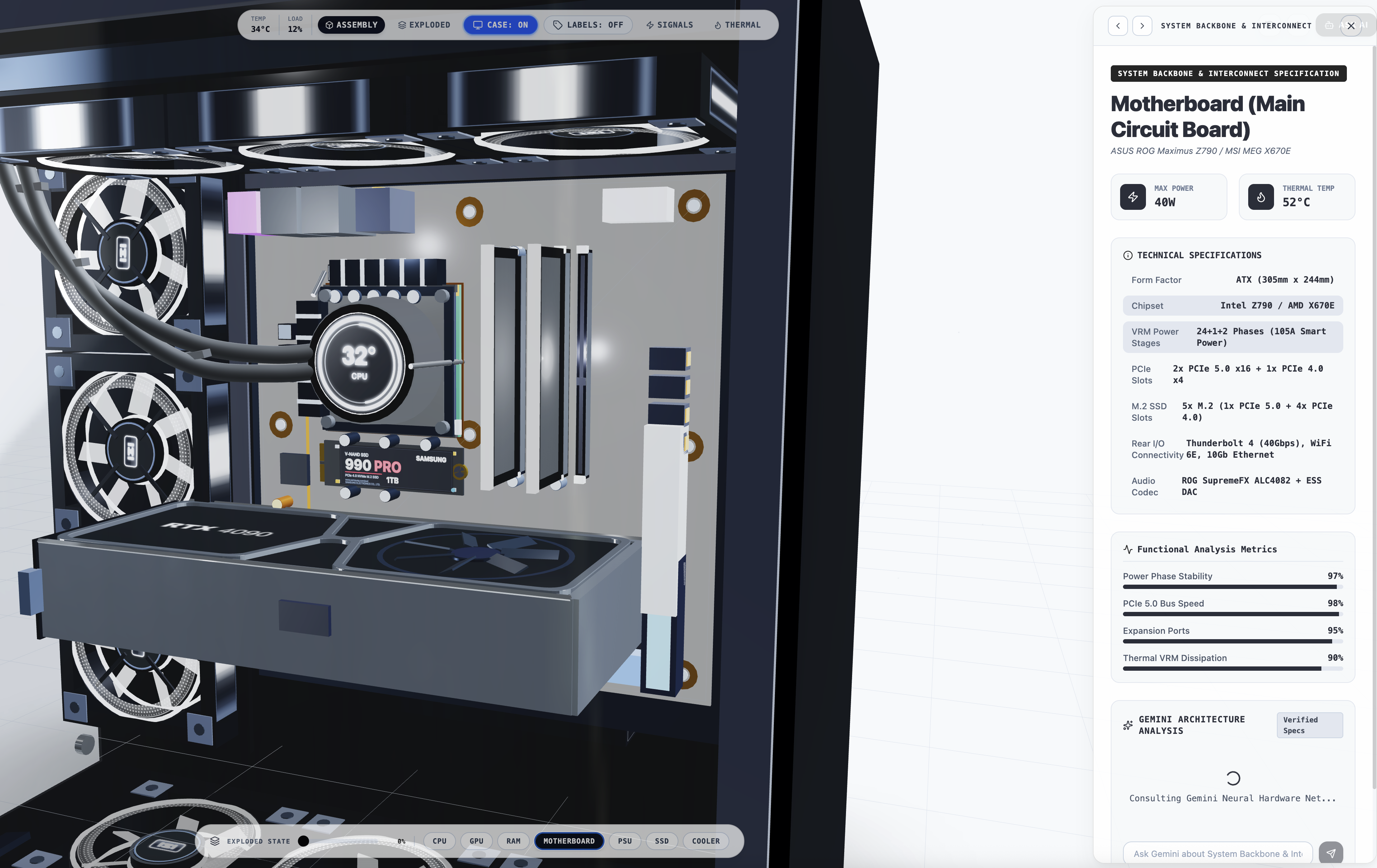
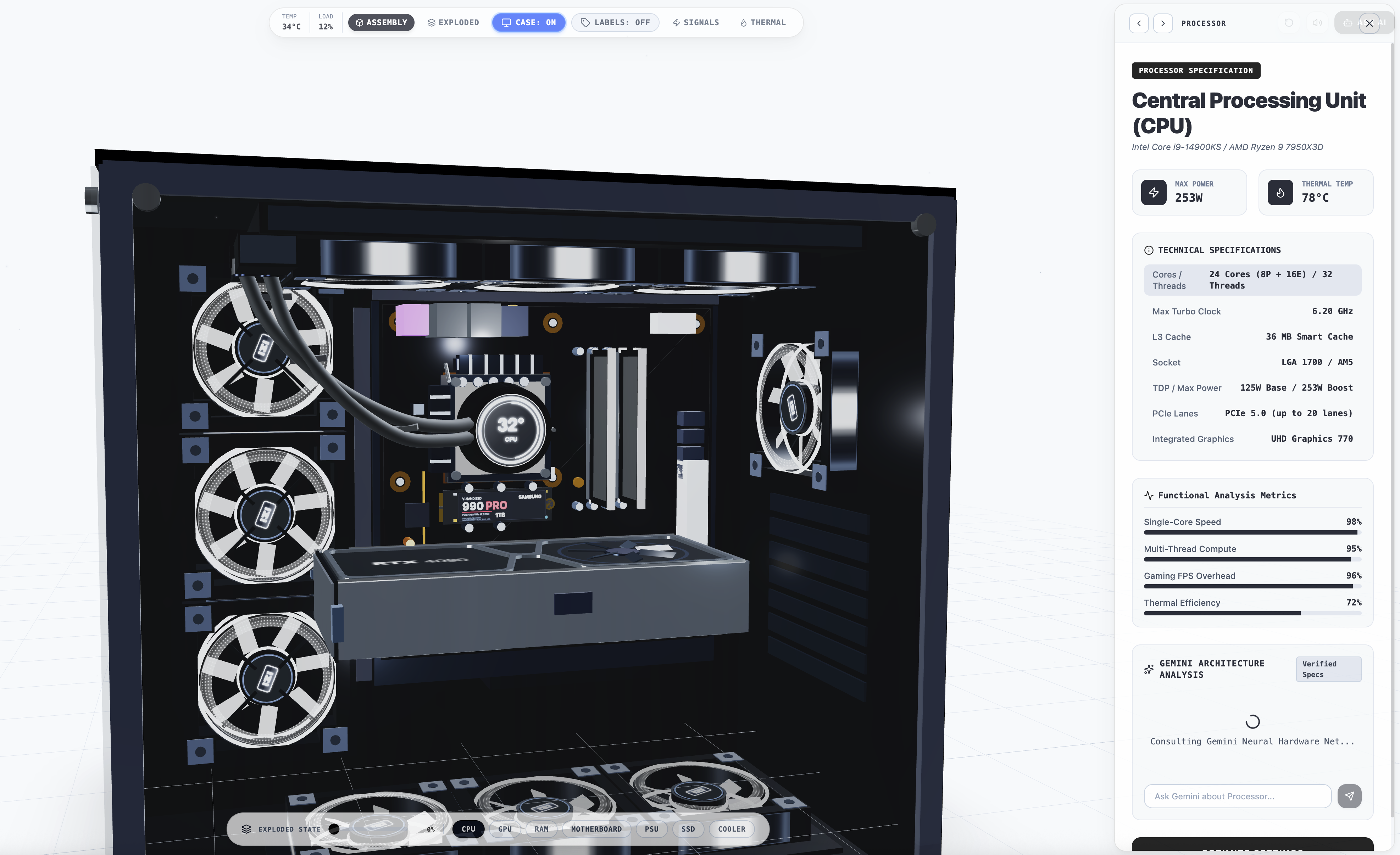
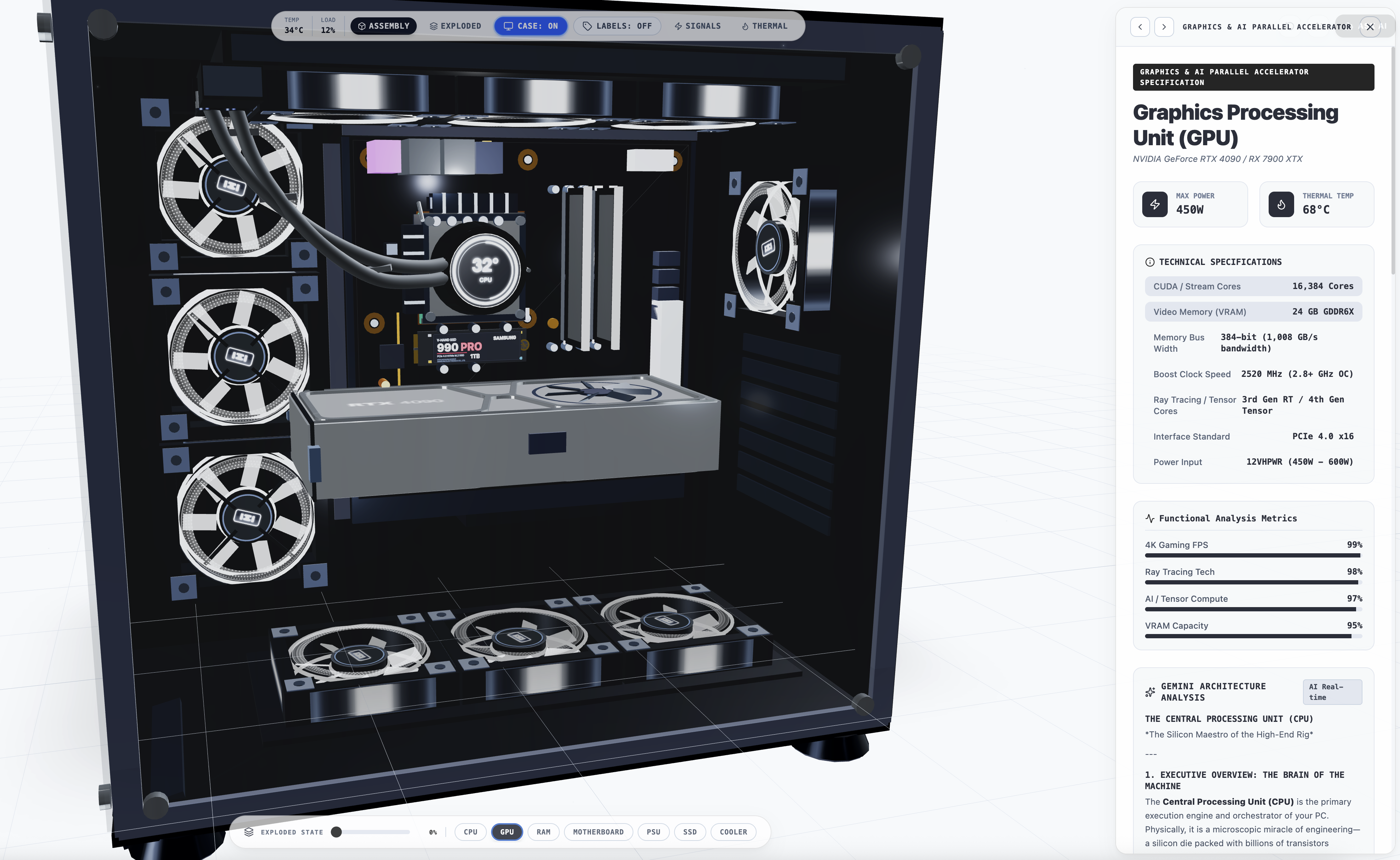
The application provides an immersive 3D space to explore a custom PC build. You can toggle between a fully assembled view and an "exploded" workbench view to inspect individual parts. It also includes an integrated AI assistant, NEXUS-AI, designed to provide expert, benchmark-backed hardware advice without the guesswork.
How we built it
The frontend is powered by React, TypeScript, and Three.js (via React Three Fiber) for the 3D rendering. It’s built with Vite and styled using Tailwind CSS. On the backend, we use Node.js with Express to securely proxy AI requests to Google’s Gemini API, ensuring that API keys are never exposed in the browser.
Challenges we ran into
Getting the 3D object positioning and rotation exactly right was a bit of a puzzle—especially getting the GPU to align correctly with the motherboard without "phasing" through it. Integrating the AI assistant so it provided helpful, evidence-based answers rather than generic fluff also required a bit of fine-tuning with system instructions to ensure it relied on technical consensus rather than just general knowledge.
Accomplishments that we're proud of
The experience feels really tactile. Toggling between the case view and the workbench view is smooth, and the way components disassemble makes the build process much clearer. I'm also really pleased with the updated AI assistant; it now does a great job of explaining the trade-offs when asked for hardware recommendations.
What we learned
I learned a lot about managing complex 3D state within a React application—keeping the UI in sync with 3D model transforms is definitely a skill. I also gained a better understanding of how to implement server-side AI integration securely and how to refine prompt engineering to get high-quality, technically accurate output.
What's next for 3D PC Component Visualizer
The roadmap is to expand the component library further, potentially adding support for different form factors beyond the standard ATX build. Adding the ability to generate a dynamic, shareable parts list based on the 3D build would also be a great next step.

Log in or sign up for Devpost to join the conversation.