
Inspiration
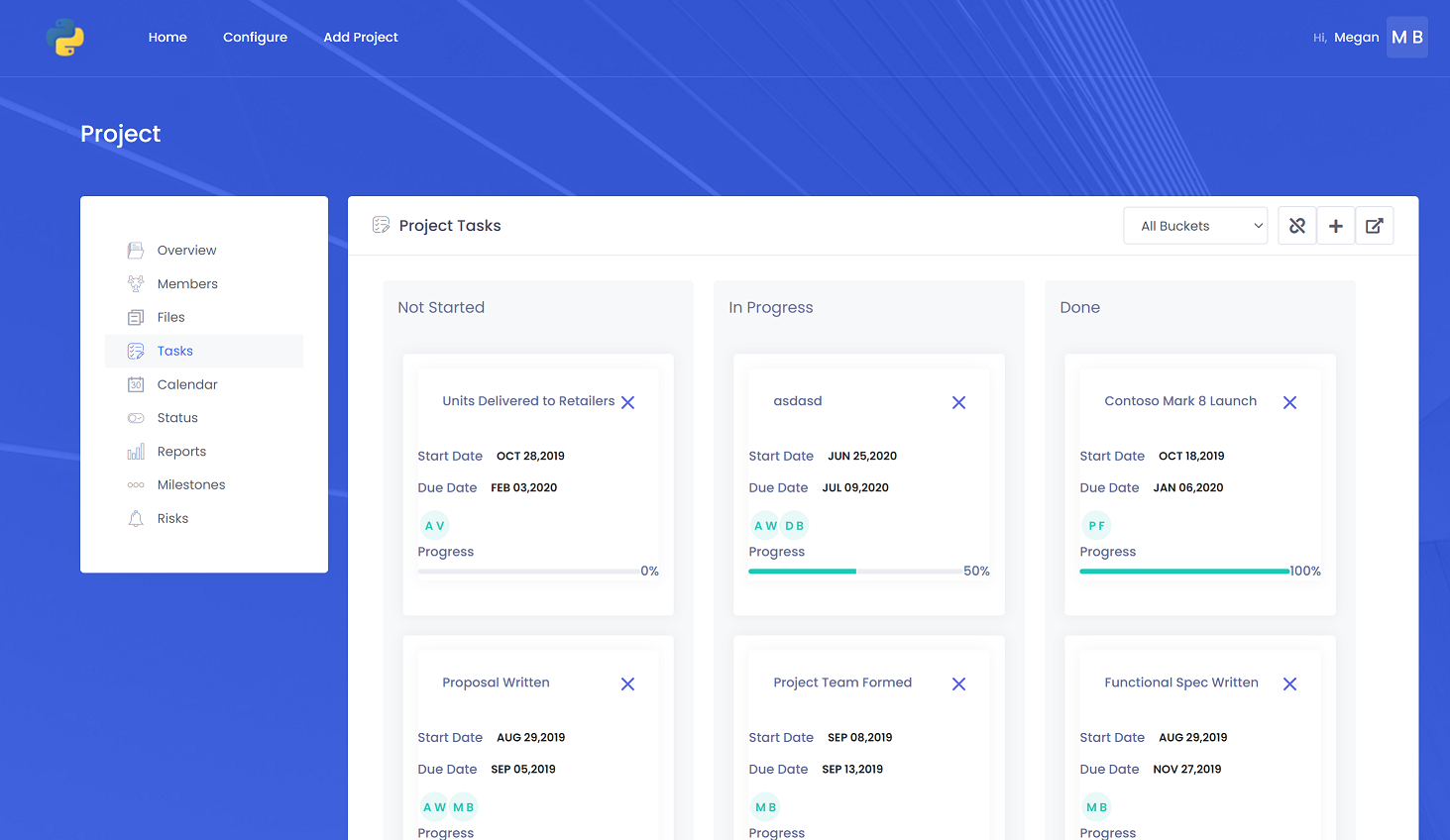
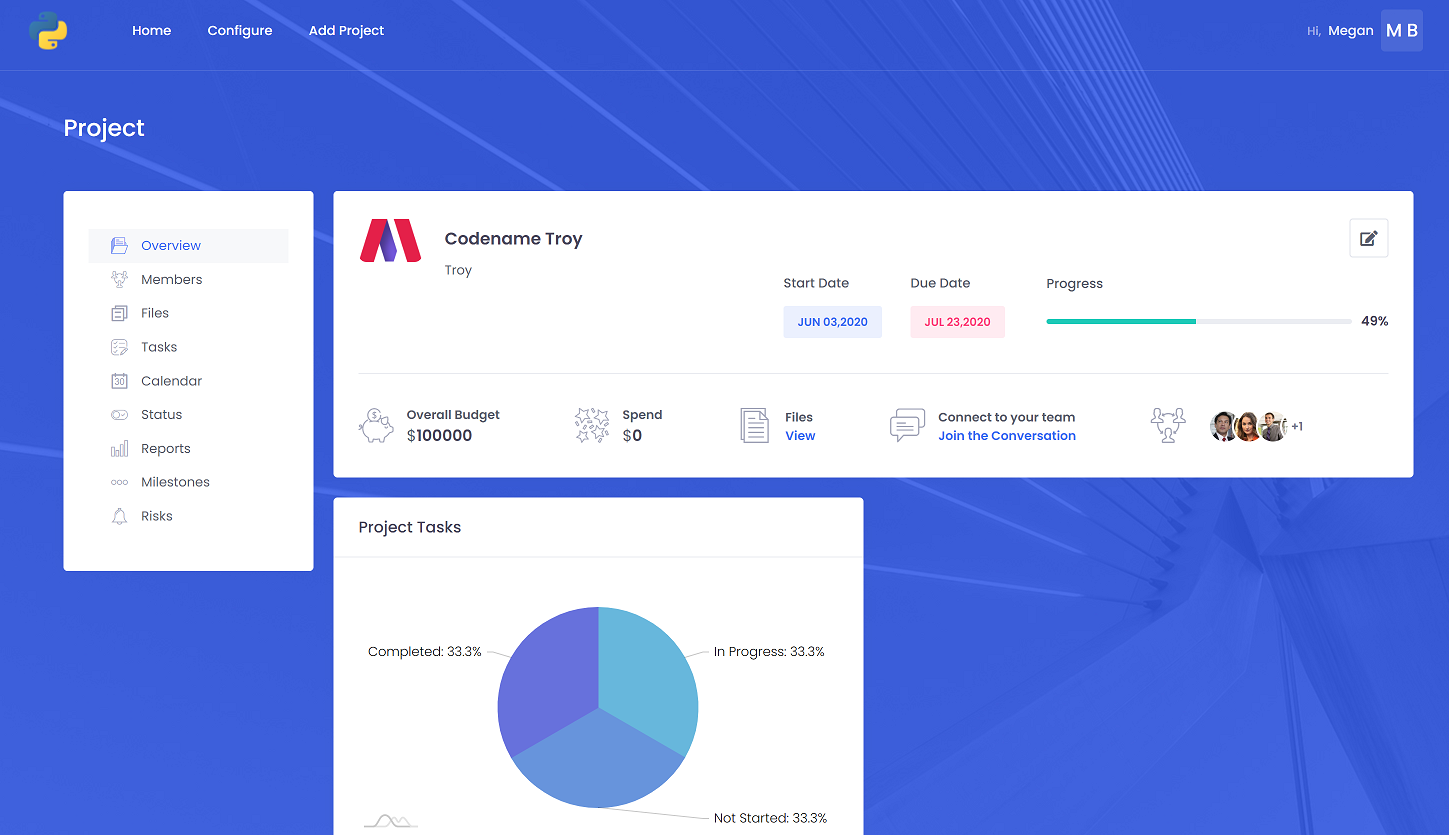
I've seen a lot of clients using Microsoft Teams teams to represent project and initiatives without having the ability to see everything in on-place like tasks, risks, reports and project schedule. we have built this app to combine the capabilities of Microsoft 365 and surfaced in Microsoft teams to allow users to have a one stope place for project information
What it does
Basic Project Management tools that combines the power of :
- Planner (for task management)
- Microsoft Teams (Document Management and Team Communication)
- Additional project metadata to provide a web experience and teams tab experience to manage projects without the need of rebuild DMS or communication channels. ## How I built it
- Azure AD multi-tenant app for authentication/authorization
- Serverless Azure Functions for background processes
- dotnet core for the backend APIs
- client app (SPA using ReactJS)
Challenges I ran into
- Least privilege scenarios for getting user plans and tasks doesn't exist if there would be a scope allows users to consent to allow the app to read/write their plans and tasks , so far admin need to consent for Group.ReadWrite.All for this functionality to work
- App was built to be B2B but ended you as B2C as a lot of non-admin user have added the app, which makes the app difficult to be used in full functionality because we rely on a lot of admin consent scopes as there is no user consent scope for it ## Accomplishments that I'm proud of This was the first app I managed to publish in Microsoft Teams app source, we have 2000+ activation ## What I learned publishing process, building teams app ## What's next for 365Projects adding more functionalities around project wikis, integration with other task sources like Trello and Jira and Azure DevOps
Built With
- dotnet
- react

Log in or sign up for Devpost to join the conversation.