Inspiration
I wanted to create a simple and user-friendly To-Do List application that helps users for daily tasks and improve productivity.
What it does
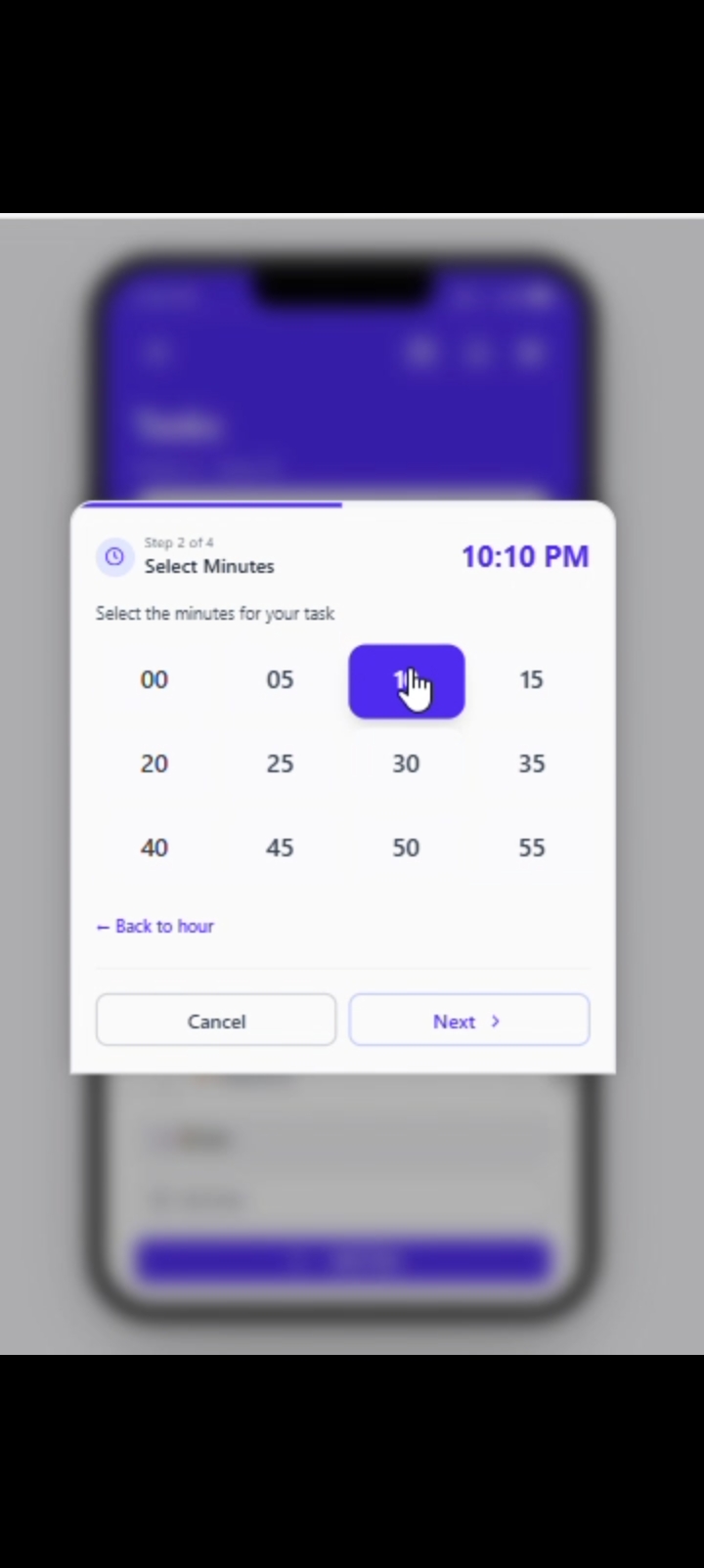
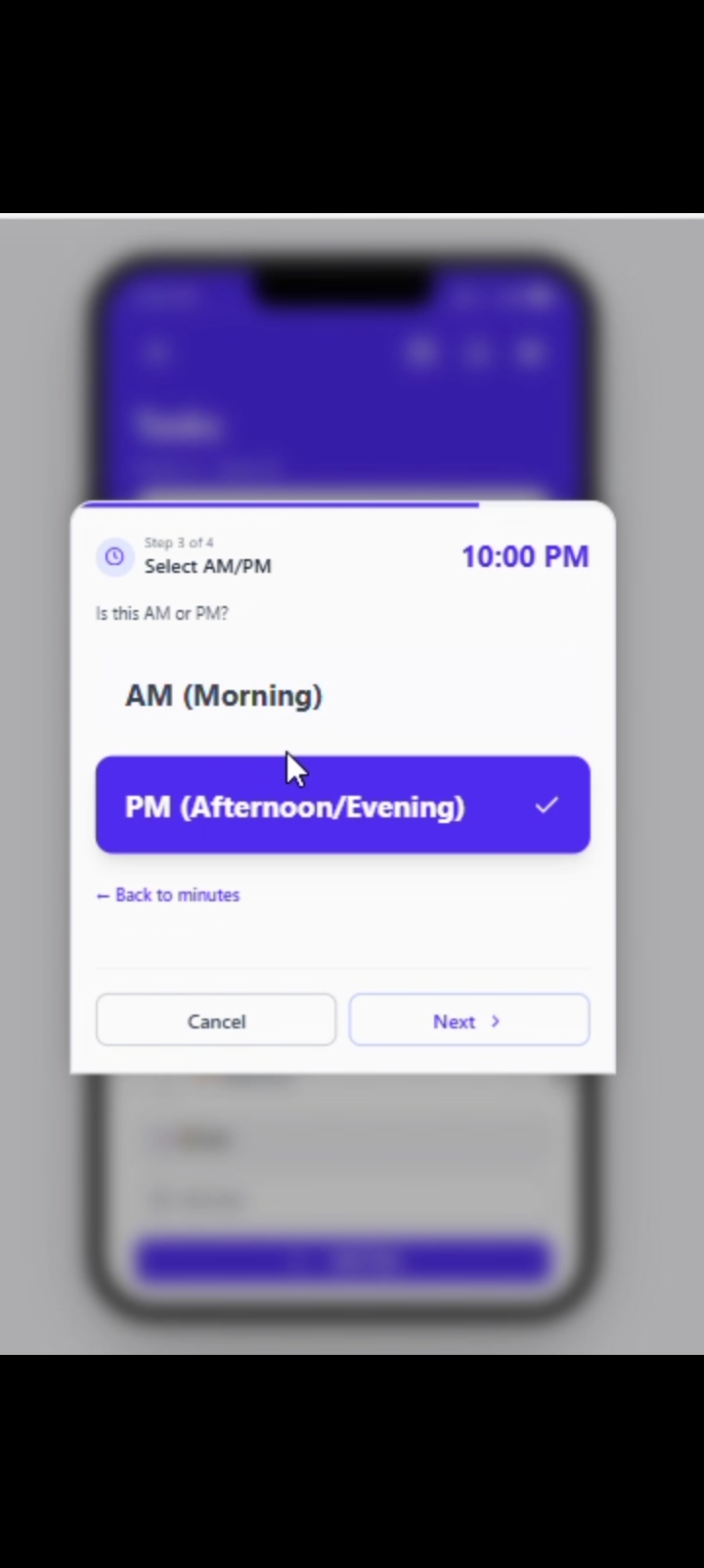
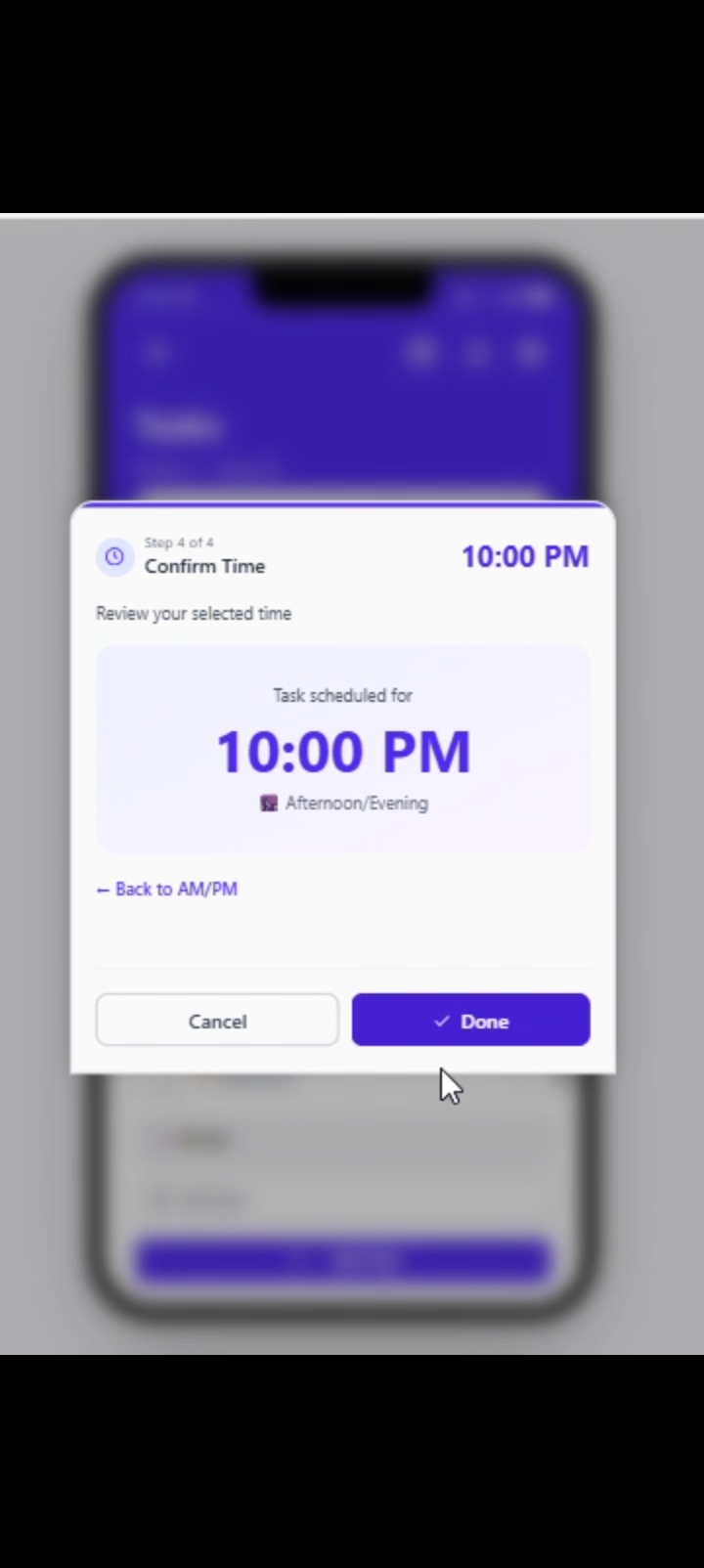
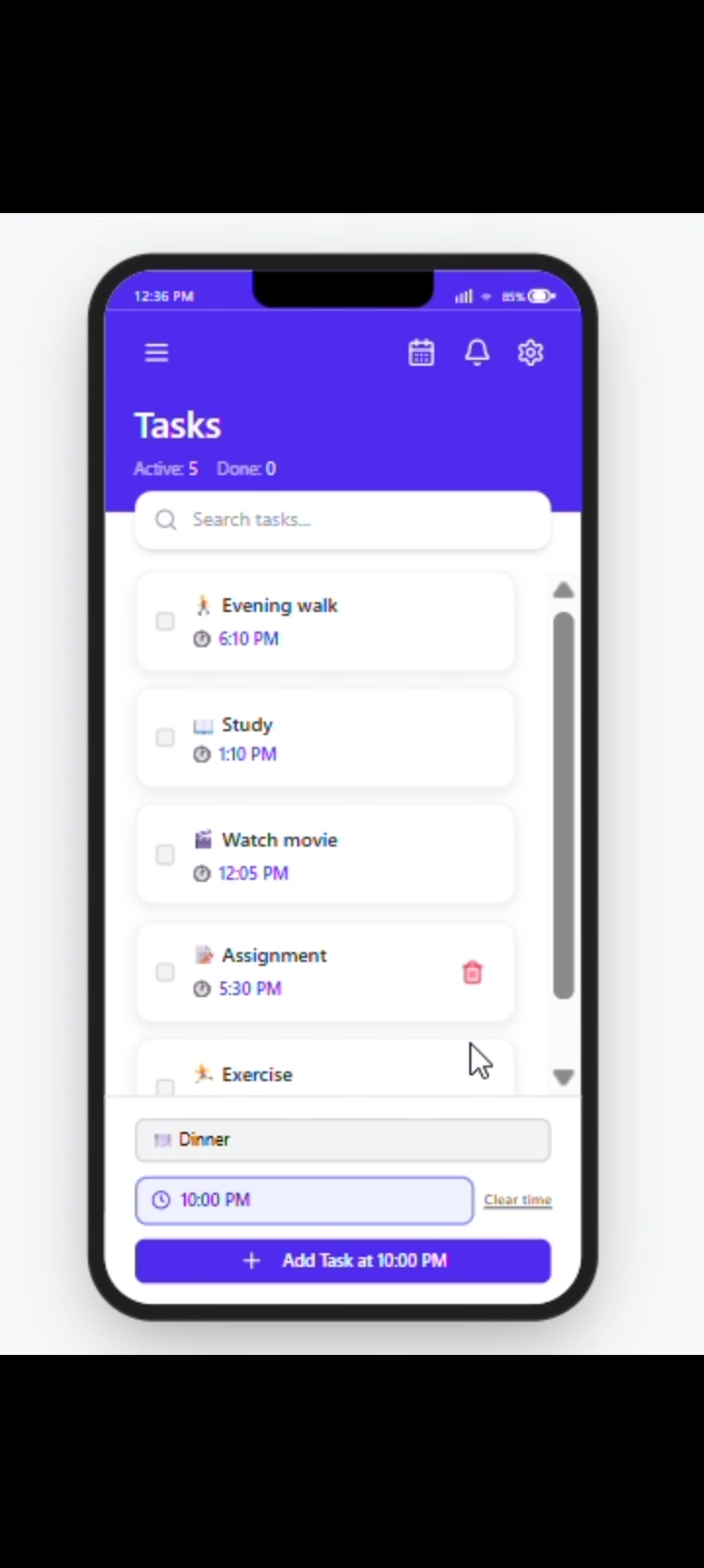
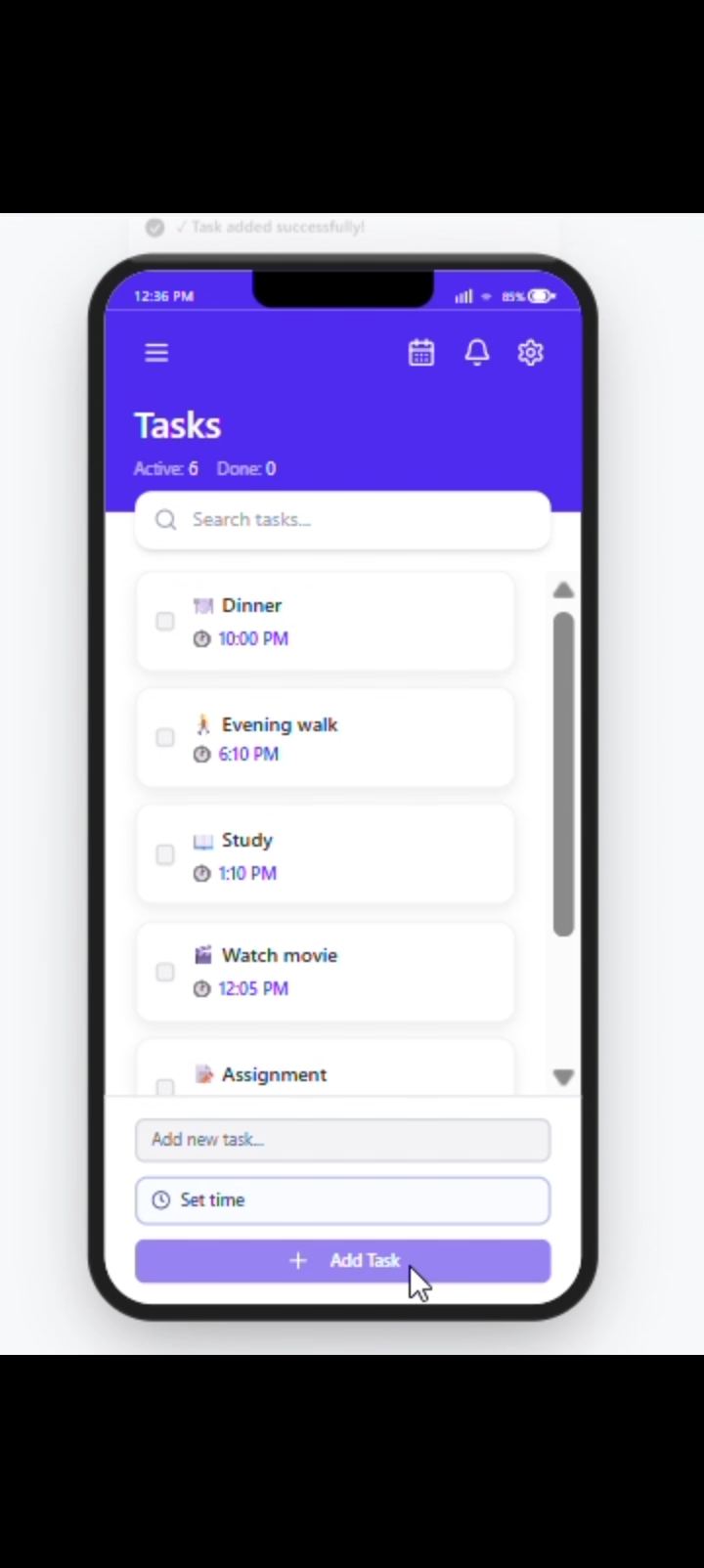
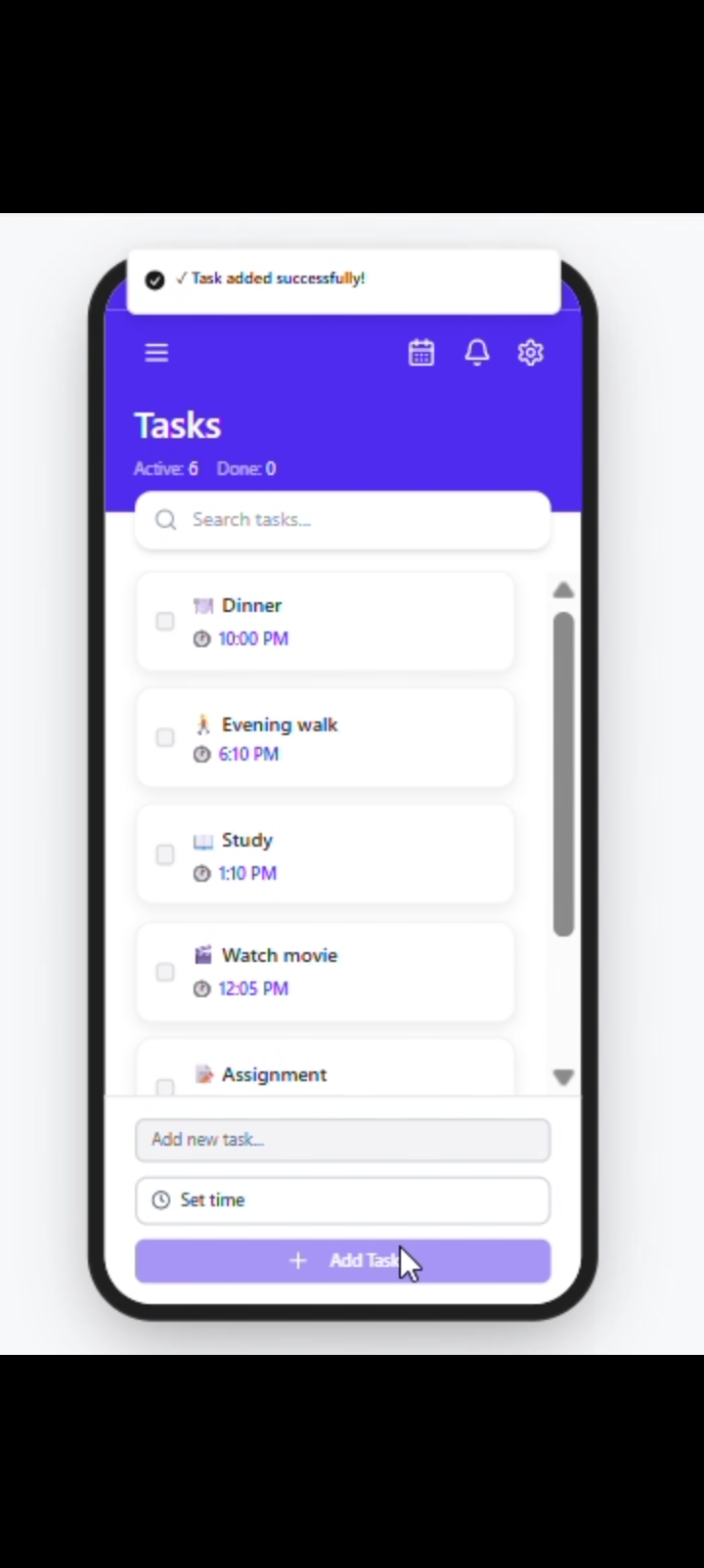
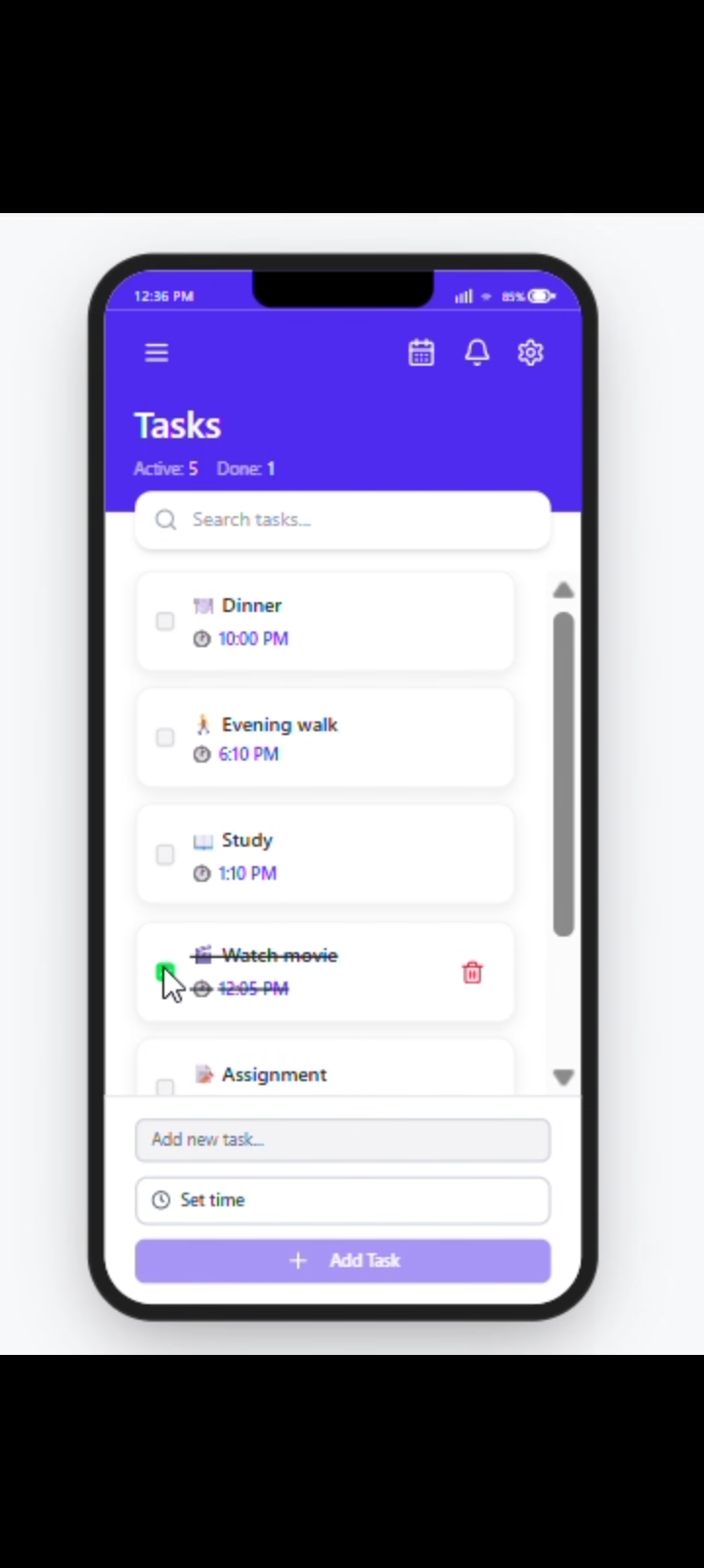
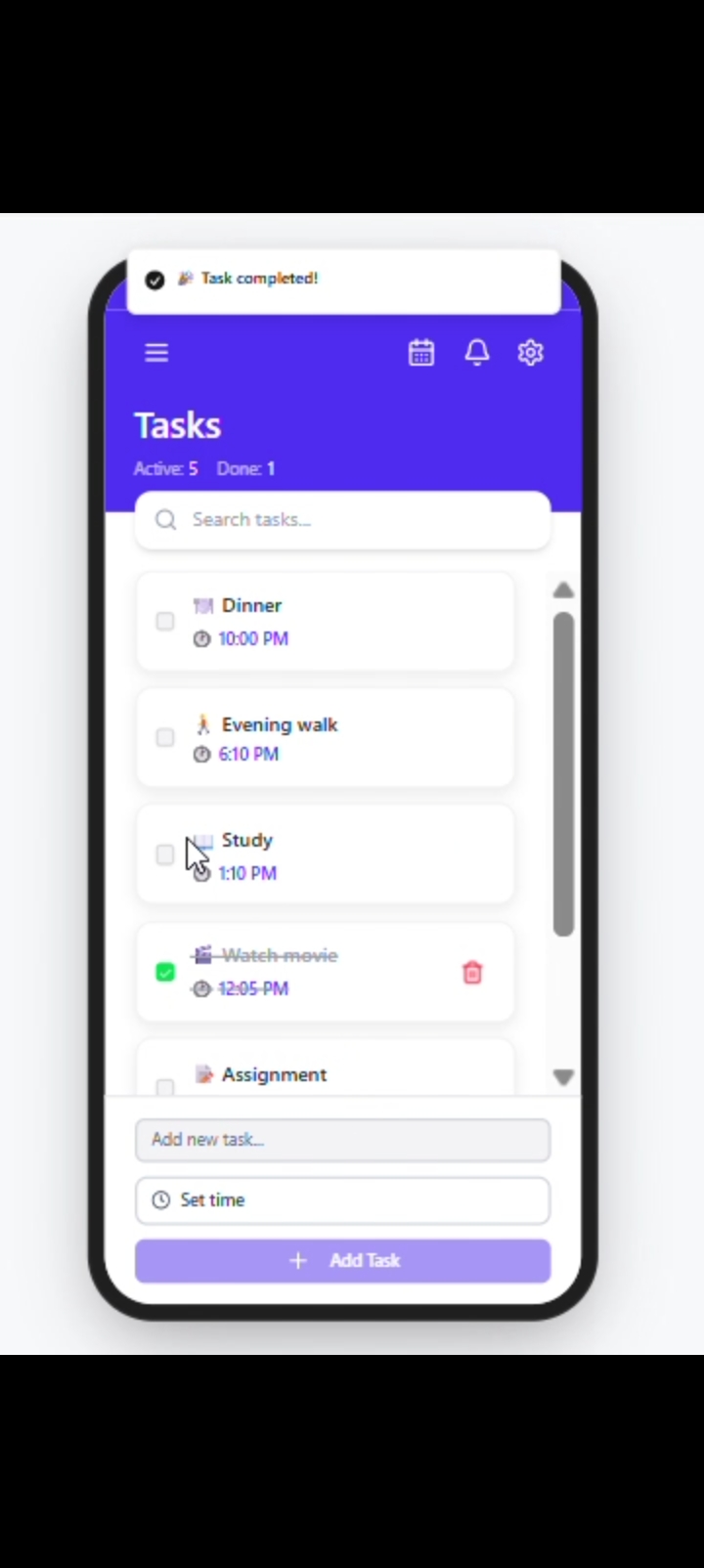
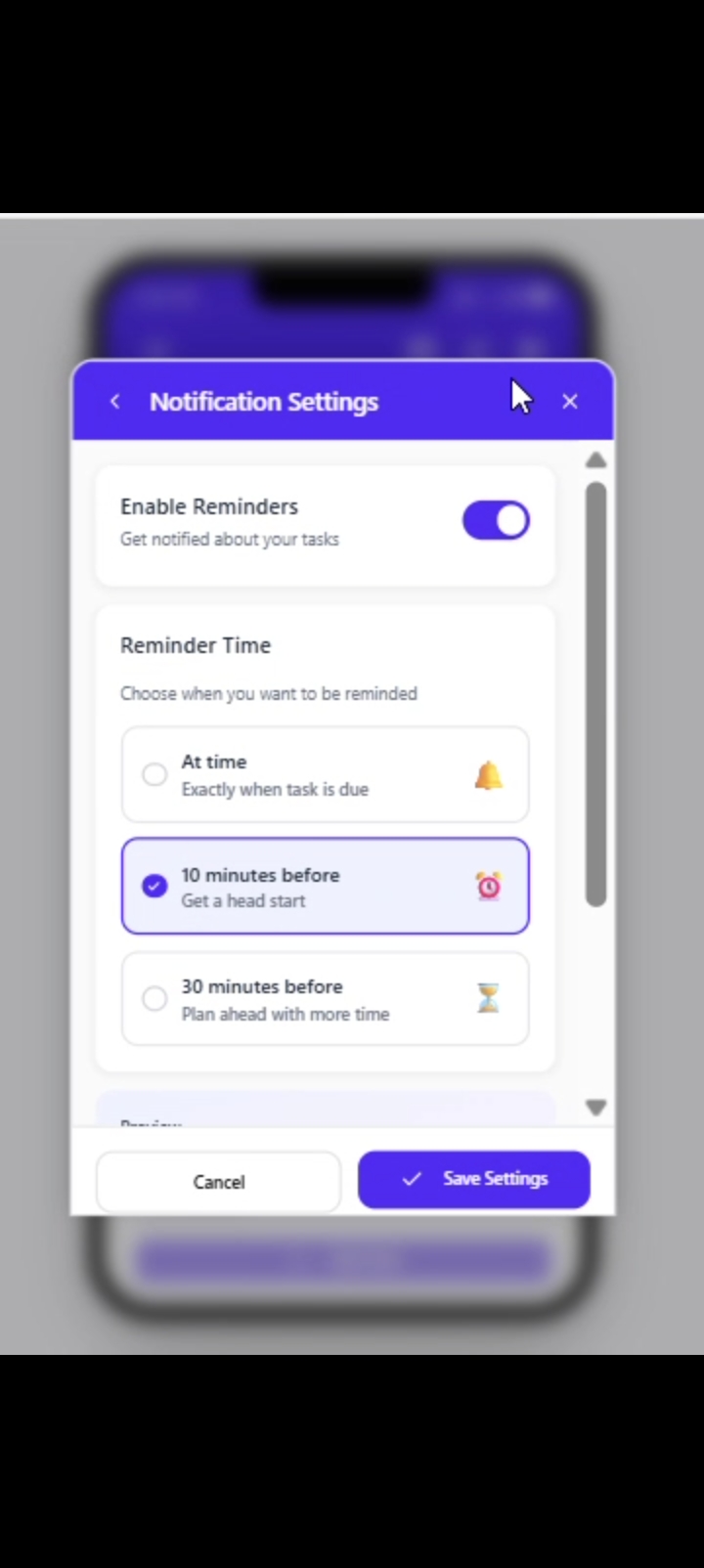
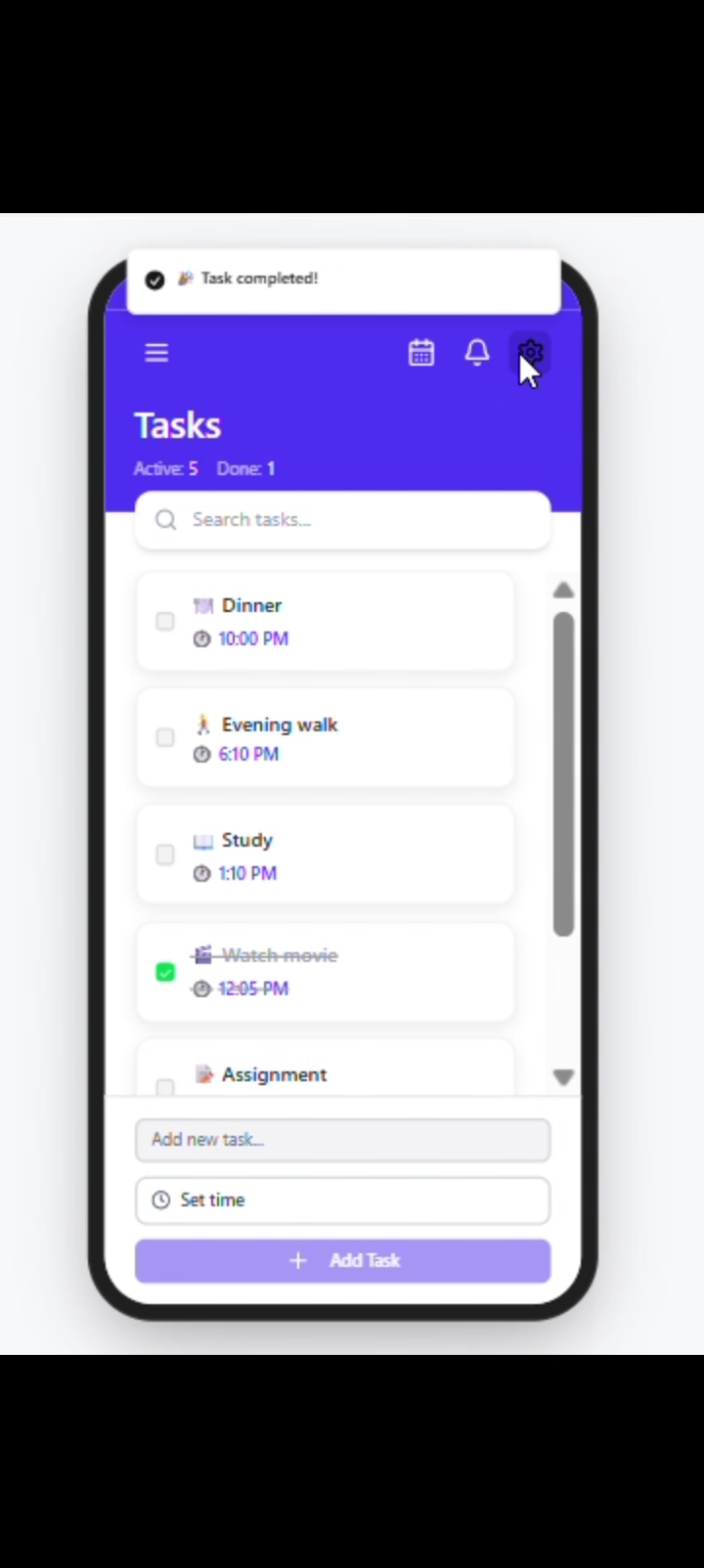
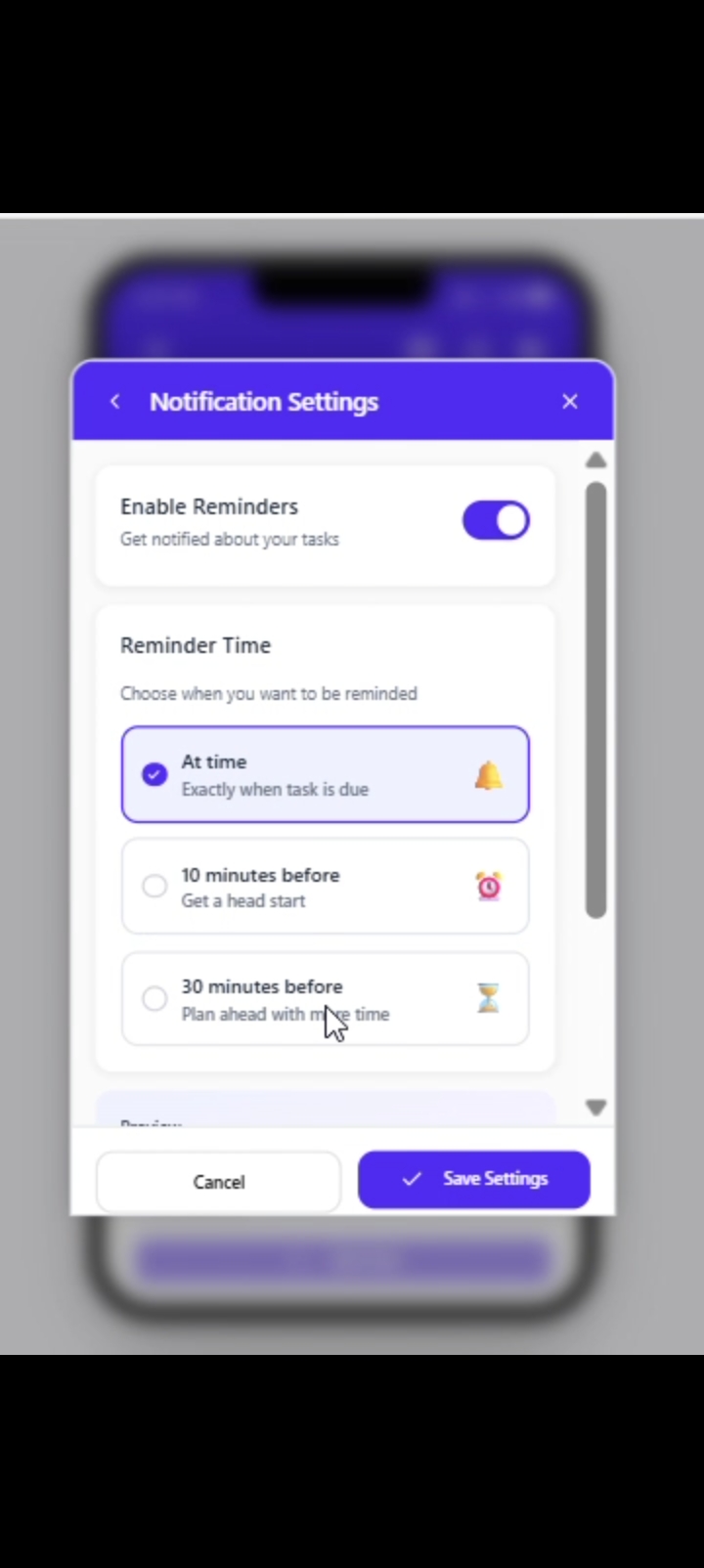
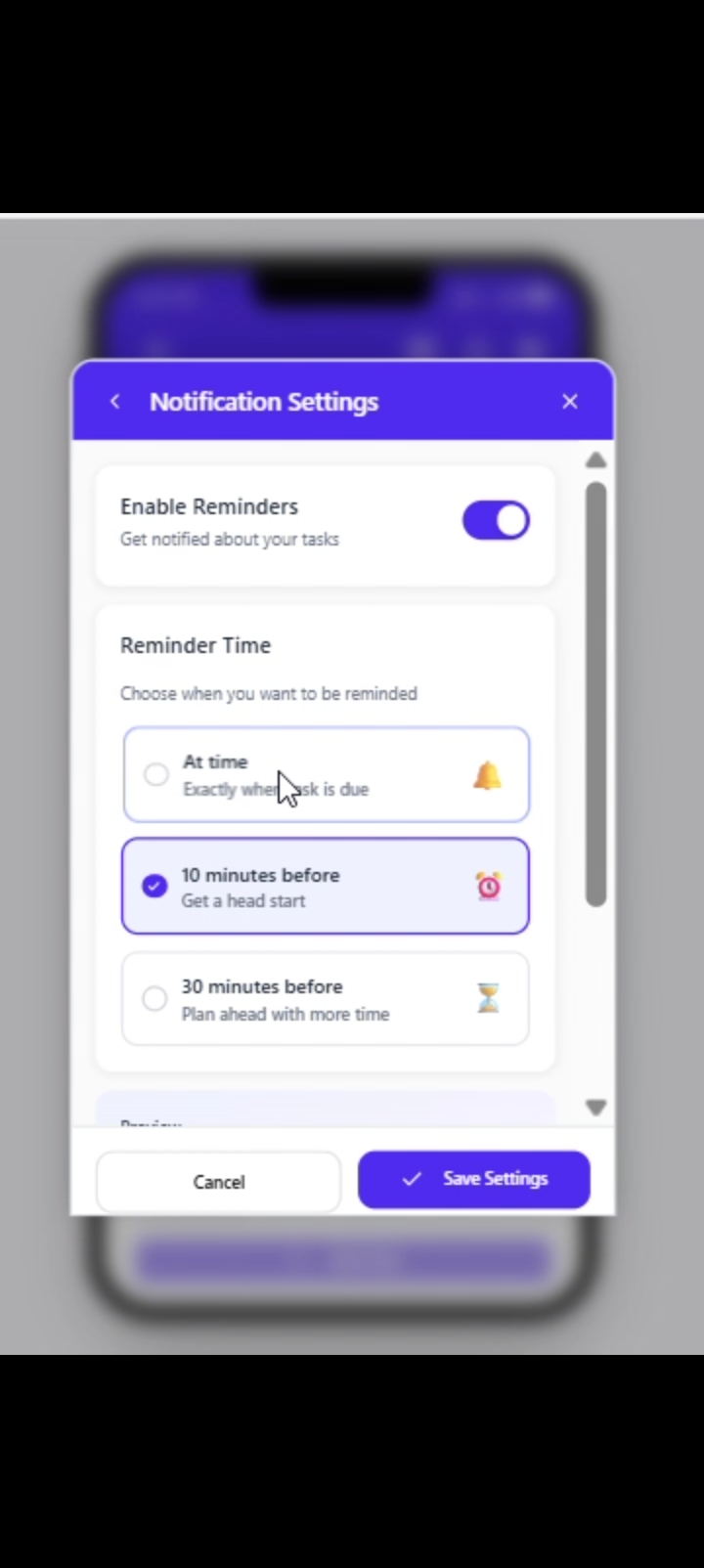
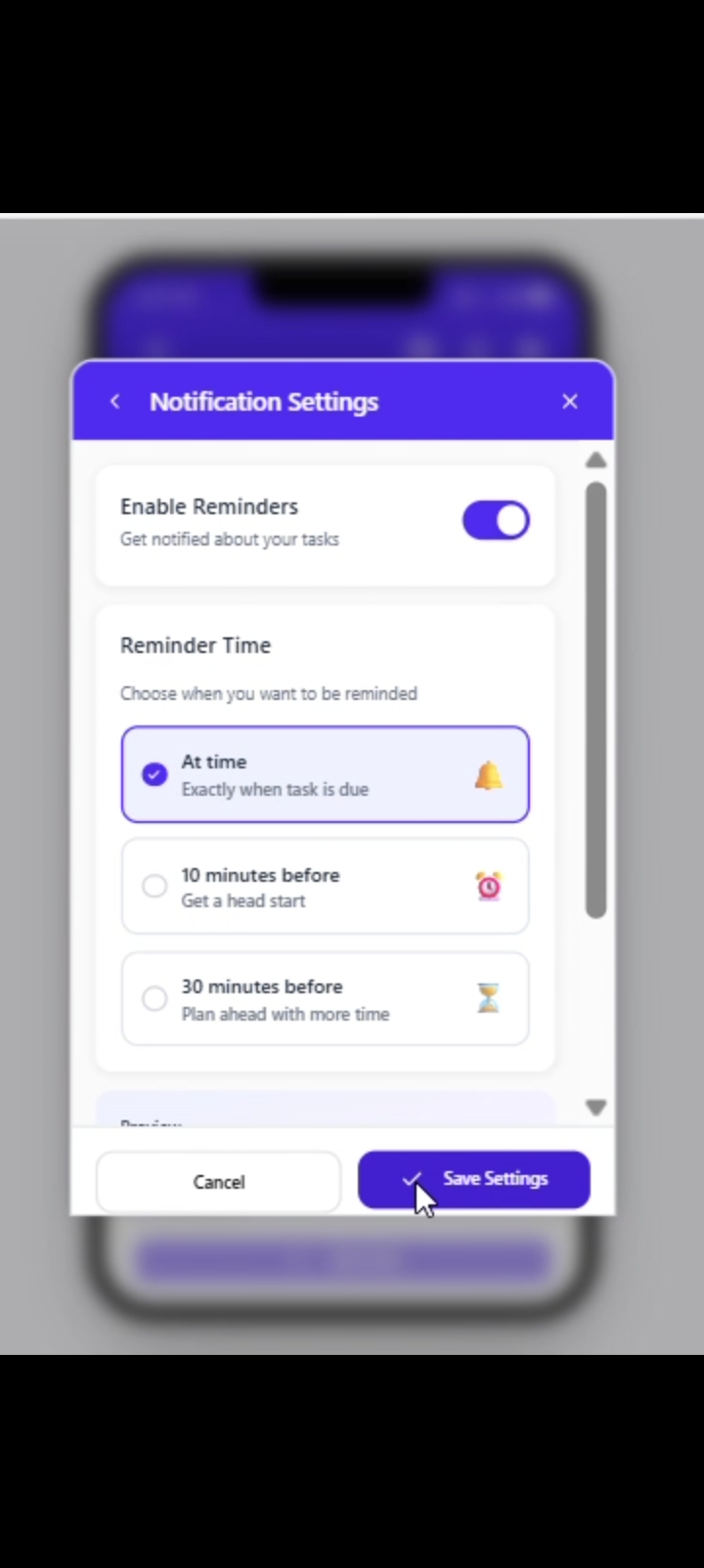
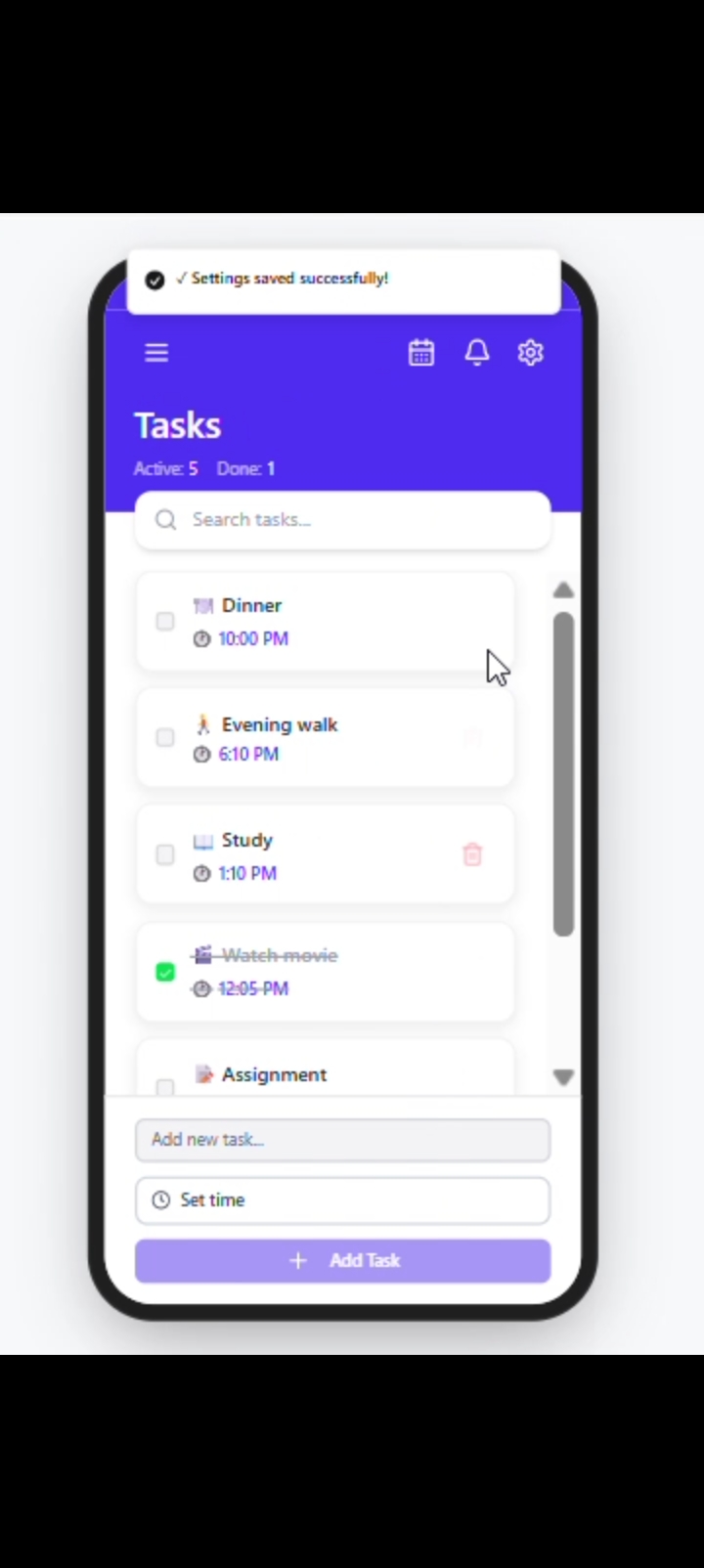
It allows users to create, edit, delete, and organize tasks, set reminders, track completed tasks, and manage daily activities through an intuitive interface.
How we built it
I designed the complete UI in Figma by AI to generate design ideas, improve layouts, choose color schemes, and refine the user experience.
Challenges we ran into
Designing a clean interface, organizing task management screens, and maintaining consistency across all pages.
Accomplishments that we're proud of
Created a complete high-fidelity To-Do List app prototype with a modern and intuitive design
What we learned
Learned UI/UX principles, Figma prototyping, AI-assisted design, wireframing, and user-centered design.
What's next for AI-Assisted To-Do List App UI
Add interactive prototypes, calendar integration, cloud sync, and AI-powered task suggestions.
Built With
- ai
- app
- design
- experience
- figma
- high-fidelity
- interface
- mobile
- prototyping
- system
- thinking
- ui
- ux

Log in or sign up for Devpost to join the conversation.