-
-
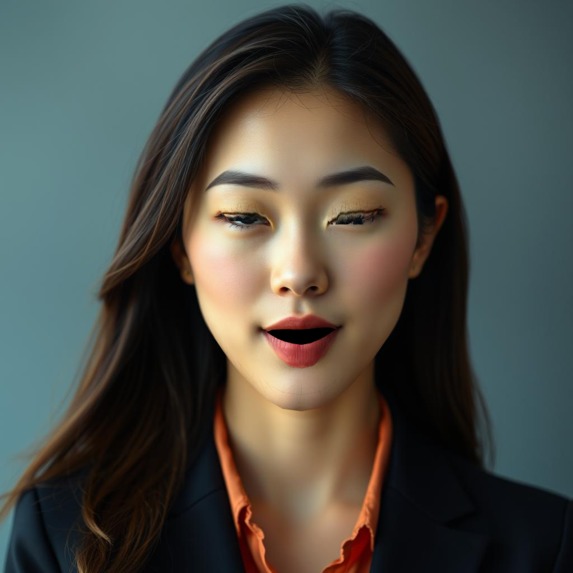
applied image
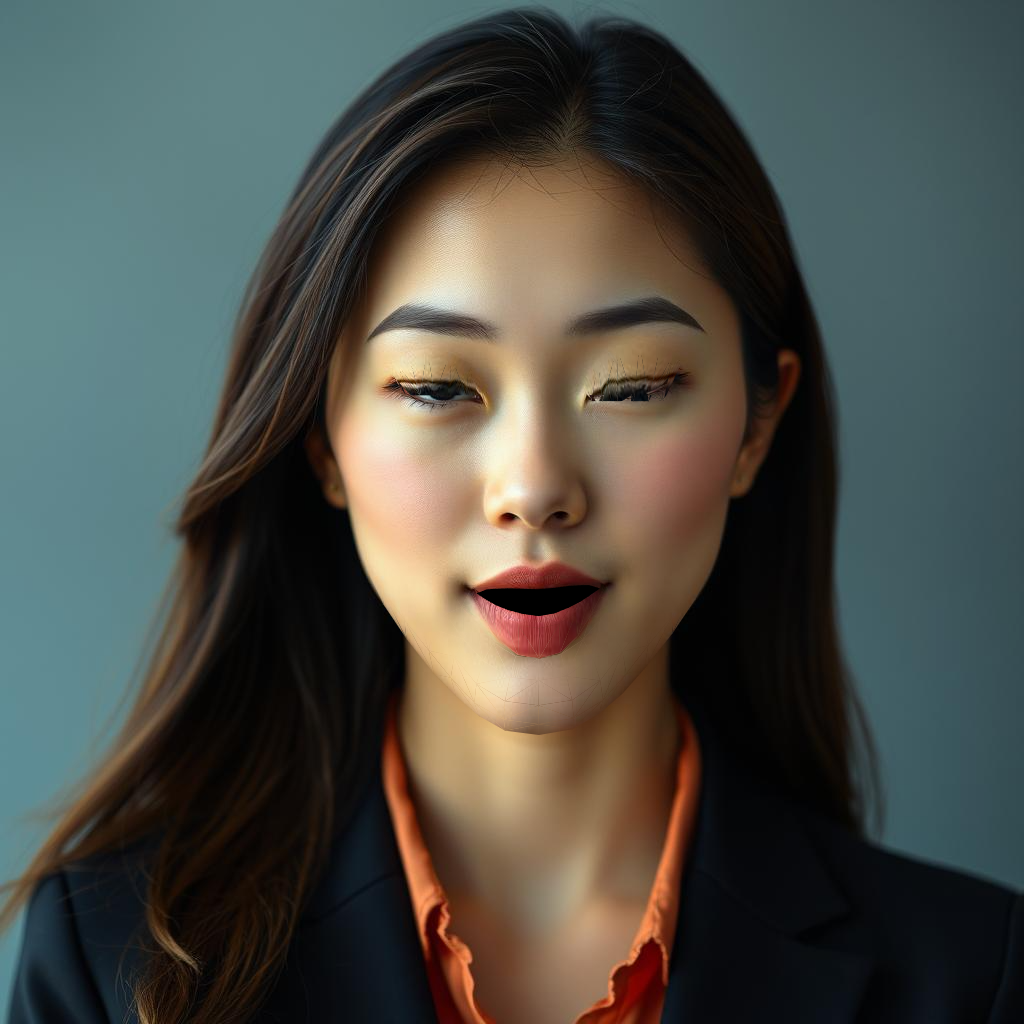
Inspiration
The project is an exploration of client-side computer vision and graphics, aiming to create a standalone, high-precision face deformation engine that runs entirely in the browser without server-side processing.
What it does
Face Warp allows users to upload a portrait image and interactively deform facial features. Key features include:
- Face Landmarking: Automatically detects face mesh points using MediaPipe.
- Interactive Controls: Sliders to control "Close Eyes" and "Open Mouth" animations.
- Visualization: Options to toggle the visible wireframe mesh and keypoints (red dots) for debugging.
- Export: Users can download the warped result as a PNG.
How we built it
The project is a static web application built with:
- Frontend: Standard HTML5 and ES Modules.
- Styling: Tailwind CSS for a modern, dark-themed UI.
- Computer Vision: Google's MediaPipe Face Landmarker for detecting 478 3D face landmarks.
- Graphics/Rendering: HTML5 Canvas API. We implemented a custom triangulation system (canonical face mesh) to perform affine transformations on specific image triangles, allowing for realistic warping of texture maps based on the moved landmarks.
Challenges we ran into
- Math & Geometry: Implementing the
drawTrianglefunction to correctly warp image textures based on moving vertices (affine transformations) was complex. - Natural Movement: The logic in
getWarpedPointsrequired significant tuning. Specifically, distinguishing between upper lip, lower lip, and jaw movement (and applying damping weights) to ensure the mouth opens naturally without distorting the rest of the face or detaching the jaw unnaturally. - Mesh Integrity: Managing the indices for the triangulation (connecting specific landmarks to form triangles) to prevent holes or tearing in the rendered image.
Accomplishments that we're proud of
- Successfully implementing a fully client-side face morphing engine.
- The "Open Mouth" logic which approximates jaw rotation and lip stretching using weighted offsets.
- Handling complex mesh annotations (lips, eyes, eyebrows) to create a detailed interactive control system.
What we learned
- Deepened understanding of facial topology and landmark indices (MediaPipe's mesh map).
- Advanced Canvas 2D operations, specifically matrix transformations (
setTransform) for texture mapping. - Handling asynchronous loading of AI models (FilesetResolver) in a browser environment.
What's next for 2DBone
- Adding support for real-time webcam video feeds.
- Implementing more deformation controls (e.g., smiling, eyebrow raising).
- Optimizing performance for mobile devices.
Built With
- mediapipe

Log in or sign up for Devpost to join the conversation.