Inspiration
Most layout tools give the person and the assistant different information. The person sees a plan drawn to scale. The assistant sees a screenshot and guesses from it. That is how you get a wardrobe door that cannot open, a walkway 12 cm too narrow, or a desk that looks centred but sits a few centimetres to one side. I wanted the agent to work from the same measurements a designer would use, and I wanted the person to watch it work and step in whenever they want. WebMCP is how the agent gets the model the page draws from instead of a picture of it.
What it does
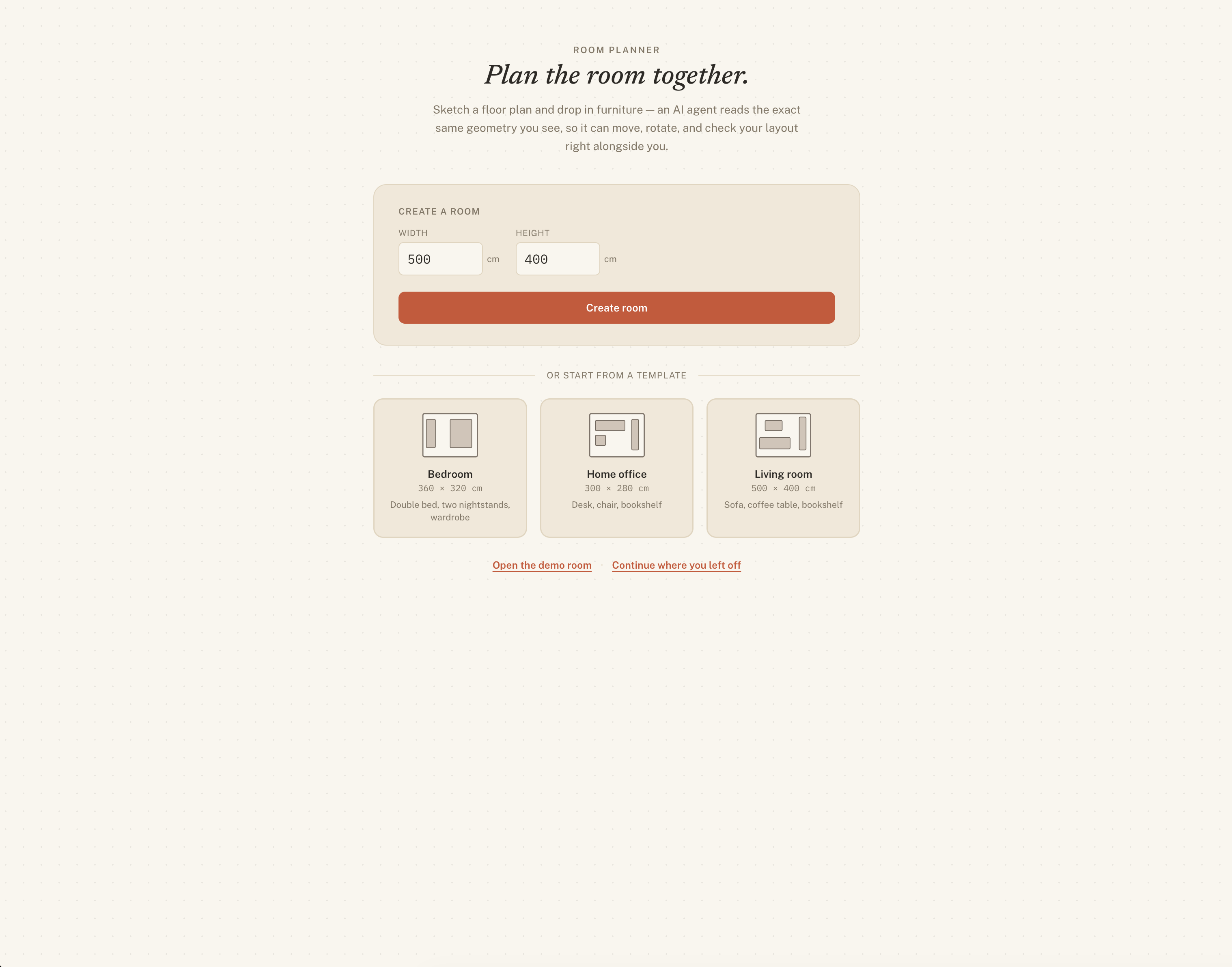
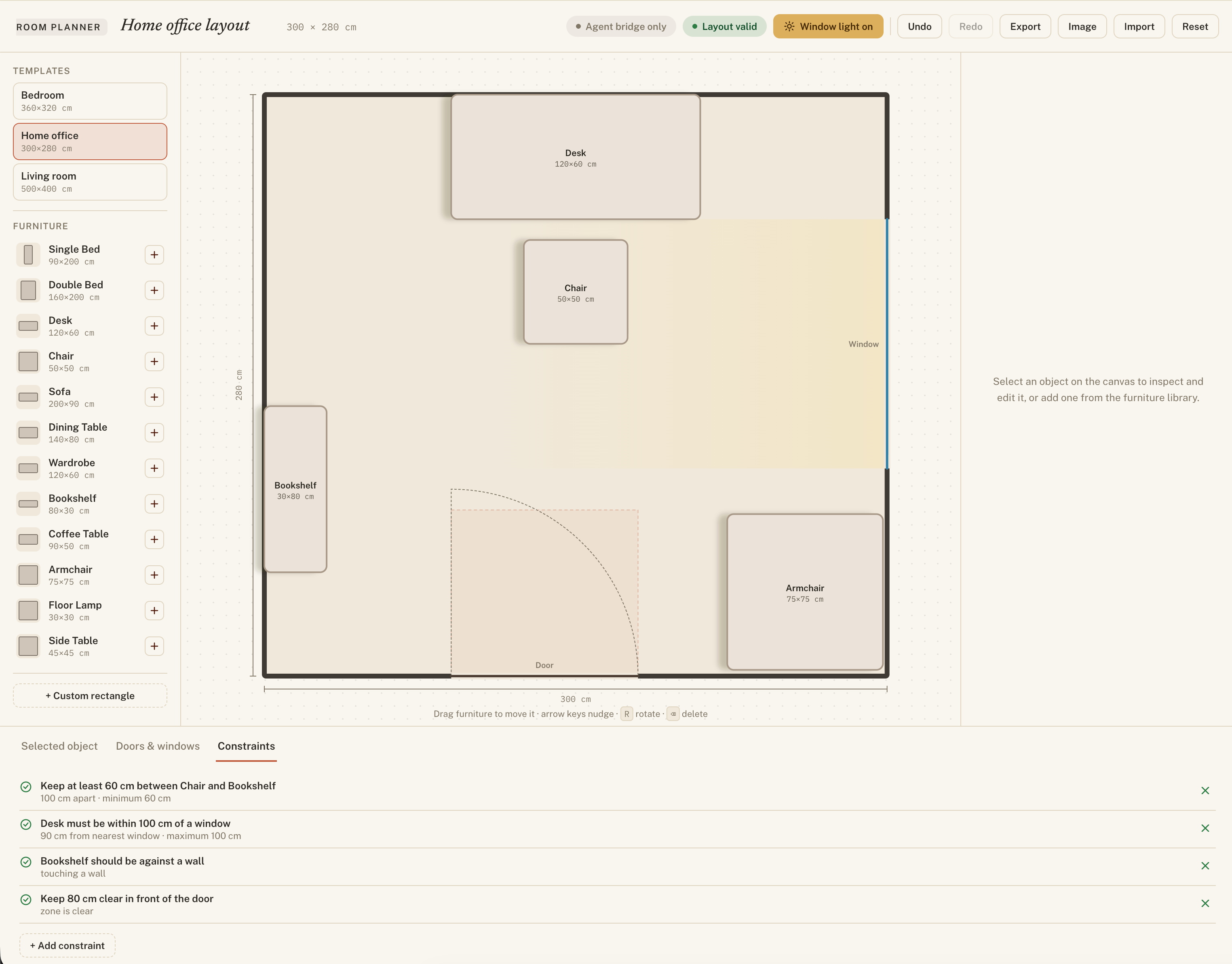
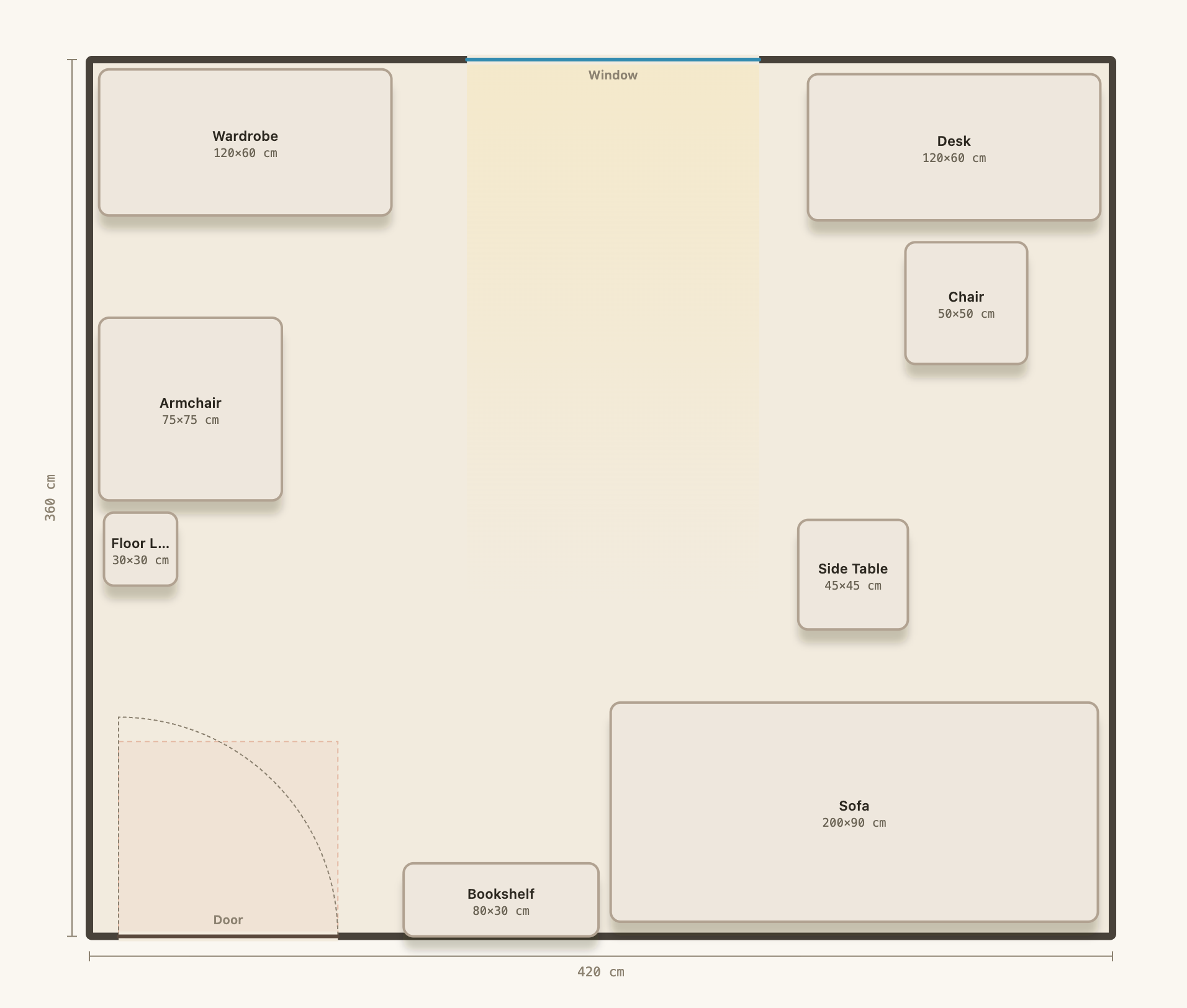
Room Planner is a 2D layout tool in plain HTML, CSS, and JavaScript. You create a room by size or from a template, add furniture from presets or as custom rectangles, and arrange it by dragging, by typing exact coordinates, or with the keyboard. It puts doors and windows on any wall, flags collisions, out-of-bounds objects, and blocked door clearances, and lets you add rules such as "keep 80 cm between the bed and the wall" that turn green or red as you edit. Measurements are in centimetres and the plan persists to localStorage.
How I built it
Room Planner is plain HTML, CSS, and JavaScript with no build step and no dependencies. The floor plan is one JavaScript object that everything reads from. An SVG renderer draws it, and the WebMCP tools change it, both through the same update and validation code, so an agent edit and a hand edit are the same operation underneath. The geometry, including footprints, overlaps, distances, and clearances, is plain functions working in centimetres. The WebMCP layer registers on navigator.modelContext or document.modelContext when a host is present and falls back to a built-in shim otherwise, so the tools behave the same either way.
I used several AI models and providers while building this, each on the parts it handled best, from writing code to checking the geometry to finding edge cases.
Challenges I ran into
Rotation math caused the most rework. xCm and yCm mark the top-left corner before rotation, but at 90 and 270 degrees width and depth swap for collision and distance checks. Getting that consistent across the renderer, the geometry module, and the tool schemas took several passes.
Keeping the agent and the UI in sync was subtler. Any mutation that bypassed the shared update code could leave a layout that passed the validity badge while breaking a constraint. I routed every WebMCP tool through the same store mutations the UI uses.
WebMCP itself is experimental. Neither the spec's document.modelContext nor the browser's navigator.modelContext is widely available, so I wrote a shim, a simulated host, and a console bridge that all call the same execute functions.
Exporting a clean SVG took some care. It renders correctly outside the page only after every CSS class is inlined and every oklch() colour is converted to sRGB, with the capture clipped to the plan and no app chrome.
Accomplishments that I'm proud of
I am a perfectionist, and I have lost whole evenings to a single floor plan. There is always a constraint you cannot see coming, or a sequence of moves that checks out at every step and then wrecks something you fixed earlier. Chatting with an agent that could actually reason about the geometry while I watched the plan take shape on screen was the best part of building this.
What I learned
Grounding did more for reliability than autonomy did. Once the agent had exact geometry, ordinary requests started working, and once every change animated on the canvas, people trusted the agent because they could see and undo what it did. Returning the validation result with every mutation removed most of the "did that work?" follow-up calls. Building against an unshipped spec is workable when the shim and the simulated host share code with the real path.
What's next for the room planner?
- A 3D preview beside the 2D plan, from the same model.
- More constraint types: sight lines, traffic flow, natural-light scoring, accessibility clearances.
- Multi-room plans with shared walls and doorways.
- Agent-proposed layouts, such as "give me three arrangements that seat six people," with the person picking one to refine.
Built With
- javascript
- webmcp


Log in or sign up for Devpost to join the conversation.