-
-
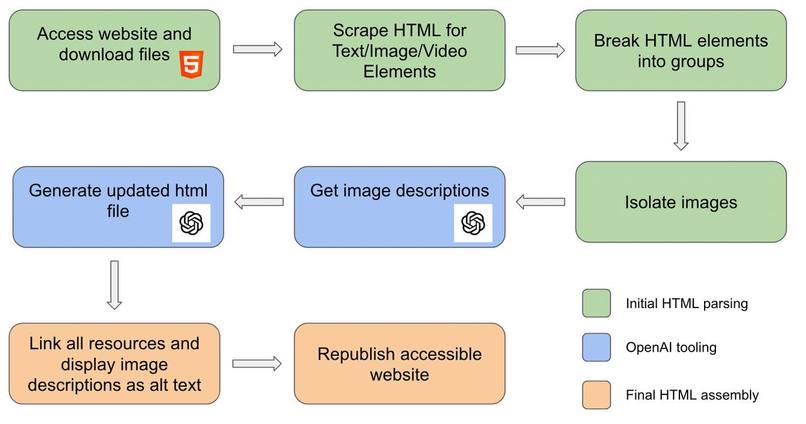
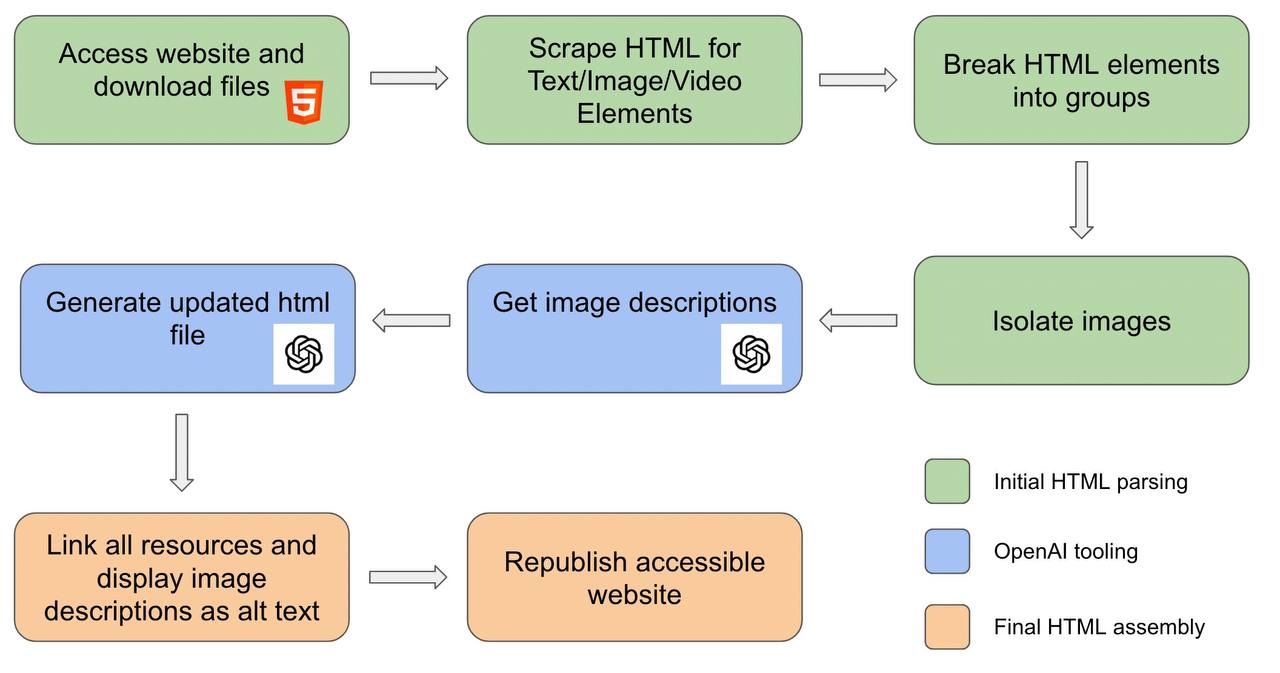
This is how websites are ingested and flow through our project!
-
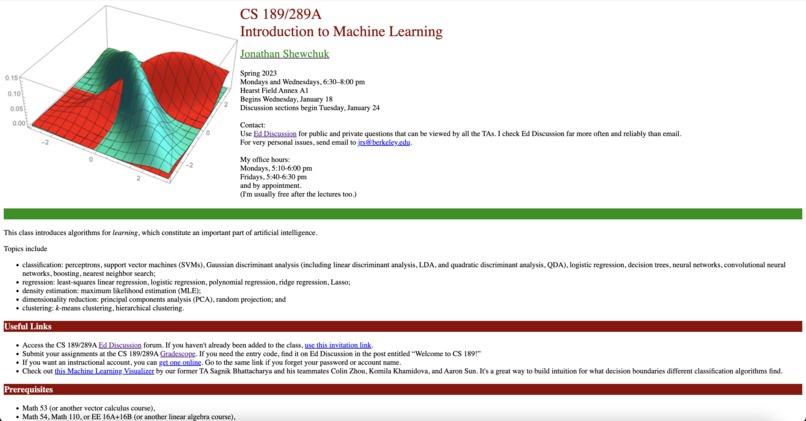
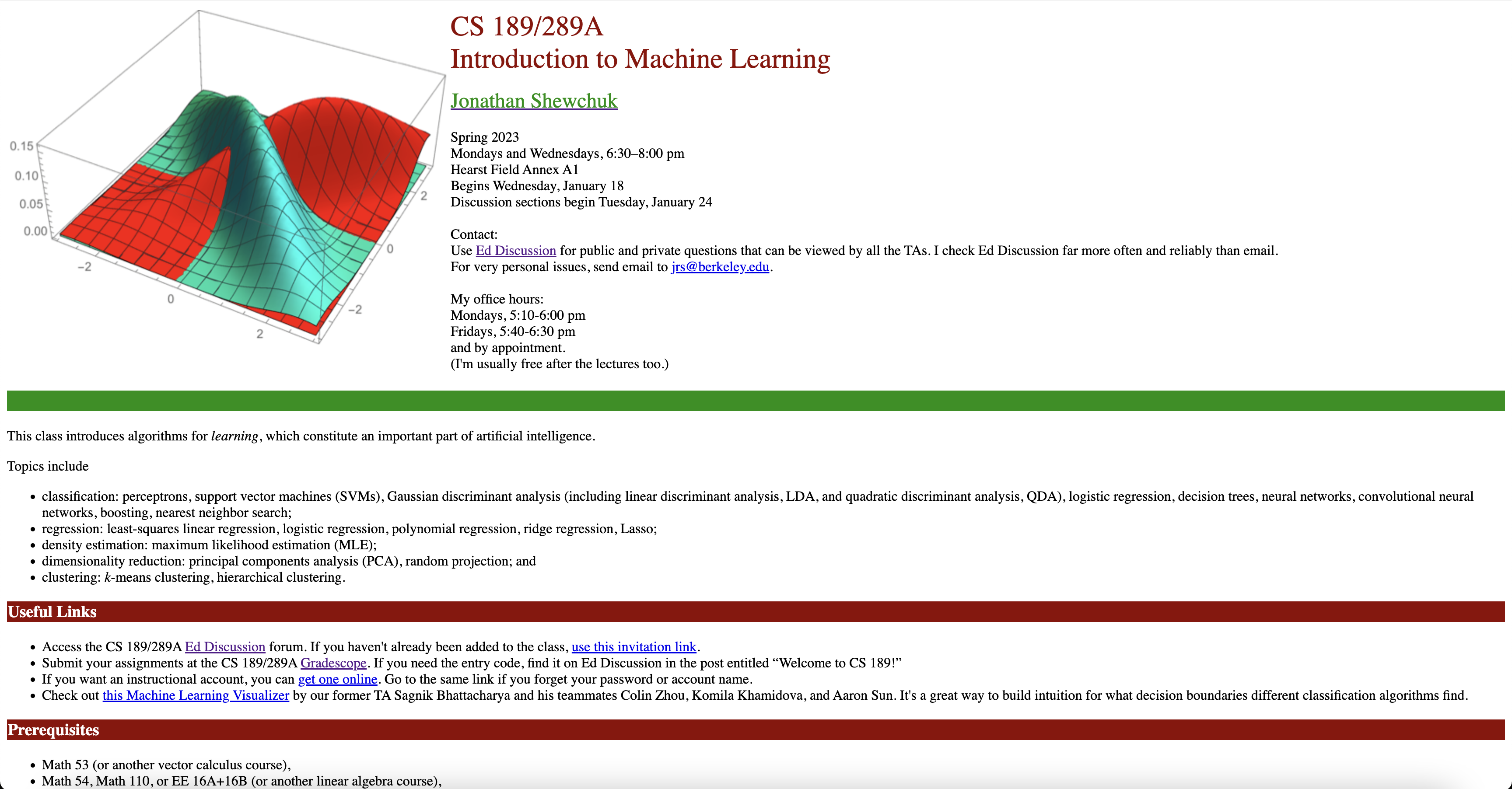
Before Demo
-
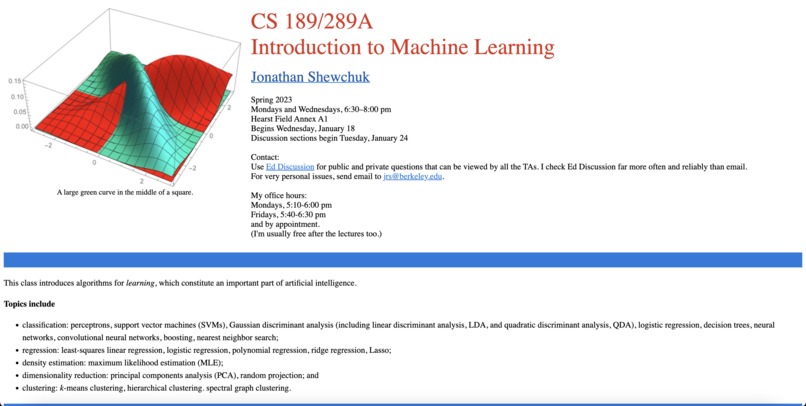
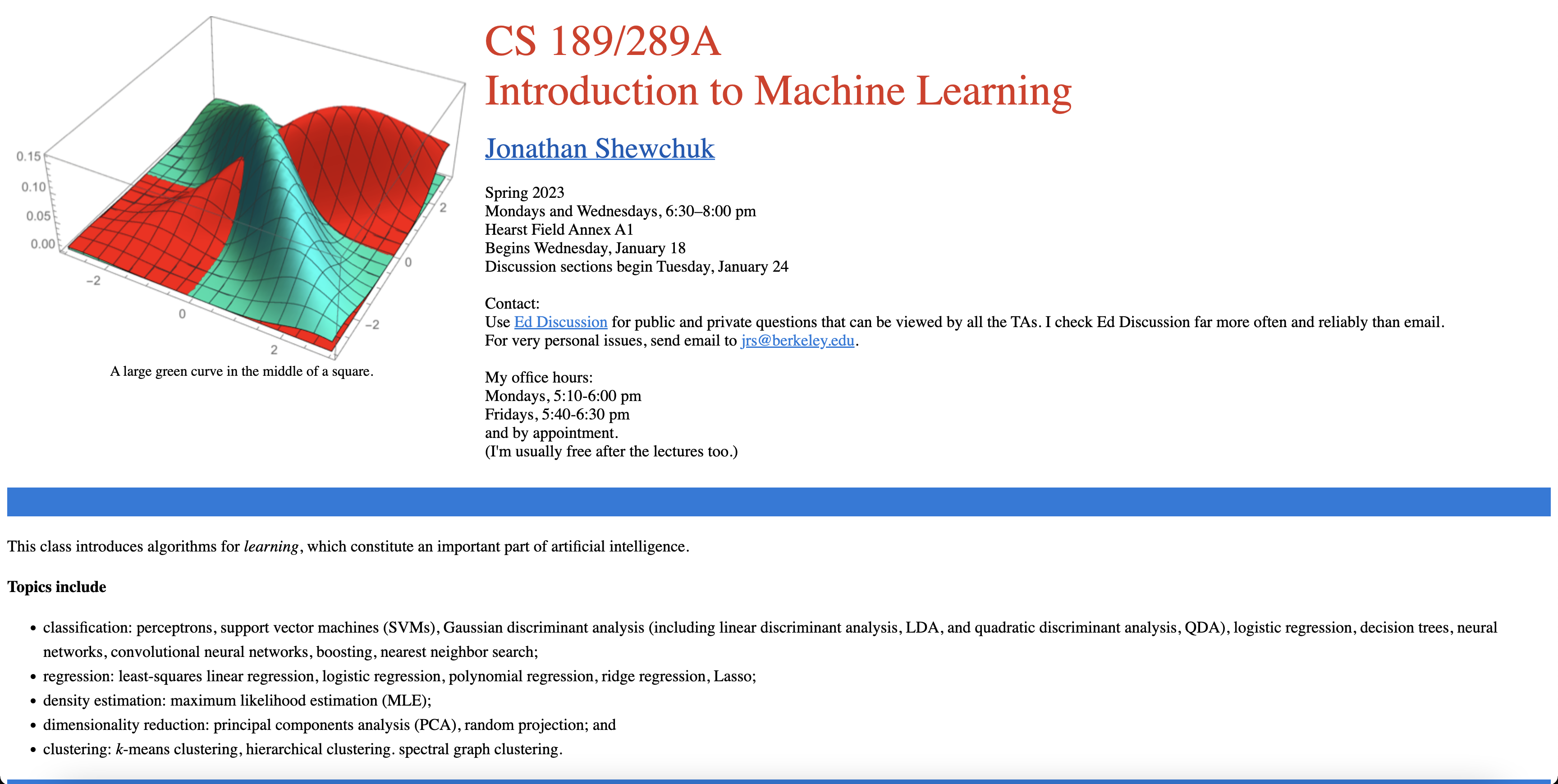
After Demo
Inspiration
One of our roommates is visually impaired, and through our interactions with him, we witnessed firsthand the challenges he faces while navigating websites. We noticed his frustration when encountering inaccessible government pages, course staff sites, and other websites that lacked proper accessibility features. Witnessing his struggle inspired us to take action and create a solution that would improve the accessibility of websites for individuals like our roommate.
We wanted to develop a tool that would empower web developers and content creators to easily enhance the accessibility of their websites, even if they didn't have the resources or knowledge to build an accessible version from scratch.
Our goal was to bridge the gap between website accessibility requirements and the reality of websites that were not initially designed with accessibility in mind. We wanted to provide a simple yet effective solution that could make a significant difference in the lives of people with disabilities, ensuring equal access to online information and services.
What it does
Our Accessibility Tool is designed to enhance the accessibility of websites by applying a range of features and modifications. It improves accessibility for users with visual impairments, color blindness, and other disabilities. Some of the key features include:
Images with alt text: The tool automatically analyzes images on the website and generates descriptive alt text to provide context for users who cannot see the images.
Font and button resizing: The tool adjusts font sizes and increases the size of buttons to make them more easily readable and clickable for users with visual impairments.
Keyboard navigation: We implement keyboard navigation using up/down arrows, allowing users to navigate through the website without relying solely on scrolling.
Textual description of visual elements: For visual elements like videos, the tool generates textual descriptions, enabling users with hearing impairments to understand the content.
Save file and preview: We provide a one-button solution to save the modified HTML and CSS files, allowing users to preview the accessible version in their browser.
How we built it
We built the 27th Letter using a combination of programming languages and technologies. The core functionality is implemented in Python, utilizing libraries such as PyWebCopy for parsing HTML and manipulating the DOM. We also integrated with the OpenAI API to generate alt text and textual descriptions for visual elements.
Challenges we ran into
During the development process, we encountered several challenges. One of the main difficulties was integrating with the OpenAI API and ensuring the accuracy and quality of the generated alt text and descriptions. We had to experiment with different prompts and fine-tune the responses to achieve the desired results.
Another challenge was adapting the tool to handle large HTML files or complex website structures. We had to implement a mechanism to split the files into manageable parts if the API couldn't tokenize the entire content at once.
Accomplishments that we're proud of
We are proud of creating a tool that addresses the accessibility gaps in website design. Our tool automates the process of improving website accessibility, making it easier for web developers and content creators to ensure their websites meet the WCAG 2.1 guidelines. We are particularly proud of the accuracy of our alt text generation and the overall effectiveness of the accessibility modifications.
What we learned
Throughout the development of the 27th Letter, we gained valuable insights into web accessibility guidelines, including WCAG 2.1. We deepened our understanding of the challenges faced by individuals with disabilities when accessing online content. Additionally, we gained experience in working with external APIs and integrating them into our application.
What's next for the 27th Letter
In the future, we plan to expand the functionality of the tool to cover more aspects of website accessibility. This includes addressing issues related to form inputs, providing closed captions for videos, and optimizing the accessibility of dynamic elements such as pop-ups and overlays. We also aim to refine the user interface to include a voice-first website interface utilizing Vocode's library and make the tool widely available, potentially as a Google extension or marketplace application, ensuring that website accessibility is accessible to all. We think that this tool may also be incredibly valuable for local and federal government websites to ensure their offerings meet modern accessibility standards. Many have a huge backlog of old, deprecated sites, and this automated tool lets them update their interfaces to be accessible to those they are responsible for.


Log in or sign up for Devpost to join the conversation.