Inspiration
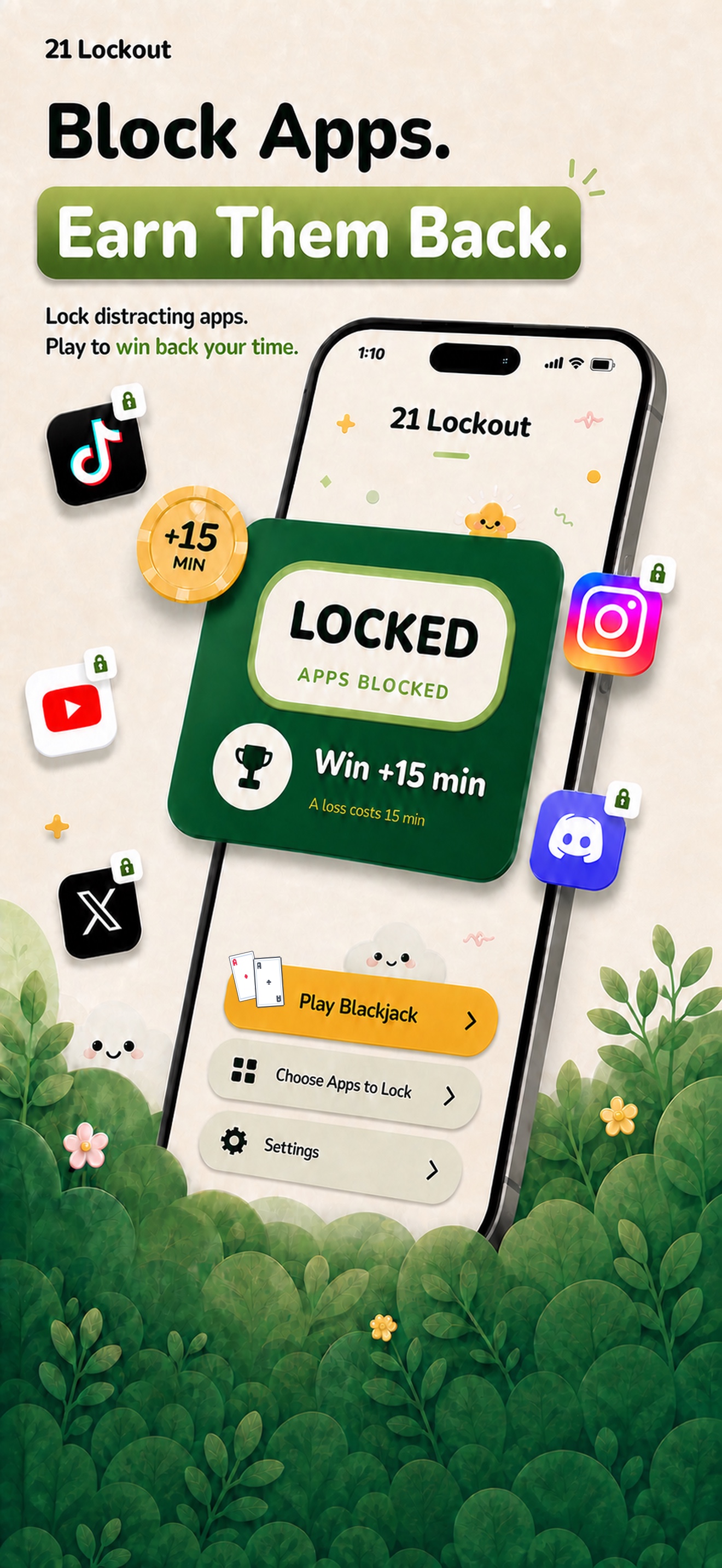
Most Screen Time blockers are easy to override at exactly the moment willpower is weakest. 21 Lockout adds meaningful friction: instead of tapping “ignore,” you have to earn access by playing one quick, finite hand of blackjack.
What it does
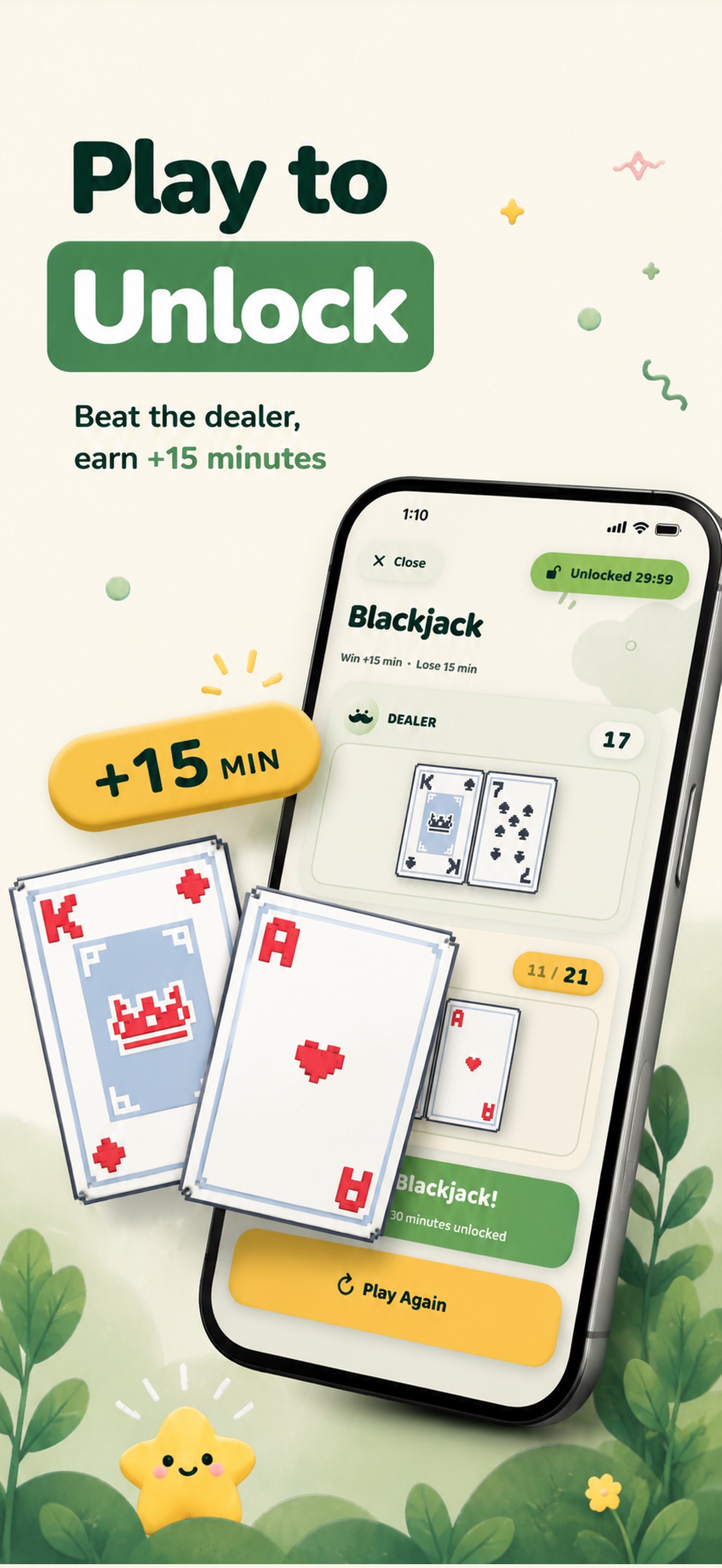
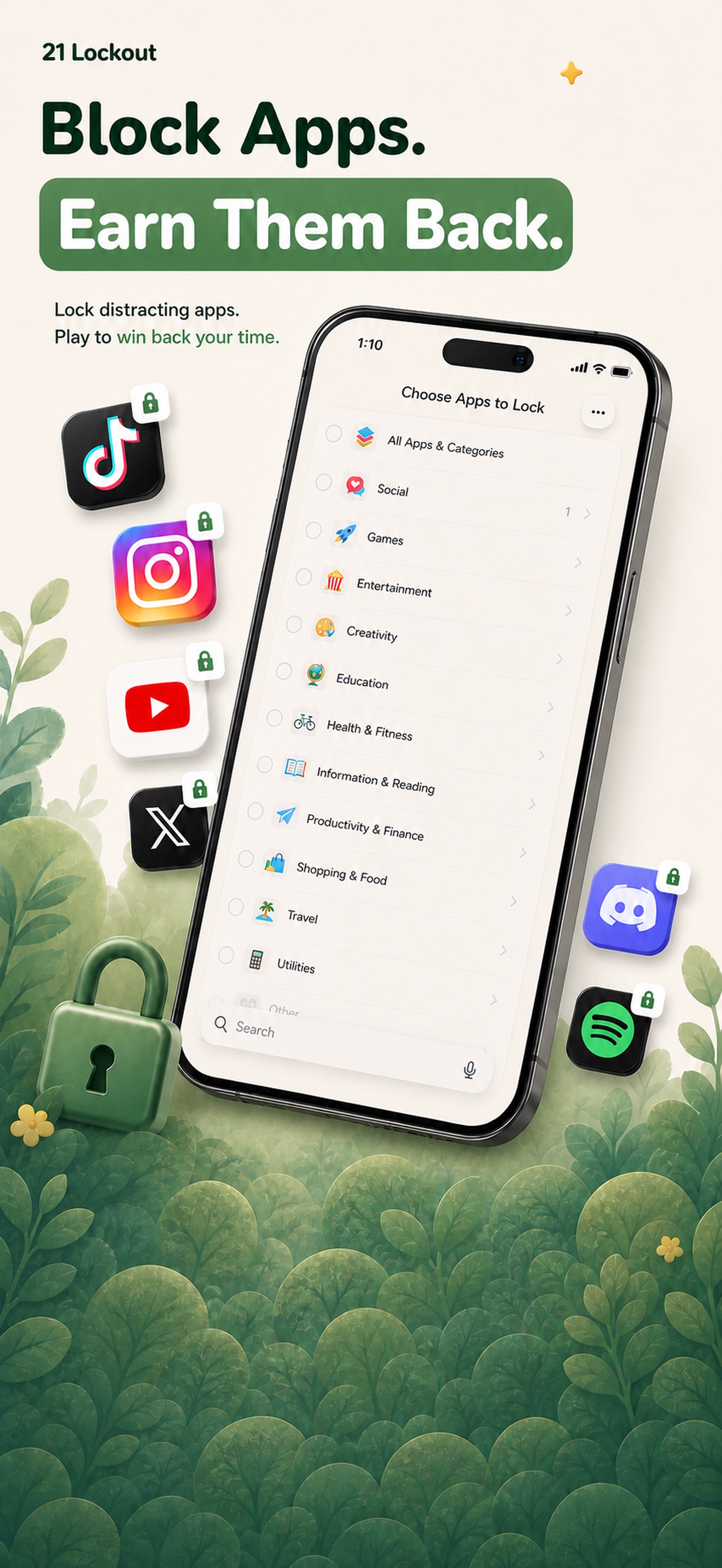
Choose the apps, categories, or websites that distract you. 21 Lockout shields them with Apple’s Screen Time framework. When you want access, play against the dealer:
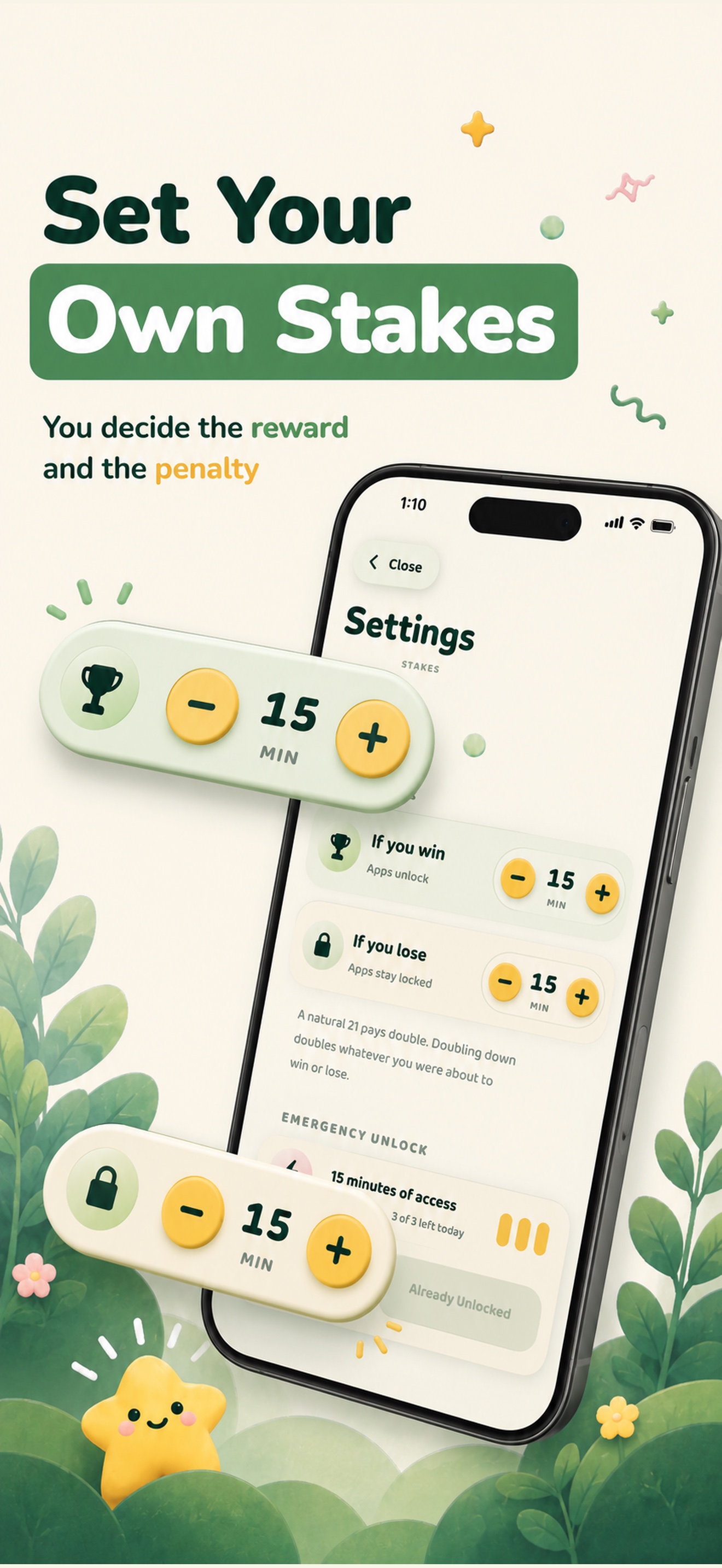
- Win and the selected apps unlock for your configured time.
- Hit a natural blackjack and the reward doubles.
- Lose and your apps stay locked through a cooldown.
- Emergency unlocks provide a limited safety valve without making the blocker trivial to bypass.
When time expires, the apps lock again automatically.
How we built it
21 Lockout is a native Swift and SwiftUI app for iOS 17+. It uses FamilyControls for private app selection, ManagedSettings for shields, and DeviceActivity extensions for reliable re-locking. Shared App Group storage keeps the main app and extensions synchronized.
The blackjack engine supports hit, stand, double down, dealer rules, natural blackjack, configurable time stakes, and loss settlement. RevenueCat and StoreKit power the Plus subscription, entitlement checks, purchase restoration, trials, and win-back offers. PostHog measures product events with a random app-generated identifier—there are no user accounts or personally identifying analytics.
Challenges we ran into
Apple’s Screen Time APIs span a main app and several short-lived extensions, so scheduling, persistence, and entitlement state all have to remain consistent across processes. We also had to make unlocks expire precisely, reapply shields safely after restarts, handle subscription state without blocking legitimate users, and satisfy App Review requirements for Family Controls and subscription pricing.
Accomplishments that we’re proud of
- A real Screen Time blocker whose core mechanic creates useful friction instead of shame.
- A complete, testable blackjack loop tied to real unlock time.
- Automatic shielding and re-locking across the app and DeviceActivity extensions.
- A polished storybook visual system with custom cards, tactile haptics, paced dealing, and accessible pricing.
- Privacy by design: selected app identities stay on device as opaque Family Controls tokens.
- More than 130 automated tests covering game rules, unlock scheduling, shields, subscriptions, and analytics.
What we learned
Screen Time state needs one durable source of truth shared across processes. Subscription UX has to foreground the amount billed and clearly explain cadence and trials. We also learned that focus tools work better when they turn a restriction into a small, intentional ritual.
What’s next
Complete the App Store release, learn from TestFlight and Shipathon users, measure onboarding and retention, tune stake presets, and keep refining the balance between useful friction, safety, and fun.

Log in or sign up for Devpost to join the conversation.