-
-

app icon
-
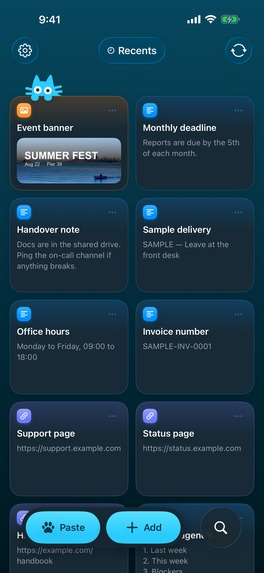
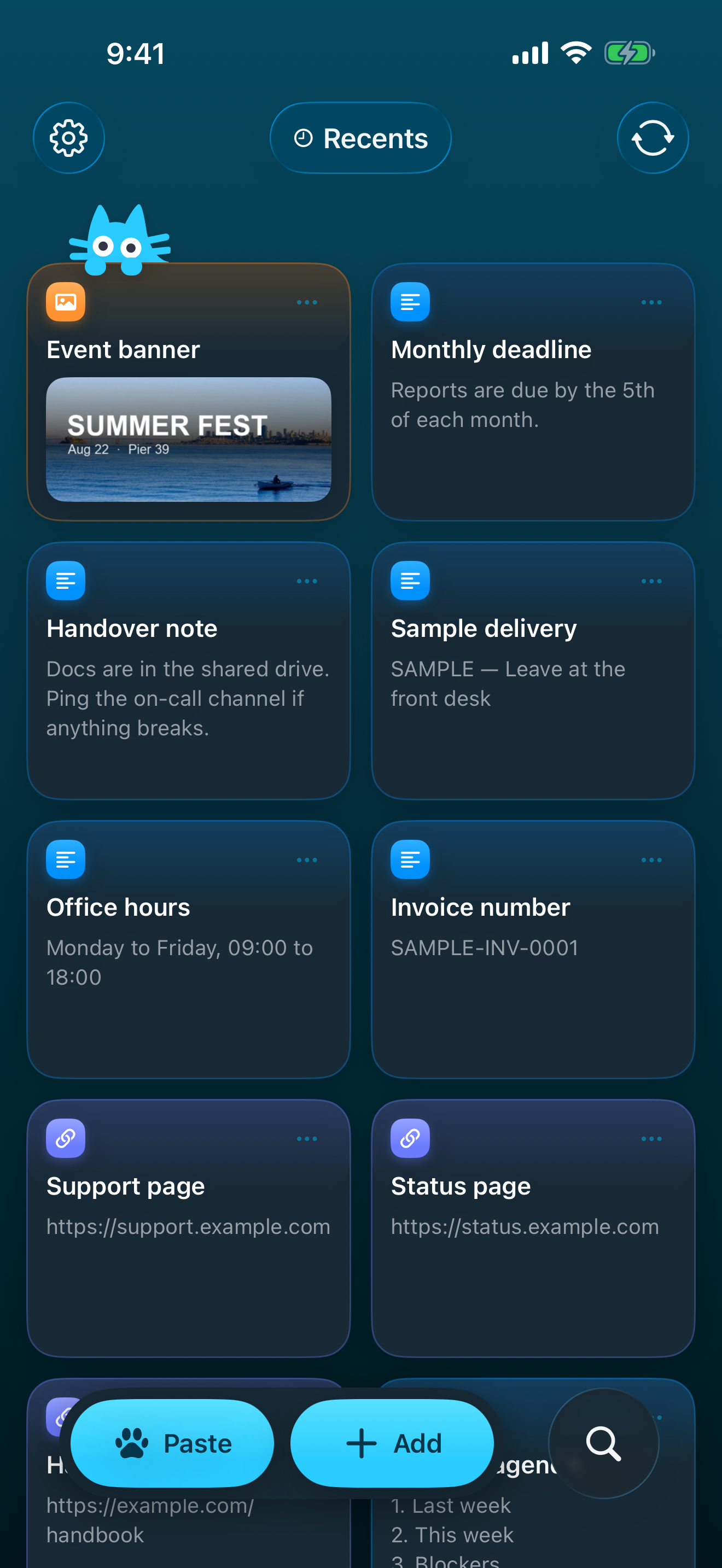
iPhone app home
-
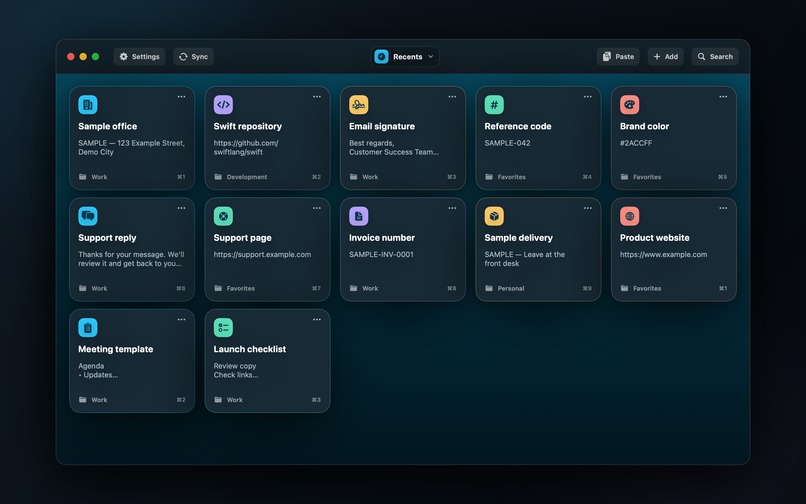
MacOS app home
-
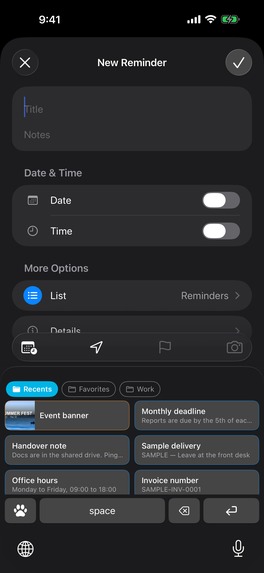
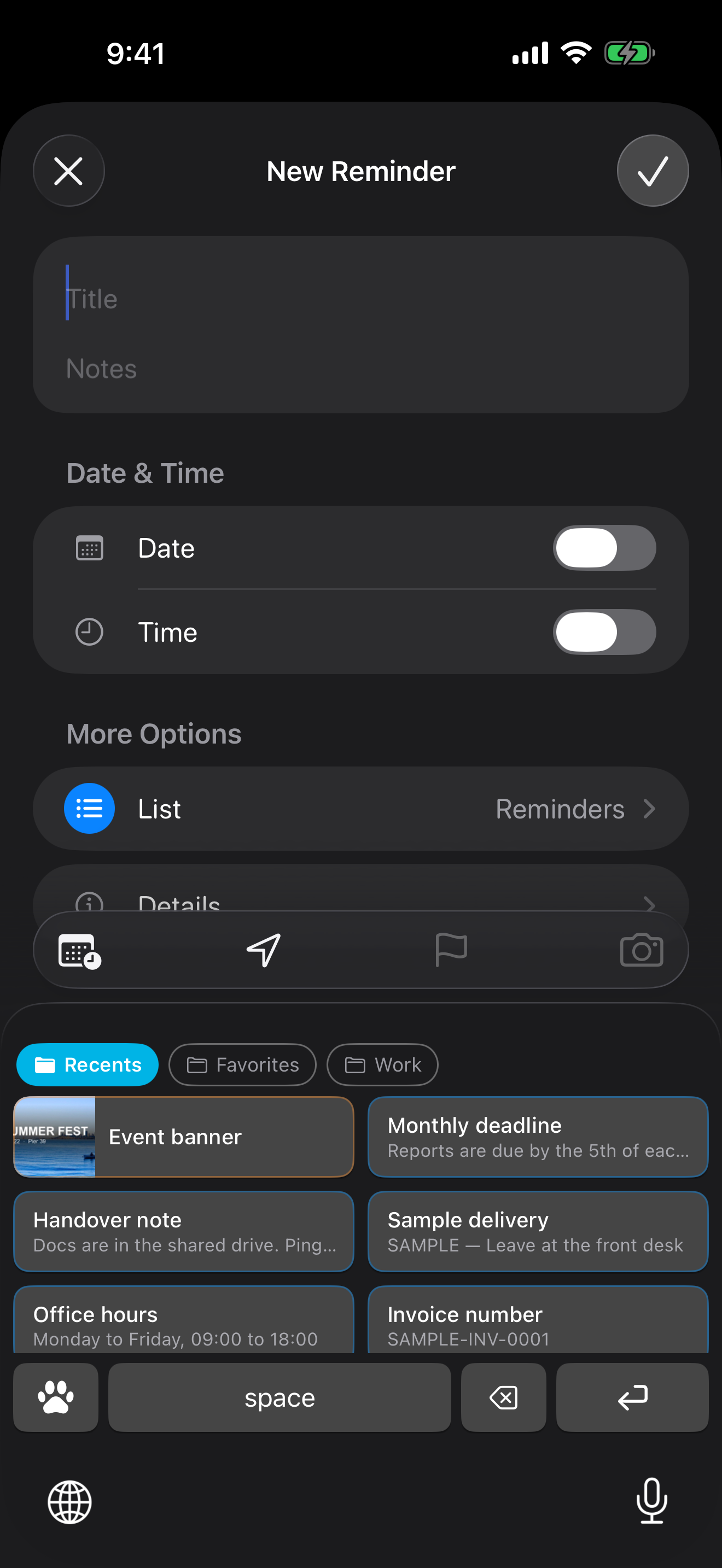
iPhone keyboard


Inspiration
We spend so much time creating things on our devices, yet we still repeat the smallest tasks: typing an address, finding a useful AI prompt, rewriting the same reply, or searching for a link we have already shared.
The idea behind 1SecCopy was simple: the things we reuse every day should always be within easy reach.
I wanted to build a personal library of reusable content that fits naturally into the apps people already use. Save something once, organize it, and bring it back whenever you need it.
What it does
1SecCopy turns frequently used content into cards organized in folders. Cards can contain text, rich text, links, images, and colors—anything from a customer support reply to a detailed AI prompt or a favorite reaction image.
You can search across your library and copy a card with one tap. There are also shortcuts designed for the device you are using:
- An iPhone and iPad keyboard inserts saved text directly into the app you are writing in.
- A Home Screen widget gives you quick access to your cards.
- A Mac menu bar panel lets you access and paste snippets without interrupting your work, with keyboard shortcuts for frequently used cards.
- Premium sync keeps your library available across devices.
1SecCopy is available on iPhone, iPad, Mac, and Apple Vision Pro. The Android app is currently in closed testing.
How I built it
I built the Apple apps with SwiftUI and SwiftData, and the Android app with Kotlin, Jetpack Compose, and Room. This lets each app use native platform capabilities while sharing the same core concepts: cards, folders, and a synchronized library.
The backend uses Go, PostgreSQL, Firebase Authentication, and Cloudflare R2. It handles incremental synchronization and media storage, while the clients handle how content is displayed, edited, and pasted.
RevenueCat powers the Premium subscription experience. The apps connect purchases to the user's account, and the backend uses RevenueCat webhooks and subscription reconciliation to determine access to Premium sync. This connects the purchase experience to the service the subscription actually provides.
Challenges I ran into
The biggest challenge was making a simple interaction work consistently across very different environments.
Copying and pasting involves more than plain text. Rich text can have several representations, and different platforms understand different formats. I had to preserve useful formatting while providing portable representations that other devices could understand.
Synchronization introduced another set of challenges: offline edits, simultaneous changes, deletions, and interrupted connections. The library needs to converge reliably when devices reconnect.
Subscriptions also required attention beyond the paywall. A successful purchase, the subscription state, and the backend's access decision need to agree—even when notifications arrive late or a device temporarily loses its connection.
Accomplishments I'm proud of
I am proud of bringing the same library into several everyday workflows: writing on a phone, working from a Mac menu bar, and reaching for a card on the Home Screen.
The most satisfying part is how little interaction the finished experience asks of the user. Organizing content takes some intention; reusing it should take almost none.
What I learned
I learned that a small productivity app can demand substantial engineering behind a very short interaction. Every extra tap, unexpected permission request, or inconsistent paste makes the tool less useful.
I also learned to treat subscriptions as part of the product experience. Restoring purchases and keeping access consistent across devices matter just as much as the initial upgrade.
What's next for 1SecCopy
My next priorities are completing Android testing, expanding to Windows, and refining the fastest ways to save and reuse content.
The goal remains simple: spend less time retrieving things you already have, and more time on what you actually want to do.

Log in or sign up for Devpost to join the conversation.