-
-
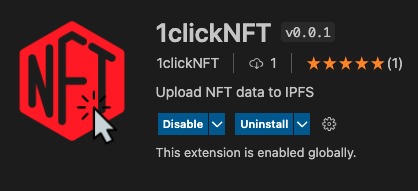
VS Code Marketplace
-
Logo
Inspiration
The idea was to build a decentralized dev tool that can instantly upload NFT data right from VS Code without any hassle.
What it does
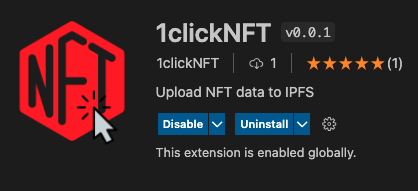
1clickNFT allows you to instantly upload NFT data to IPFS right from VS Code by using nft.storage.
- ✅ Decentralized (IPFS 💙)
- ✅ Instant uploads (Upload NFTs right from VS Code!)
- ✅ No upload limits (upload upto 31 GB of data in a single upload)
- ✅ Permanent storage (nft.storage helps to permanently pin your content)
- ✅ Free to use
How we built it
- 1clickNFT uses nft.storage, basically it makes the content available over IPFS and permanently pins the content with the help of Filecoin infrastructure. Read more about nft.storage and how it works here.
- After uploading your NFT data to IPFS, nft.storage returns a CID
Qmeq5NxNX644KHNji.., which is a hash for an array of files stored on IPFS, and that later is combined with IPFS gateway linkhttps://nftstorage.link/ipfs/to access your NFT data. - Here's the GitHub extension.js code link where I used the nft.storage: https://github.com/akhileshthite/1clicknft/blob/main/extension.js
- Example: https://bafybeihqppsvdyzn6tbpsv73fau7qdvfqt2ok435wujjp2zvzq2skgfcgi.ipfs.nftstorage.link/
What we learned
- Process of building a VS Code extension.
- How to use nft.storage and how it works.
Built With
- filecoin
- ipfs
- javascript
- nft.storage

Log in or sign up for Devpost to join the conversation.