-
browser-use in Daytona
Inspiration
SDR scraping company home page is meaningless. You do not get enough insights. So where are the insights? It is in the 10K annual report and the Careers page of what they are hiring for. Let's enrich using this data.
What it does
"SDRs today do shallow research. They visit the company homepage, maybe check LinkedIn, call it 'research.' Then they send generic emails: 'I see you're in the tech space...' But real customer understanding requires depth: Where's the strategy? It's in the 10-K. That's where Microsoft discloses '$10 billion invested in OpenAI infrastructure.' That's where companies admit their AI risks and competitive pressures. Where's the action? It's in job openings. When a company posts 23 AI engineering roles, that's not planning—that's execution urgency. We built an automated pipeline that extracts both. We process 10-K filings to understand what companies say they're doing. We scrape job boards to see what they're actually doing right now. Then we merge it into CRM-ready intelligence. The result? SDRs stop guessing and start knowing. They reference actual 10-K investments. They ask about the 23 open AI roles. They demonstrate they did their homework. That's the difference between 'Tell me about your AI strategy' and 'I saw your $10B OpenAI investment—how's that progressing?'"
How we built it
- Daytona.io creates parallel instances to run lengthy research and ability to create graphs, visuals, and queries. Can do 100 instances at the same time.
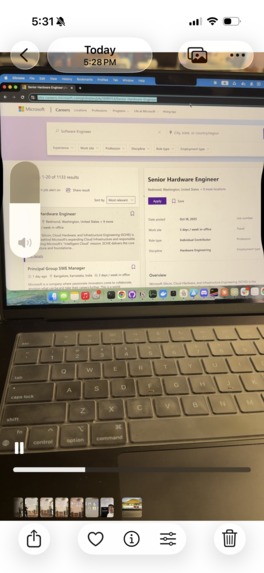
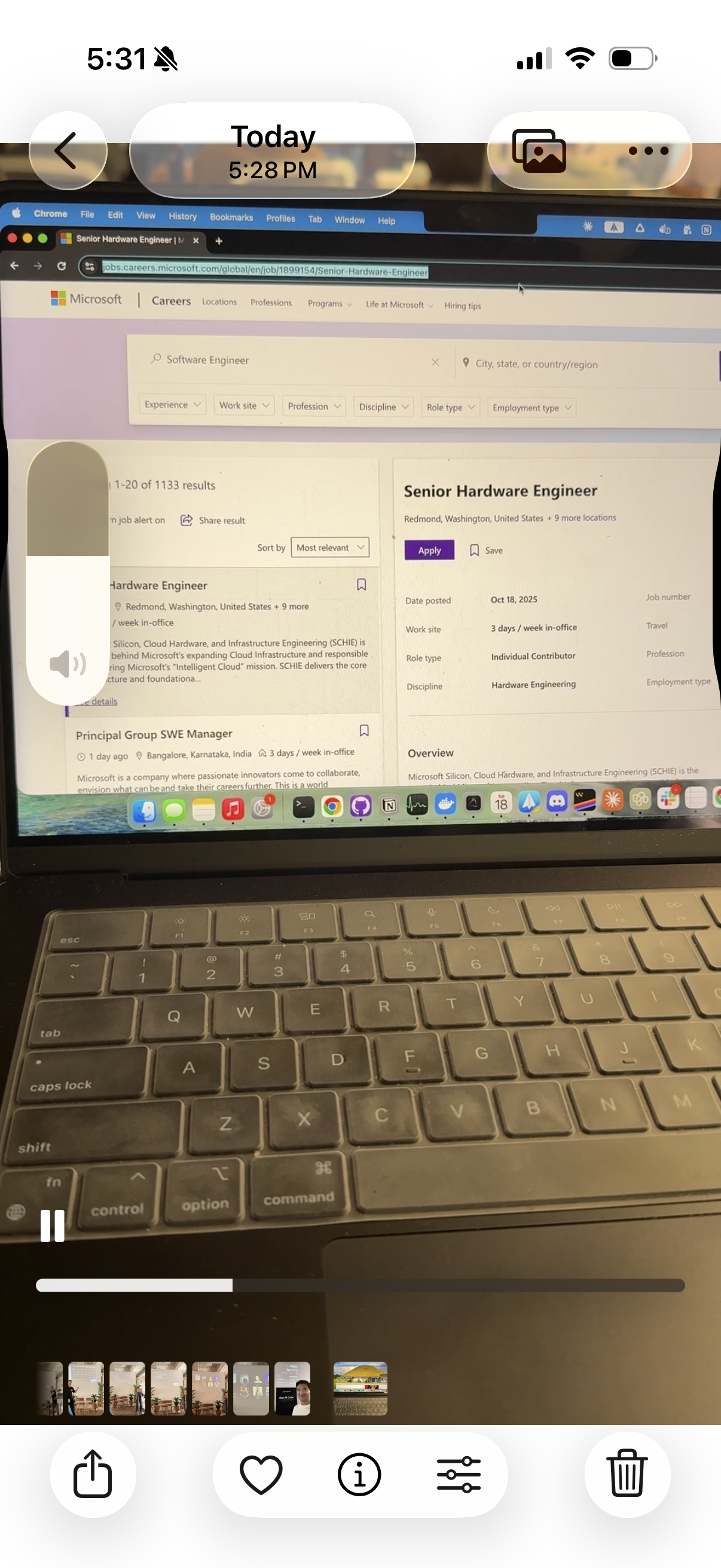
- Browser-Use is inside Daytona. Browser Scrapes company website for careers and job openings
- SEC API to get more insights of the company strategy and LLM to extract insights. (Ex: What is Microsoft AI Strategy).
- Frontend is Vite/React to see the information.
Challenges we ran into
- Ran Browser Use inside Daytona. Initially it was outside of Daytona
- Galeilo LLM tracing issues. Didnt work for a while. Finally got it working
Accomplishments that we're proud of
- Ran Browswer Use inside Daytona
What we learned
Installing Chrome with remote debugging in sandbox 0cc91705-9bf5-4f3f-9f11-fc02be9e23be
This is expected behavior. The job scraping step takes several minutes because:
- Chrome Installation (1-2 minutes): Chrome is being installed in the remote Daytona sandbox
- Browser-Use Agent Setup (30 seconds): Setting up the AI agent
- Career Page Navigation (1-2 minutes): Navigating to Microsoft's careers page
- Job Scraping (2-5 minutes): AI agent extracts job postings
Total enrichment time: Typically 5-10 minutes
What's next for 10min-strategy-researcher
Add other SDR enrichment.
Built With
- anthropic
- browser-use
- daytona
- intel-galileo
- python

Log in or sign up for Devpost to join the conversation.