-
-

100xprompt logo
-
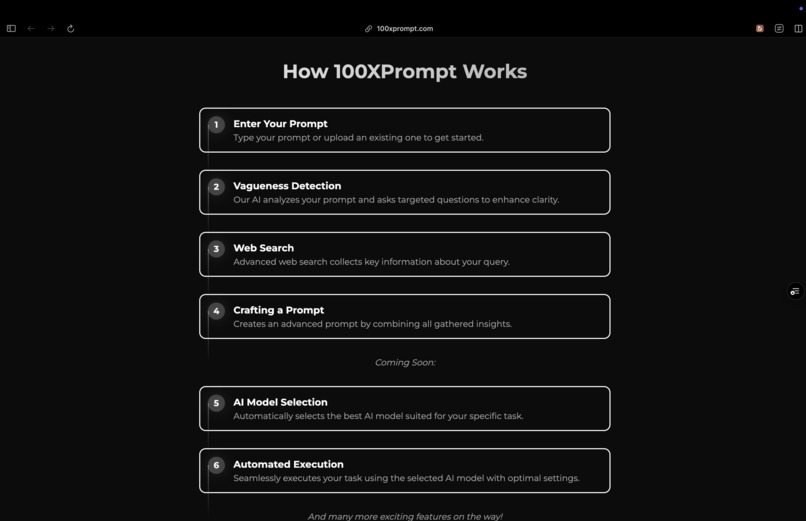
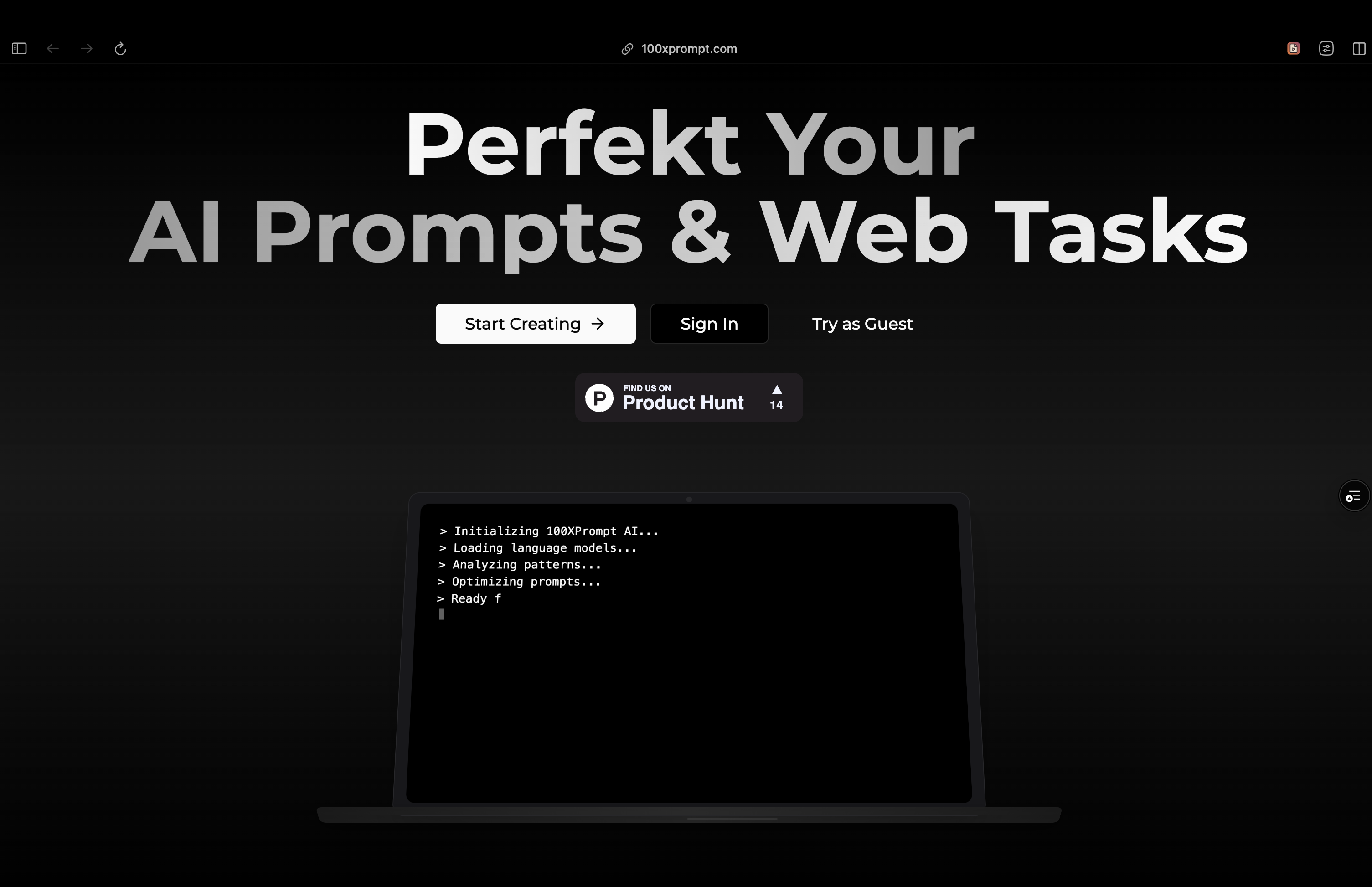
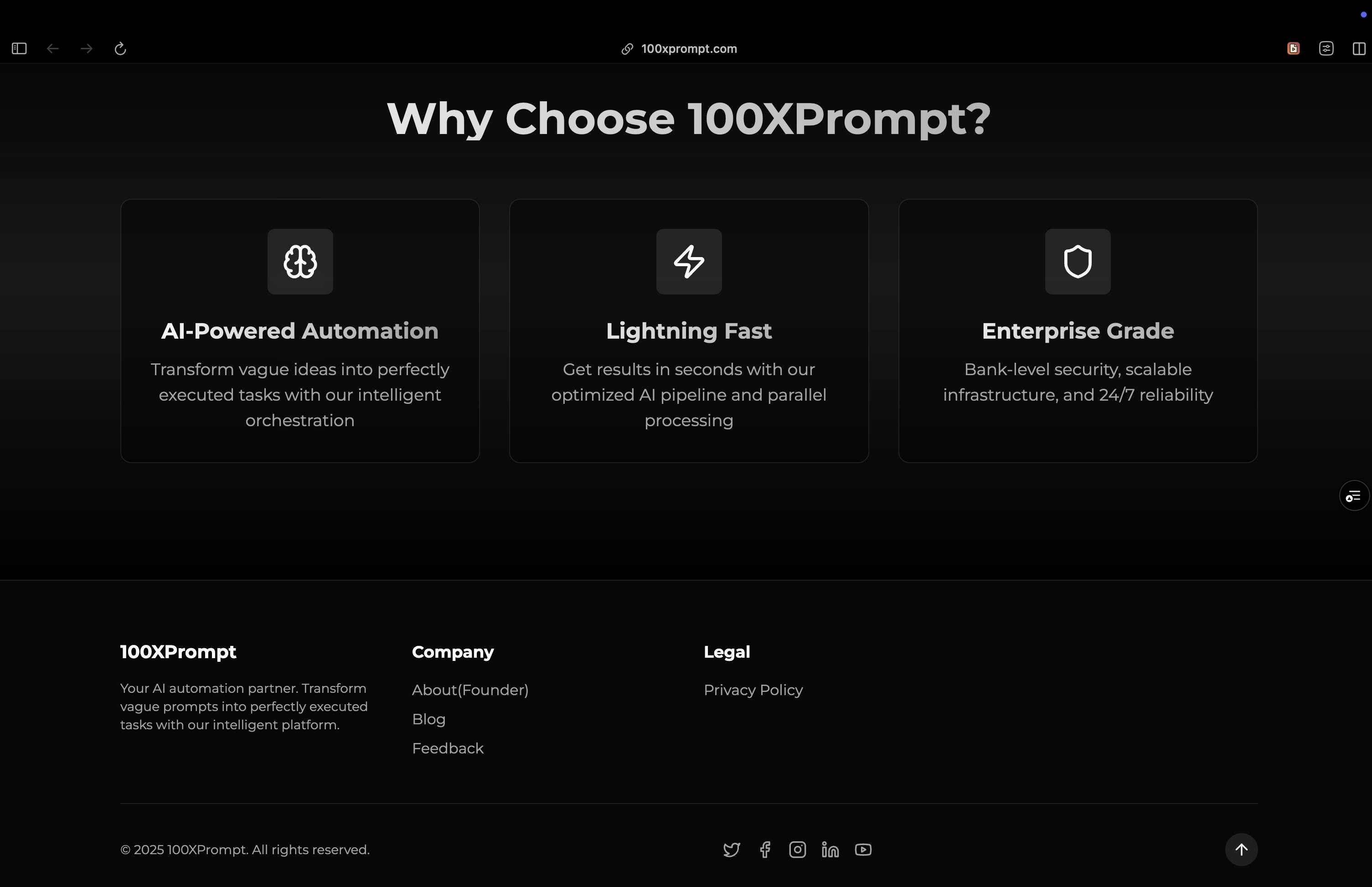
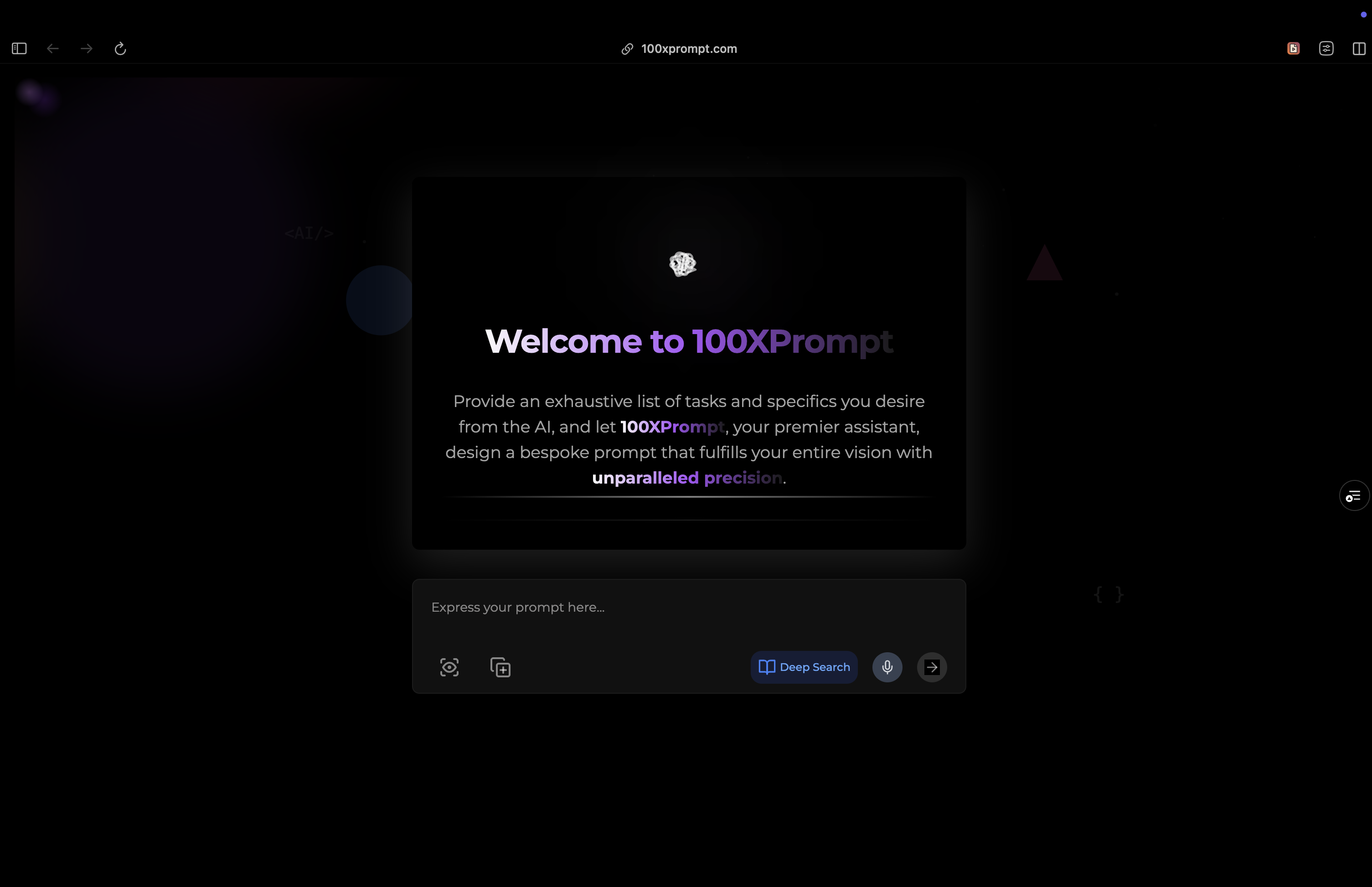
Landing Page
-
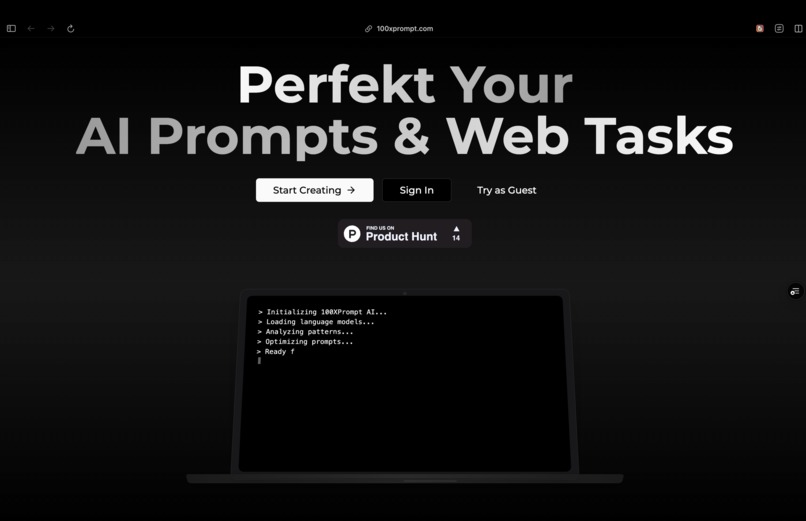
Landing Page
-
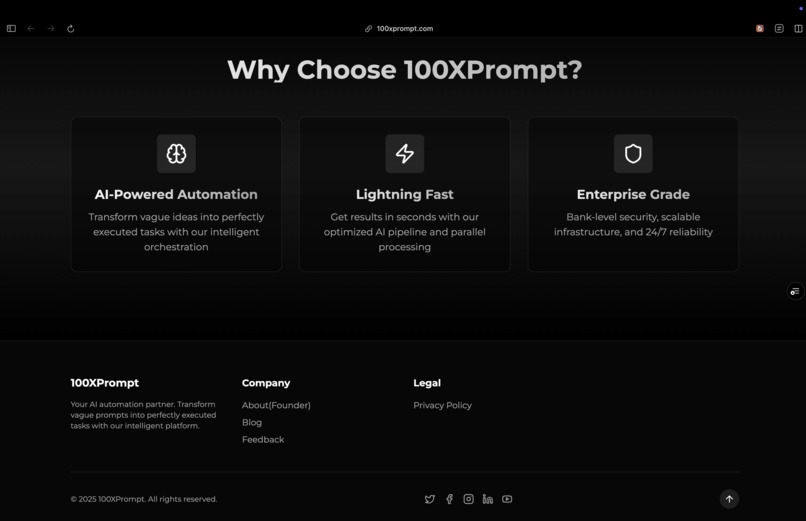
Landing Page
-
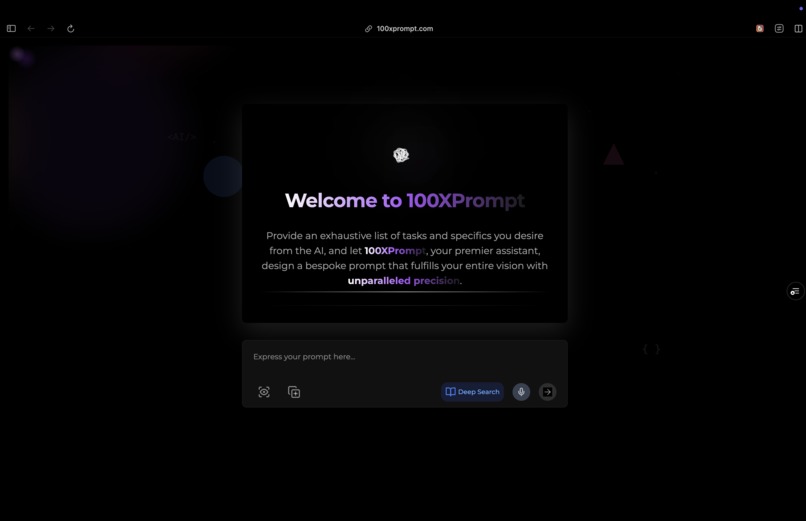
100xprompt ai
-
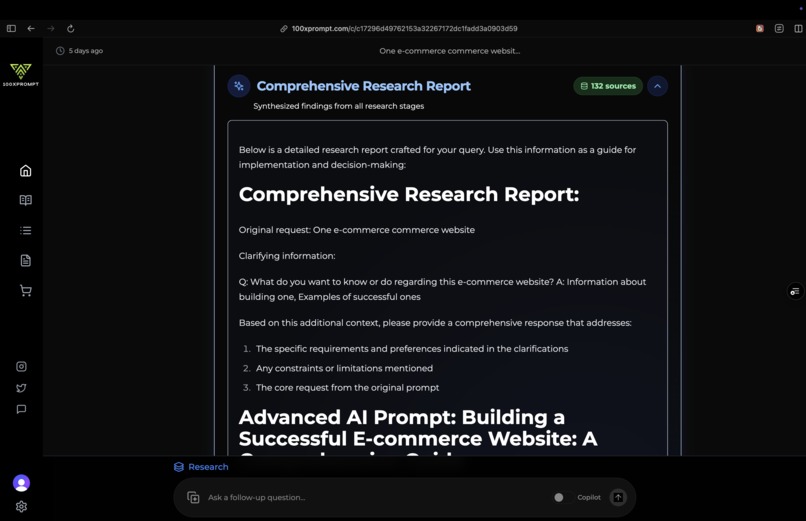
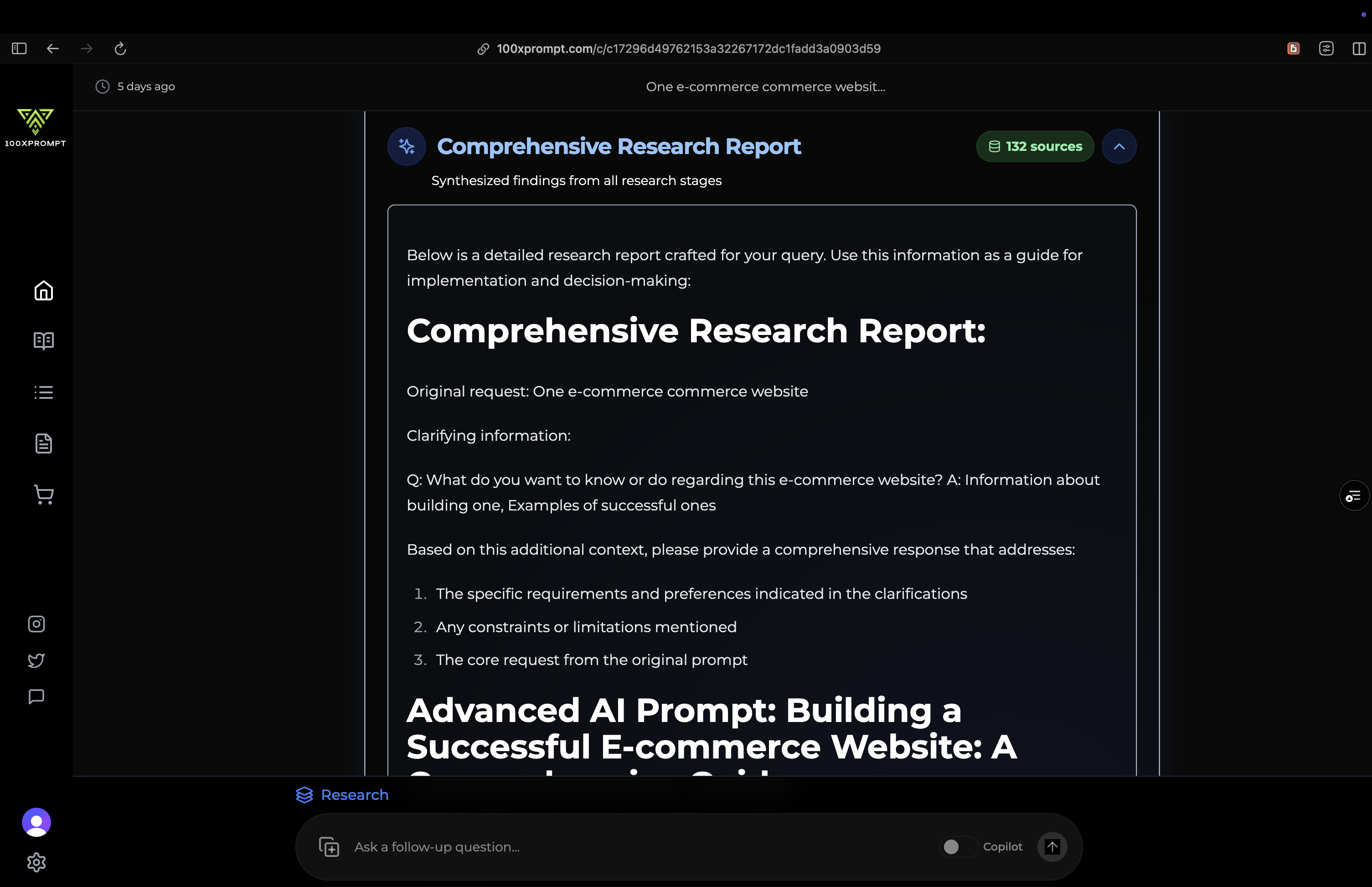
Compiled prompt of all phases
-
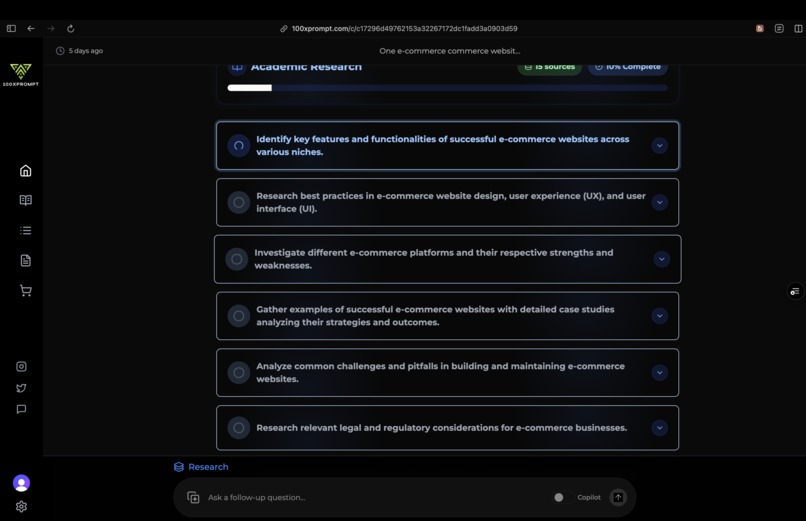
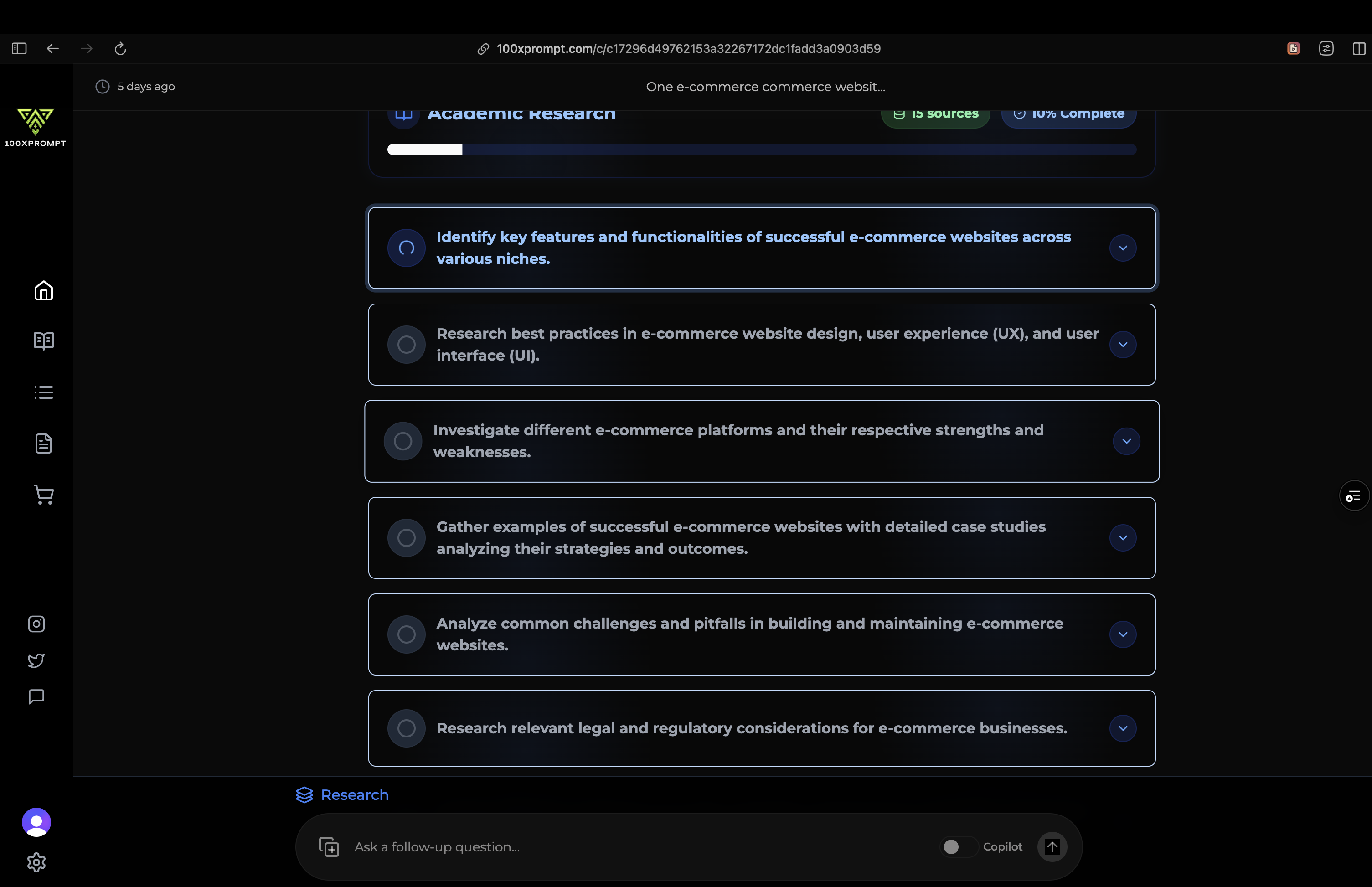
Research phase
-
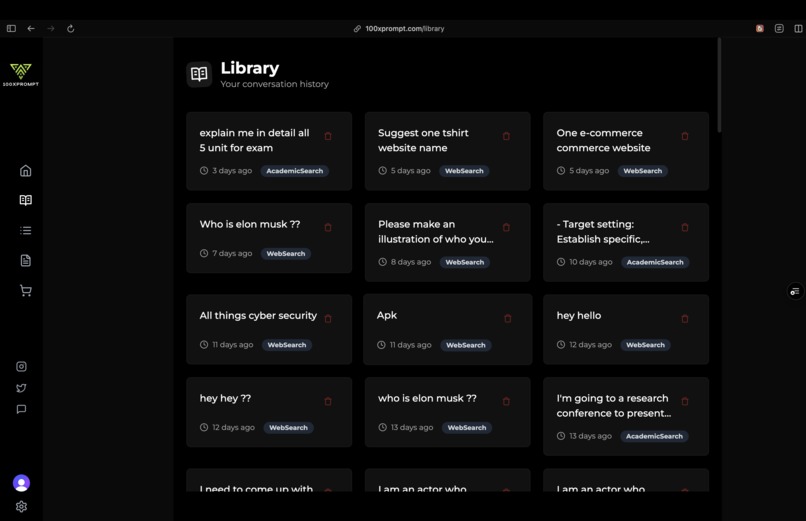
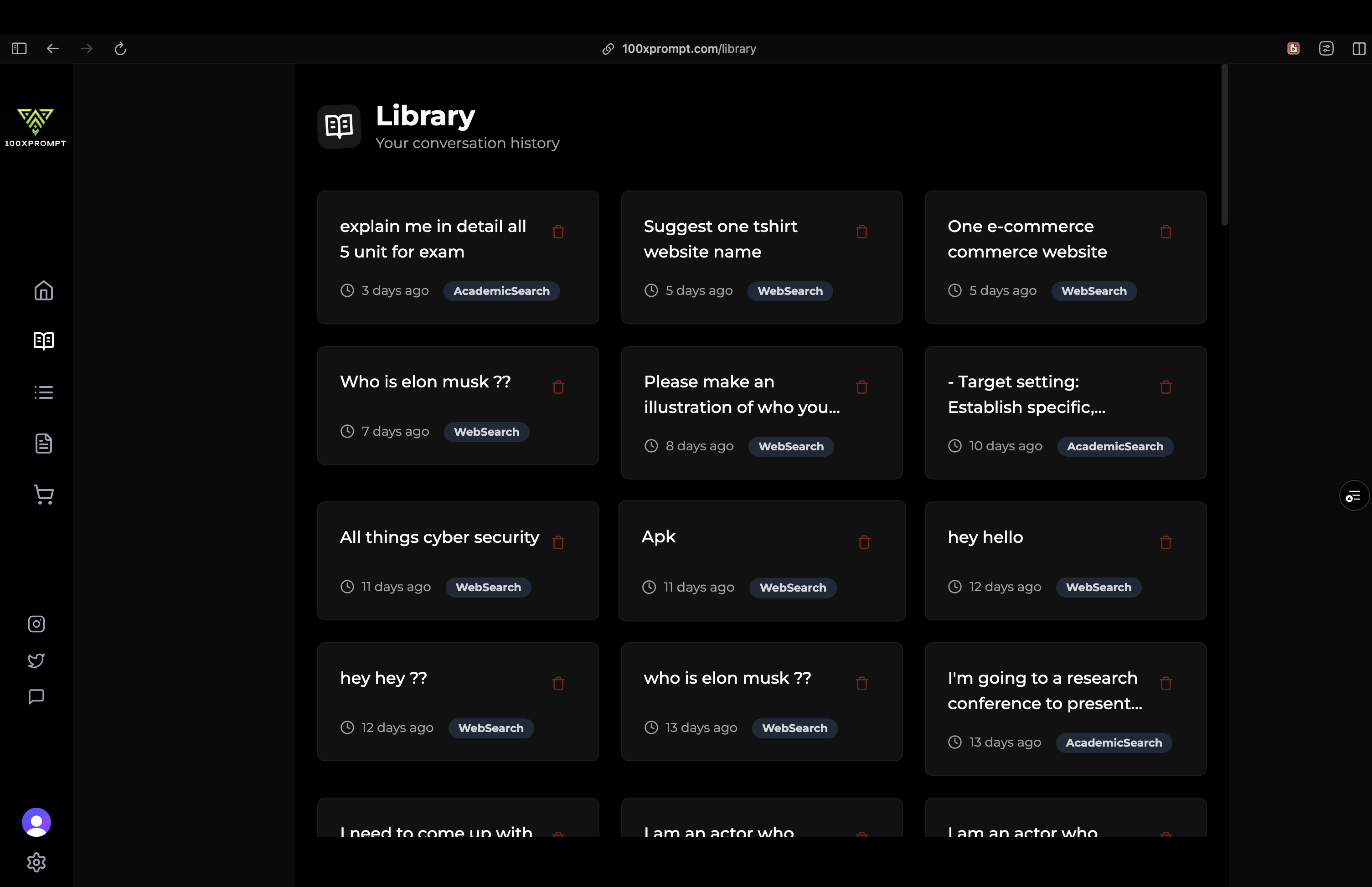
Library

🚀 Inspiration
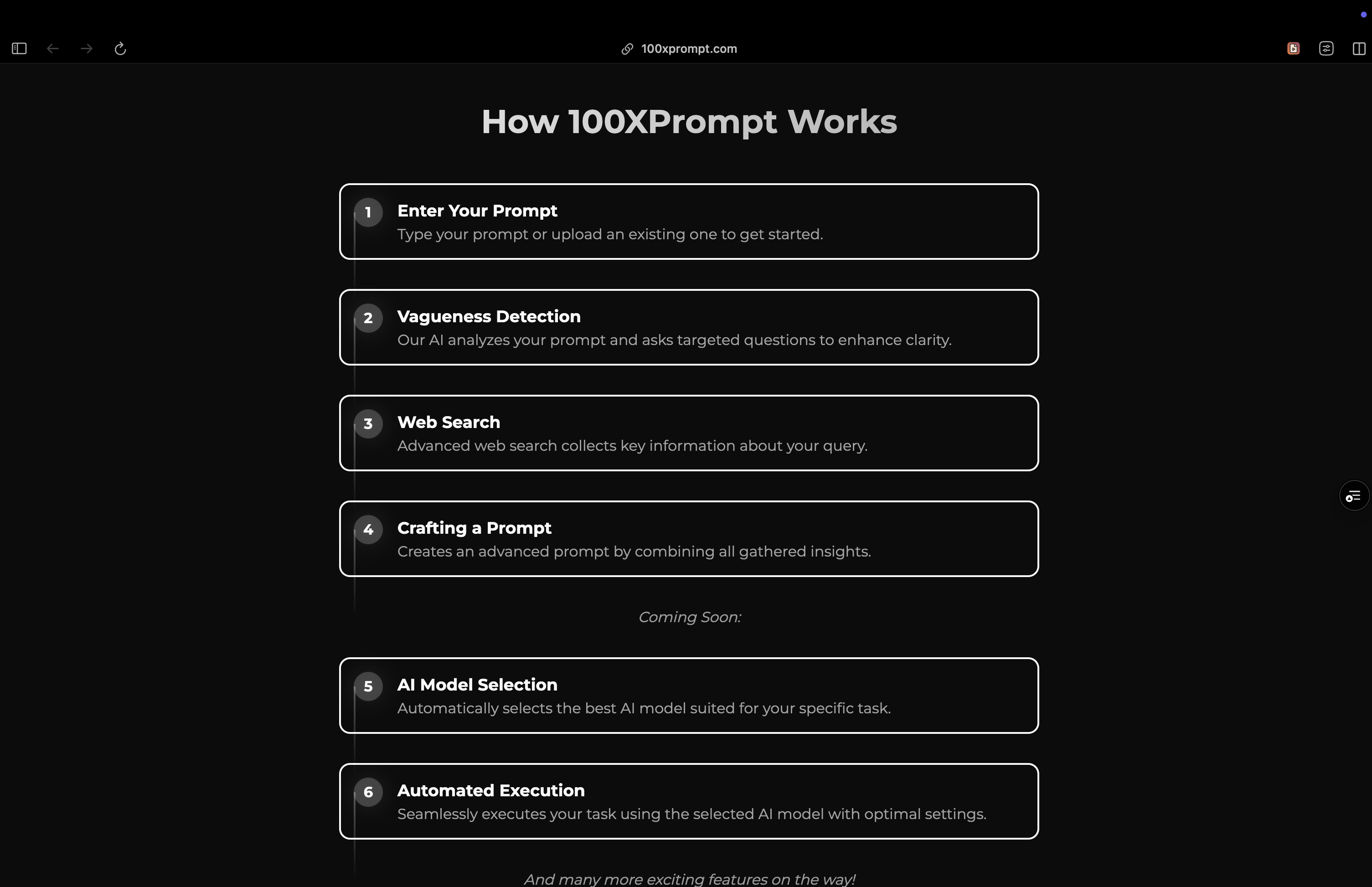
100XPrompt was born from a simple observation: AI is powerful, but using it well is complicated.
Prompt engineering, tool-switching, API keys, and costly subscriptions all stand in the way of people getting real value from AI. We were inspired to create a platform that eliminates these barriers—something that acts as a universal AI agent workspace, requiring just a single input to automate complex tasks.
Our mission: Democratize AI workflows and make prompting effortless.
🛠️ How We Built It
We built 100XPrompt as a fully containerized, modern full-stack application, optimized for flexibility, speed, and extensibility.
Backend
- Language: TypeScript + Node.js (Express.js)
- Database: SQLite with Drizzle ORM
- Caching: Redis
- Authentication: Clerk
- AI Integrations: OpenAI, Claude, Gemini, Groq
- MCP Servers: Modular connectors for GitHub, Notion, Google Maps, Canva, Puppeteer, Zapier, and more
- Search: Self-hosted SearXNG
- Realtime: Socket.IO
- Validation: Zod, Express Validator
- Logging: Winston
Frontend
- Framework: Next.js 14 + TypeScript
- UI Libraries: Tailwind CSS, Radix UI, Shadcn, Headless UI
- State Management: Zustand
- Markdown Rendering: React Markdown, Remark GFM, Rehype Highlight
- Terminal Emulation: XTerm.js
- Text-to-Speech: react-text-to-speech
- Animation: Framer Motion
- Analytics: Vercel Analytics
DevOps
- Containerization: Docker + Docker Compose
- Hosting: Vercel (frontend) + Dockerized backend
- Version Control: GitHub
- Linting/Formatting: ESLint + Prettier
💡 What We Learned
- The need to standardize model interfaces across providers like OpenAI, Claude, and Gemini
- Techniques to chain prompts for context-aware workflows
- How to manage service-level rate limits gracefully
- Importance of low-latency real-time communication
- How to design user-centric automation with intelligent defaults
🧗 Challenges We Faced
- Cross-model support: Harmonizing the outputs and capabilities of multiple LLMs
- MCP integration: Building plug-and-play service connectors that maintain performance and reliability
- Auth & API management: Securely handling user tokens and service keys without friction
- Real-time sync: Keeping the collaborative environment responsive and consistent
- Pricing model design: Balancing flexibility, fairness, and simplicity to make AI truly pay-as-you-use
Built With
- anthropic
- api
- canva
- claude
- clerk
- compose
- context
- css
- docker
- drizzle
- express.js
- framer
- gemini
- git
- github
- groq
- maps
- markdown
- mcp)
- model
- motion
- next.js
- node.js
- notion
- openai
- orm
- playwright
- plugins
- protocol
- puppeteer
- radix
- react
- redis
- rehype/remark
- searxng
- shadcn
- socket.io
- sqlite
- tailwind
- text-to-speech
- typescript
- ui
- vercel
- winston
- xterm.js
- zapier
- zod
- zustand

Log in or sign up for Devpost to join the conversation.