-
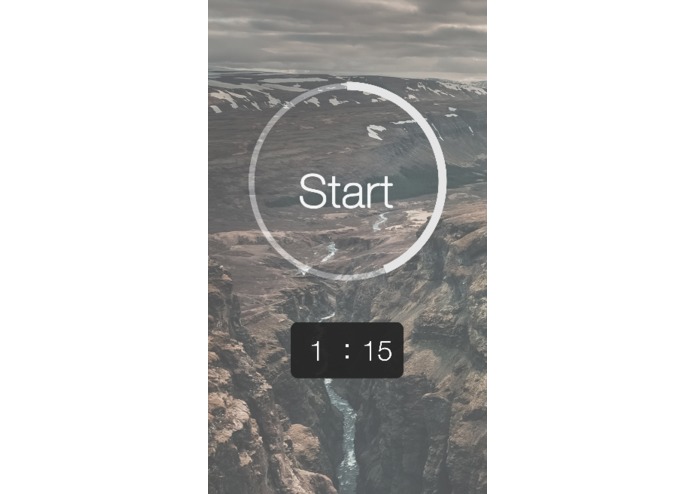
The start screen.
-
-
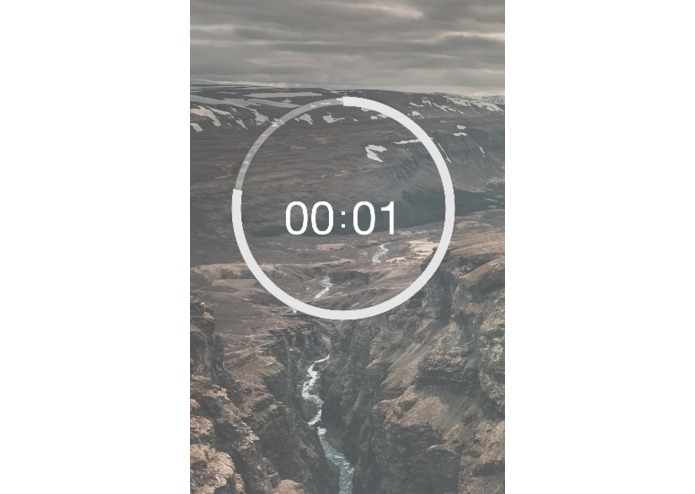
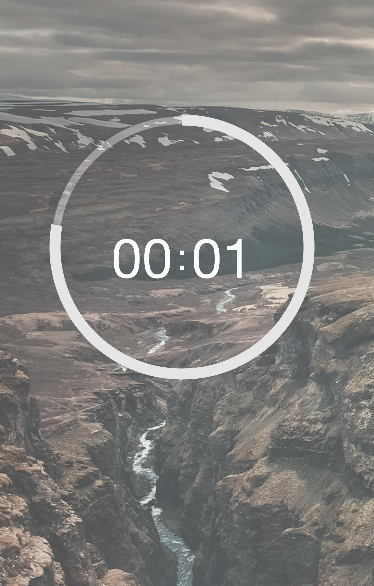
Timer ticking down.
Inspiration
We wanted to be more productive and felt that the current market of time-management apps were inadequate in conveying time pressure in order to motivate users.
So, instead of managing time, we 'altered' time itself.
What it does
Qlock plays with your time perception to make you more efficient!
Qlock (pronounced clock) speeds time up for the initial duration of the time period set (for example, 10-11am) and adjusts a clock accordingly.
When the user checks the time, he or she will have the illusion that more time has passed (i.e, at 10:30am, clock shows 10:45am) and will spur their mind to focus better on the task at hand.
Nearing the end of the task, the app will slow time back such that at 11am, Qlock-time will re-synchronise with actual time and the timer will sound.
Data analytics: The app asks for feedback on the user's rating on his or her own productivity. Together with data on time exceeded or saved on task, the app adjusts the speed ratios in its algorithm to better suit the user and their reaction to the altered time perception.
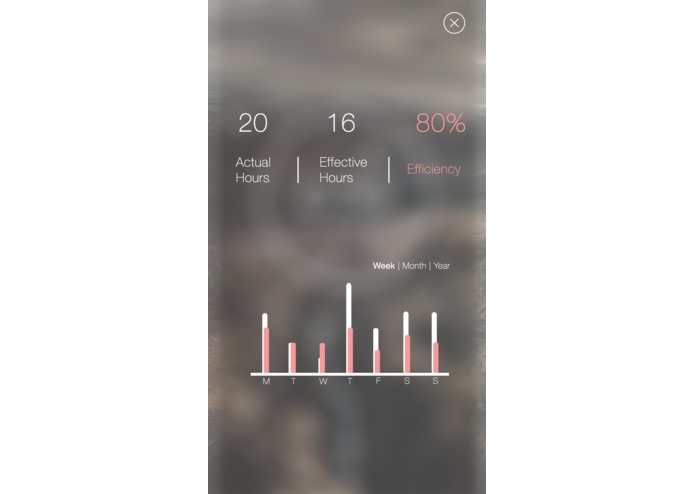
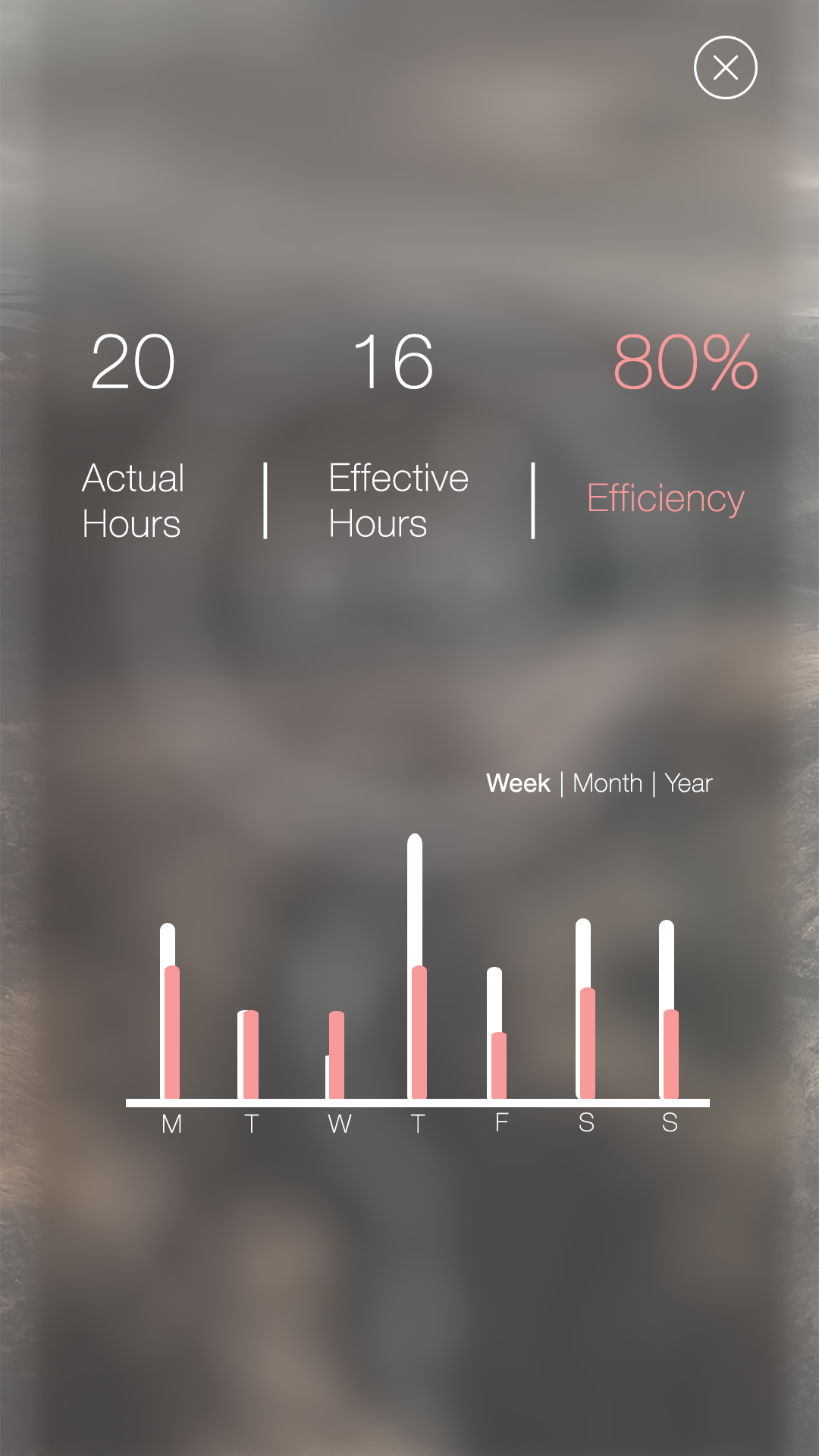
Historical data: The app also can display historical data week on week on hours wasted, hours saved, hours spent being productive and unproductive and many other crossreferences.
How we built it
We built it mainly in Xcode with the libraries included. We also created an unpolished desktop prototype on Unity.
Challenges we ran into
Changing the time as iOS doesn't allow that on the fly
Algorithm for time ratios and speeds were difficult to finetune
Accomplishments that we're proud of
Elegant design (as expected of iOS)
Unique, creative concept
Feedback-loop/analytics that help to refine the user experience
What we learned
Learning new iOS/Objective-C classes for the first time jQuery masterclass (not applied but useful)
What's next for 067 - qlock
More beautification
More user customisation
Better analytics, machine learning?
Skins
Log in or sign up for Devpost to join the conversation.